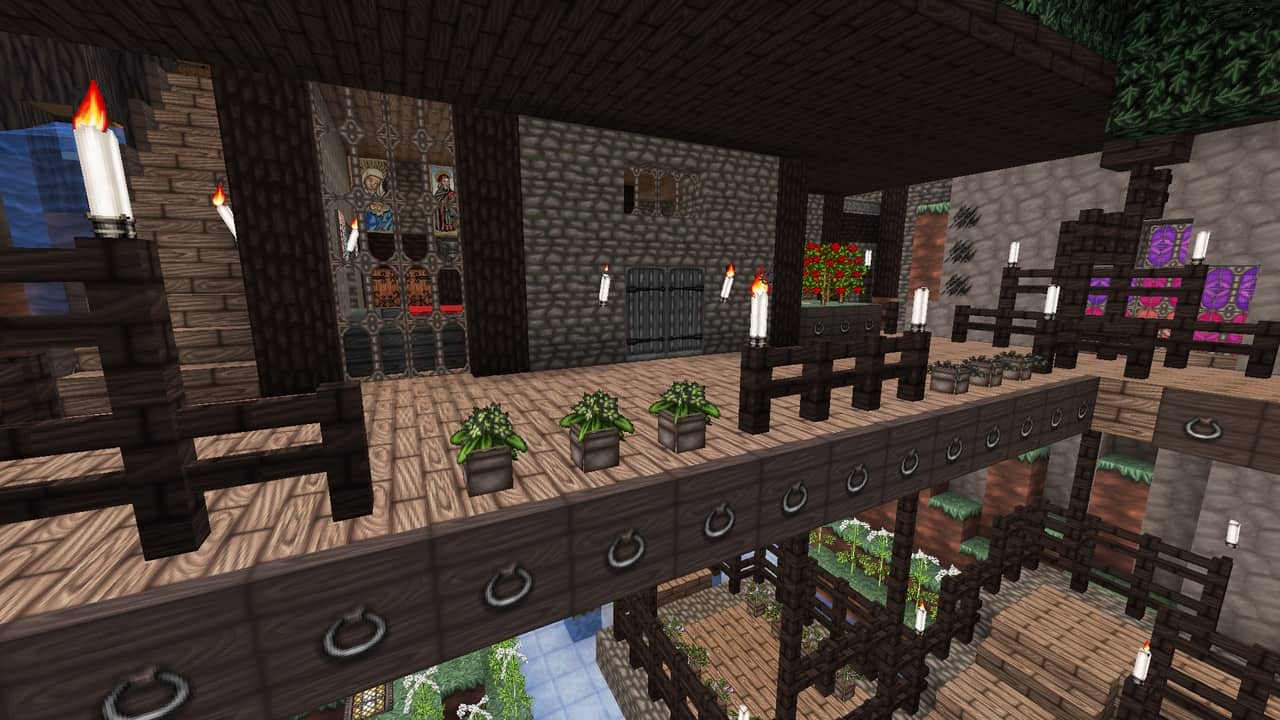
When it comes to exploring Minecraft resource packs, it is refreshing to find genuine creativity that does not just lean on upscaled, photorealistic textures which completely strip away the iconic identity of the game. Vanilla Minecraft is beloved precisely for its blocky models and signature pixelated charm, and while other games lean into hyper-realism, finding a pack that respects this core aesthetic while bringing something entirely fresh is a rare treat. The Wolfhound Classic Medieval resource pack stands out as a brilliant example of this balance, taking the classic formula and infusing it with thoughtful twists that feel completely original yet true to form. The immense appreciation this texture pack received over the years has turned it into a massive inspiration for countless other developers, making it one of the most widely copied packs in the community. Released nearly a decade ago in September 2013, it has proudly racked up hundreds of thousands of downloads across every platform it graces. Even more amazing is that the original developer remains active today; from the very moment ThistlePack launched this project, they continued working on it with unwavering devotion for nearly 10 years, defying the typical trend of creators abandoning their passions. One of the most fascinating aspects you will discover is the deep historical research poured into the creation process, featuring authentic medieval dishes and historical plants that were genuinely utilized during those eras.
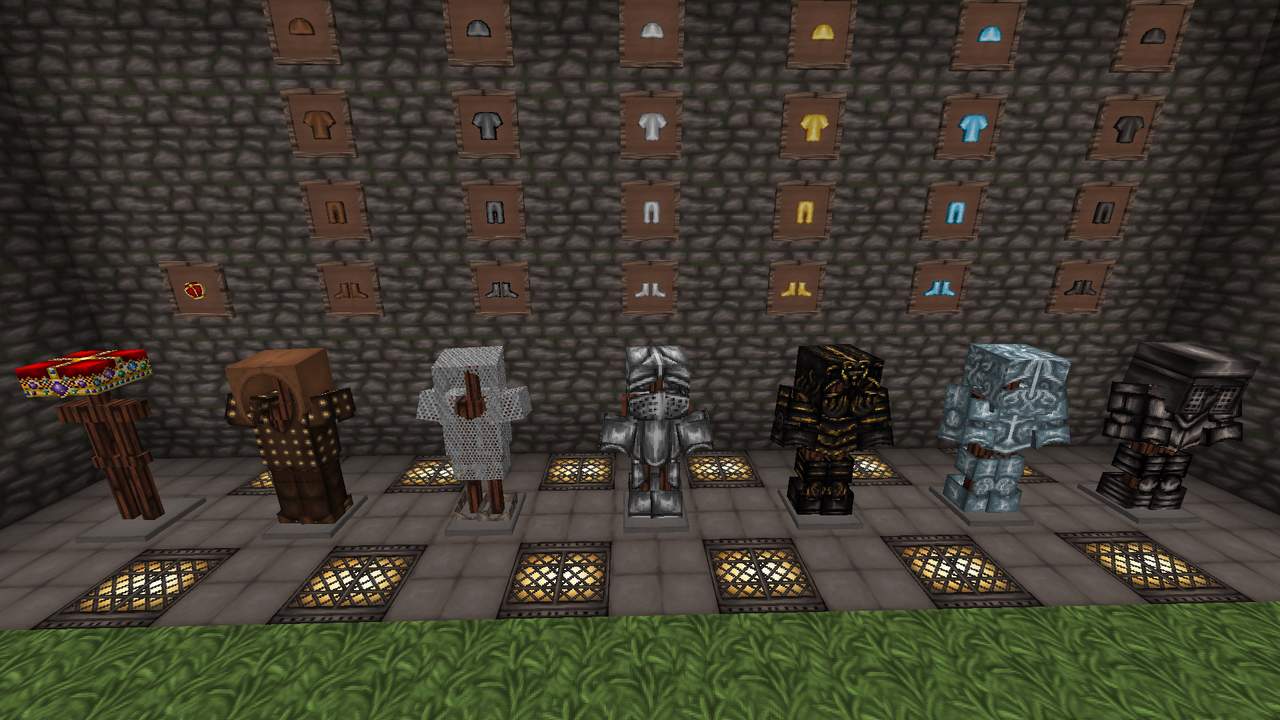
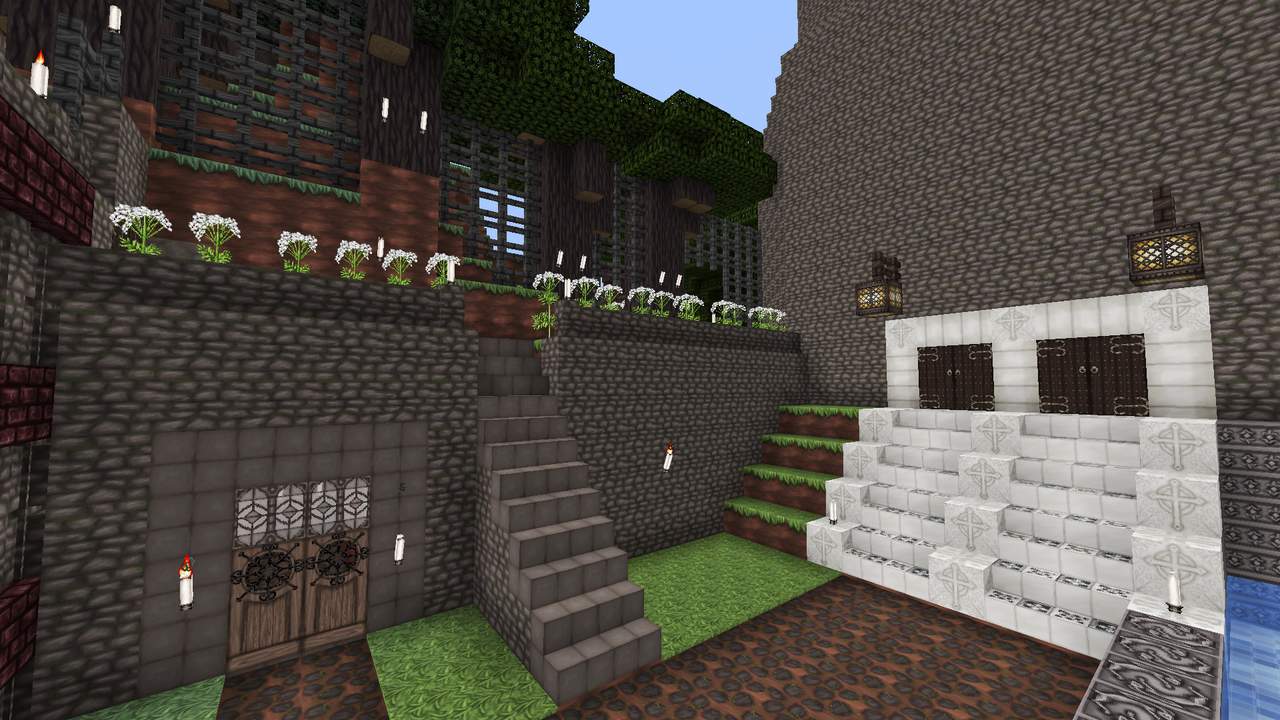
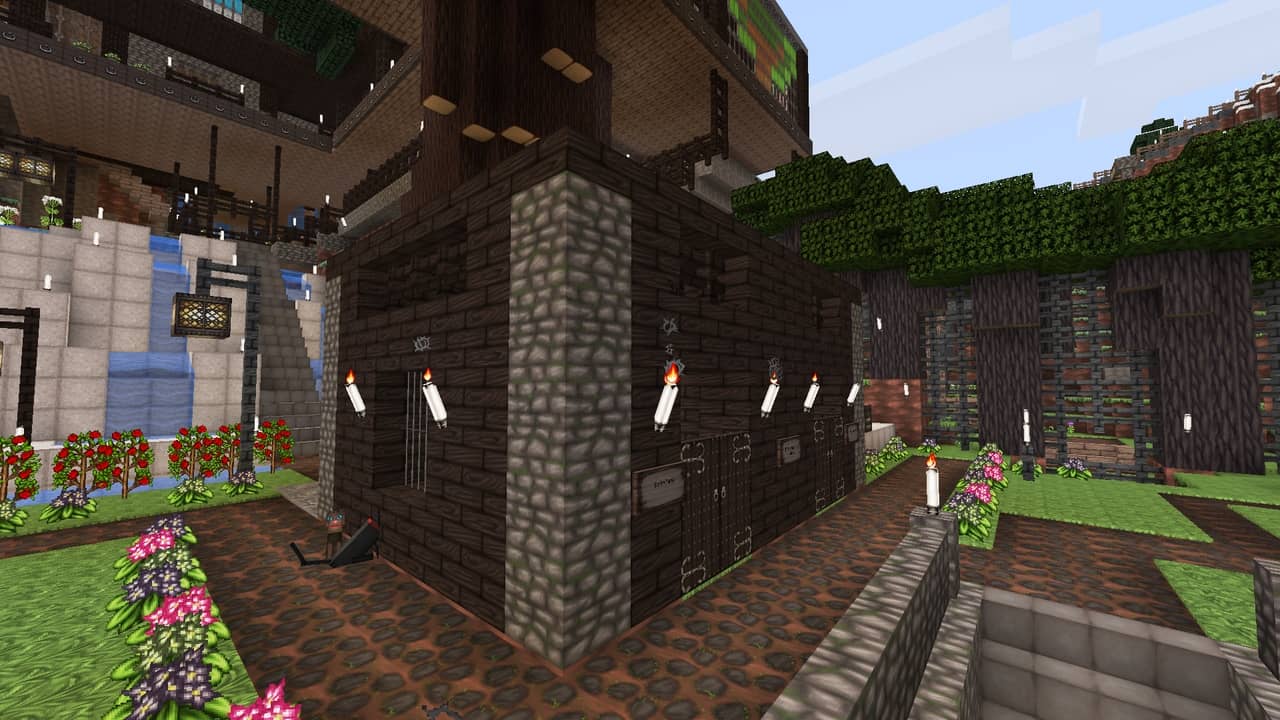
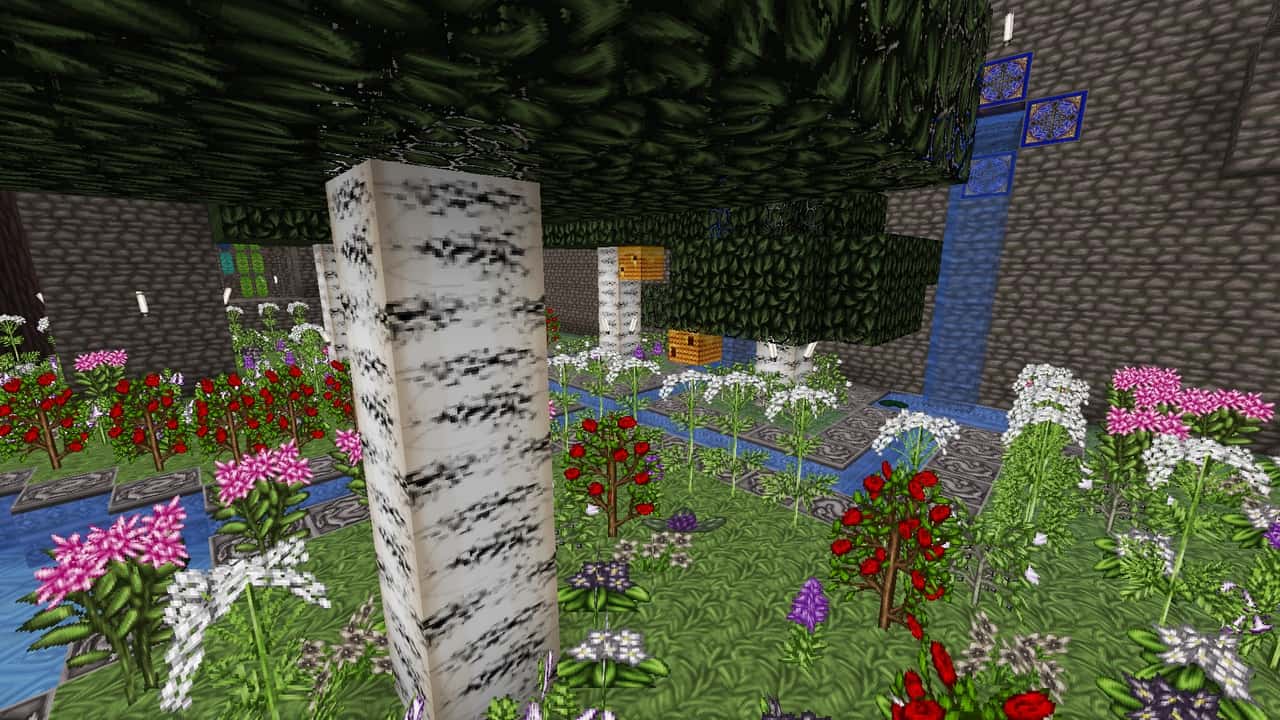
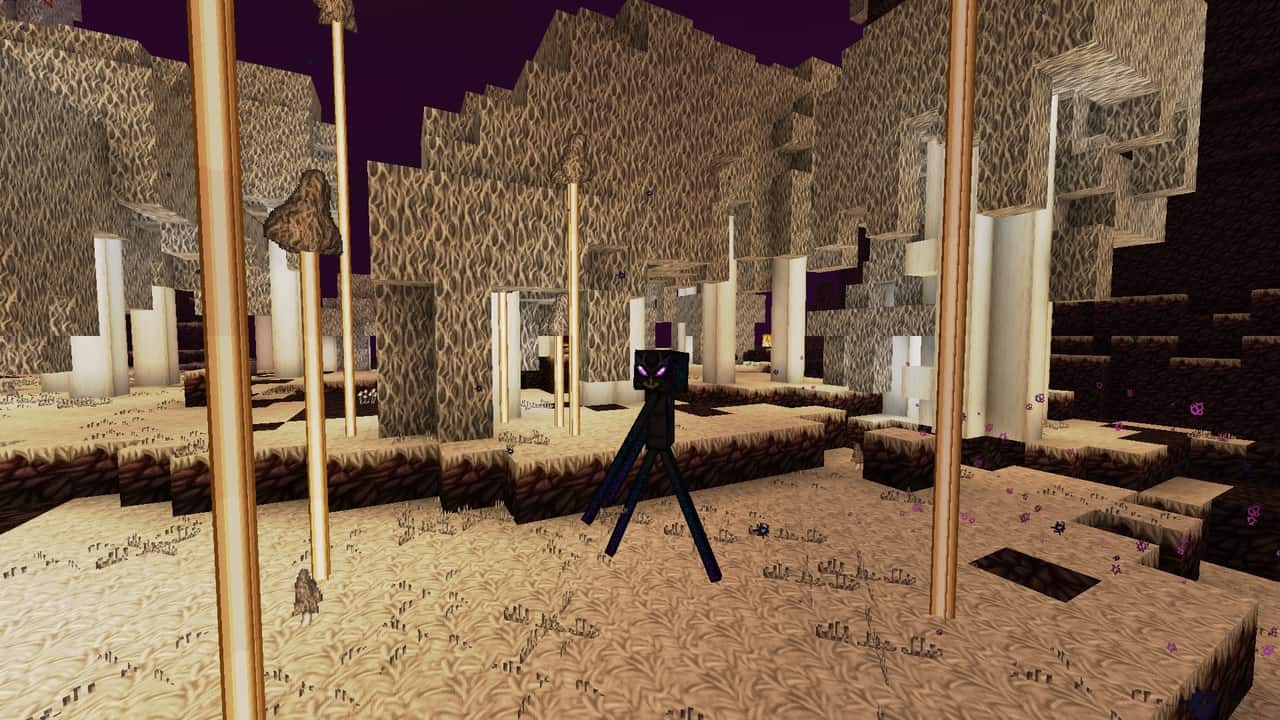
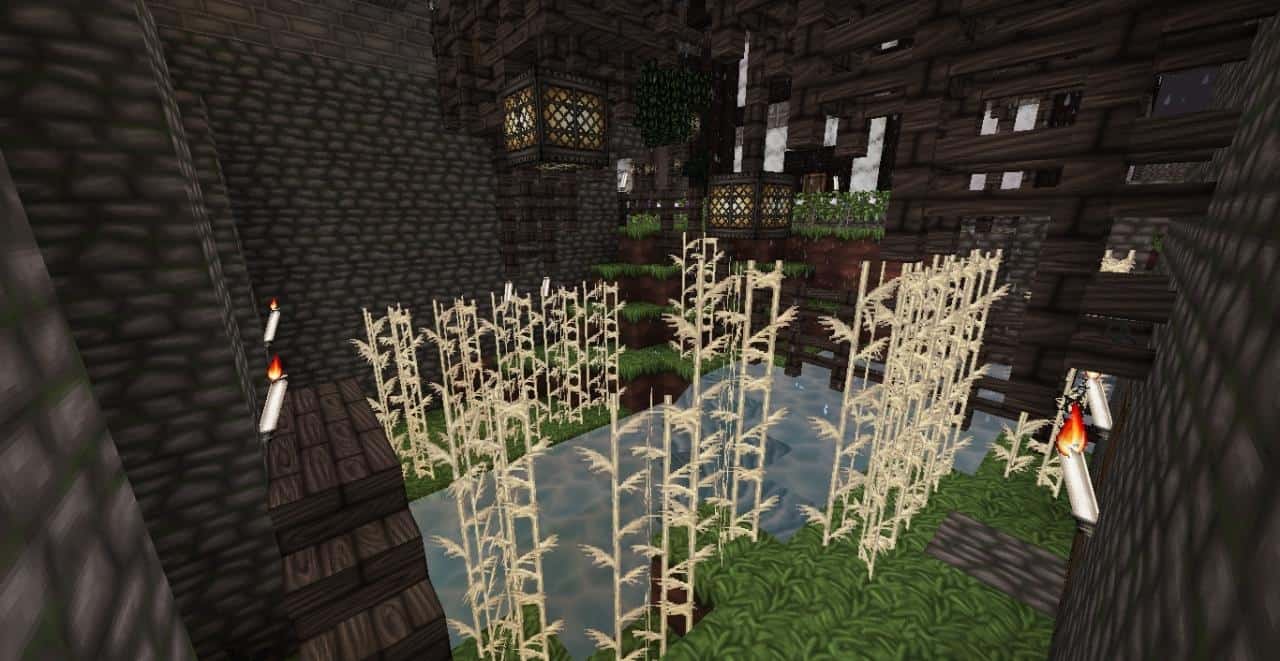
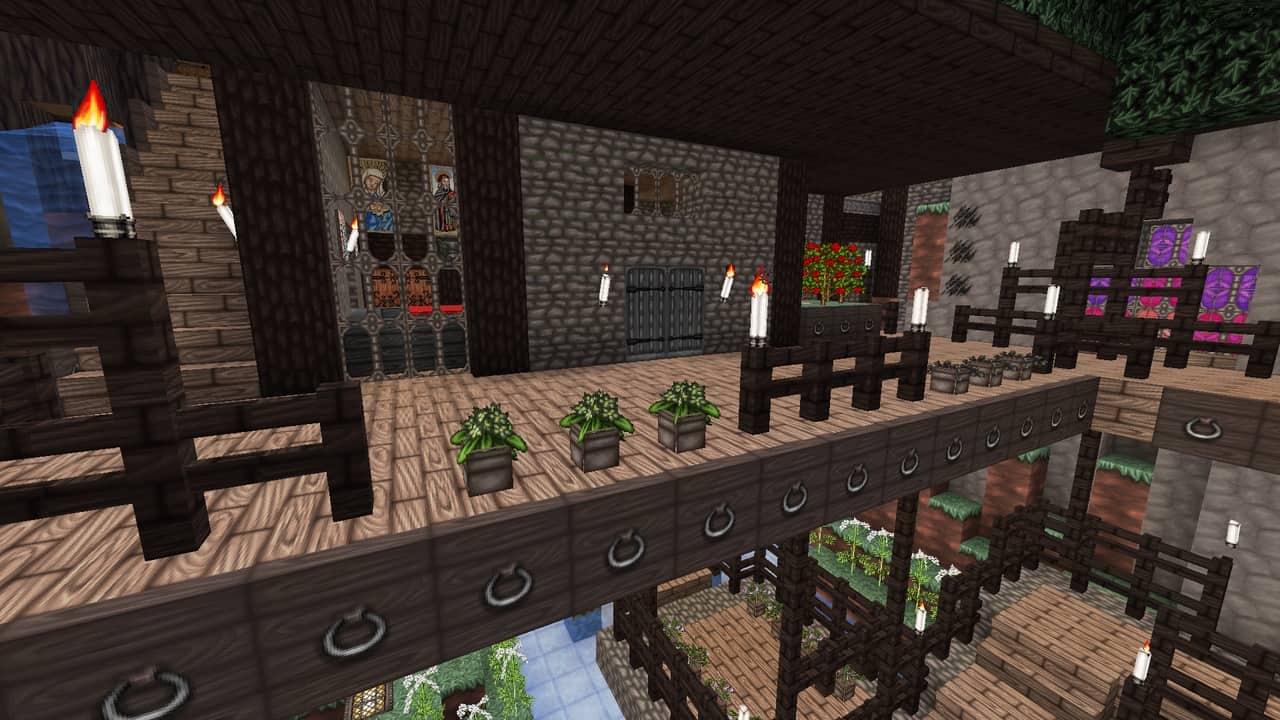
The moment you load up your world with the Wolfhound Classic Medieval resource pack, you will immediately notice that the atmosphere is noticeably darker and more atmospheric compared to vanilla Minecraft. While vanilla runs on a standard 16x texture resolution, Wolfhound steps it up to 64x, keeping the blocky, pixelated charm intact while allowing for a staggering amount of new, observable detail. Exploring your world reveals fresh, gorgeous textures for doors, wood, planks, paintings, candles, lighting setups, and bricks, alongside thematic additions like cages, chests, and authentic elements suited for a proper medieval castle. You will also spot intricate Celtic symbols woven into specific textures to really drive home that historical vibe, complemented by stunning new armors and weapons including plate mail, leather armor, chain mail, and even a majestic king’s crown serving as a custom helm. Existing items have been cleverly swapped out to match the immersive medieval decor, such as replacing modern-looking rails with rustic wood since railroads did not exist back then, while food recipes are thoughtfully tailored to the theme with a pumpkin pie replacing the rice tart, cake taking the form of a fig tart, and pine nut cookies taking over for standard cookies.
Vanilla flora has also received an incredible overhaul where familiar items are repurposed into historical counterparts, such as roses becoming monkshood and dandelions turning into belladonna, alongside a rich variety of other period-accurate plants and flowers. Even the user interface gets a wonderful upgrade, as the higher texture resolution naturally improves the in-game fonts to make text much easier to read, while item icons are entirely redrawn to faithfully mirror the new foods, weapons, and blocks found throughout the pack. Interestingly, elements like the skies, clouds, sun, moon, and water textures are left untouched, preserving that classic feel you know and love while completely transforming the terrestrial blocks. Installing the Wolfhound Classic Medieval pack is wonderfully straightforward and can be easily managed using OptiFine, and while no specific shader pack is strictly mandatory since the pack looks fantastic entirely on its own, it pairs wonderfully with shaders if you choose to use them. Performance-wise, you will be glad to know that it runs smoothly on PC without causing severe framerate drops even on older systems, largely because a 64x resolution hits a great sweet spot without being overly demanding. Best of all, the developer continues to push out frequent updates with the dedicated goal of keeping the Wolfhound Classic Medieval pack fully compatible with the absolute newest versions of Minecraft for as long as possible.
Wolfhound Classic Medieval should be compatible with all of these Minecraft versions: 1.21.10 – 1.21.9 – 1.21.8 – 1.21.7 – 1.21.6 – 1.21.5 – 1.21.4 – 1.21.3 – 1.21.2 – 1.21.1 – 1.21 – 1.20.6 – 1.20.5 – 1.20.4 – 1.20.3 – 1.20.2 – 1.20.1 – 1.20 – 1.19.4 – 1.19.3 – 1.19.2 – 1.19.1 – 1.19 – 1.18.2 – 1.18.1 – 1.18 – 1.17.1 – 1.17 – 1.16.5 – 1.16.4 – 1.16.3 – 1.16.2 – 1.16.1 – 1.16 – 1.15.2 – 1.15.1 – 1.15 – 1.14.4 – 1.14.3 – 1.14.2 – 1.14 – 1.13.2 – 1.13.1 – 1.13 – 1.12.2 – 1.12 – 1.11.2 – 1.11 – 1.10.2 – 1.10 – 1.9.4 – 1.9 – 1.8.9 – 1.8.8 – 1.8.1 – 1.8.6 – 1.8
Screenshots
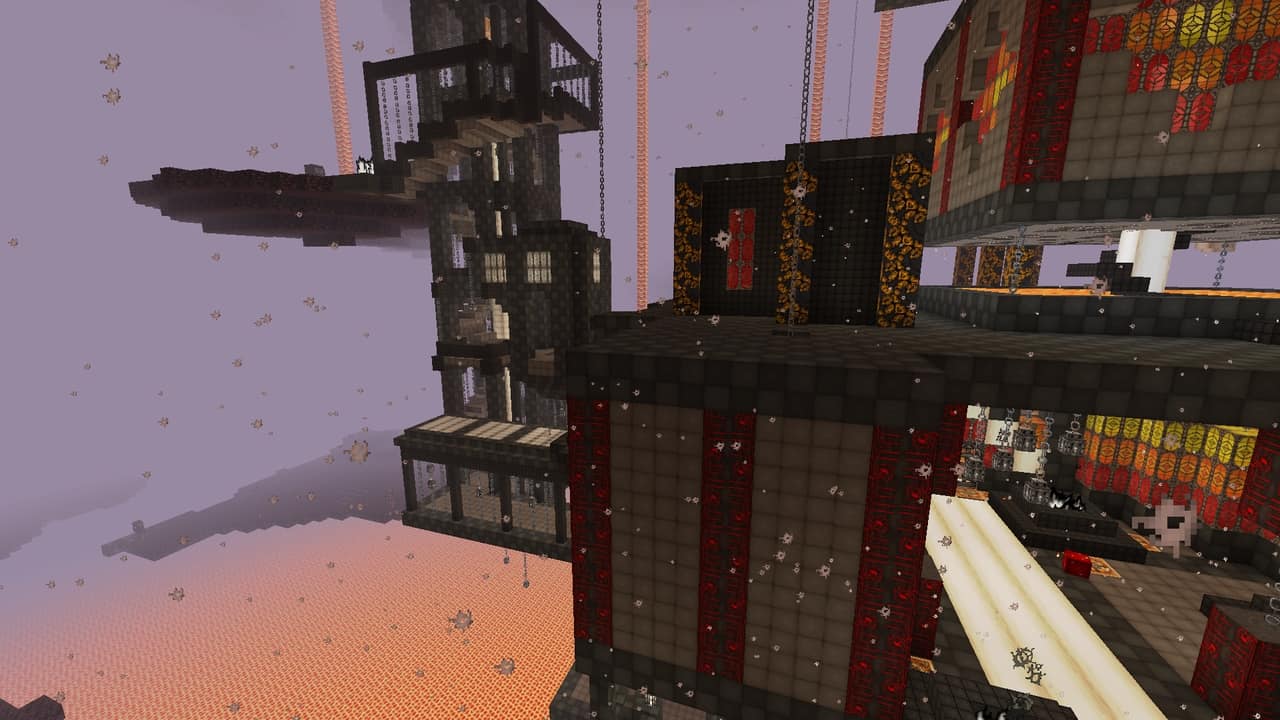
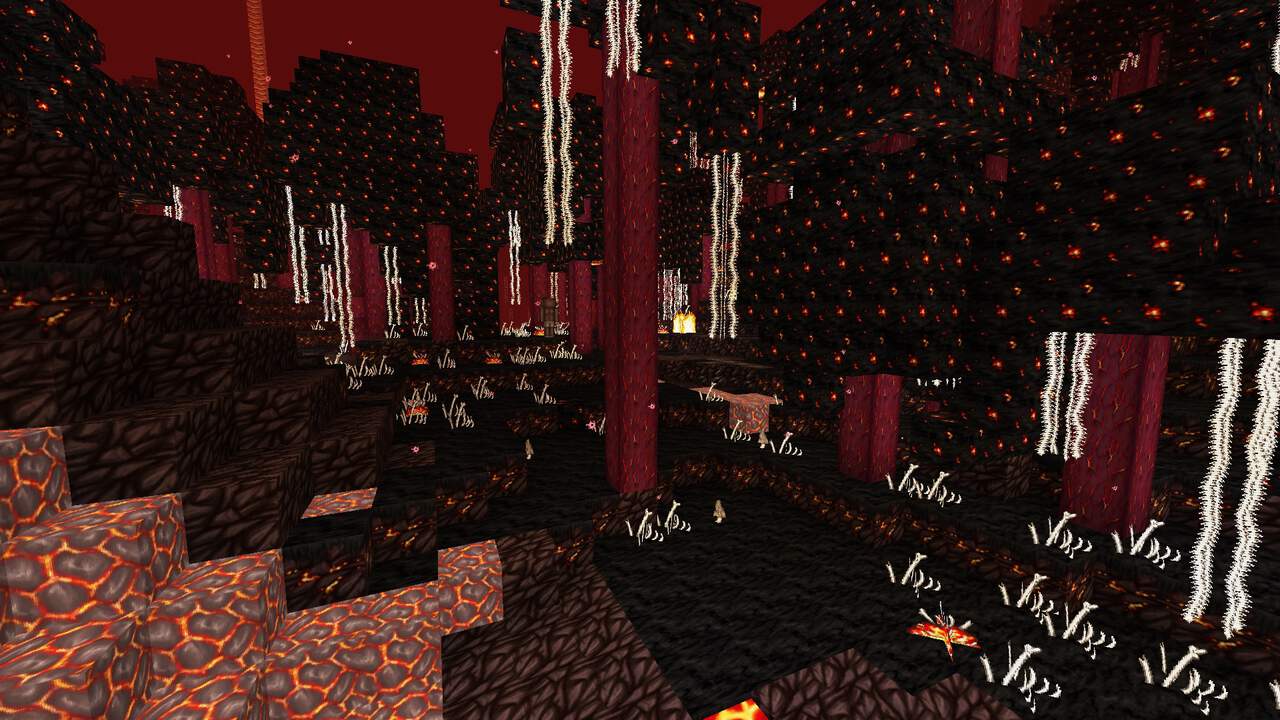

How to Install Texture Pack (Simple 10 Steps)
- Download OptiFine: Most of the texture packs and shaders need OptiFine. That’s why, first download and install OptiFine for the version of Minecraft you want to play.
- Download the Texture Pack: Get the texture pack you want from the download section. Choose the version that works with your Minecraft and your PC’s performance.
- Open Minecraft Launcher: Start Minecraft using the official game launcher — or even TLauncher, if you use that.
- Go to Options: From the main menu, click on the “Options” button.
- Open Resource Packs: Inside Options, click on “Resource Packs…”.
- Open the Resource Pack Folder: Click on “Open Resource Pack Folder” — this will open a folder named “resourcepacks”.
- Move the Pack File: Copy or move the .zip file you downloaded into that “resourcepacks” folder. (Don’t unzip the file — Minecraft uses it as-is!)
- Go Back and Refresh: Close the folder and click “Done”, then go back into “Resource Packs…” again.
- Activate the Pack: You’ll see the pack on the left side. Hover over it and click the arrow to move it to the right (active side).
Tip: If you get a message that the pack is for a different version, just click “Yes” — it usually works fine. - Click Done and Enjoy: Click “Done” again. Now your pack is ready to use in-game. It’s that easy!
Credits
This resource pack was created by ThistlePack. The original ownership and all rights belong entirely to ThistlePack. We do not claim ownership of or modify this modification. We strongly encourage users to support the original creator by visiting their official download pages and following their ongoing project updates.
Download Links
Java Edition
Download Instructions
Curseforge: download starts automatically after a few seconds;
Mediafire: click the big blue button with the text “DOWNLOAD”;
Google Drive: in the top right corner you will see a small download icon (down arrow), click it and the download should start;


