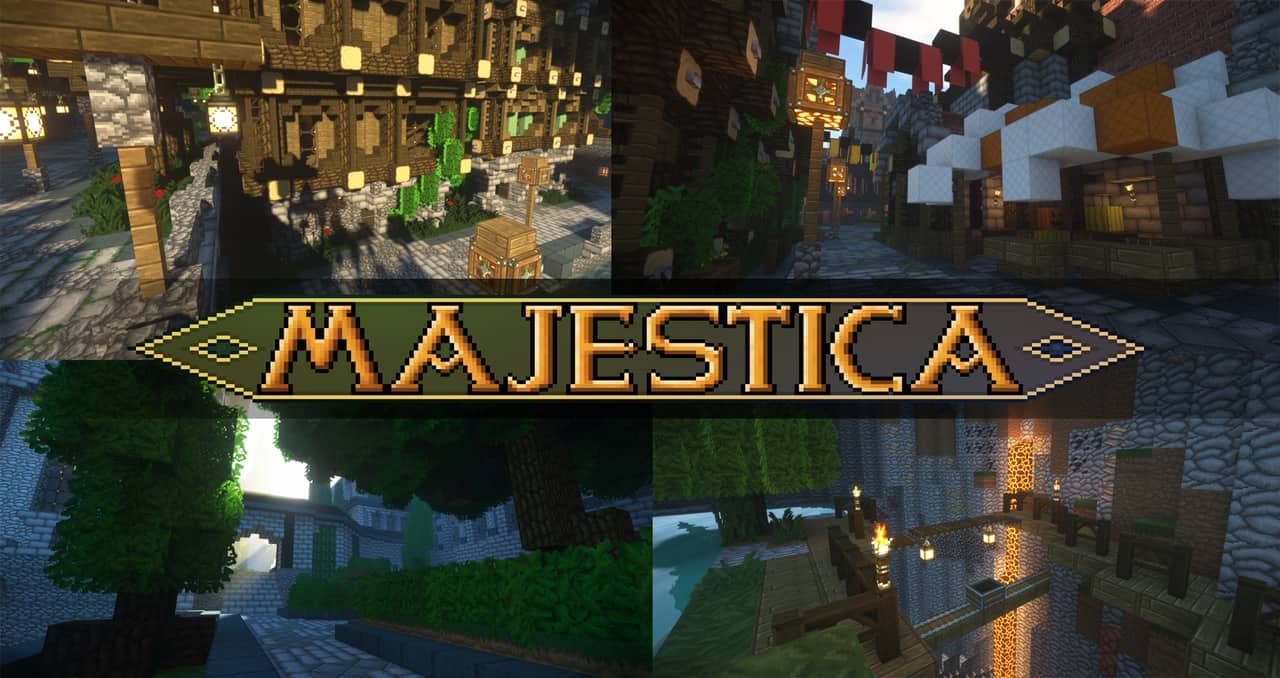
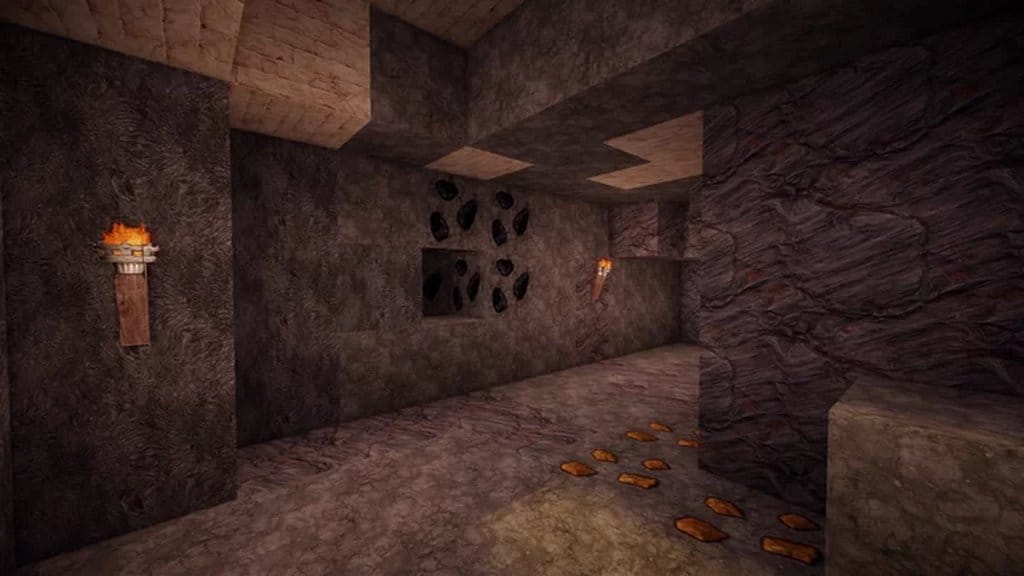
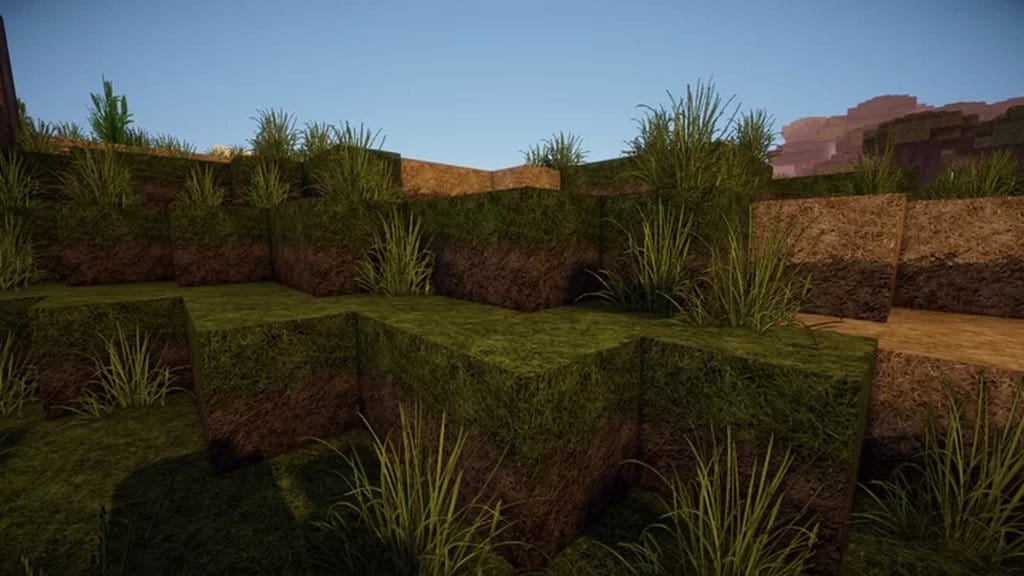
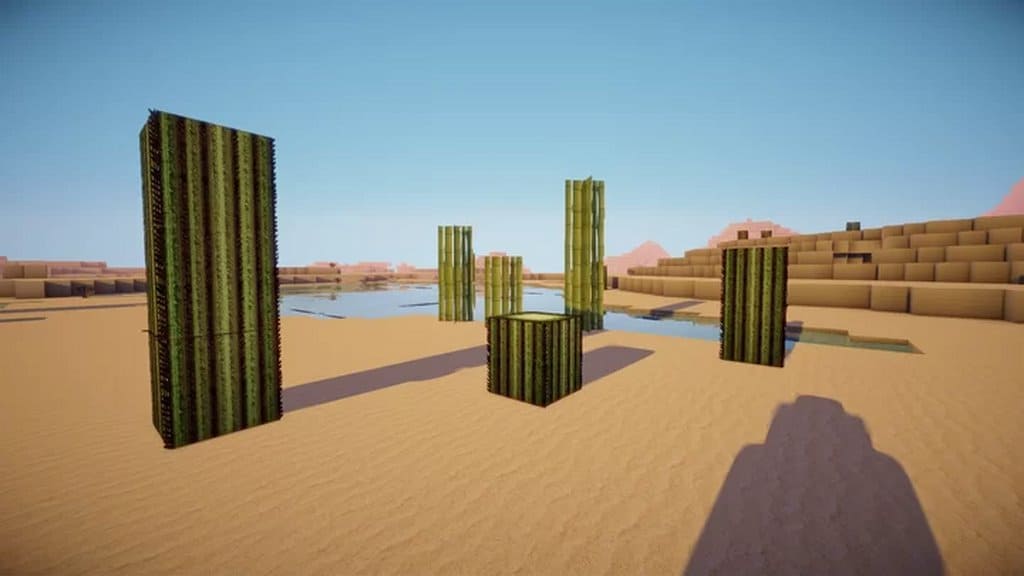
If you are looking for a reliable Minecraft resource pack that can offer an authentic and genuine medieval look and feel and even enrich your gameplay experience, then you will absolutely love the Miranda Realism HD resource pack as an ideal choice for you. This is a mind-blowing resource pack that comes with a unique feature i.e. it offers you an immersive visual experience with its realistic stone-age themes. I found that this resource pack can certainly bring a better and more engaging gameplay experience for you with its stunning and well-designed medieval-themed visuals. In addition to it, the Miranda Realism HD texture pack even comes with a bundle of great features that will make your experience more engaging and immersive. As mentioned, the Miranda Realism HD is based on the medieval theme, and I noticed that all the available textures of this resource pack represent the aforesaid theme very well. Plus, these textures are extremely well-designed and they create a unique and uncompromising look.
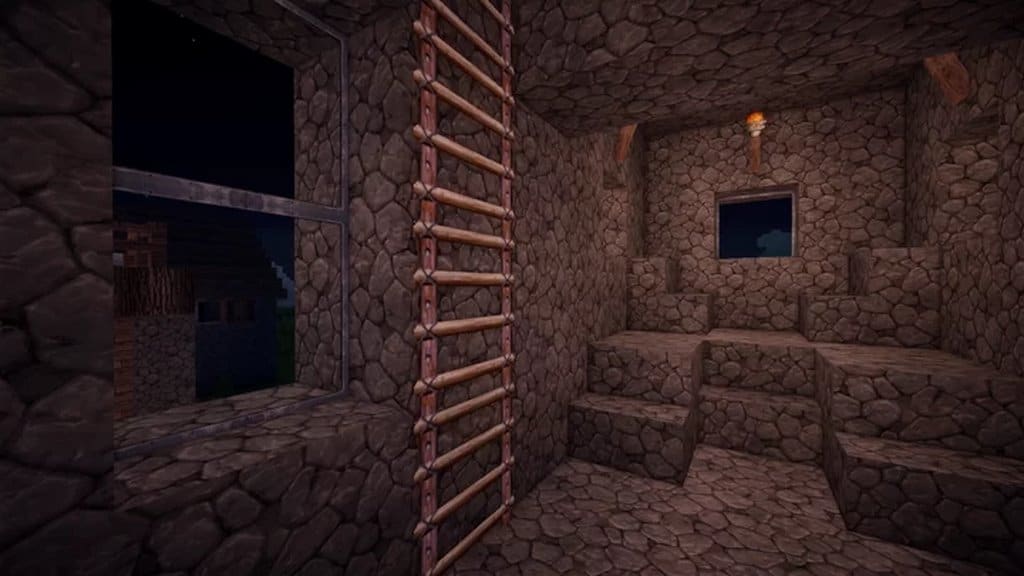
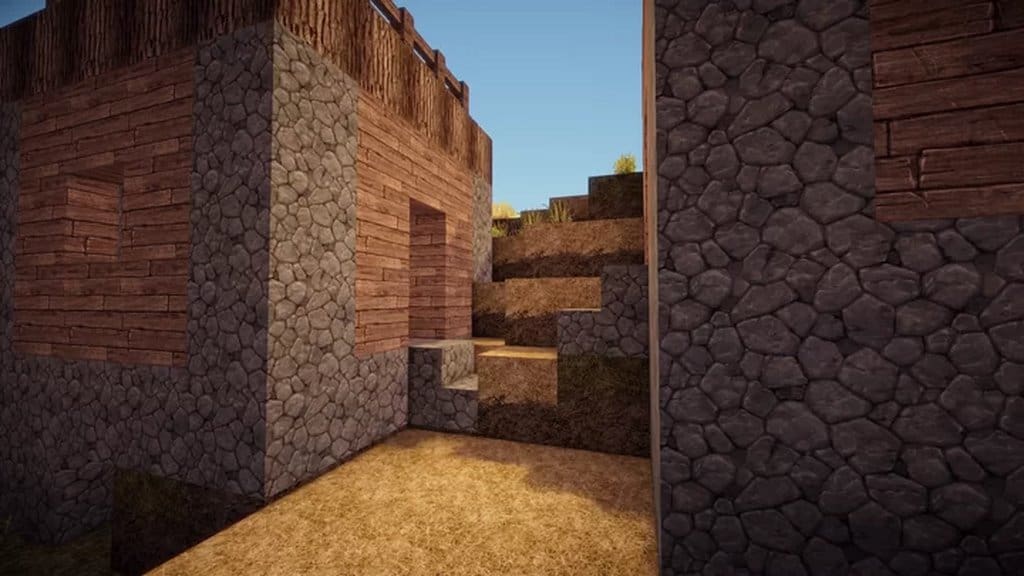
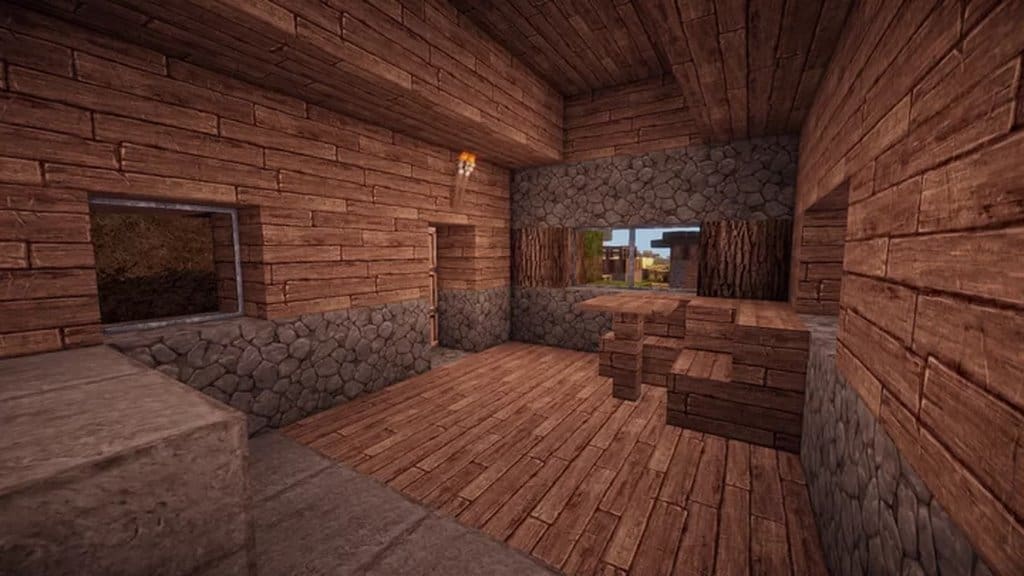
These textures offer absolutely gorgeous detail as well, which really impressed me. It requires loads of hard work to design such textures as they all have a high-level and precise detail. Speaking more about these medieval-themed textures, I noticed they do not feature very vibrant colors; rather, the color scheme is slightly darker than the usual color schemes and that is why they can perfectly represent the genuine and authentic stone-age setting. Apart from that, the Miranda Realism HD textures also come with loads of creative techniques and impressive visual effects to make the theme truly realistic. Hence, for an engrossing and immersive visual experience, please feel free to use the Miranda Realism HD resource pack. The pack features a 256×256 texture resolution, which looks breathtaking. That is why you are recommended to use high-end systems with high-end resources for this resource pack so that it will not cause any frame-rate issues and sluggish performance.
Miranda Realism HD should be compatible with all of these Minecraft versions: 1.15.2 – 1.15.1 – 1.15 – 1.14.4 – 1.14.3 – 1.14.2 – 1.14
Screenshots
How to Install Texture Pack (Simple 10 Steps)
- Download OptiFine: Most of the texture packs and shaders need OptiFine. That’s why, first download and install OptiFine for the version of Minecraft you want to play.
- Download the Texture Pack: Get the texture pack you want from the download section. Choose the version that works with your Minecraft and your PC’s performance.
- Open Minecraft Launcher: Start Minecraft using the official game launcher — or even TLauncher, if you use that.
- Go to Options: From the main menu, click on the “Options” button.
- Open Resource Packs: Inside Options, click on “Resource Packs…”.
- Open the Resource Pack Folder: Click on “Open Resource Pack Folder” — this will open a folder named “resourcepacks”.
- Move the Pack File: Copy or move the .zip file you downloaded into that “resourcepacks” folder. (Don’t unzip the file — Minecraft uses it as-is!)
- Go Back and Refresh: Close the folder and click “Done”, then go back into “Resource Packs…” again.
- Activate the Pack: You’ll see the pack on the left side. Hover over it and click the arrow to move it to the right (active side).
Tip: If you get a message that the pack is for a different version, just click “Yes” — it usually works fine. - Click Done and Enjoy: Click “Done” again. Now your pack is ready to use in-game. It’s that easy!
Credits
This resource pack was originally created and developed by Saaraah. We do not claim ownership of this modification, nor have we altered its original files. All rights and credits belong entirely to the original creator. We strongly encourage you to support Saaraah by downloading the content from the official links provided.
Download Instructions
Curseforge: download starts automatically after a few seconds;
Mediafire: click the big blue button with the text “DOWNLOAD”;
Google Drive: in the top right corner you will see a small download icon (down arrow), click it and the download should start;