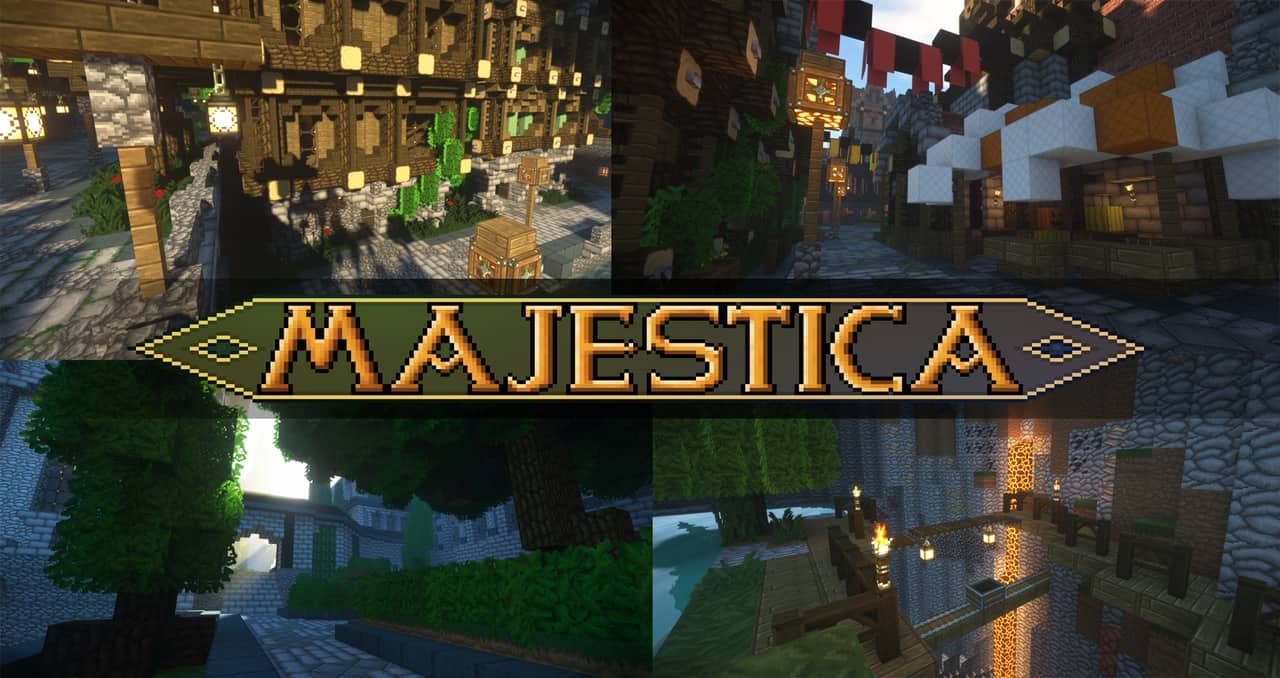
I recently stumbled upon a brand-new Minecraft resource pack that hit the internet less than a month ago and has already racked up over 2000 downloads, and I just had to try it out. This wildly popular pack is called Feudalist, and honestly, that massive download count is no coincidence at all. It is an absolute stellar resource pack filled with gorgeous, high-end visuals that kept me completely amazed throughout my entire Minecraft session. This incredible quality comes as no surprise when you realize that Feudalist was designed by the exact same talented minds behind the stunning CIT resource pack, Dark Arsenal. Both of these fantastic packs were crafted by Aetheris, and if you loved their work in Dark Arsenal as much as I did, you are seriously going to fall in love with Feudalist. They have knocked it out of the park once again, bringing the absolute highest level of polish and finesse to the game.
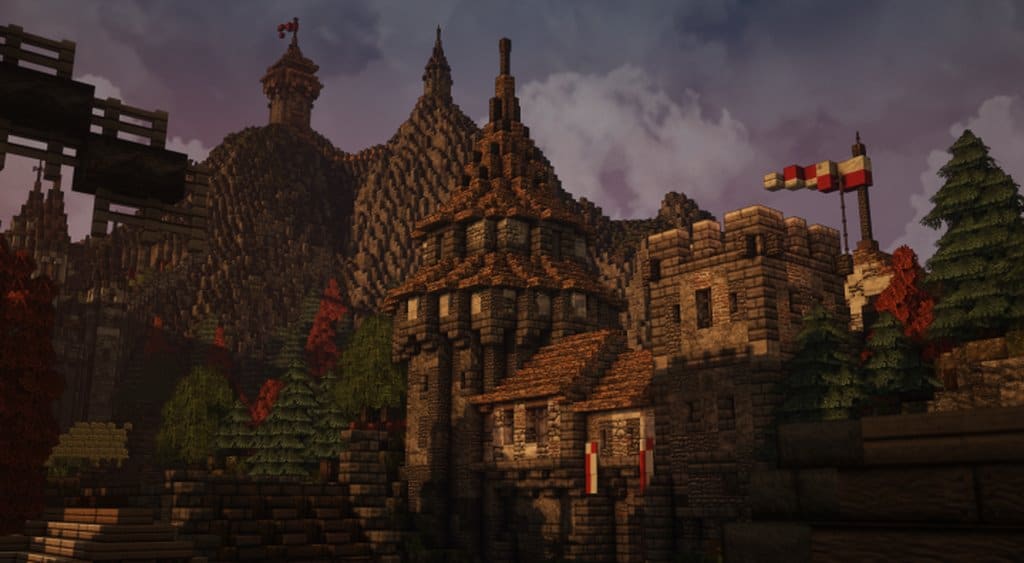
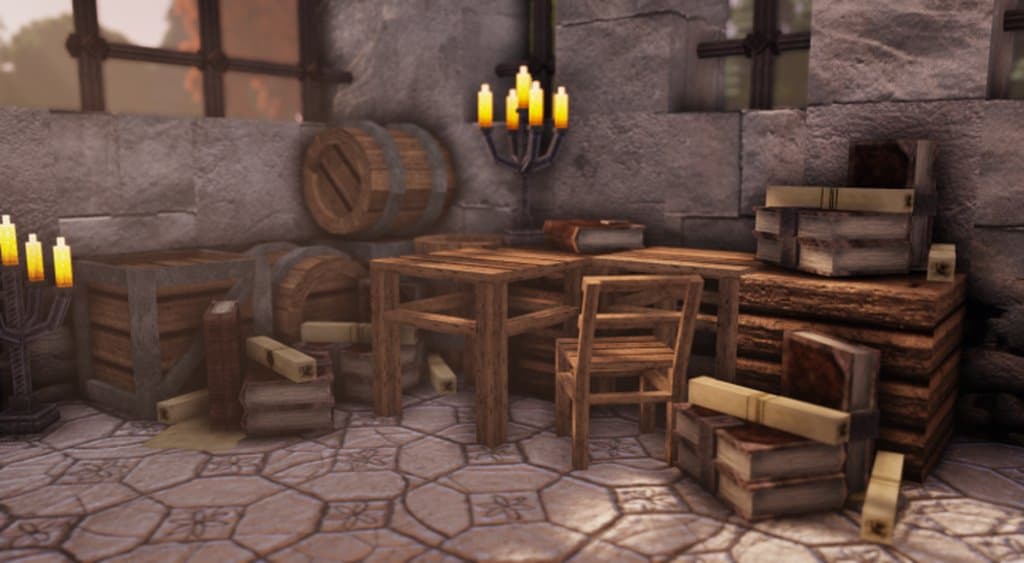
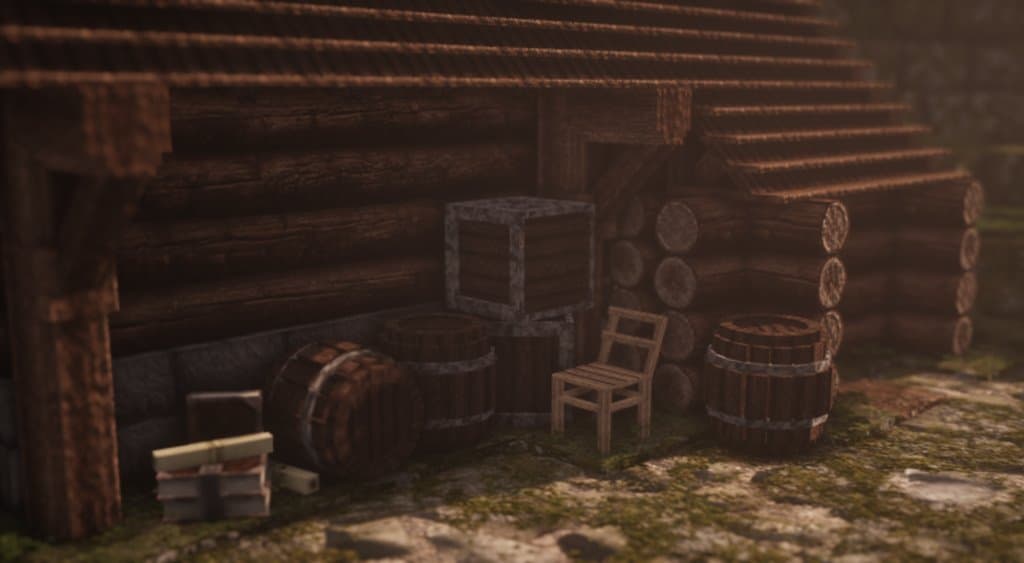
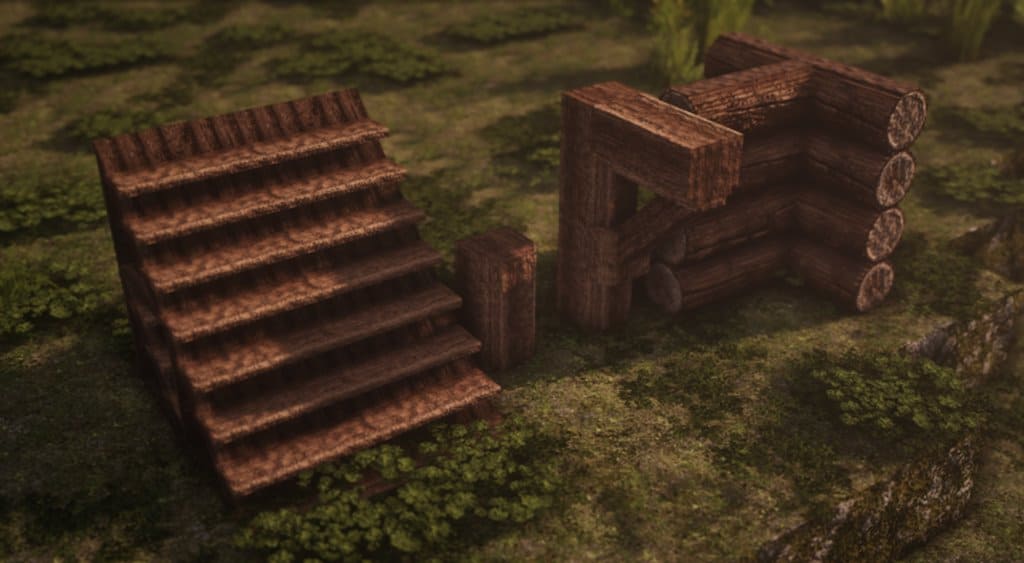
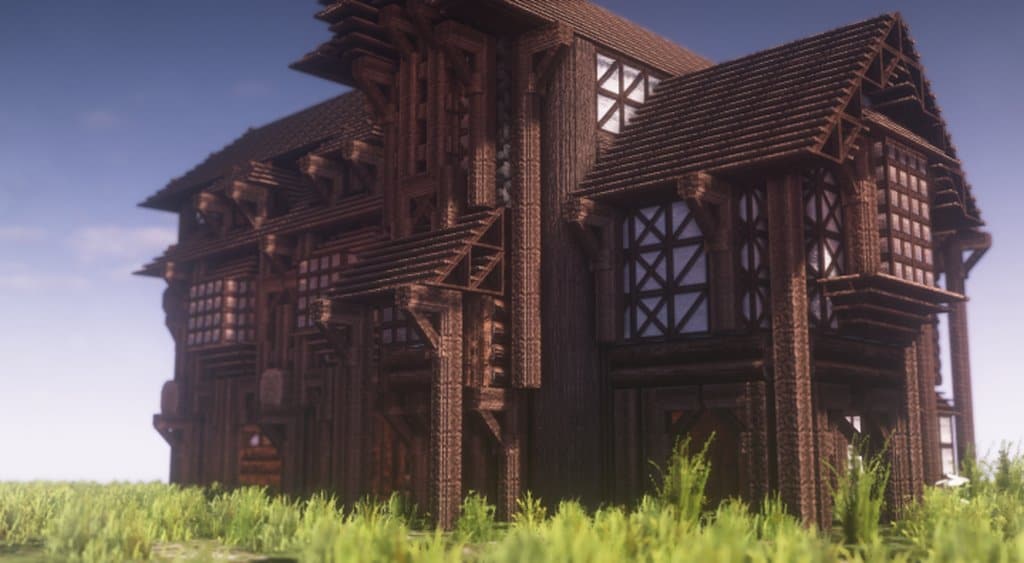
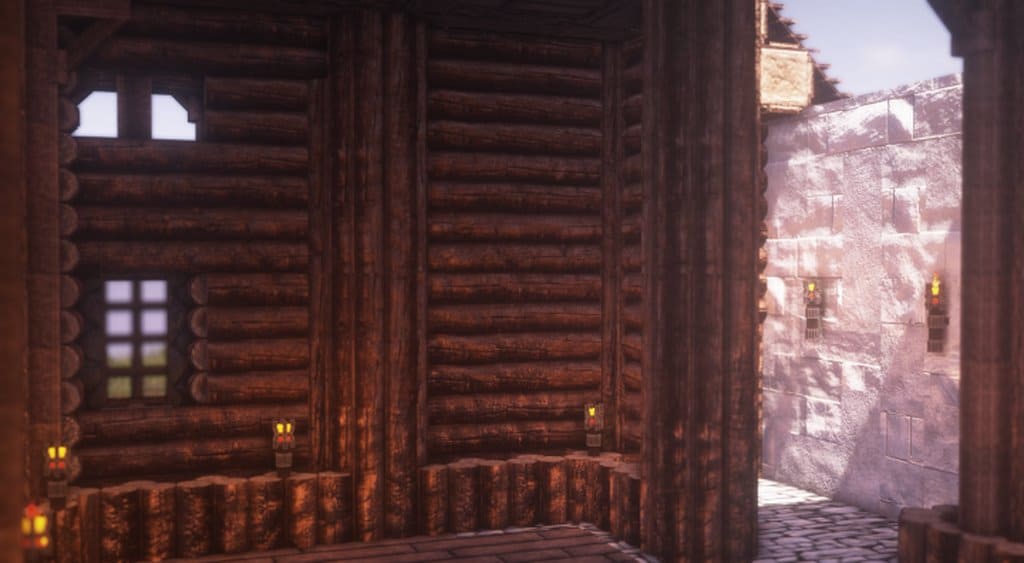
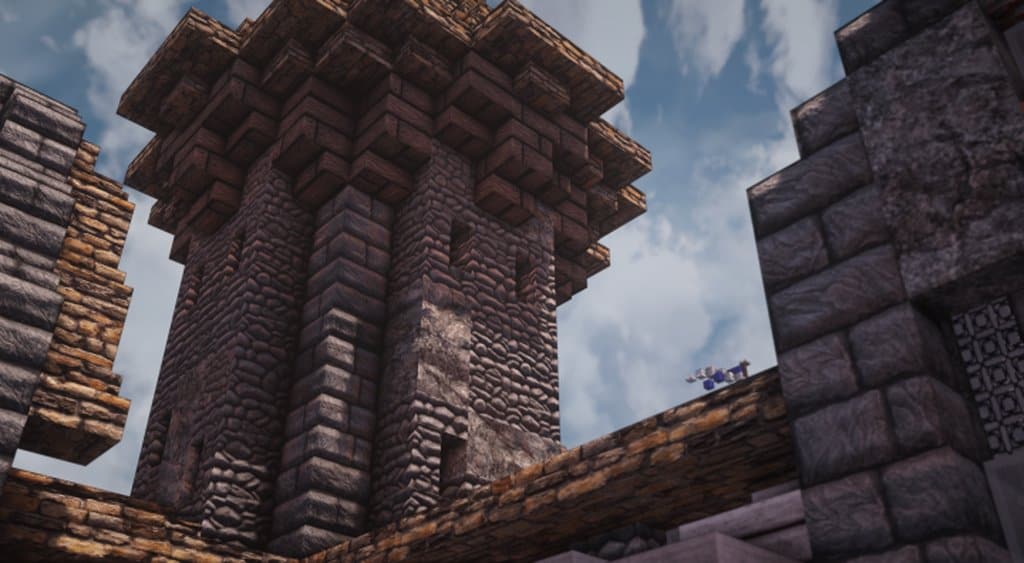
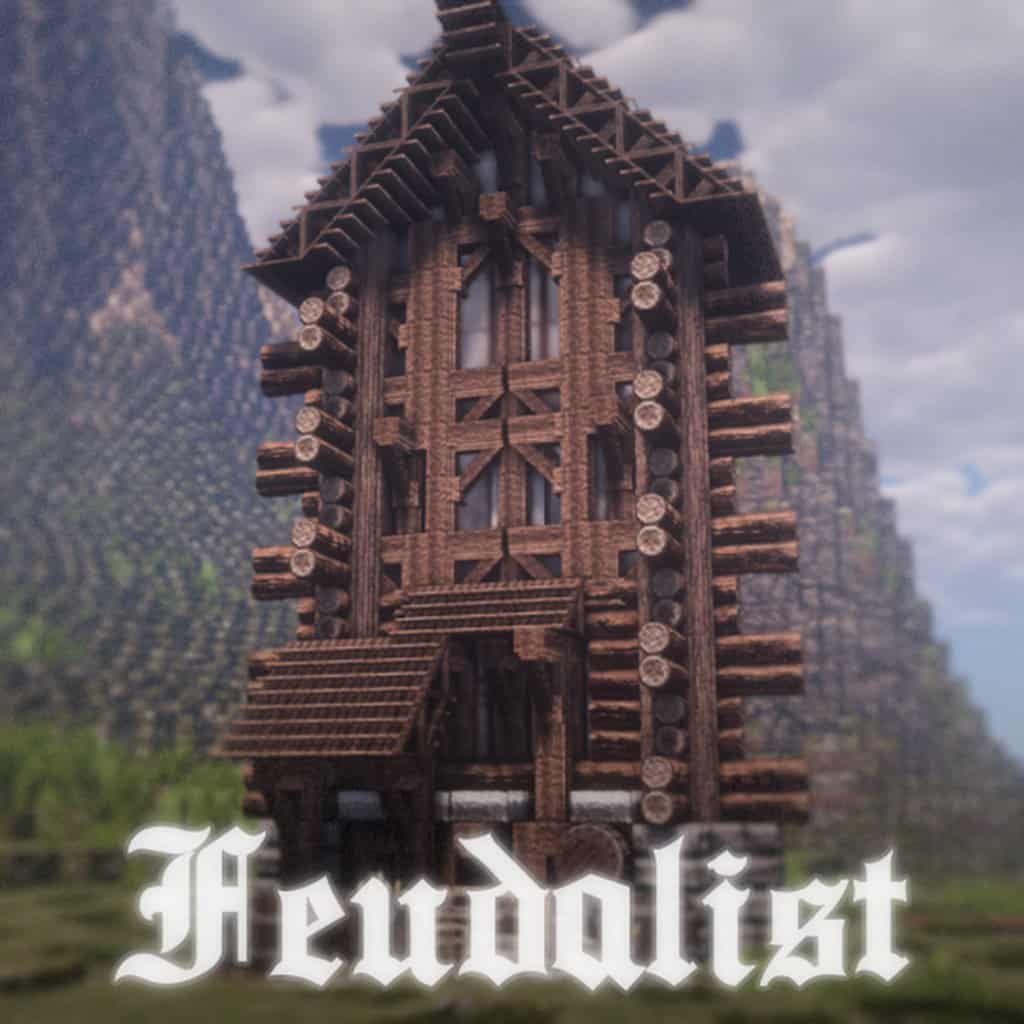
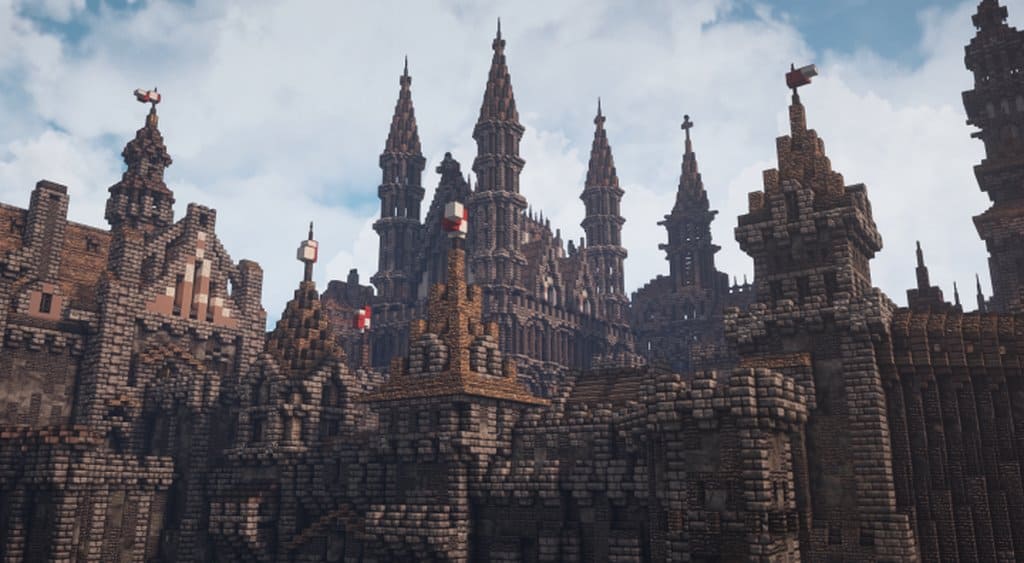
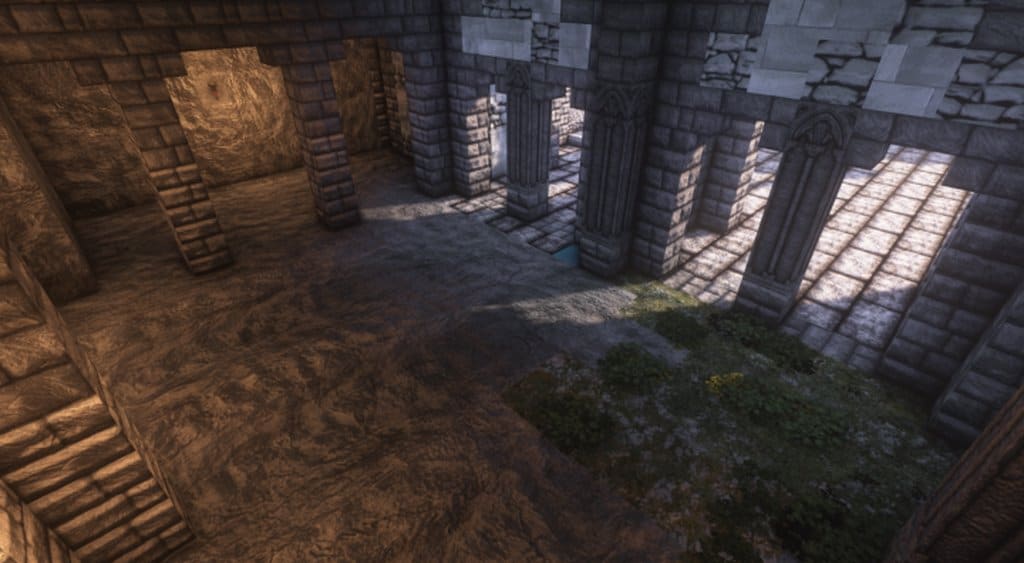
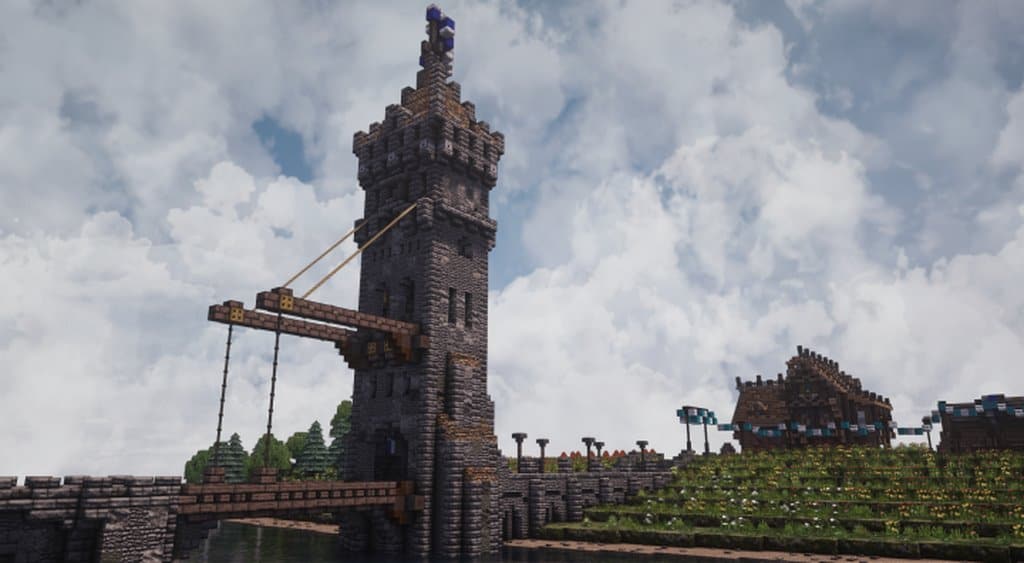
If you are on the hunt for a genuinely high-end visual experience, I can tell you right now that you simply cannot go wrong with Feudalist. The unbelievable sights and landscapes featured in this pack draw direct inspiration from various medieval and gothic resource packs released over the years, but with a major twist. Unlike many packs in that genre, Feudalist delivers a crystal-clear execution that feels remarkably smooth and clean, which is quite rare for medieval and gothic styles. The texture detail here is something you truly have to see for yourself to believe, putting on a spectacular show that is beautifully paired with CTM to ensure every single texture blends seamlessly into the environment. This results in a shockingly immersive game world that I personally found hard to put down. Just remember before diving in that you need to install Optifine first, otherwise the pack simply will not function properly. Best of all, Feudalist is available in x32, x64, and x128 resolutions, giving you an amazing variety of choices to pick whatever fits your hardware setup best.
Feudalist should be compatible with all of these Minecraft versions: POM / PBR – 1.14.4 – 1.14.3 – 1.14.2 – 1.14 – 1.13.2 – 1.13.1 – 1.13
Screenshots

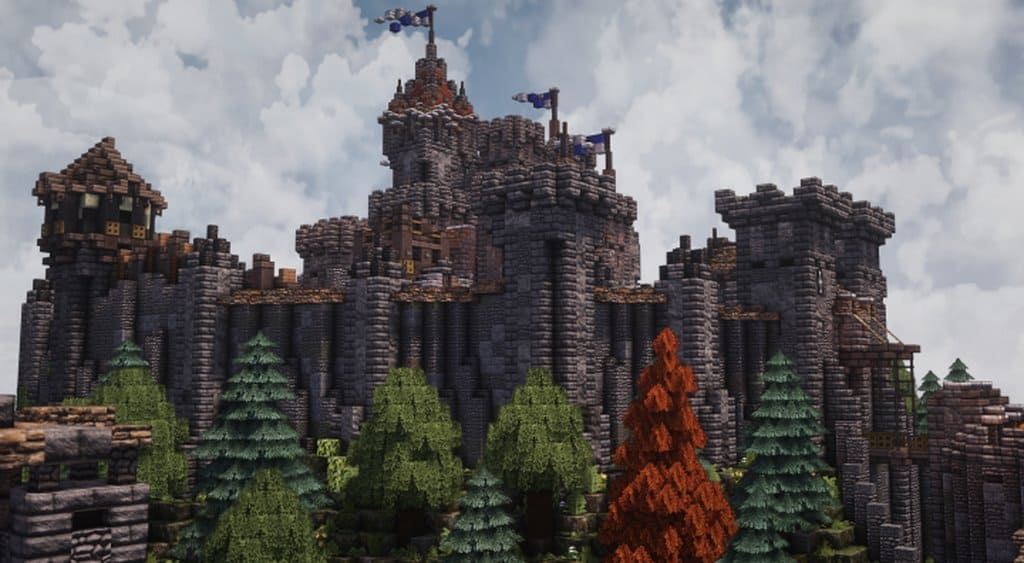
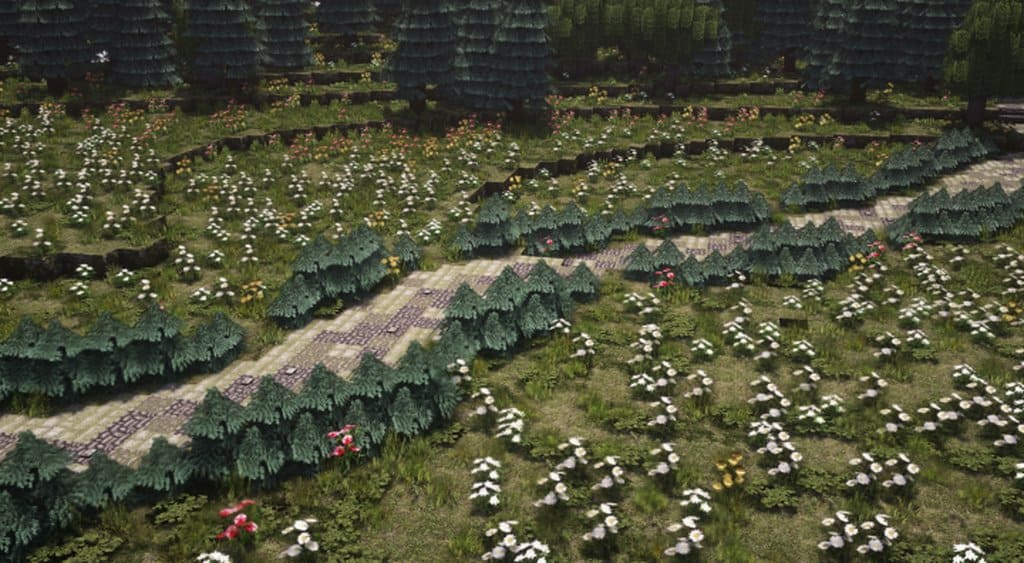
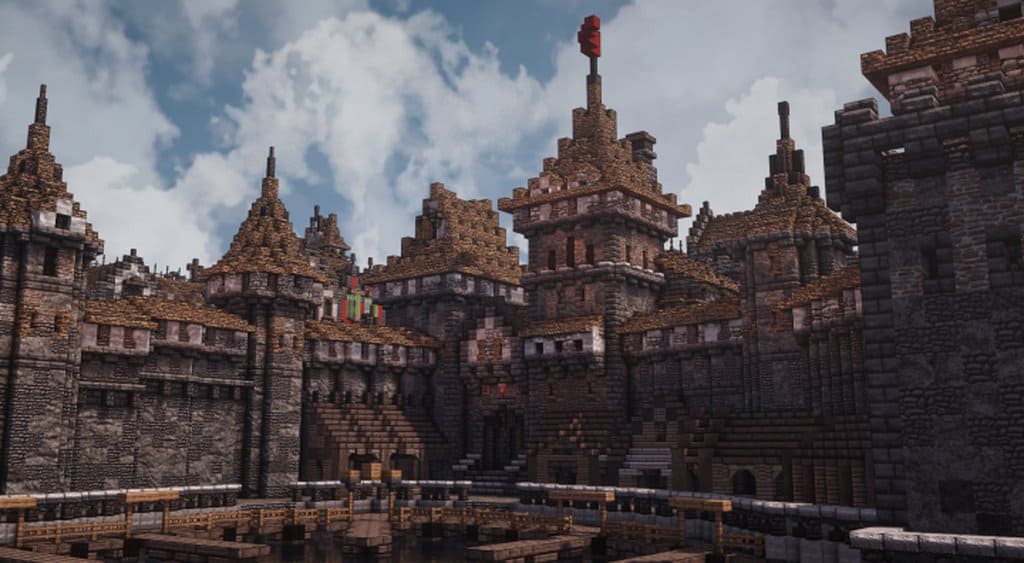
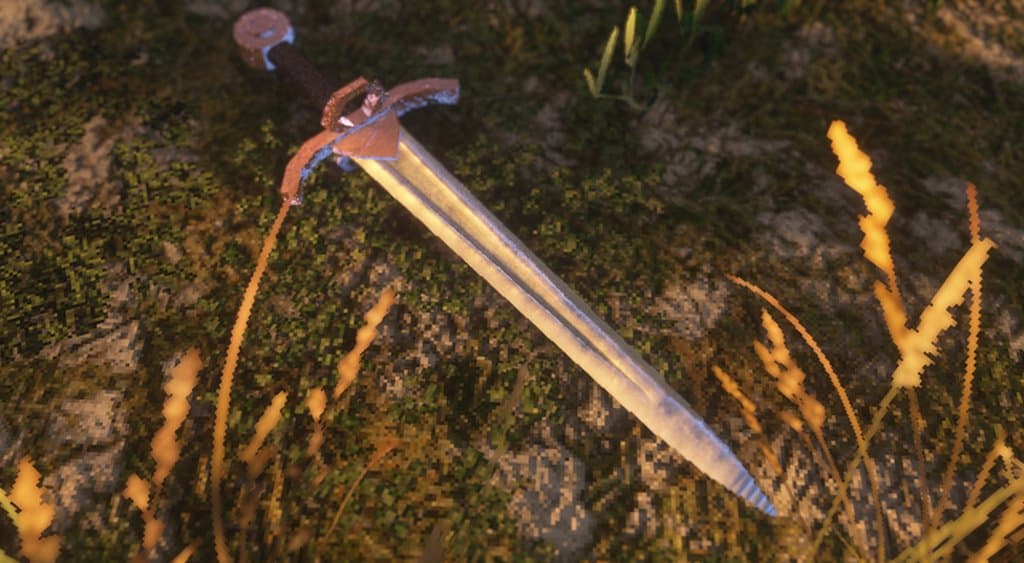
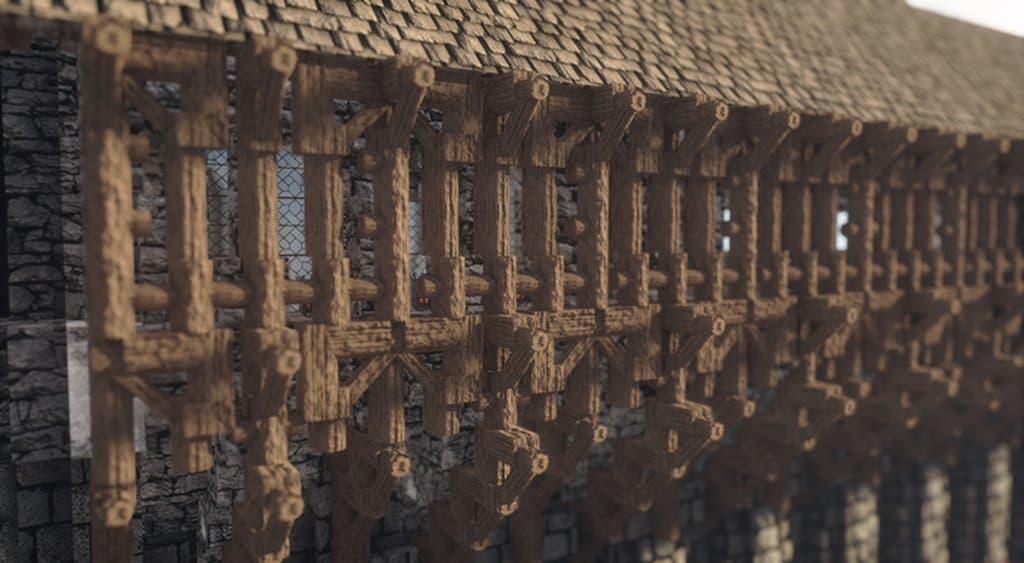
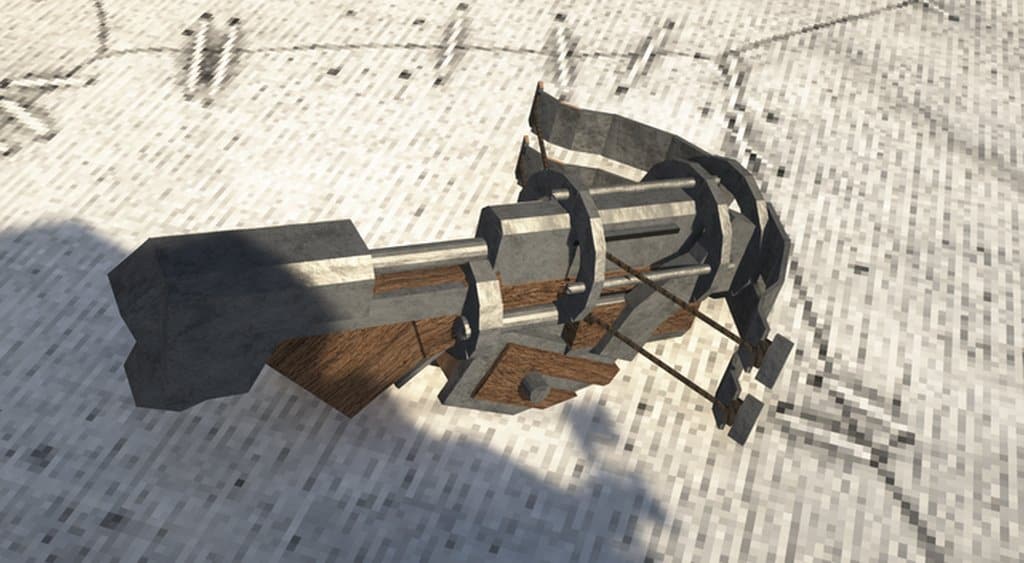
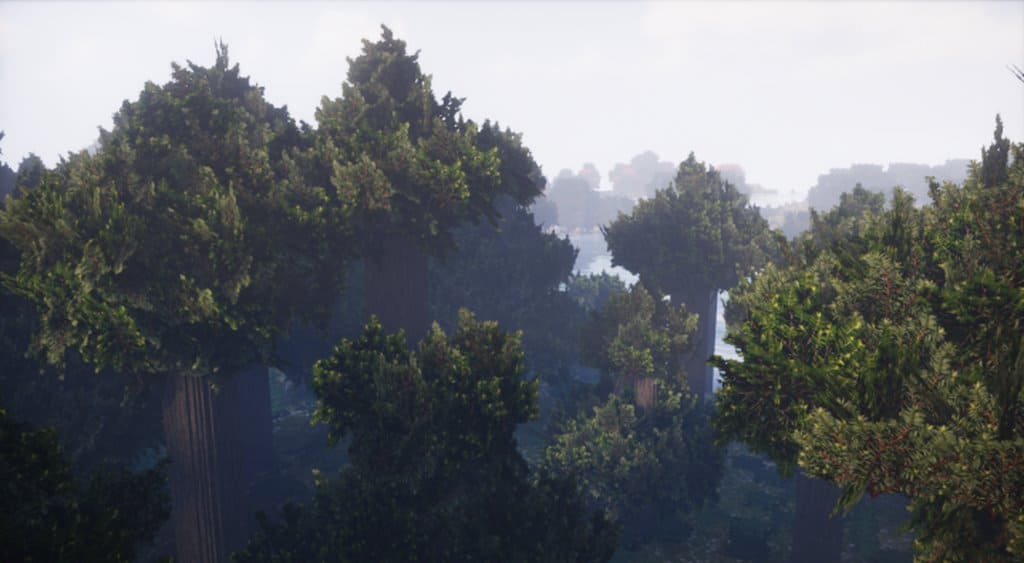
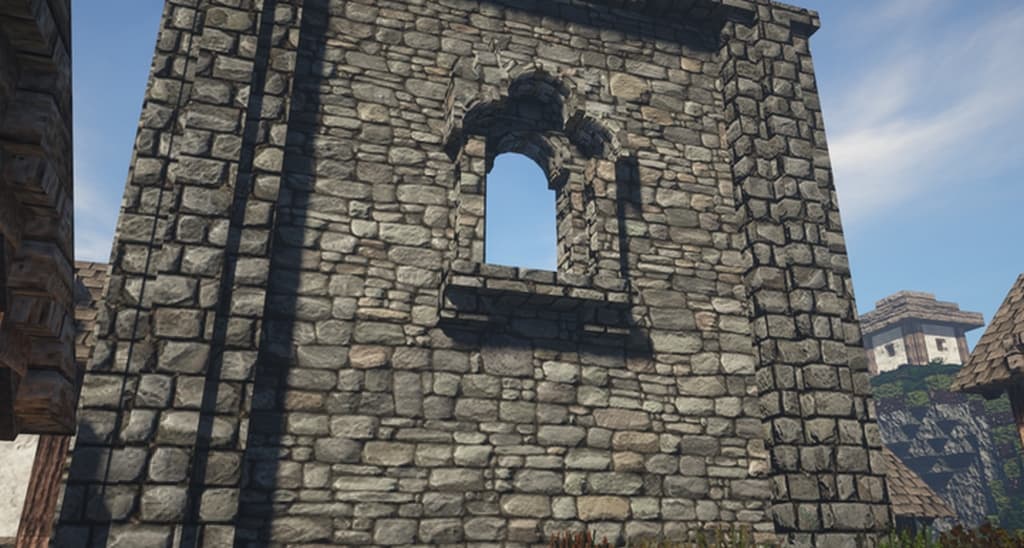
How to Install Texture Pack (Simple 10 Steps)
- Download OptiFine: Most of the texture packs and shaders need OptiFine. That’s why, first download and install OptiFine for the version of Minecraft you want to play.
- Download the Texture Pack: Get the texture pack you want from the download section. Choose the version that works with your Minecraft and your PC’s performance.
- Open Minecraft Launcher: Start Minecraft using the official game launcher — or even TLauncher, if you use that.
- Go to Options: From the main menu, click on the “Options” button.
- Open Resource Packs: Inside Options, click on “Resource Packs…”.
- Open the Resource Pack Folder: Click on “Open Resource Pack Folder” — this will open a folder named “resourcepacks”.
- Move the Pack File: Copy or move the .zip file you downloaded into that “resourcepacks” folder. (Don’t unzip the file — Minecraft uses it as-is!)
- Go Back and Refresh: Close the folder and click “Done”, then go back into “Resource Packs…” again.
- Activate the Pack: You’ll see the pack on the left side. Hover over it and click the arrow to move it to the right (active side).
Tip: If you get a message that the pack is for a different version, just click “Yes” — it usually works fine. - Click Done and Enjoy: Click “Done” again. Now your pack is ready to use in-game. It’s that easy!
Credits
Feudalist was created and is originally owned by Aetheris. We do not claim ownership of this modification, nor do we host or alter any files on our servers. All rights belong strictly to the original author. We strongly encourage you to support Aetheris by visiting their official platforms and checking out their other incredible projects.
Download Links
Java Edition
Download Instructions
Curseforge: download starts automatically after a few seconds;
Mediafire: click the big blue button with the text “DOWNLOAD”;
Google Drive: in the top right corner you will see a small download icon (down arrow), click it and the download should start;