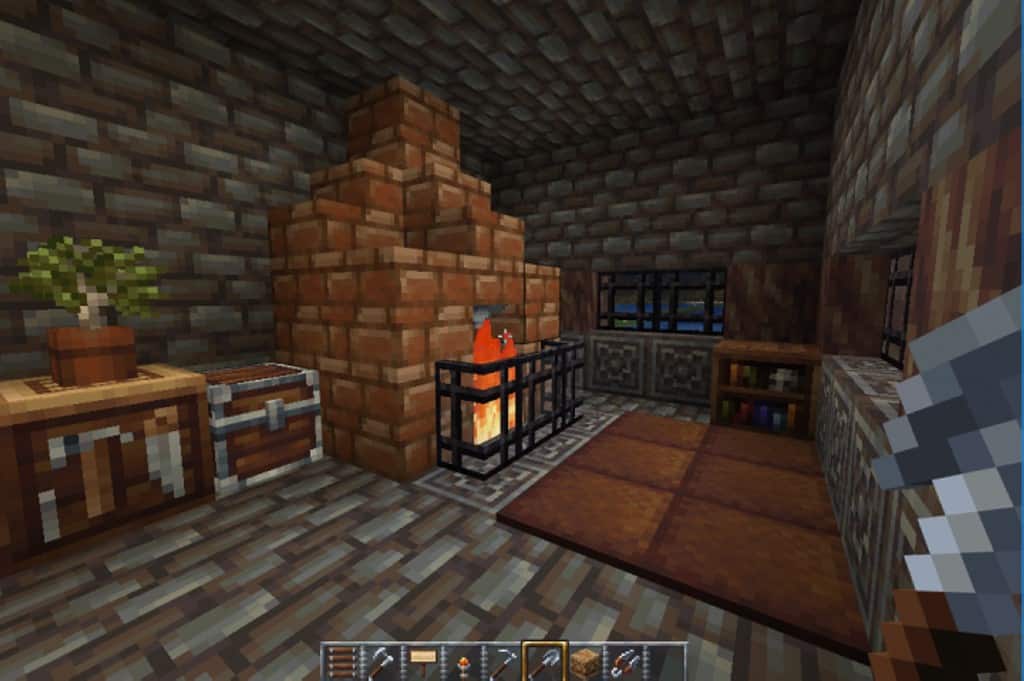
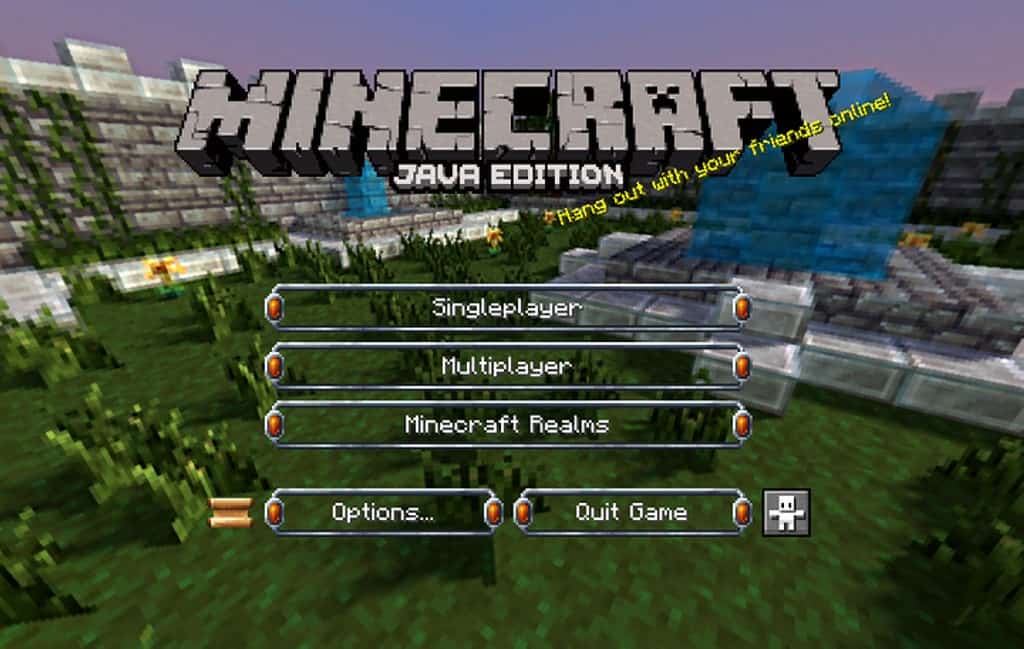
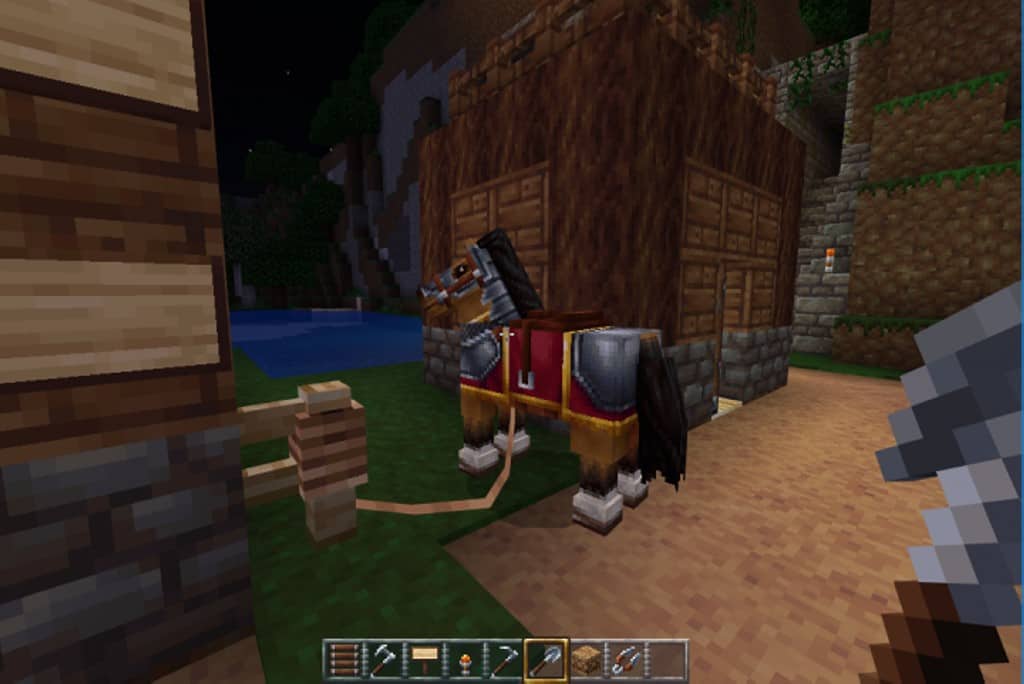
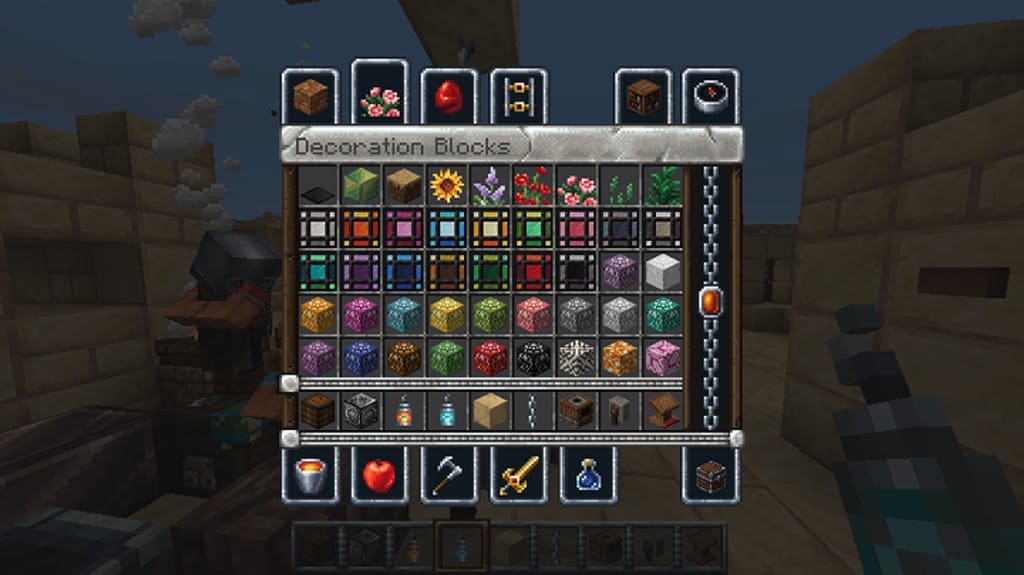
The Wayukian resource pack was released many years ago and it is genuinely one of the absolute best resource packs that kept getting updates constantly. The updates come from a different user than the creator that took over the project and continues working on it under the name of New Wayukian, which is fantastic to see! It is what some would call a modest resource pack without the aspiration of introducing photorealistic textures, focusing instead on a classic feel. What the resource pack truly offers is a visual upgrade with a medieval and rustic twist that looks incredible in-game. It touches upon textures, items, mobs, particle effects, terrain, weapons, armor, and the GUI to make Minecraft a much more enjoyable RPG experience. Many of the elements it adds or changes in Minecraft are wonderfully meant to improve the RPG aspects of the game. The resolution of the textures was maintained at 16x to preserve the spirit of Minecraft and to avoid reducing framerates, making it run super smoothly. Being such a light resource pack that does not require a powerful computer to achieve decent framerates, it is also wonderfully PvP friendly. PvP players will definitely appreciate that the New Wayukian texture pack offers high framerates and loads of new item textures to play around with during intense matches.
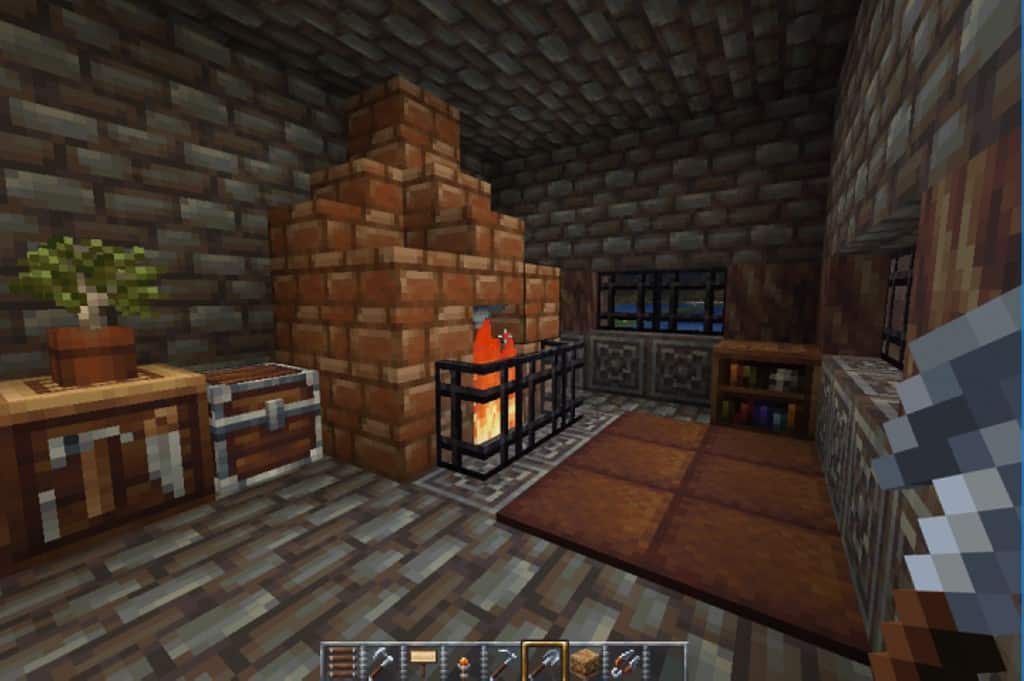
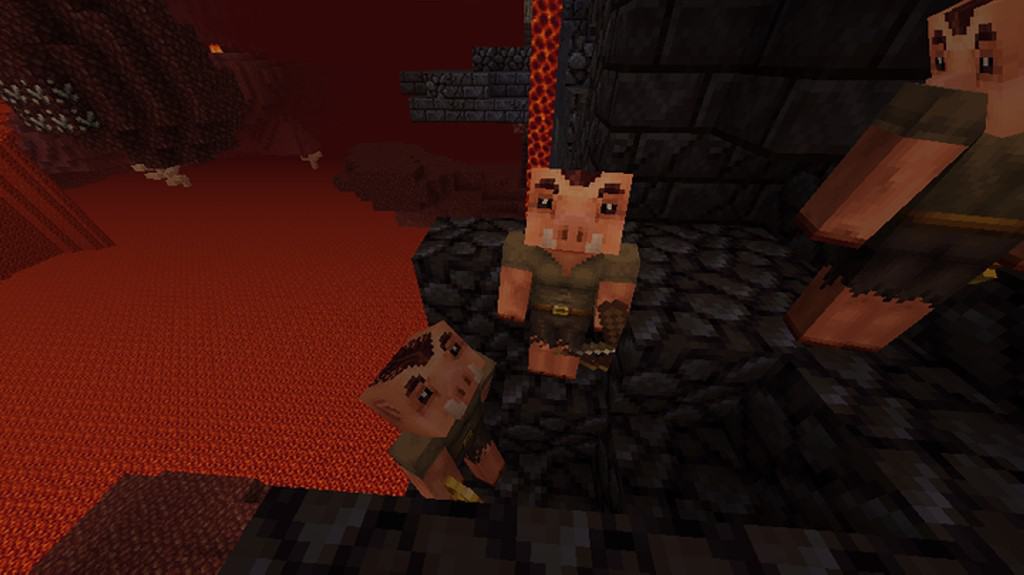
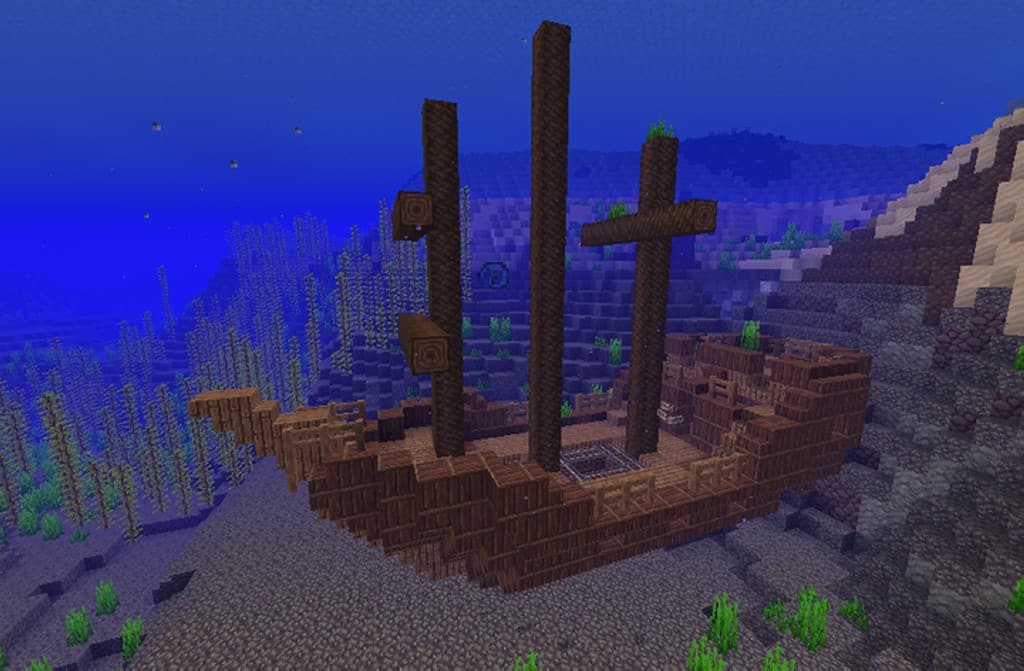
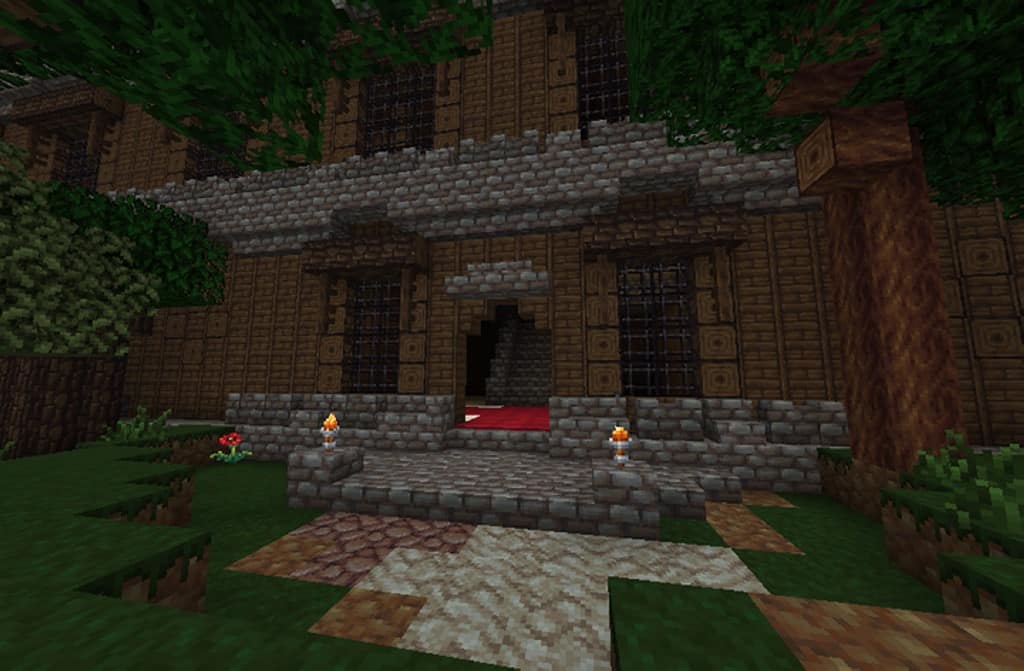
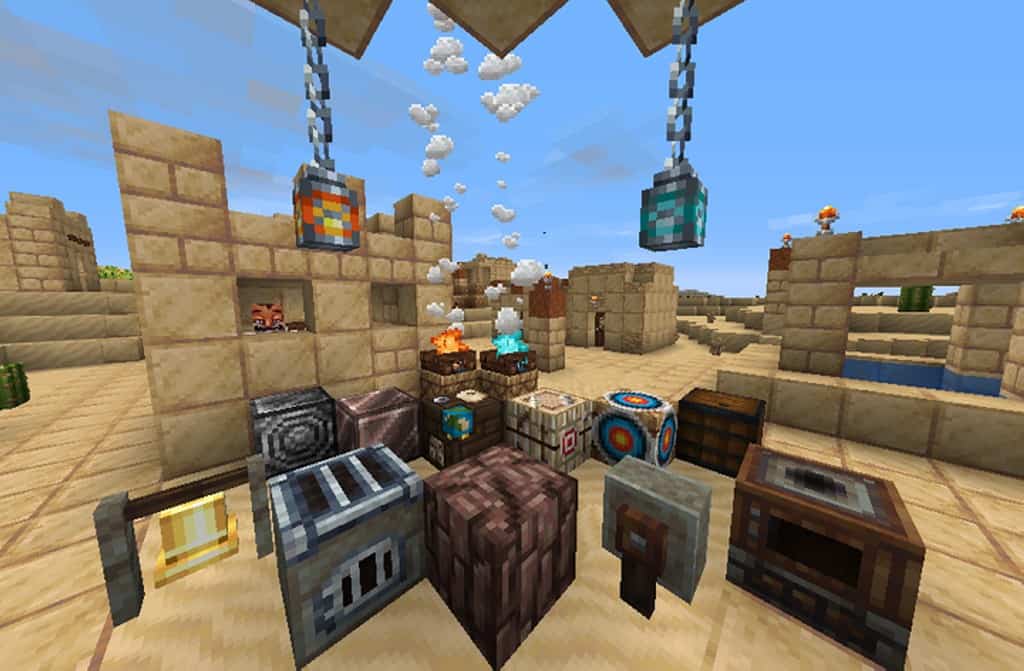
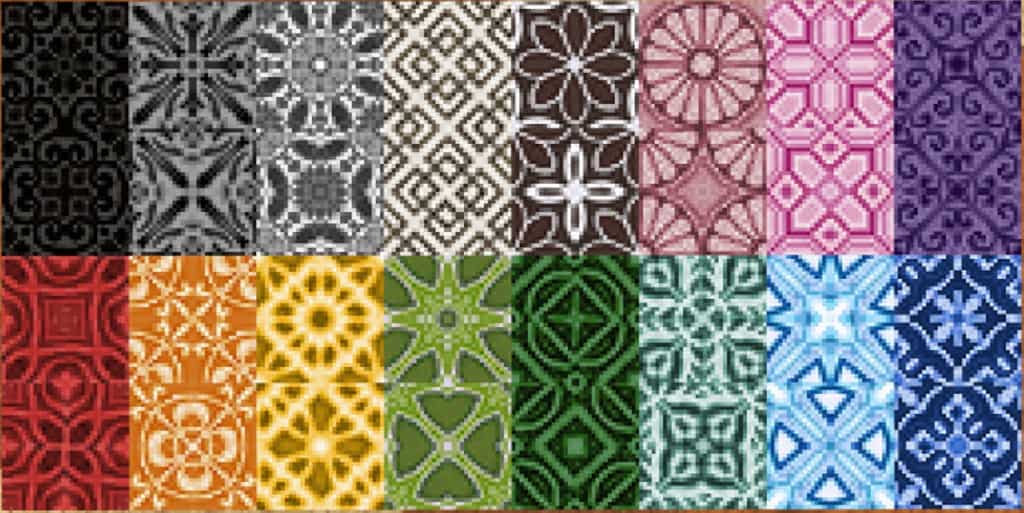
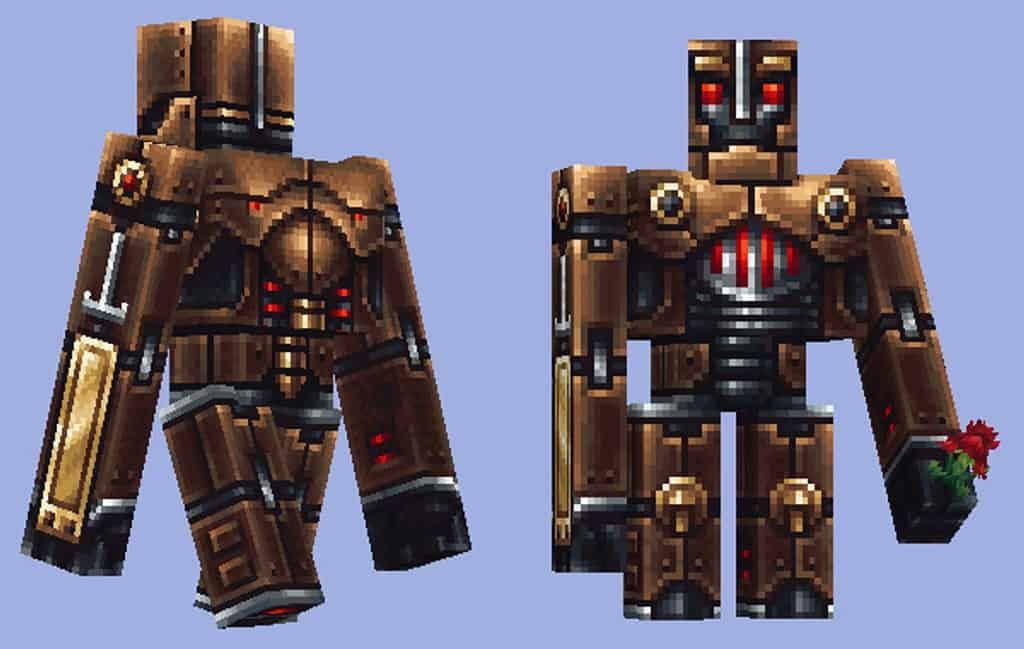
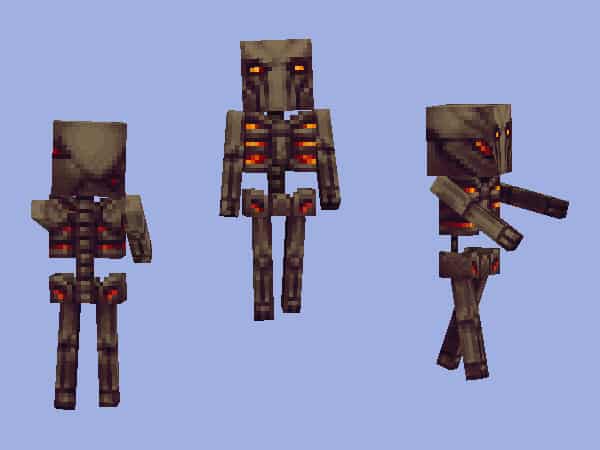
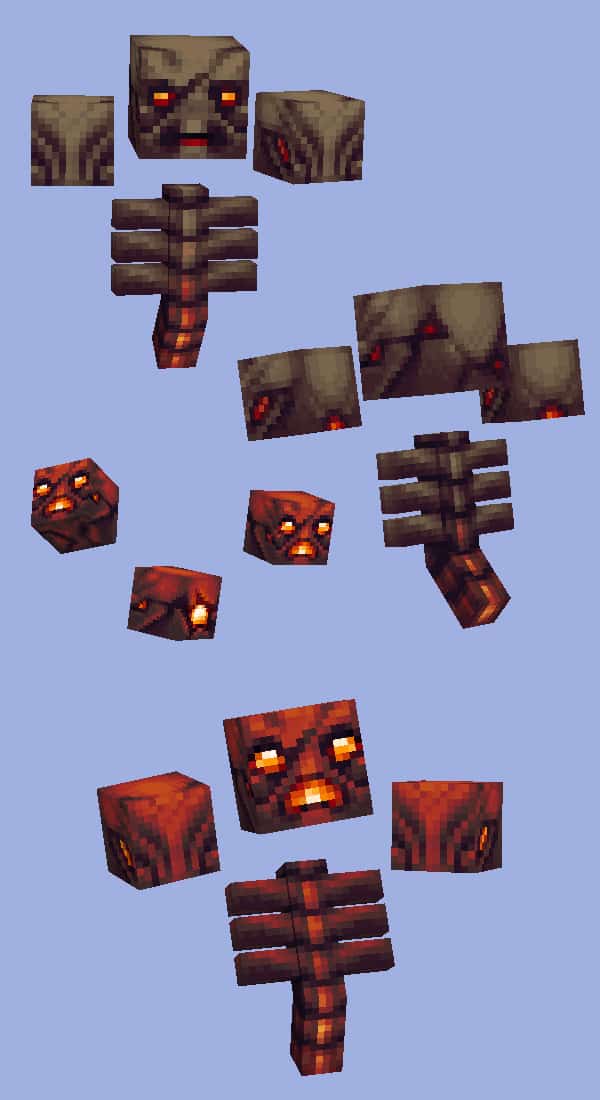
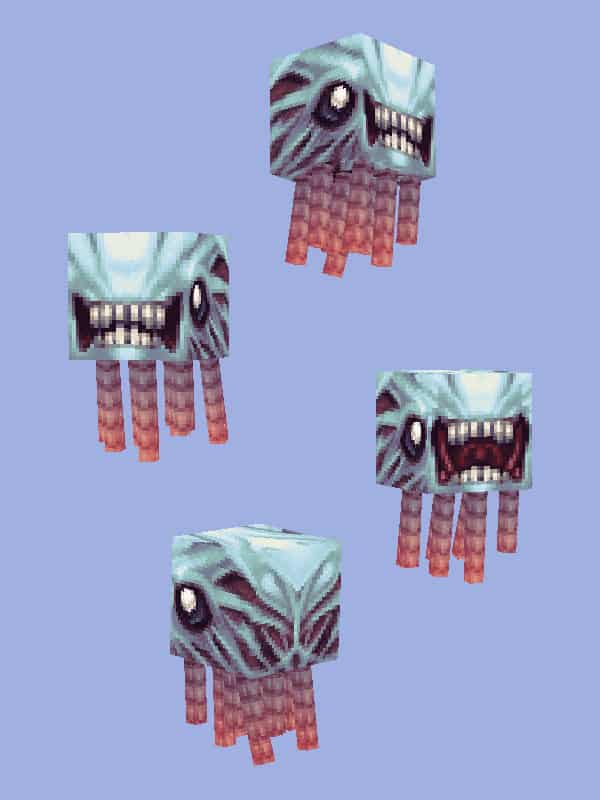
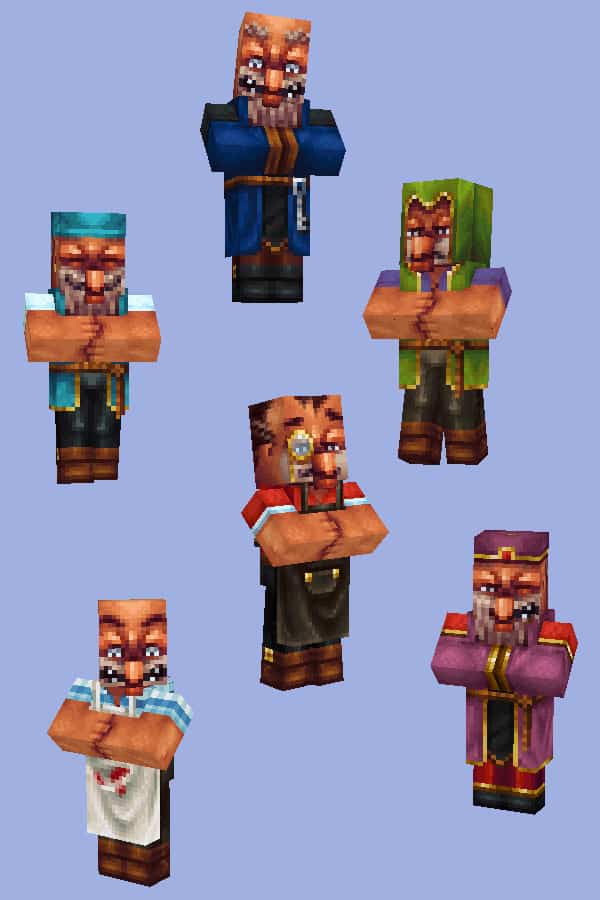
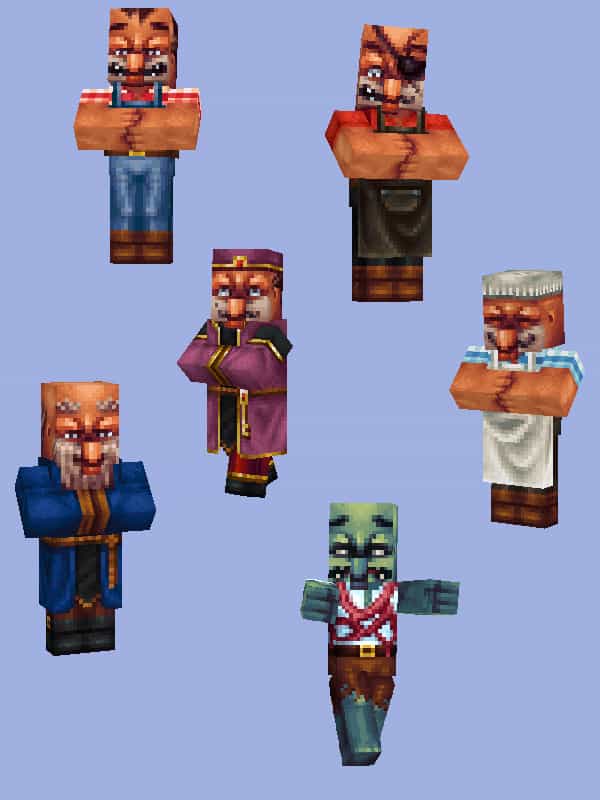
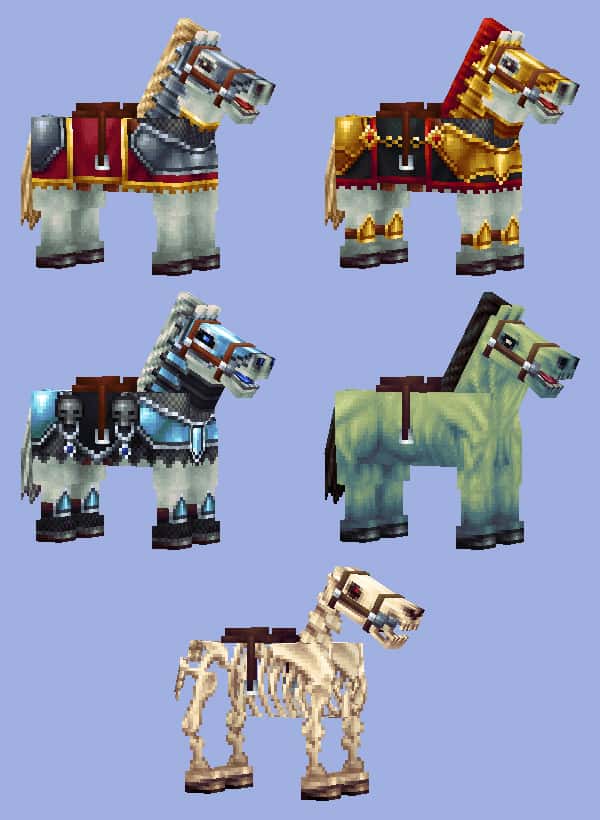
The textures are not changed significantly, keeping things familiar yet fresh. There are a few subtle tweaks here and there in terms of textures and colors that really pull the look together nicely. Some textures for terrain were made darker while others were replaced completely to fit the rustic theme. There are also loads of new textures for various objects such as chests, crates, chains, campfires, skulls, various decoration objects, windows, lamps, shooting range practice targets, and many more which add so much detail. There are also new textures for doors and a few new paintings that look great on walls. For mobs and player textures, a lot of effort was clearly invested by the team. There are new scarier mobs such as skeletons, giant spiders, zombies, dragons, bats, robots, and many more that make exploring at night much more thrilling. There are also amazing new textures for NPCs. You will be able to find NPCs in knight armor, dressed as a priest, dark knight, dressed as a king, sorcerer, butcher, butler, and many more. All these visual improvements make it possible to create amazing castles, dungeons, scary forests that allow you to play Minecraft as an RPG game. As the New Wayukian resource pack touches upon sky textures, clouds, and celestial bodies such as the sun and moon, installation needs to be done through Optifine. Optifine wonderfully enables the use of these special features that are required by the resource pack.
Wayukian (New Wayukian) should be compatible with all of these Minecraft versions: 1.21.11 – 1.21.10 – 1.21.9 – 1.21.8 – 1.21.7 – 1.21.6 – 1.21.5 – 1.21.4 – 1.21.3 – 1.21.2 – 1.21.1 – 1.21 – 1.20.6 – 1.20.5 – 1.20.4 – 1.20.3 – 1.20.2 – 1.20.1 – 1.20 – 1.19.4 – 1.19.3 – 1.19.2 – 1.19.1 – 1.19 – 1.18.2 – 1.18.1 – 1.18 – 1.17.1 – 1.17 – 1.16.5 – 1.16.4 – 1.16.3 – 1.16.2 – 1.16.1 – 1.16 – 1.15.2 – 1.15.1 – 1.15 – 1.14.4 – 1.14.3 – 1.14.2 – 1.14 – 1.13.2 – 1.13.1 – 1.13 – 1.12.2 – 1.12 – 1.8.9 – 1.8.8 – 1.8.1 – 1.8.6 – 1.8 – 1.7.10 – 1.7.9 – 1.7.4 – 1.7 – 1.6.4 – 1.6.2 – Bedrock Edition – PE
Screenshots


How to Install Texture Pack (Simple 10 Steps)
- Download OptiFine: Most of the texture packs and shaders need OptiFine. That’s why, first download and install OptiFine for the version of Minecraft you want to play.
- Download the Texture Pack: Get the texture pack you want from the download section. Choose the version that works with your Minecraft and your PC’s performance.
- Open Minecraft Launcher: Start Minecraft using the official game launcher — or even TLauncher, if you use that.
- Go to Options: From the main menu, click on the “Options” button.
- Open Resource Packs: Inside Options, click on “Resource Packs…”.
- Open the Resource Pack Folder: Click on “Open Resource Pack Folder” — this will open a folder named “resourcepacks”.
- Move the Pack File: Copy or move the .zip file you downloaded into that “resourcepacks” folder. (Don’t unzip the file — Minecraft uses it as-is!)
- Go Back and Refresh: Close the folder and click “Done”, then go back into “Resource Packs…” again.
- Activate the Pack: You’ll see the pack on the left side. Hover over it and click the arrow to move it to the right (active side).
Tip: If you get a message that the pack is for a different version, just click “Yes” — it usually works fine. - Click Done and Enjoy: Click “Done” again. Now your pack is ready to use in-game. It’s that easy!
Credits
This resource pack was created by Wayuki and originally conceived by original_tekpir8. We do not own or modify the files provided. All rights belong to the original creators. Please support the authors by downloading from their official links.
Download Links
Java Edition
- [16x] Minecraft 1.21.x
- [16x] Minecraft 1.20.x
- [16x] Minecraft 1.20.x (White Cherry)
- [16x] Minecraft 1.19.x
- [16x] Minecraft 1.18.x
- [16x] Minecraft 1.17.x
- [16x] Minecraft 1.16.x – 1.15.x
- [16x] Minecraft 1.14.x
- [16x] Minecraft 1.13.x
- [16x] Minecraft 1.12.x
- [16x] Minecraft 1.8.x
- [16x] Minecraft 1.7.x
- [16x] Minecraft 1.6.x
Bedrock Edition
Download Instructions
Curseforge: download starts automatically after a few seconds;
Mediafire: click the big blue button with the text “DOWNLOAD”;
Google Drive: in the top right corner you will see a small download icon (down arrow), click it and the download should start;


