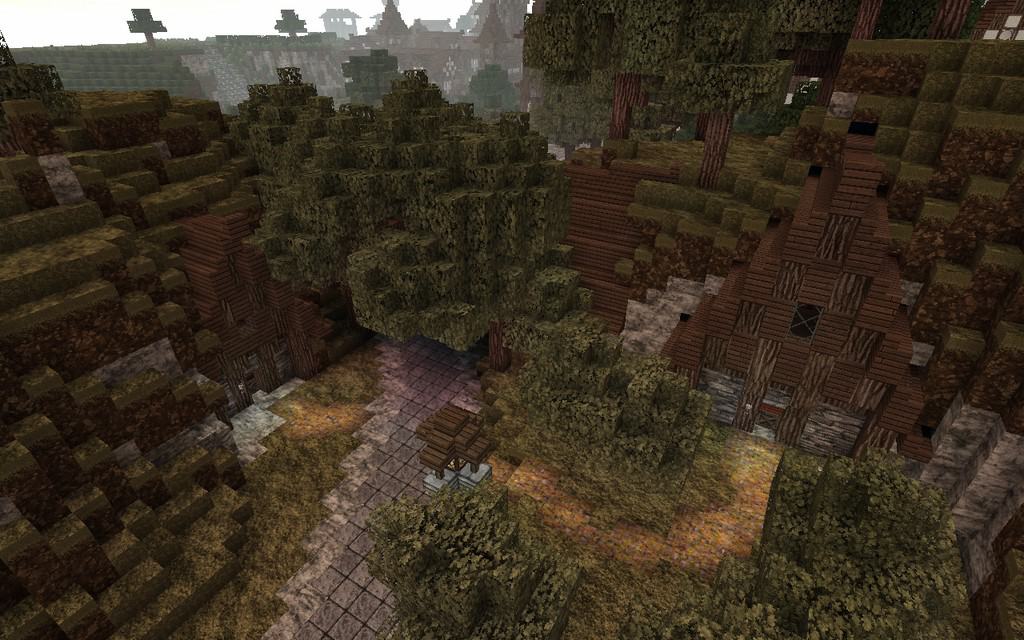
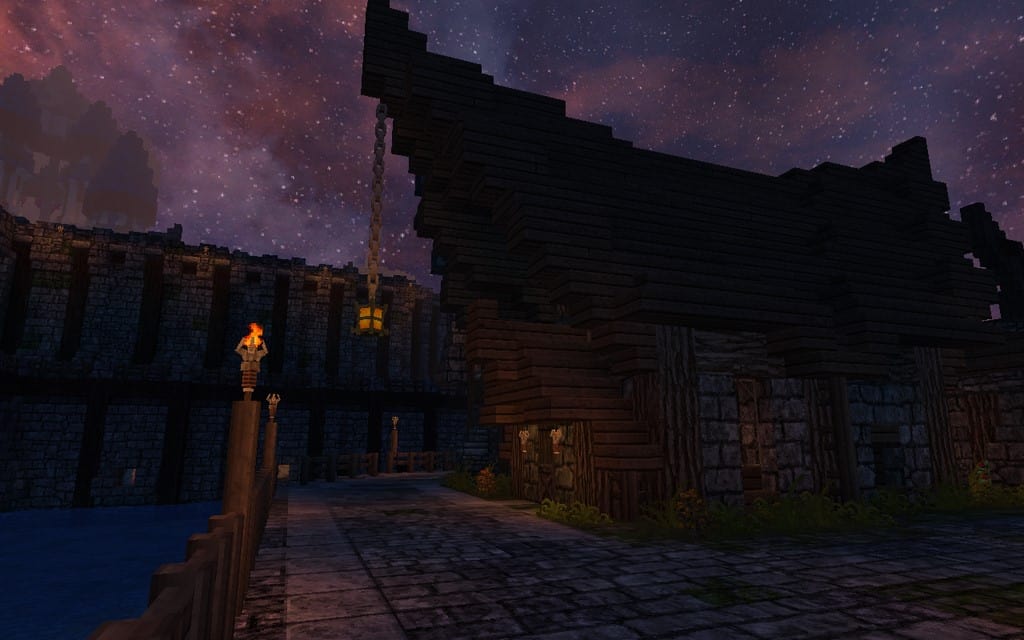
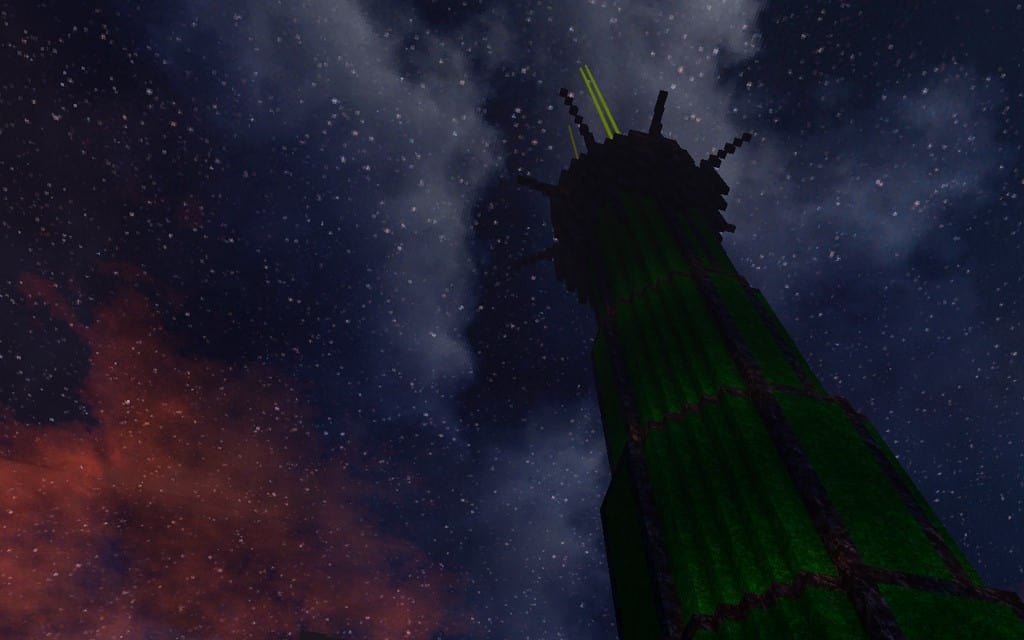
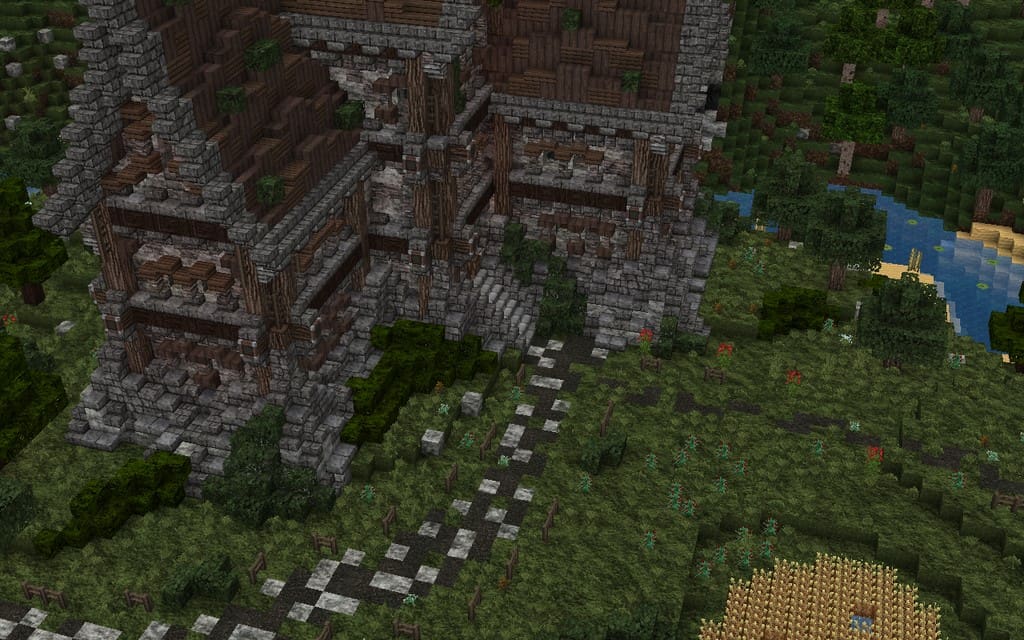
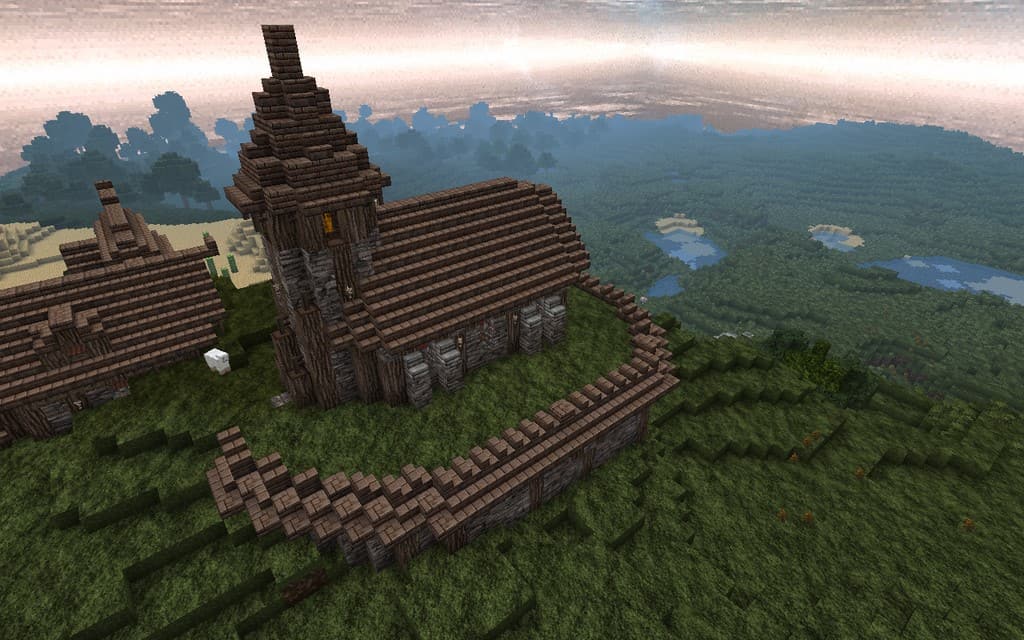
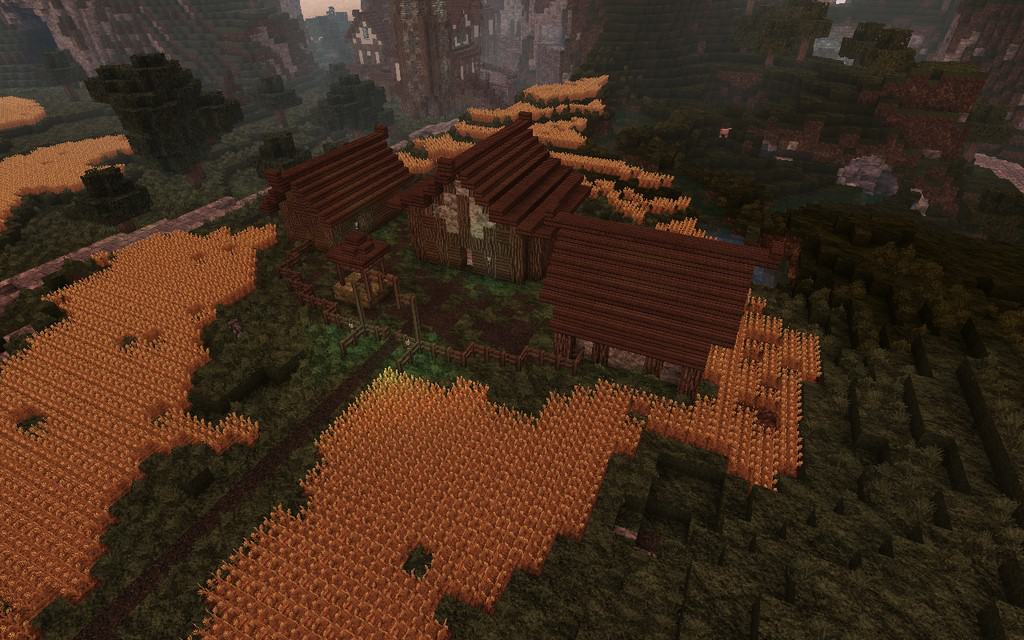
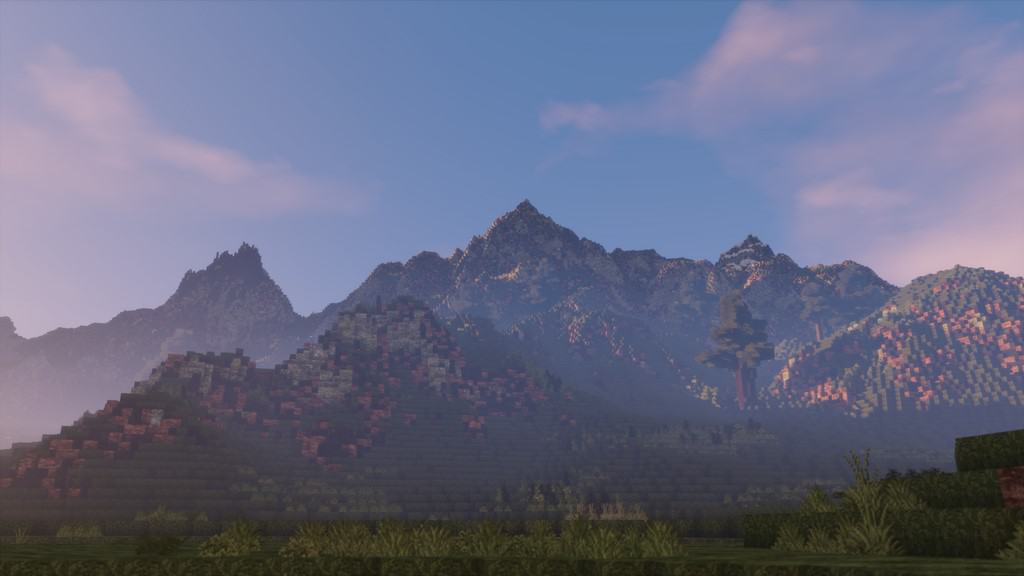
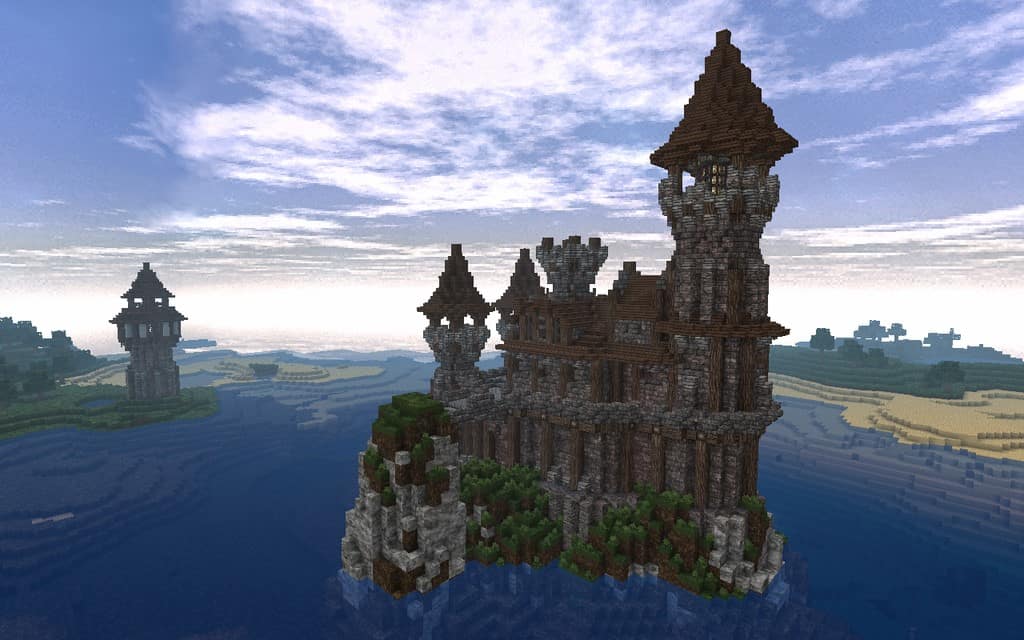
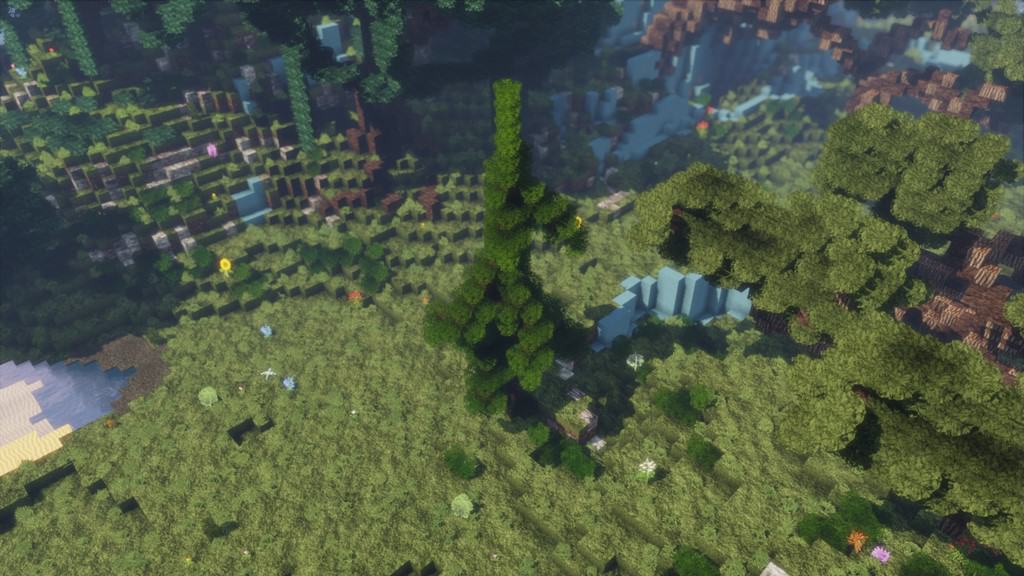
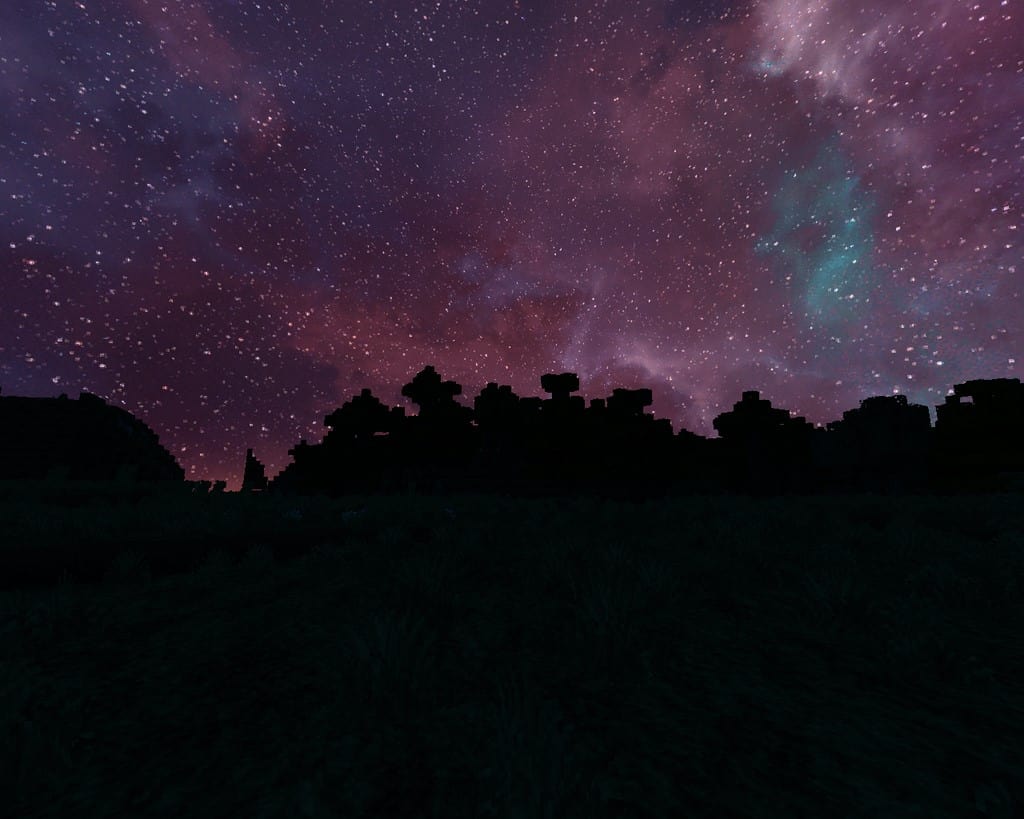
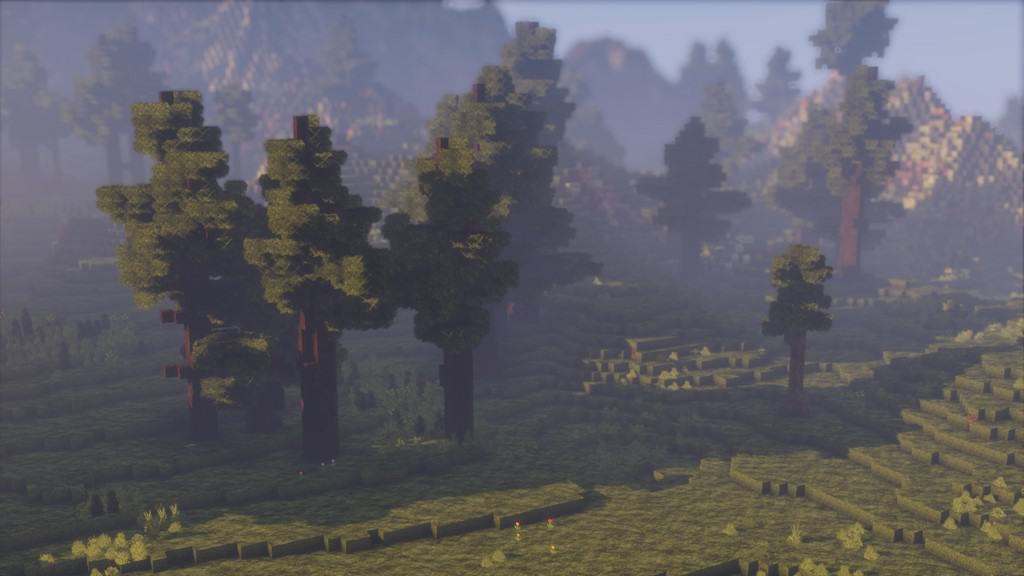
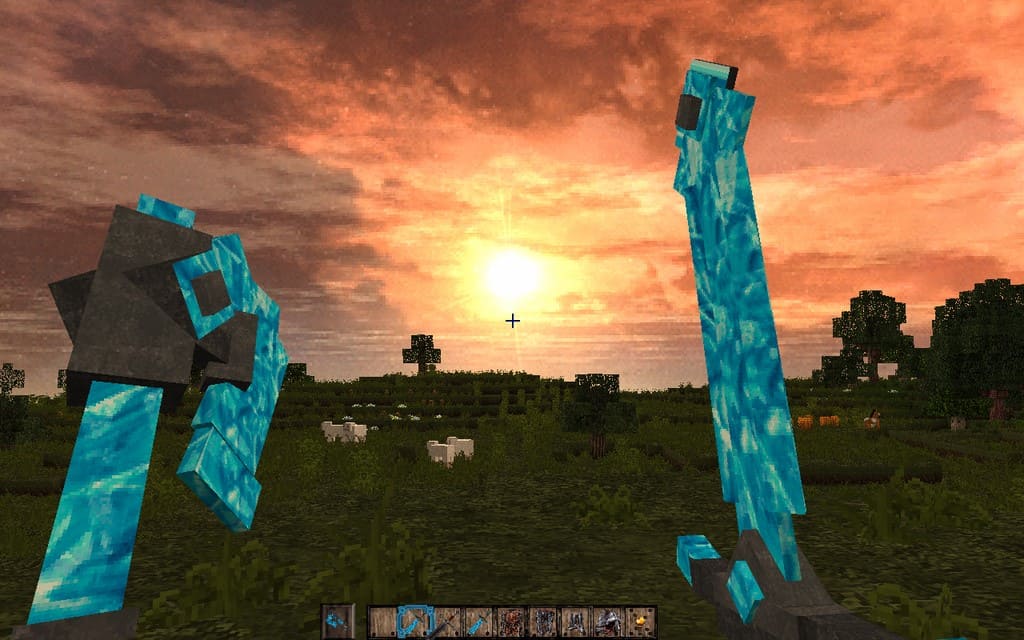
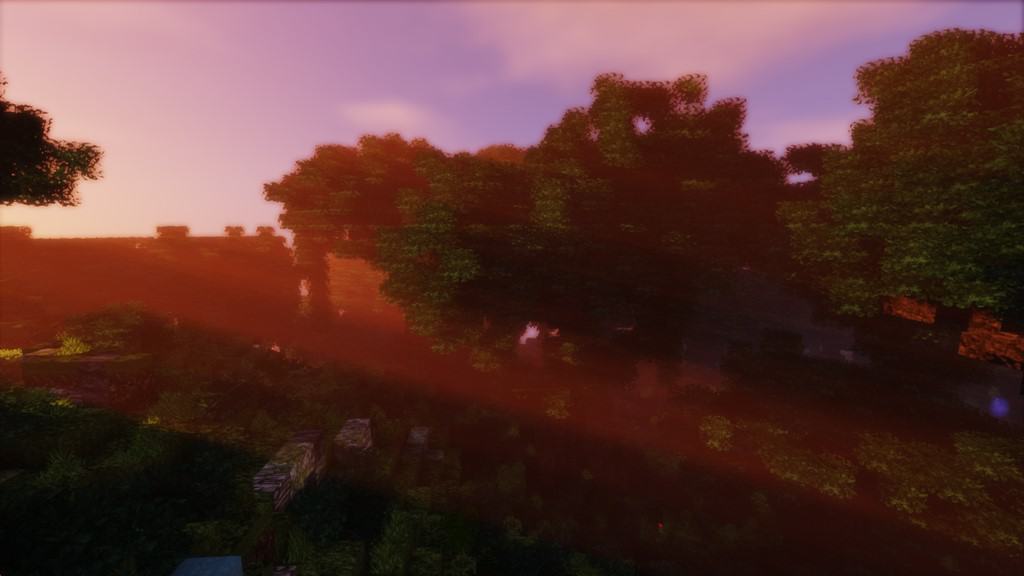
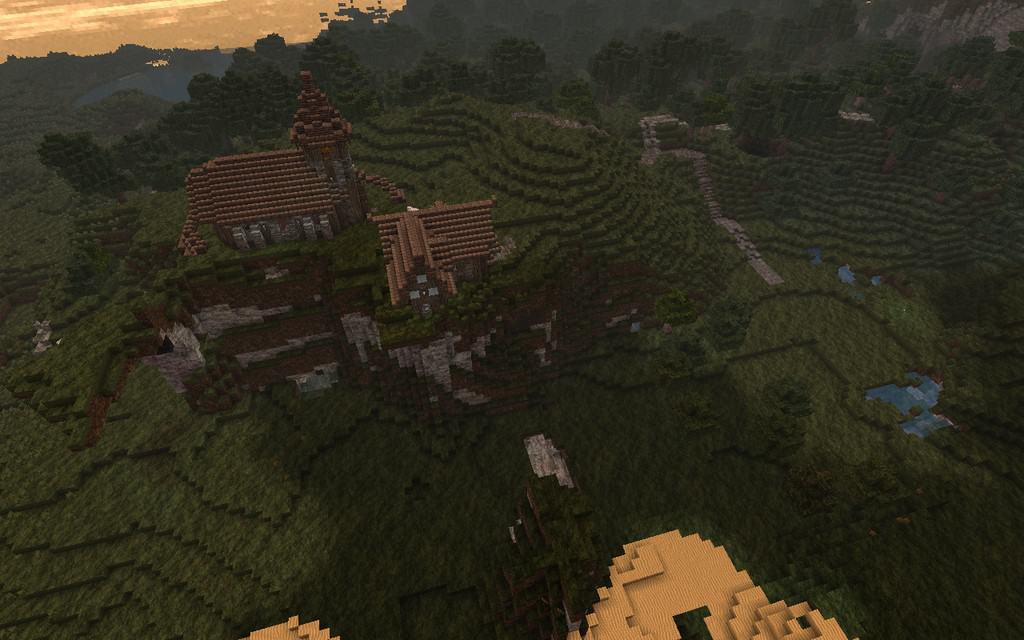
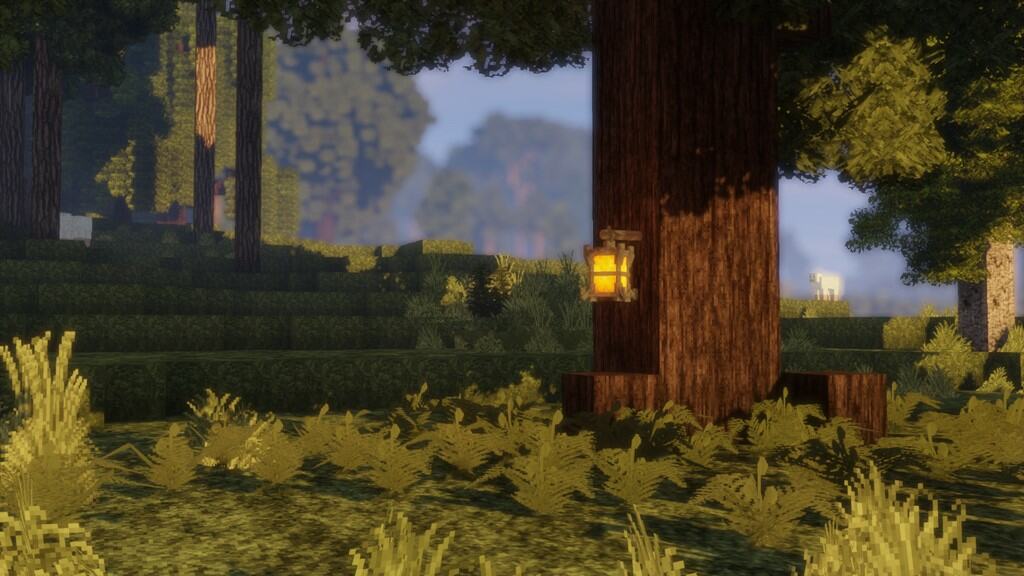
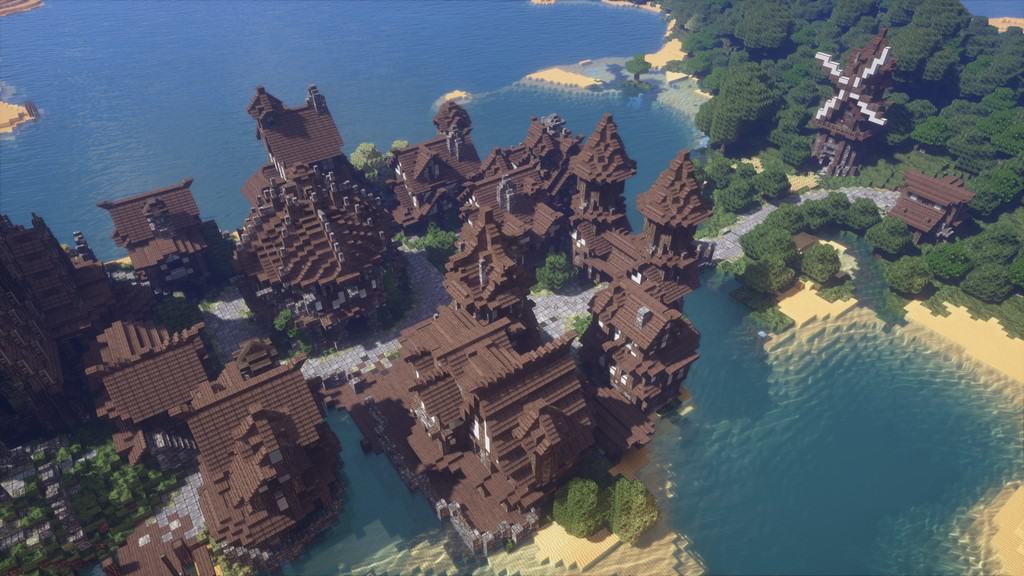
Resource packs that lean into a fantasy theme truly make playing Minecraft infinitely more interesting, and one fantastic option you simply have to try is the newly released Vonafarth. Featuring a gorgeous medieval theme, it stands out as undeniably one of the most captivating packs currently available for Minecraft. The Vonafarth Resource Pack draws heavy inspiration from the legendary John Smith resource pack, which happens to be one of the most popular fantasy-themed resource packs ever created for the game. Even though Vonafarth shares many similarities with the pack that inspired it right now, this is set to change in the future. The creator of the pack has assured users that many of its textures are going to be replaced entirely, making it completely different from its inspiration over time. Despite these current similarities, the Vonafarth pack boasts distinct characteristics that guarantee it remains thoroughly unique and interesting to explore.The core theme of the pack is medieval art fantasy, and this style has been executed to absolute perfection. In the initial release, there was some slight blurriness in certain textures, but I am glad to report that these issues have been completely fixed in the updates that came later. Right now, there are no issues with the textures at all, and the textures themselves look wonderfully sharp and well defined. Because the theme of the pack focuses on fantasy and medieval art, the color palette opted by the pack is wonderfully dark, which brilliantly reinforces its medieval atmosphere. Furthermore, the textures in the pack feature amazing amounts of detail. However, it should be noted that a few textures in the pack contain some minor visual noise. Fortunately, this noise is present in only a very few of the textures and is therefore not a big problem at all. Operating at a 32x resolution, the Vonafarth pack is very accessible; if your computer or laptop can run vanilla Minecraft smoothly, you will not face any performance issues with this pack either.
Vonafarth should be compatible with all of these Minecraft versions: 1.12.2 – 1.12 – 1.11.2 – 1.11
Screenshots
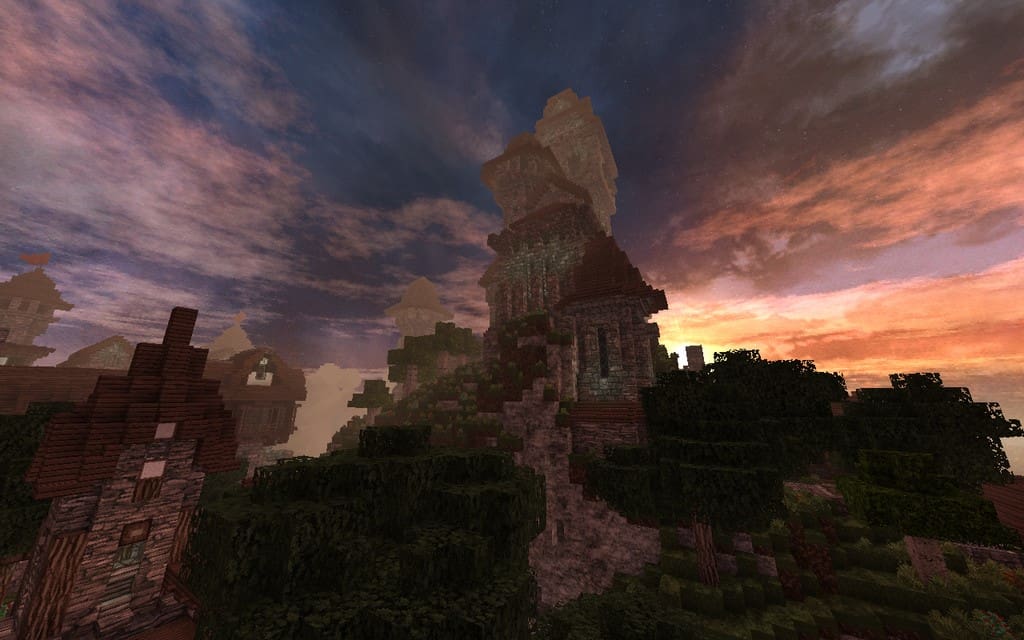
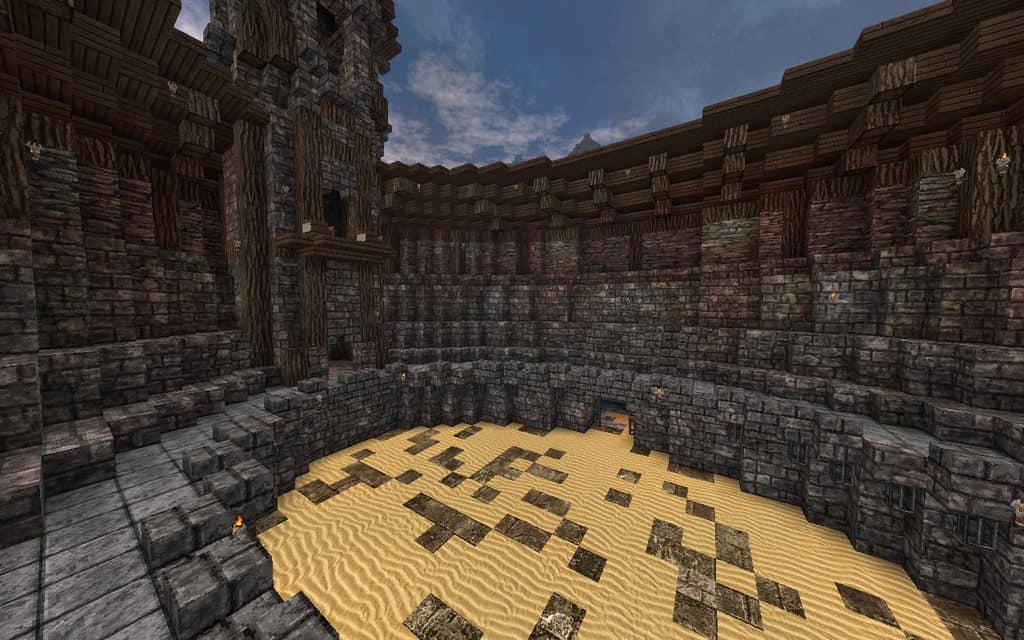
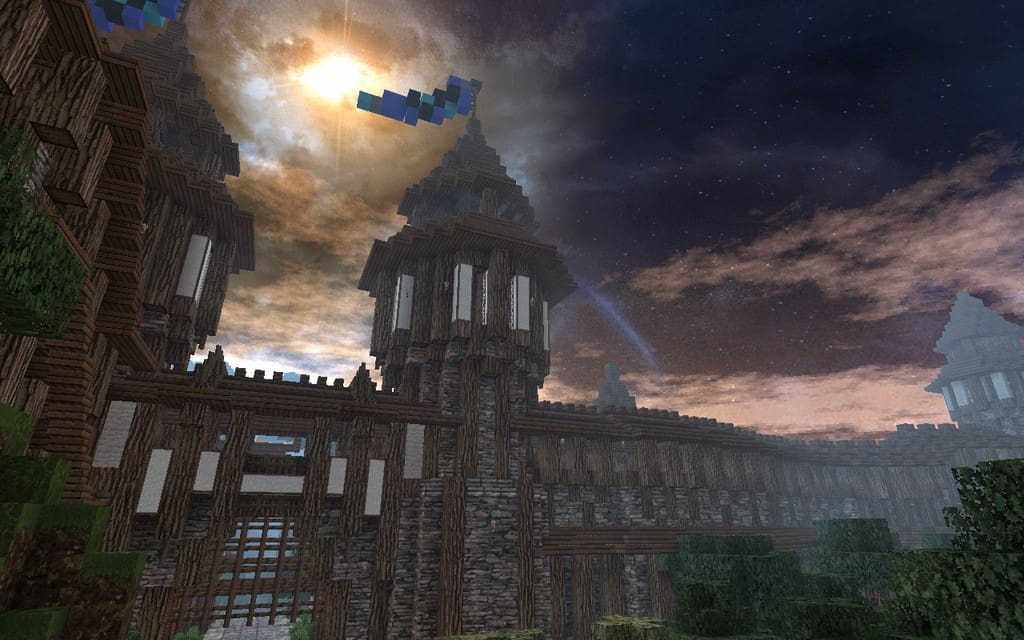
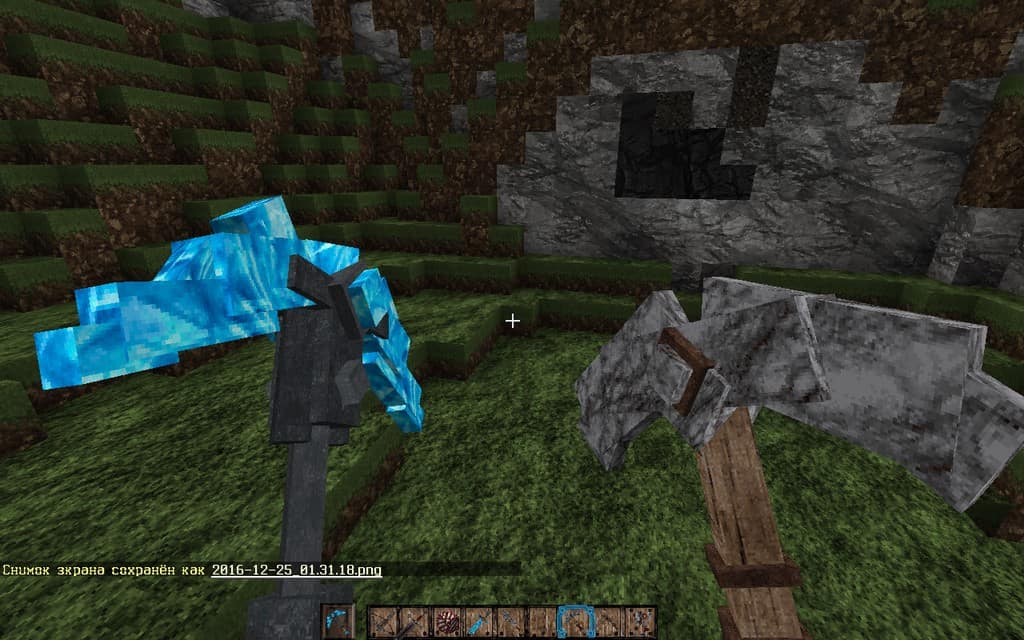

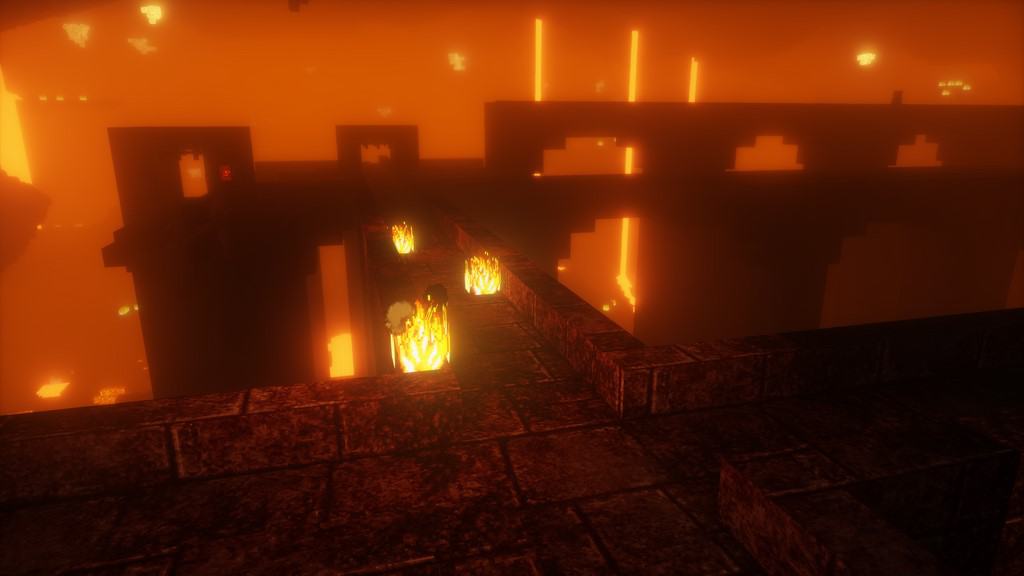
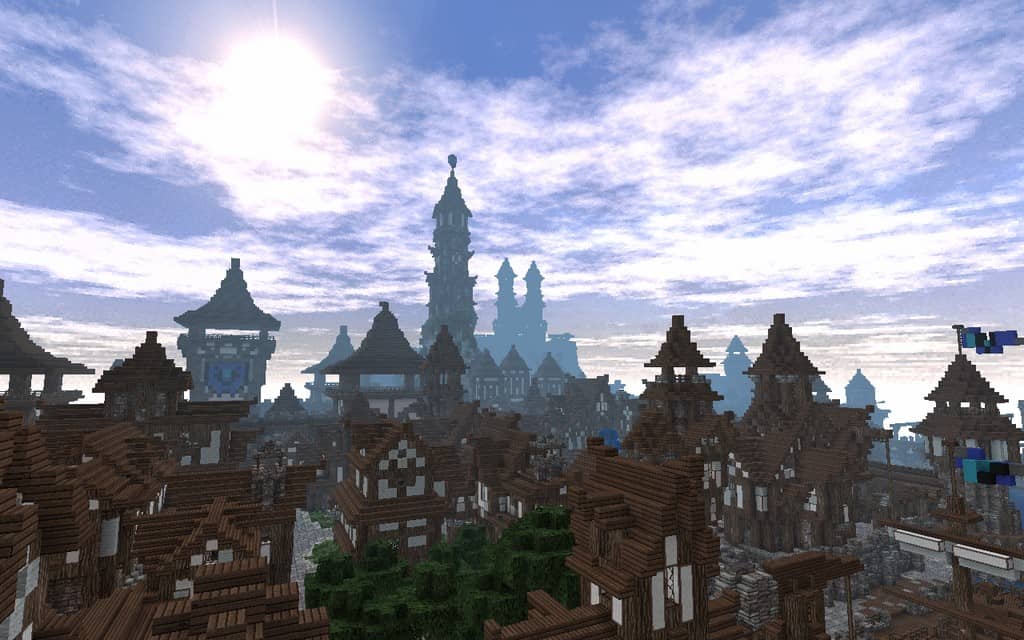
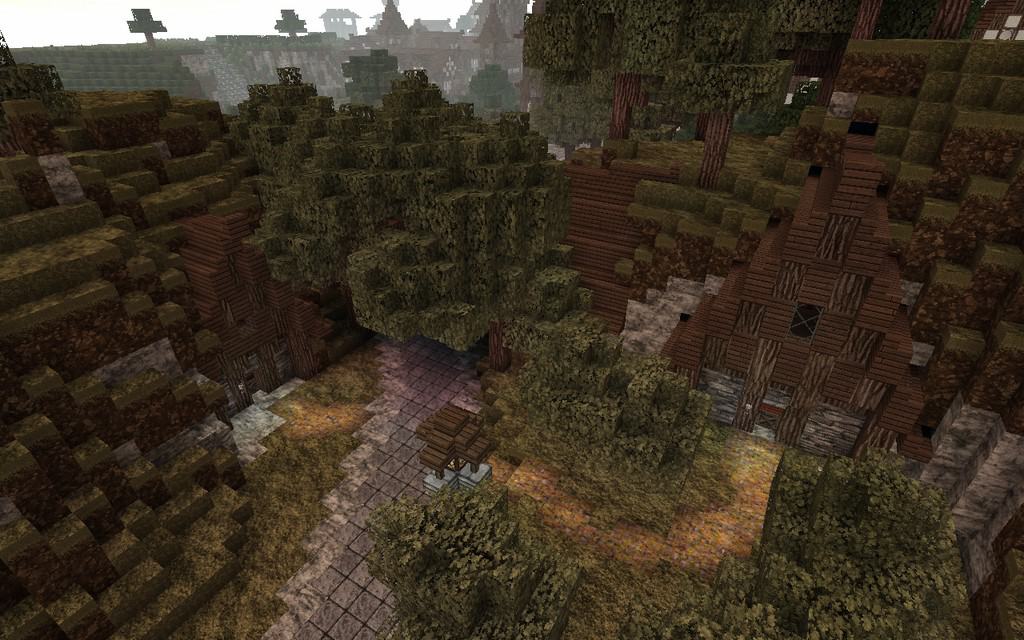
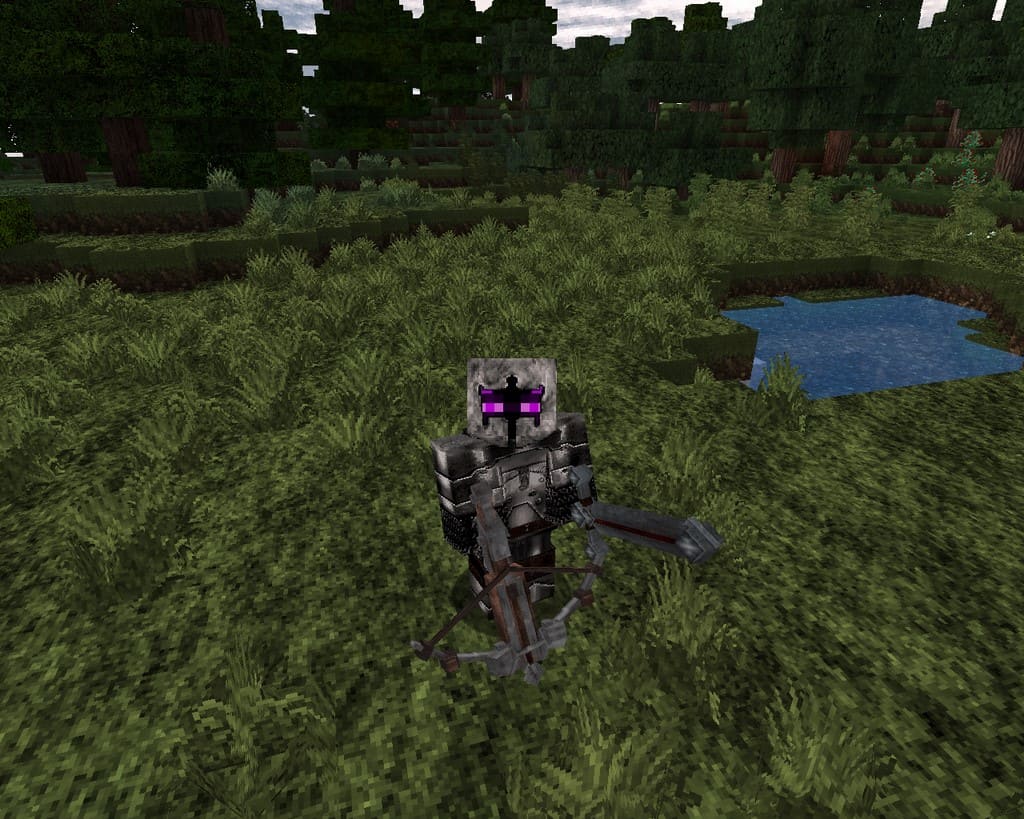
How to Install Texture Pack (Simple 10 Steps)
- Download OptiFine: Most of the texture packs and shaders need OptiFine. That’s why, first download and install OptiFine for the version of Minecraft you want to play.
- Download the Texture Pack: Get the texture pack you want from the download section. Choose the version that works with your Minecraft and your PC’s performance.
- Open Minecraft Launcher: Start Minecraft using the official game launcher — or even TLauncher, if you use that.
- Go to Options: From the main menu, click on the “Options” button.
- Open Resource Packs: Inside Options, click on “Resource Packs…”.
- Open the Resource Pack Folder: Click on “Open Resource Pack Folder” — this will open a folder named “resourcepacks”.
- Move the Pack File: Copy or move the .zip file you downloaded into that “resourcepacks” folder. (Don’t unzip the file — Minecraft uses it as-is!)
- Go Back and Refresh: Close the folder and click “Done”, then go back into “Resource Packs…” again.
- Activate the Pack: You’ll see the pack on the left side. Hover over it and click the arrow to move it to the right (active side).
Tip: If you get a message that the pack is for a different version, just click “Yes” — it usually works fine. - Click Done and Enjoy: Click “Done” again. Now your pack is ready to use in-game. It’s that easy!
Credits
This resource pack was created by Aetheris_ex, drawing inspiration from original works by John Smith, JimStoneCraft, and Sn0w. We do not own or modify this file; we strictly host the download link provided by the original creator. All rights belong to the original authors. Please consider supporting the creator through their official release channels.
Download Instructions
Curseforge: download starts automatically after a few seconds;
Mediafire: click the big blue button with the text “DOWNLOAD”;
Google Drive: in the top right corner you will see a small download icon (down arrow), click it and the download should start;


