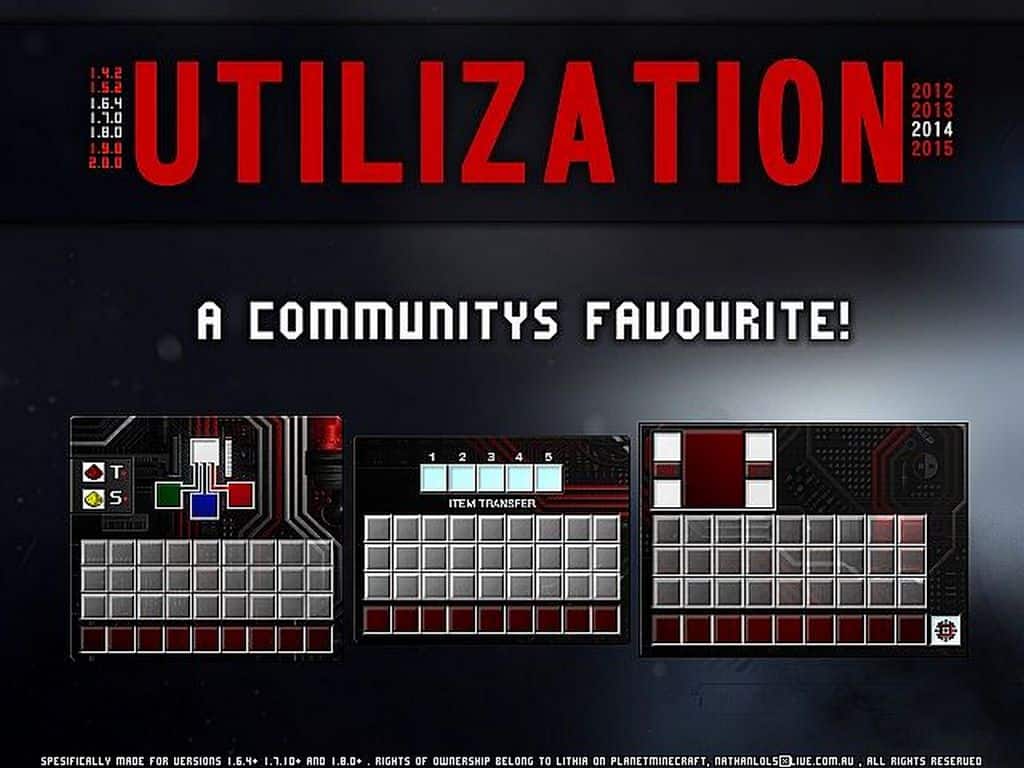
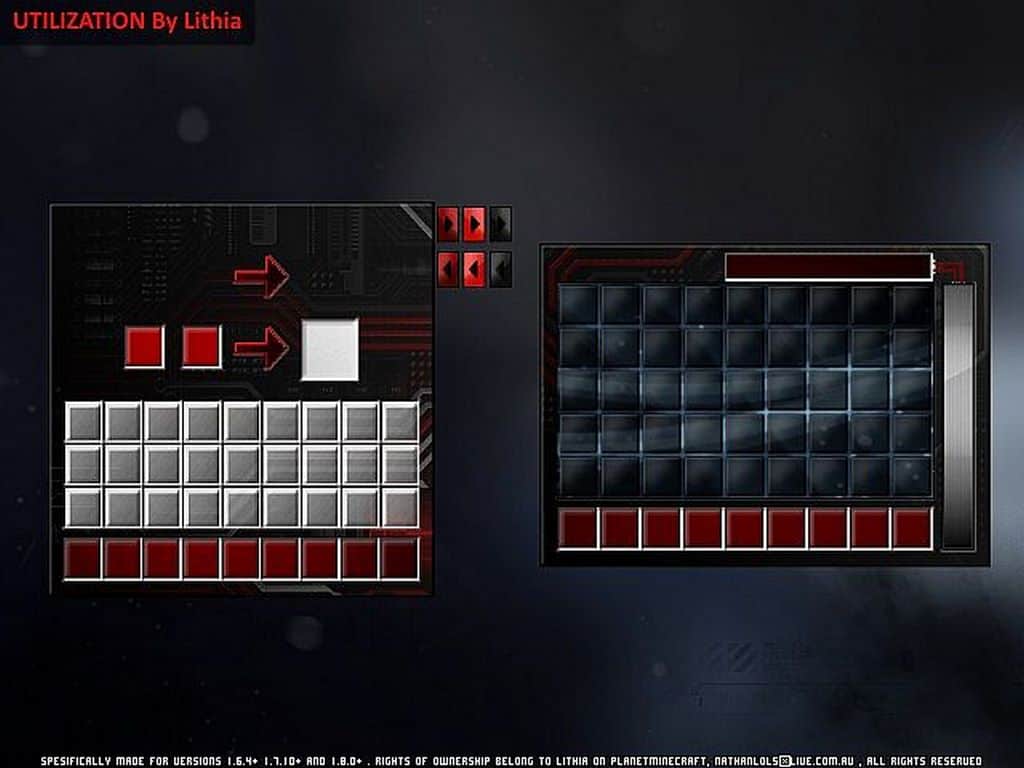
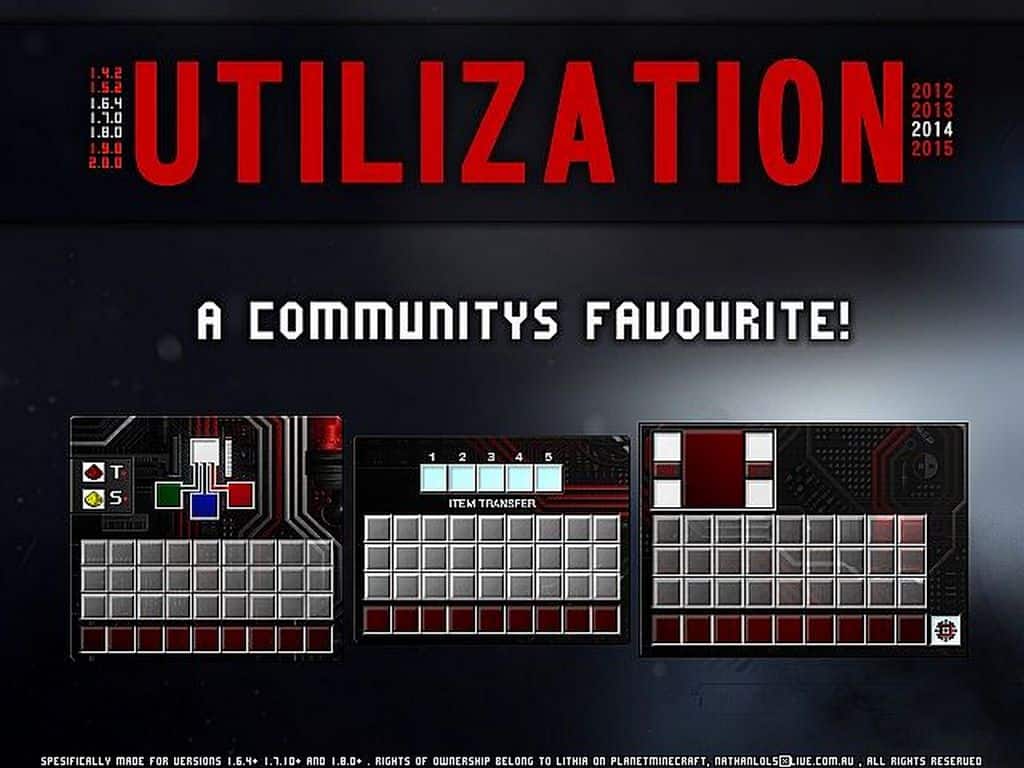
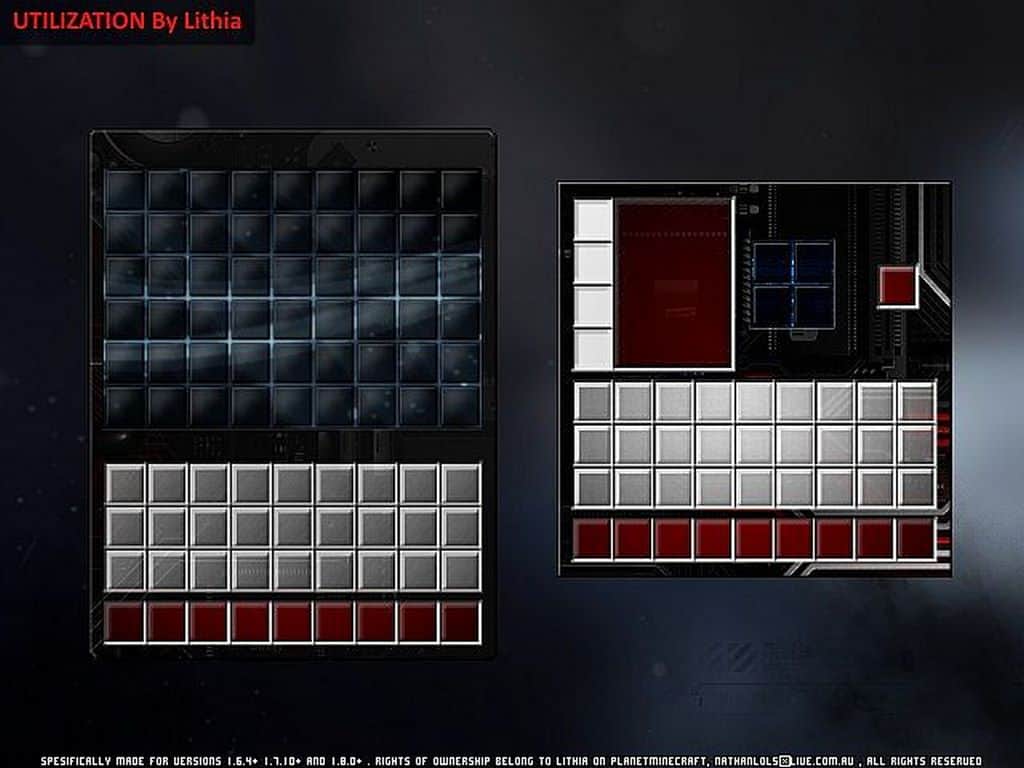
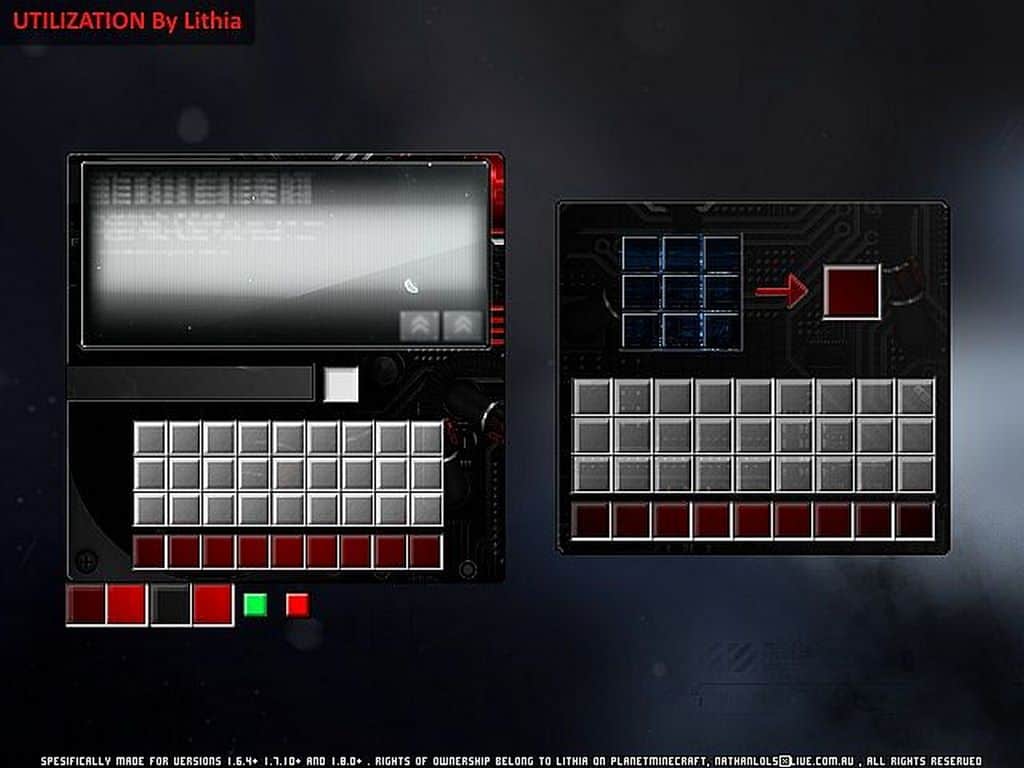
Are you currently on the hunt for a wonderfully simple yet effective GUI pack for Minecraft? If so, I have a fantastic option for you to try out called the Utilization pack! The Utilization resource pack completely changes and elevates the user interface in so many clever ways. While it might not alter the textures of monsters, blocks, liquids, or every single miscellaneous item in the game, it genuinely transforms how players interact with and manage various technical mechanics in Minecraft. For instance, whenever you are cooking food, brewing potions, smelting ores, or crafting complex items, you will instantly notice a brilliant difference after installing the Utilization texture pack. Keep in mind that this resource pack was thoughtfully designed by the talented author Lithia. You might initially assume it is just a basic palette swap pack, but I can assure you that is definitely not the case. This resource pack introduces a ton of genuinely improved functions straight into your gameplay experience.
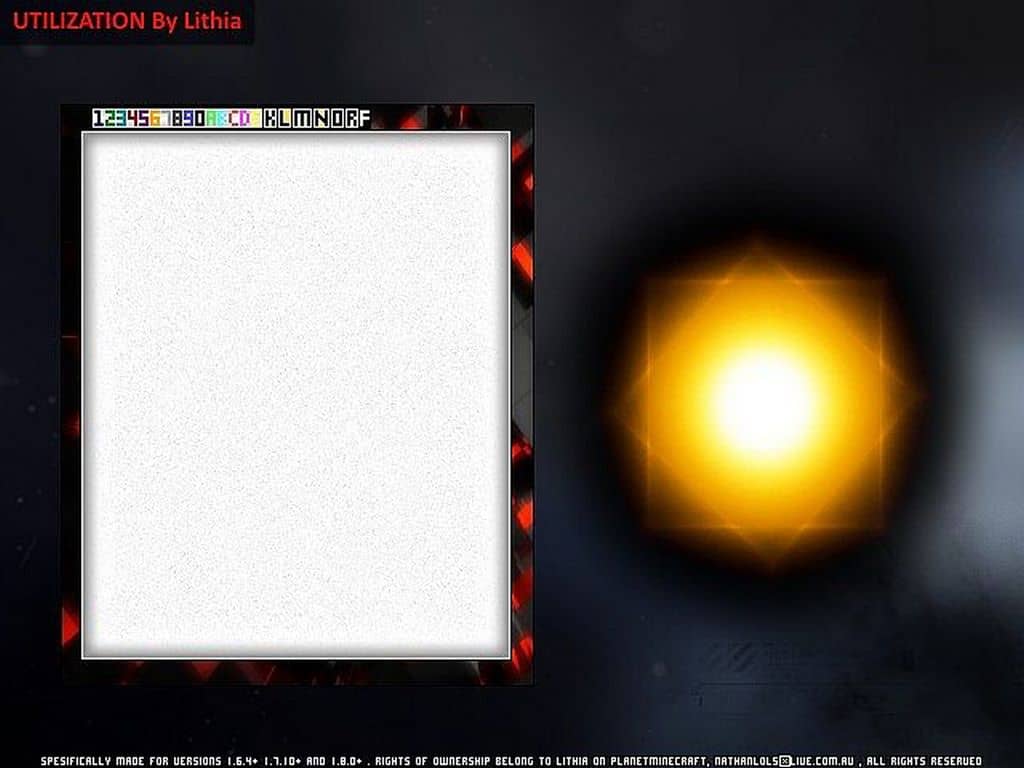
Want a concrete example of what I mean? Just picture yourself repairing worn-out equipment at an anvil. With this resource pack installed, that routine task becomes so much better because you will witness distinct and helpful changes. You are provided with a brand new, unique graphic that explicitly indicates what the future condition of the anvil will look like after you finish the repair operation. In other words, it gives you a clear, convenient preview of the exact item you will receive next! This incredible feature is simply not available in vanilla Minecraft and only becomes accessible once you have installed the Utilization resource pack. To wrap it all up, this resource pack brings a wide variety of quality-of-life improvement effects directly to the game’s windows and GUI. As a bonus, a perfect visual touch can be seen in the sky; while the default sun looks like a blocky piece of fire, this Utilization resource pack makes the sun appear so much livelier. It is truly a wonderful little addition brought to the game by this pack!
Utilization should be compatible with all of these Minecraft versions: 1.8.9 – 1.8.8 – 1.8.1 – 1.8.6 – 1.8 – 1.7.10 – 1.7.9 – 1.7.4 – 1.7
Screenshots
How to Install Texture Pack (Simple 10 Steps)
- Download OptiFine: Most of the texture packs and shaders need OptiFine. That’s why, first download and install OptiFine for the version of Minecraft you want to play.
- Download the Texture Pack: Get the texture pack you want from the download section. Choose the version that works with your Minecraft and your PC’s performance.
- Open Minecraft Launcher: Start Minecraft using the official game launcher — or even TLauncher, if you use that.
- Go to Options: From the main menu, click on the “Options” button.
- Open Resource Packs: Inside Options, click on “Resource Packs…”.
- Open the Resource Pack Folder: Click on “Open Resource Pack Folder” — this will open a folder named “resourcepacks”.
- Move the Pack File: Copy or move the .zip file you downloaded into that “resourcepacks” folder. (Don’t unzip the file — Minecraft uses it as-is!)
- Go Back and Refresh: Close the folder and click “Done”, then go back into “Resource Packs…” again.
- Activate the Pack: You’ll see the pack on the left side. Hover over it and click the arrow to move it to the right (active side).
Tip: If you get a message that the pack is for a different version, just click “Yes” — it usually works fine. - Click Done and Enjoy: Click “Done” again. Now your pack is ready to use in-game. It’s that easy!
Credits
This resource pack was created by Lithia. All rights remain with the original author. We do not own or modify this file, and we strongly encourage supporting the creator through their official download channels.
Download Links
Java Edition
Download Instructions
Curseforge: download starts automatically after a few seconds;
Mediafire: click the big blue button with the text “DOWNLOAD”;
Google Drive: in the top right corner you will see a small download icon (down arrow), click it and the download should start;