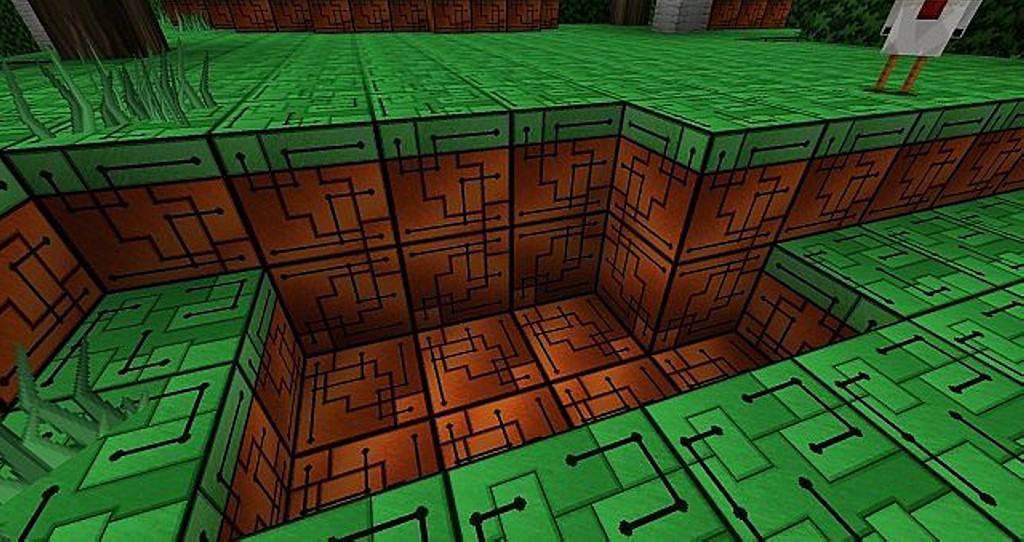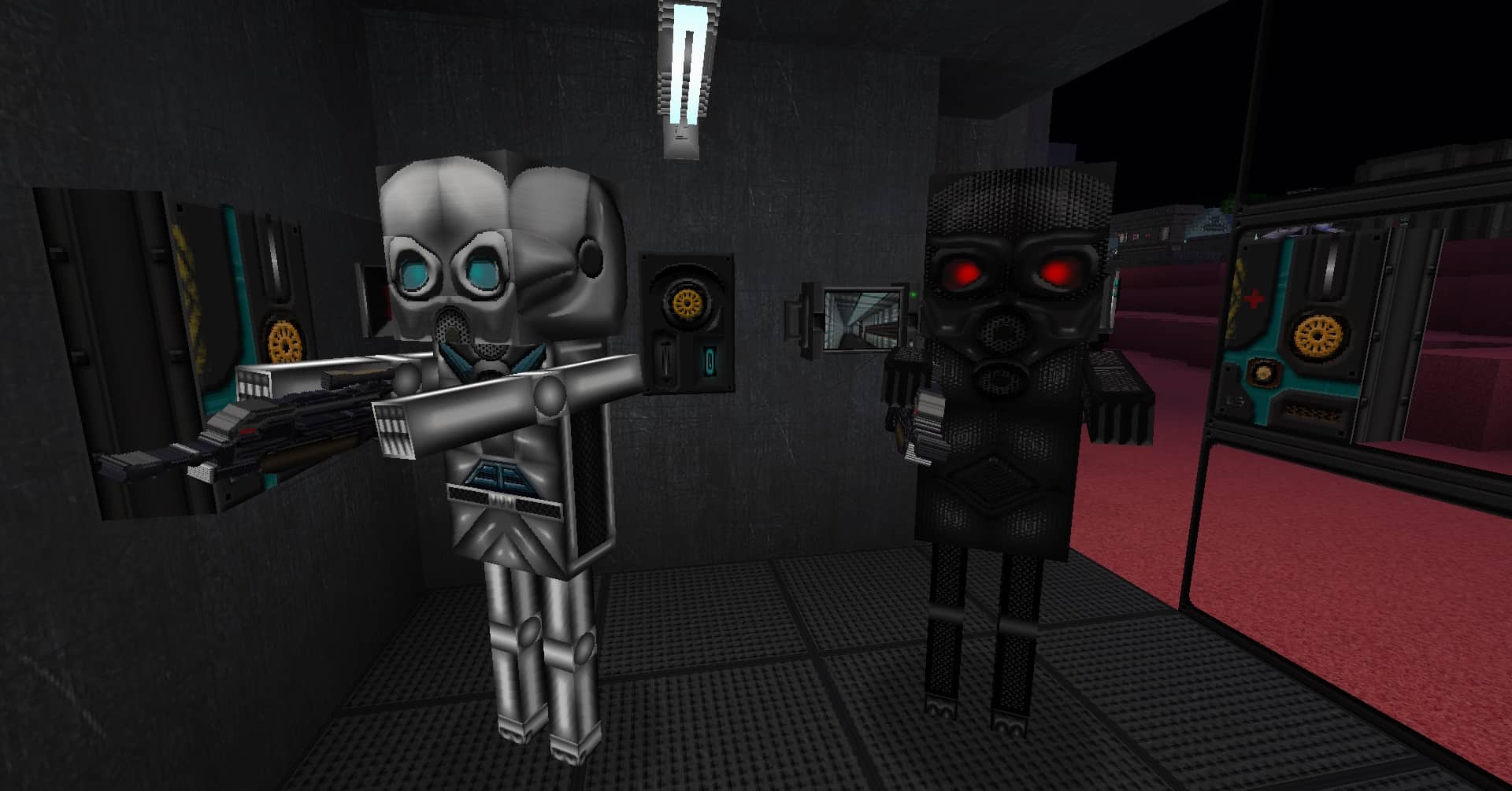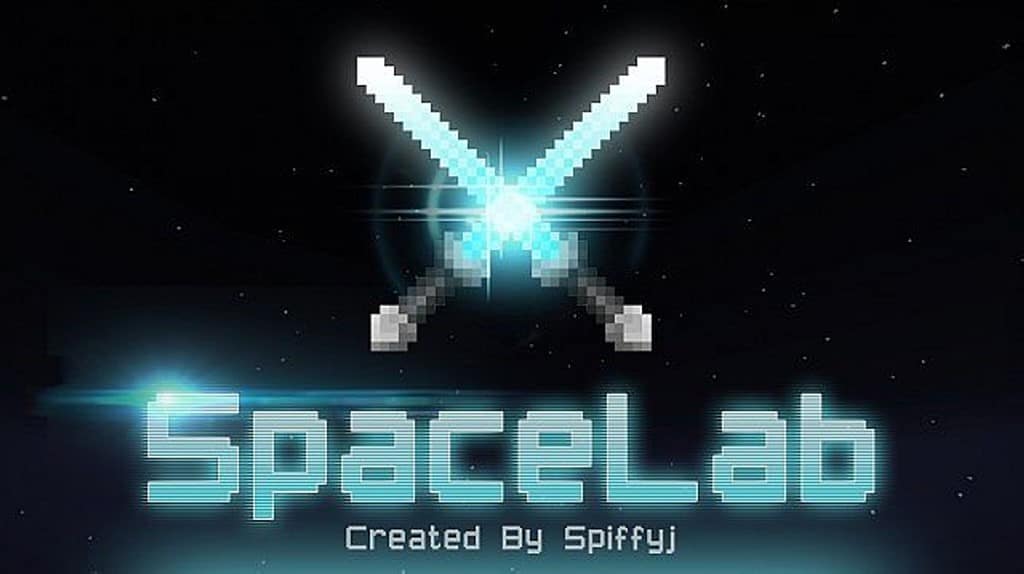
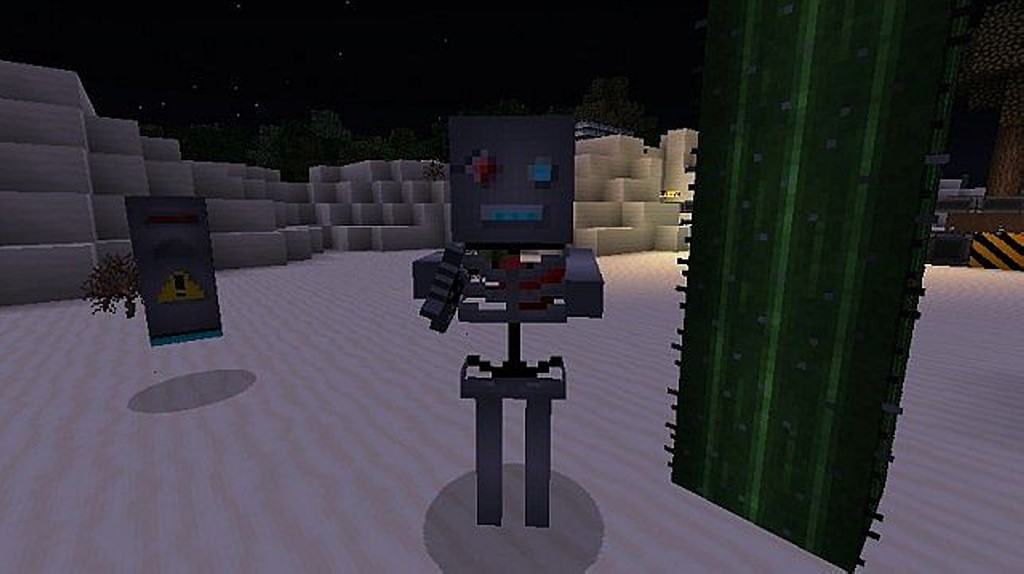
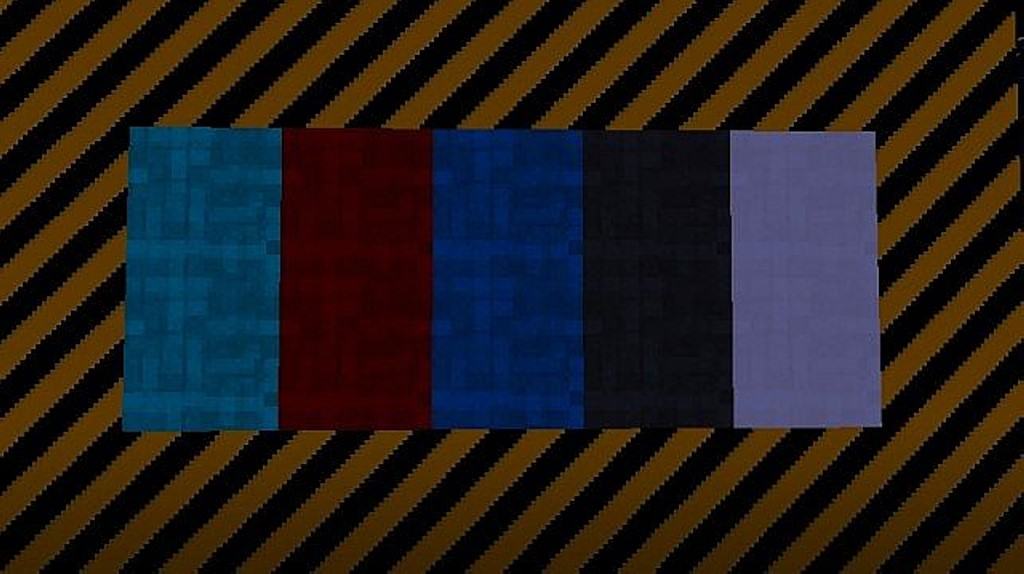
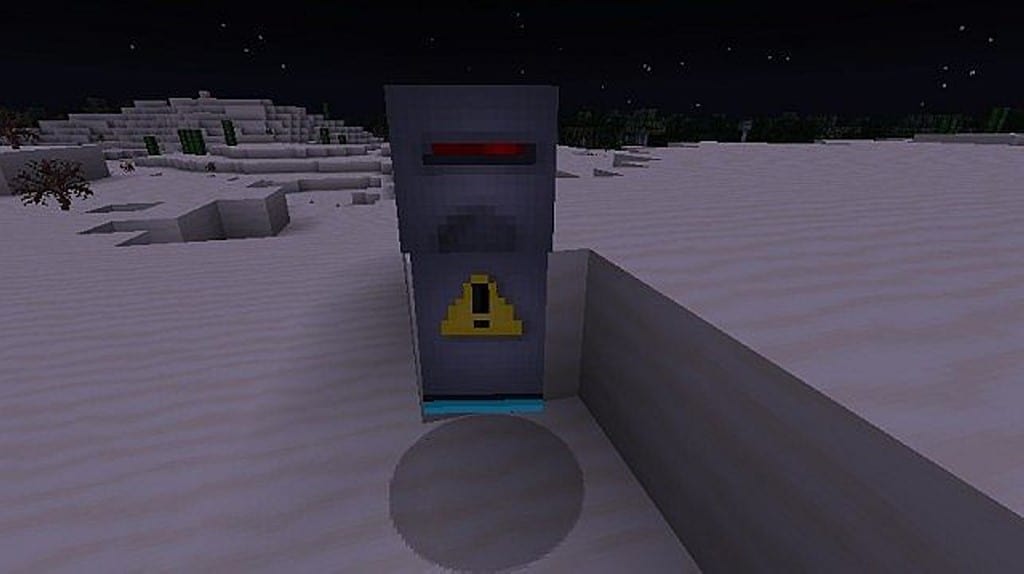
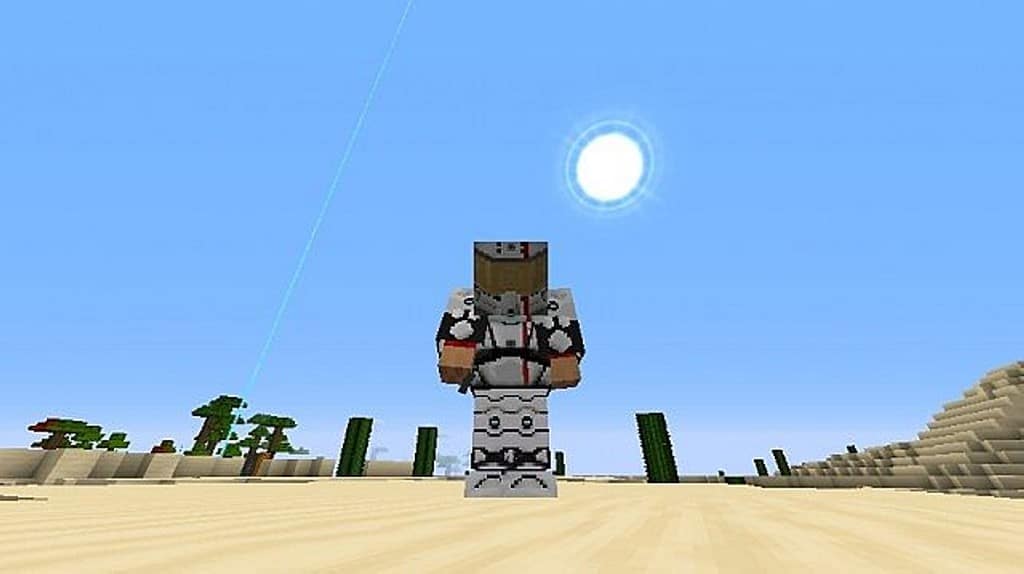
The SpaceLab resource pack is genuinely worth trying out! It provides Minecraft players with a fresh and immersive experience by completely changing the game into a full-fledged science fiction world. Initially, the SpaceLab texture pack was designed for an adventure map. However, that map never saw the light of day, so the creator released the resource pack to the public. SpaceLab is one of the most complete resource packs out there, and will create a whole new Minecraft gaming experience. The SpaceLab pack is packed, and includes many features you would expect from top-tier resource packs. For starters, the sci-fi textures are clean, well designed, and detailed. Luckily, the designers only included necessary detail in the resource pack. This helps to keep it from feeling over cluttered or messy.
No matter what art style you are trying to go for, this sci-fi twist will surely improve your Minecraft experience. The SpaceLab resource pack adds replay value to Minecraft, and will make the game feel like a whole new world! In addition to its textures, The SpaceLab resource pack is filled with sci-fi sound effects that bring it to a new level. The sounds in SpaceLab all intertwine nicely, and they sound great in-game. The sounds do not overlap, and help create a more immersive environment. It is apparent that the designers of the SpaceLab resource pack put their time and effort into the textures. The detail is unbeatable, and the animations feel so smooth and clean. The colors all mix together nicely, and help transform Minecraft into a science fiction universe. Finally, SpaceLab is a completed project. This means you will be able to enjoy everything, and not have to worry about missing textures or performance issues.
SpaceLab should be compatible with all of these Minecraft versions: 1.9.4 – 1.9 – 1.8.9 – 1.8.8 – 1.8.1 – 1.8.6 – 1.8
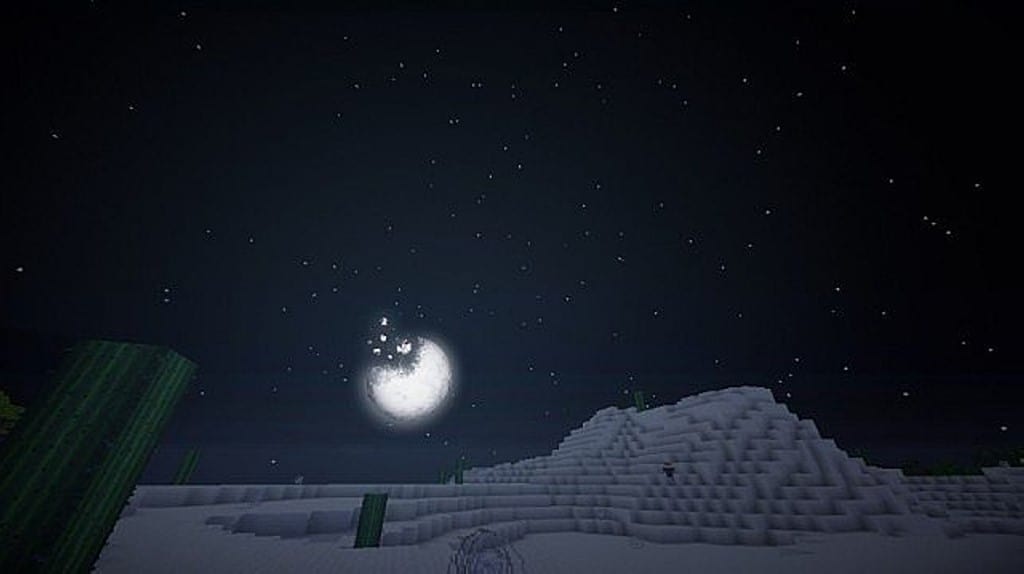
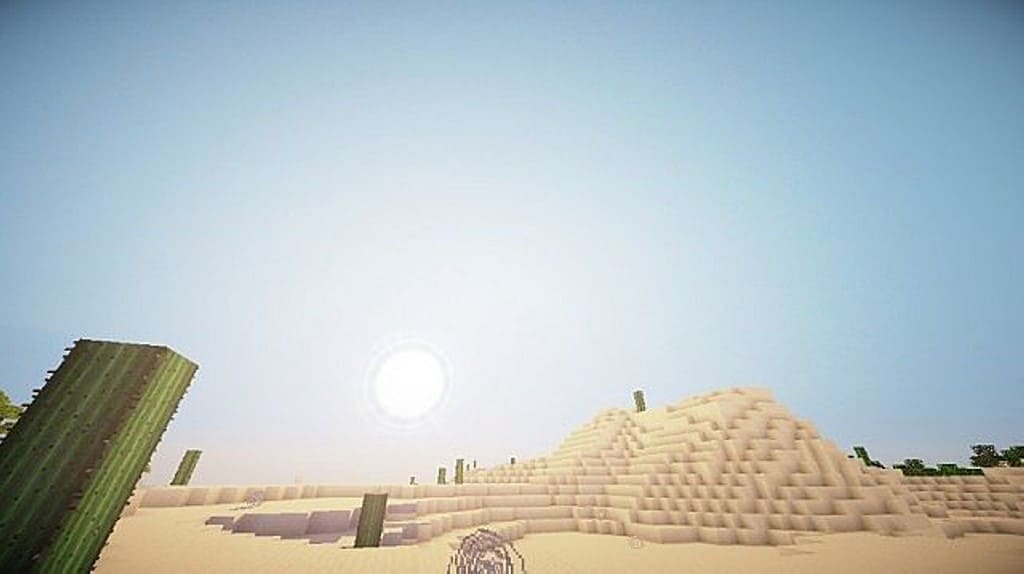
Screenshots
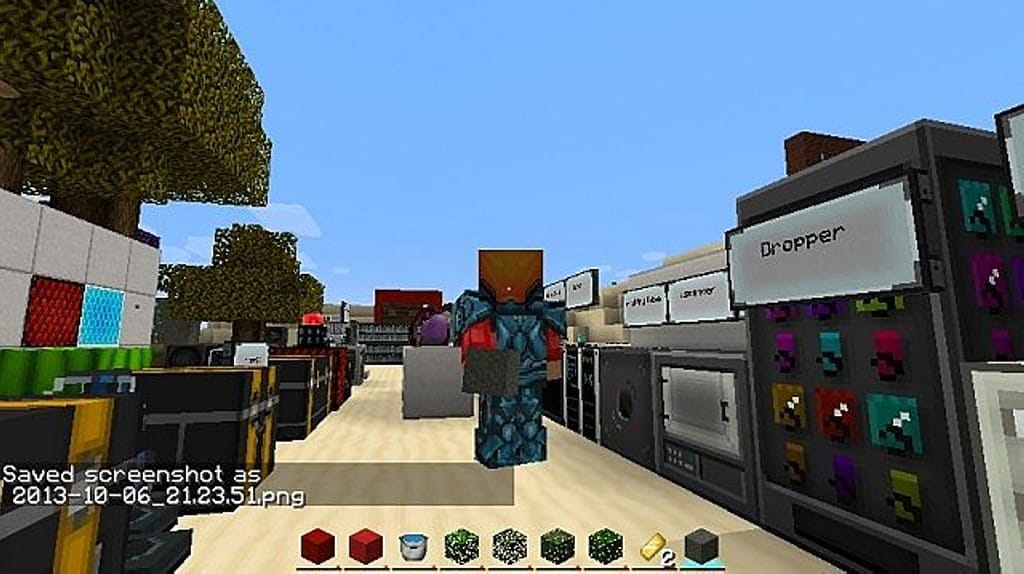
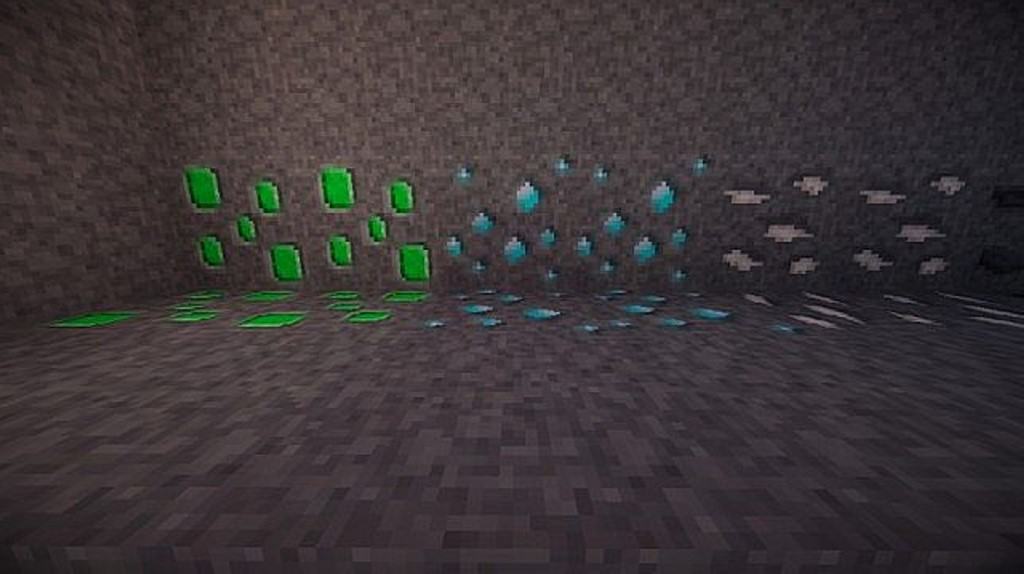
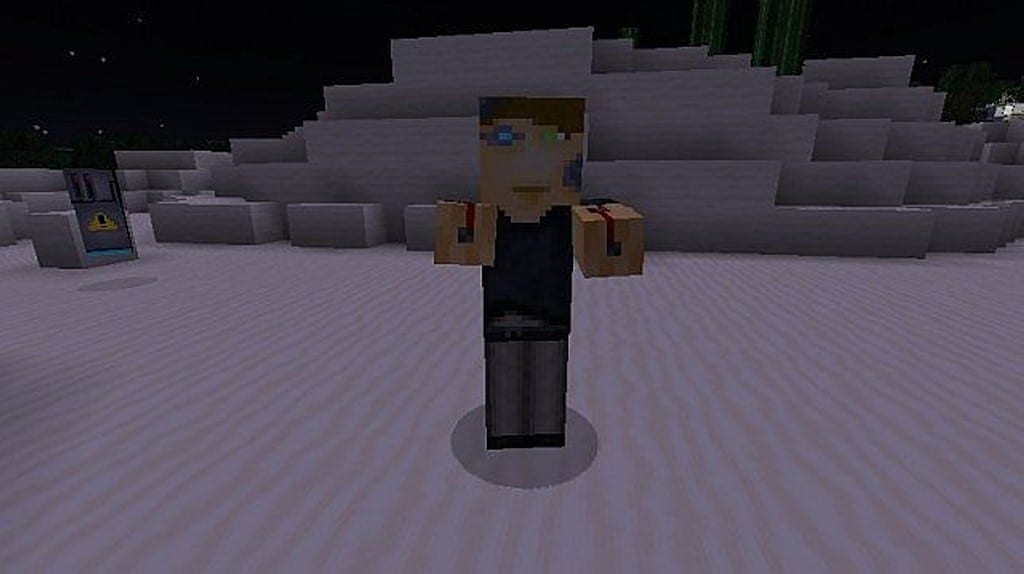
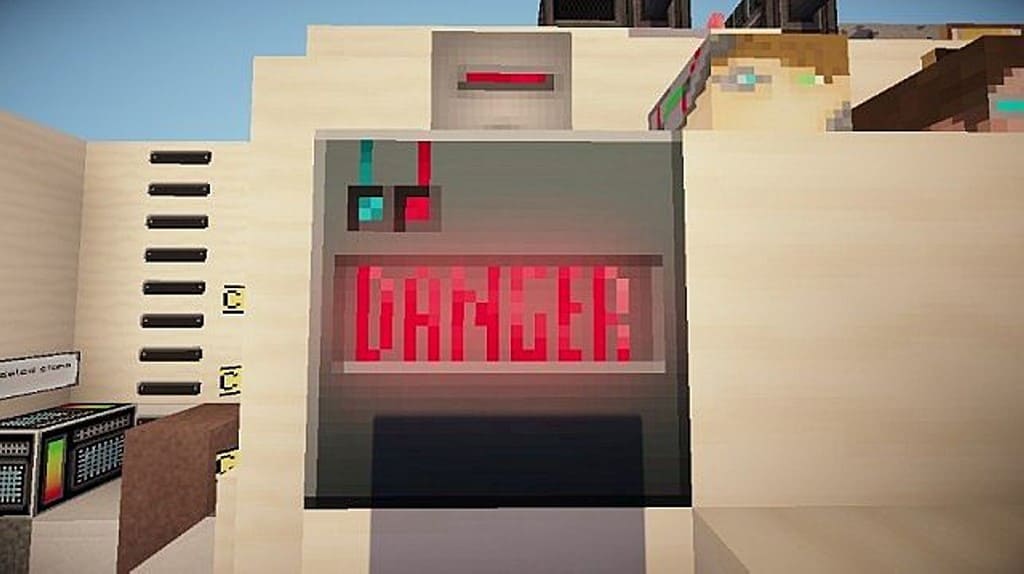
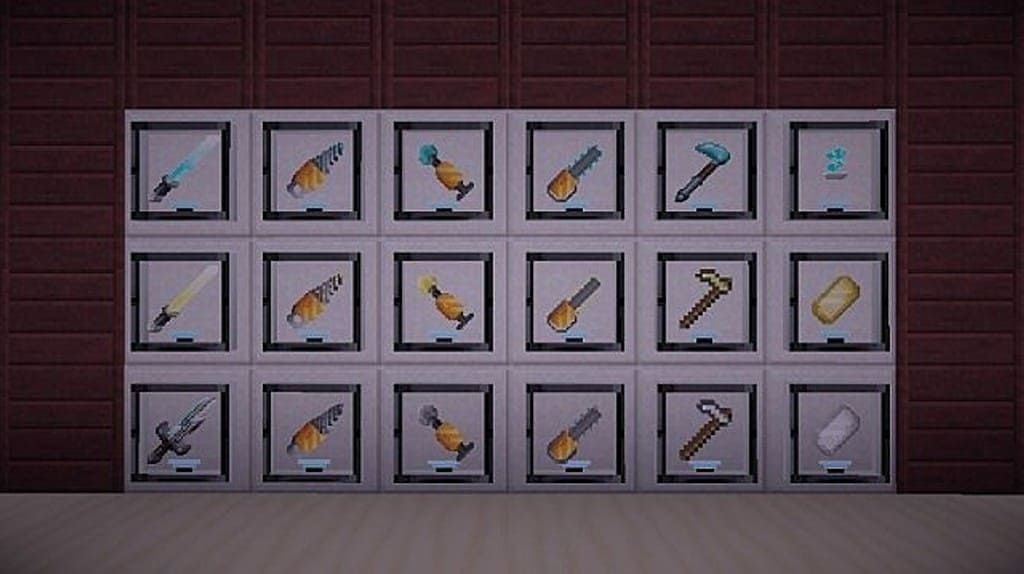
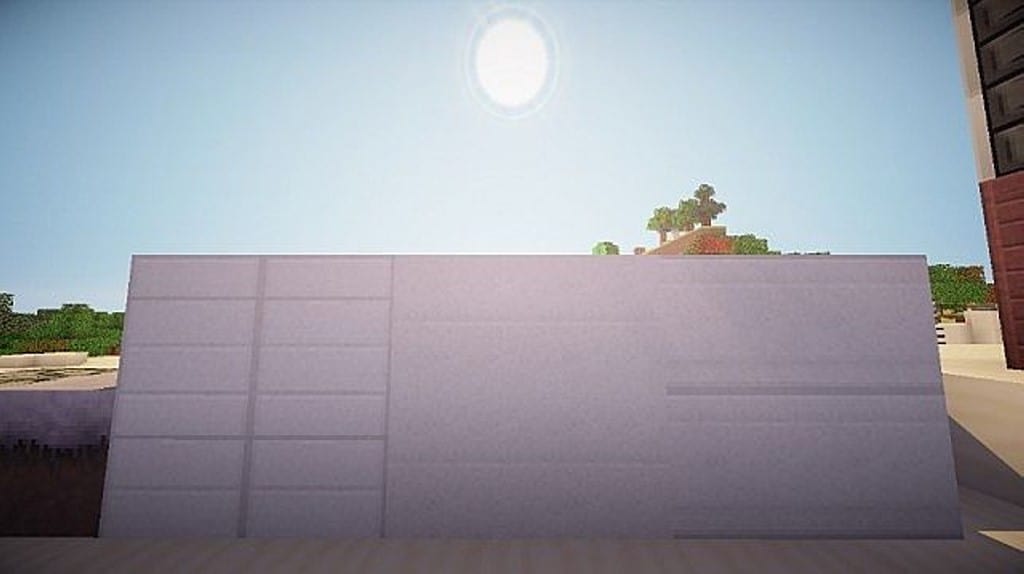
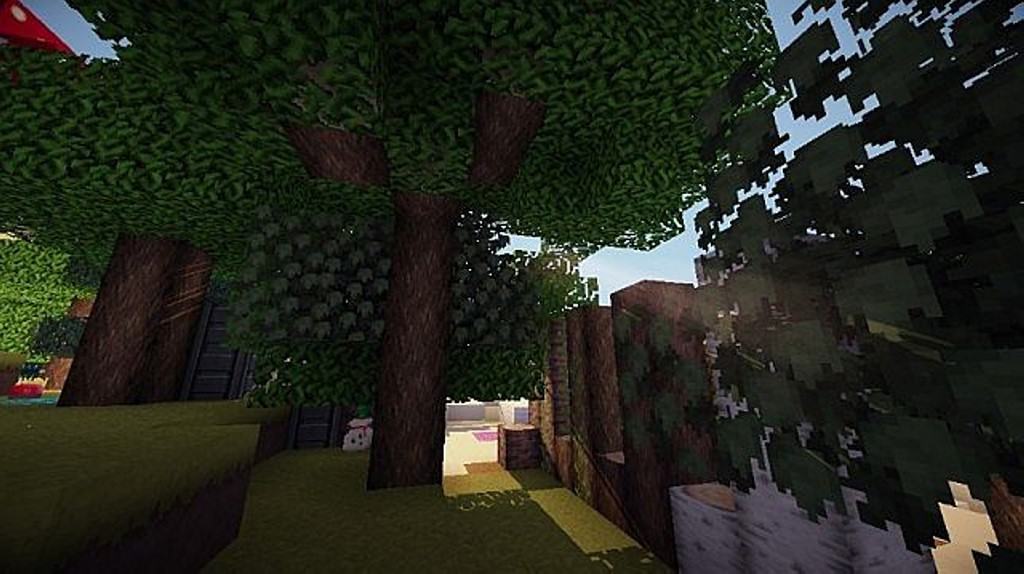
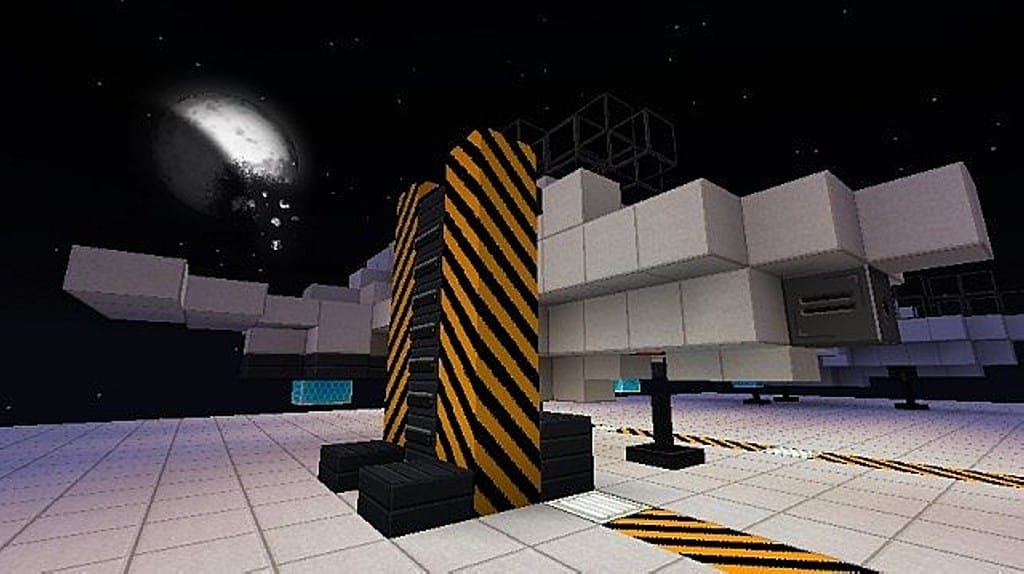
How to Install Texture Pack (Simple 10 Steps)
- Download OptiFine: Most of the texture packs and shaders need OptiFine. That’s why, first download and install OptiFine for the version of Minecraft you want to play.
- Download the Texture Pack: Get the texture pack you want from the download section. Choose the version that works with your Minecraft and your PC’s performance.
- Open Minecraft Launcher: Start Minecraft using the official game launcher — or even TLauncher, if you use that.
- Go to Options: From the main menu, click on the “Options” button.
- Open Resource Packs: Inside Options, click on “Resource Packs…”.
- Open the Resource Pack Folder: Click on “Open Resource Pack Folder” — this will open a folder named “resourcepacks”.
- Move the Pack File: Copy or move the .zip file you downloaded into that “resourcepacks” folder. (Don’t unzip the file — Minecraft uses it as-is!)
- Go Back and Refresh: Close the folder and click “Done”, then go back into “Resource Packs…” again.
- Activate the Pack: You’ll see the pack on the left side. Hover over it and click the arrow to move it to the right (active side).
Tip: If you get a message that the pack is for a different version, just click “Yes” — it usually works fine. - Click Done and Enjoy: Click “Done” again. Now your pack is ready to use in-game. It’s that easy!
Credits
This resource pack was created by Spiffyj. We do not claim ownership of this content, nor do we host or modify any files on our servers. All rights and credits belong entirely to the original creator. We strongly encourage you to support Spiffyj by visiting their official download links and social channels.
Download Instructions
Curseforge: download starts automatically after a few seconds;
Mediafire: click the big blue button with the text “DOWNLOAD”;
Google Drive: in the top right corner you will see a small download icon (down arrow), click it and the download should start;