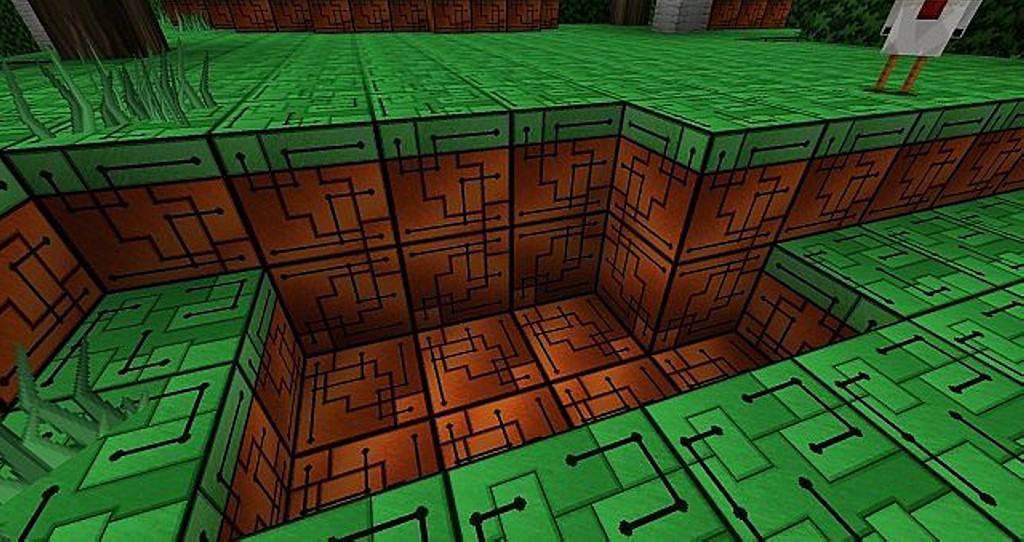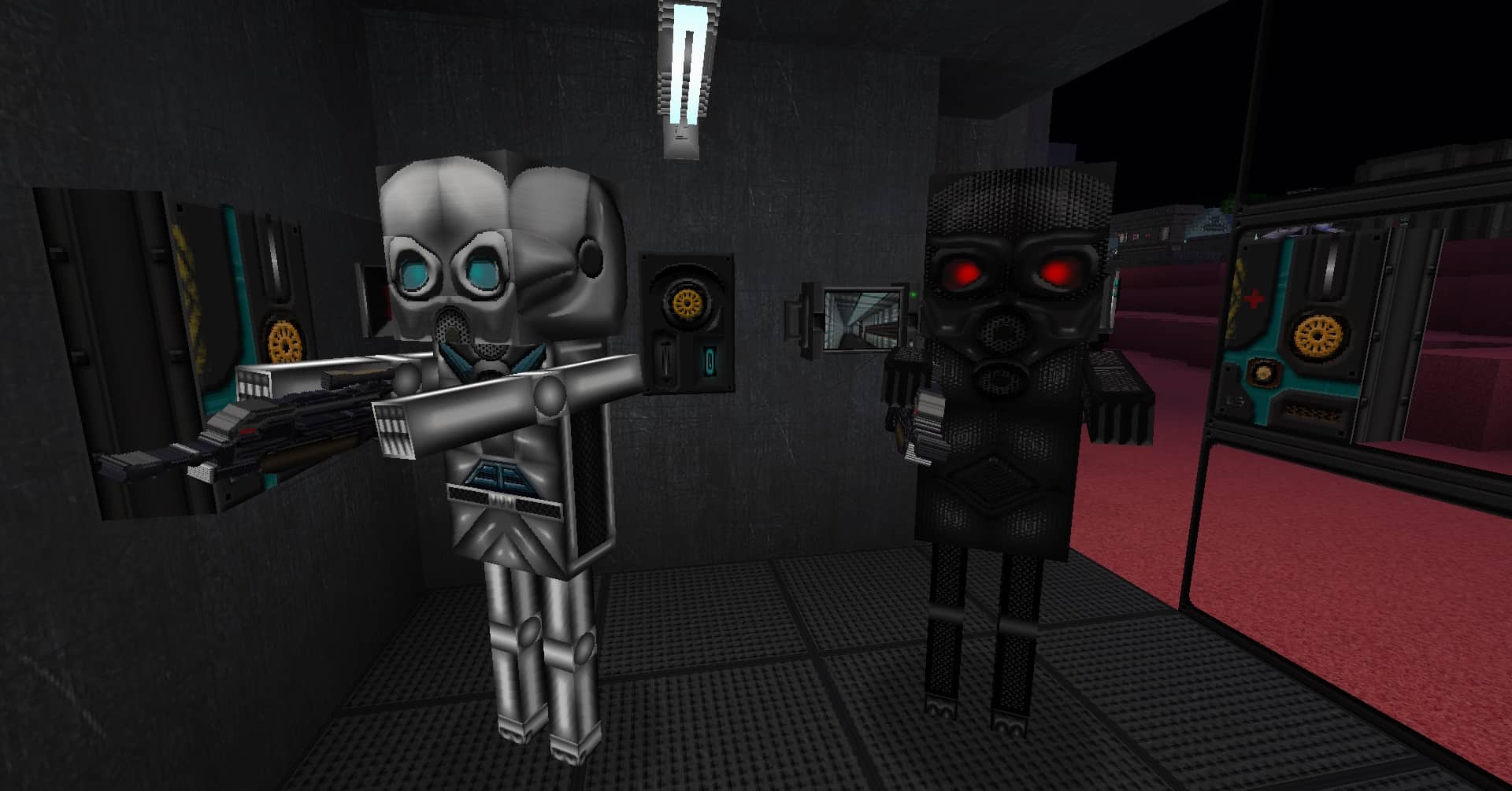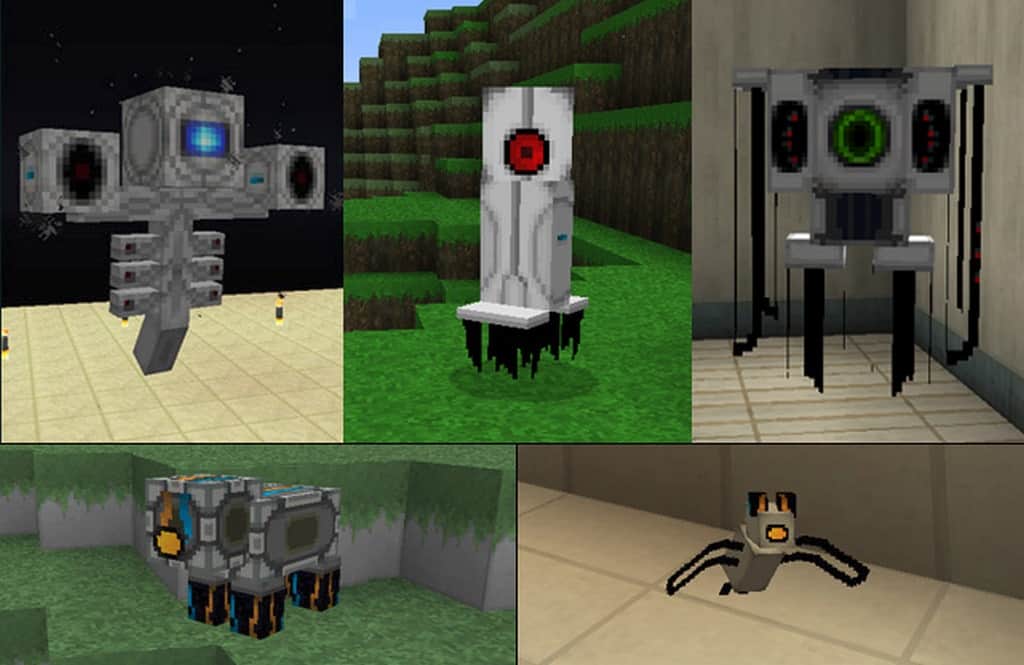
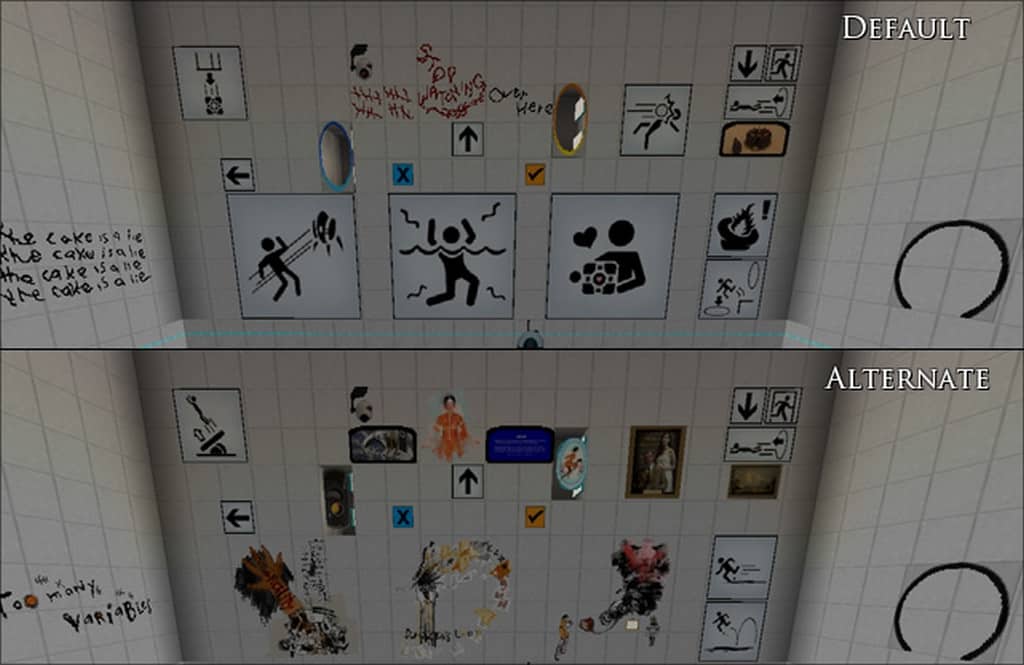
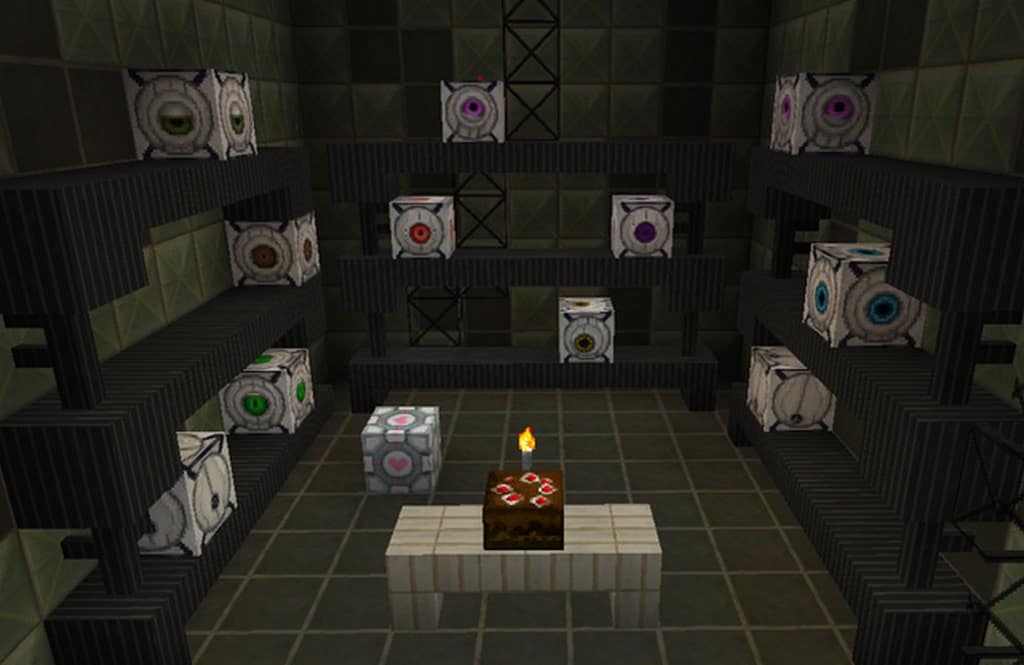
If you are a massive fan of the Portal game series, I am sure you will absolutely love the Precisely Portal resource pack, which is so wonderfully created. The Precisely Portal pack successfully recreates Minecraft’s textures so that the game looks exactly like the iconic Portal games. Now you have two fantastic options available to enjoy the Portal experience in Minecraft fully. You can use the resource pack by itself or choose to combine it with a related mod like the Portal Gun. I really recommend the latter option because that will provide you with a truly scintillating and exhilarating experience of the Portal Games. A group of innovative people created the first Portal-based texture pack many years ago, and the Precisely Portal pack acts as a sort of sequel to that original texture pack. It is important to note that several people have developed this project along the way, and the team is always changing.
Today, what you see in the game is the brilliant result of all their combined efforts. If you are looking for the best Portal-themed packs out there, you have definitely come to the right place. While keeping the overall flow in mind, the color adjustments match the art style perfectly, and the individual texture and item designs feel completely appropriate. At this point, you should understand that carlotta4th experienced a hand injury recently. For those who may be wondering who carlotta4th is and why this is crucial to know, this is the talented person who created this Precisely Portal pack. This is vital because if you are planning to use Precisely Portal right now, you may not get updates as usual. The update frequency might be a little erratic, but it shouldn’t be a significant problem because over 80% of the pack’s work is already complete. Therefore, you will not miss many textures while experiencing the pack.
Precisely Portal should be compatible with all of these Minecraft versions: 1.13.2 – 1.13.1 – 1.13 – 1.12.2 – 1.12 – 1.11.2 – 1.11 – 1.10.2 – 1.10
Screenshots
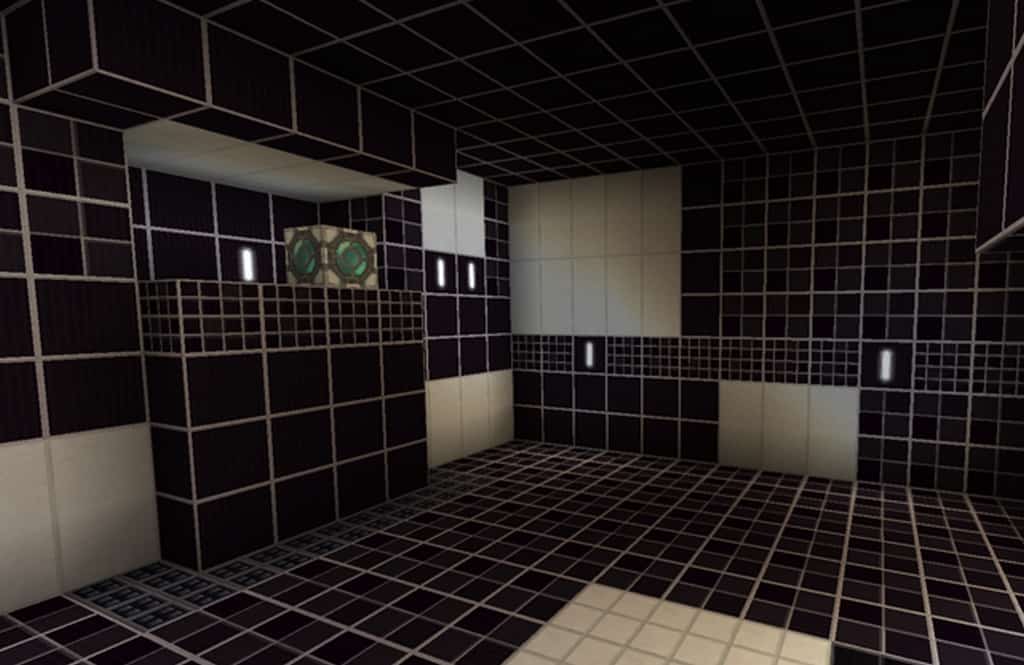
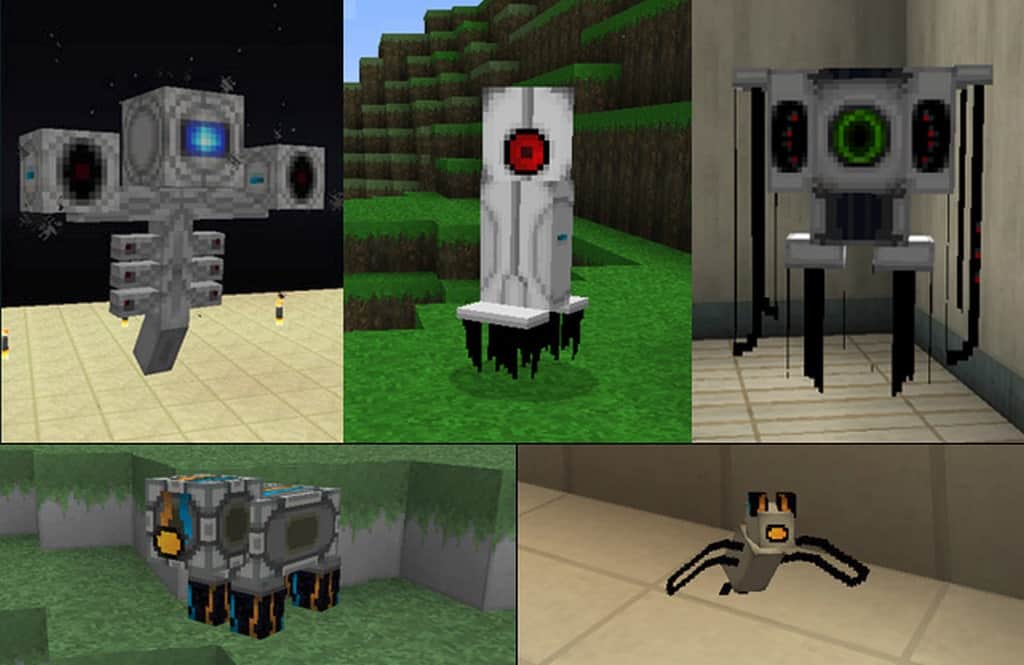

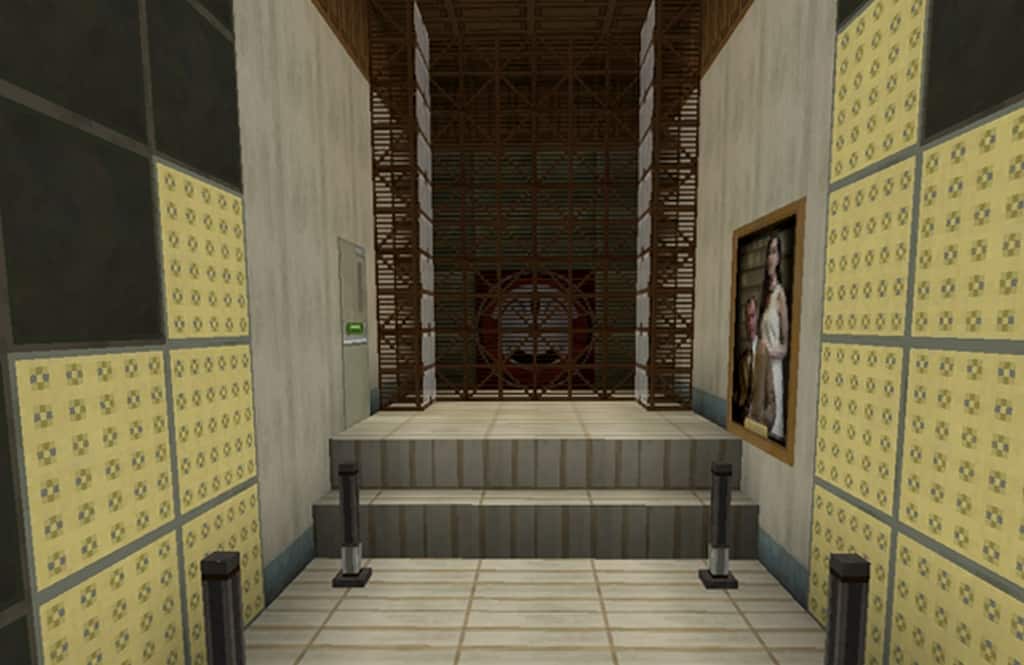
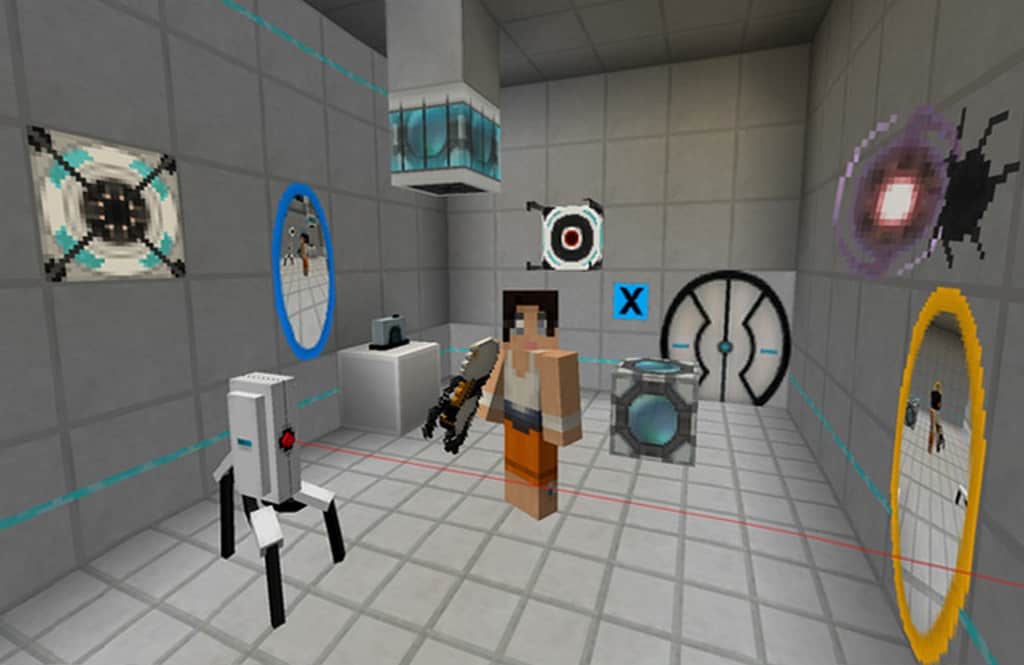
How to Install Texture Pack (Simple 10 Steps)
- Download OptiFine: Most of the texture packs and shaders need OptiFine. That’s why, first download and install OptiFine for the version of Minecraft you want to play.
- Download the Texture Pack: Get the texture pack you want from the download section. Choose the version that works with your Minecraft and your PC’s performance.
- Open Minecraft Launcher: Start Minecraft using the official game launcher — or even TLauncher, if you use that.
- Go to Options: From the main menu, click on the “Options” button.
- Open Resource Packs: Inside Options, click on “Resource Packs…”.
- Open the Resource Pack Folder: Click on “Open Resource Pack Folder” — this will open a folder named “resourcepacks”.
- Move the Pack File: Copy or move the .zip file you downloaded into that “resourcepacks” folder. (Don’t unzip the file — Minecraft uses it as-is!)
- Go Back and Refresh: Close the folder and click “Done”, then go back into “Resource Packs…” again.
- Activate the Pack: You’ll see the pack on the left side. Hover over it and click the arrow to move it to the right (active side).
Tip: If you get a message that the pack is for a different version, just click “Yes” — it usually works fine. - Click Done and Enjoy: Click “Done” again. Now your pack is ready to use in-game. It’s that easy!
Credits
Precisely Portal was originally created by carlotta4th. We do not own or claim ownership of this Resource Pack, nor do we host or modify any files on our servers. All credit and rights belong entirely to the original creator. We strongly encourage you to support carlotta4th and their official releases.
Download Links
Java Edition
Download Instructions
Curseforge: download starts automatically after a few seconds;
Mediafire: click the big blue button with the text “DOWNLOAD”;
Google Drive: in the top right corner you will see a small download icon (down arrow), click it and the download should start;