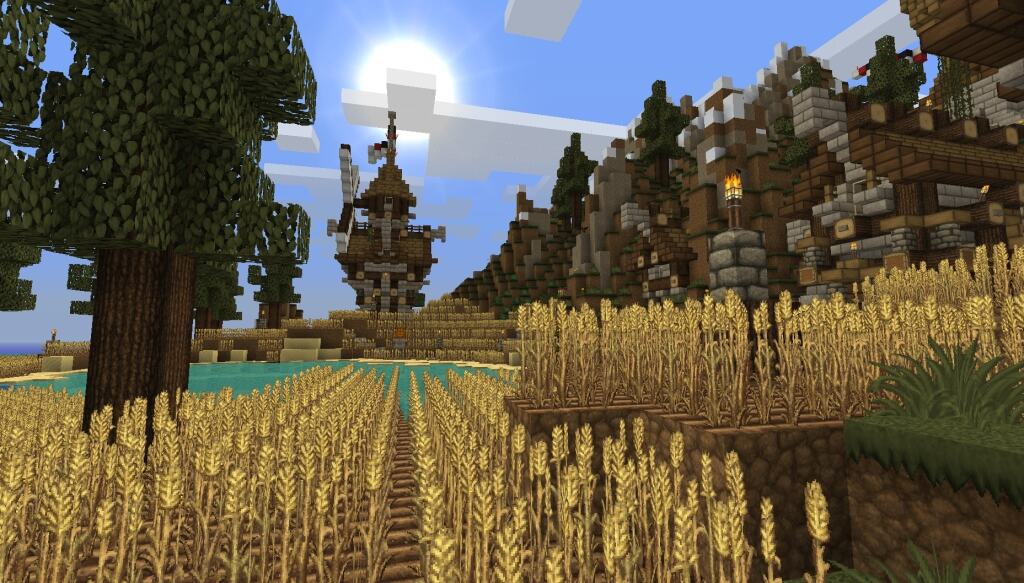
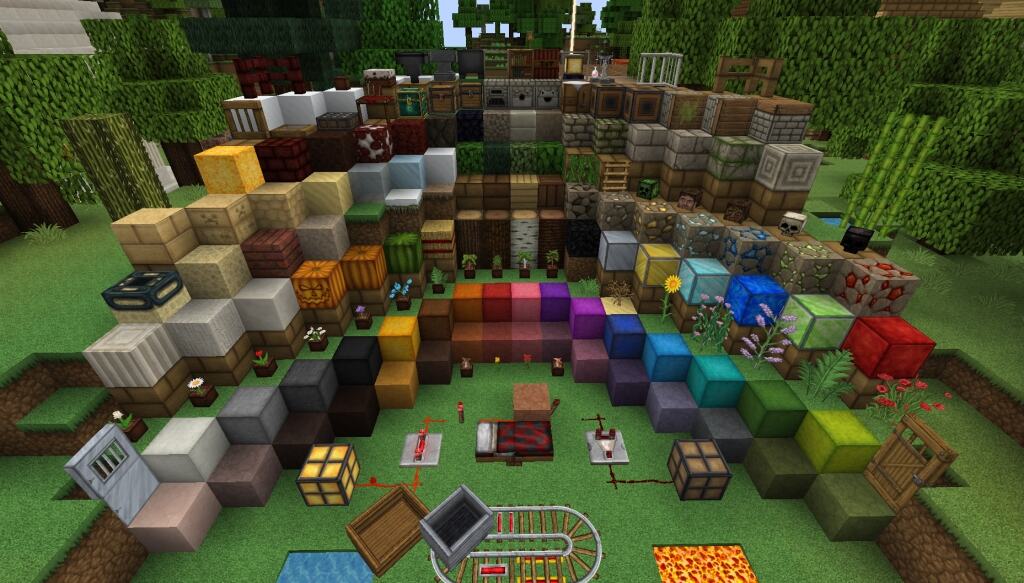
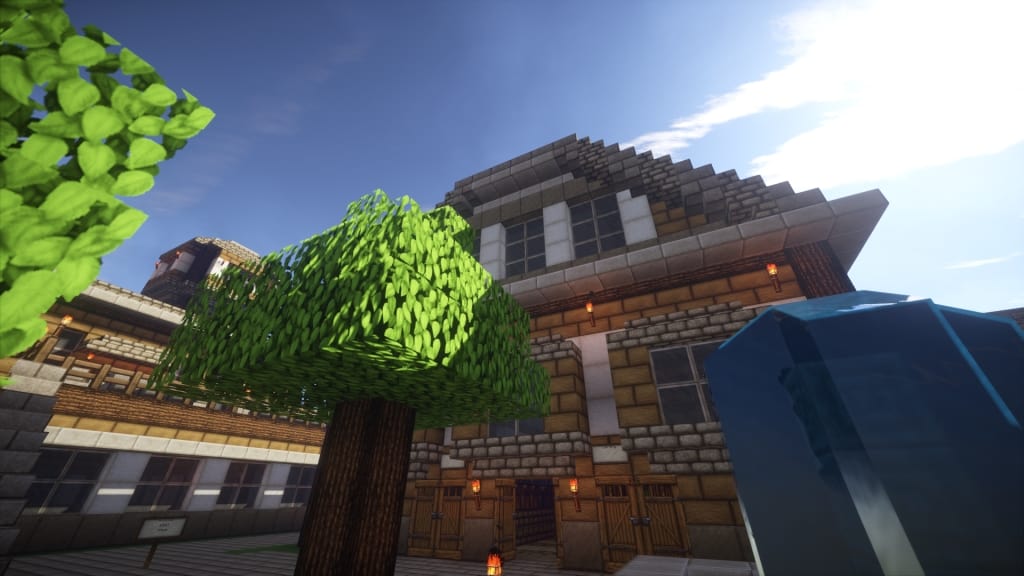
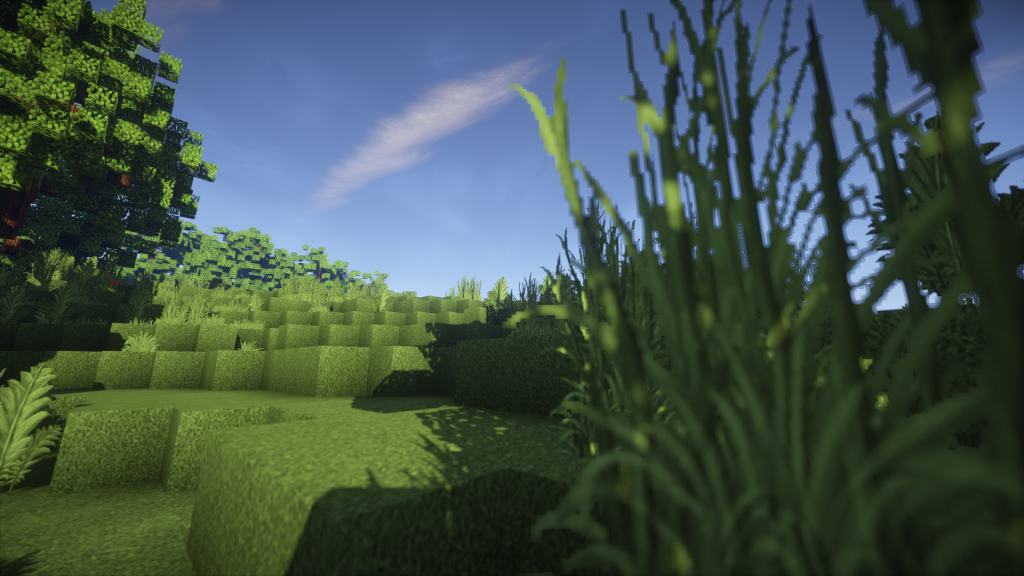
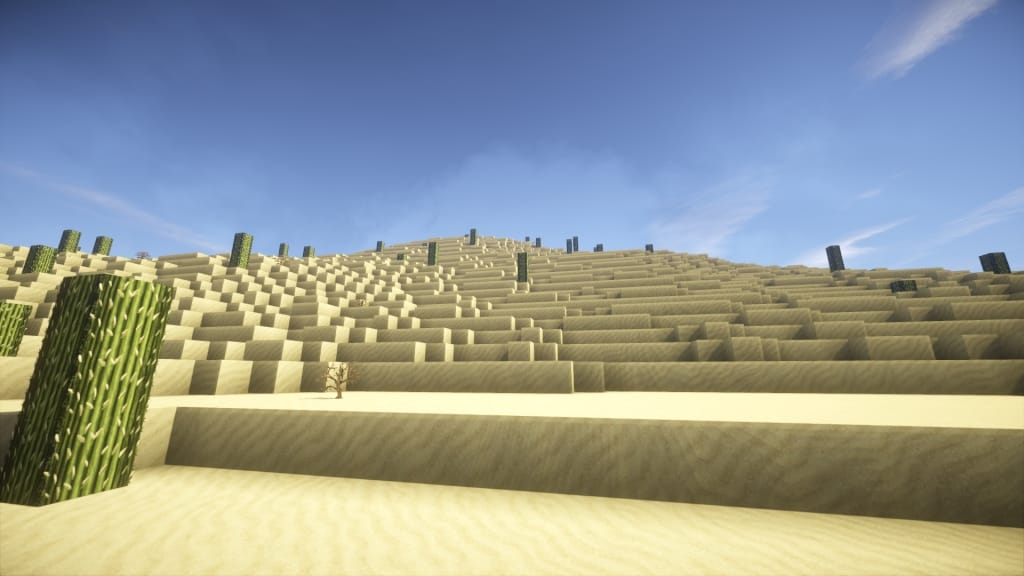
The Persistence resource pack is a wonderful combination of two distinct styles: medieval and rustic. I really love how it endeavors to bring in so many more details while completely keeping the standard Minecraft ambiance intact. Although this resource pack tries to focus on classic textures’ vanilla looks in its color and overall construction, I found it to be noticeably a little more lively. Generally, rustic resource packs are quite trendy in the Minecraft gaming world, and this one makes total sense by depicting that you live out in some sterile environment like a dense forest. They brilliantly try to show your house in a worn-out and beaten down state because of the surrounding conditions. This resource pack is quite rustic, but at the same time, it offers a genuinely nice medieval touch by introducing several elements like metallic gates and stony construction along with mixing many other medieval small parts. Apart from giving a rustic and medieval touch, you may safely term this resource pack as an authentic one because the developer has given their absolute best to keep the vanilla Minecraft look. At this point, you should know an important thing about this resource pack.
The developer has not yet finished it and is still actively working on it. For instance, if you look at the normal mob part, I noticed the rabbit texture is still untouched and seems no different from vanilla. Moreover, the developer has not modified any boss, including the ender dragon and the wither. Although the developer has redrawn almost all the art images, several paintings still look as they always look in the original game. Therefore, remember that if you are on the lookout for resource packs near the completion stage, you may feel a bit disappointed with the Persistence resource pack as it is nowhere near completion. However, if you are not very picky about the completion aspects, it will not be an issue at all. This resource pack is available in a stunning 128×128 resolution. It implies that several gamers cannot use it without facing frame rate problems meaning that the game will play slow on several low-end computer systems. Therefore, definitely keep this aspect in your mind for playing if you have a computer with a lower-end configuration. Even so, most people can still use this resource pack without any major issues.
Persistence should be compatible with all of these Minecraft versions: 1.12.2 – 1.12 – 1.11.2 – 1.11 – 1.10.2 – 1.10 – 1.9.4 – 1.9 – 1.8.9 – 1.8.8 – 1.8.1 – 1.8.6 – 1.8 – 1.7.10 – 1.7.9 – 1.7.4 – 1.7
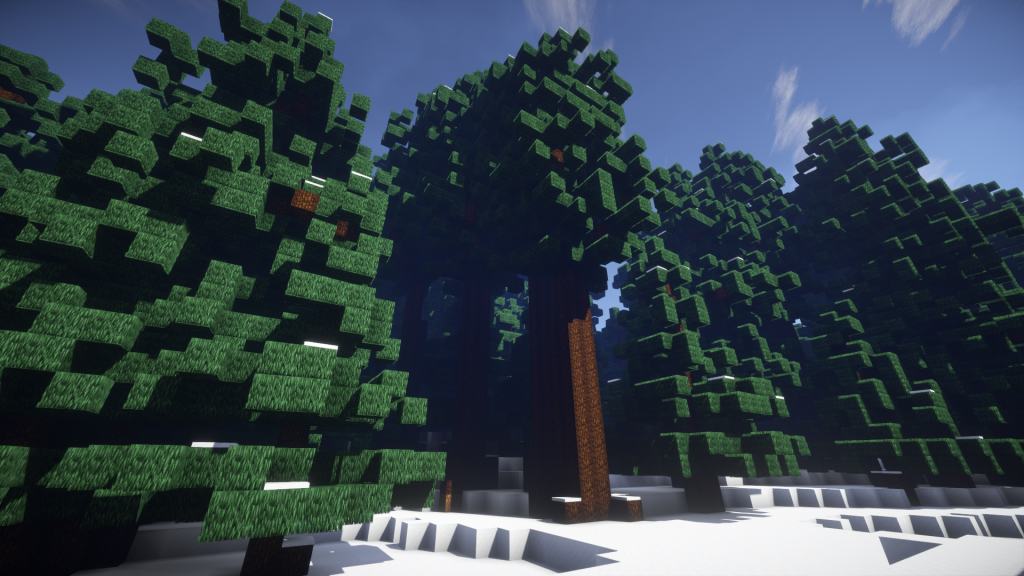
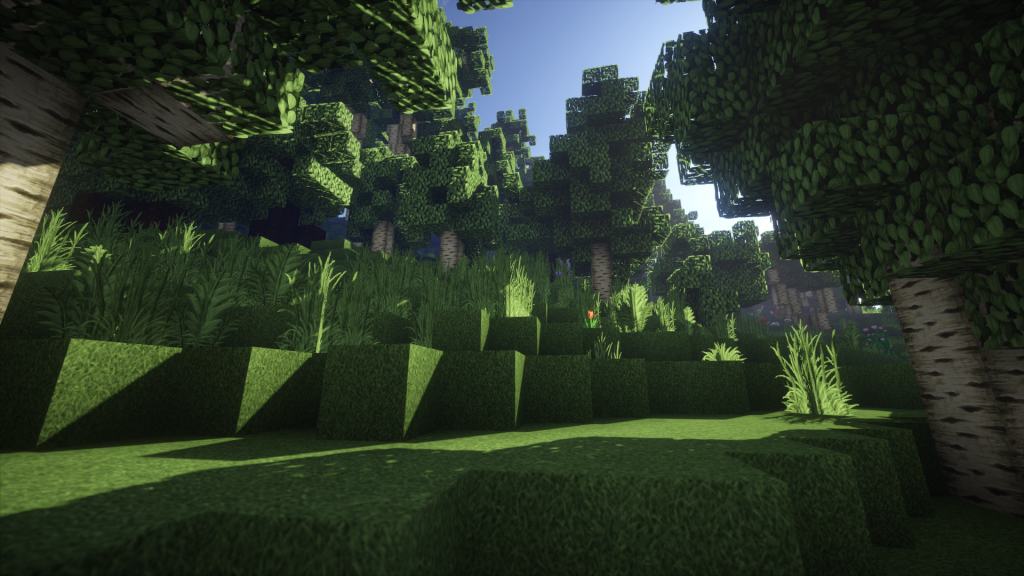
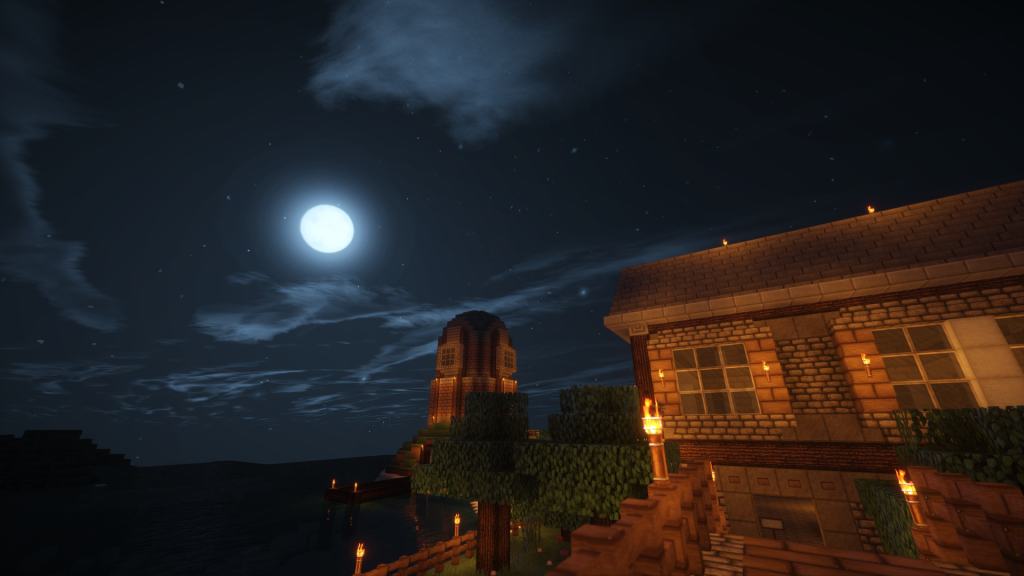
Screenshots
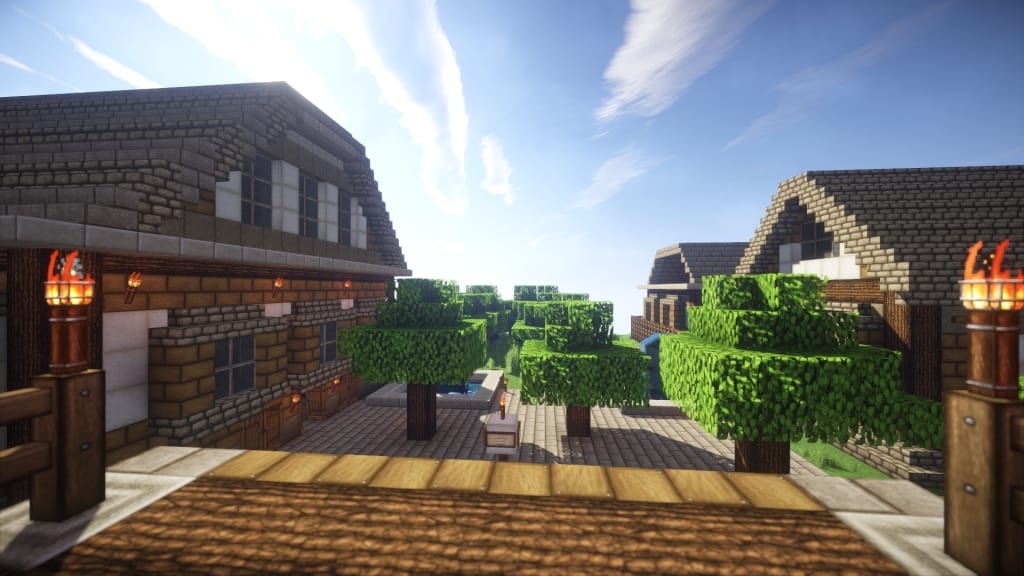
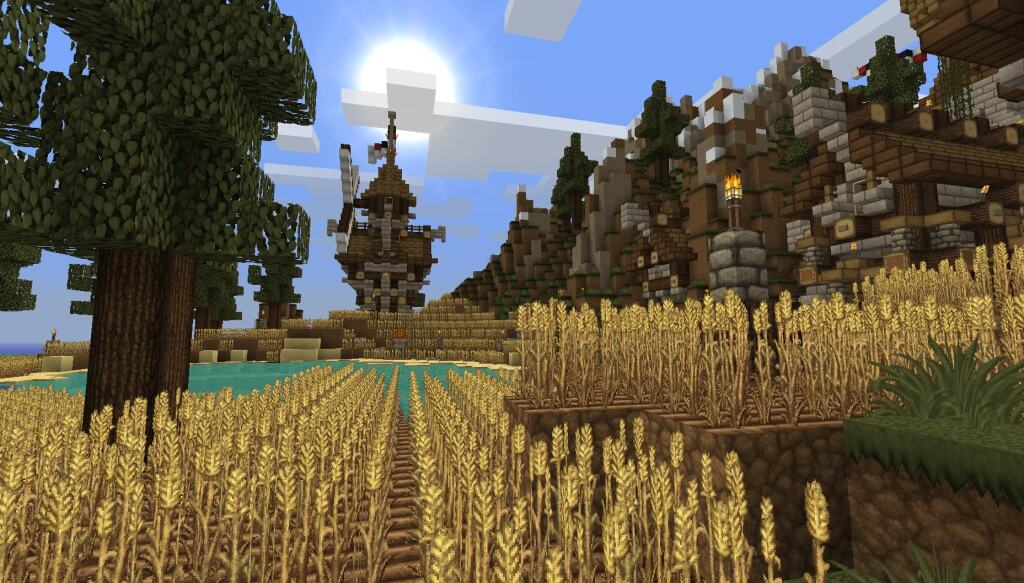
How to Install Texture Pack (Simple 10 Steps)
- Download OptiFine: Most of the texture packs and shaders need OptiFine. That’s why, first download and install OptiFine for the version of Minecraft you want to play.
- Download the Texture Pack: Get the texture pack you want from the download section. Choose the version that works with your Minecraft and your PC’s performance.
- Open Minecraft Launcher: Start Minecraft using the official game launcher — or even TLauncher, if you use that.
- Go to Options: From the main menu, click on the “Options” button.
- Open Resource Packs: Inside Options, click on “Resource Packs…”.
- Open the Resource Pack Folder: Click on “Open Resource Pack Folder” — this will open a folder named “resourcepacks”.
- Move the Pack File: Copy or move the .zip file you downloaded into that “resourcepacks” folder. (Don’t unzip the file — Minecraft uses it as-is!)
- Go Back and Refresh: Close the folder and click “Done”, then go back into “Resource Packs…” again.
- Activate the Pack: You’ll see the pack on the left side. Hover over it and click the arrow to move it to the right (active side).
Tip: If you get a message that the pack is for a different version, just click “Yes” — it usually works fine. - Click Done and Enjoy: Click “Done” again. Now your pack is ready to use in-game. It’s that easy!
Credits
This resource pack was created by ChesterChair. We do not claim ownership of this content, nor do we host or modify any files on our servers. All rights and intellectual property remain with the original creator. We strongly encourage you to support the author by downloading from the official links provided below.
Download Links
Java Edition
Download Instructions
Curseforge: download starts automatically after a few seconds;
Mediafire: click the big blue button with the text “DOWNLOAD”;
Google Drive: in the top right corner you will see a small download icon (down arrow), click it and the download should start;


