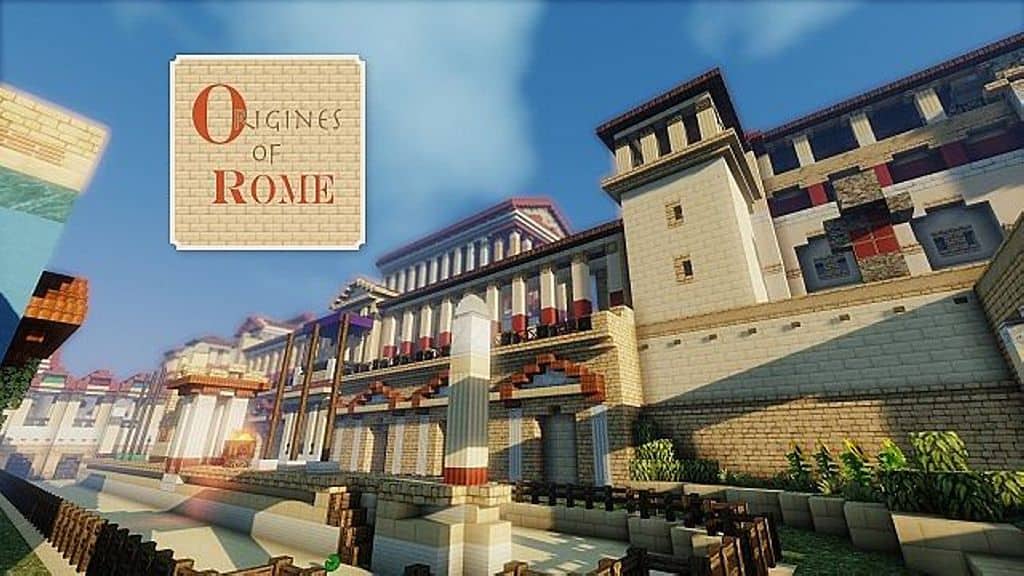
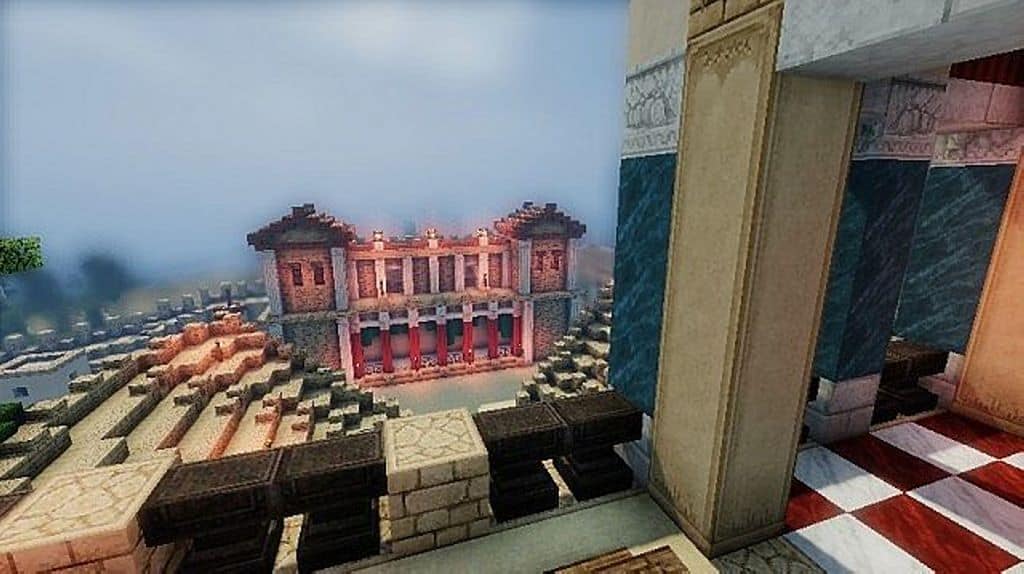
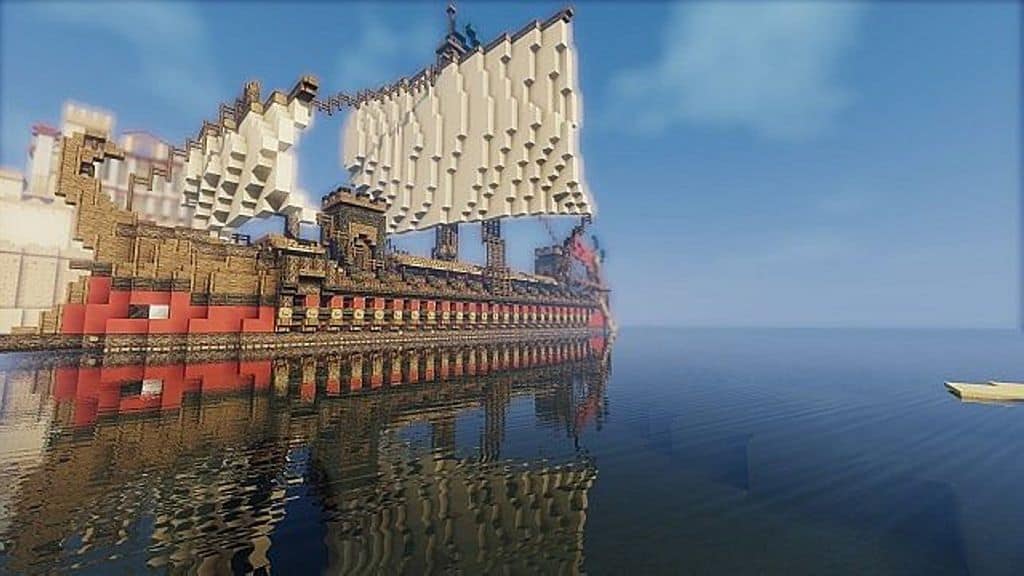
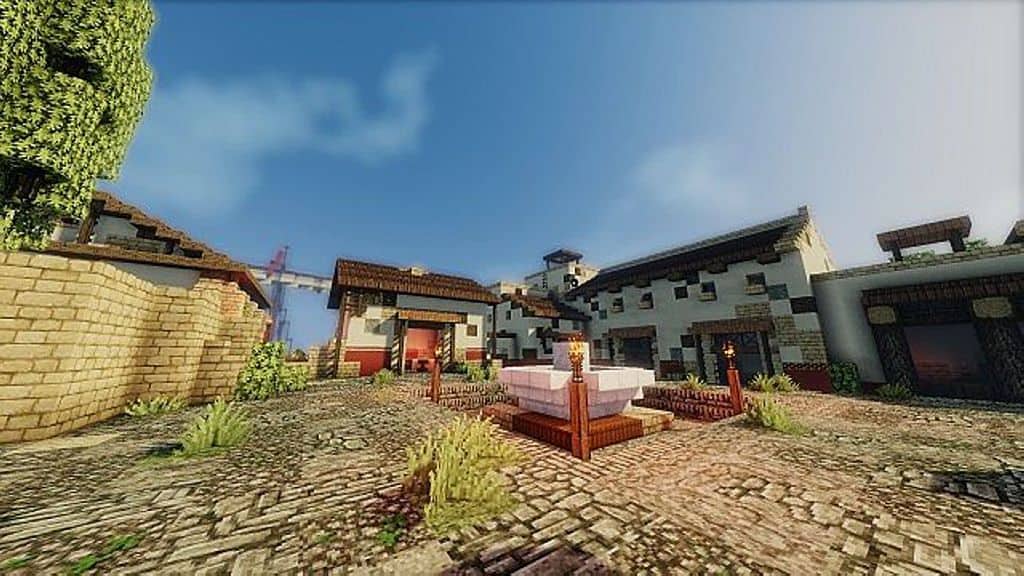
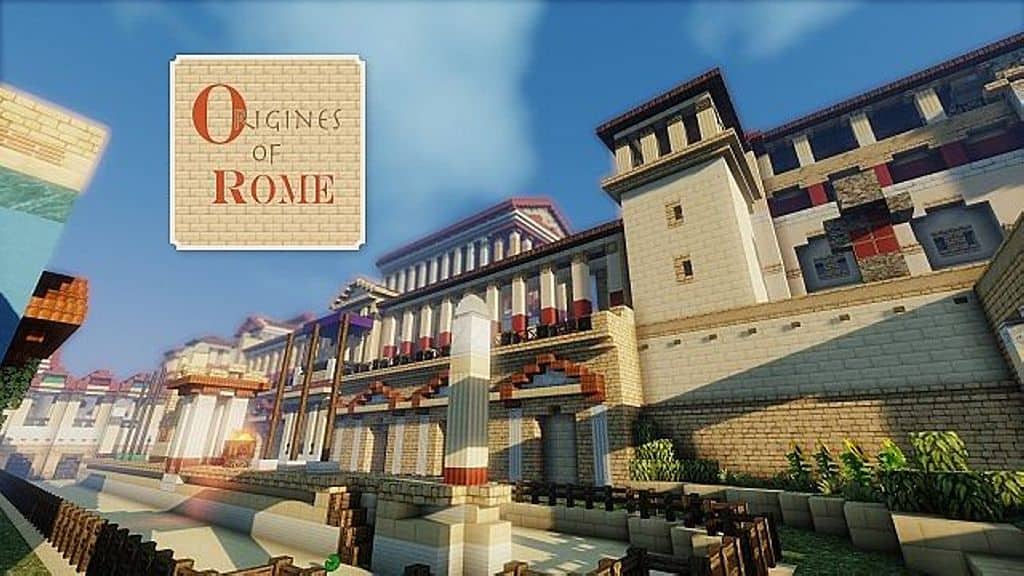
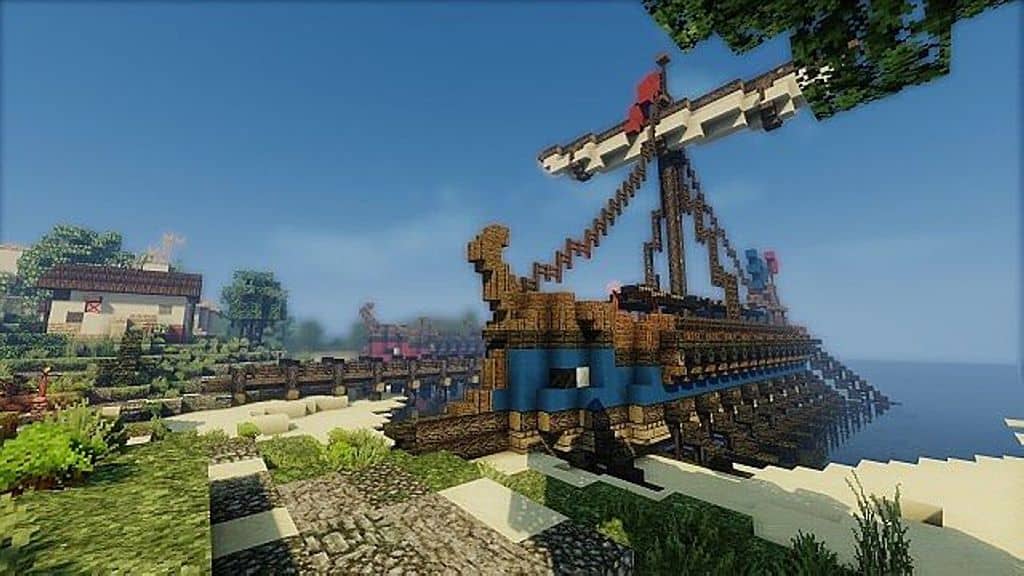
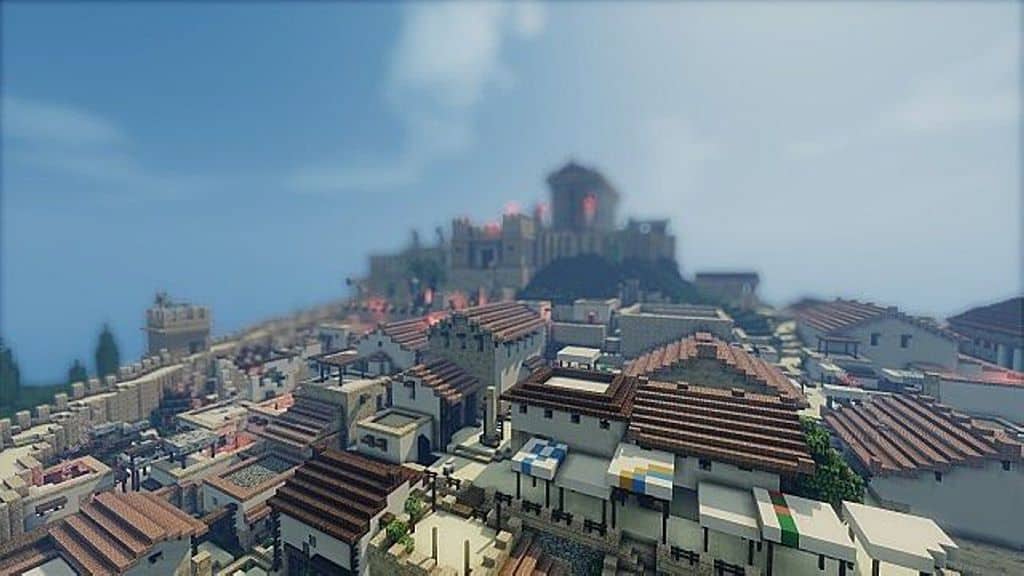
Origines of Rome is an incredible resource pack that I honestly think brings an amazing, unique look to Minecraft by capturing the true wonders of ancient Rome. If you are a fan of the ancient Roman Empire like I am, you are going to genuinely love exploring all the special assets introduced here. With extensive texture changes and great lighting effects, this pack really lets you easily recreate the authentic atmosphere of classic Roman and Greek architecture. For the absolute best experience, I strongly recommend using this pack alongside Optifine. It is designed to work primarily as an add-on to Monsterfish’s Conquest resource pack, and the latest version is fully compatible with Minecraft 1.7.x and Minecraft 1.8.x. According to the original developers, it was built specifically to complement Conquest, and having both installed makes building ancient worlds an absolute blast. Once you get it set up, Origines of Rome seamlessly swaps out the existing visuals with fresh new styles.
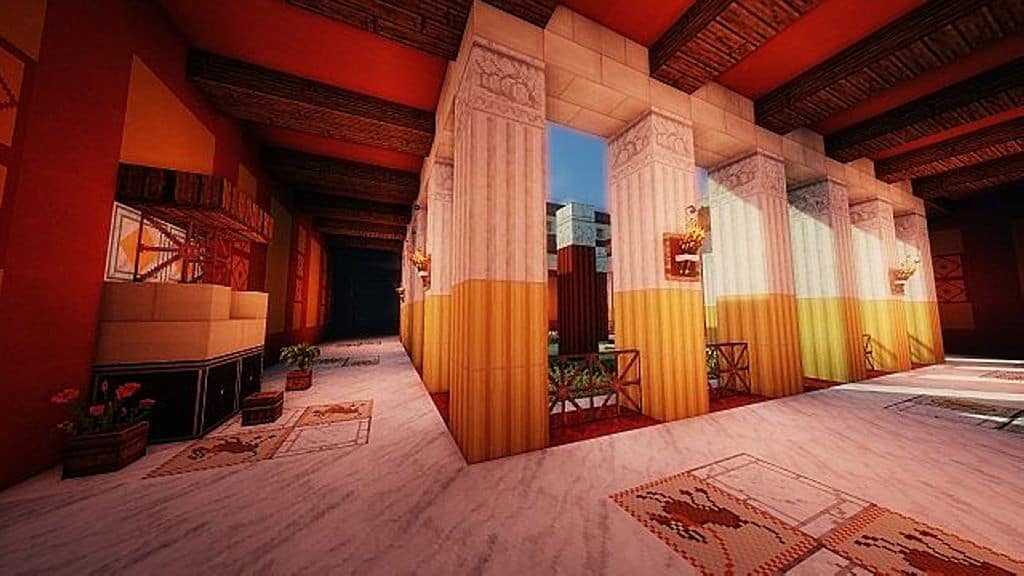
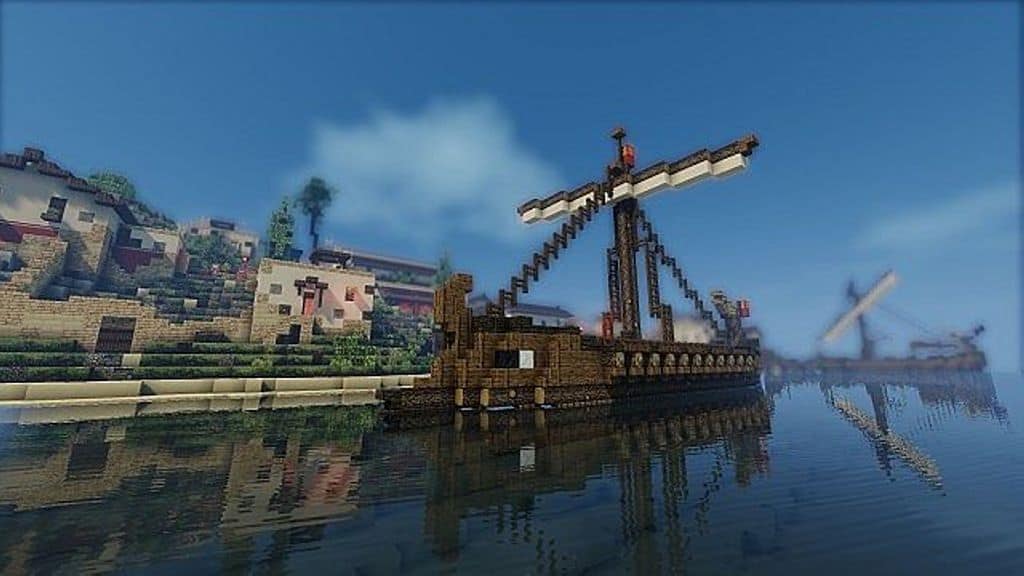
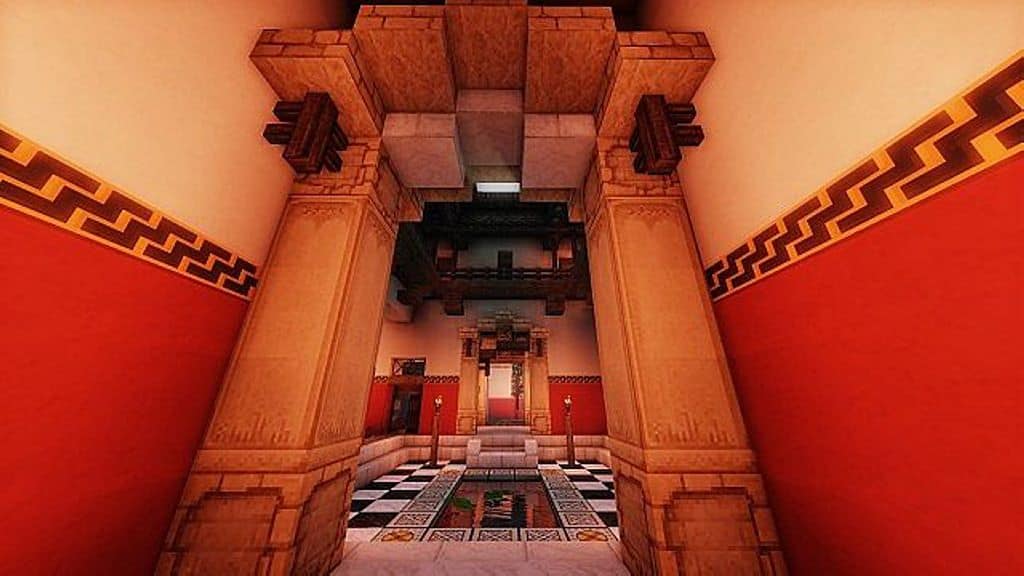
All of these fantastic new textures brilliantly mimic the construction materials commonly used in ancient Rome, such as clay, wool, limestone, and many other authentic surfaces. These additions give you everything you need to accurately recreate staple buildings from the old Roman empire. Beyond the blocks, the pack introduces gorgeous custom night skies, beautifully updated day skies, and a crisp, clear water texture that looks stunning. Combining all these elements together lets you craft breathtaking cities inspired by ancient Rome. Running at a 32×32 resolution, Origines of Rome is wonderfully lightweight and less resource-intensive, meaning it performs smoothly even on older computers. Plus, this resolution helps the textures blend naturally into the game without looking jarringly out of place compared to standard styles. If you already use the Conquest resource pack, keep in mind that some textures will be replaced by Origines of Rome since both share the same 32x resolution.
Origines of Rome (Add-on Pack for Conquest) should be compatible with all of these Minecraft versions: 1.8.9 – 1.8.8 – 1.8.1 – 1.8.6 – 1.8 – 1.7.10 – 1.7.9 – 1.7.4 – 1.7
Screenshots
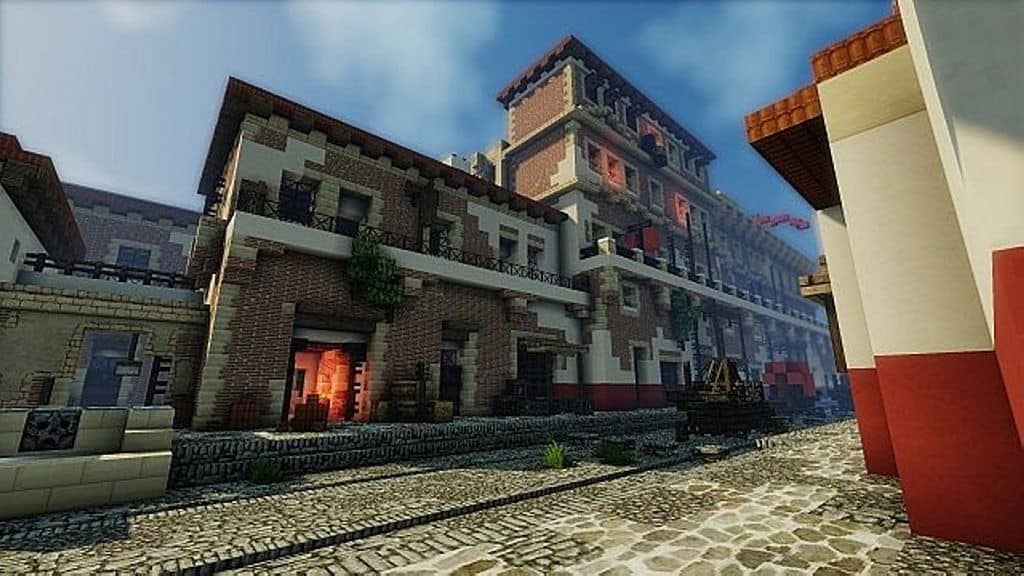
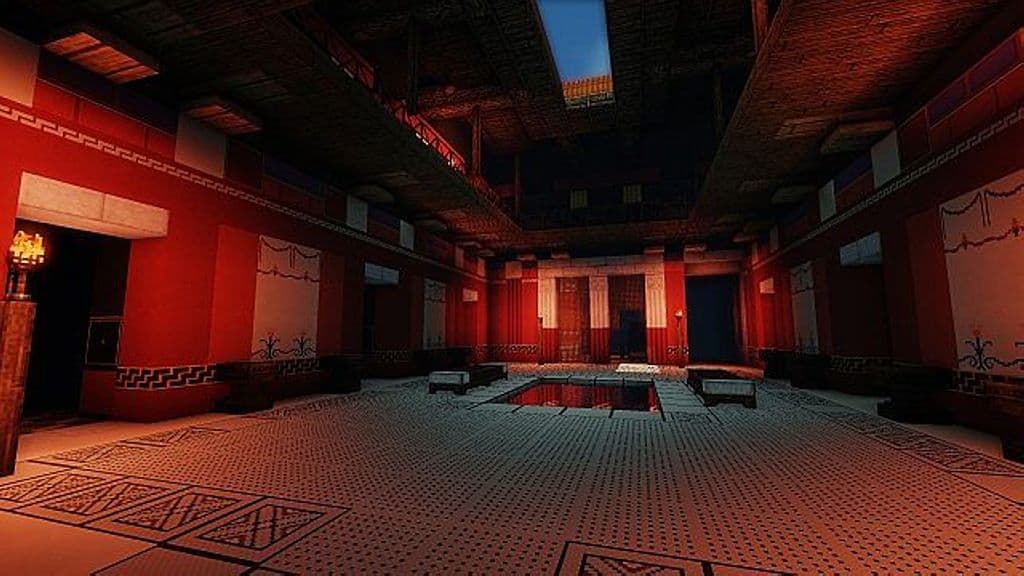
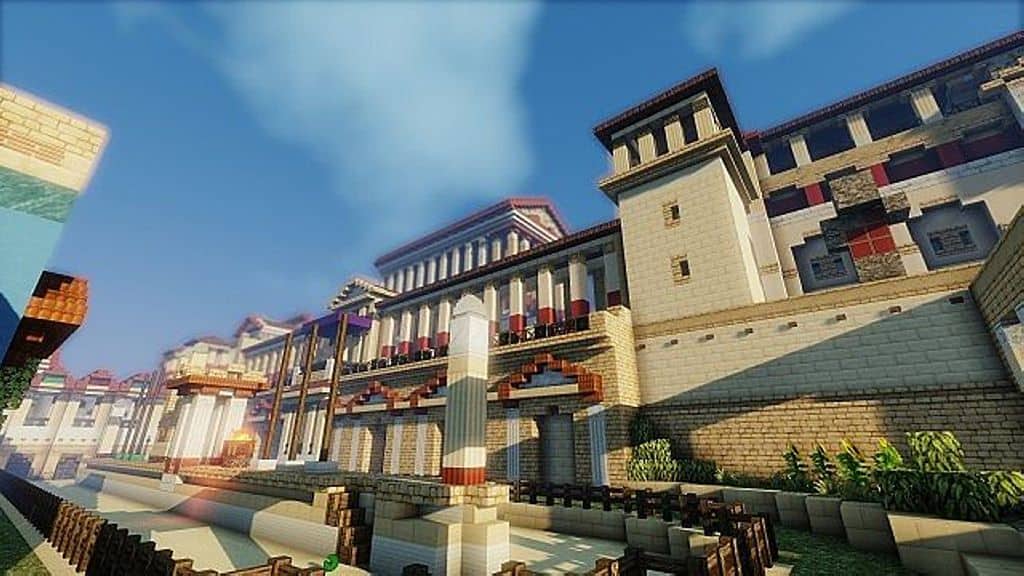
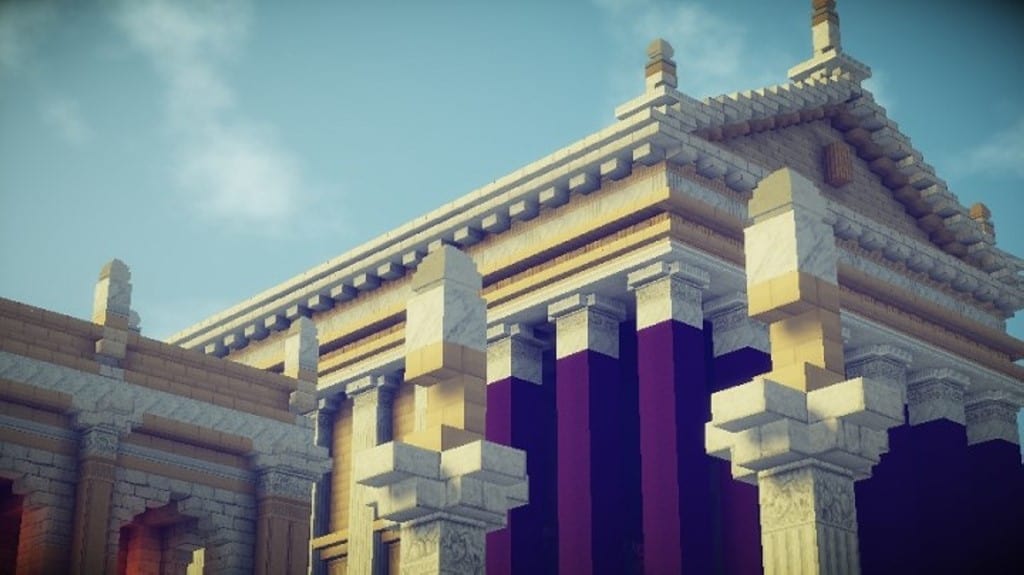
How to Install Texture Pack (Simple 10 Steps)
- Download OptiFine: Most of the texture packs and shaders need OptiFine. That’s why, first download and install OptiFine for the version of Minecraft you want to play.
- Download the Texture Pack: Get the texture pack you want from the download section. Choose the version that works with your Minecraft and your PC’s performance.
- Open Minecraft Launcher: Start Minecraft using the official game launcher — or even TLauncher, if you use that.
- Go to Options: From the main menu, click on the “Options” button.
- Open Resource Packs: Inside Options, click on “Resource Packs…”.
- Open the Resource Pack Folder: Click on “Open Resource Pack Folder” — this will open a folder named “resourcepacks”.
- Move the Pack File: Copy or move the .zip file you downloaded into that “resourcepacks” folder. (Don’t unzip the file — Minecraft uses it as-is!)
- Go Back and Refresh: Close the folder and click “Done”, then go back into “Resource Packs…” again.
- Activate the Pack: You’ll see the pack on the left side. Hover over it and click the arrow to move it to the right (active side).
Tip: If you get a message that the pack is for a different version, just click “Yes” — it usually works fine. - Click Done and Enjoy: Click “Done” again. Now your pack is ready to use in-game. It’s that easy!
Credits
Origines of Rome was created by Origines. We do not claim ownership of this resource pack and do not host modified files. All rights belong to the original creator. We strongly encourage visiting the official download links to support the author.
Download Instructions
Curseforge: download starts automatically after a few seconds;
Mediafire: click the big blue button with the text “DOWNLOAD”;
Google Drive: in the top right corner you will see a small download icon (down arrow), click it and the download should start;


