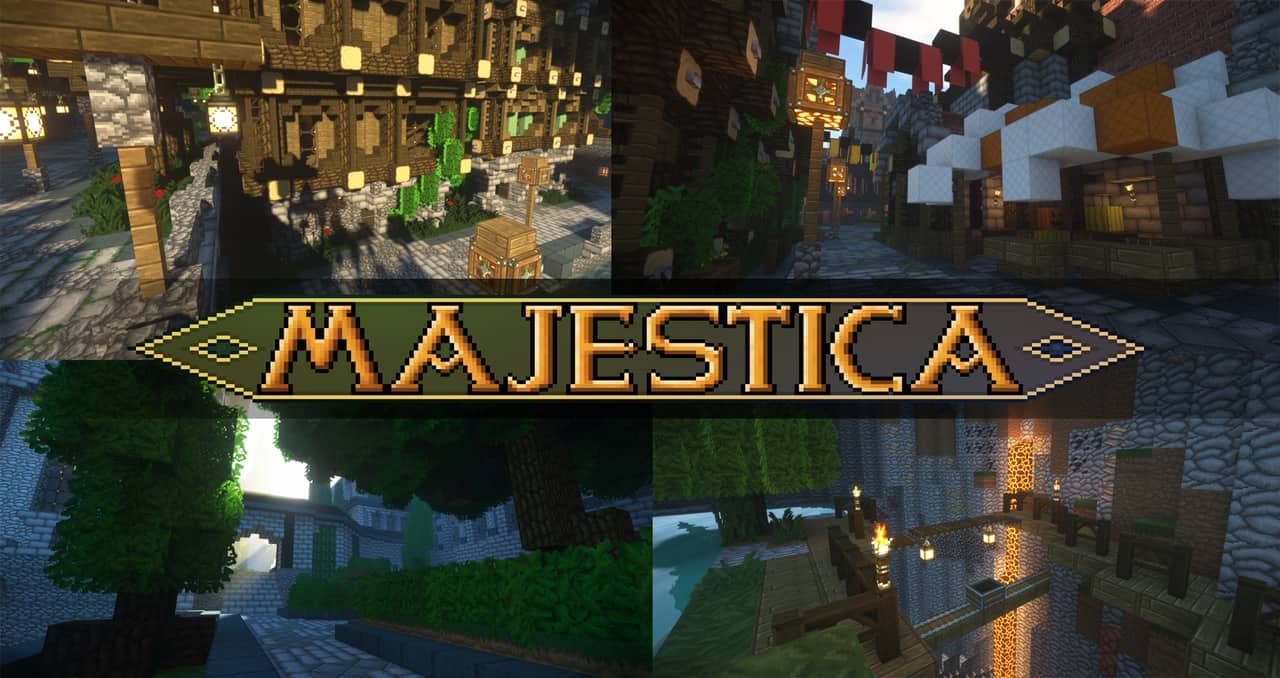
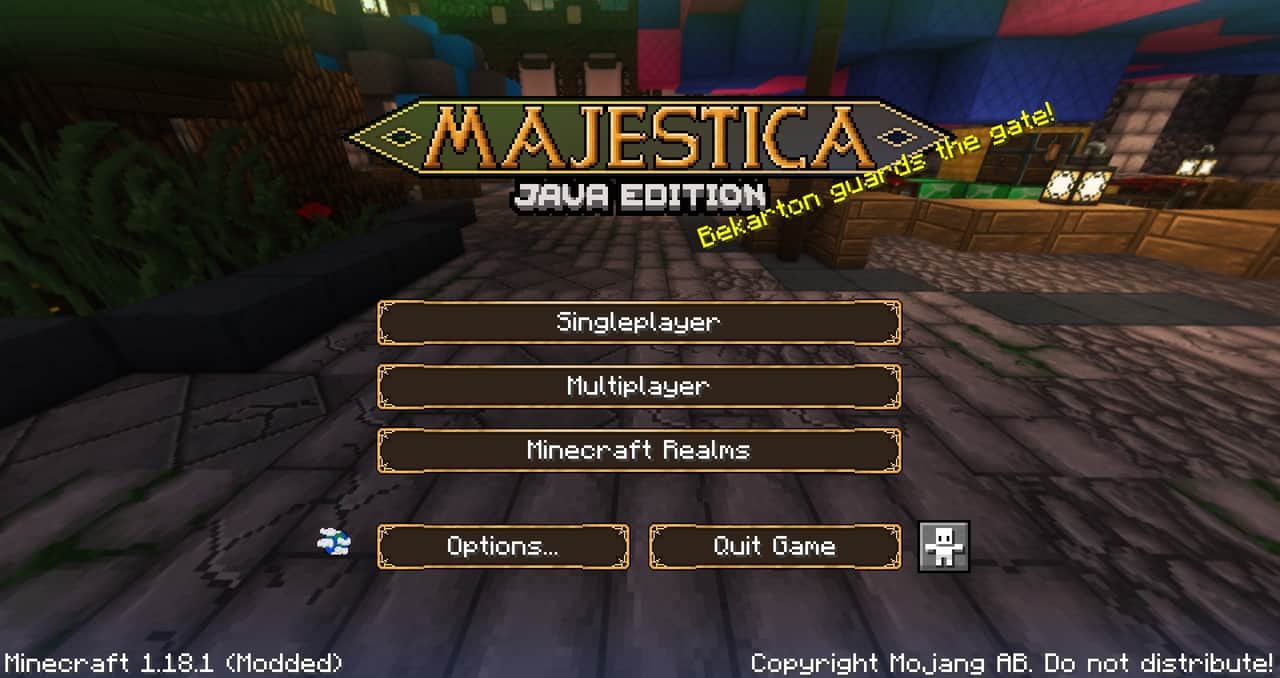
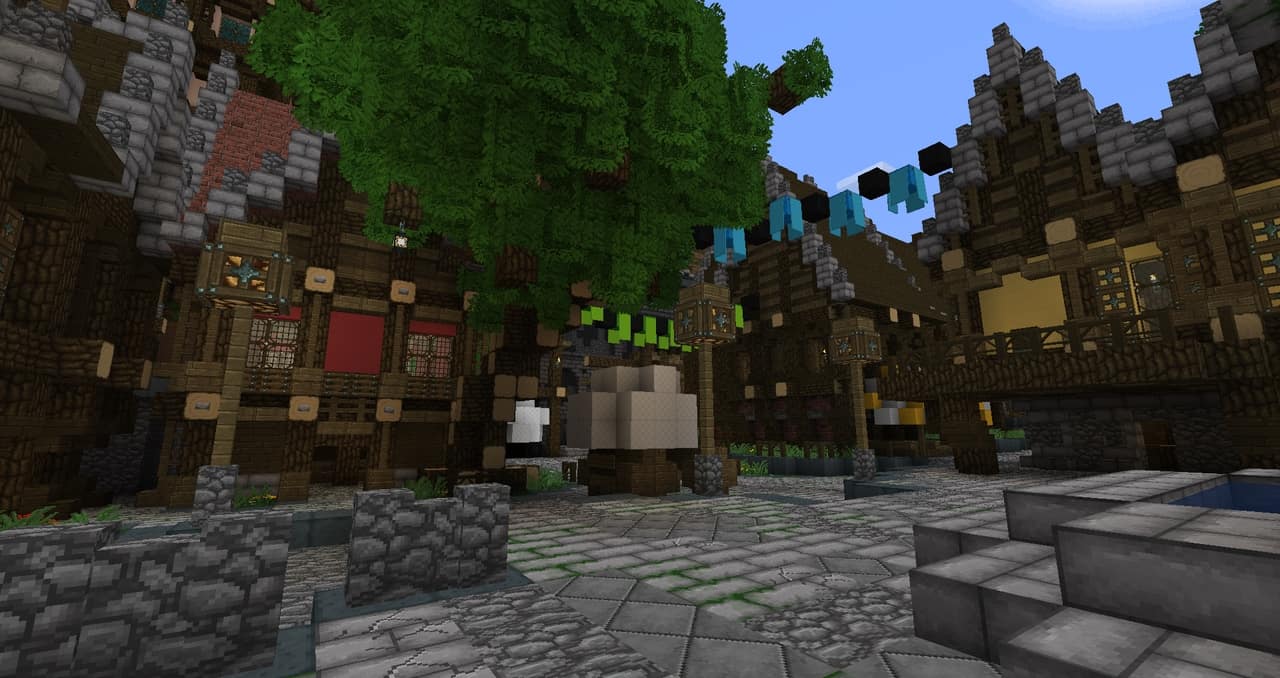
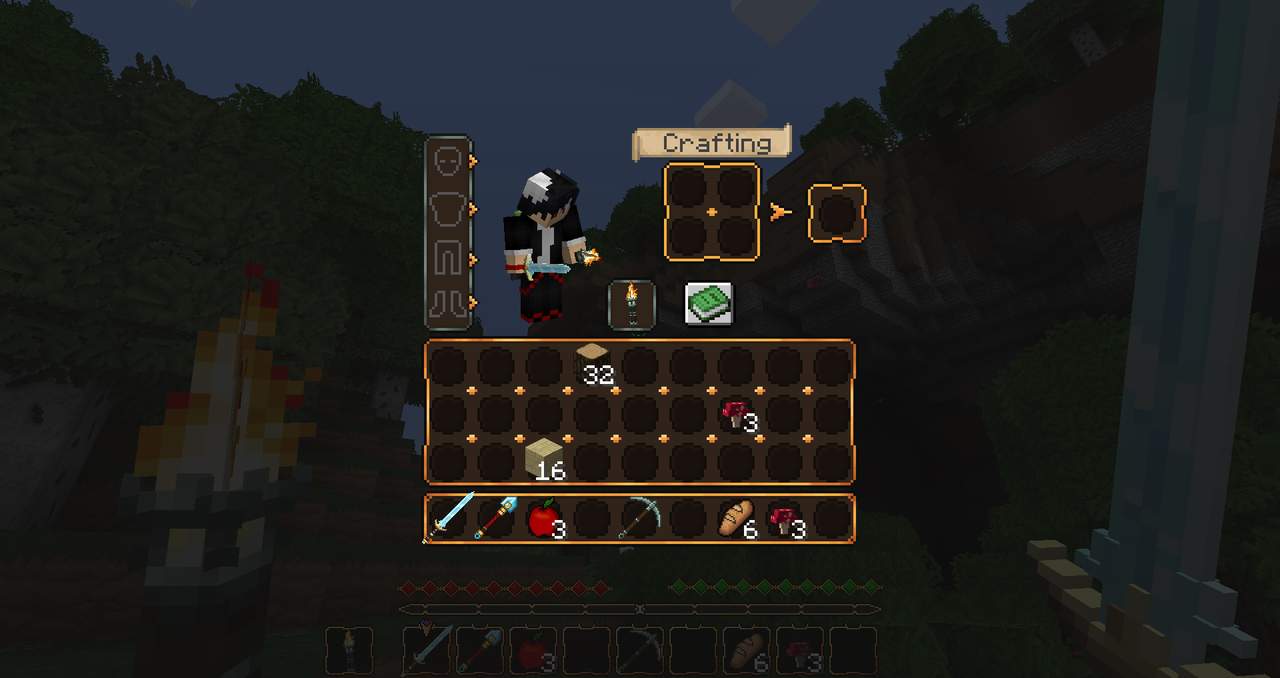
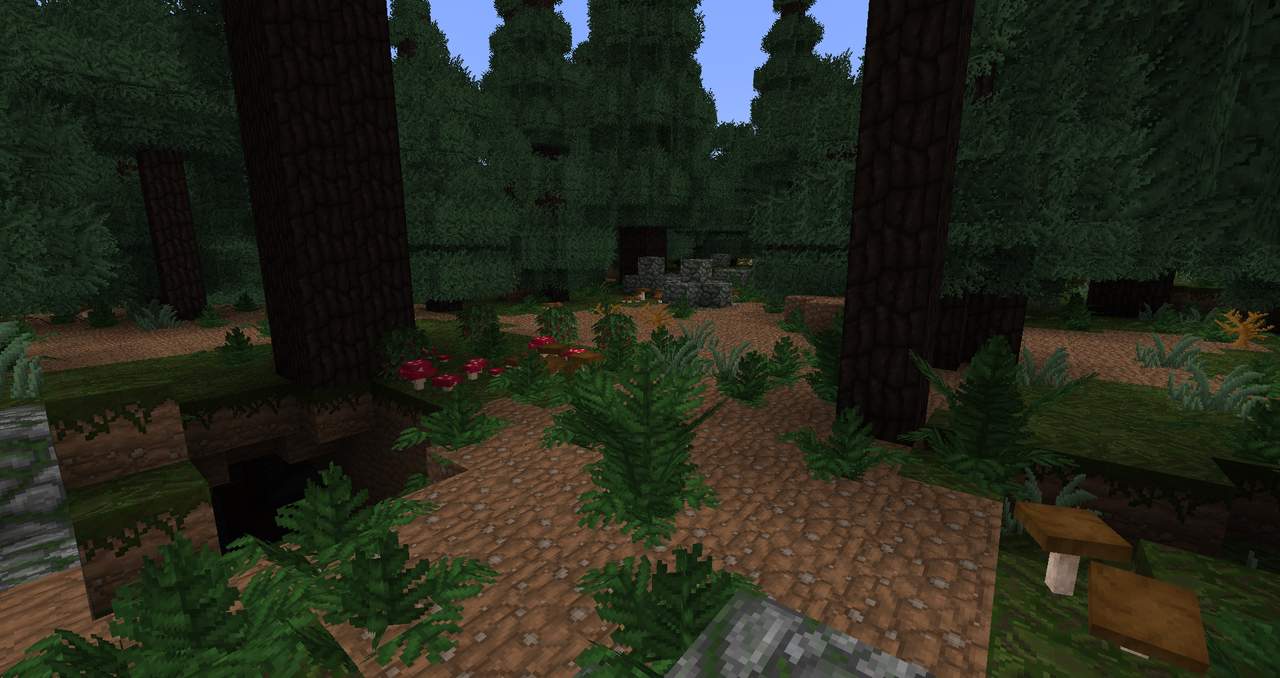
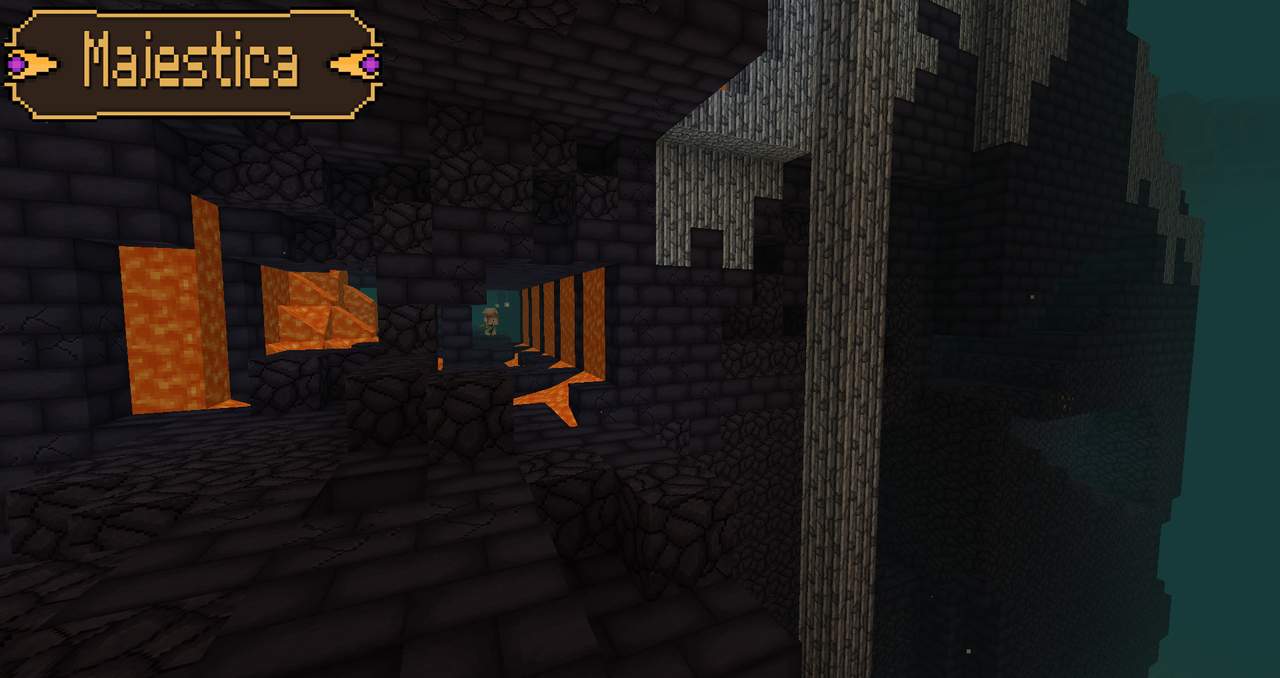
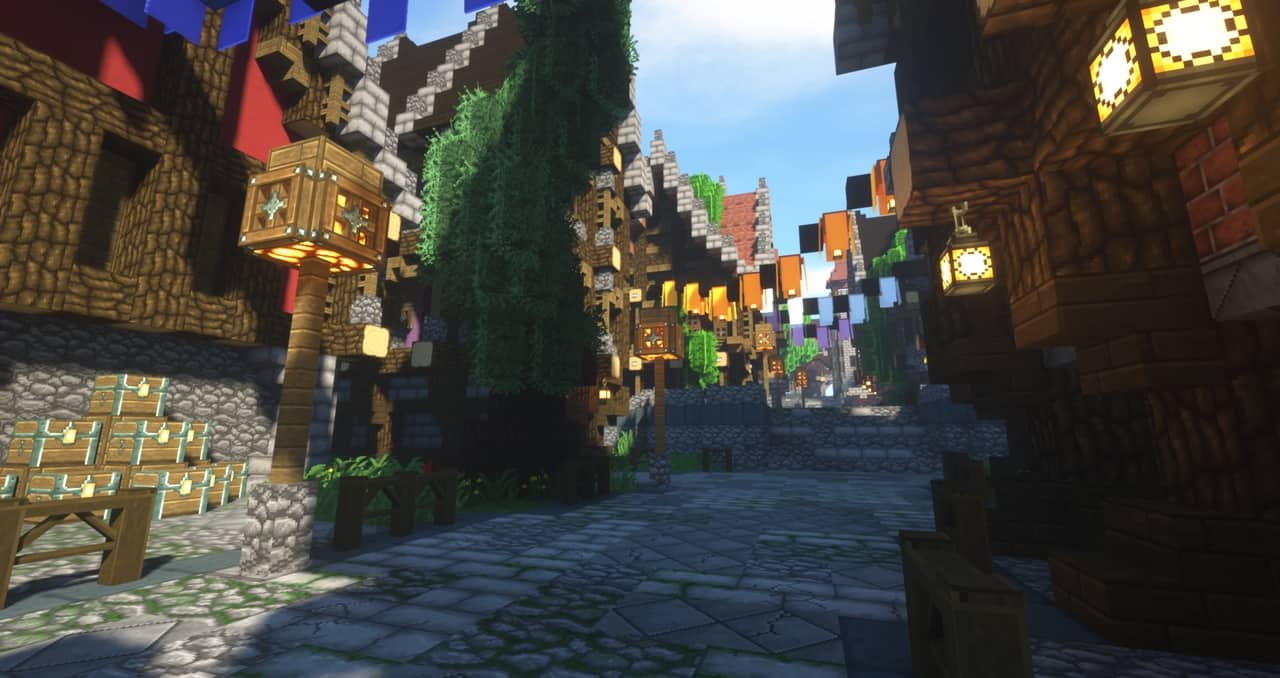
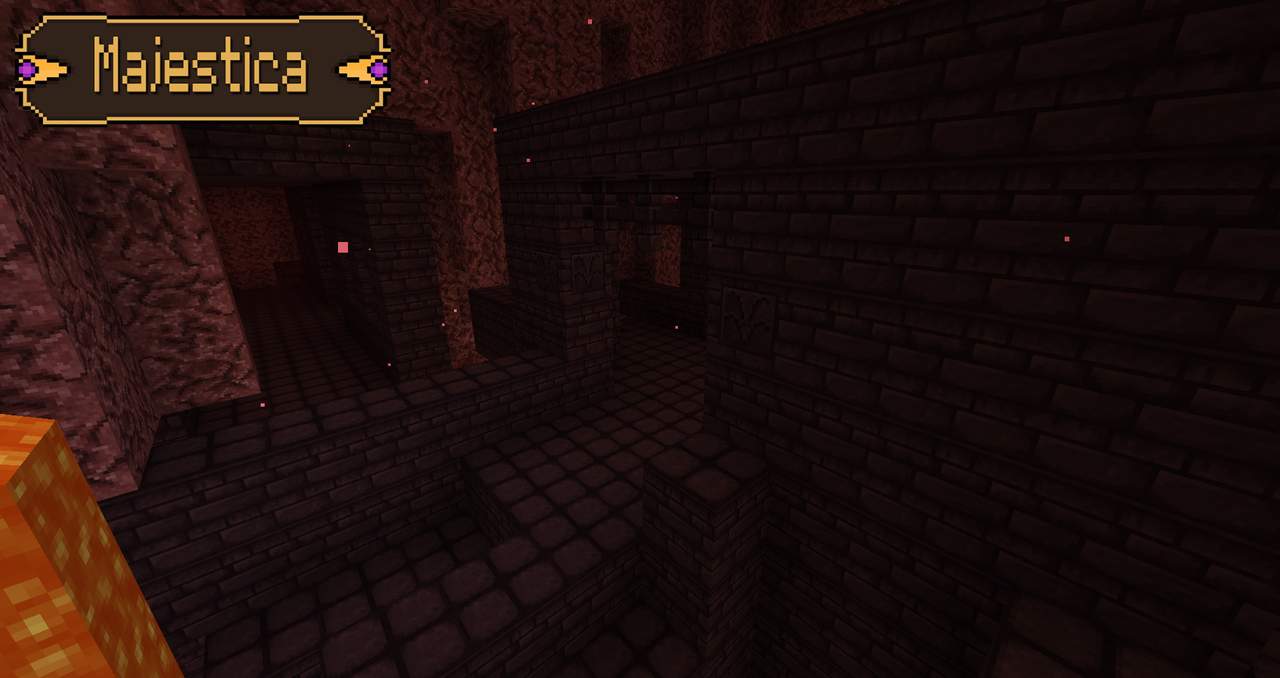
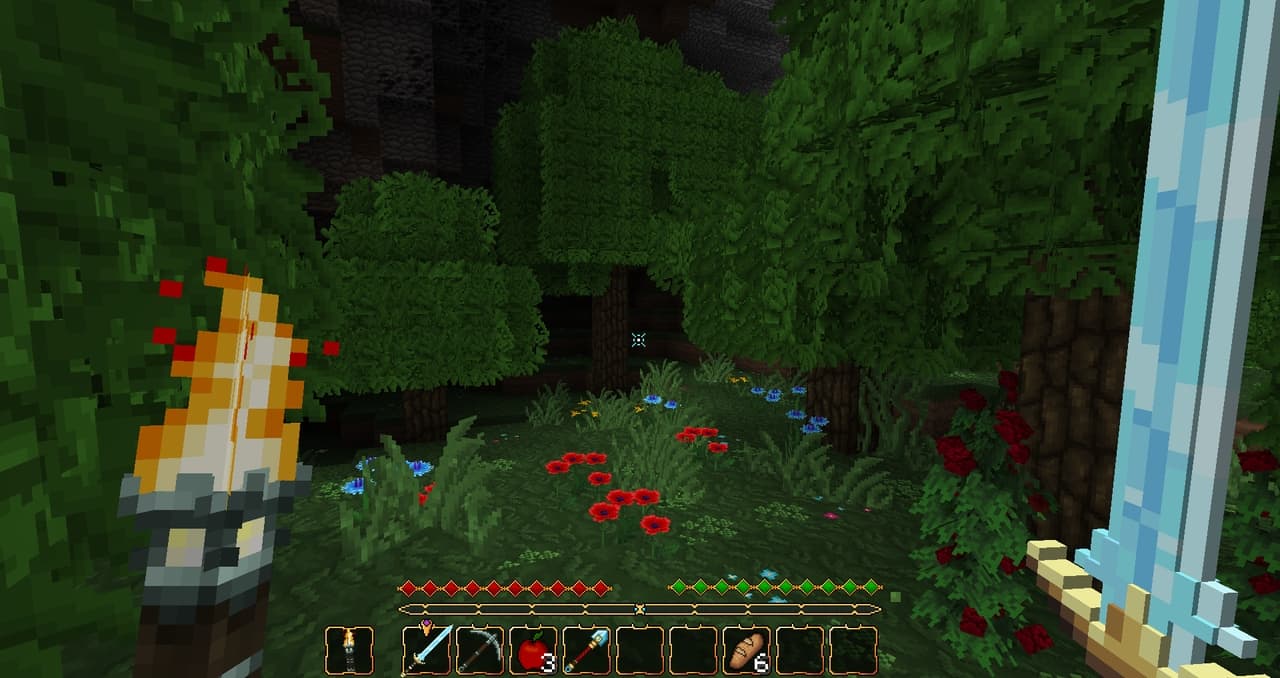
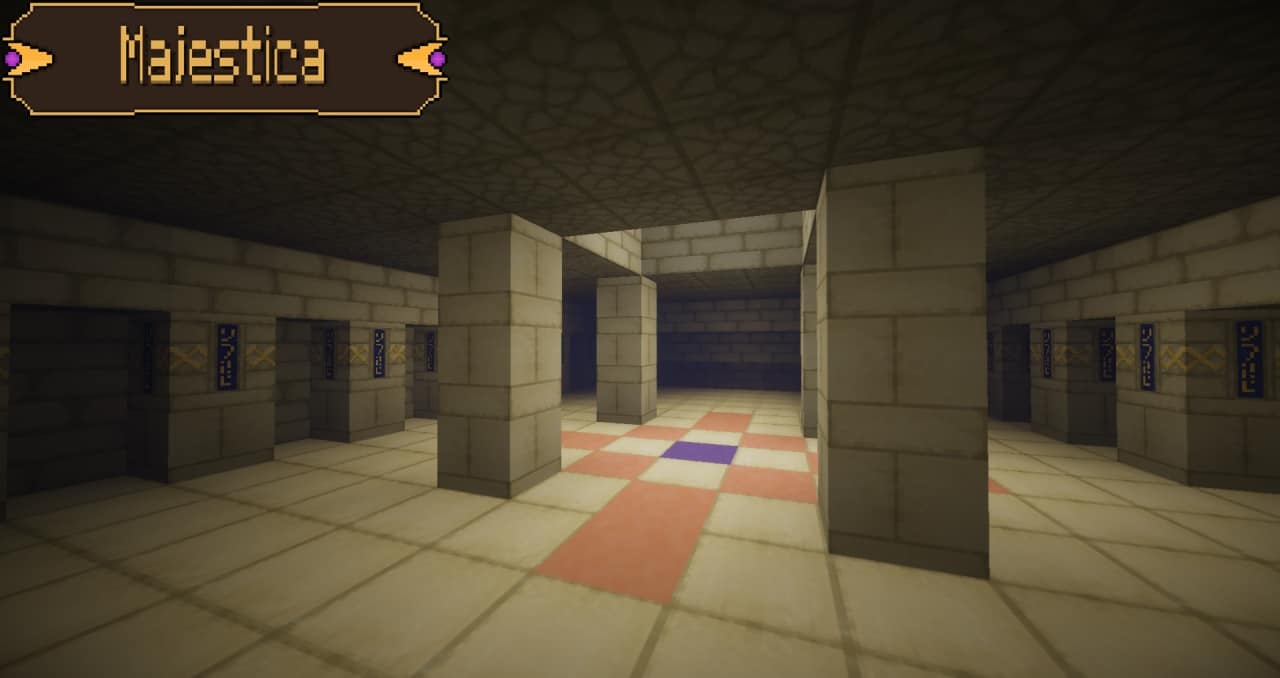
In the vast world of Minecraft, there’s the myriad options of texture packs available, and the Majestica resource pack stands as a shining example of how Minecraft can be transformed into a breathtaking and immersive adventure. This review will delve into the intricate details of the Majestica Resource Pack, uncovering its unique features, benefits, and its potential to elevate your Minecraft escapades into a realm of unparalleled wonder. From the moment you install the Majestica texture pack, you’ll be greeted with a visual feast for the senses. Every block, item, and entity within Minecraft’s iconic world undergoes a remarkable transformation, thanks to meticulously crafted mid-resolution textures. This resource pack goes beyond mere texture changes; it presents a complete reimagination of the Minecraft universe, where even the most basic blocks become exquisite works of art. What truly sets Majestica apart is its ability to maintain the core essence of Minecraft’s gameplay. While the pack introduces realism and medieval feel, it does so without straying too far from the beloved blocky aesthetic that defines the game. This delicate balance ensures that players can enjoy a sense of nostalgia while exploring an intricately detailed world that feels fresh and captivating. However, the Majestica pack doesn’t stop at textures alone. It introduces custom animations and 3D models for a variety of items and blocks. These additions inject a level of depth and realism rarely seen in texture packs. The flowing water and lava animations are particularly captivating, while the 3D models breathe life into in-game objects, making them feel more tangible. These subtle touches contribute significantly to the overall immersion of the Minecraft experience. The Majestica resource pack is way more beautiful with a combination of Complementary Shaders that boasts an exceptional feature in its advanced shader system. This system revolutionizes Minecraft’s lighting, introducing a realm of realism with intricate shadows, dynamic lighting dynamics, and a day-night cycle that immerses you entirely. As you delve into the depths of a cave, the interplay of shadows and light creates an atmosphere of suspense and wonder. Conversely, when you stand beneath the warm hues of a Minecraft sunset, you’ll be left in awe of the breathtakingly realistic portrayal that the shader system brings to the game. Combination of Majestica and shader pack elevates Minecraft’s visuals to new heights, making each moment within the game a visual spectacle. Whether you’re navigating treacherous caverns or witnessing the transition from day to night, the lighting enhancements contribute significantly to the overall immersive experience, making Majestica a must-have texture pack for those who appreciate both beauty and gameplay in Minecraft.
You can also use any other shader pack you like, we just liked the way Majestica looked with the Complementary Shaders, but Majestica is an amazing pack and should look awesome with most shaders. Compatibility with a wide array of mods is another feather in Majestica’s cap. Minecraft players frequently use mods to expand their gameplay possibilities, and Majestica seamlessly integrates with numerous popular mods. This means you can enjoy the texture pack’s visual enhancements while simultaneously benefiting from the gameplay enhancements provided by your favorite mods. It’s a testament to the pack’s versatility and its commitment to serving the Minecraft community. Furthermore, the Majestica resource pack receives regular updates to ensure compatibility with the latest Minecraft versions. This unwavering commitment to ongoing development guarantees that players can continue to enjoy the resource pack’s delights without worrying about compatibility issues. Additionally, the active community surrounding Majestica offers forums and support, fostering a space for players to share their experiences and seek assistance when needed. In terms of performance, the Majestica texture pack strikes a commendable balance. While it demands more from your hardware compared to the default Minecraft textures, it is not overly resource-intensive. Players with mid-range gaming systems should find the pack manageable, and even those with lower-end systems can make adjustments to achieve a satisfactory balance between visuals and performance. That said, the Majestica pack stands as a true masterpiece among Minecraft texture packs. Its commitment to medieval theme, combined with its unwavering dedication to preserving the game’s fundamental charm, sets it apart from the rest. The meticulous attention to detail, inclusion of custom animations and 3D models, and advanced shader system all contribute to an immersive and visually stunning Minecraft experience. Its compatibility with mods and consistent updates make it an indispensable addition to the toolkit of both new and seasoned Minecraft players. If you’re ready to embark on an adventure that transcends the boundaries of visual splendor, the Majestica resource pack is the choice that will transport you to a world of enchantment and magnificence, all while preserving the heart and soul of the Minecraft universe. Whether you’re a builder, explorer, or adventurer, Majestica promises to transform your Minecraft journey into an extraordinary and unforgettable odyssey.
Majestica should be compatible with all of these Minecraft versions: 1.21.10 – 1.21.9 – 1.21.8 – 1.21.7 – 1.21.6 – 1.21.5 – 1.21.4 – 1.21.3 – 1.21.2 – 1.21.1 – 1.21 – 1.20.6 – 1.20.5 – 1.20.4 – 1.20.3 – 1.20.2 – 1.20.1 – 1.20 – 1.19.4 – 1.19.3 – 1.19.2 – 1.19.1 – 1.19 – 1.18.2 – 1.18.1 – 1.18 – 1.17.1 – 1.17 – 1.16.5 – 1.16.4 – 1.16.3 – 1.16.2 – 1.16.1 – 1.16 – 1.15.2 – 1.15.1 – 1.15 – 1.14.4 – 1.14.3 – 1.14.2 – 1.14 – 1.13.2 – 1.13.1 – 1.13 – 1.12.2 – 1.12 – 1.11.2 – 1.11 – 1.10.2 – 1.10
Screenshots
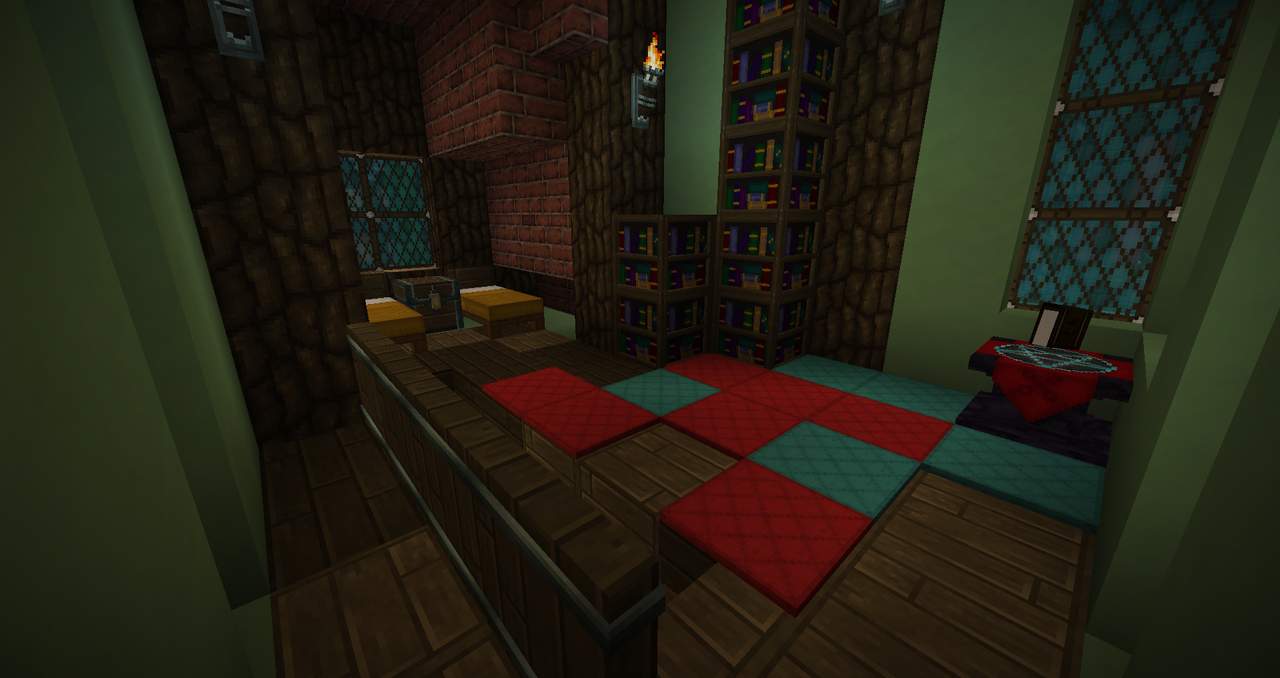
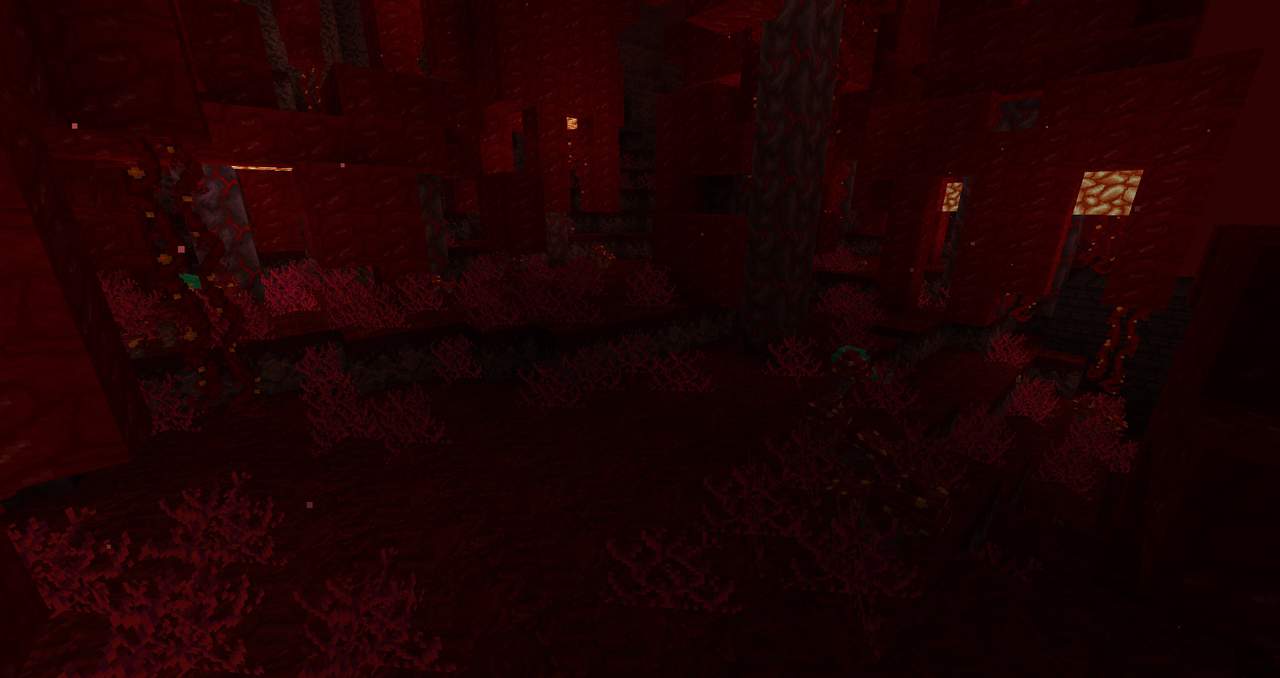
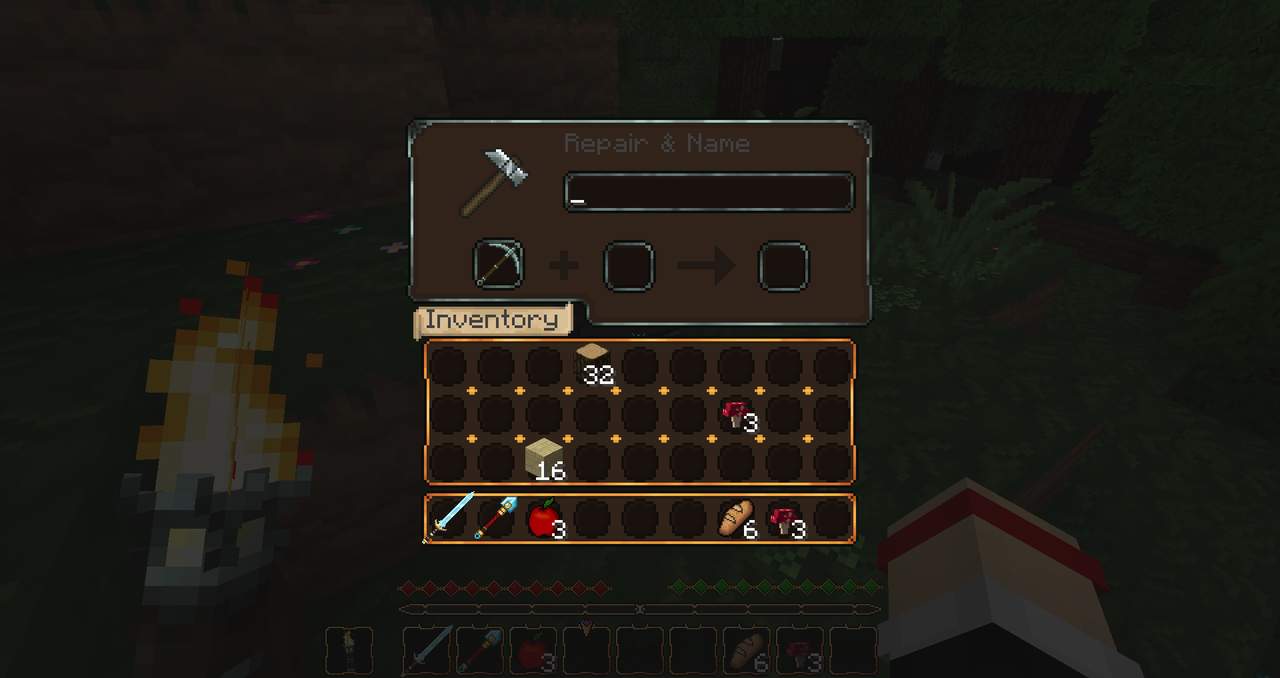
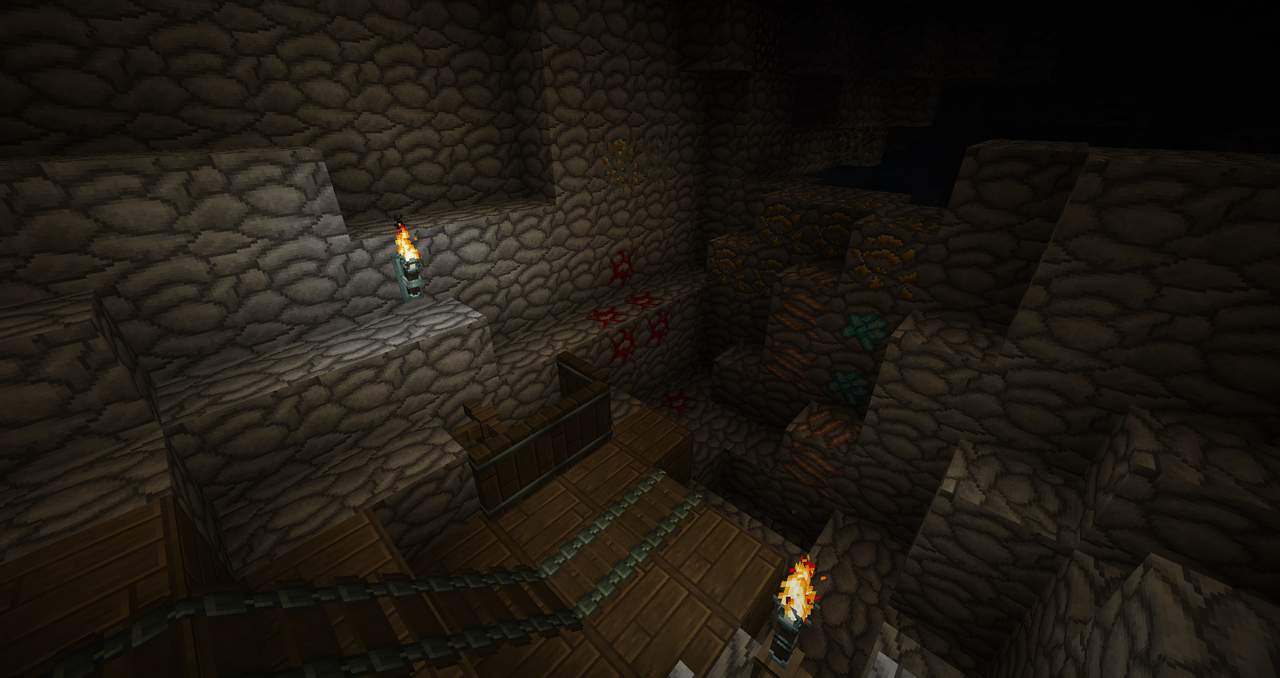
How to Install Texture Pack (Simple 10 Steps)
- Download OptiFine: Most of the texture packs and shaders need OptiFine. That’s why, first download and install OptiFine for the version of Minecraft you want to play.
- Download the Texture Pack: Get the texture pack you want from the download section. Choose the version that works with your Minecraft and your PC’s performance.
- Open Minecraft Launcher: Start Minecraft using the official game launcher — or even TLauncher, if you use that.
- Go to Options: From the main menu, click on the “Options” button.
- Open Resource Packs: Inside Options, click on “Resource Packs…”.
- Open the Resource Pack Folder: Click on “Open Resource Pack Folder” — this will open a folder named “resourcepacks”.
- Move the Pack File: Copy or move the .zip file you downloaded into that “resourcepacks” folder. (Don’t unzip the file — Minecraft uses it as-is!)
- Go Back and Refresh: Close the folder and click “Done”, then go back into “Resource Packs…” again.
- Activate the Pack: You’ll see the pack on the left side. Hover over it and click the arrow to move it to the right (active side).
Tip: If you get a message that the pack is for a different version, just click “Yes” — it usually works fine. - Click Done and Enjoy: Click “Done” again. Now your pack is ready to use in-game. It’s that easy!
Credits
The Majestica resource pack was originally created by Eftann Senpai. We do not claim ownership of this content, nor do we host modified files on our servers. We encourage players to support the original creator by downloading the pack through their official distribution links.
Download Links
Java Edition
Download Instructions
Curseforge: download starts automatically after a few seconds;
Mediafire: click the big blue button with the text “DOWNLOAD”;
Google Drive: in the top right corner you will see a small download icon (down arrow), click it and the download should start;


