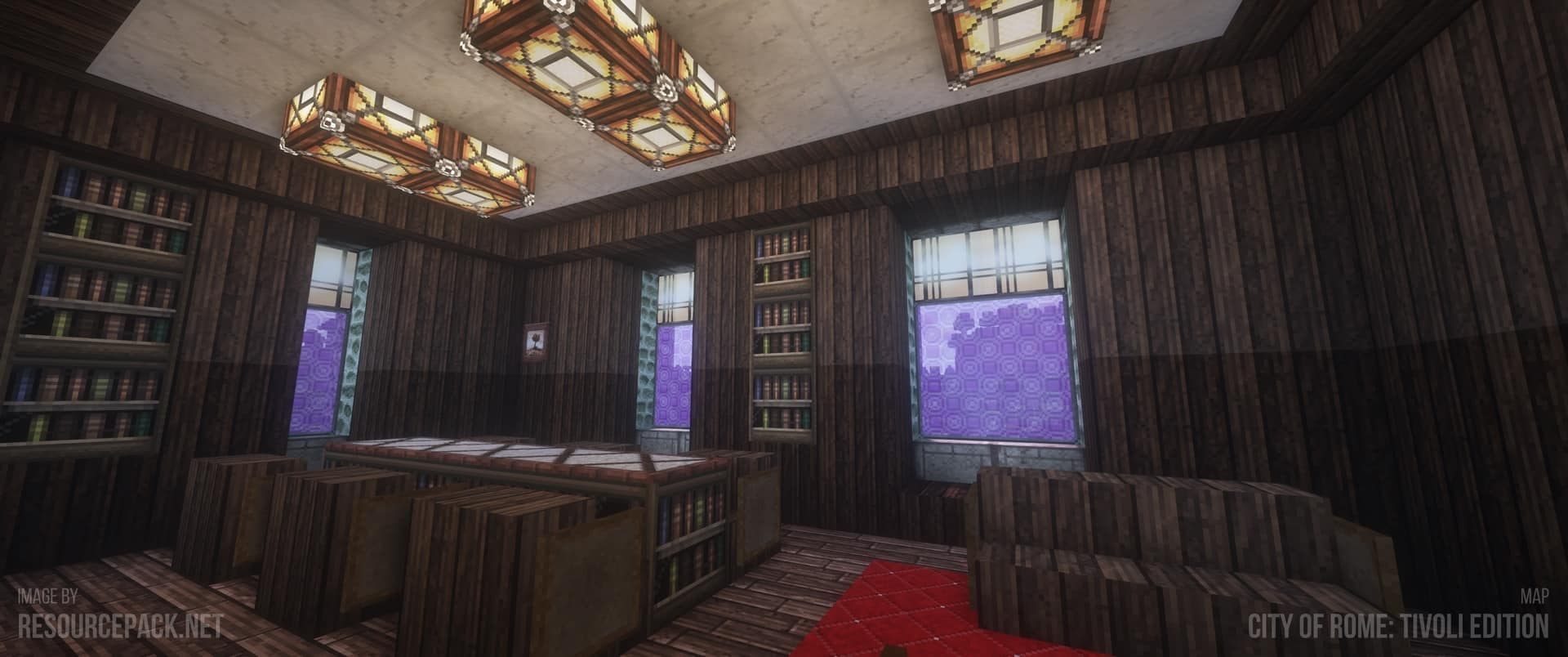
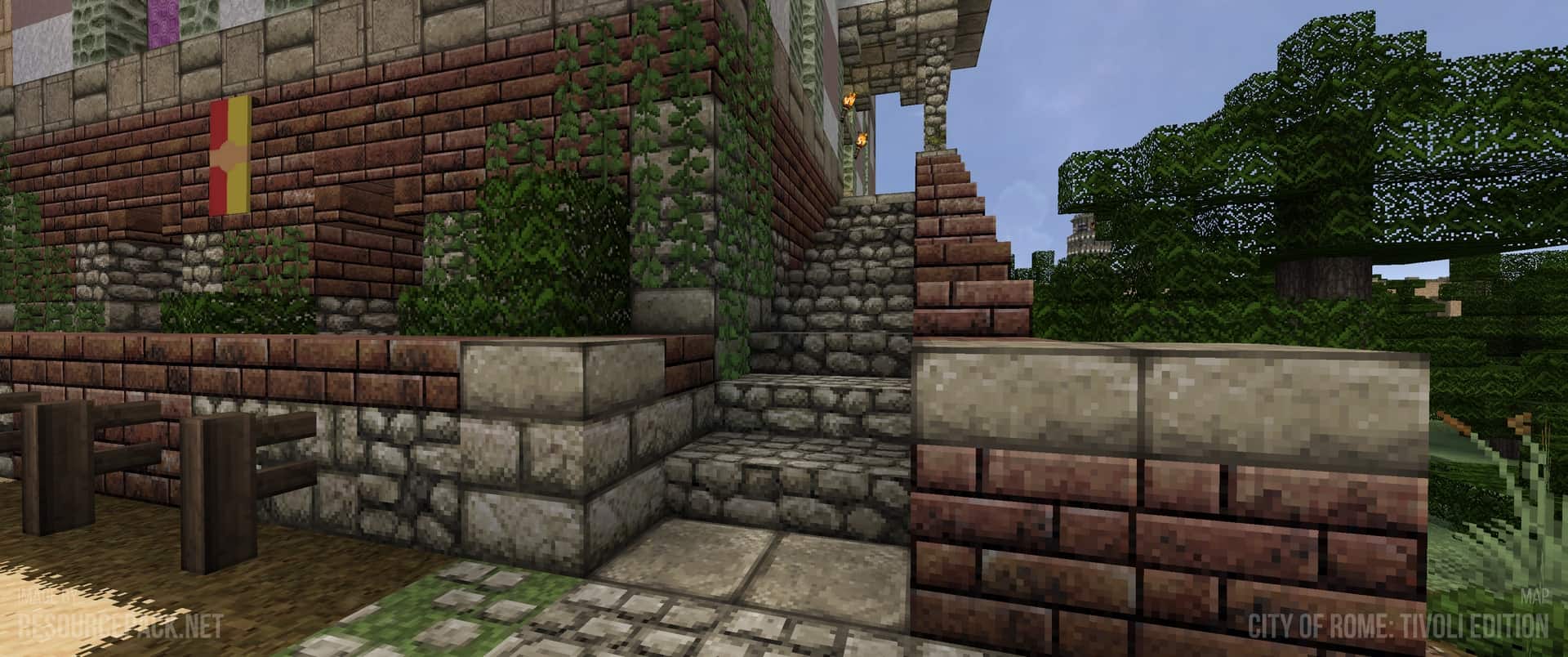
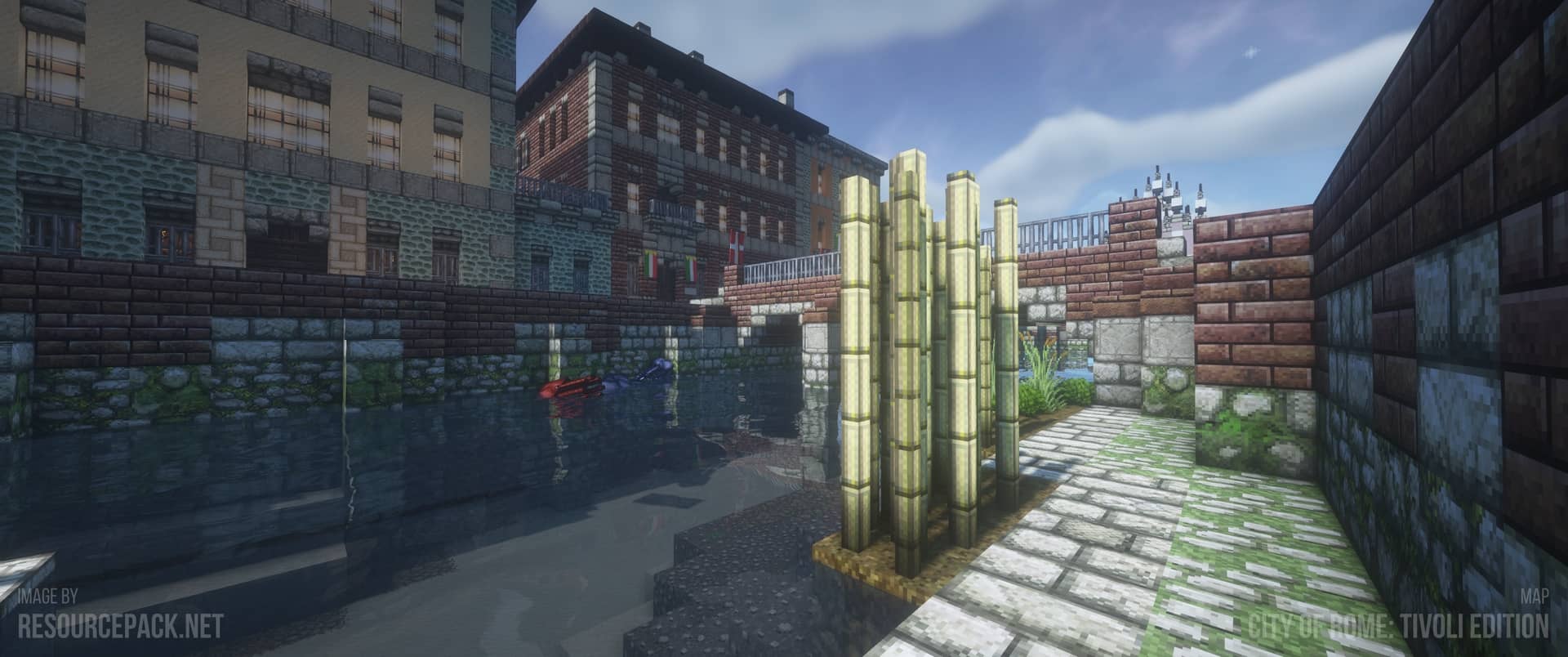
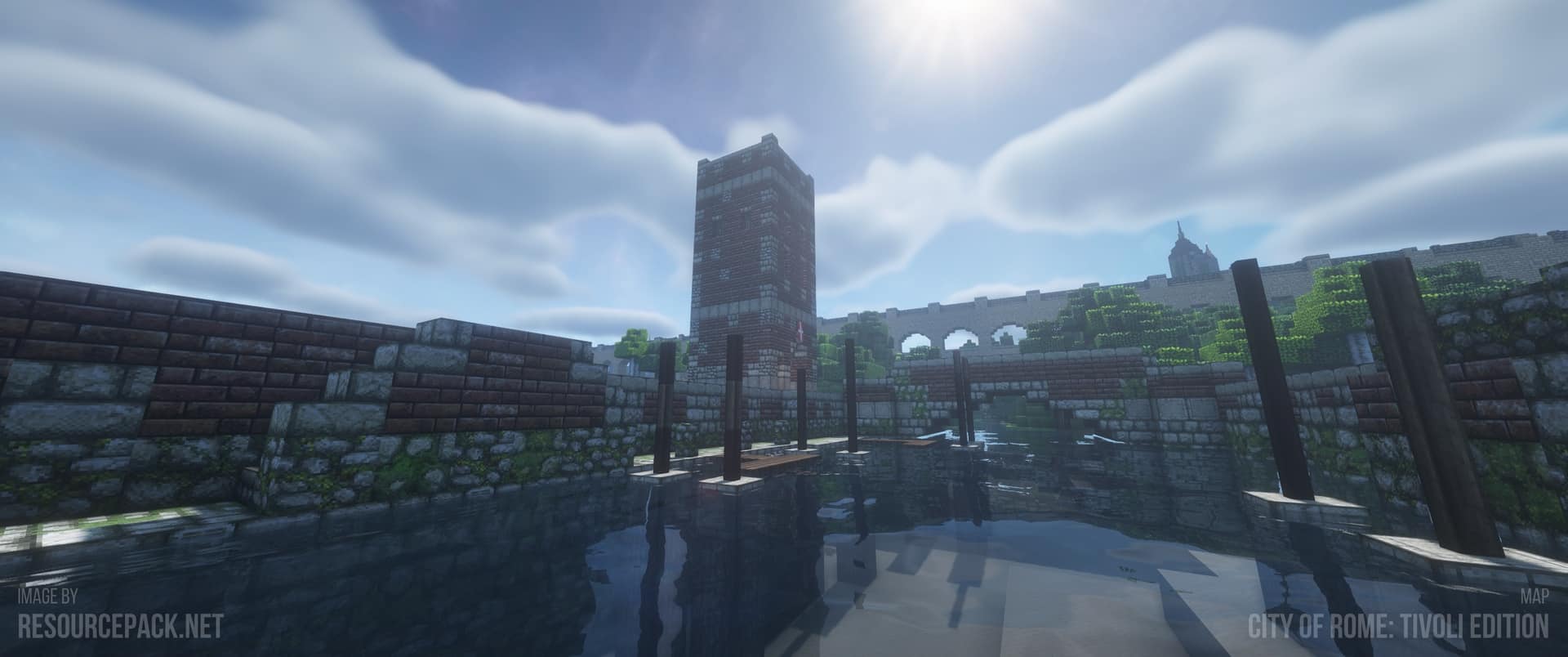
When it comes to Minecraft, it can come in a bunch of different flavors. It all starts with the basic ingredient which is the vanilla version. On top of it, you can add a bunch of different extras in the form of resource packs to make Minecraft feel like a whole new experience. However, not everyone wants a photorealistic resource pack. For all those players, the John Smith Legacy resource pack can offer a familiar twist on top of classic Minecraft. Created to add a rustic and traditional visual style, the resource pack manages to keep things familiar but in a good way. The John Smith Legacy texture pack was initially released back in 2014. After being worked on for some time, the developer, known as James Stone, was published on several well-known websites and received overwhelmingly positive feedback. Being greeted with such success, the developer continued work and released several other projects. At the same time, he kept the John Smith Legacy resource pack updated and continued to interact with the community. According to his own words, he remains a Minecraft player and enjoys using his resource packs including the John Smith Legacy. Comparing the John Smith Legacy pack with vanilla Minecraft, it becomes obvious that there is an increase in texture details. This visual improvement is caused by the bump in texture resolution. Instead of using the standard vanilla x16 texture resolution, the developer decided to go with x32. This led to an increase in texture details, making the entire world more visually appealing. However, not all the textures in the game received a visual improvement but the vast majority of them have been reworked and upscaled by the developer. The first noticeable improvement is the textures of most of the objects in Minecraft. There are new textures with more details for things such as cobblestone, all types of ores, sandstone, dirt, sand, grass, trees, flowers, crops, wood, fences, leaves, bricks, walls, doors, and more. Almost every aspect of the game has been touched to a certain degree. Due to the newly added details and increased resolution, surfaces are smoother and pixilation is less obnoxious. There was also some considerable work and time invested into the player GUI. The inventory has been changed and tweaked to make everything easier to manage.
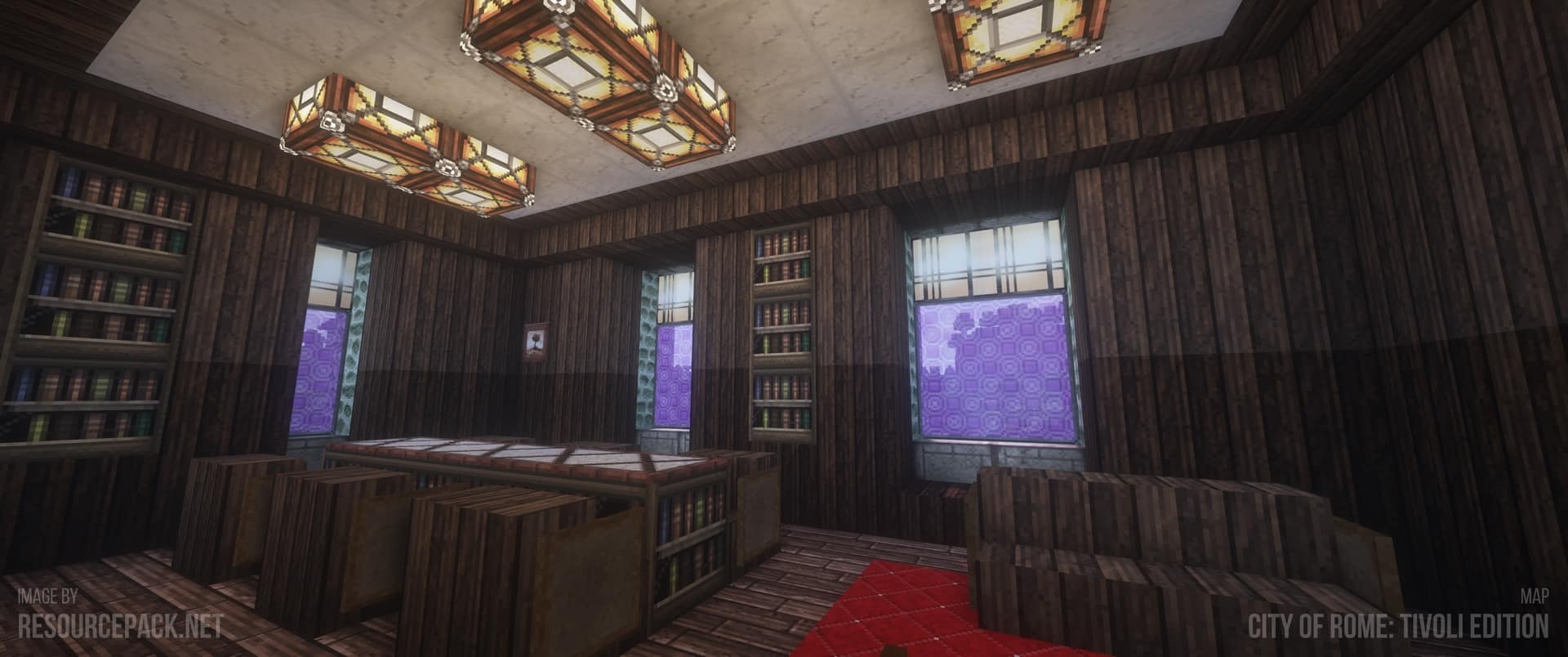
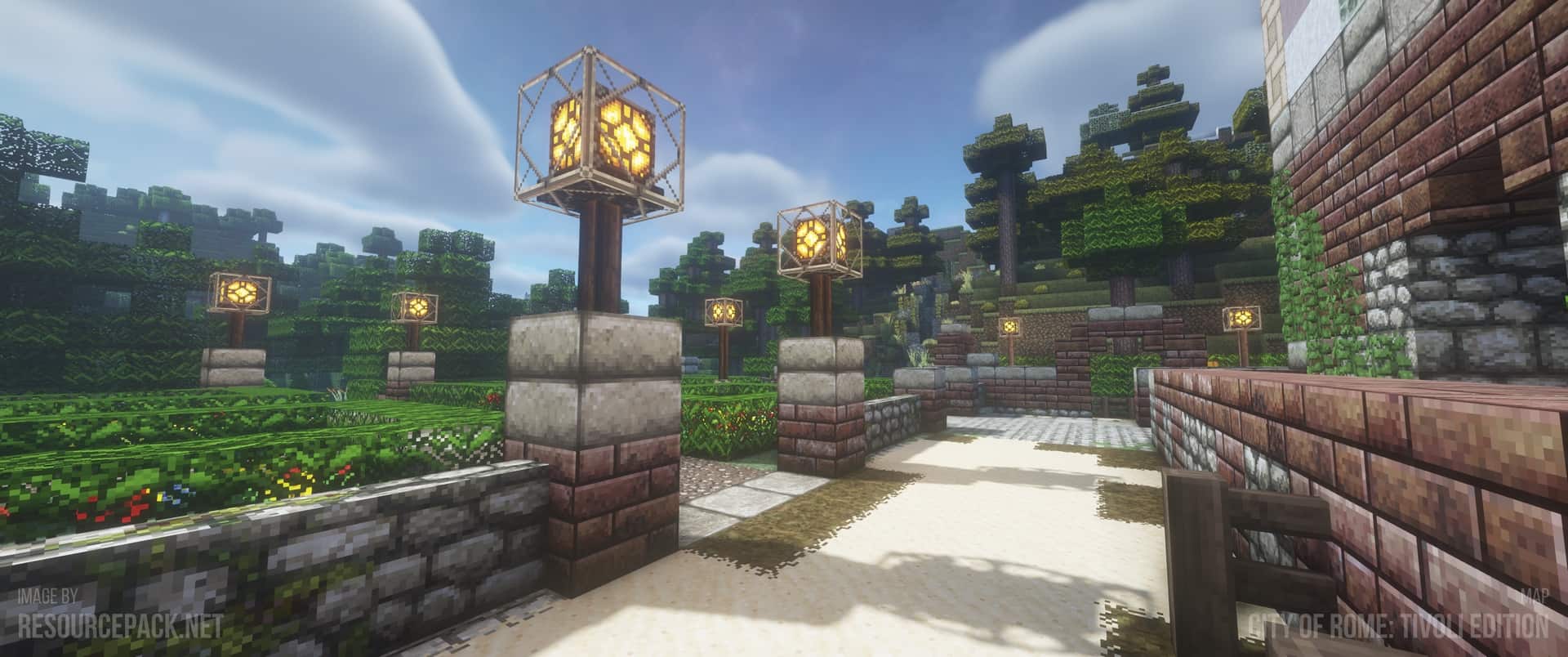
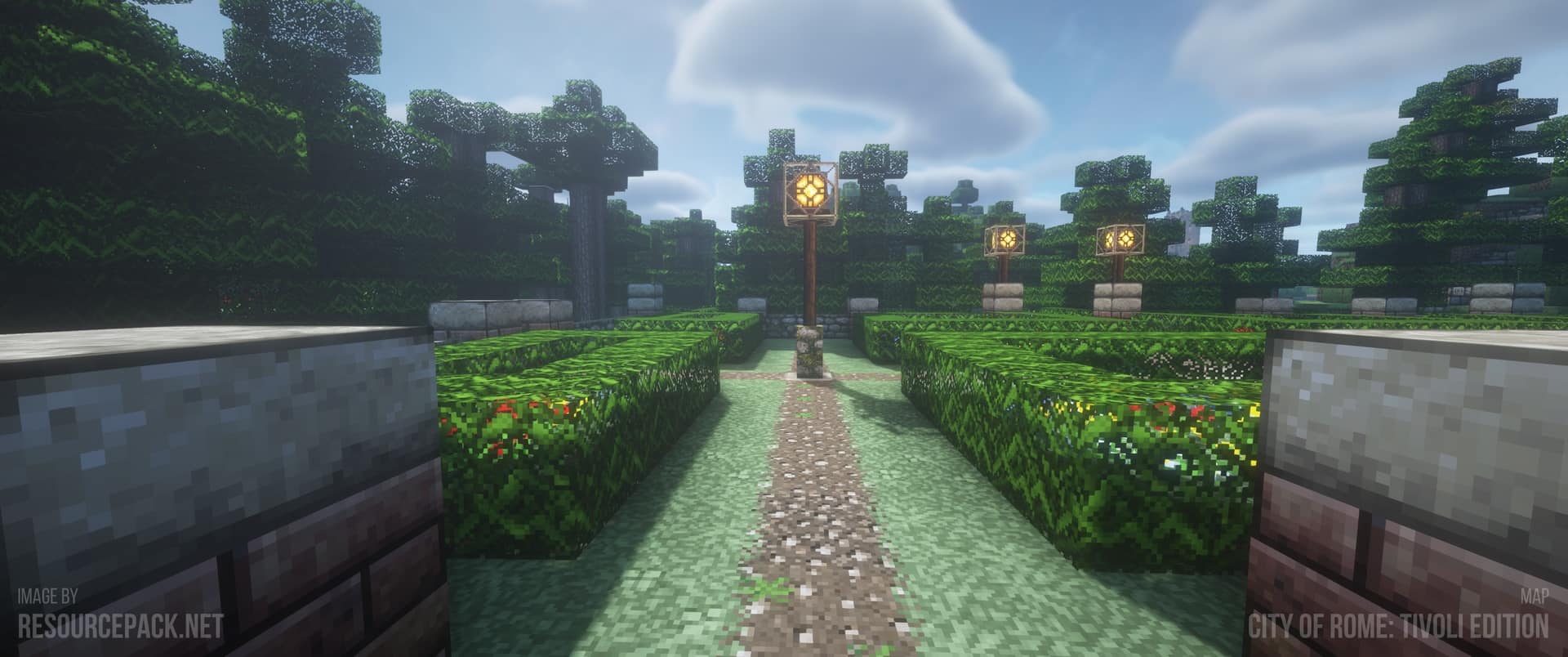
The crafting bench also has an improved menu. No rework has been done to the player HUD. We do not have new health bars and or inventory item slots. The resource pack does add a darker tone to the game. The John Smith Legacy resource pack describes itself as having grim and archaic visuals. This is well reflected in how lighting, color tones, and textures were crafted. These visual changes allow you to create stunning medieval worlds or structures that can be inspired by real-life architecture that is typical for that age. The John Smith Legacy resource pack is very easy to install. It does need access to special features as some textures are 3D. It does not change sky or water textures but it still requires to be installed with a tool such as Optifine. You don’t have to use optifine at all, as this pack has standard texture support and support for OptiFine features. But then again, if you want to have these amazing features of Optifine (you will find some of them in the screenshots below), you need to install Optifine. Also, the developer made the resource pack available for a wide range of Minecraft versions and it is available for Android, Windows 10, iPhone, iPad, Gear VR, Oculus Rift, and Amazon devices. In terms of performance, the resource pack is not excessively taxing. The x32 texture resolution does not cripple old systems and should work well on most PCs. However, because it adds some 3D models, it will cause a higher framerate drop than similar resource packs that use the same texture resolution. For an improved experience, the John Smith Legacy resource pack can have its visuals boosted with the aid of Shader Packs. While no shader pack has been recommended by the developer, it is worth experimenting and seeing what works with the resource pack without causing any visual bugs or glitches. However, adding a shader pack on top will certainly lead to a framerate drop. Depending on your system it may or may not make the game unplayable but most modern PCs should be capable of handling the John Smith Legacy resource pack and a shader pack on top of it just fine.
John Smith Legacy should be compatible with all of these Minecraft versions: 26.2 – 26.1.2 – 26.1.1 – 26.1 – 1.21.11 – 1.21.10 – 1.21.9 – 1.21.8 – 1.21.7 – 1.21.6 – 1.21.5 – 1.21.4 – 1.21.3 – 1.21.2 – 1.21.1 – 1.21 – 1.20.6 – 1.20.5 – 1.20.4 – 1.20.3 – 1.20.2 – 1.20.1 – 1.20 – 1.19.4 – 1.19.3 – 1.19.2 – 1.19.1 – 1.19 – 1.18.2 – 1.18.1 – 1.18 – 1.17.1 – 1.17 – 1.16.5 – 1.16.4 – 1.16.3 – 1.16.2 – 1.16.1 – 1.16 – 1.15.2 – 1.15.1 – 1.15 – 1.14.4 – 1.14.3 – 1.14.2 – 1.14 – 1.13.2 – 1.13.1 – 1.13 – 1.12.2 – 1.12 – 1.11.2 – 1.11 – 1.10.2 – 1.10 – 1.9.4 – 1.9 – 1.8.9 – 1.8.8 – 1.8.1 – 1.8.6 – 1.8 – 1.7.10 – 1.7.9 – 1.7.4 – 1.7 – 1.6.4 – 1.6.2 – Bedrock Edition – PE
Screenshots
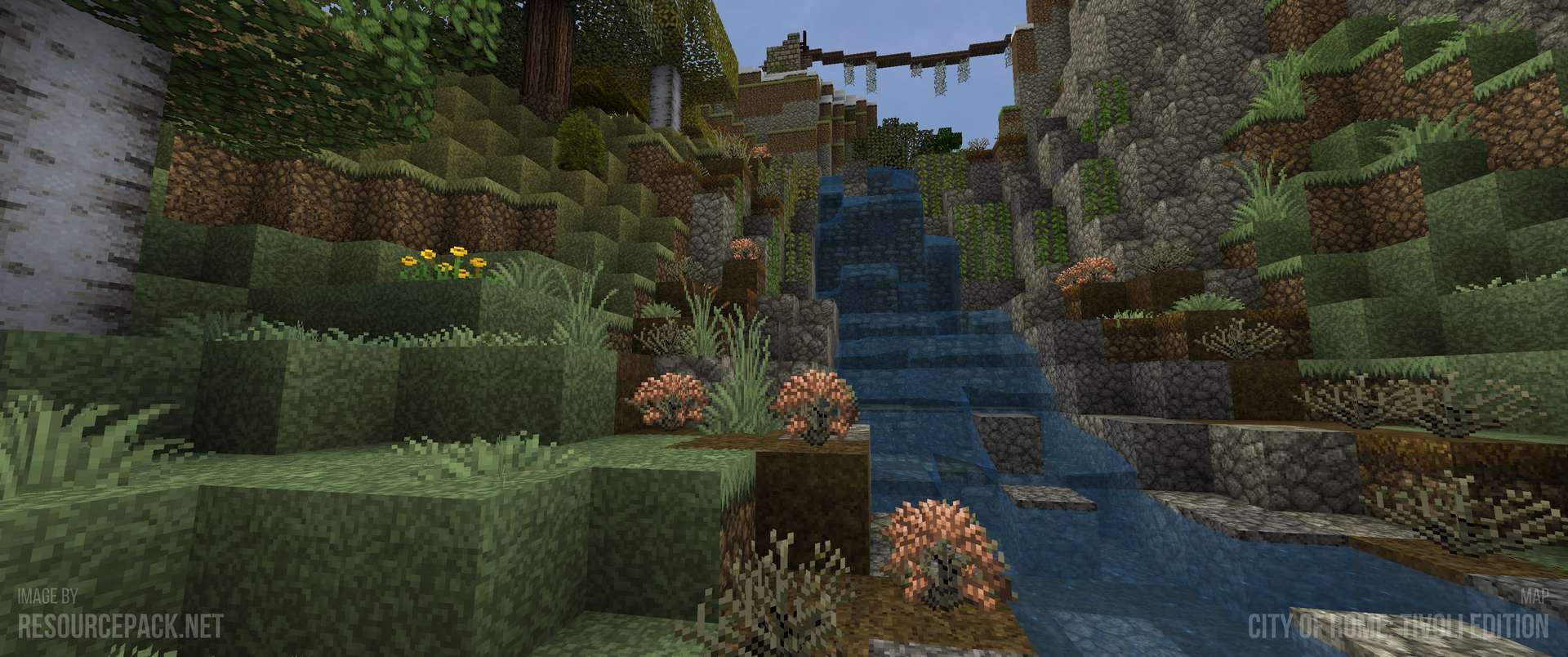
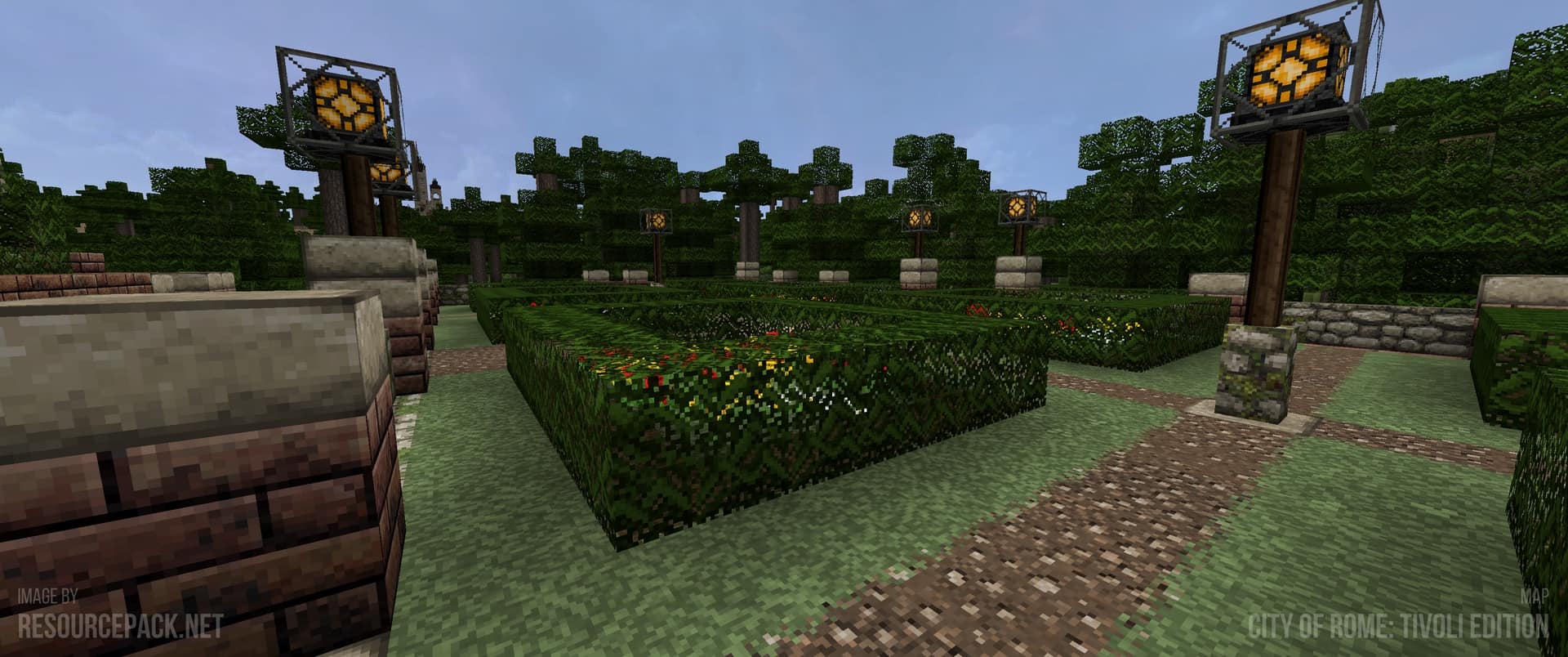
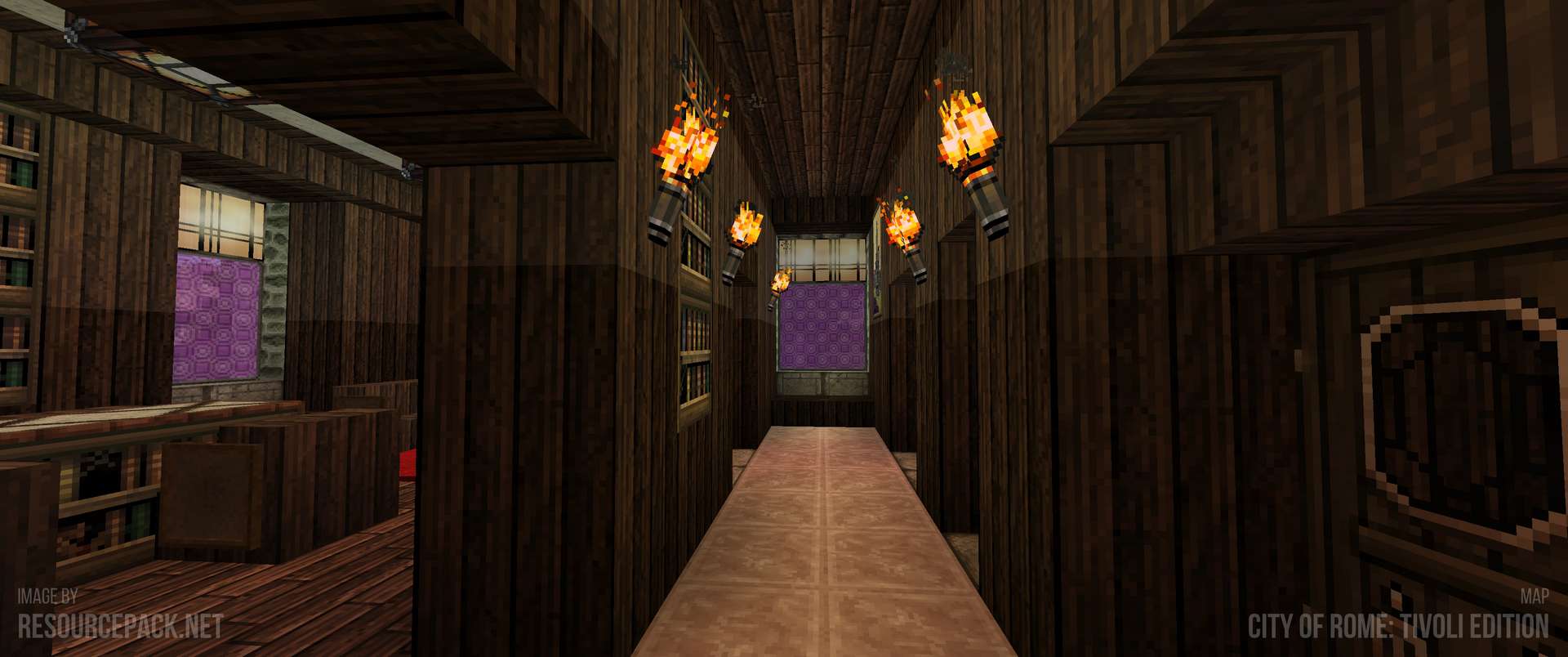
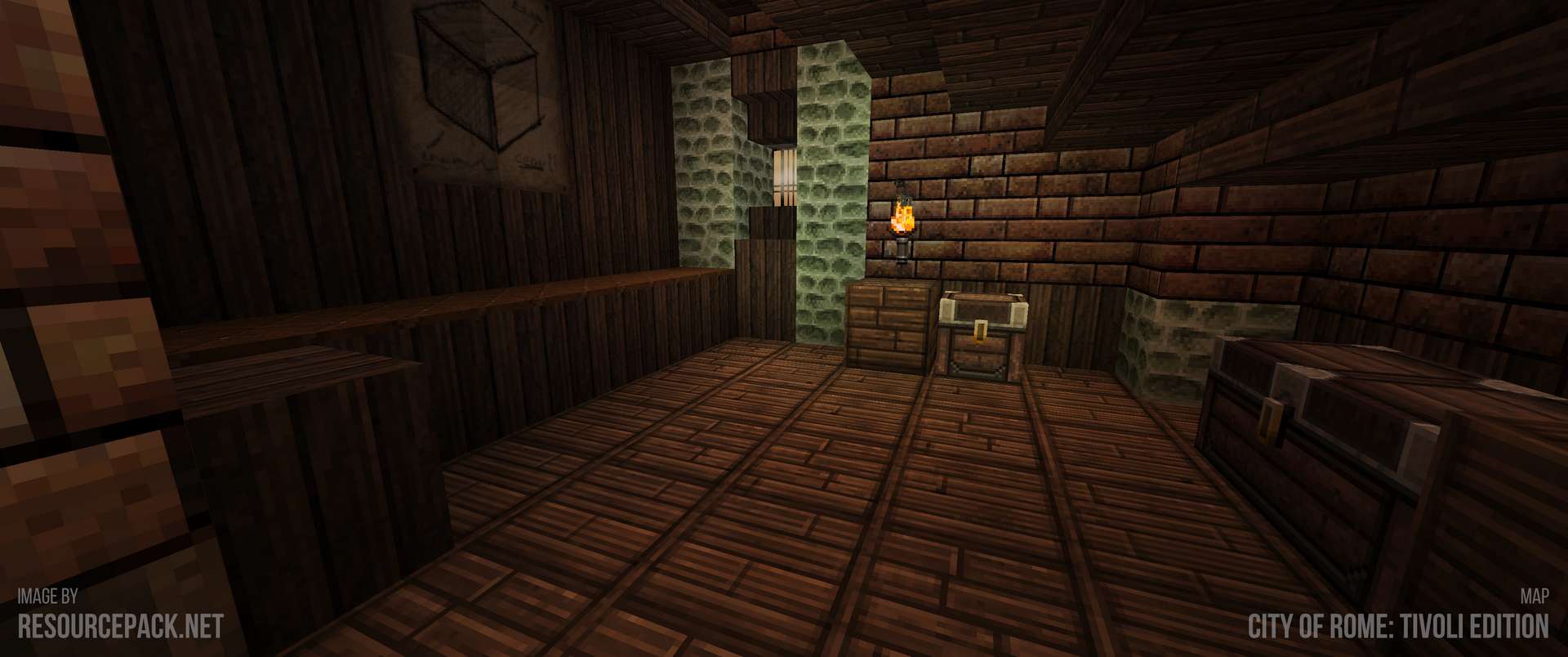
How to Install Texture Pack (Simple 10 Steps)
- Download OptiFine: Most of the texture packs and shaders need OptiFine. That’s why, first download and install OptiFine for the version of Minecraft you want to play.
- Download the Texture Pack: Get the texture pack you want from the download section. Choose the version that works with your Minecraft and your PC’s performance.
- Open Minecraft Launcher: Start Minecraft using the official game launcher — or even TLauncher, if you use that.
- Go to Options: From the main menu, click on the “Options” button.
- Open Resource Packs: Inside Options, click on “Resource Packs…”.
- Open the Resource Pack Folder: Click on “Open Resource Pack Folder” — this will open a folder named “resourcepacks”.
- Move the Pack File: Copy or move the .zip file you downloaded into that “resourcepacks” folder. (Don’t unzip the file — Minecraft uses it as-is!)
- Go Back and Refresh: Close the folder and click “Done”, then go back into “Resource Packs…” again.
- Activate the Pack: You’ll see the pack on the left side. Hover over it and click the arrow to move it to the right (active side).
Tip: If you get a message that the pack is for a different version, just click “Yes” — it usually works fine. - Click Done and Enjoy: Click “Done” again. Now your pack is ready to use in-game. It’s that easy!
Credits
This resource pack was originally created by JohnSmith, JimStoneCraft, and FilalPL. We do not claim ownership of this content and do not host modified files. We strongly encourage users to support the original creators by downloading through their official channels.
Download Links
Java Edition
- [32x] Minecraft 26.2.x – 1.4.x
- [32x] Minecraft 1.21.x 3D Models Add-on Pack
- [32x] Minecraft 1.19.x 3D Models Add-on Pack
- [32x] Minecraft 1.18.x 3D Models Add-on Pack
- [32x] Minecraft 1.17.x 3D Models Add-on Pack
- [32x] Minecraft 1.16.x 3D Models Add-on Pack
- [32x] Minecraft 1.15.x 3D Models Add-on Pack
- [32x] Minecraft 1.14.x 3D Models Add-on Pack
- [32x] Minecraft 1.13.x 3D Models Add-on Pack
- [32x] Minecraft 1.12.x – 1.10.x 3D Models Add-on Pack
- [32x] Minecraft 1.9.x – 1.8.x 3D Models Add-on Pack
- [32x] Minecraft 1.20.x Modded Resource Pack
- [32x] Minecraft 1.16.x Modded Resource Pack
- [32x] Minecraft 1.12.x Modded Resource Pack
- [32x] Minecraft 1.10.x Modded Resource Pack
- [32x] Minecraft 1.9.x Modded Resource Pack
- [32x] Minecraft 1.8.x Modded Resource Pack
- [32x] Minecraft 1.7.x Modded Resource Pack
Bedrock Edition
Download Instructions
Curseforge: download starts automatically after a few seconds;
Mediafire: click the big blue button with the text “DOWNLOAD”;
Google Drive: in the top right corner you will see a small download icon (down arrow), click it and the download should start;


