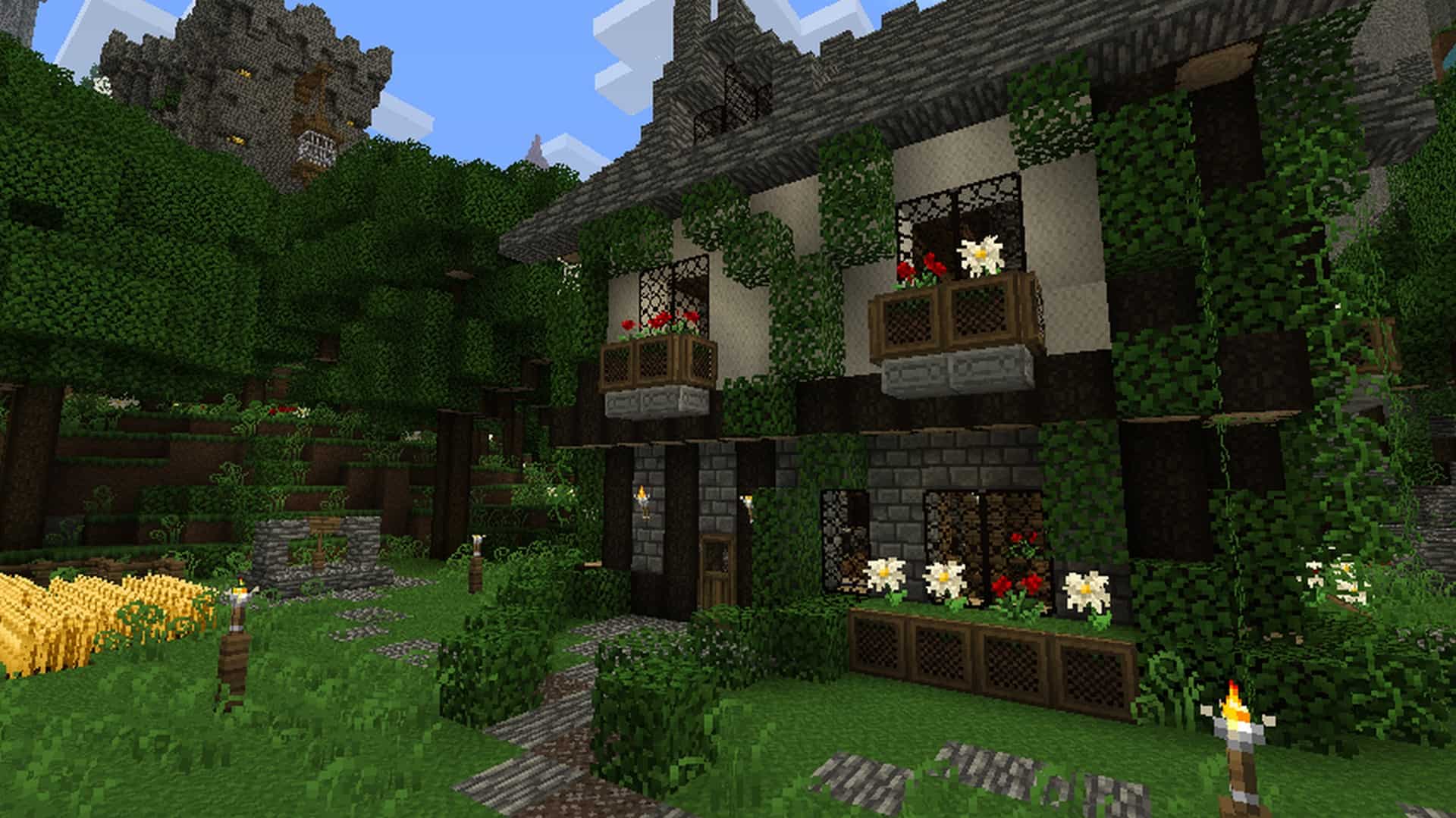
Lots of players out there still adore vanilla Minecraft for a variety of reasons. Some appreciate it simply because it runs smoothly even on older, less powerful hardware. Modern resource packs often crank up the texture resolution so high that you genuinely need a beast of a gaming rig just to keep the frame rates stable. The FeatherSong resource pack is delightfully different in this regard. Even though it is a texture pack designed to completely overhaul the visuals of vanilla Minecraft, it manages to do so without ever increasing the texture resolution. First hitting the scene way back in early 2012, this incredible 10-year-old resource pack has successfully racked up hundreds of thousands of downloads from fans who fell in love with its charm. The fact that it is virtually fully complete is a huge bonus that adds immensely to its popularity, meaning you will not run into annoying missing textures and there are practically zero bugs to ruin your immersion. Sticking to the exact same default 16x resolution allows the FeatherSong resource pack to stay fiercely loyal to the classic, nostalgic spirit of Minecraft. What it completely reinvents instead is the shading, the contrast, and the overall color palette of the textures, alongside introducing wonderful brand-new textures to discover.
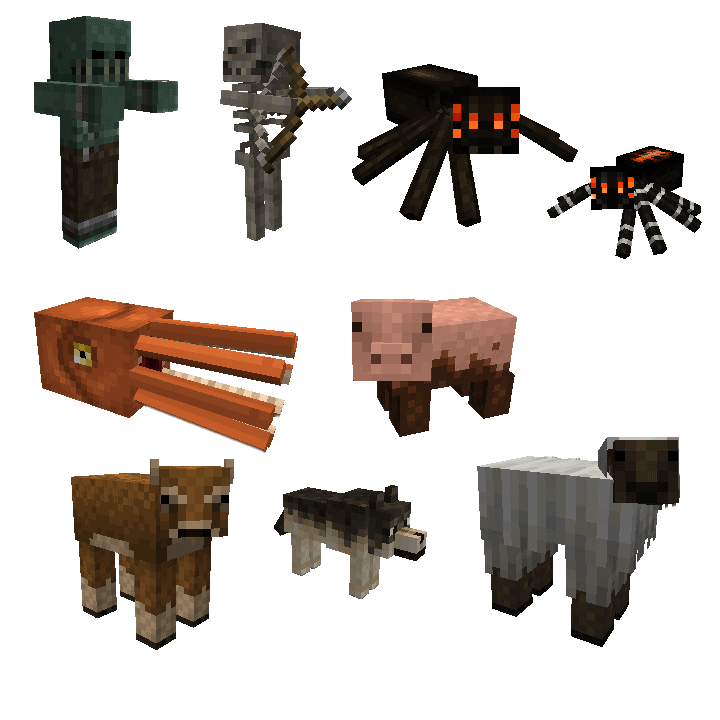
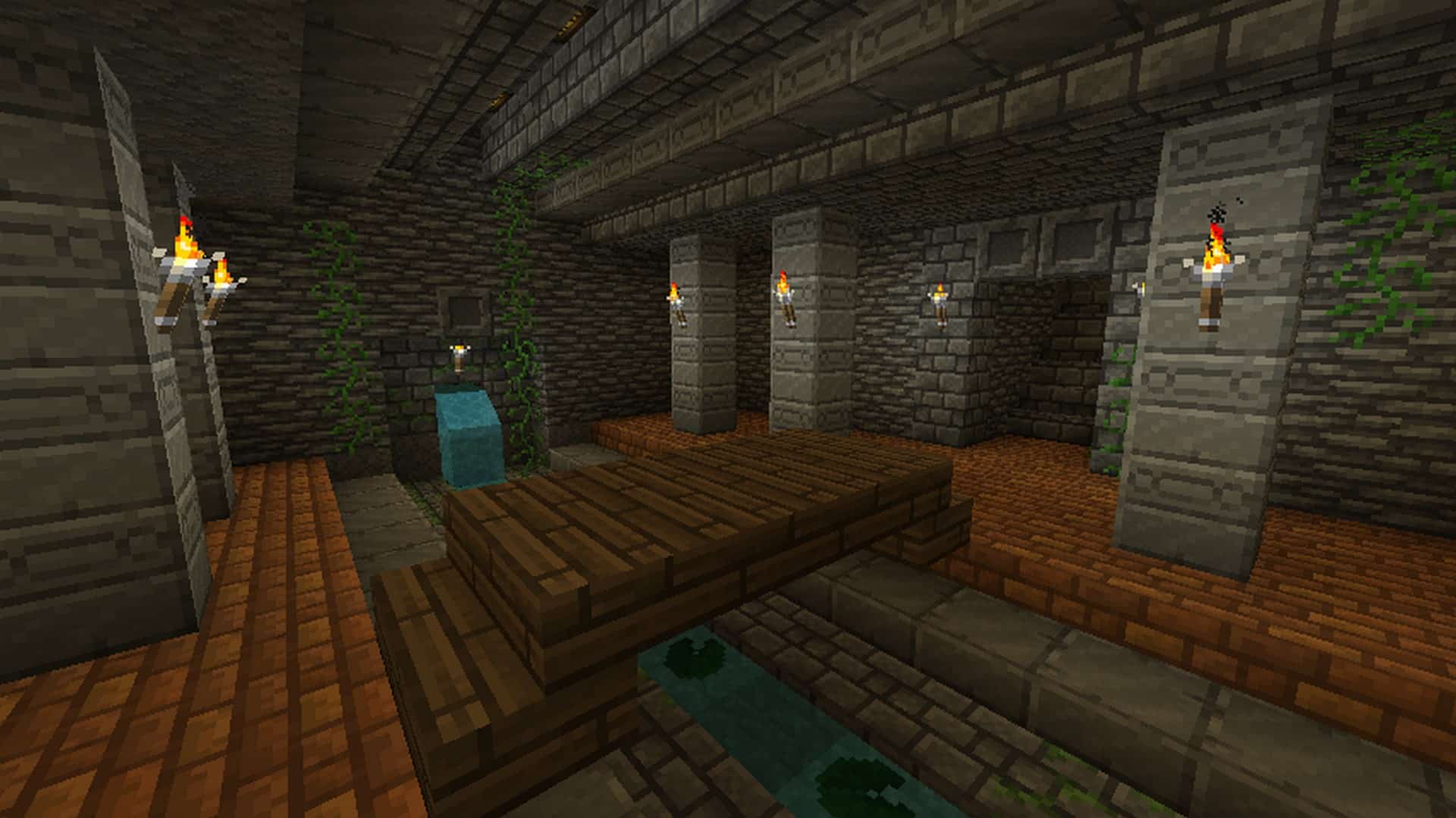
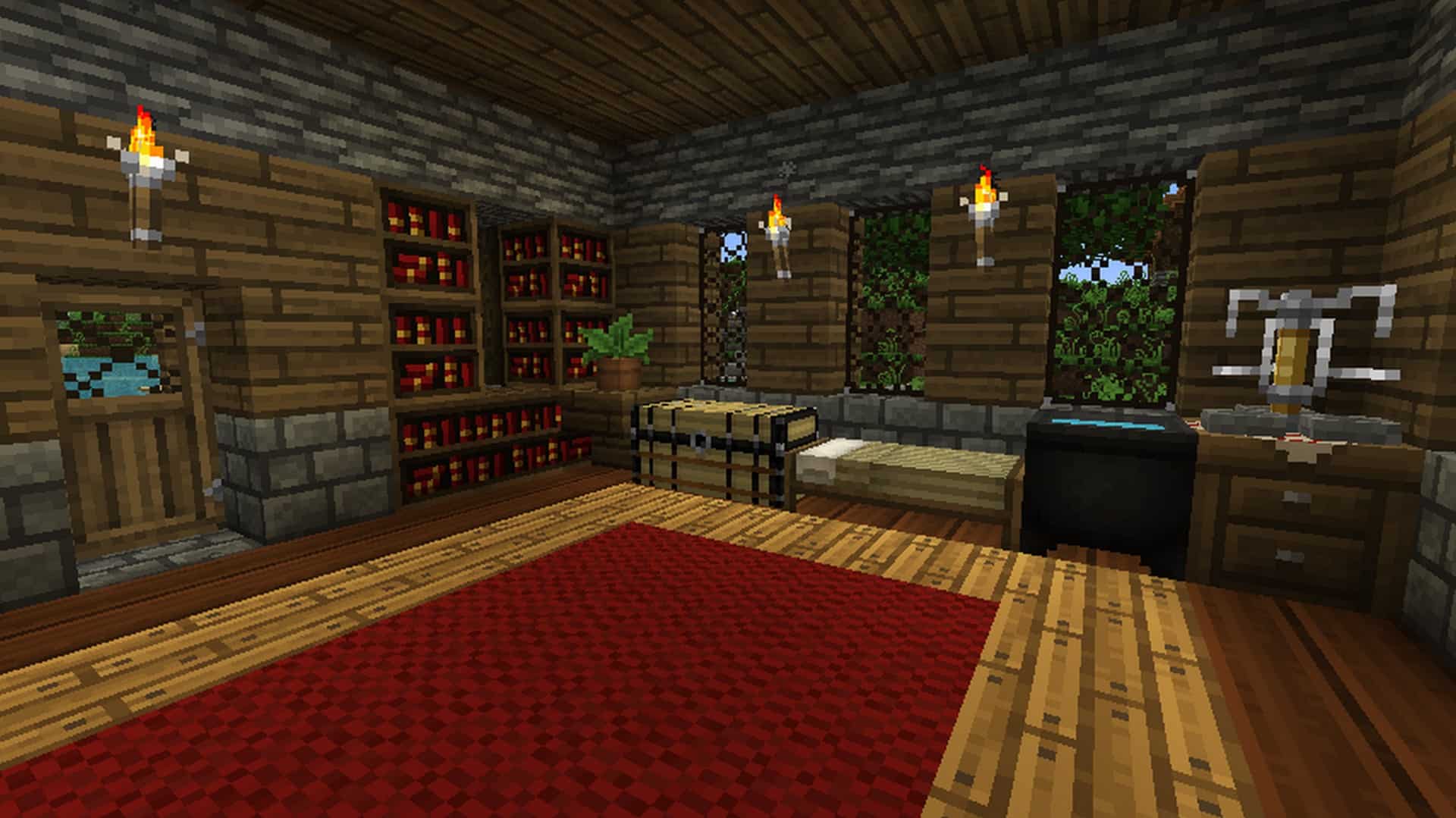
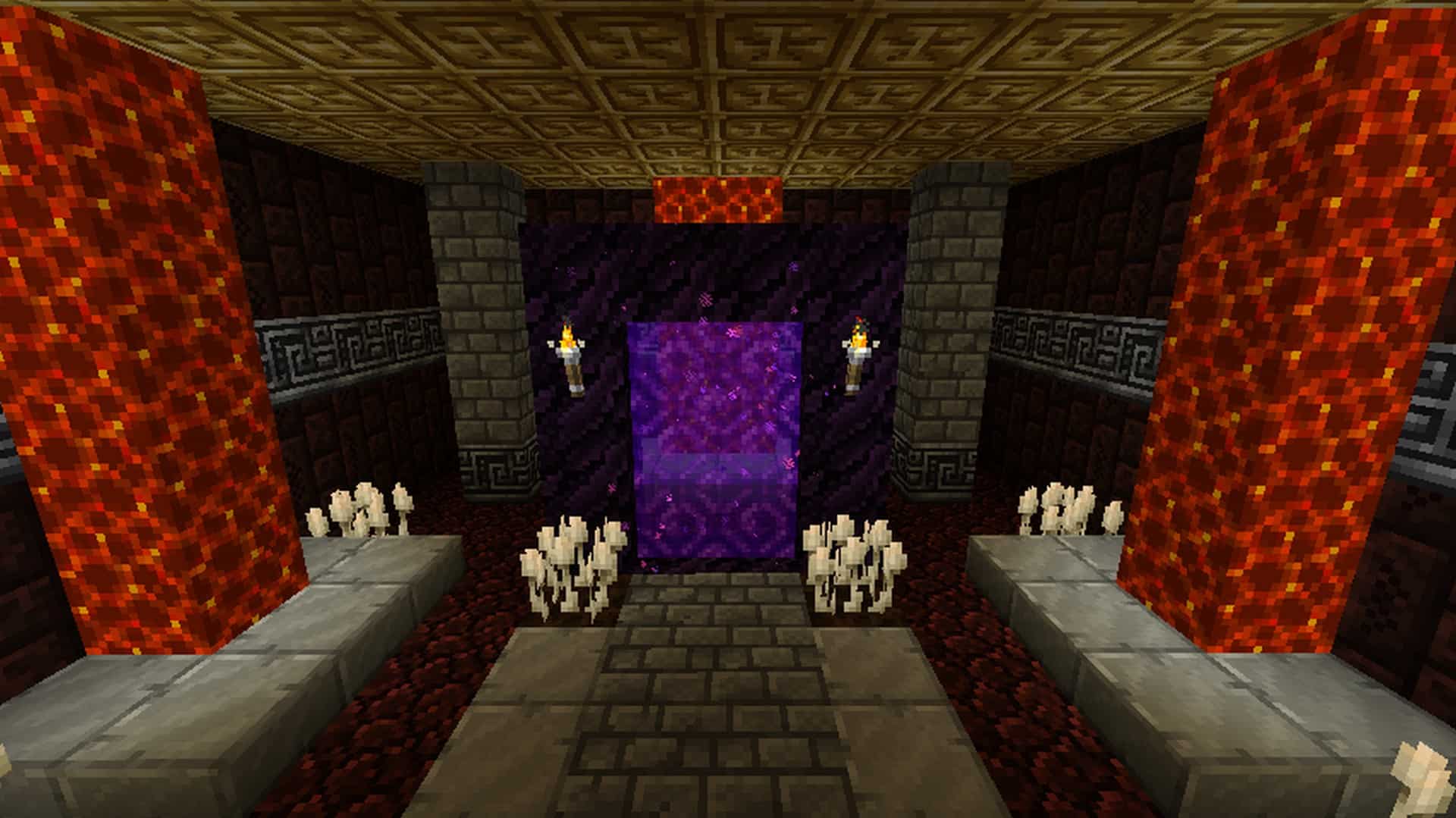
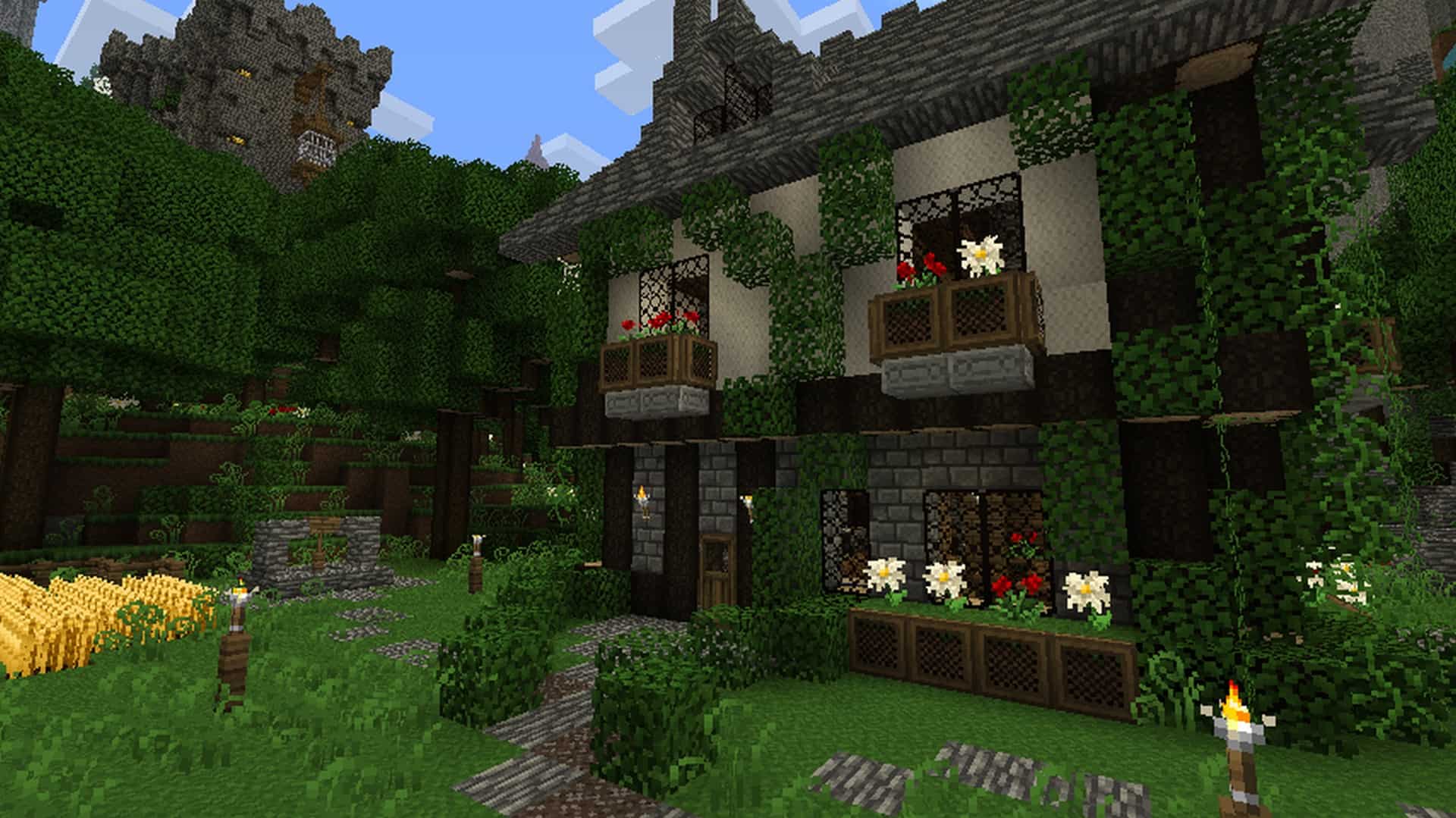
A huge portion of the original vanilla textures have been swapped out for entirely fresh ones. You will find amazing new textures crafted for mobs and little critters, vibrant crops, flowing water, majestic trees, detailed leaves, and so much more. All of these thoughtful changes combine to create a stunning visual upgrade that instantly injects a deeply rustic, medieval atmosphere into your world. The heightened contrast on selected textures introduces a wonderful layer of atmospheric darkness and gritty realism. Even though the FeatherSong resource pack does not rely on slapping extra pixels of detail onto the surfaces, it still has a remarkably profound impact on the overall look and feel of Minecraft. It is definitely worth pointing out that every single new and improved texture is completely original and handcrafted by the talented author of the pack itself. Best of all, running Minecraft with the FeatherSong resource pack activated will have absolutely zero negative impact on your game performance. Because it avoids adding heavy special lighting effects or bumping up the texture resolution, even players rocking older, budget-friendly systems that can handle base Minecraft will be able to dive right in and enjoy FeatherSong without experiencing any lag or stuttering issues. Installing the FeatherSong resource pack is a breeze and can be handled manually or by utilizing convenient mod functions like Optifine.
FeatherSong should be compatible with all of these Minecraft versions: 1.7.10 – 1.7.9 – 1.7.4 – 1.7 – 1.6.4 – 1.6.2
Screenshots

How to Install Texture Pack (Simple 10 Steps)
- Download OptiFine: Most of the texture packs and shaders need OptiFine. That’s why, first download and install OptiFine for the version of Minecraft you want to play.
- Download the Texture Pack: Get the texture pack you want from the download section. Choose the version that works with your Minecraft and your PC’s performance.
- Open Minecraft Launcher: Start Minecraft using the official game launcher — or even TLauncher, if you use that.
- Go to Options: From the main menu, click on the “Options” button.
- Open Resource Packs: Inside Options, click on “Resource Packs…”.
- Open the Resource Pack Folder: Click on “Open Resource Pack Folder” — this will open a folder named “resourcepacks”.
- Move the Pack File: Copy or move the .zip file you downloaded into that “resourcepacks” folder. (Don’t unzip the file — Minecraft uses it as-is!)
- Go Back and Refresh: Close the folder and click “Done”, then go back into “Resource Packs…” again.
- Activate the Pack: You’ll see the pack on the left side. Hover over it and click the arrow to move it to the right (active side).
Tip: If you get a message that the pack is for a different version, just click “Yes” — it usually works fine. - Click Done and Enjoy: Click “Done” again. Now your pack is ready to use in-game. It’s that easy!
Credits
This resource pack was originally created and developed by steelfeathers. We do not claim ownership of this content, nor do we host modified versions of these files. All rights and intellectual property remain with the original author. We strongly encourage you to visit the official source and support steelfeathers for their fantastic contribution to the Minecraft community.
Download Instructions
Curseforge: download starts automatically after a few seconds;
Mediafire: click the big blue button with the text “DOWNLOAD”;
Google Drive: in the top right corner you will see a small download icon (down arrow), click it and the download should start;


