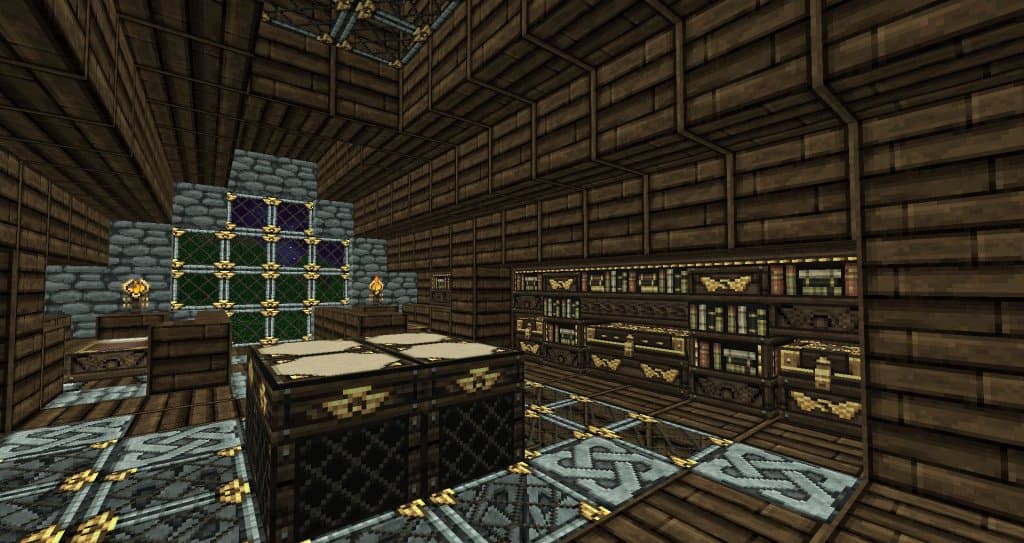
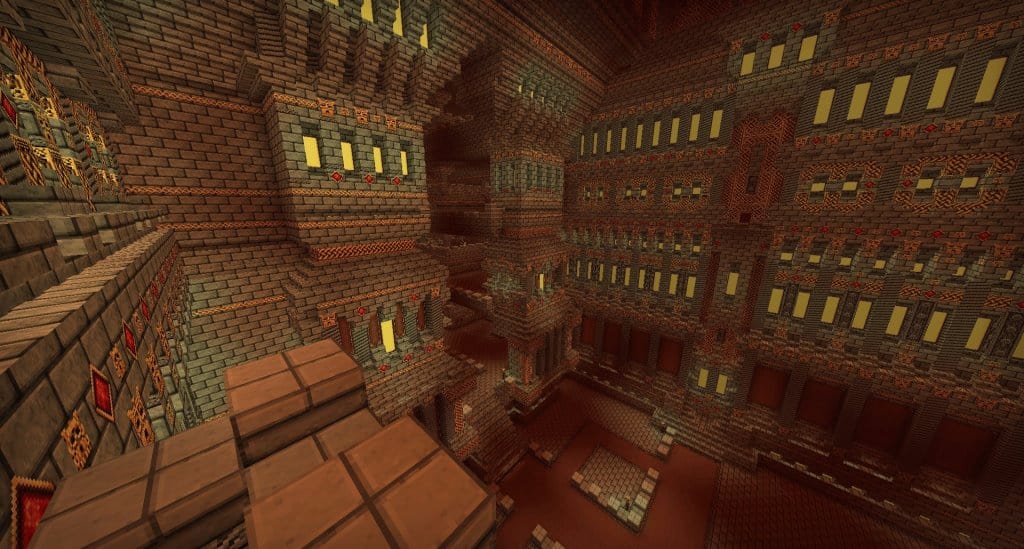
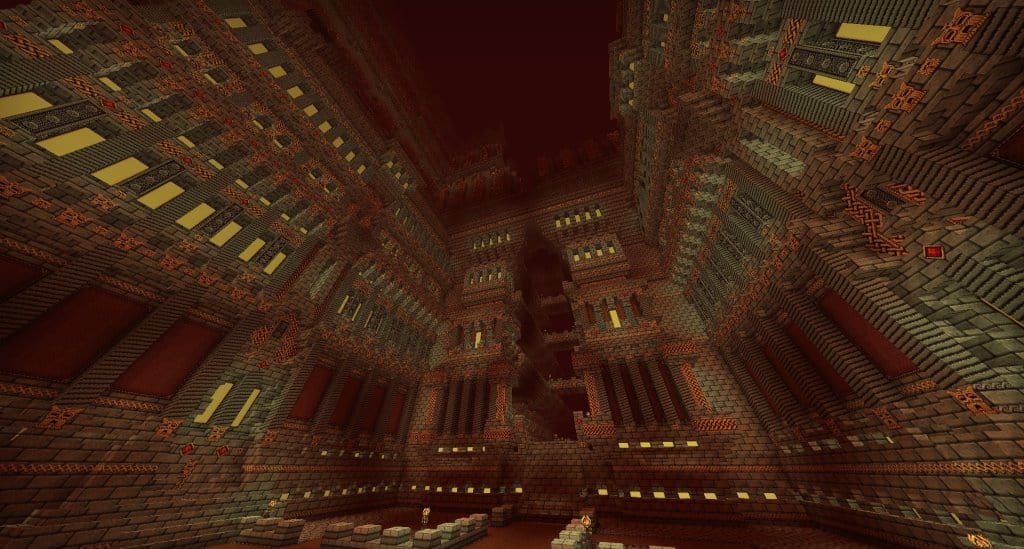
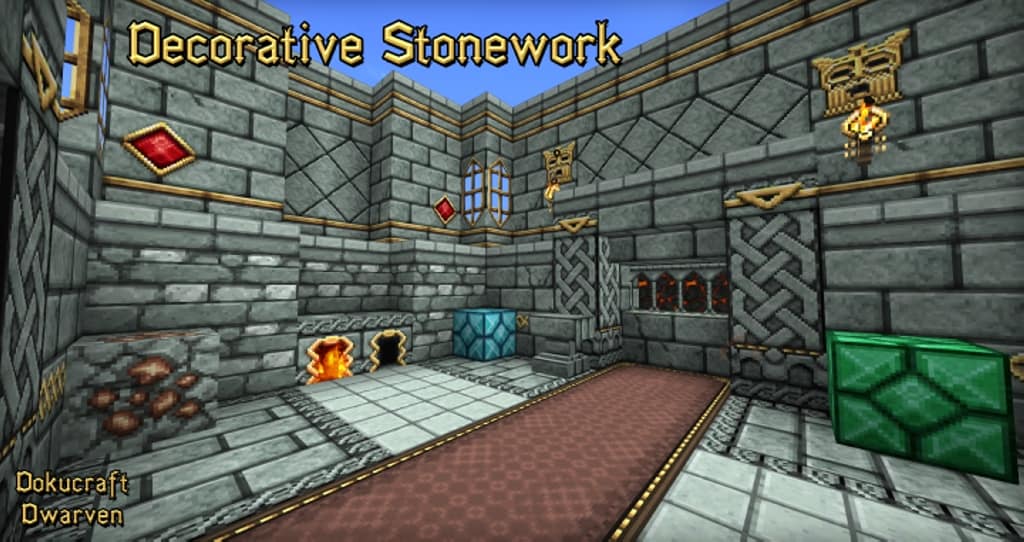
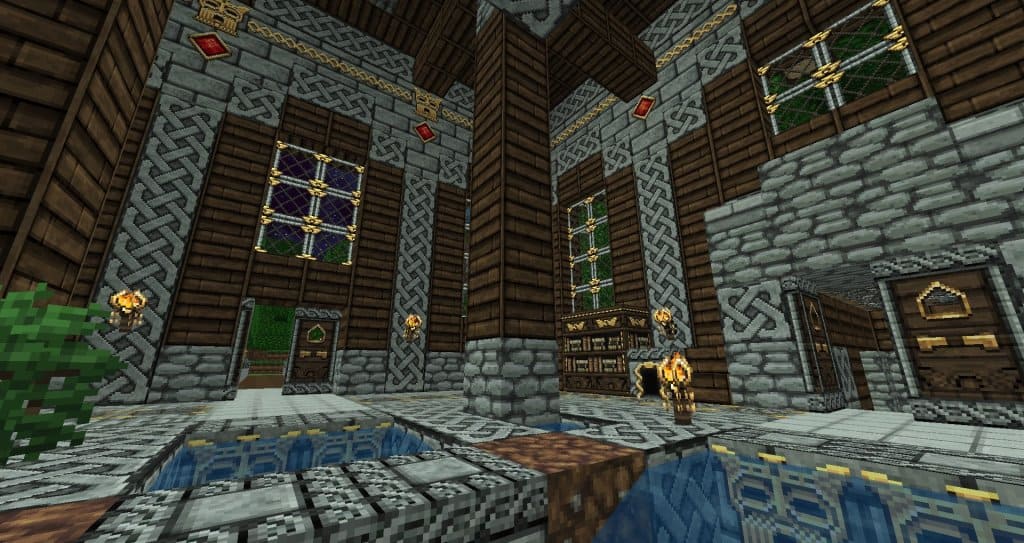
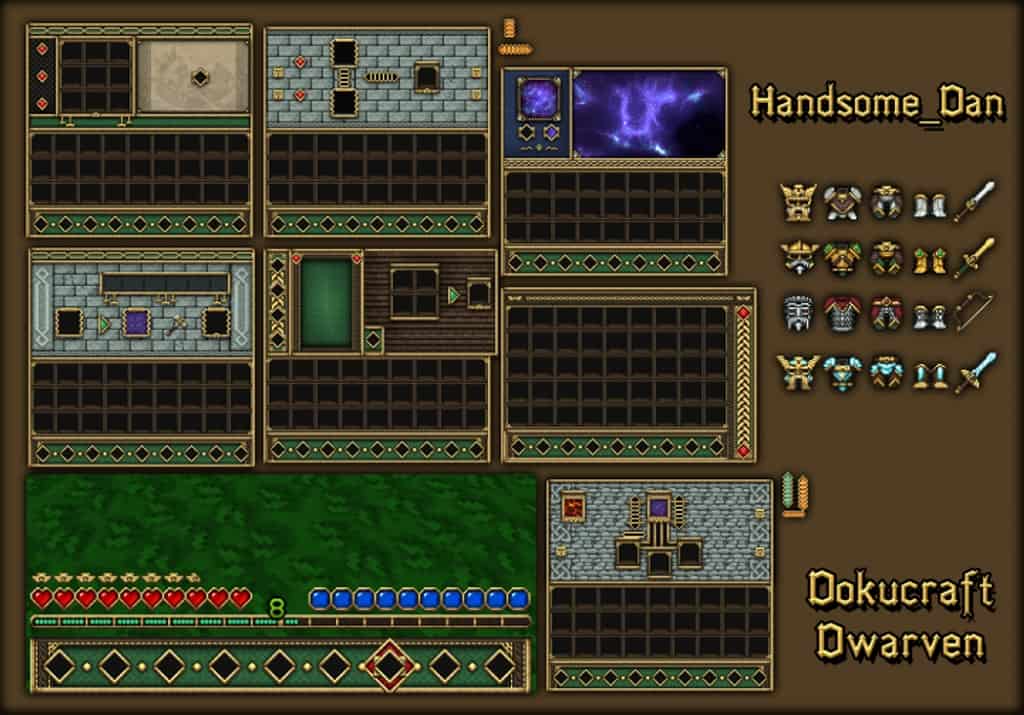
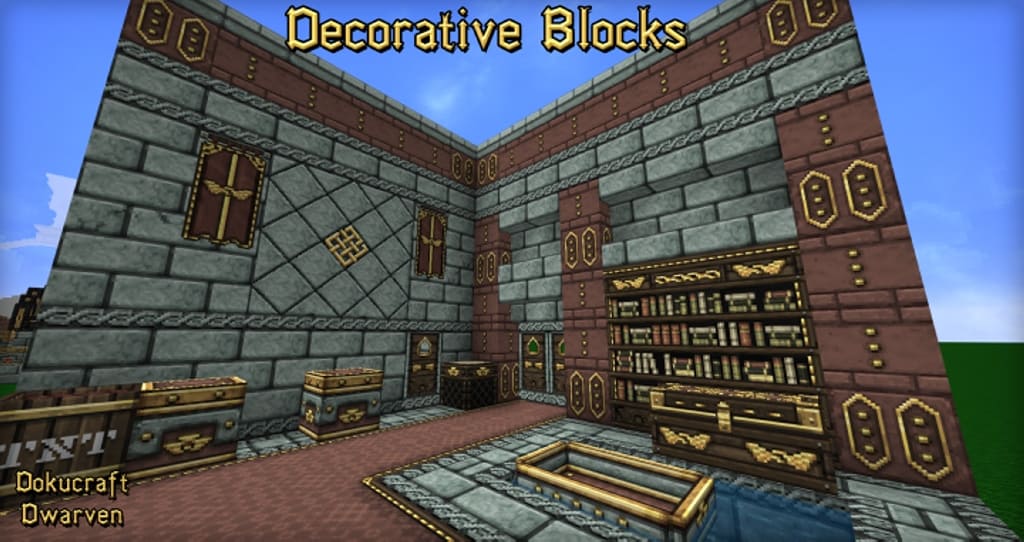
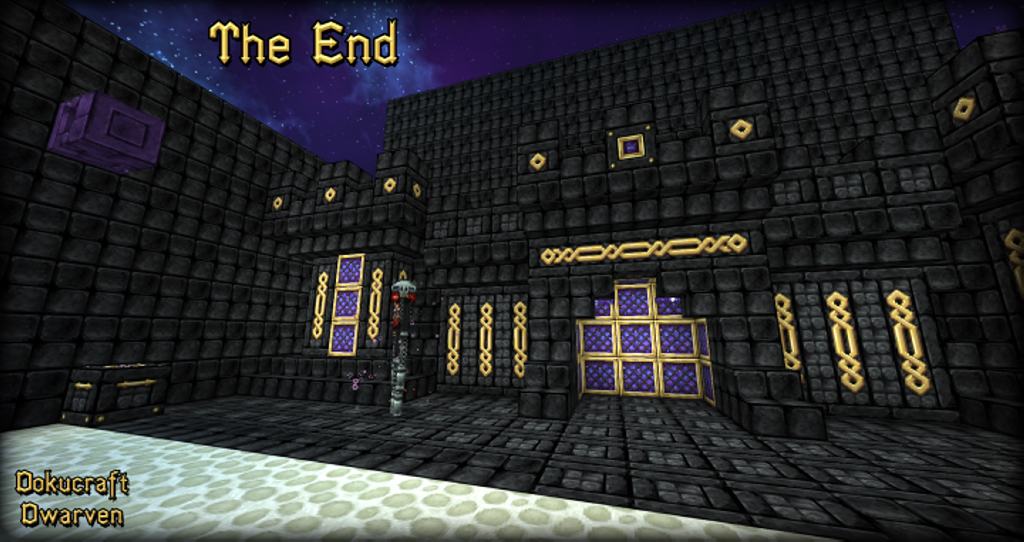
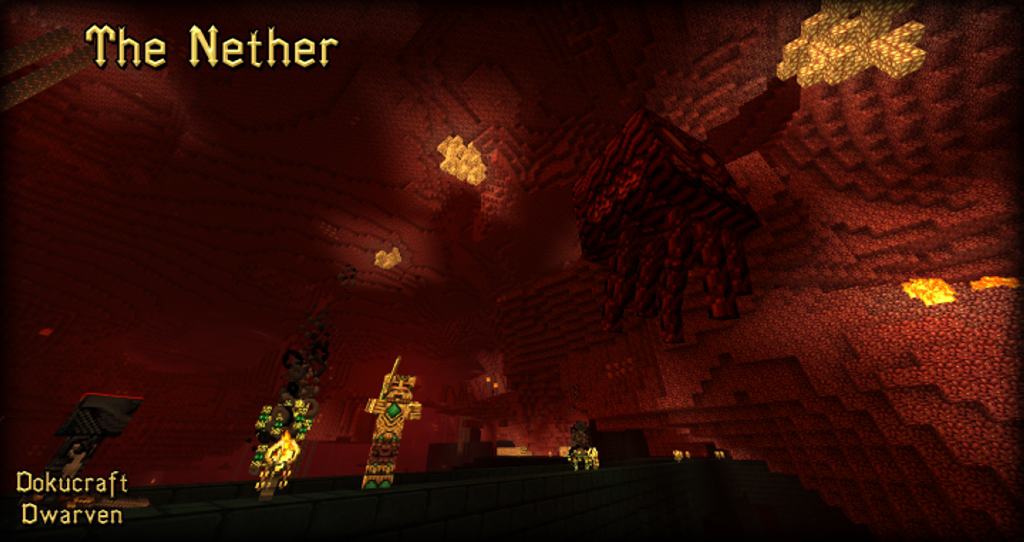
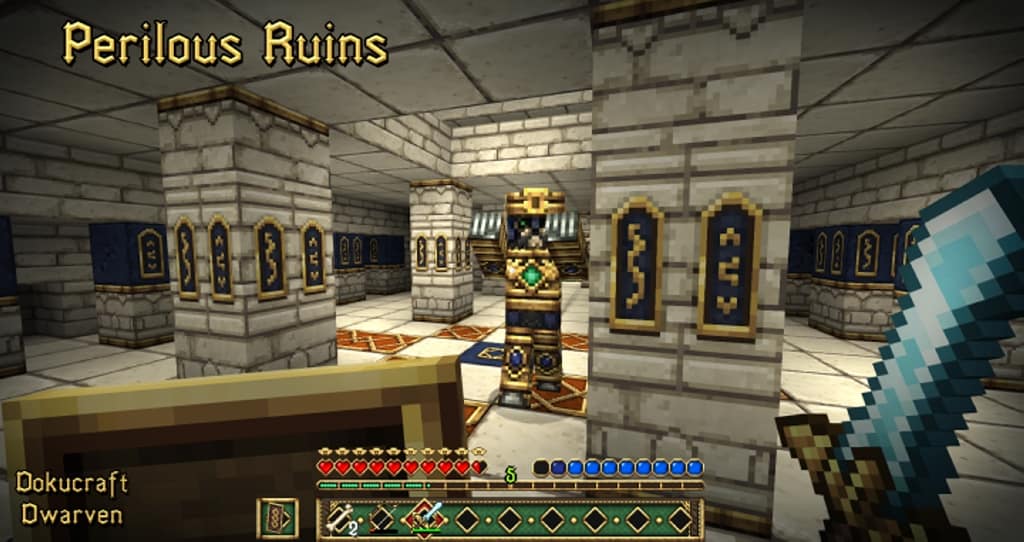
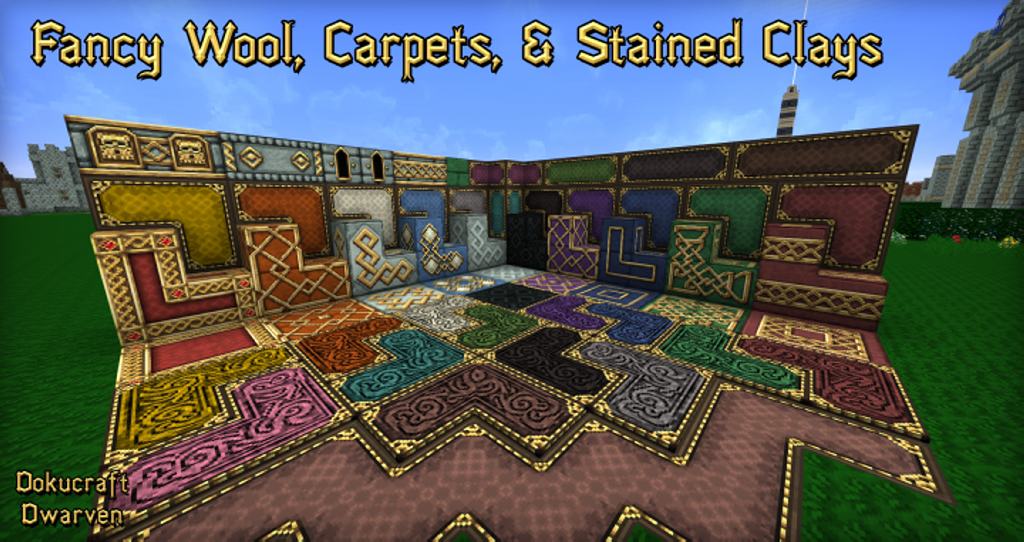
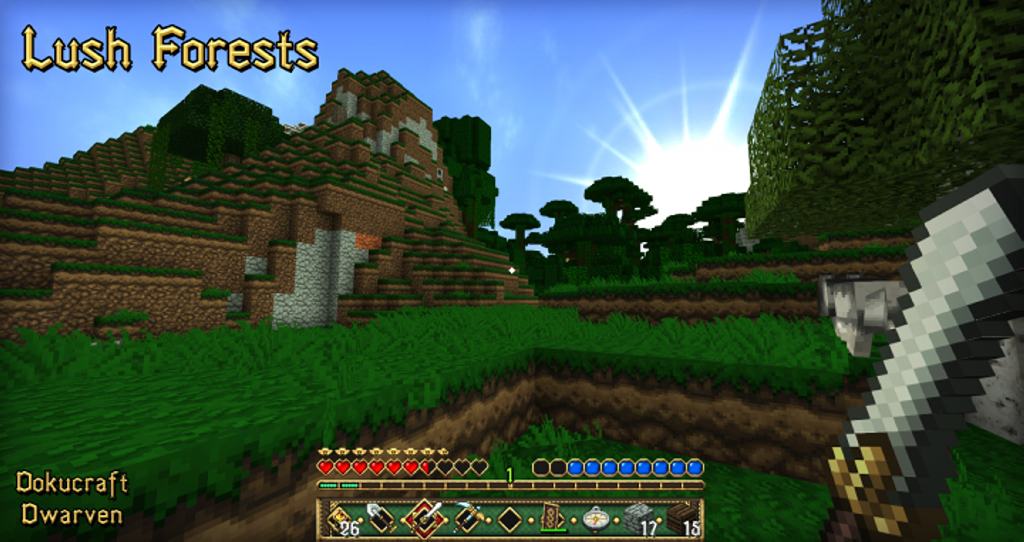
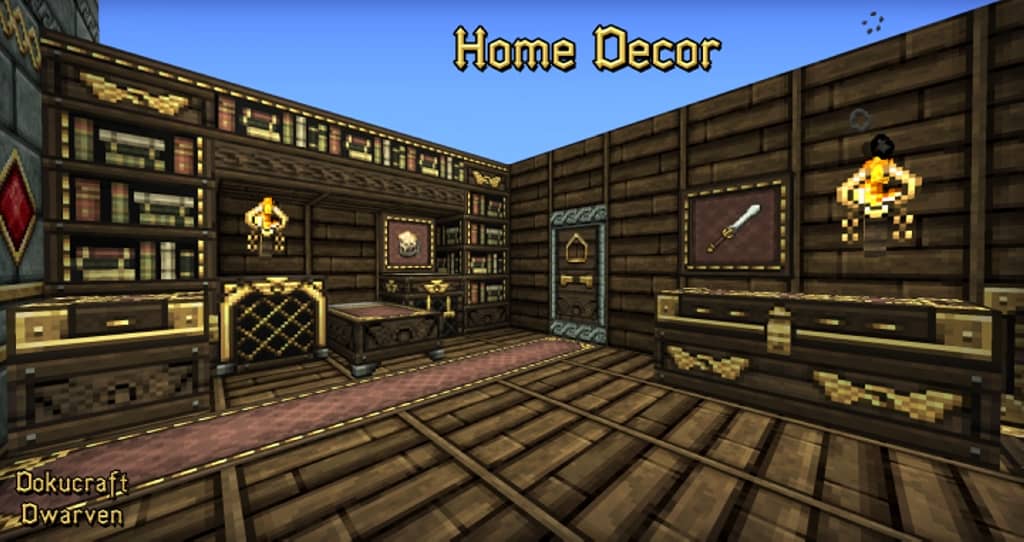
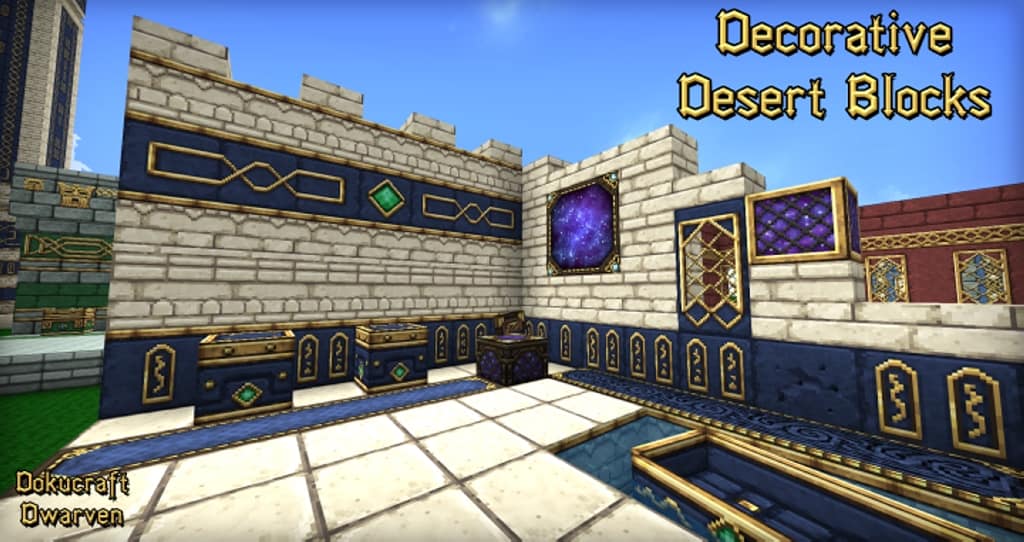
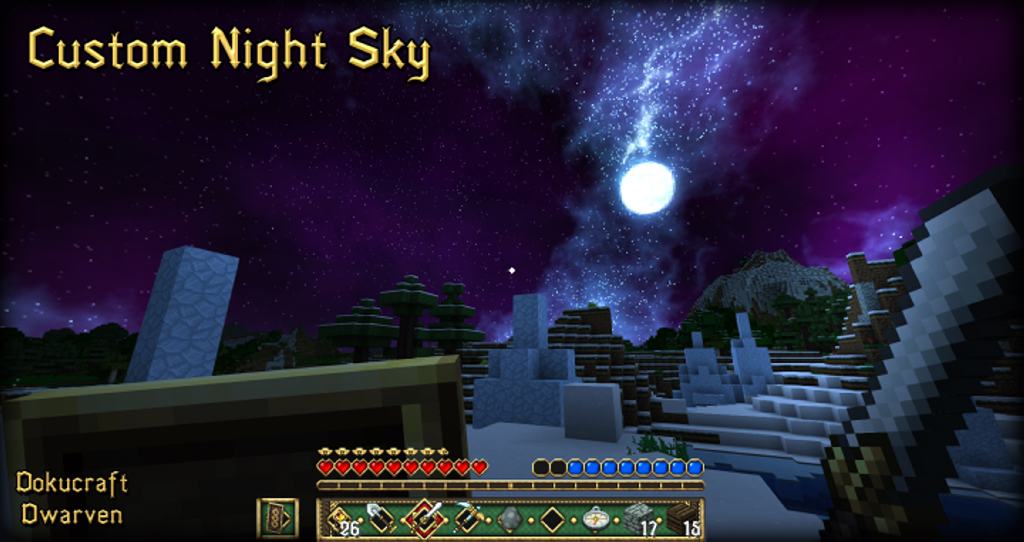
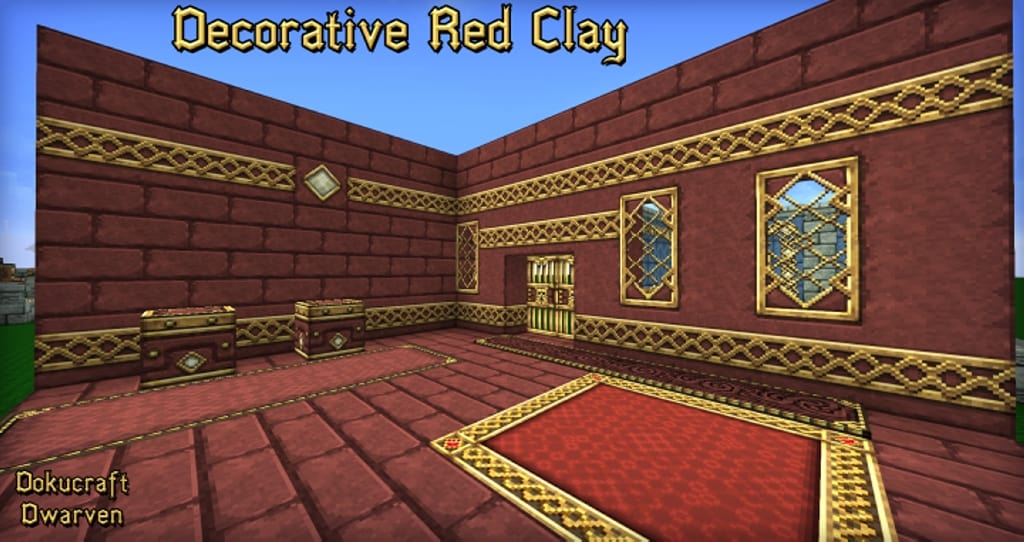
The Dokucraft Dwarven resource pack is a fantastic modified version of the original DokuCraft pack, and this Dwarven edition comes packed with beautifully designed textures that you simply have to see to believe. As is completely evident from its name, it brilliantly includes every single pattern, color, and texture that anyone can possibly expect to see in underground castles or any similar subterranean place where you would usually spot a proud dwarf. I was amazed by the sweeping changes introduced by this resource pack, including the revamped textures of items you hold in your hand, the icons of different texture stocks, and several blocks scattered throughout the world around you. It truly transforms the standard game far beyond the realm of your stock inventory and storage spaces. You can actually witness the fine embossing on all standard building blocks that you use to construct your homes, and I noticed remarkably detailed work on all the carpets, cobblestone, wooden planks, and wooden blocks. The embossing on these building blocks suggests that the artisans definitely spent a tremendous amount of time on each individual block. It almost feels like the dwarves love doors far too much, because this resource pack has lovingly replaced the default door textures to provide a much higher resolution and extra detailing that really pops.
When you first lay eyes on these textures, you will truly appreciate their incredible beauty, particularly the stunning quartz variety. Even though it maintains a humble resolution of only 32×32, you can still find so much astonishing detailing packed in that it honestly feels like those textures belong to other resource packs boasting two to three times the resolution. It is genuinely hard to believe just how much hard work the authors have poured into this, but instead of just taking our word for it, you should definitely try using it once to check it out for yourself. It features a much better artistic style overall; nonetheless, while some passionate gamers will love it to pieces, others might have mixed feelings when they observe the dramatic changes. Ultimately, you will likely infer that the experience is quite exciting and wonderfully unique. The author has modified the textures by carefully changing and redesigning several aspects, resulting in a delightful and immersive experience of creating grand castles. The buildings you can craft end up with an amazing medieval look that is simply too attractive for standard gameplay. If you like even a fraction of the medieval ages, I strongly suggest that you try it for yourself because you will instantly fall in love with it, especially when using it for the first time. You will genuinely appreciate the refreshing new experience and enjoy Minecraft in a completely different light. Even absolute beginners will experience the game with an entirely new perspective since it is quite different from the original Dokucraft resource pack and completely distinct from vanilla Minecraft textures.
Dokucraft: Dwarven should be compatible with all of these Minecraft versions: 1.21.10 – 1.21.9 – 1.21.8 – 1.21.7 – 1.21.6 – 1.21.5 – 1.21.4 – 1.21.3 – 1.21.2 – 1.21.1 – 1.21 – 1.20.6 – 1.20.5 – 1.20.4 – 1.20.3 – 1.20.2 – 1.20.1 – 1.20 – 1.19.4 – 1.19.3 – 1.19.2 – 1.19.1 – 1.19 – 1.18.2 – 1.18.1 – 1.18 – 1.17.1 – 1.17 – 1.16.5 – 1.16.4 – 1.16.3 – 1.16.2 – 1.16.1 – 1.16 – 1.15.2 – 1.15.1 – 1.15 – 1.14.4 – 1.14.3 – 1.14.2 – 1.14 – 1.13.2 – 1.13.1 – 1.13 – 1.12.2 – 1.12 – 1.11.2 – 1.11 – 1.10.2 – 1.10 – 1.9.4 – 1.9 – 1.8.9 – 1.8.8 – 1.8.1 – 1.8.6 – 1.8 – 1.7.10 – 1.7.9 – 1.7.4 – 1.7 – 1.6.4 – 1.6.2 – Bedrock Edition – PE
Screenshots


How to Install Texture Pack (Simple 10 Steps)
- Download OptiFine: Most of the texture packs and shaders need OptiFine. That’s why, first download and install OptiFine for the version of Minecraft you want to play.
- Download the Texture Pack: Get the texture pack you want from the download section. Choose the version that works with your Minecraft and your PC’s performance.
- Open Minecraft Launcher: Start Minecraft using the official game launcher — or even TLauncher, if you use that.
- Go to Options: From the main menu, click on the “Options” button.
- Open Resource Packs: Inside Options, click on “Resource Packs…”.
- Open the Resource Pack Folder: Click on “Open Resource Pack Folder” — this will open a folder named “resourcepacks”.
- Move the Pack File: Copy or move the .zip file you downloaded into that “resourcepacks” folder. (Don’t unzip the file — Minecraft uses it as-is!)
- Go Back and Refresh: Close the folder and click “Done”, then go back into “Resource Packs…” again.
- Activate the Pack: You’ll see the pack on the left side. Hover over it and click the arrow to move it to the right (active side).
Tip: If you get a message that the pack is for a different version, just click “Yes” — it usually works fine. - Click Done and Enjoy: Click “Done” again. Now your pack is ready to use in-game. It’s that easy!
Credits
This Resource Pack was created by Handsomer_Dan. We do not claim ownership of this content, as it belongs to the original creator. All rights remain with Handsomer_Dan. We encourage you to support the creator by downloading from official links and respecting their work.
Download Links
Java Edition
- [32x] Minecraft 1.21.x
- [32x] Minecraft 1.20.6 – 1.20.2
- [32x] Minecraft 1.20.1 – 1.20
- [32x] Minecraft 1.19.x
- [32x] Minecraft 1.18.x
- [32x] Minecraft 1.17.x – 1.16.x
- [32x] Minecraft 1.15.x – 1.14.x
- [32x] Minecraft 1.13.x
- [32x] Minecraft 1.12.x
- [32x] Minecraft 1.11.x
- [32x] Minecraft 1.8.x – 1.6.x
Bedrock Edition
Download Instructions
Curseforge: download starts automatically after a few seconds;
Mediafire: click the big blue button with the text “DOWNLOAD”;
Google Drive: in the top right corner you will see a small download icon (down arrow), click it and the download should start;


