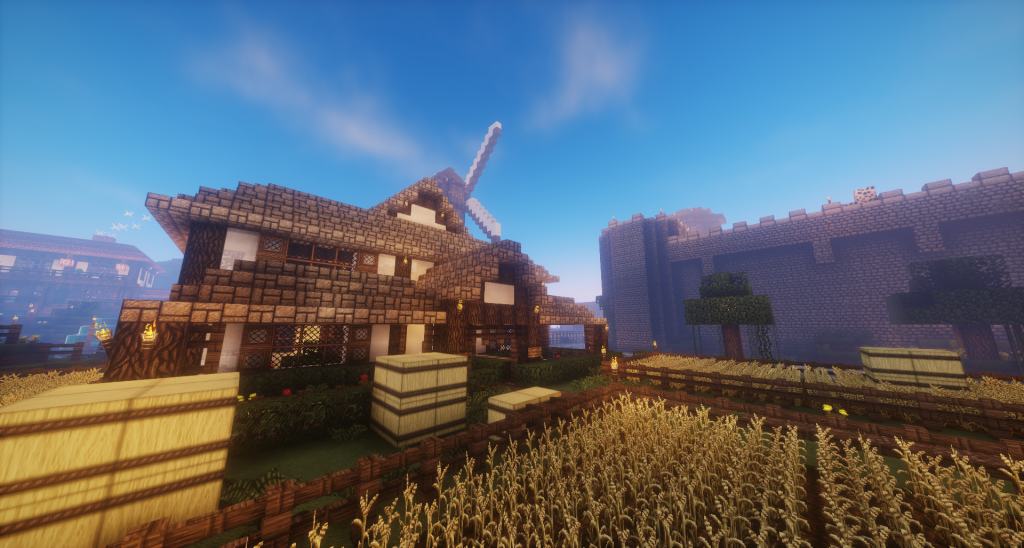
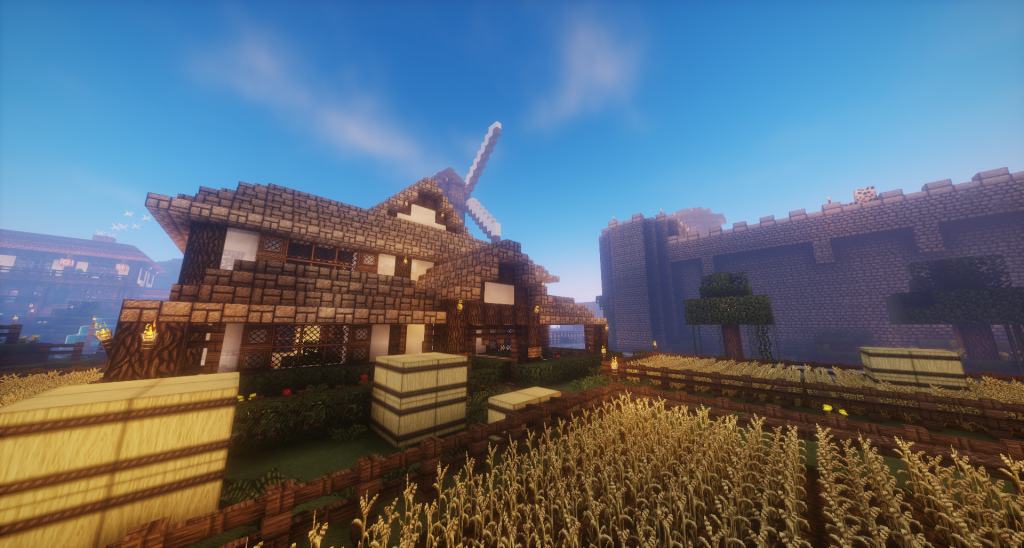
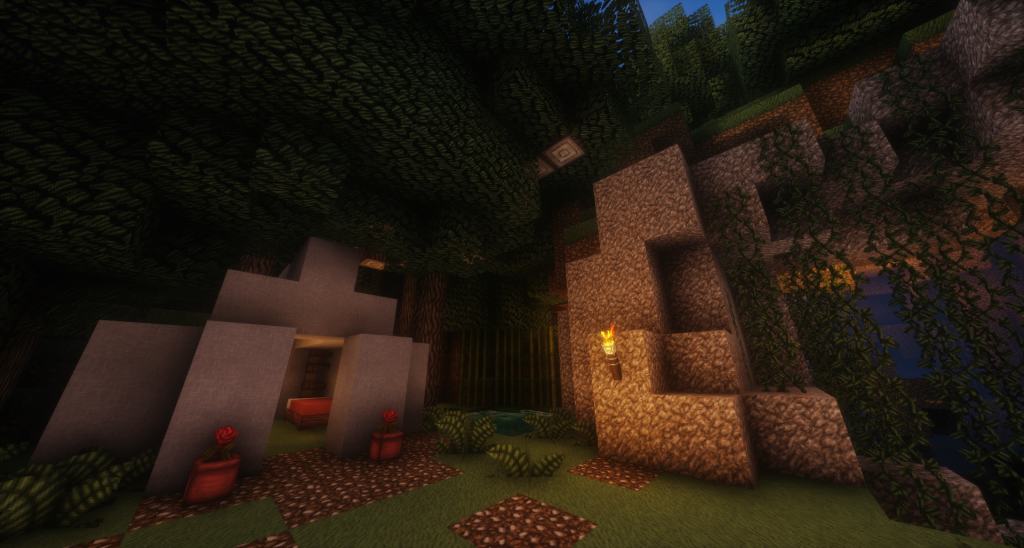
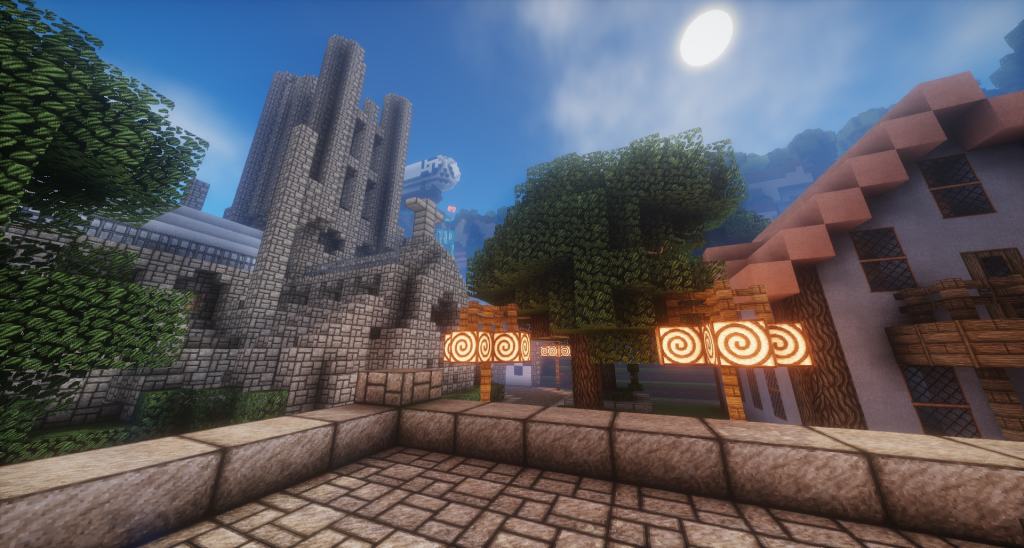
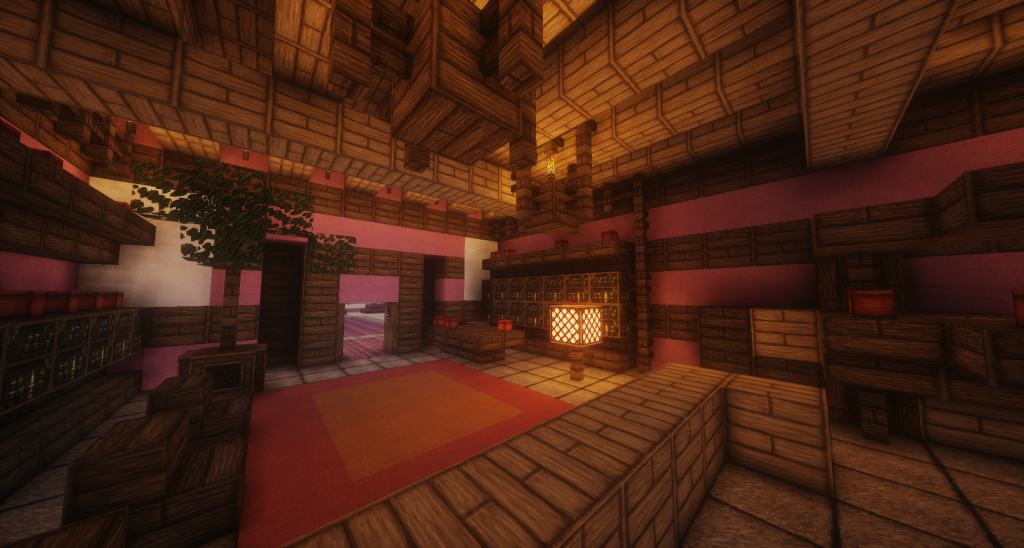
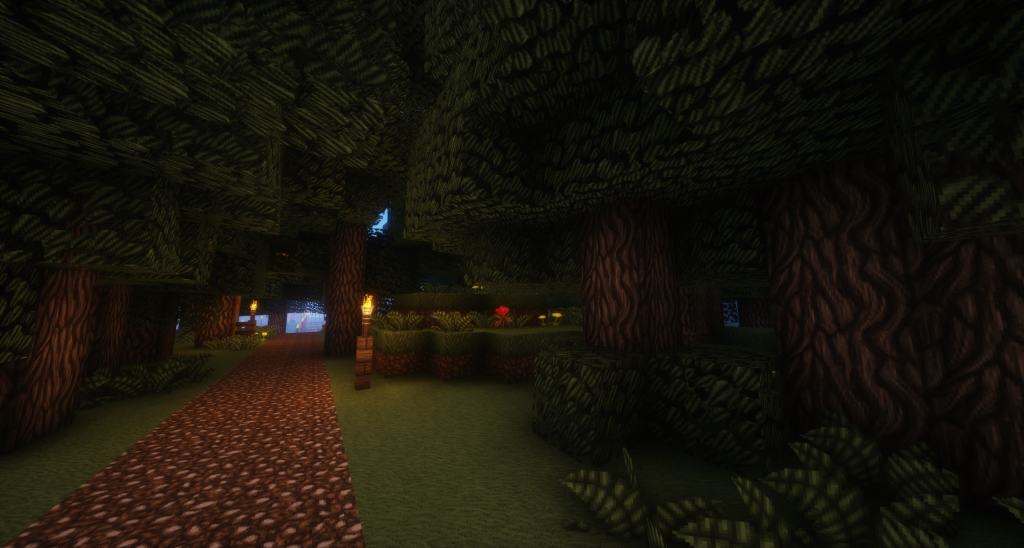
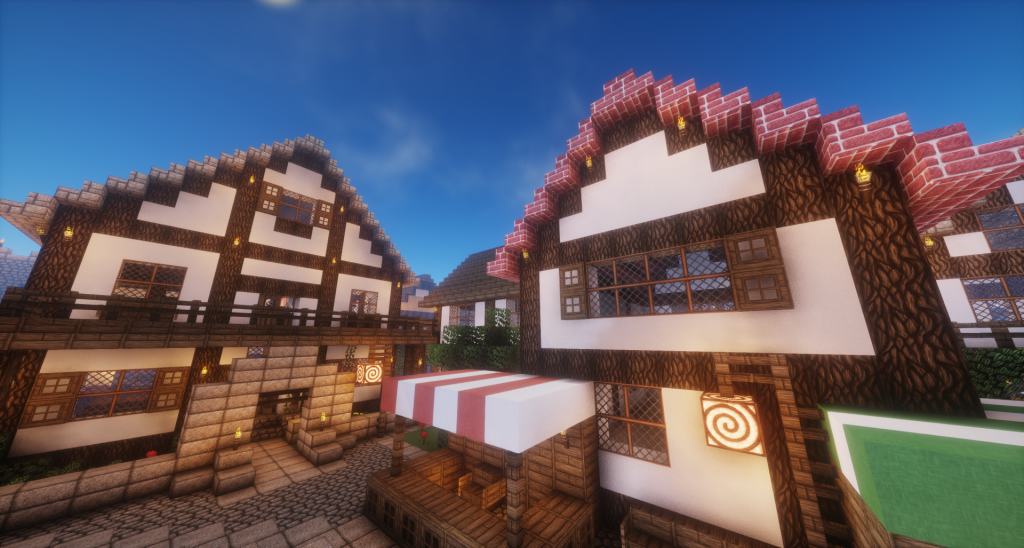
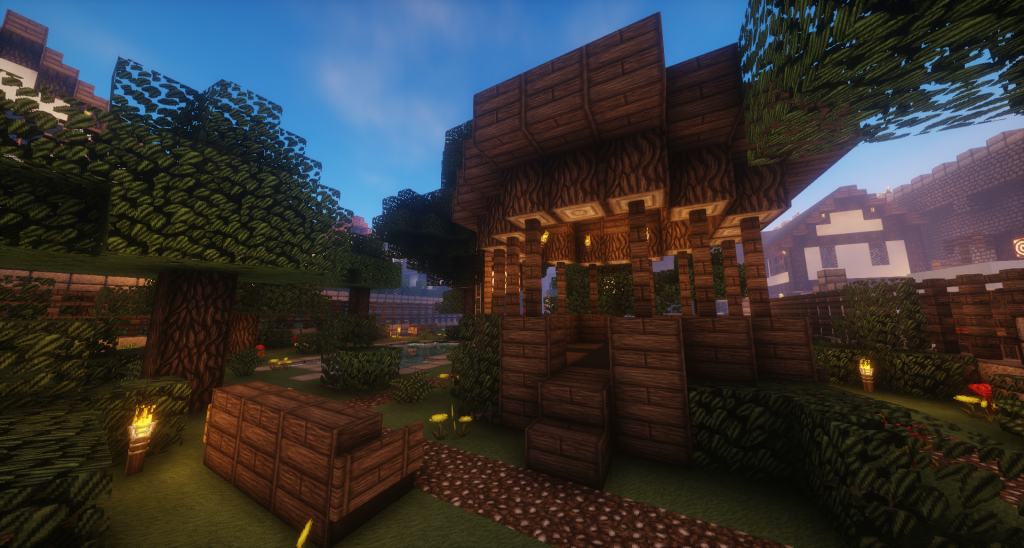
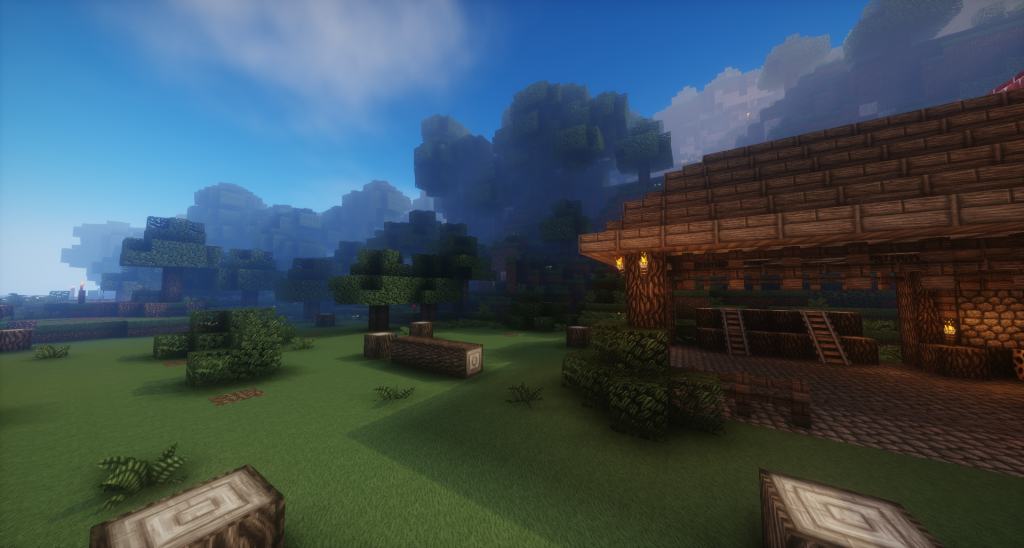
Even though David’s Details resource pack was not intentionally crafted as a medieval-themed pack, it definitely gives off that wonderful specific vibe. I found it to be an incredible alternative for Minecraft players who are desperately looking for vastly enhanced visuals alongside a distinct medieval or rustic twist to their gameplay. Brimming with a massive amount of changes and improvements, this resource pack truly brings Minecraft to a whole new level, easily placing it right amongst the finest 64x resolution resource packs available today. The pack was brilliantly put together by the user DavidTheDude with the sole purpose of improving the game in more than one way. I noticed right away that a lot of textures have been meticulously redesigned from scratch while others have been carefully tweaked to look significantly better. Some textures in the game remained unchanged, but I love how with each update, more and more textures are continuously introduced. These superior textures are wonderfully complemented by smoother animations and much more striking lighting. The shader recommended by the developer completely transforms the look of the game by adding a natural blur and gorgeous shades. Brand new animations for various objects have been crafted from scratch while several existing animations have been noticeably improved.
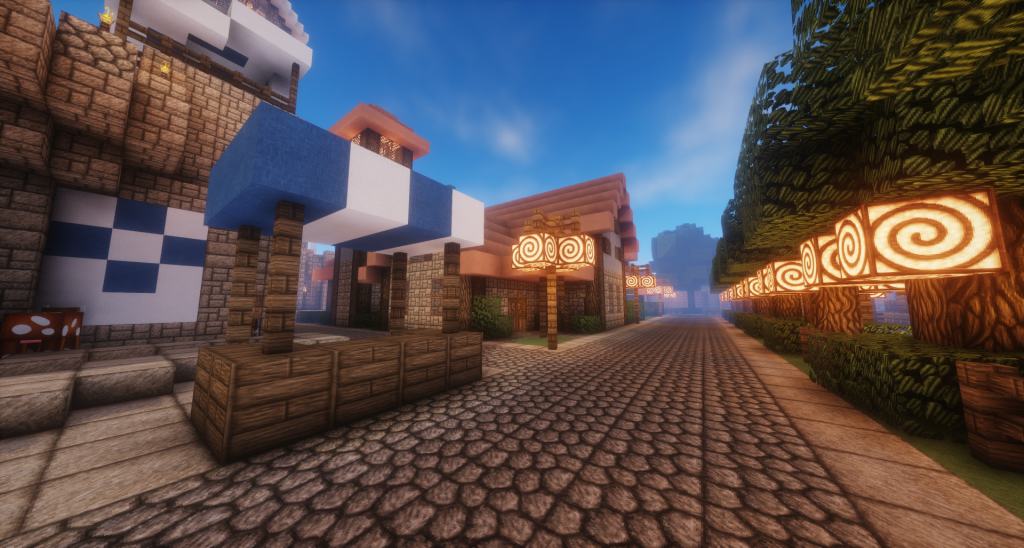
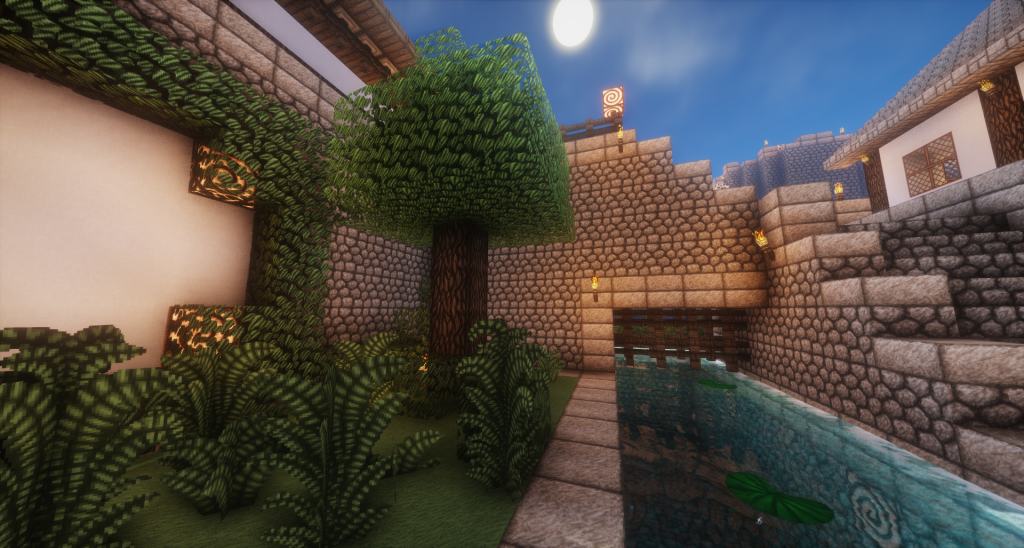
The textures are exceptionally colorful, and the addition of wonderful new blocks and objects genuinely empowers players to construct stunning medieval worlds. Among the most notable changes, David’s Details resource pack introduces fantastic built-in support for Better Grass and Better Leaves. It also drastically improves water textures, making it remarkably easier to see through it. The exciting new blocks and tools added will undoubtedly allow players to build breathtaking fortresses, dungeons, and castles. Despite the many sweeping changes that David’s Detailed resource pack introduces, desert biomes are mostly unaltered, featuring the same or very similar vanilla textures. Players who deeply enjoy desert biomes might feel a bit disappointed, as there are currently no plans to upgrade them. On the bright side, the visuals that were beautifully enhanced include both the day sky and the night sky, which look gorgeous. The resource pack is available in a crisp 64x resolution. While it is certainly a bit more demanding on hardware than standard 16x resource packs, David’s Details texture pack delivers vastly superior visuals while remaining remarkably playable on older personal computers. As per the developer’s recommendation, David’s Details resource pack offers the absolute best experience when pairing it with BSL shaders to enhance lighting effects, and please note that Optifine is required to run it smoothly.
David’s Details should be compatible with all of these Minecraft versions: 1.12.2 – 1.12 – 1.11.2 – 1.11 – 1.10.2 – 1.10 – 1.9.4 – 1.9 – 1.8.9 – 1.8.8 – 1.8.1 – 1.8.6 – 1.8 – 1.7.10 – 1.7.9 – 1.7.4 – 1.7 – 1.6.4 – 1.6.2
Screenshots
How to Install Texture Pack (Simple 10 Steps)
- Download OptiFine: Most of the texture packs and shaders need OptiFine. That’s why, first download and install OptiFine for the version of Minecraft you want to play.
- Download the Texture Pack: Get the texture pack you want from the download section. Choose the version that works with your Minecraft and your PC’s performance.
- Open Minecraft Launcher: Start Minecraft using the official game launcher — or even TLauncher, if you use that.
- Go to Options: From the main menu, click on the “Options” button.
- Open Resource Packs: Inside Options, click on “Resource Packs…”.
- Open the Resource Pack Folder: Click on “Open Resource Pack Folder” — this will open a folder named “resourcepacks”.
- Move the Pack File: Copy or move the .zip file you downloaded into that “resourcepacks” folder. (Don’t unzip the file — Minecraft uses it as-is!)
- Go Back and Refresh: Close the folder and click “Done”, then go back into “Resource Packs…” again.
- Activate the Pack: You’ll see the pack on the left side. Hover over it and click the arrow to move it to the right (active side).
Tip: If you get a message that the pack is for a different version, just click “Yes” — it usually works fine. - Click Done and Enjoy: Click “Done” again. Now your pack is ready to use in-game. It’s that easy!
Credits
David’s Details is created by DavidTheDude. We do not own or modify this resource pack, and all rights belong to the original creator. We strongly recommend supporting DavidTheDude by downloading and using the pack through the official links.
Download Links
Java Edition
Download Instructions
Curseforge: download starts automatically after a few seconds;
Mediafire: click the big blue button with the text “DOWNLOAD”;
Google Drive: in the top right corner you will see a small download icon (down arrow), click it and the download should start;


