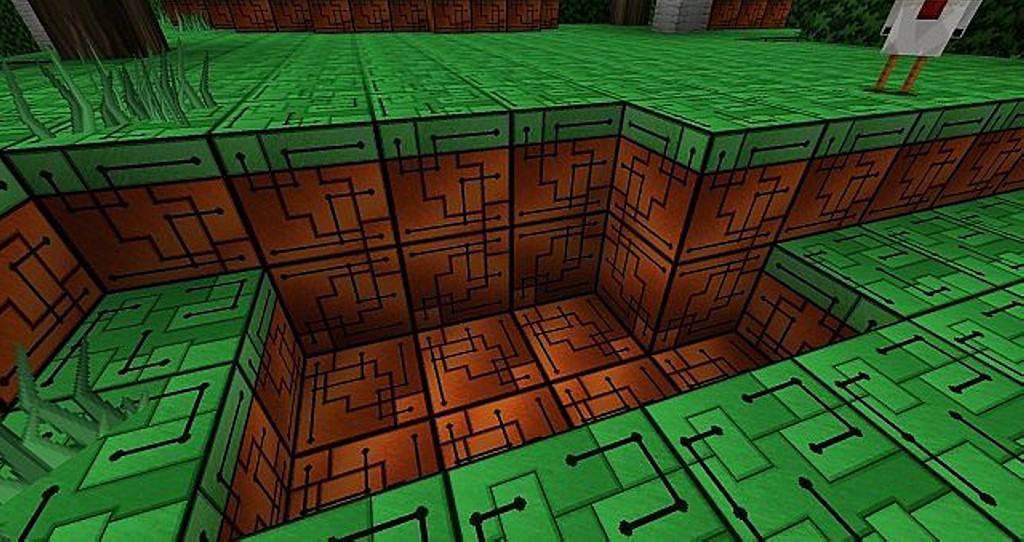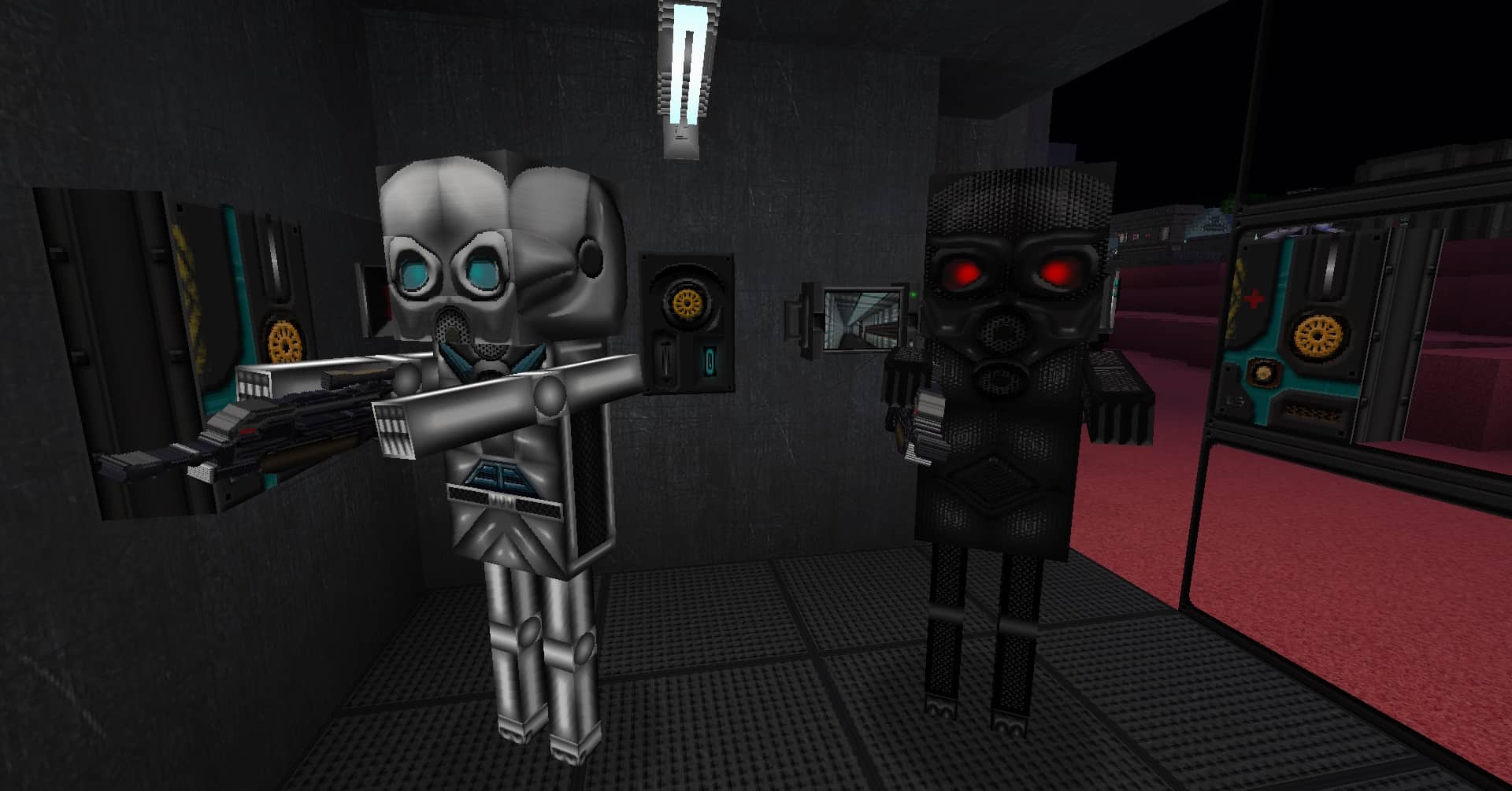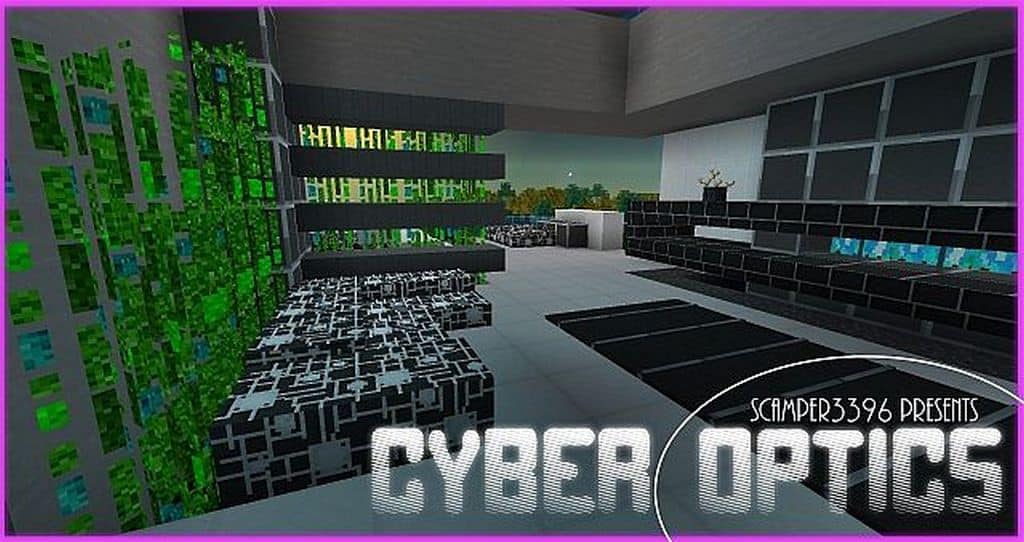
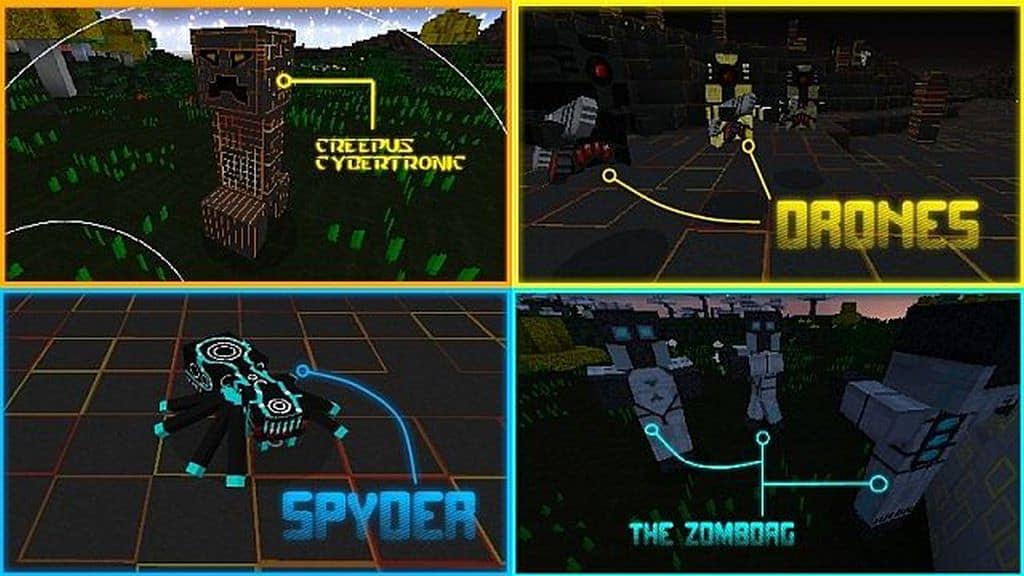
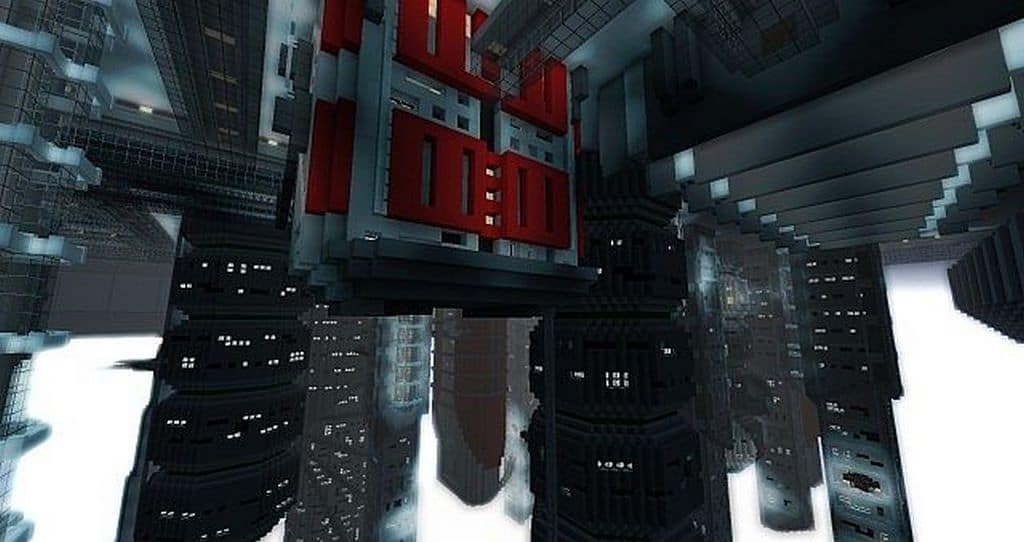
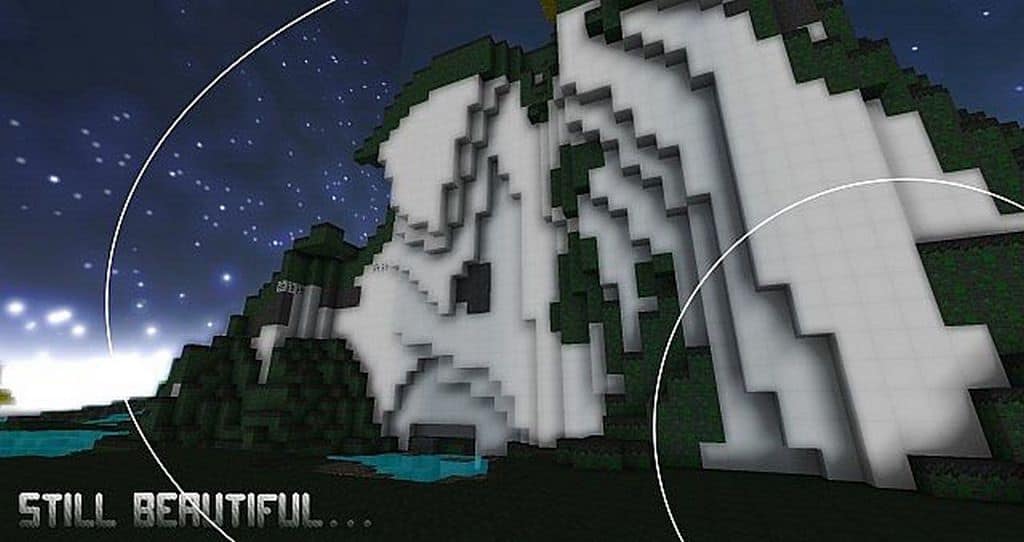
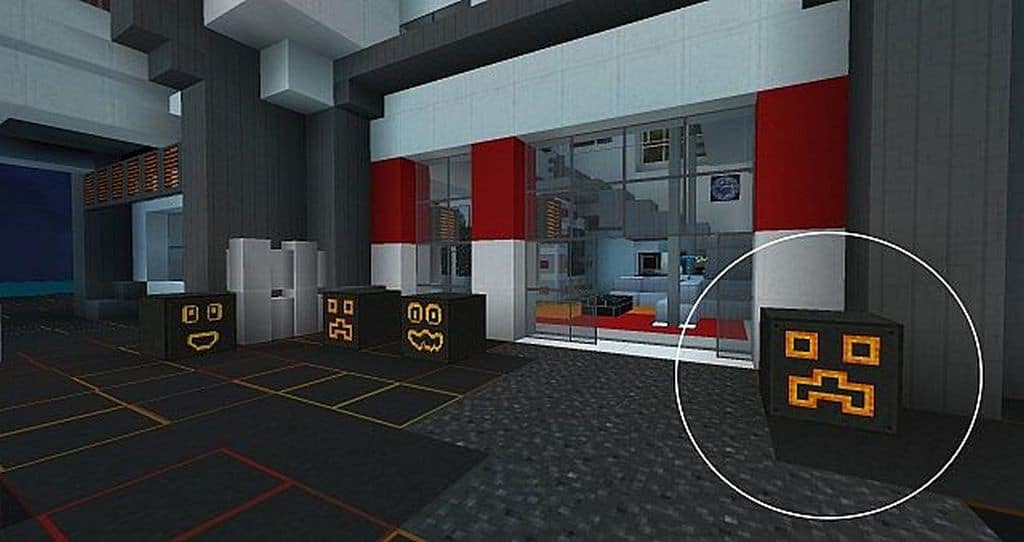
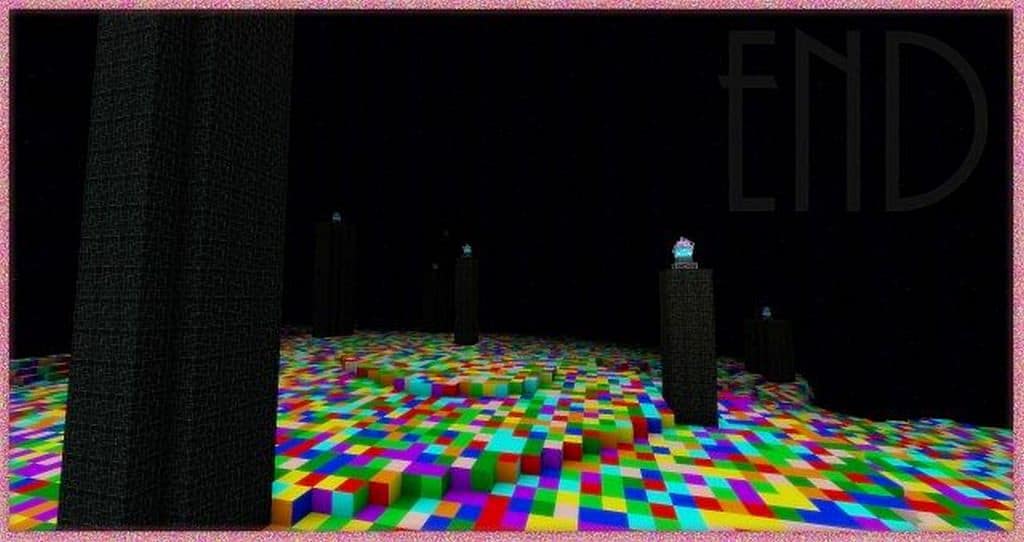
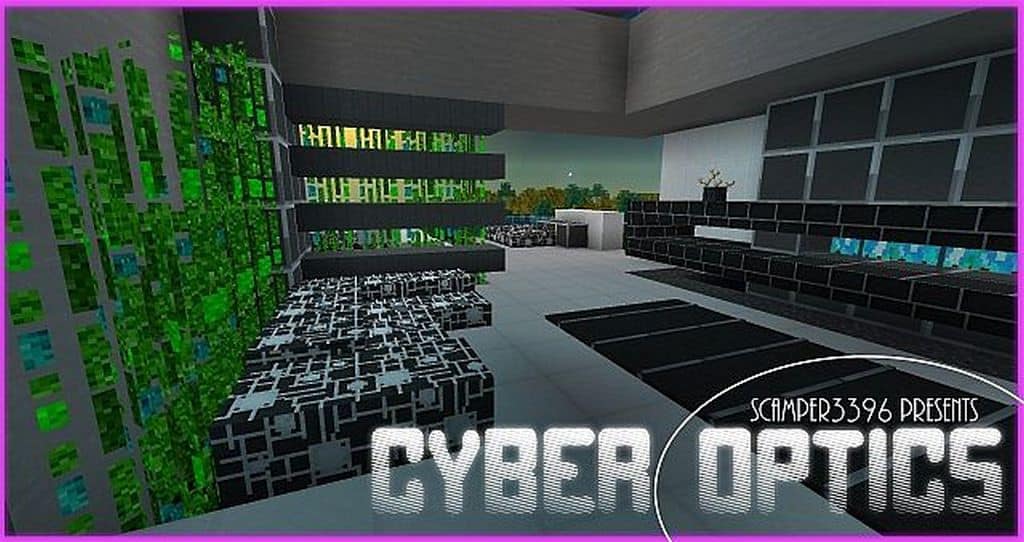
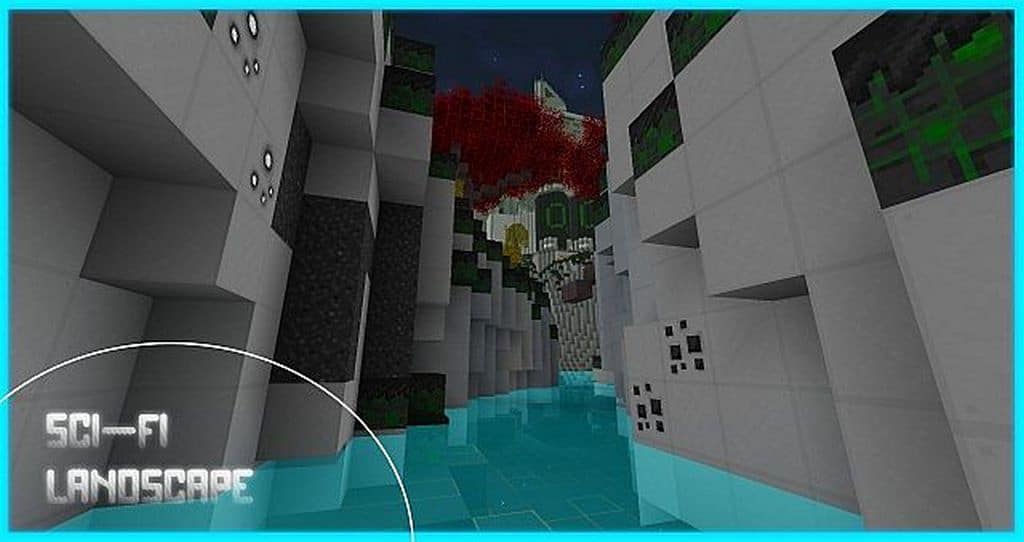
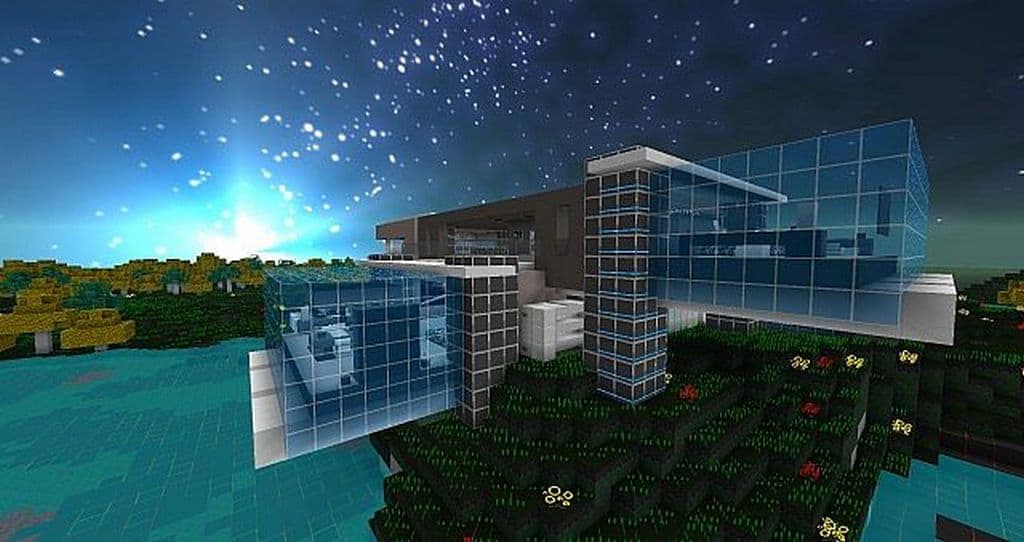
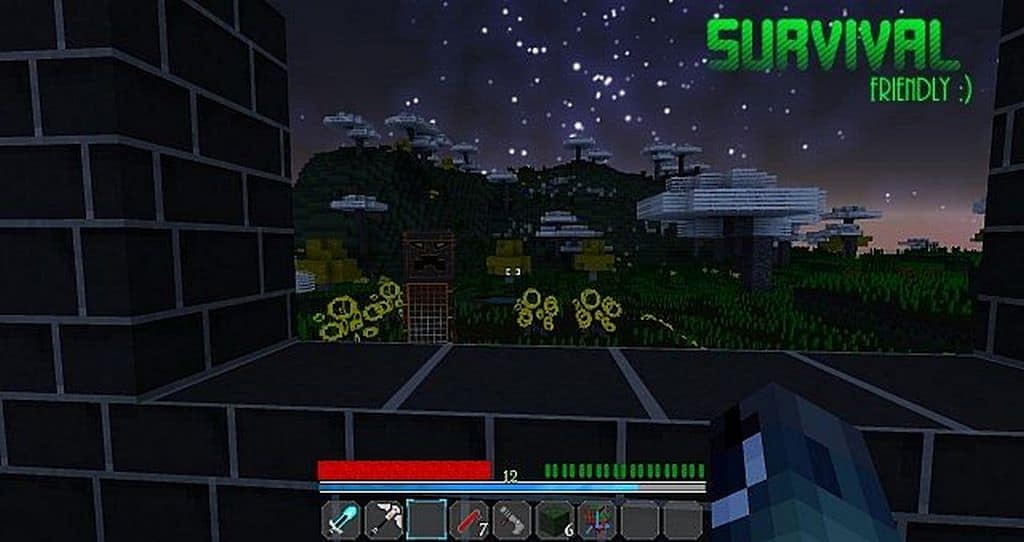
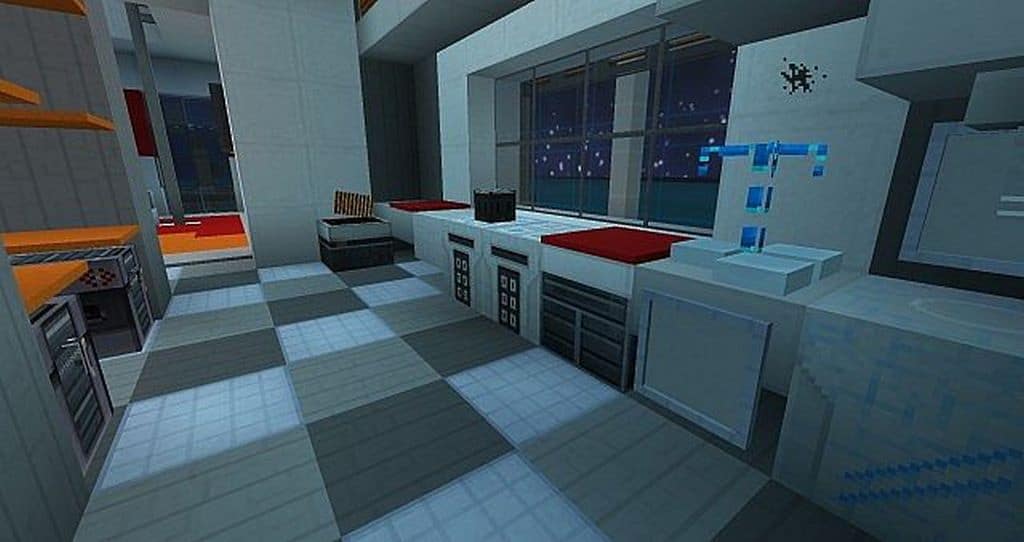
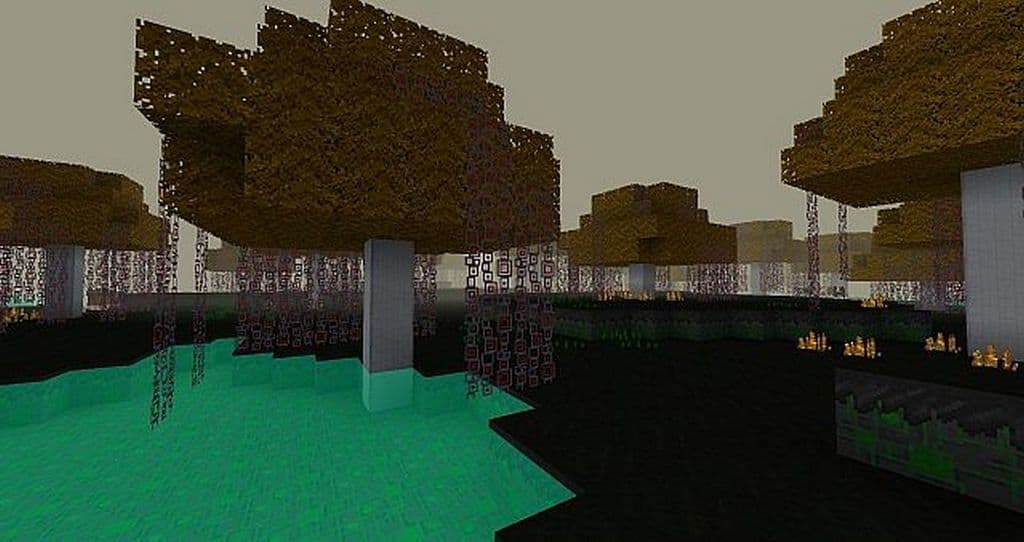
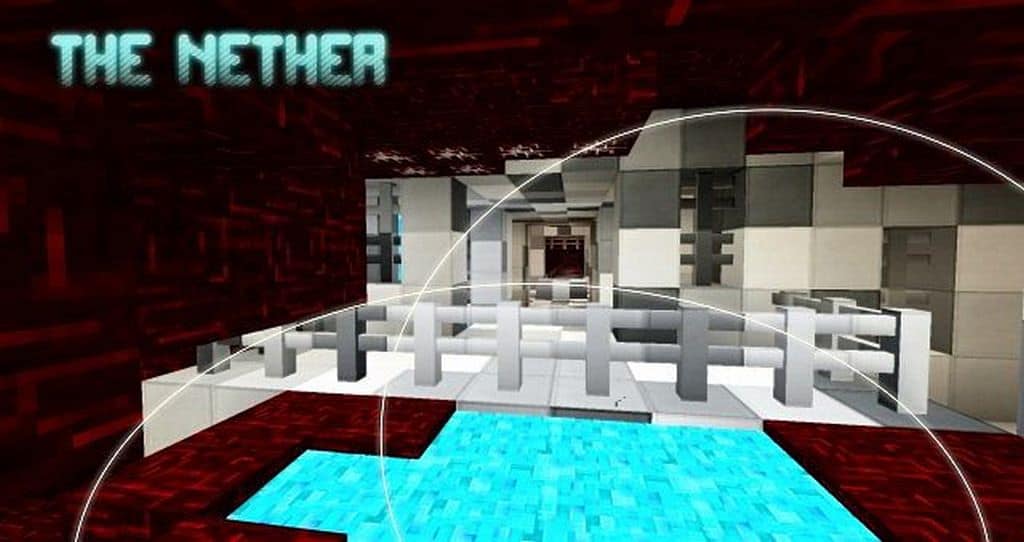
If you are a true science fiction enthusiast, you seriously need to check out the Cyber Optics resource pack! I tested it out and it features several textures and visual elements that completely improve your game looks to a higher level by adding a fantastic futuristic touch of science fiction. In addition, it offers you a completely new experience that is much different from what most ordinary resource packs provide to gamers these days. The authors introduced this texture pack to the market about eight years back. Although there have been hardly any updates for quite some time, this resource pack still ranks among the best resource packs matching contemporary expectations of gamers. Besides, it is compatible with the newest editions of your favorite Minecraft game. Here we would like to highlight the aspect that Cyber Optics endeavors to improve every visual element of the game.
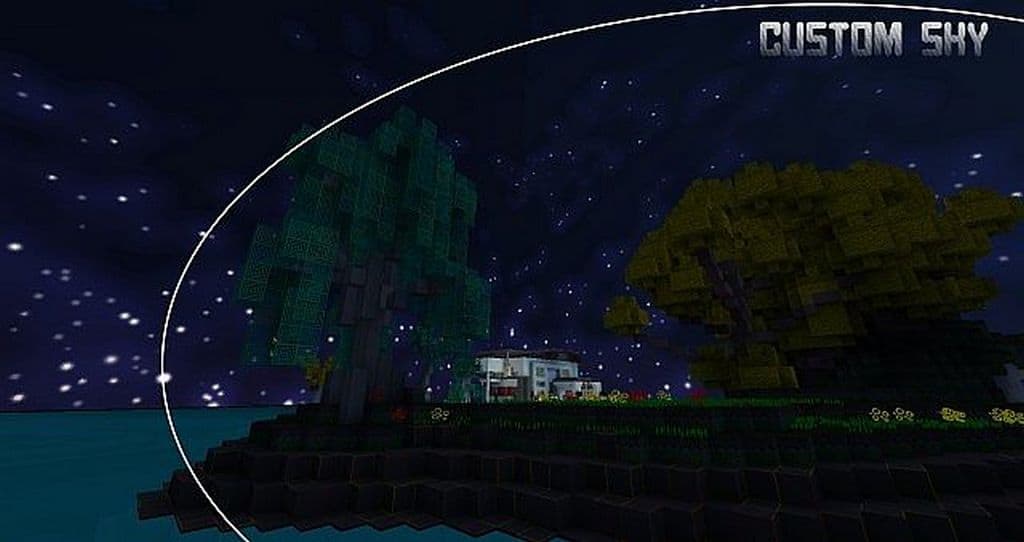
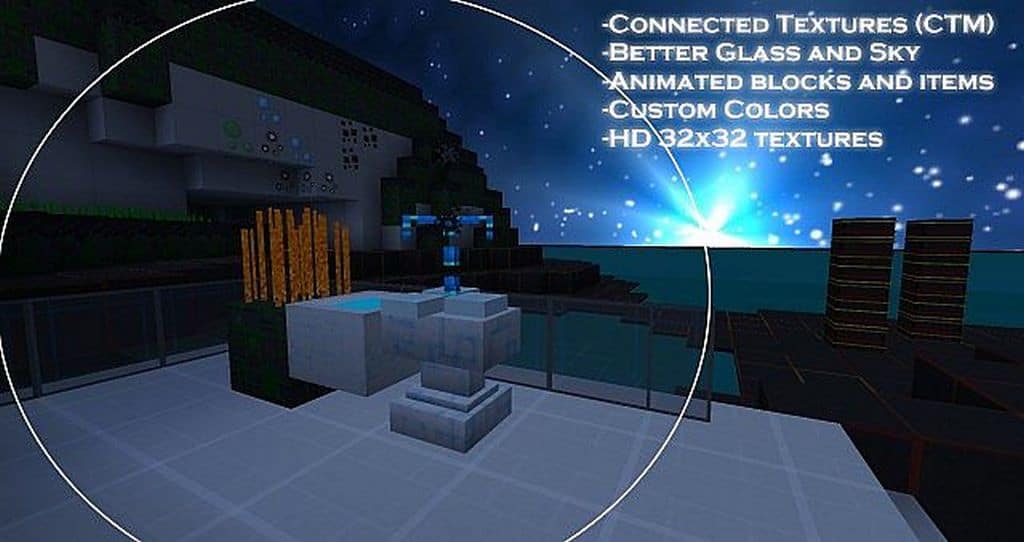
That is why you will get a completely new appearance of the Minecraft game after applying this resource pack. The resource pack synergizes the sky in a much better way by adding substantial variations to it in terms of offering different science-fiction textures. Besides, it turns everything into a more natural experience by introducing connected texture or CTM and adding exclusive fonts for the Minecraft. This texture pack has also focussed too much on executing elegant customized animation elements in several items and blocks of the Minecraft game. Cyber Optics has implemented those animations the same way it added the science fiction feel to its textures. After experiencing all these changes, you can very well appreciate that it blends well with the overall artistic style of Cyber Optics. Although the display of 32 x 32 has not been very high by any standards, it has still introduced some lovely textures that appear delightful to gamers of all types.
Cyber Optics should be compatible with all of these Minecraft versions: 1.8.9 – 1.8.8 – 1.8.1 – 1.8.6 – 1.8 – 1.7.10 – 1.7.9 – 1.7.4 – 1.7 – 1.6.4 – 1.6.2
Screenshots
How to Install Texture Pack (Simple 10 Steps)
- Download OptiFine: Most of the texture packs and shaders need OptiFine. That’s why, first download and install OptiFine for the version of Minecraft you want to play.
- Download the Texture Pack: Get the texture pack you want from the download section. Choose the version that works with your Minecraft and your PC’s performance.
- Open Minecraft Launcher: Start Minecraft using the official game launcher — or even TLauncher, if you use that.
- Go to Options: From the main menu, click on the “Options” button.
- Open Resource Packs: Inside Options, click on “Resource Packs…”.
- Open the Resource Pack Folder: Click on “Open Resource Pack Folder” — this will open a folder named “resourcepacks”.
- Move the Pack File: Copy or move the .zip file you downloaded into that “resourcepacks” folder. (Don’t unzip the file — Minecraft uses it as-is!)
- Go Back and Refresh: Close the folder and click “Done”, then go back into “Resource Packs…” again.
- Activate the Pack: You’ll see the pack on the left side. Hover over it and click the arrow to move it to the right (active side).
Tip: If you get a message that the pack is for a different version, just click “Yes” — it usually works fine. - Click Done and Enjoy: Click “Done” again. Now your pack is ready to use in-game. It’s that easy!
Credits
This project was originally created and developed by Scamper3396. We do not claim ownership of this content, nor have we modified the original files. All rights and intellectual property remain strictly with the original author. We encourage you to support Scamper3396 and their official releases.
Download Links
Java Edition
Download Instructions
Curseforge: download starts automatically after a few seconds;
Mediafire: click the big blue button with the text “DOWNLOAD”;
Google Drive: in the top right corner you will see a small download icon (down arrow), click it and the download should start;