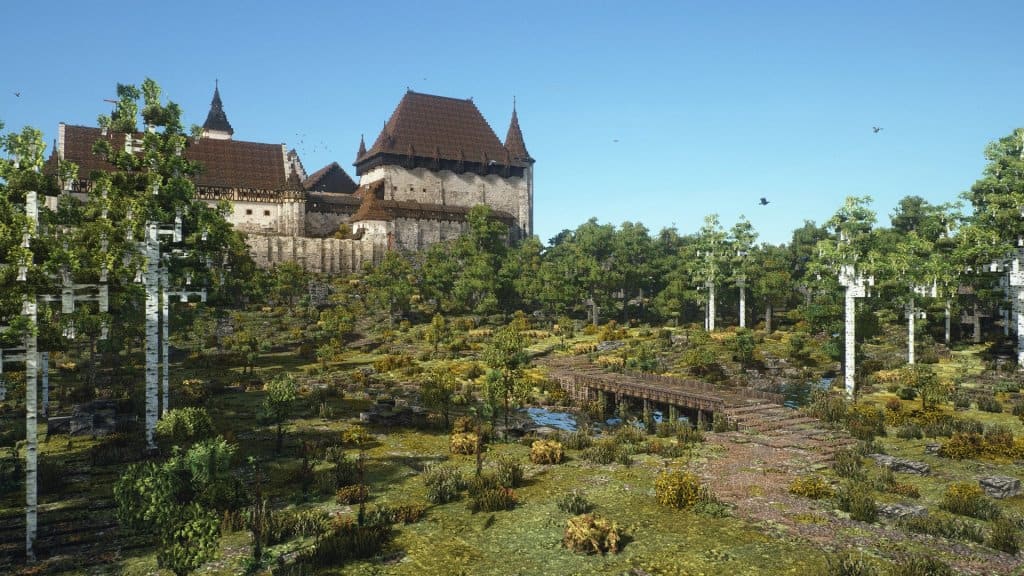
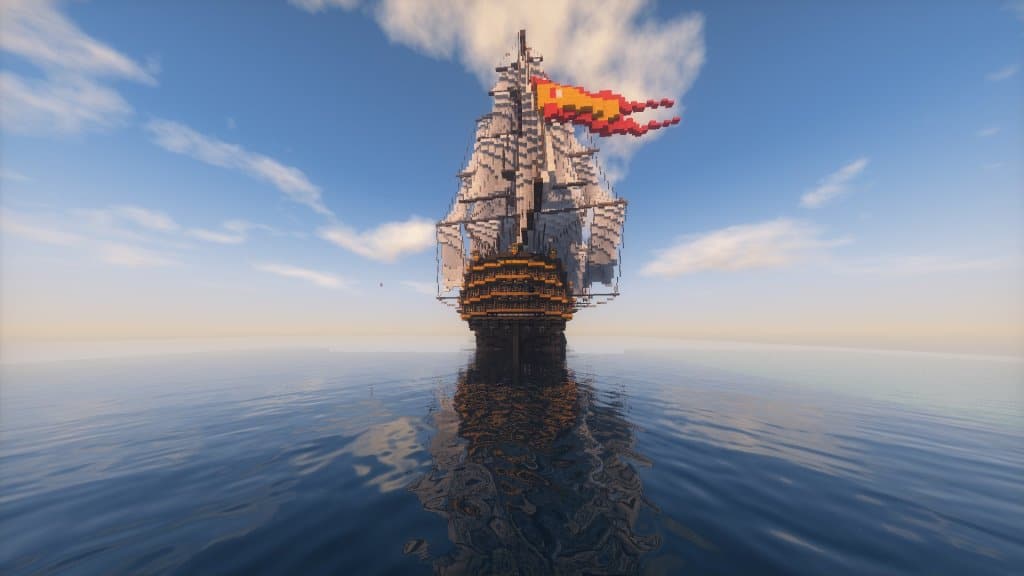
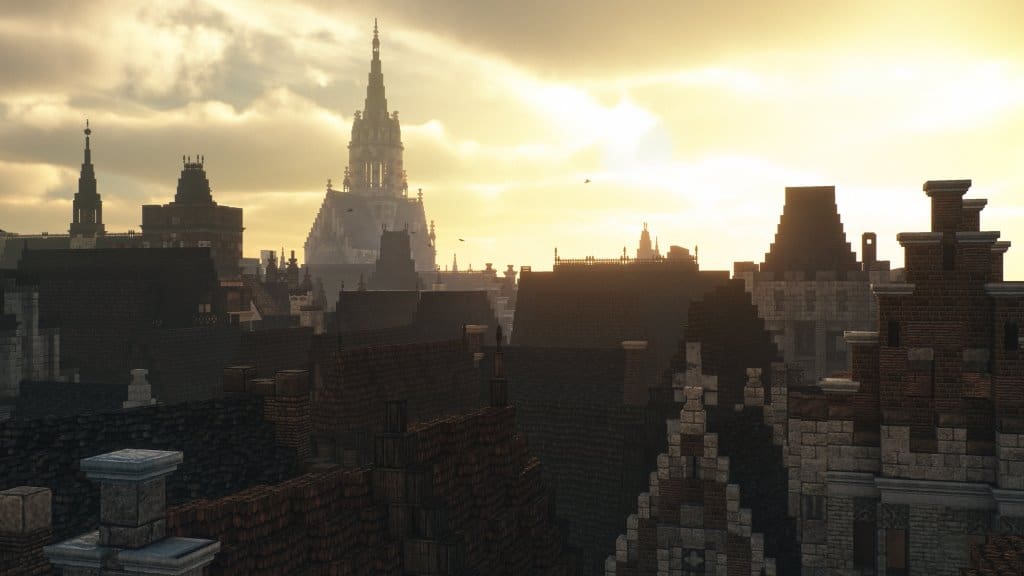
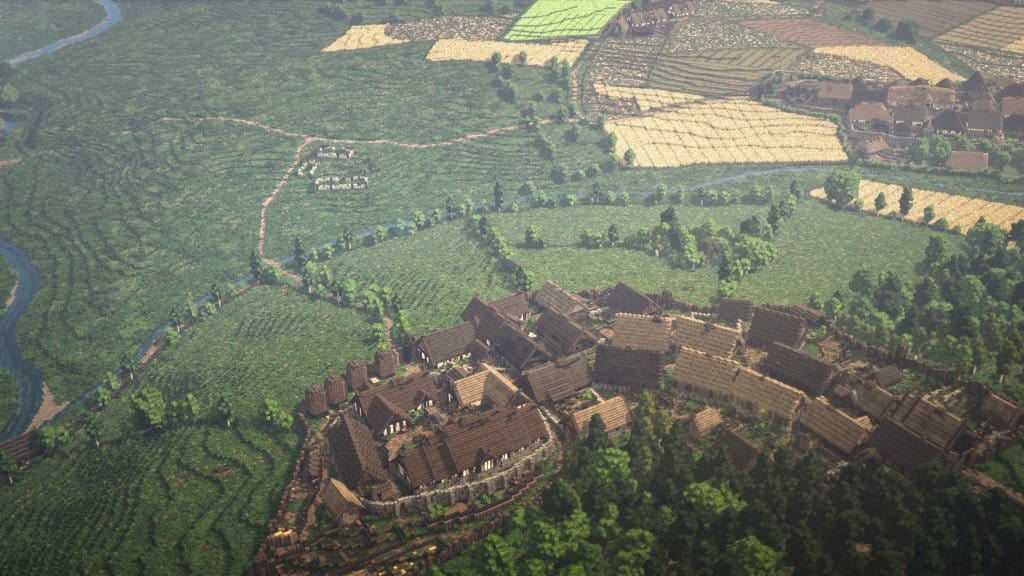
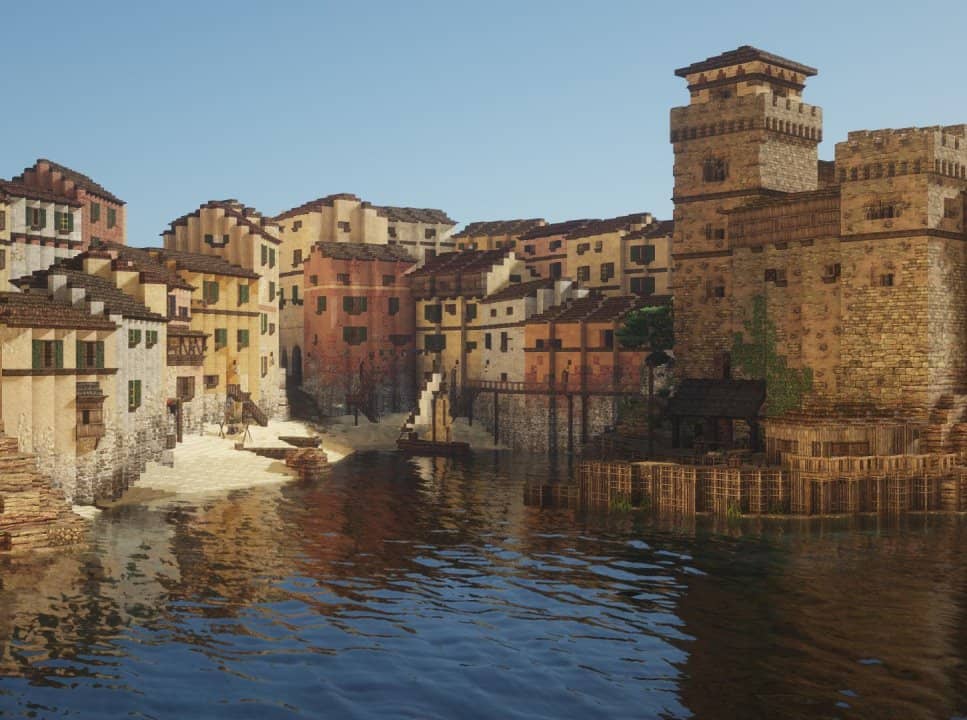
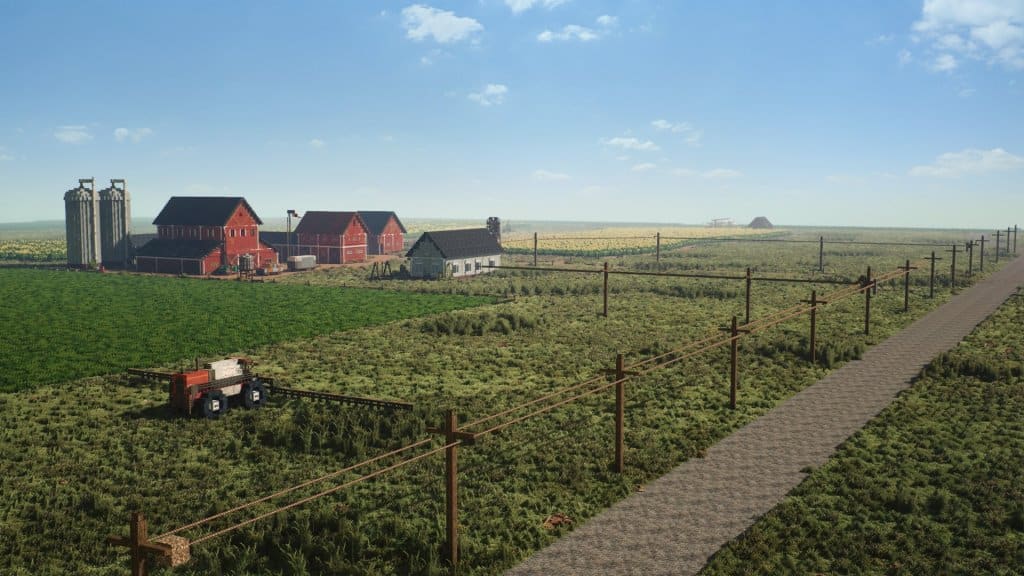
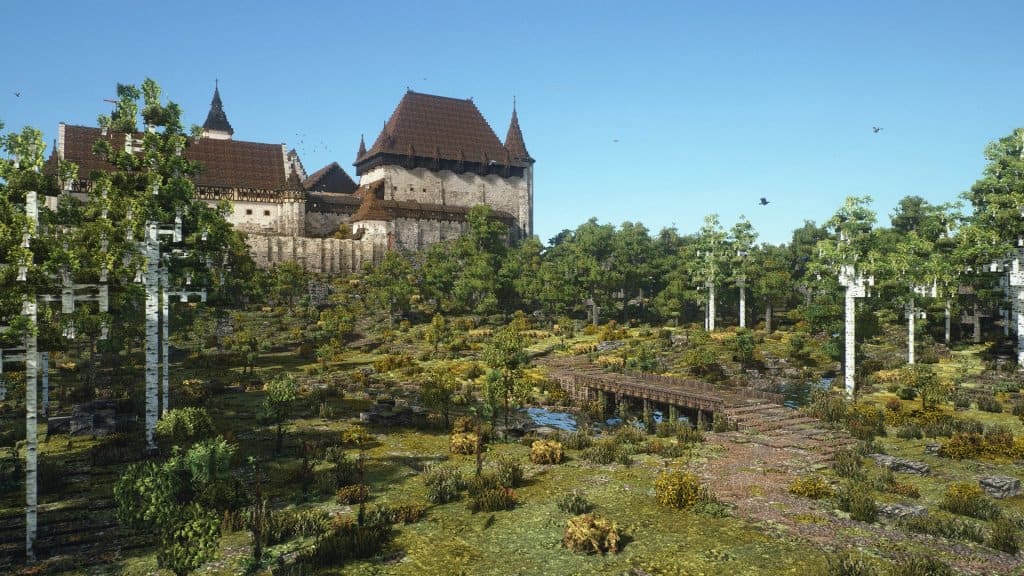
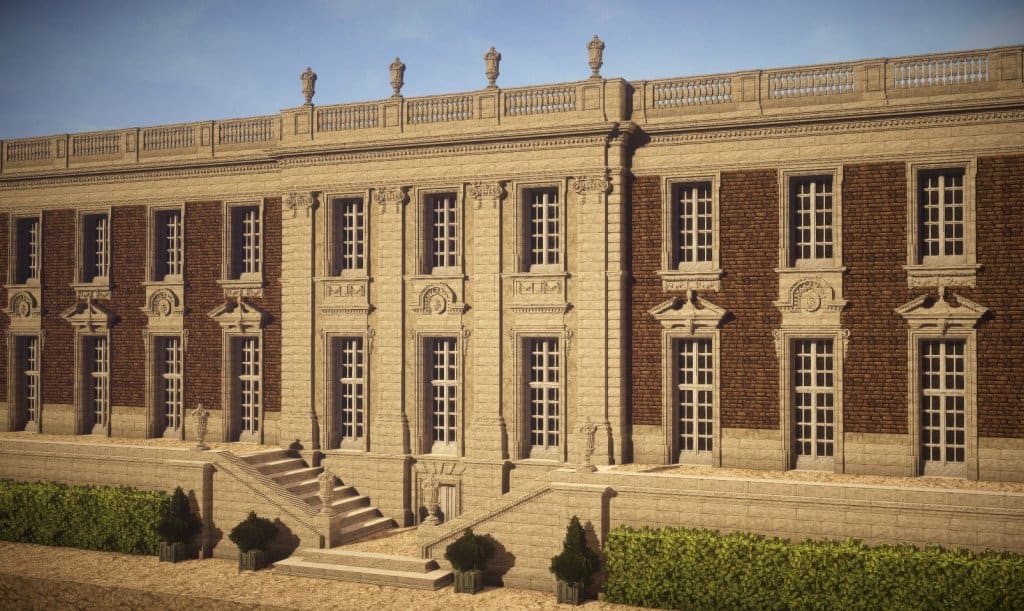
The Conquest Reforged resource pack is truly a brilliant set of textures for Minecraft that I had an absolute blast testing out. In fact, it is widely considered to be one of the best and greatest texture packs available, completely elevating the look, feel, and overall functionality of Minecraft to a whole new level. It brings loads of exciting new functionality and features to the game, which is surely an important aspect for any builder. As you probably know, the default Minecraft textures get pretty dull and uninteresting after a while. But no worries! Not only can you vastly improve the visual appeal and gaming look of Minecraft, but you can also introduce incredible new features and functionalities once you install and start using the Conquest Reforged pack. Let us now point out the key benefits of this fantastic Conquest Reforged resource pack that really stood out during my gameplay. For example, it gives you access to a numerous and diverse range of different new blocks to start building with right away. You must be now wondering what exactly to do with all these amazing blocks?
Well, you can easily build advanced terrain and various other things simply by using these blocks. What is even better is that these blocks can also be used to build gorgeous landscapes that look like they were taken straight out of a fantasy novel. The Conquest Reforged pack even provides you access to the fantastic connected textures feature. There is a significant benefit of using these connected textures, namely that they allow you to bring a much more realistic and appealing look to your gameplay. The Conquest Reforged pack further includes a bunch of stunning animations that I found breathtaking. These animations allow the player to delve into a completely new level of fun. Providing you some quick examples from my testing, gold coins will have an appealing glimmer effect whereas the bird blocks will enjoy a unique flight animation. In addition to these two examples, there are piles of animation effects present that you simply cannot ignore. So, if you want to enjoy the stunning, immersive, and animation-filled looks of the Minecraft game, then you can definitely consider using this pack without a single hesitation.
Conquest Reforged should be compatible with all of these Minecraft versions: 1.19.4 – 1.19.3 – 1.19.2 – 1.19.1 – 1.19 – 1.16.5 – 1.16.4 – 1.16.3 – 1.16.2 – 1.16.1 – 1.16 – 1.15.2 – 1.15.1 – 1.15 – 1.12.2 – 1.12 – 1.11.2 – 1.11 – 1.10.2 – 1.10
Screenshots



How to Install Texture Pack (Simple 10 Steps)
- Download OptiFine: Most of the texture packs and shaders need OptiFine. That’s why, first download and install OptiFine for the version of Minecraft you want to play.
- Download the Texture Pack: Get the texture pack you want from the download section. Choose the version that works with your Minecraft and your PC’s performance.
- Open Minecraft Launcher: Start Minecraft using the official game launcher — or even TLauncher, if you use that.
- Go to Options: From the main menu, click on the “Options” button.
- Open Resource Packs: Inside Options, click on “Resource Packs…”.
- Open the Resource Pack Folder: Click on “Open Resource Pack Folder” — this will open a folder named “resourcepacks”.
- Move the Pack File: Copy or move the .zip file you downloaded into that “resourcepacks” folder. (Don’t unzip the file — Minecraft uses it as-is!)
- Go Back and Refresh: Close the folder and click “Done”, then go back into “Resource Packs…” again.
- Activate the Pack: You’ll see the pack on the left side. Hover over it and click the arrow to move it to the right (active side).
Tip: If you get a message that the pack is for a different version, just click “Yes” — it usually works fine. - Click Done and Enjoy: Click “Done” again. Now your pack is ready to use in-game. It’s that easy!
Credits
This project was originally created by Monsterfish_ , CreativeRealms, and romancapitalist. We do not claim ownership of this content, nor do we host modified versions of the files. We highly encourage you to support the original creators by downloading through their official channels.
Download Links
Java Edition
Download Instructions
Curseforge: download starts automatically after a few seconds;
Mediafire: click the big blue button with the text “DOWNLOAD”;
Google Drive: in the top right corner you will see a small download icon (down arrow), click it and the download should start;


