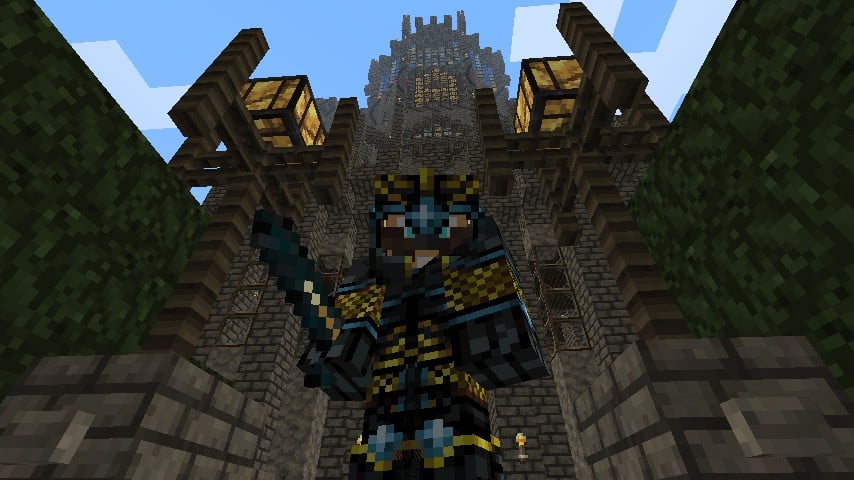
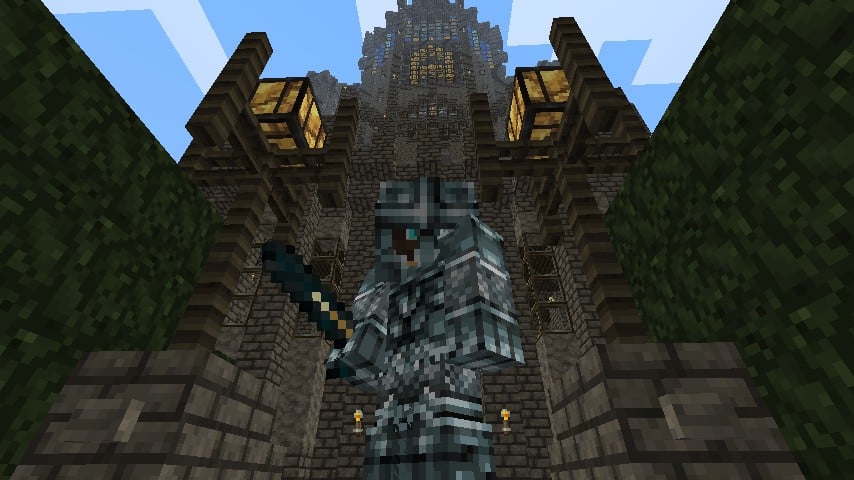
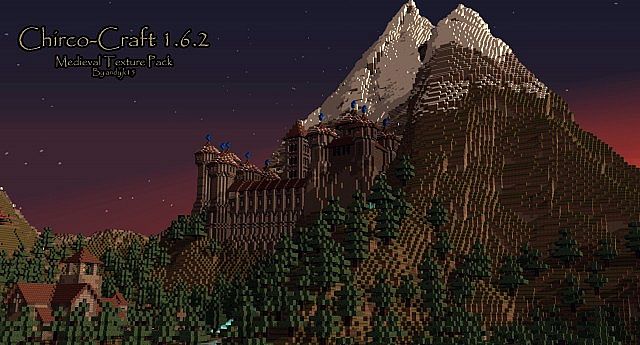
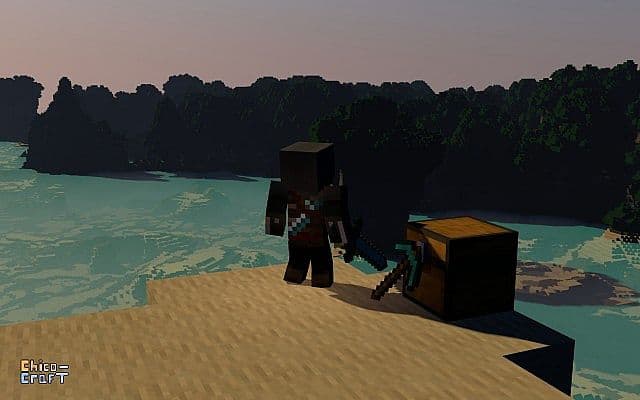
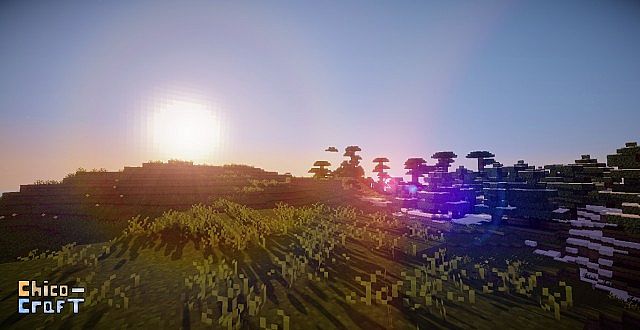
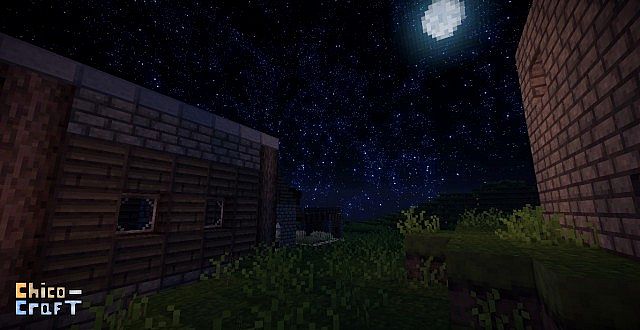
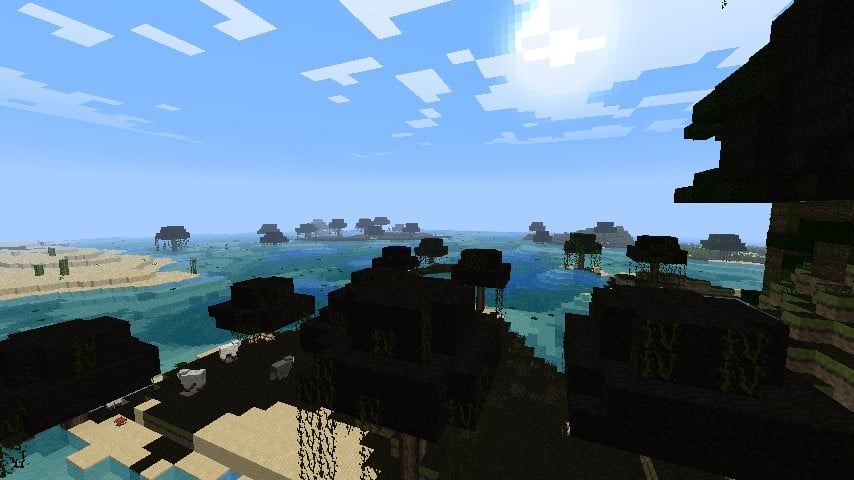
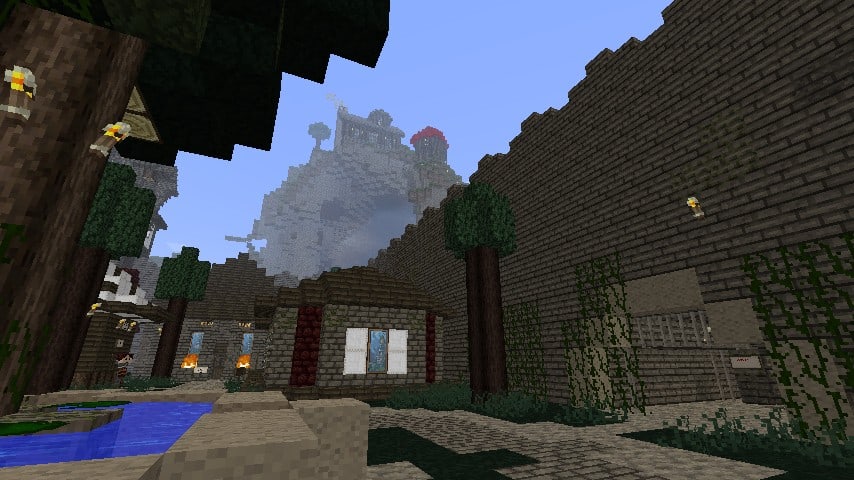
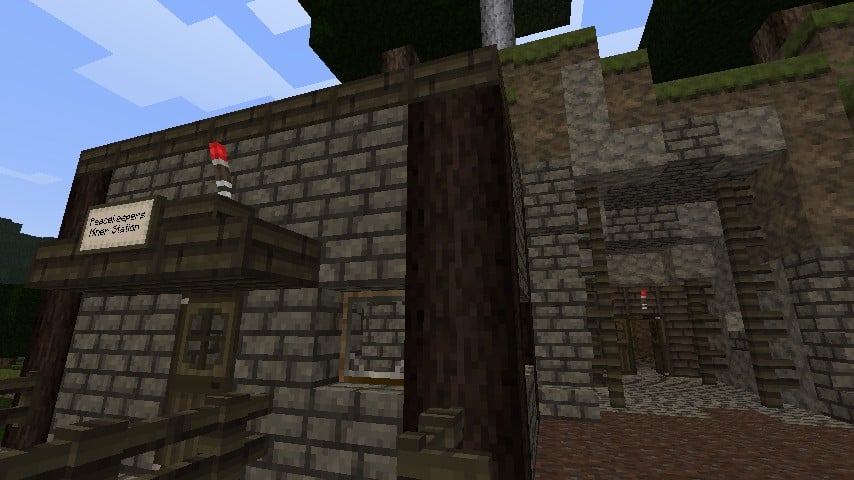
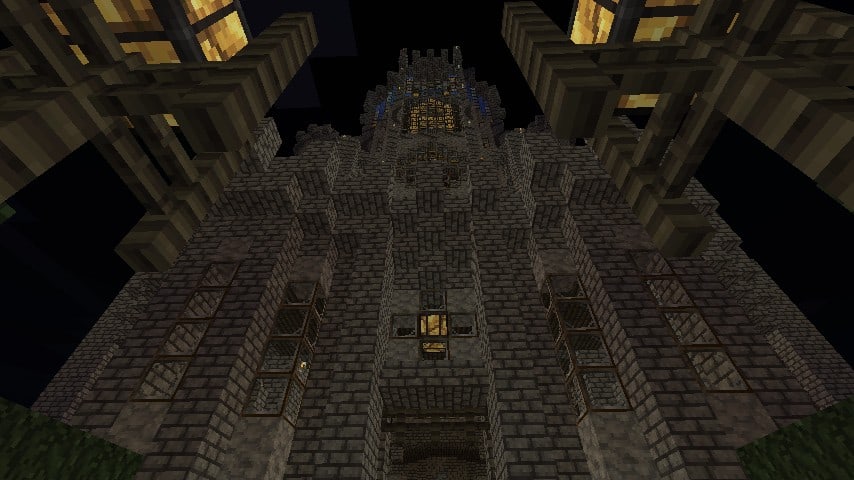
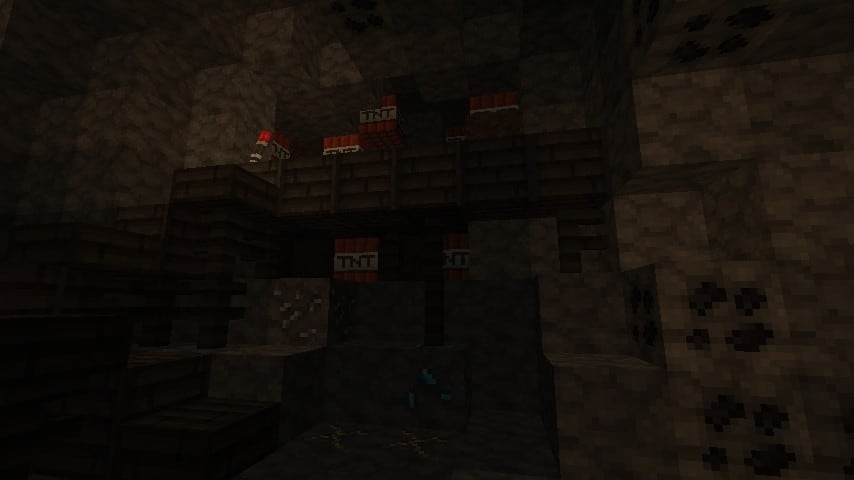
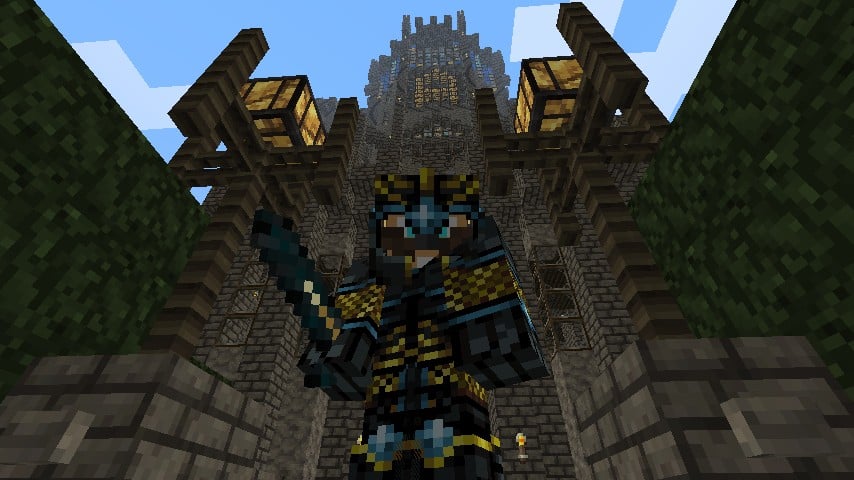
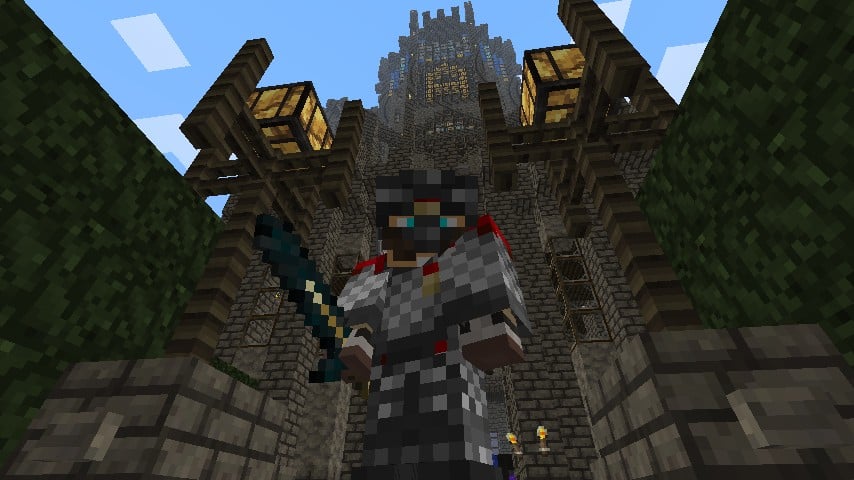
Let me tell you about Chirco-Craft, which is easily one of the oldest texture packs ever created for the game! If you happen to know classic Minecraft mods like the Aether or Millenaire, you will be thrilled to learn that these legendary developers actually recommend using the Chirco-Craft texture pack right alongside their mods. Of course, I tested it out thoroughly, and I can confirm these textures also look absolutely awesome even without any mods installed. It is wonderfully simple yet undeniably attractive in standard definition, bringing a very detailed and medieval-styled look to your entire world. In general, I found it to be just a fantastic alternative to the standard Minecraft textures if you are looking for that classic medieval vibe.
Chirco-Craft should be compatible with all of these Minecraft versions: 1.7.10 – 1.7.9 – 1.7.4 – 1.7 – 1.6.4 – 1.6.2
Screenshots
How to Install Texture Pack (Simple 10 Steps)
- Download OptiFine: Most of the texture packs and shaders need OptiFine. That’s why, first download and install OptiFine for the version of Minecraft you want to play.
- Download the Texture Pack: Get the texture pack you want from the download section. Choose the version that works with your Minecraft and your PC’s performance.
- Open Minecraft Launcher: Start Minecraft using the official game launcher — or even TLauncher, if you use that.
- Go to Options: From the main menu, click on the “Options” button.
- Open Resource Packs: Inside Options, click on “Resource Packs…”.
- Open the Resource Pack Folder: Click on “Open Resource Pack Folder” — this will open a folder named “resourcepacks”.
- Move the Pack File: Copy or move the .zip file you downloaded into that “resourcepacks” folder. (Don’t unzip the file — Minecraft uses it as-is!)
- Go Back and Refresh: Close the folder and click “Done”, then go back into “Resource Packs…” again.
- Activate the Pack: You’ll see the pack on the left side. Hover over it and click the arrow to move it to the right (active side).
Tip: If you get a message that the pack is for a different version, just click “Yes” — it usually works fine. - Click Done and Enjoy: Click “Done” again. Now your pack is ready to use in-game. It’s that easy!
Credits
This resource pack was created by andyjk15. We do not claim ownership of this content, nor have we modified the original files. All rights belong to the original creator, and we strongly encourage you to support andyjk15 by visiting their official download pages.
Download Links
Java Edition
Download Instructions
Curseforge: download starts automatically after a few seconds;
Mediafire: click the big blue button with the text “DOWNLOAD”;
Google Drive: in the top right corner you will see a small download icon (down arrow), click it and the download should start;


