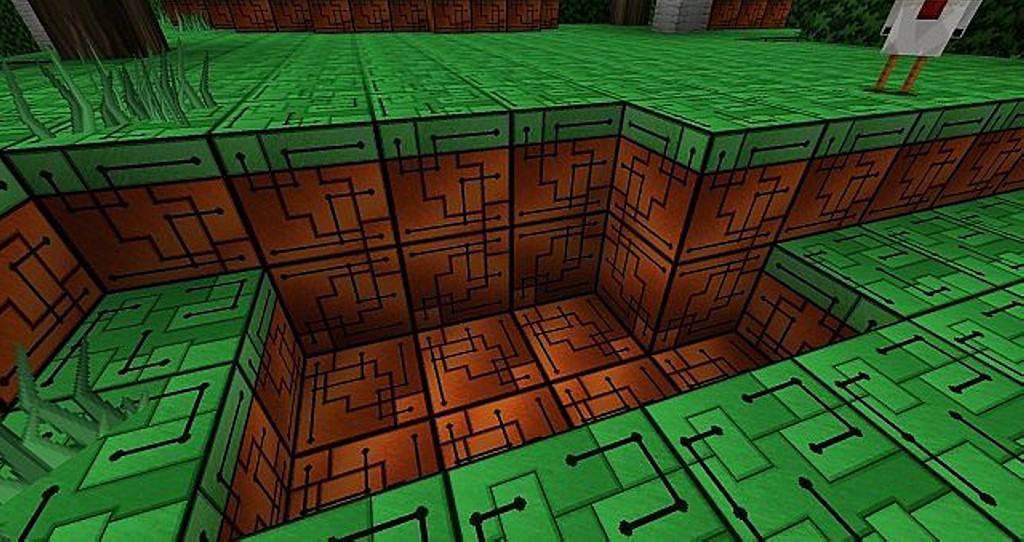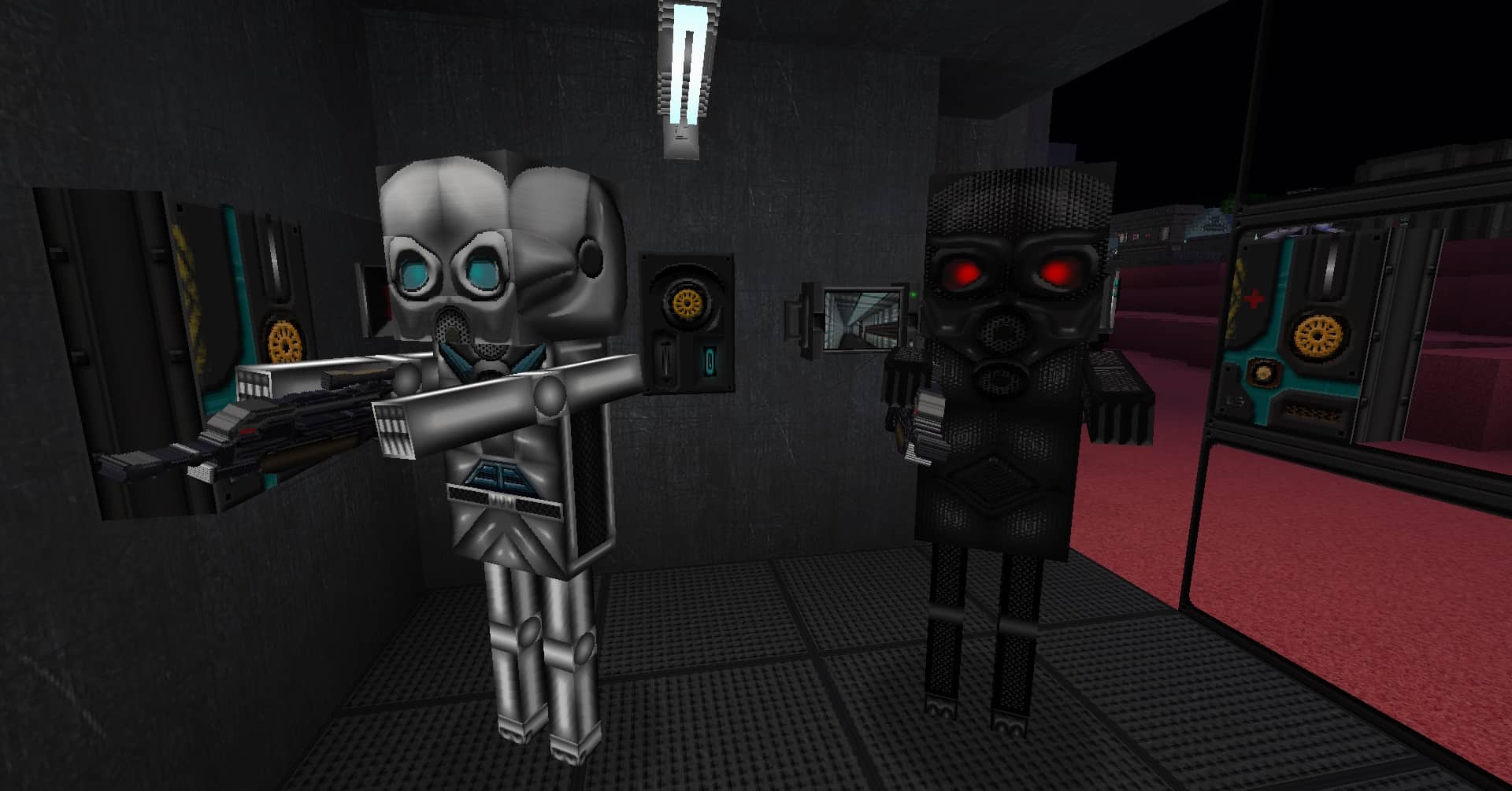
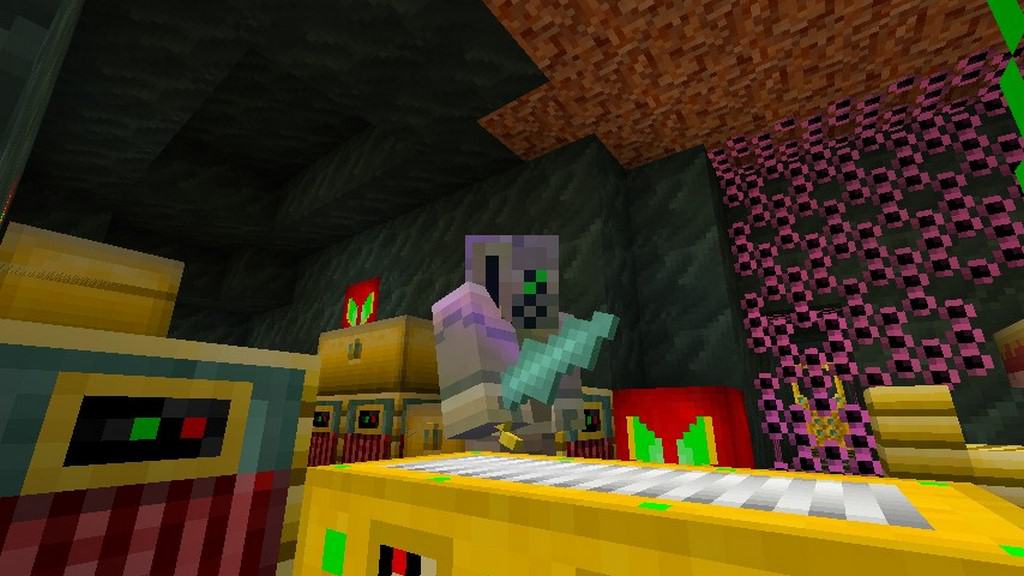
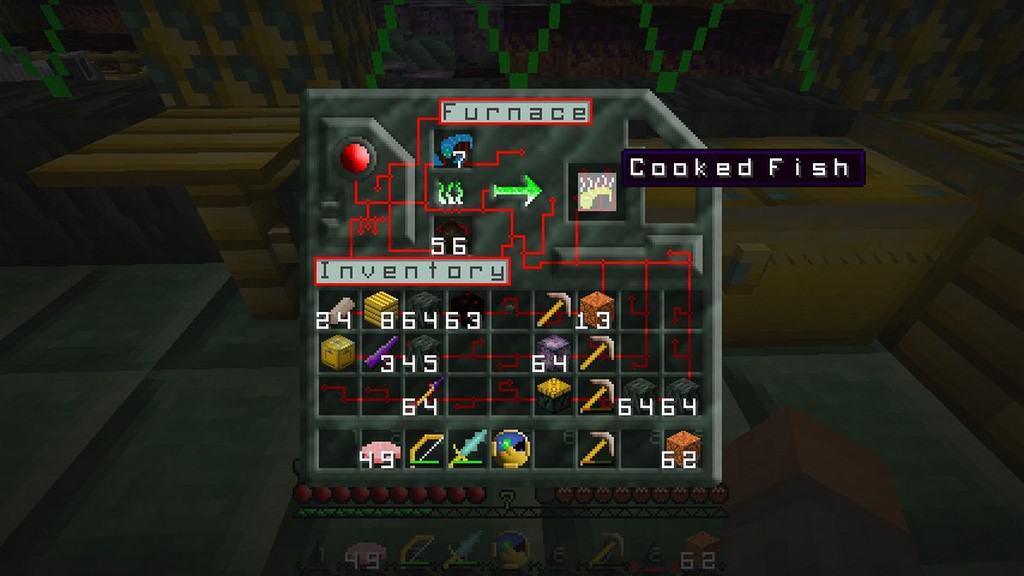
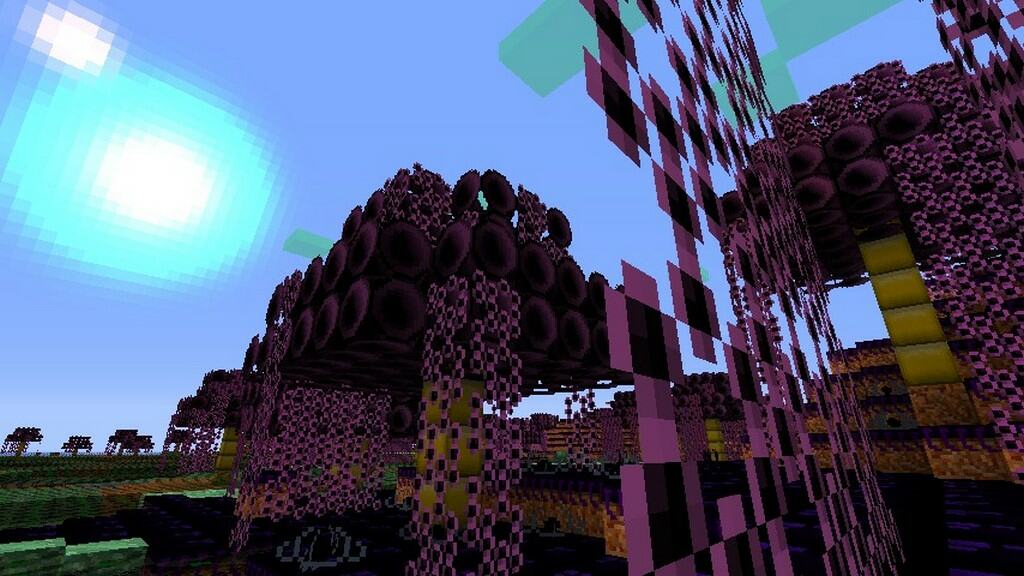
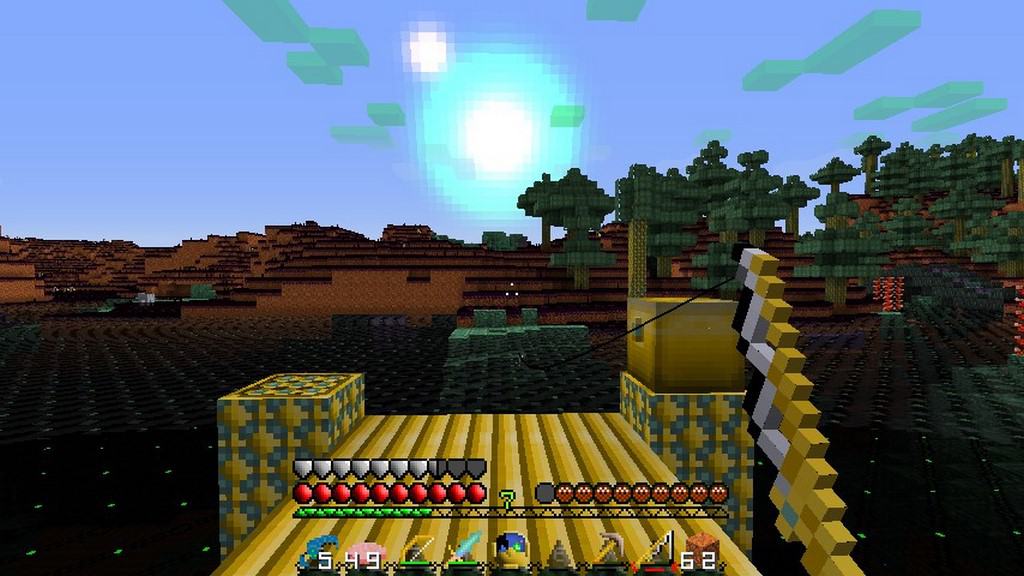
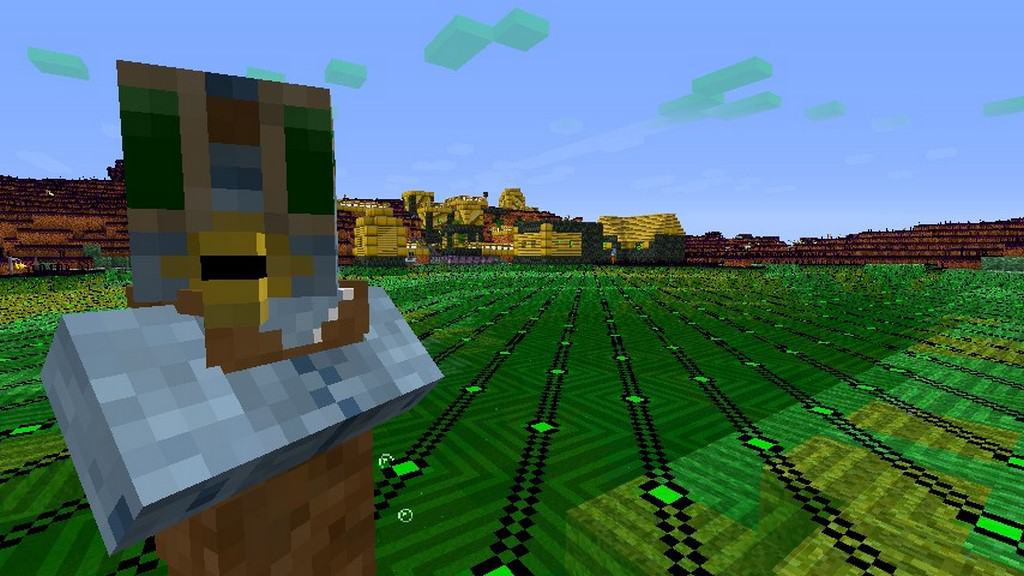
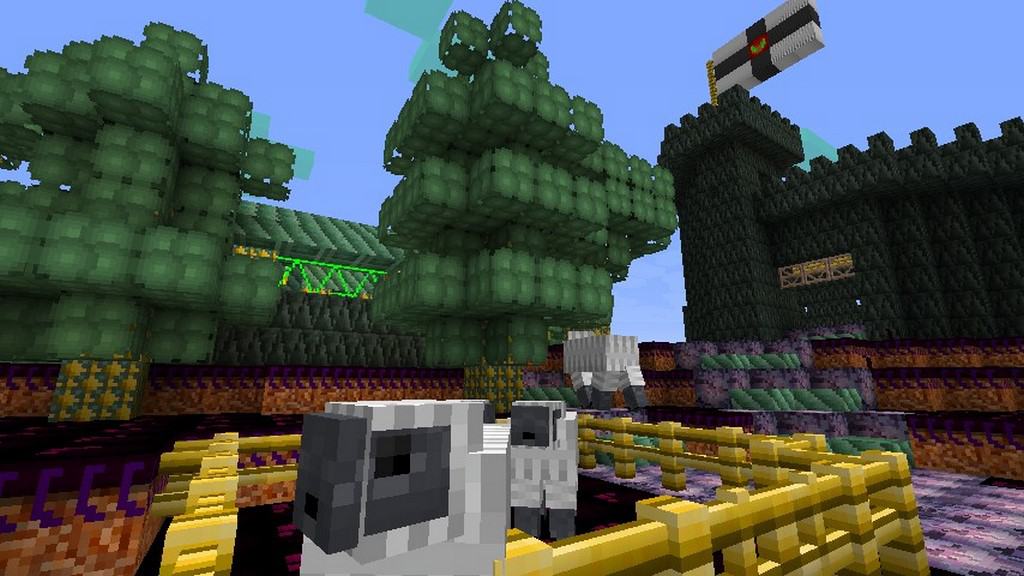
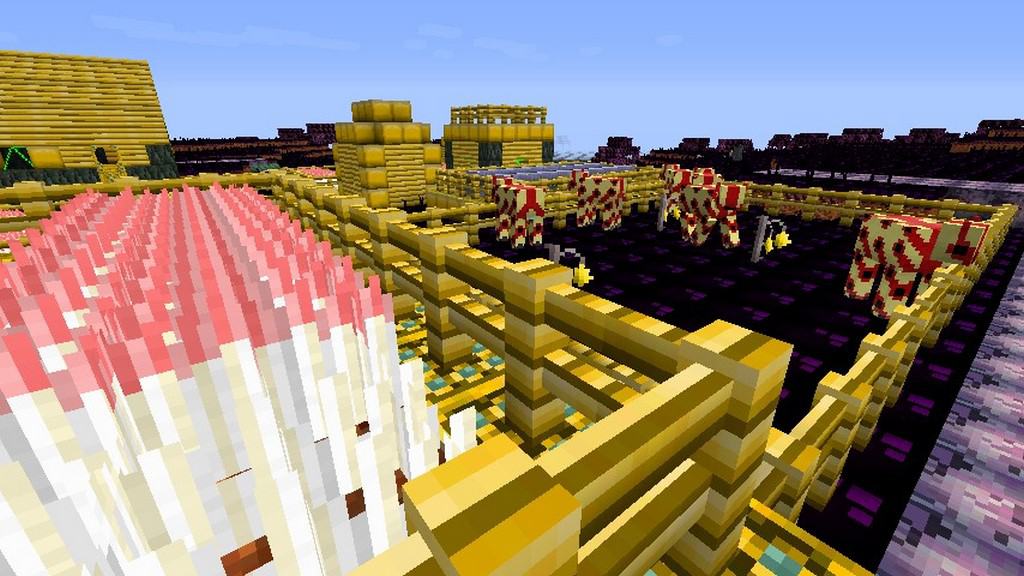
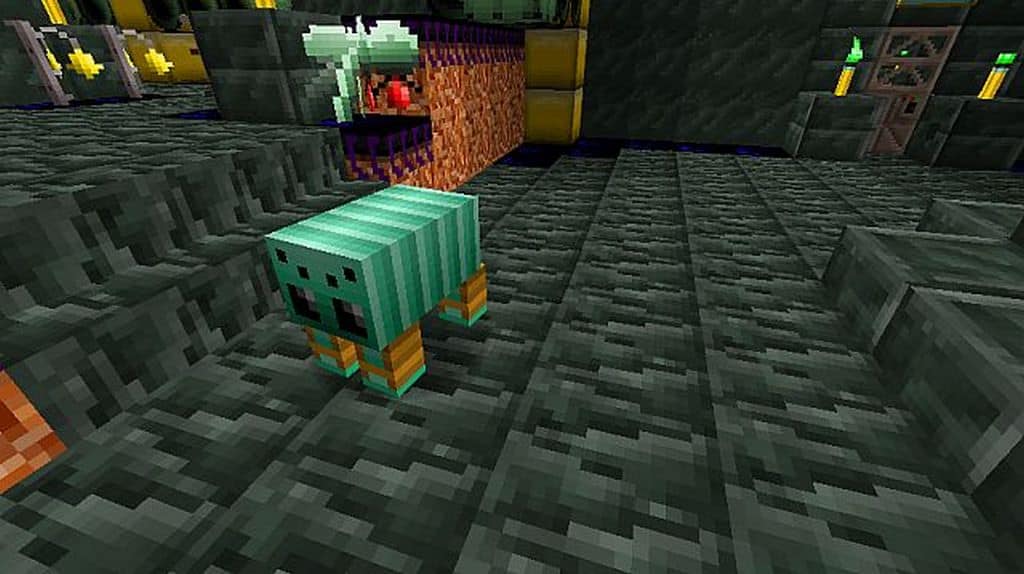
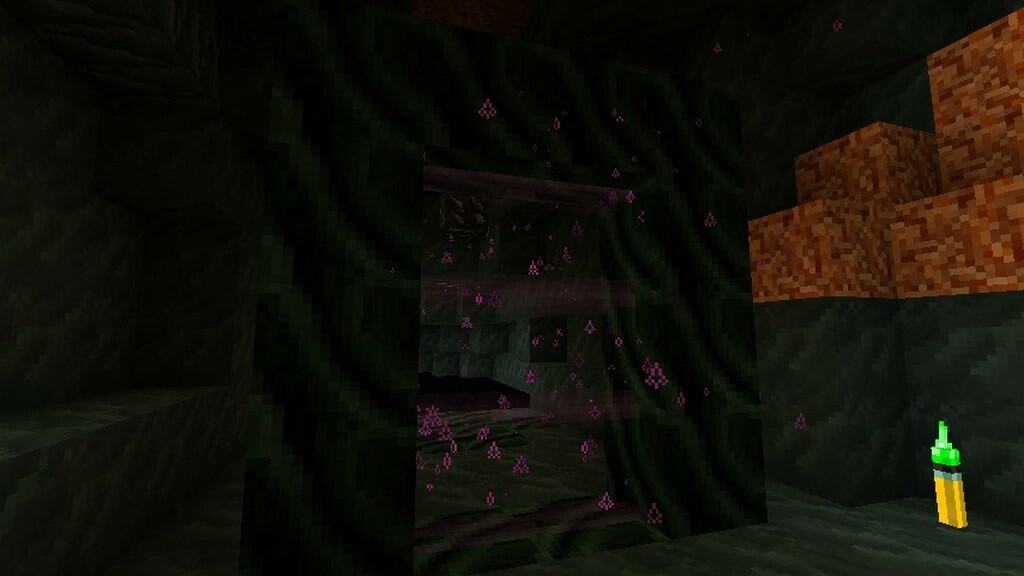
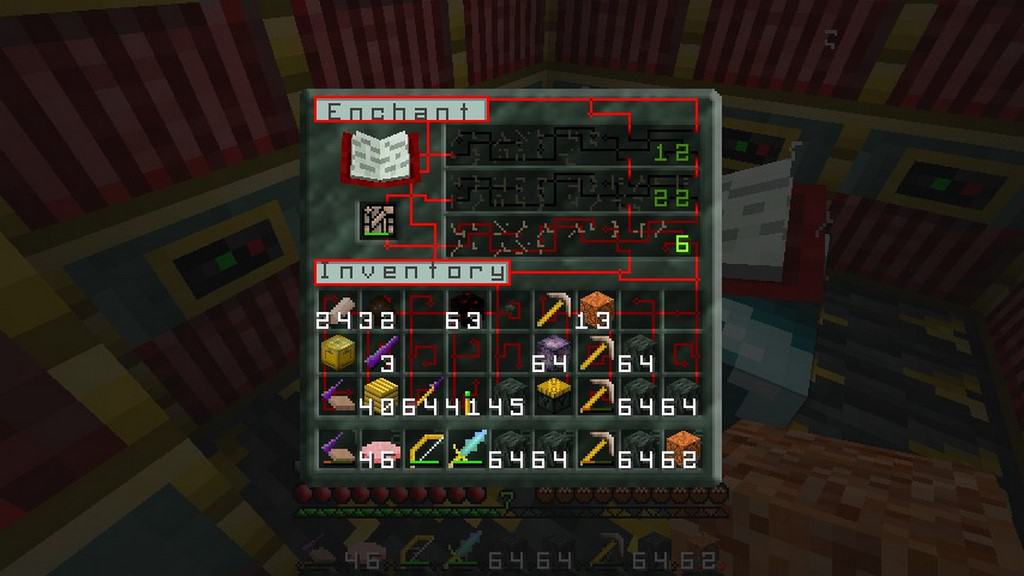
Are you looking to spice up your Minecraft crafting with upgraded graphics? The Aleph Setei resource pack will completely boost your visuals and enhance your overall gaming experience. The resource pack improves your Minecraft visuals in a variety of ways to create a much more engaging game. This robust pack features loads of new items that will truly enhance your creativity. The Aleph Setei resource pack features an incredible futuristic theme with a distinct alien vibe. Players are able to explore the outer limits of the galaxy and experience life beyond the earthly plain. This alien texture pack cleverly embraces familiar Minecraft elements while introducing striking new design features. This allows the game to appear widely different and wonderfully refreshed. Players can expect to see noticeable changes to the game’s interface. The overall mobs, items, and objects will undergo a stunning metamorphosis while the core design structure remains the same. The creator of the Aleph Setei pack worked hard to make every part of the game feel alien without ever feeling overdone or cheesy. This resource pack keeps key staples looking the same. Trees and torches remain entirely recognizable and are not turned into unfamiliar items. For instance, bows and arrows will not be bizarrely transformed into ray guns.
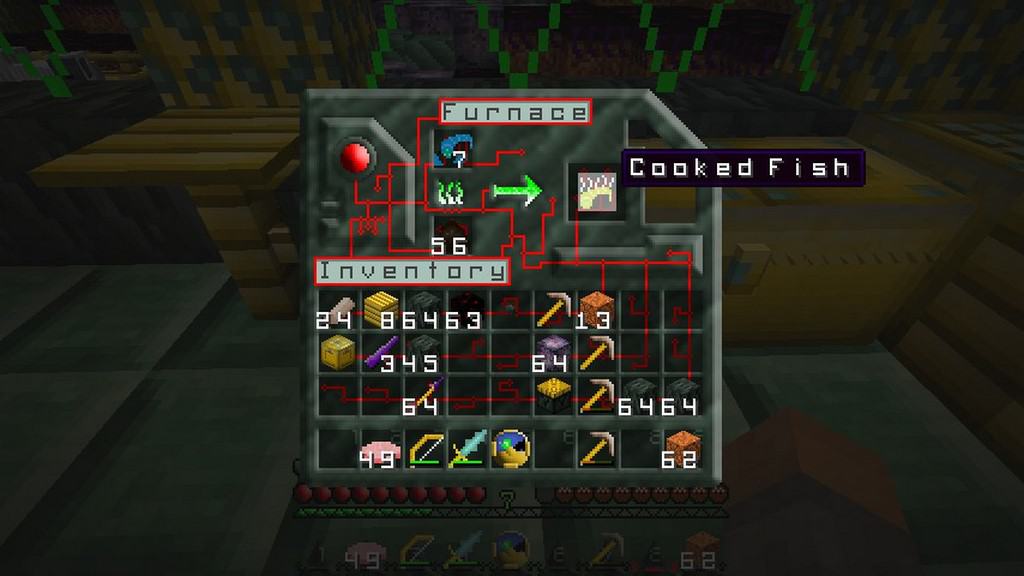
Players should anticipate some fascinating visual changes from the original Minecraft. In the traditional Minecraft world you used to be able to craft paper from sugarcane and use the paper to create books, and books could be used as ingredients to create a bookshelf. Now the sequence of crafting things has genuinely changed. With this brilliant new resource pack you will now be able to turn redreed into wire and then wire into ribbon cable, and ribbon cable can be utilized to craft a main frame. Other notable changes can be seen throughout this resource pack. For example, crops will no longer make wheat, and wheat will no longer be turned into bread. Instead, you will see tube worms available to craft, and tube worms can be turned into plain worms which can be used to craft a delicious worm patty. The Aleph Setei resource pack interjects tons of fun and freshness into your traditional Minecraft crafting. The pack mixes vibrant colors with dark tones to create an eclectic palette that is sure to satisfy players. The absolute best thing about the Aleph Setei pack is that it features a smooth 16x resolution, meaning players on low-end computers will be able to use this resource pack seamlessly without ever having to deal with frustrating gameplay performance issues.
Aleph Setei should be compatible with all of these Minecraft versions: 1.8.9 – 1.8.8 – 1.8.1 – 1.8.6 – 1.8 – 1.7.10 – 1.7.9 – 1.7.4 – 1.7
Screenshots
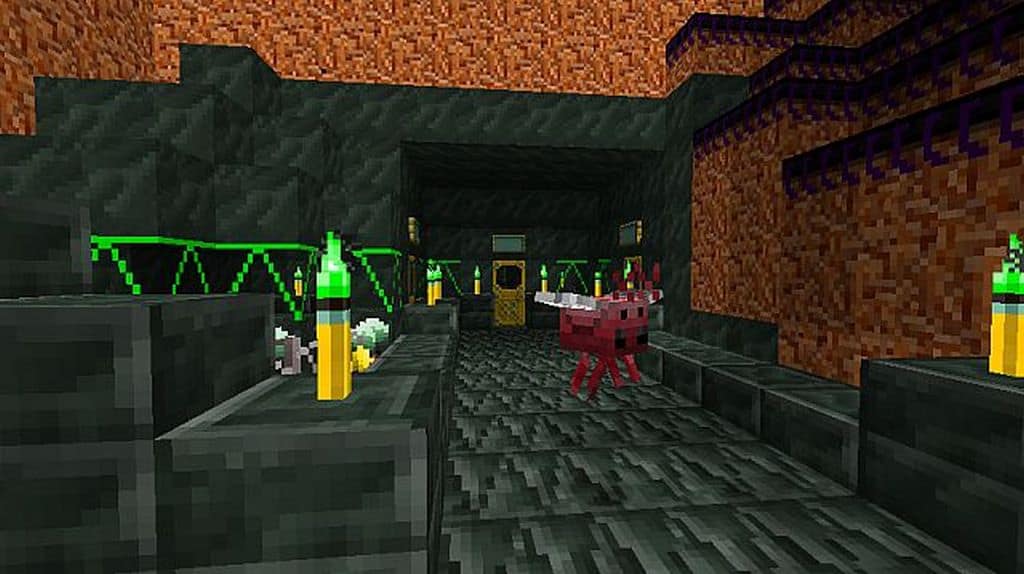
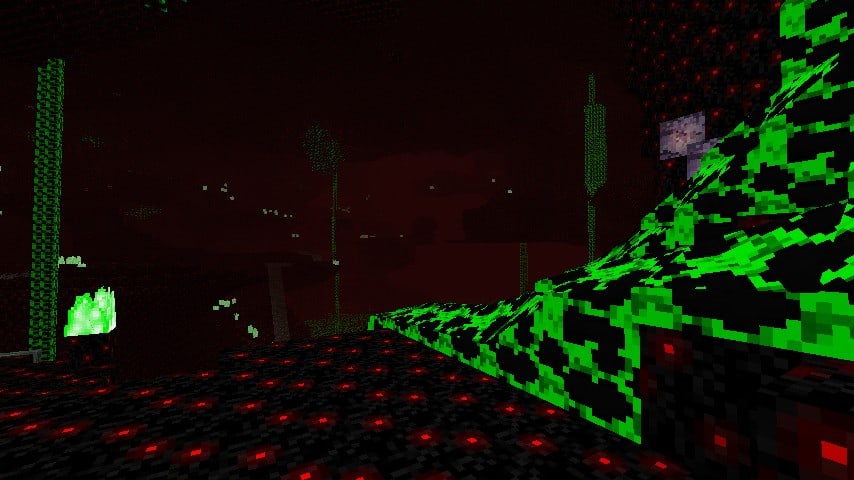
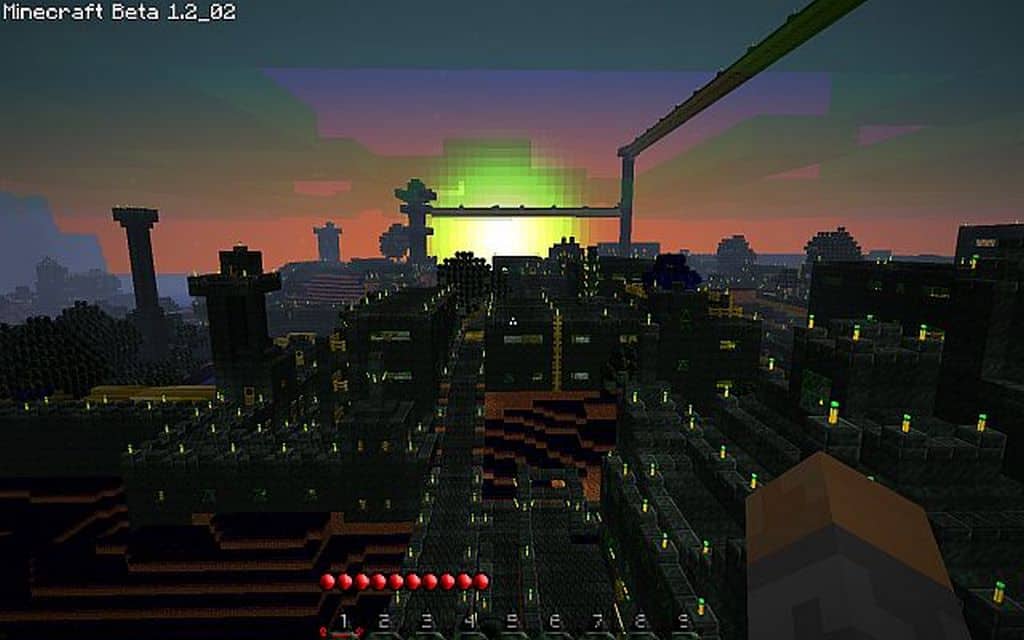
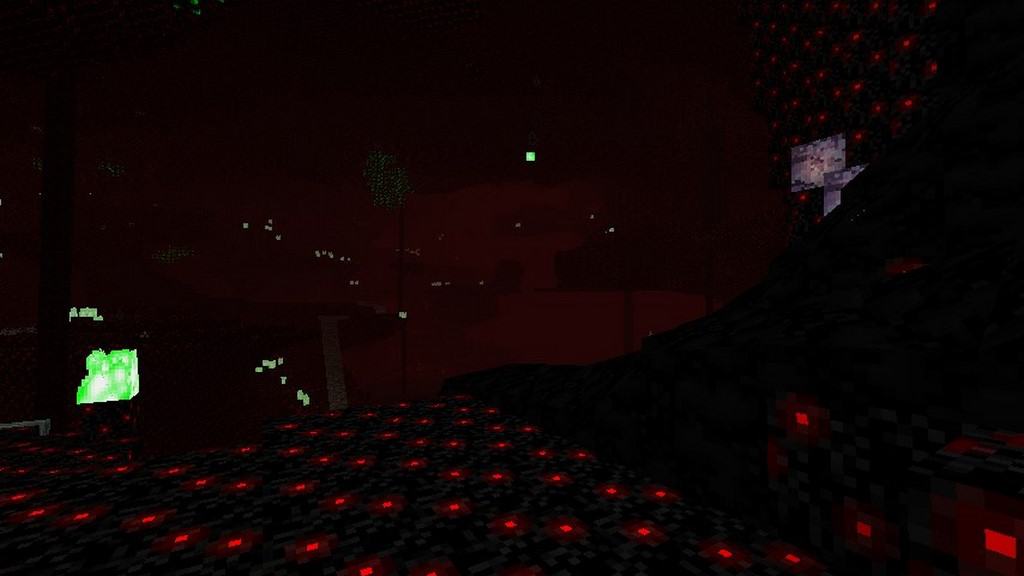
How to Install Texture Pack (Simple 10 Steps)
- Download OptiFine: Most of the texture packs and shaders need OptiFine. That’s why, first download and install OptiFine for the version of Minecraft you want to play.
- Download the Texture Pack: Get the texture pack you want from the download section. Choose the version that works with your Minecraft and your PC’s performance.
- Open Minecraft Launcher: Start Minecraft using the official game launcher — or even TLauncher, if you use that.
- Go to Options: From the main menu, click on the “Options” button.
- Open Resource Packs: Inside Options, click on “Resource Packs…”.
- Open the Resource Pack Folder: Click on “Open Resource Pack Folder” — this will open a folder named “resourcepacks”.
- Move the Pack File: Copy or move the .zip file you downloaded into that “resourcepacks” folder. (Don’t unzip the file — Minecraft uses it as-is!)
- Go Back and Refresh: Close the folder and click “Done”, then go back into “Resource Packs…” again.
- Activate the Pack: You’ll see the pack on the left side. Hover over it and click the arrow to move it to the right (active side).
Tip: If you get a message that the pack is for a different version, just click “Yes” — it usually works fine. - Click Done and Enjoy: Click “Done” again. Now your pack is ready to use in-game. It’s that easy!
Credits
This resource pack was created by NewEvolution. We do not claim ownership of this content, nor do we host or modify the download files. All rights and intellectual property remain with the original author. We strongly encourage you to support NewEvolution by downloading the resource pack directly through their official channels.
Download Instructions
Curseforge: download starts automatically after a few seconds;
Mediafire: click the big blue button with the text “DOWNLOAD”;
Google Drive: in the top right corner you will see a small download icon (down arrow), click it and the download should start;