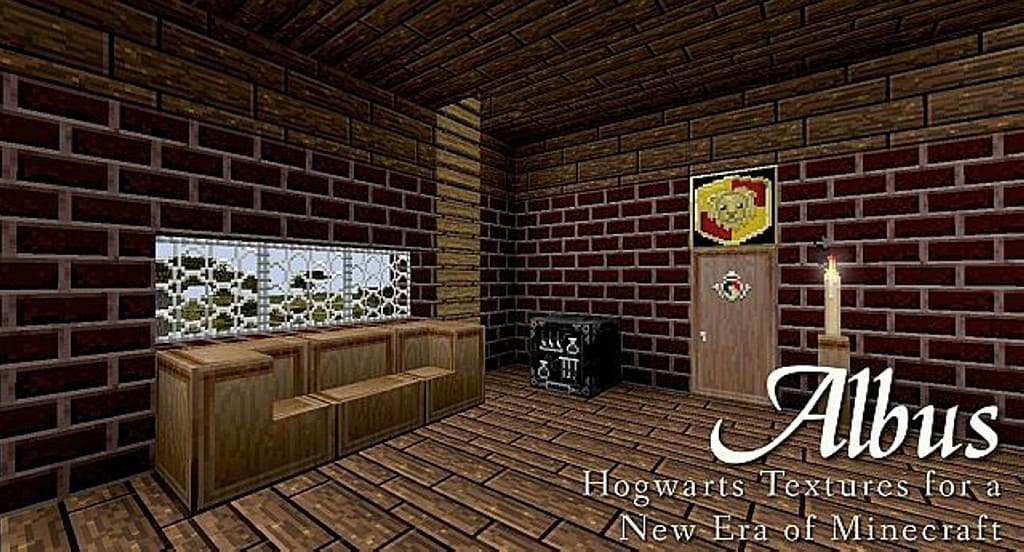
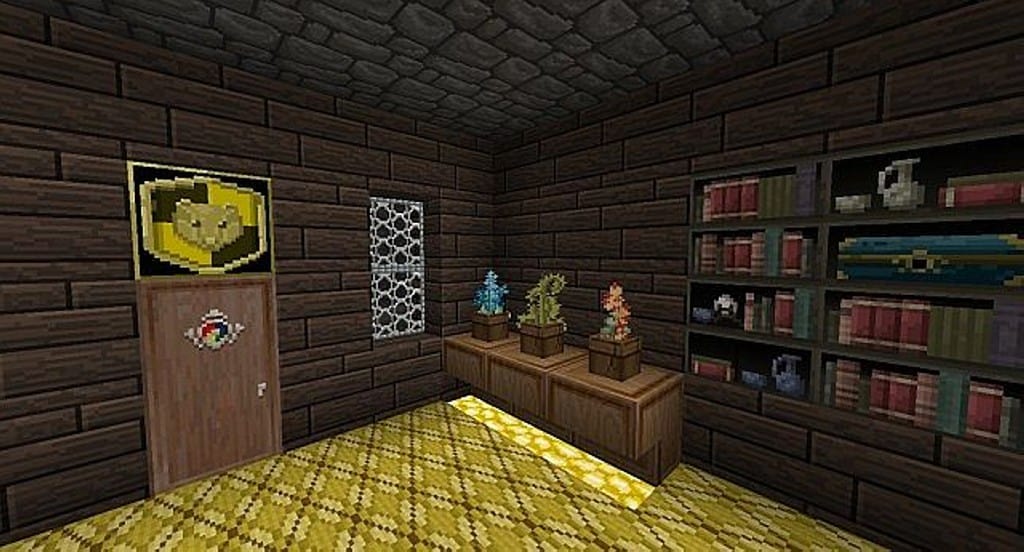
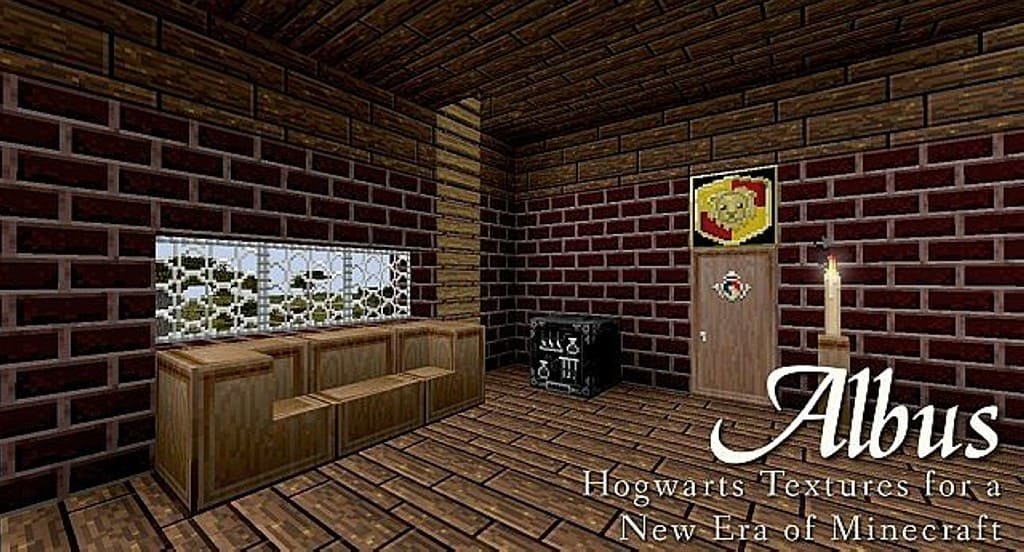
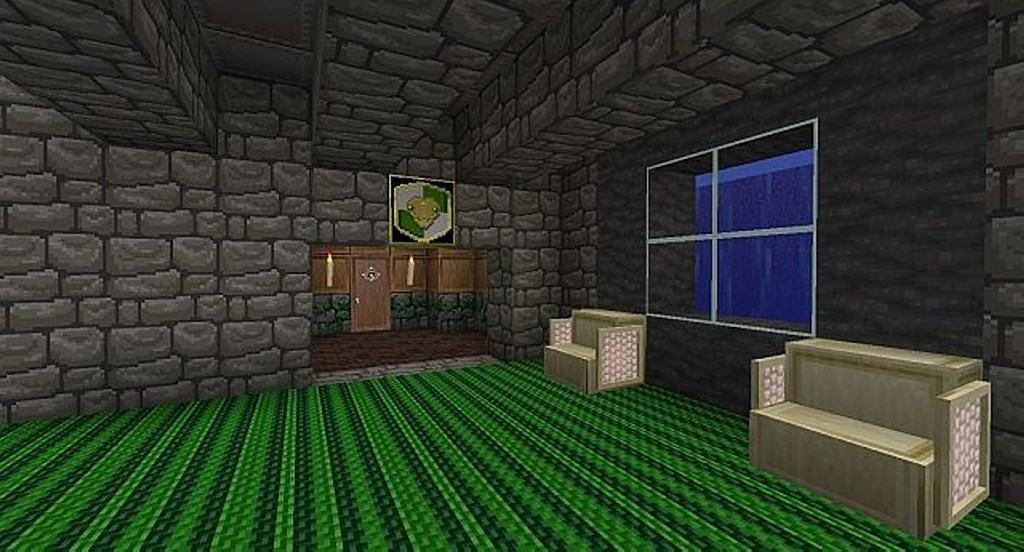
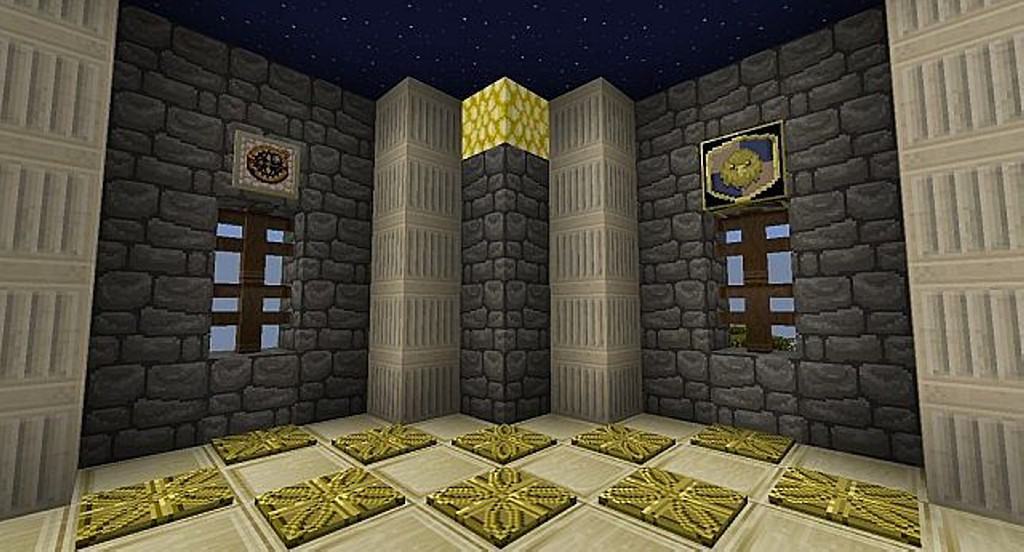
The Albus resource pack offers a much better visual aspect to the Minecraft game, and I honestly think you will love it! In addition to a brand new feel, Captain Malone has given a healthy dose of unique elements to Minecraft. When you boot up your best craft game, you will get a fresh feeling in both visual and other newly introduced aspects. Albus has given a wholly fresh perspective to the game with its great features. The developers have successfully filled the game with a persevering and gratifying primitive ambiance. You will soon discover that the developer has boosted Minecraft by optimizing the blocks and textures, giving you an immersive feeling in its novel medieval atmosphere. Several other resource packs provide disappointing performance because they fail to achieve optimization leading to lags in the display. However, Albus texture pack has an excellent design, and you will probably not notice any substantial drop in frame rates. The developers have overhauled the gaming world by upgrading the textures for a sharp and realistic visual appearance and a medieval feel. You can find that they have redone every detail in both the building and environment block in Minecraft.
If we talk about visual upgrades in the game, you will find yourself immersed in a real-life primitive world due to fresh color combinations and texture detailing. On an overall basis, Albus provides an authentic and genuine primitive ambiance by elevating your gaming experience to a higher level. Albus resource pack has stunning features with an original touch. You may have seen several other resource packs in a medieval theme. If you compare Albus with others, you will find it at a different level altogether. In several years, we have seen very few resource packs offering an authentic medieval experience. Albus provides an engaging and immersive experience on an overall basis because it has successfully combined primitive visuals with several other aspects to come up with an entirely different level of medieval atmosphere. You may try this resource pack as it does not compromise any aspect to provide you with a medieval experience. If you need a resource pack with a medieval theme, Albus must be your perfect choice. It comes with a resolution of 32x, implying that you will not get any fps issues. All you need to do is copy the zip file to the designated folder and activate the Albus resource pack in the settings.
Albus should be compatible with all of these Minecraft versions: 1.7.10 – 1.7.9 – 1.7.4 – 1.7 – 1.6.4 – 1.6.2
Screenshots
How to Install Texture Pack (Simple 10 Steps)
- Download OptiFine: Most of the texture packs and shaders need OptiFine. That’s why, first download and install OptiFine for the version of Minecraft you want to play.
- Download the Texture Pack: Get the texture pack you want from the download section. Choose the version that works with your Minecraft and your PC’s performance.
- Open Minecraft Launcher: Start Minecraft using the official game launcher — or even TLauncher, if you use that.
- Go to Options: From the main menu, click on the “Options” button.
- Open Resource Packs: Inside Options, click on “Resource Packs…”.
- Open the Resource Pack Folder: Click on “Open Resource Pack Folder” — this will open a folder named “resourcepacks”.
- Move the Pack File: Copy or move the .zip file you downloaded into that “resourcepacks” folder. (Don’t unzip the file — Minecraft uses it as-is!)
- Go Back and Refresh: Close the folder and click “Done”, then go back into “Resource Packs…” again.
- Activate the Pack: You’ll see the pack on the left side. Hover over it and click the arrow to move it to the right (active side).
Tip: If you get a message that the pack is for a different version, just click “Yes” — it usually works fine. - Click Done and Enjoy: Click “Done” again. Now your pack is ready to use in-game. It’s that easy!
Credits
This resource pack was created by CaptainMalone. We do not claim ownership of this content, nor do we modify or host the original files on our servers. All rights and intellectual property belong strictly to the original author. We strongly encourage you to support CaptainMalone by visiting their official pages and download links.
Download Instructions
Curseforge: download starts automatically after a few seconds;
Mediafire: click the big blue button with the text “DOWNLOAD”;
Google Drive: in the top right corner you will see a small download icon (down arrow), click it and the download should start;


