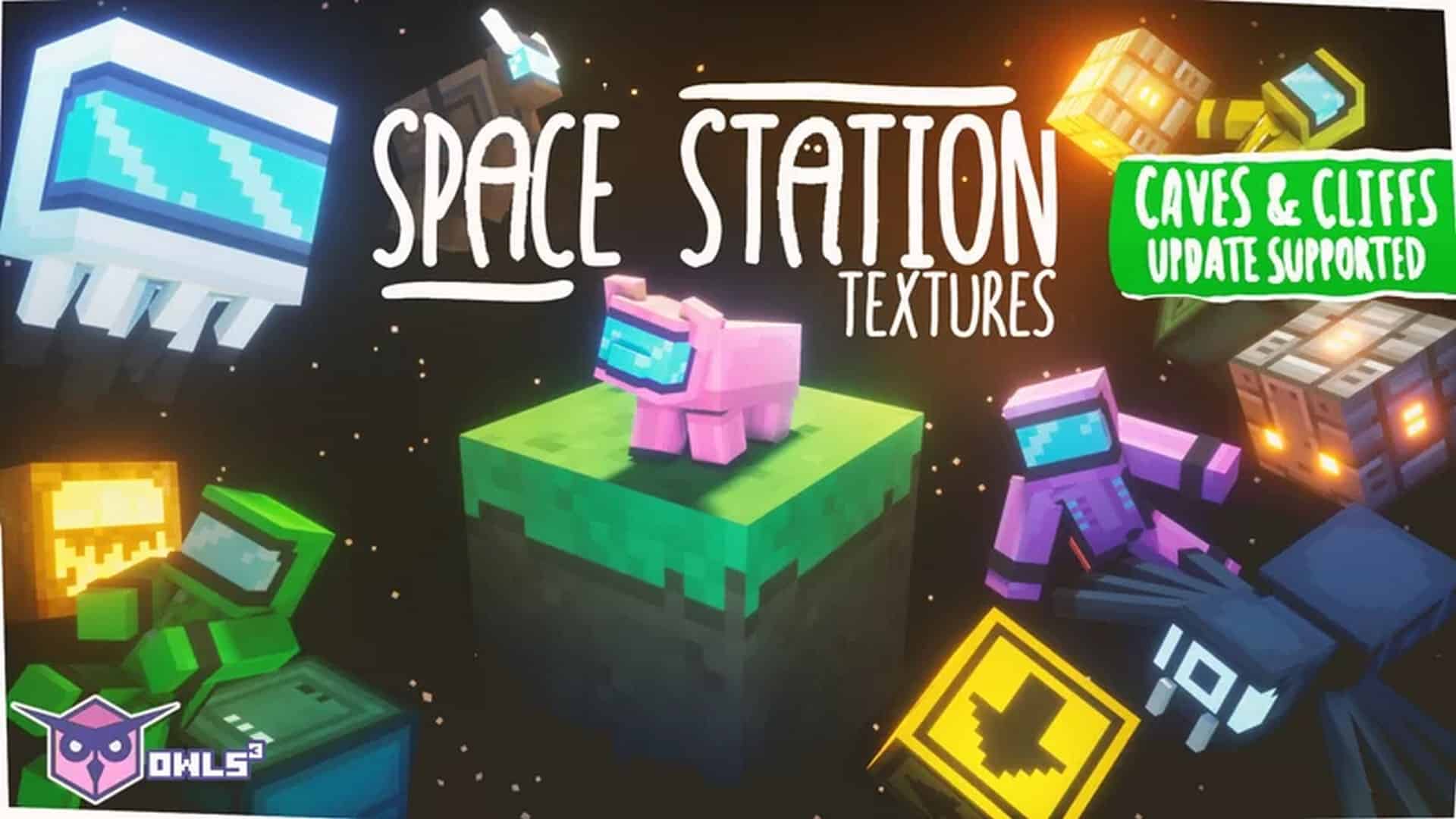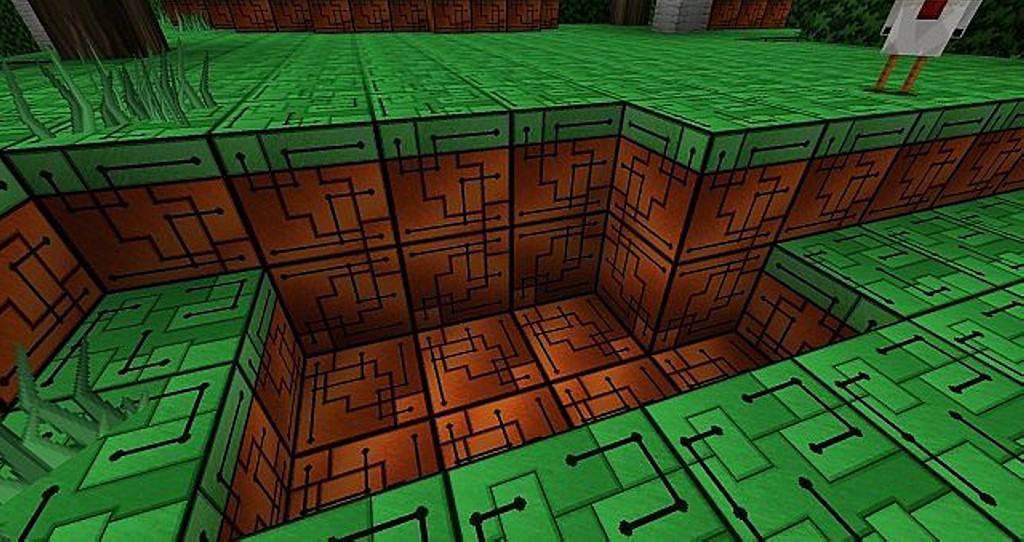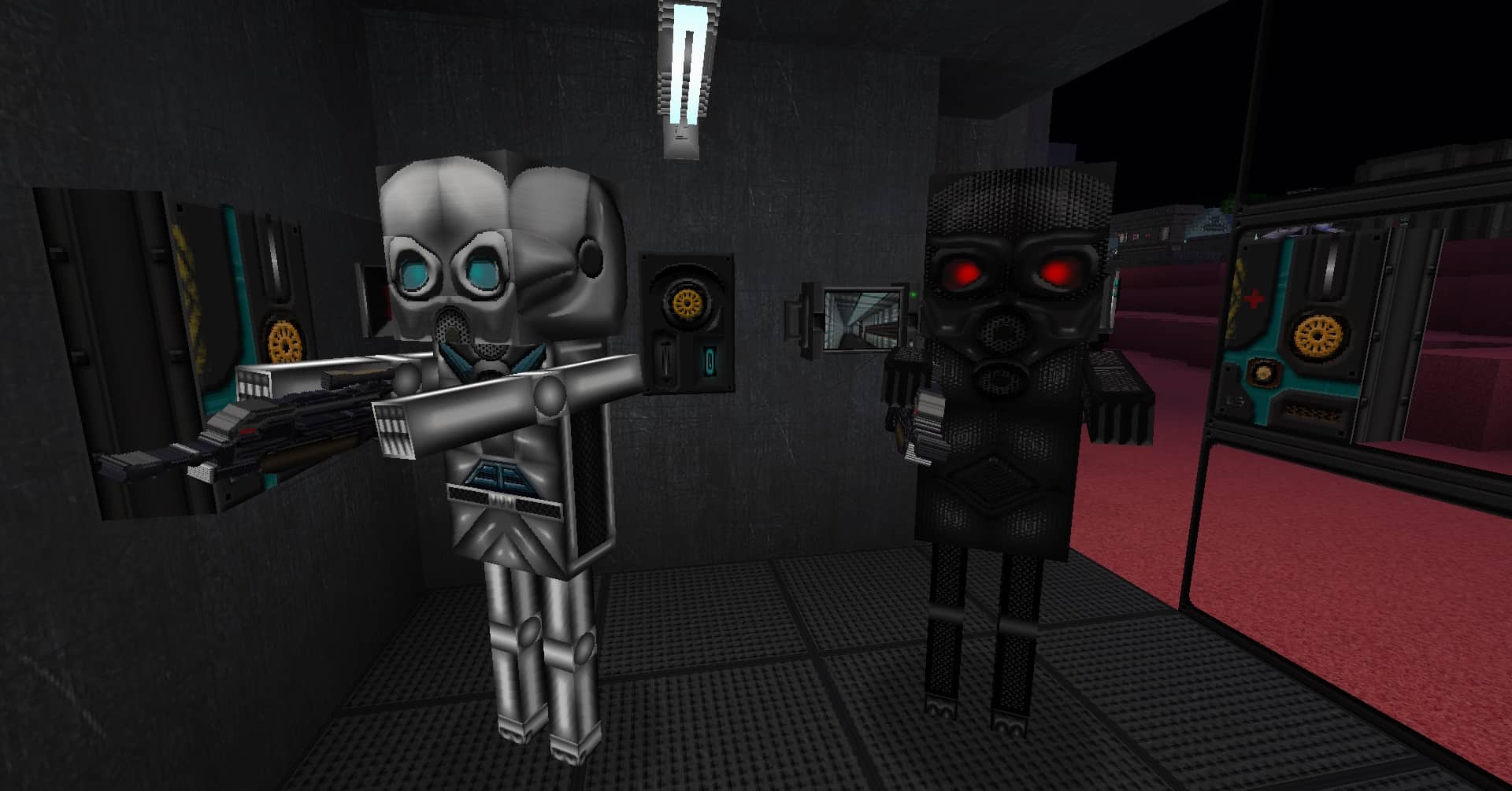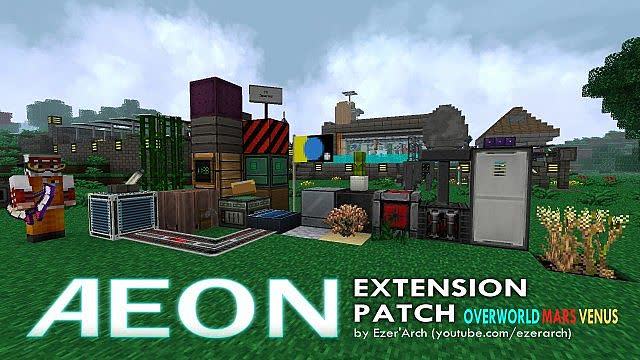
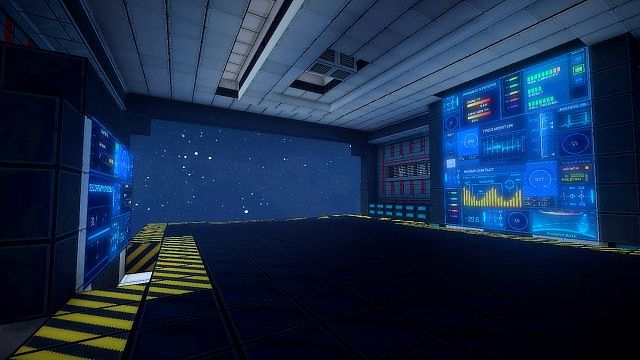
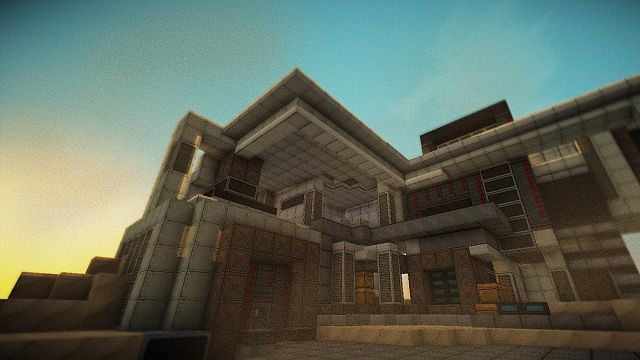
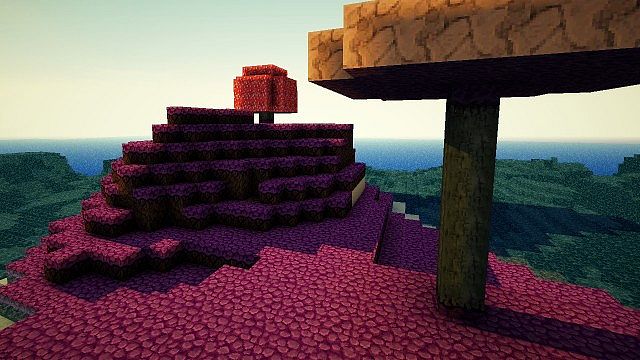
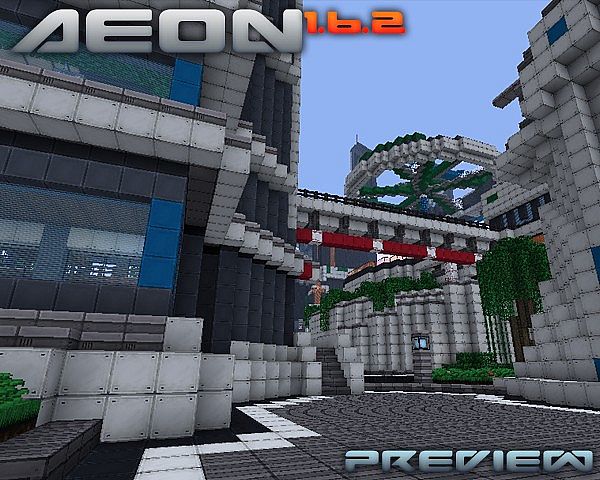
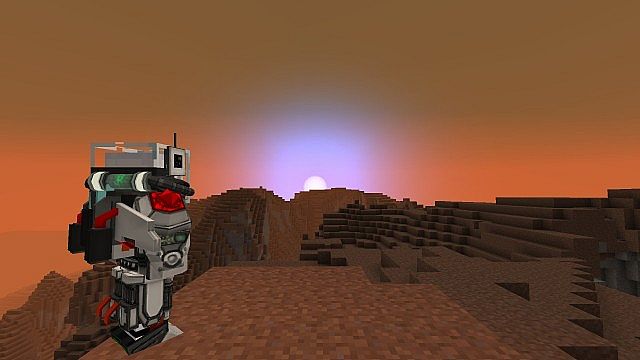
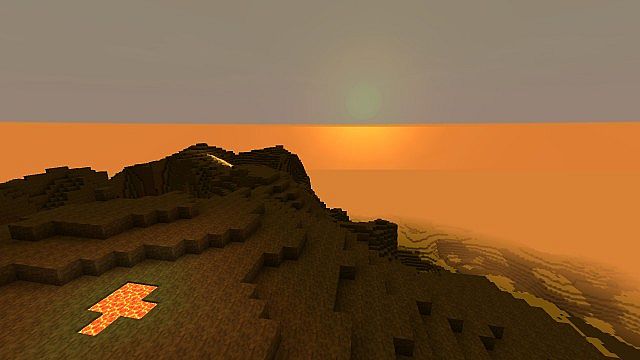
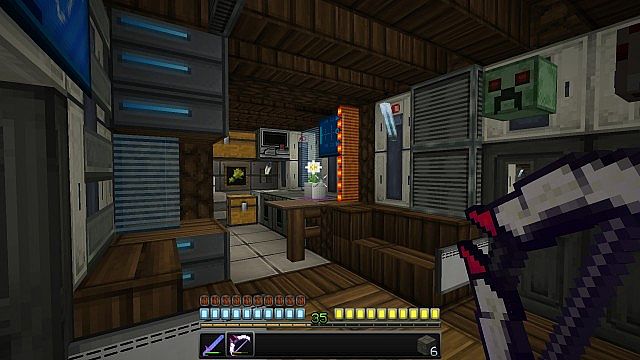
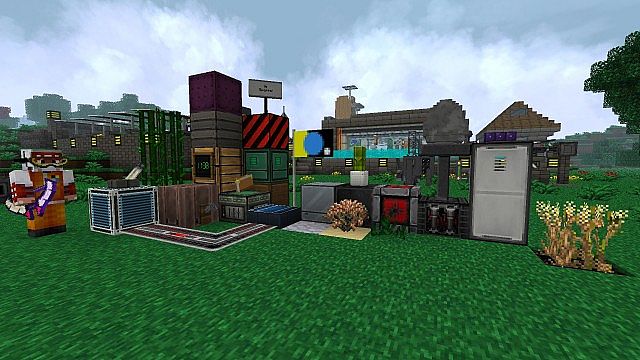
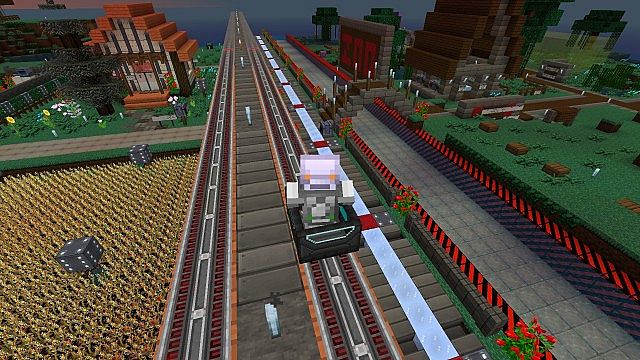
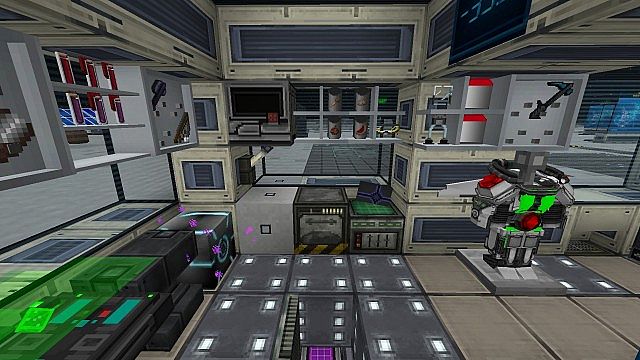
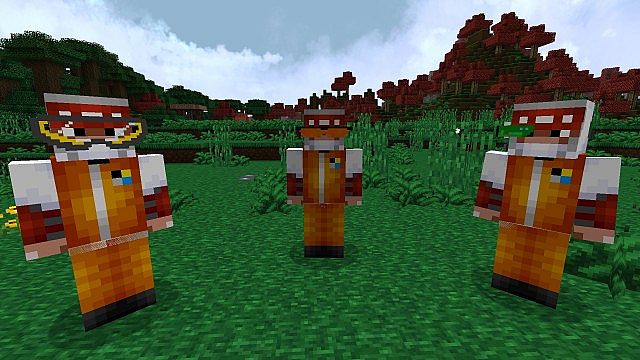
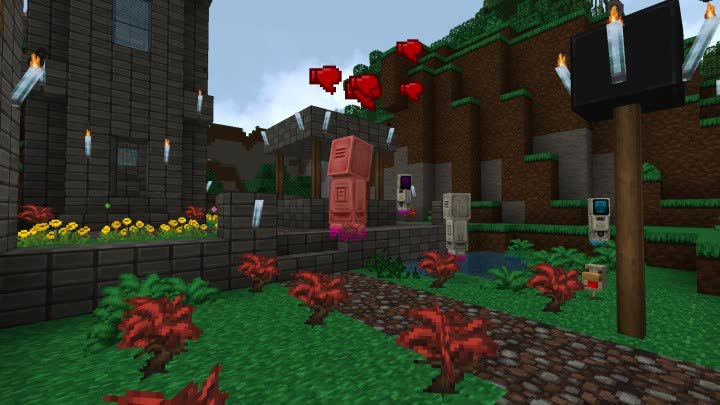
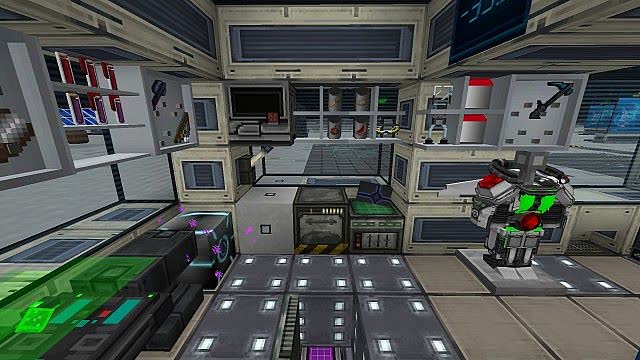
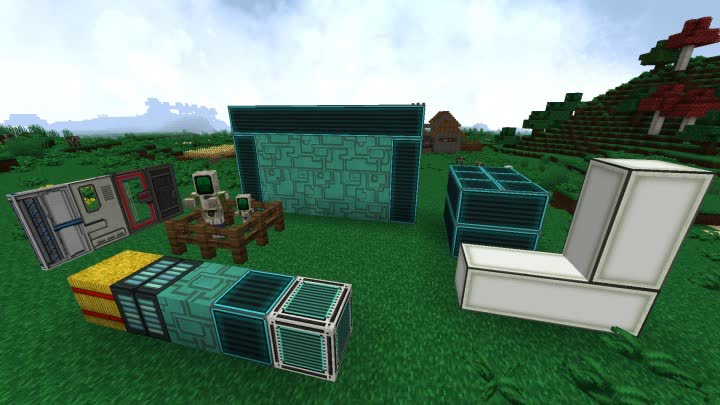
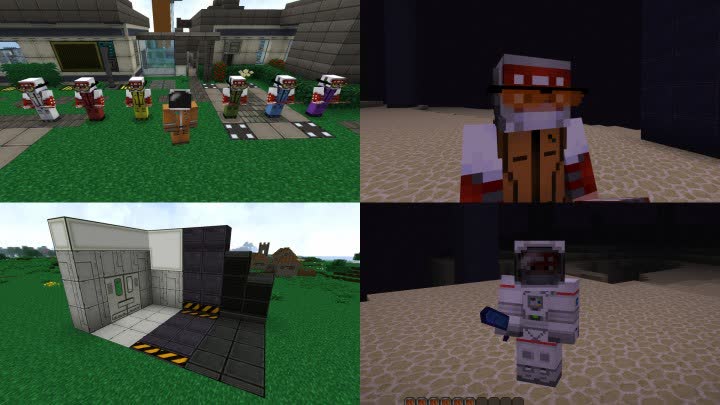
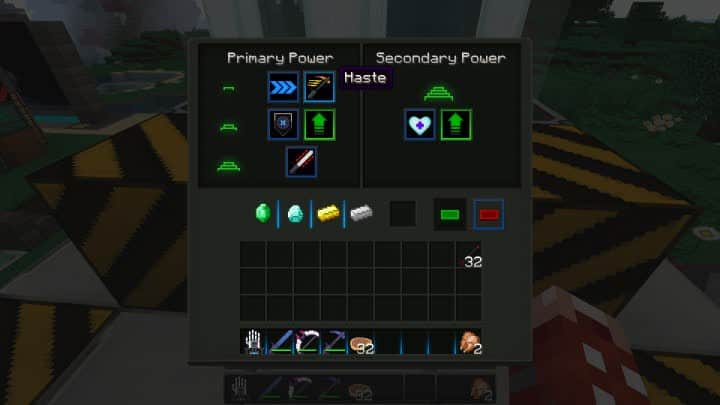
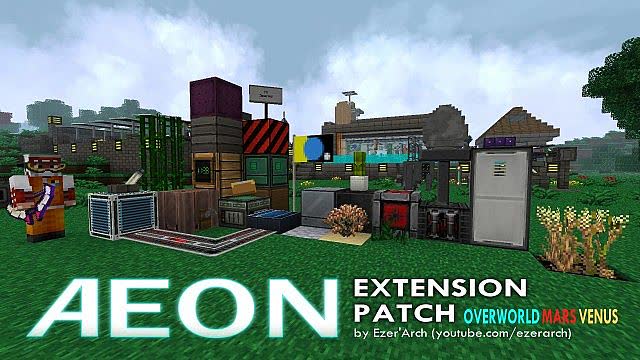
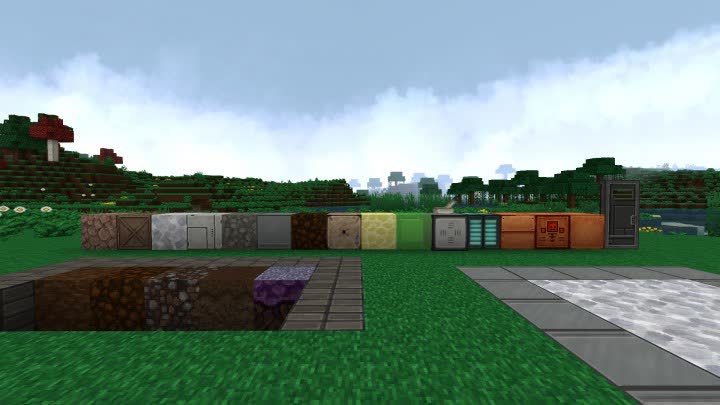
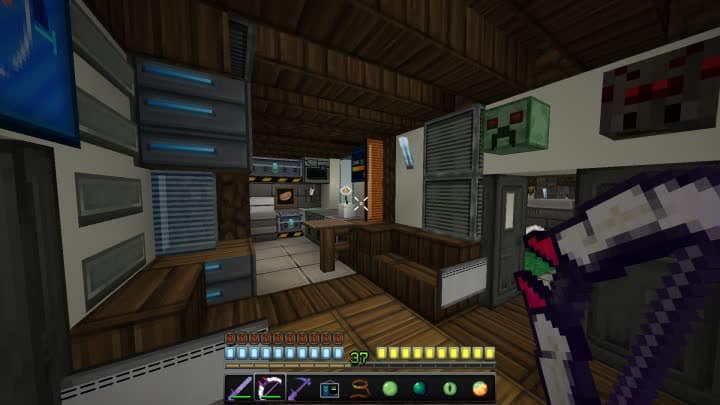
Aeon Extension is an absolute blast to play with because it works a little differently from standard resource packs! Unlike many other options out there, Aeon Extension completely transforms your world by updating countless textures, giving Minecraft a stunning outer space aesthetic and rich science fiction vibes. On top of the visual overhaul, I was so impressed to find that it also adds several customized sound effects, making the whole experience feel remarkably authentic and deeply immersive. I honestly think the Aeon Extension resource pack is beyond a shadow of a doubt incredibly detailed when it comes to updating non-item textures such as bows, weapons, armor, and blocks, alongside a totally revamped GUI and user interface. Instead of the usual meat chunks and hearts, the pack comes fully loaded with beautifully toned-down colors and flashing lights that really sell the sci-fi theme. Plus, zombies and zombie villagers look incredible rocking complete spacesuits, making all the monsters appear as if they dropped straight in from deep outer space.
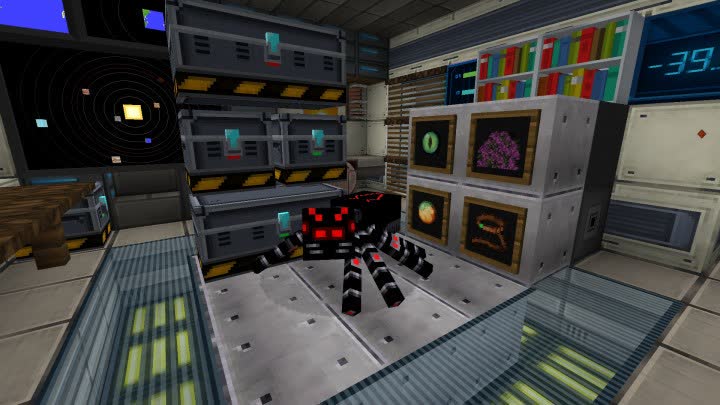
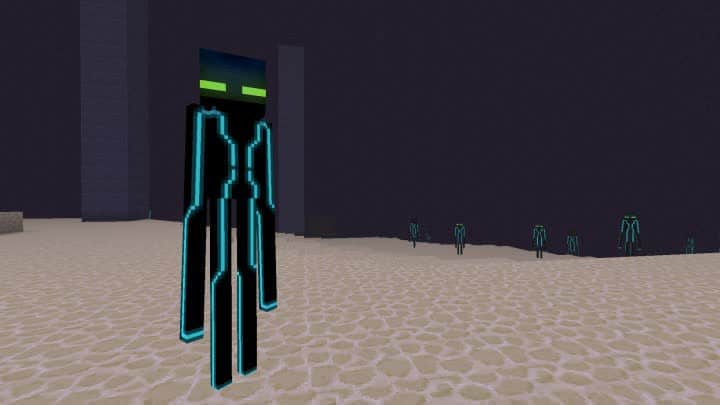
Honestly though, it looks like that fancy villager suit didn’t do a thing to help that poor zombie villager survive our world! I also love that these packs come equipped with built-in connected textures, though you might still want to grab a separate CTM mod just to make sure everything functions smoothly, which is a great addition for builders. It even offers unique mob support for several creatures in different ways, so I definitely recommend picking up a good CTM mod from the support materials list to get the most out of it. Whatever armor set you decide to wear will make you look wonderfully distinct from the usual vanilla gear; whether you are sporting rare finds or standard iron and leather, your armor will truly make you feel like an interplanetary explorer. You won’t look anything like normal Steve wandering randomly into a wide-open field anymore! To top it all off, the spiders are genuinely terrifying, and the Endermen look sleek and futuristic, almost like they stepped right out of a new Tron movie.
Aeon Main & Aeon Extension should be compatible with all of these Minecraft versions: 1.12.2 – 1.12
Screenshots
How to Install Texture Pack (Simple 10 Steps)
- Download OptiFine: Most of the texture packs and shaders need OptiFine. That’s why, first download and install OptiFine for the version of Minecraft you want to play.
- Download the Texture Pack: Get the texture pack you want from the download section. Choose the version that works with your Minecraft and your PC’s performance.
- Open Minecraft Launcher: Start Minecraft using the official game launcher — or even TLauncher, if you use that.
- Go to Options: From the main menu, click on the “Options” button.
- Open Resource Packs: Inside Options, click on “Resource Packs…”.
- Open the Resource Pack Folder: Click on “Open Resource Pack Folder” — this will open a folder named “resourcepacks”.
- Move the Pack File: Copy or move the .zip file you downloaded into that “resourcepacks” folder. (Don’t unzip the file — Minecraft uses it as-is!)
- Go Back and Refresh: Close the folder and click “Done”, then go back into “Resource Packs…” again.
- Activate the Pack: You’ll see the pack on the left side. Hover over it and click the arrow to move it to the right (active side).
Tip: If you get a message that the pack is for a different version, just click “Yes” — it usually works fine. - Click Done and Enjoy: Click “Done” again. Now your pack is ready to use in-game. It’s that easy!
Credits
The Aeon Resource Pack was originally created by thesparko and EzerArch. We do not claim ownership of this content, nor have we modified the original files. All rights remain with the original creators. We strongly encourage you to support the authors by visiting their official platforms.
Download Links
Java Edition
Download Instructions
Curseforge: download starts automatically after a few seconds;
Mediafire: click the big blue button with the text “DOWNLOAD”;
Google Drive: in the top right corner you will see a small download icon (down arrow), click it and the download should start;