Minecraft Texture Packs Minecraft Resource Packs

Introduction
Minecraft’s default interface is functional, but for many players, it can feel overly bright during long sessions. E19 – Mandala’s GUI Dark Mode Resource Pack addresses this directly by redesigning the game’s user interface with a darker, more refined look. Instead of changing blocks or items, this pack focuses entirely on menus, inventories, and HUD elements, offering a cleaner and more comfortable visual experience. The result is a modern dark-mode interface that feels familiar, readable, and well-balanced without straying far from vanilla design principles.
What E19 – Mandala’s GUI Dark Mode Resource Pack Is
E19 – Mandala’s GUI Dark Mode Resource Pack is a UI-focused Minecraft resource pack designed to replace the default bright menus with a consistent dark-themed interface. Its core goal is to improve visual comfort and aesthetic cohesion while keeping everything easy to understand, even for new players. Unlike full texture overhauls, this pack does not alter blocks, mobs, or items in the world. Instead, it enhances inventories, menus, buttons, and UI panels, making it easy to combine with almost any other resource pack.
The pack is especially popular among players who prefer minimal visual changes but want a more modern interface. In comparison to large UI redesign packs, Mandala’s approach remains subtle and practical, prioritizing usability over flashy effects.
E19 – Mandala’s GUI Dark Mode Resource Pack is compatible with the following Minecraft versions:
1.16.x – 1.17.x – 1.18.x – 1.19.x – 1.20.x (and newer updates, depending on pack version).
The pack is typically available in 16x resolution, matching Minecraft’s default texture scale. This ensures full compatibility with vanilla visuals and keeps performance impact negligible. OptiFine is optional, but recommended if you want better font rendering, UI scaling control, or compatibility with other visual packs.
Art Style, Visual Direction, and Gameplay Clarity
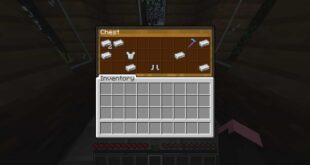
The visual style of Mandala’s GUI Dark Mode can best be described as vanilla-friendly and minimalist. The color palette shifts Minecraft’s interface toward dark grays and muted tones, reducing eye strain while maintaining clear contrast between icons, text, and backgrounds. Buttons, slots, and panels are redesigned to feel flatter and cleaner, without unnecessary decoration.
Readability is a key strength of this pack. Text remains sharp and easy to read, inventory slots are clearly separated, and icons retain their original shapes and meanings. This ensures that players can navigate crafting menus, chests, and settings quickly, even in fast-paced gameplay or multiplayer environments.
Consistency across the interface is another highlight. From the main menu to in-game inventories and settings screens, the dark theme remains uniform. This creates a polished experience where nothing feels out of place. Because the pack does not modify item textures or block visuals, gameplay clarity remains unchanged, making it ideal for survival worlds, SMP servers, and long building sessions.
Perfect For Players Who
- Prefer a dark mode UI for better eye comfort
- Want a clean, modern interface without changing world textures
- Use multiple resource packs and need easy compatibility
- Play for long sessions and value readability and consistency
- Enjoy vanilla Minecraft but want a subtle visual upgrade
Screenshots Section
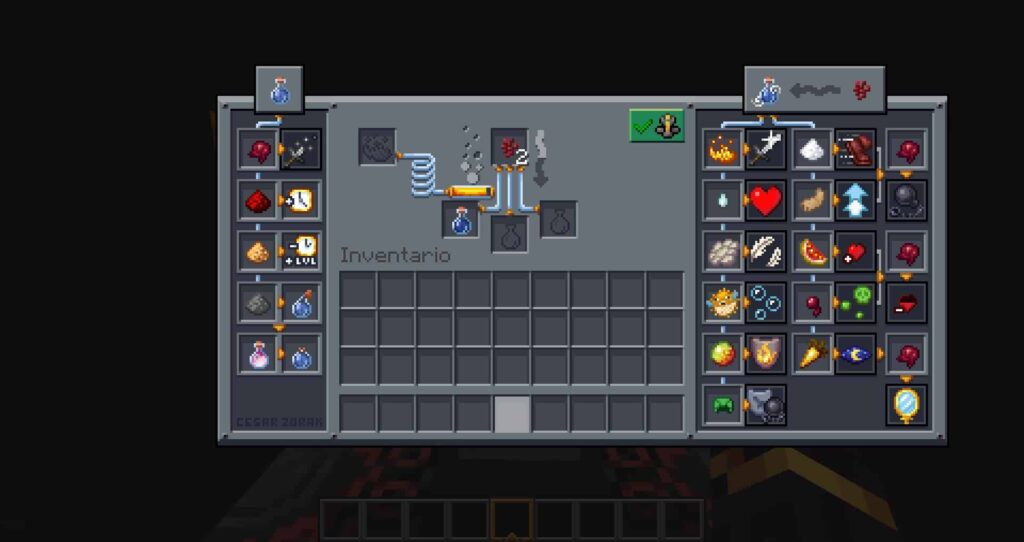
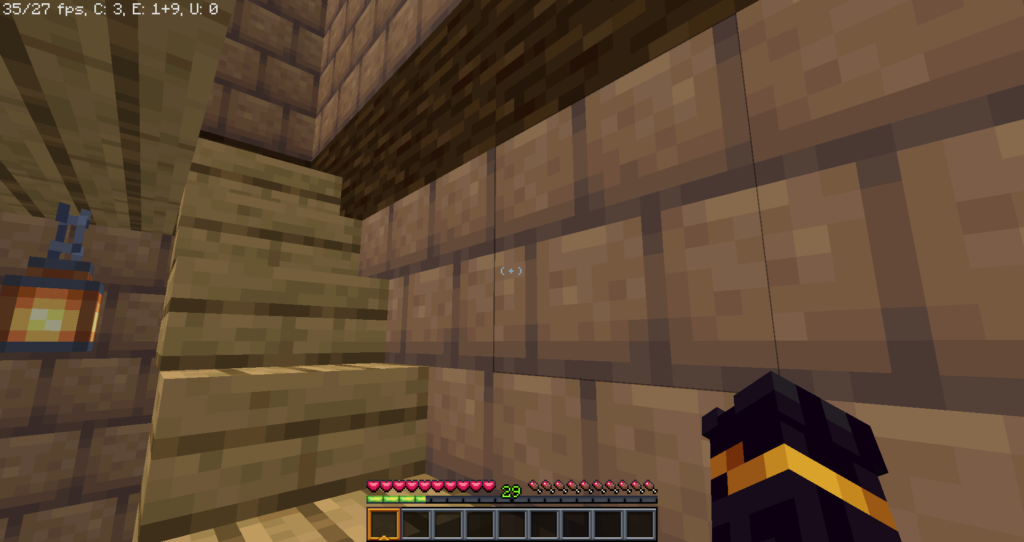
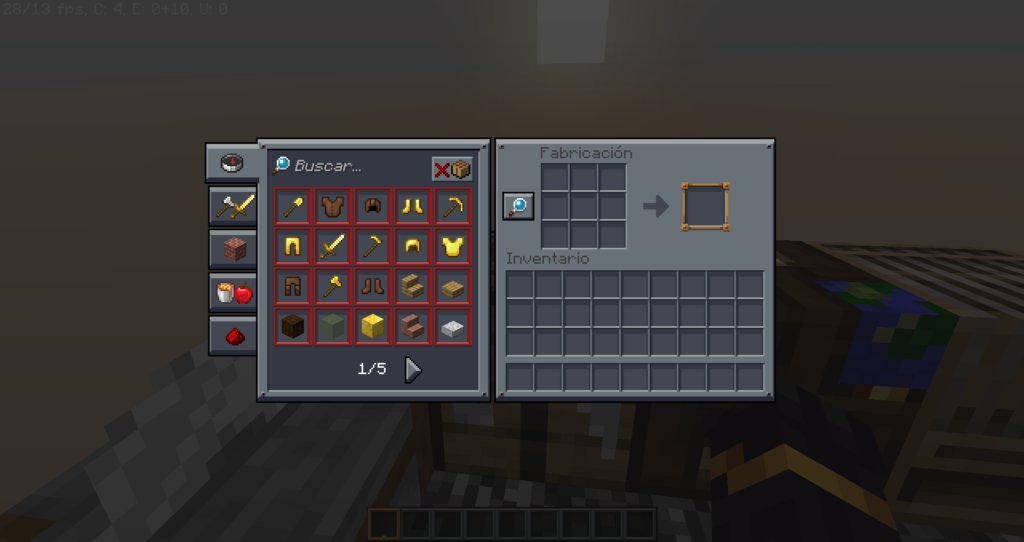
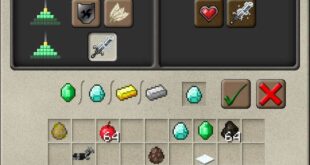
The screenshots provided are taken from official sources and showcase the texture pack running in-game. They highlight the dark-themed menus, inventory screens, and overall UI consistency. These images give a clear idea of how the interface looks during real gameplay and how seamlessly it integrates with Minecraft’s default visuals.
Download
You can download the texture pack using the official link below.
Java Edition:
[16x] [1.21.x] Download Mandala’s GUI Dark Mode Resource Pack
[16x] [1.20.x] Download Mandala’s GUI Dark Mode Resource Pack
[16x] [1.19.x] Download Mandala’s GUI Dark Mode Resource Pack
Curseforge: download starts automatically after a few seconds;
Mediafire: click the big blue button with the text “DOWNLOAD”;
Google Drive: in the top right corner you will see a small download icon (down arrow), click it and the download should start;
Creator: Mandala
Full credit goes to the original creator for designing and maintaining this resource pack.
Disclaimer
We do not host texture pack files. We only provide links to official sources, and availability of external links may change over time.