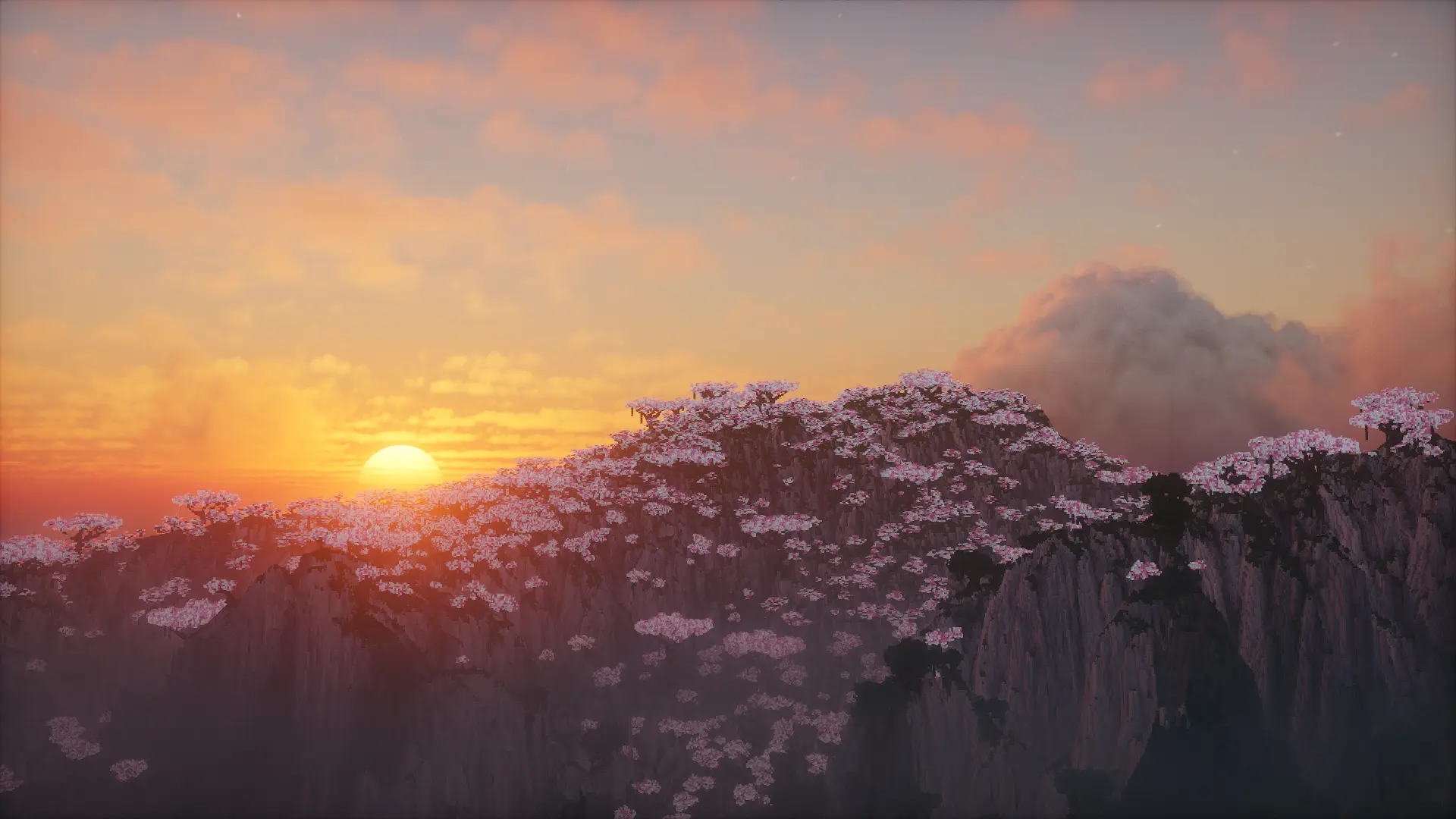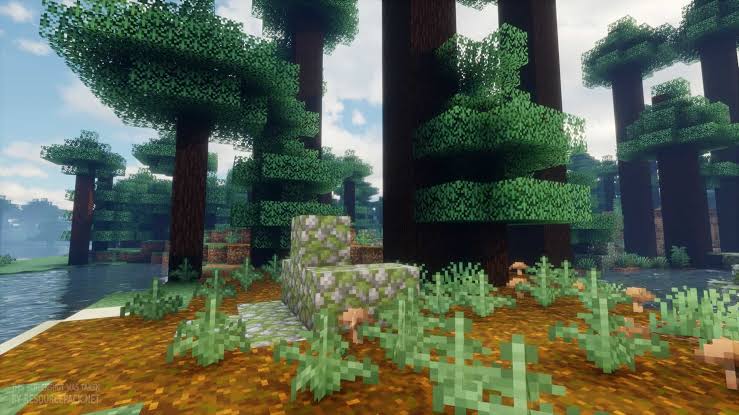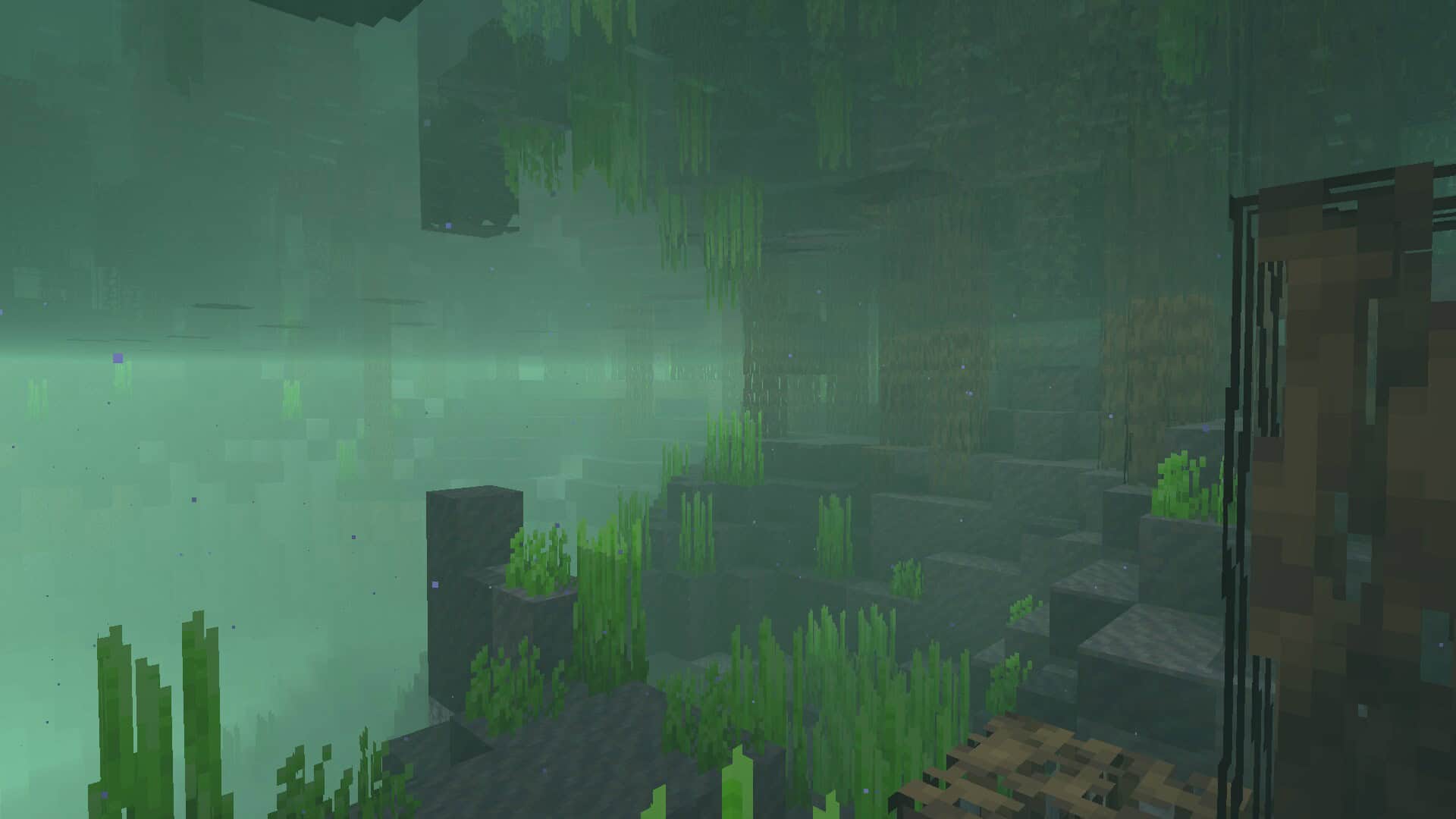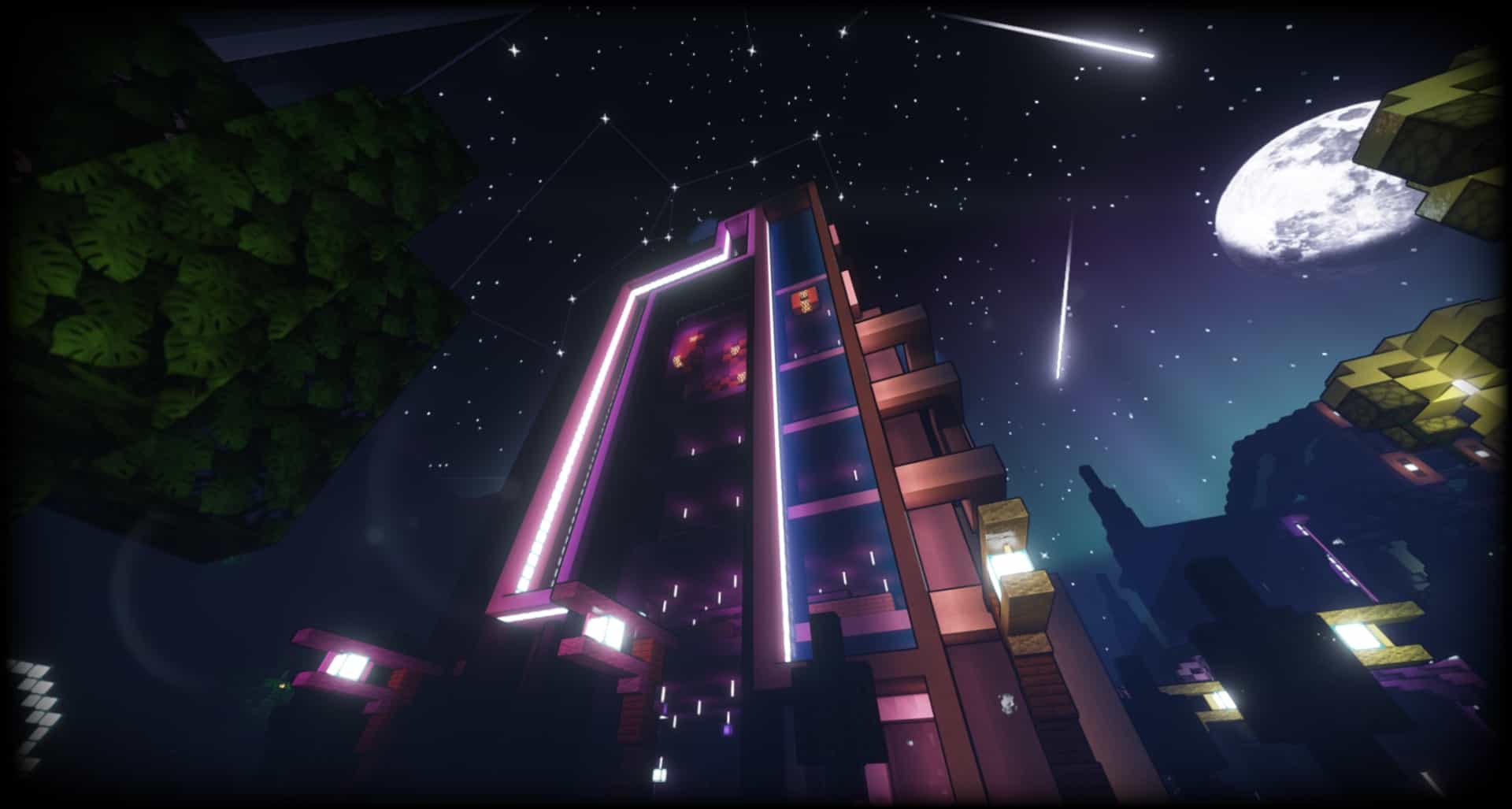
The AstraLex shaders come packed with several incredible features built right in. I tested this shader pack for Minecraft and found its unique objective is truly delivering top-tier quality content. It aims at creating content by allowing developers to improve the look and feel for users. I really enjoyed having more fun while experiencing a heavily improved graphic interface. You can enjoy this new shader pack to experience a dramatic change in the visuals, instantly transforming the scene. The author has visually upgraded the gaming world with hundreds of significant changes, translating into an engaging and exciting journey. I immediately noticed vast improvements in the illumination. The daytime changes include the appearance of a mesmerizing God Ray appearing according to weather trends or a particular time of the day. Similarly, you get an immersive feel with new Moonglow and sunshine lightings. They are vibrant enough to light up the gaming world for any user. You can tweak Optifine settings to upgrade hordes of visual features. Higher-end computers can enhance the experience of players. Minecraft gamers get access to unlimited visual upgrades for an altogether new experience.
The AstraLex shader pack has been developed primarily for content makers. Visual detailing and attractive lights enable high-level video creation for Minecraft. I was amazed to find such features suitable for providing users with an atmosphere of movie-quality videos and new graphic elements. It is a useful upgrade from the BSL shader to catapult you to a much higher level. It is important to note here that this shader pack is fully complementary. It is a Java-based shader pack of Minecraft designed on BSL Shaders of CaptTatsu. It is an excellent tool for Minecraft content creators looking forwards to a cinematic experience. You can enjoy it yourself on your favorite server or with all sorts of audiences. Apart from HDR, you get a cinematic feel due to blur and field depth tweaks. Although some of these graphic upgrades may not be apt for default gaming or survival, it is a perfect toolset for building scenes and creating exciting content. If you want the shaders to work without hiccups, please ensure that you have the Optifine edition of at least 1.18.x because this pack works properly only on this or older versions. Once the required Optifine version is installed, you can use these shaders in Minecraft without any difficulty.
AstraLex Shaders (BSL Edit) should be compatible with all of these Minecraft versions: 26.2 – 26.1.2 – 26.1.1 – 26.1 – 1.21.11 – 1.21.10 – 1.21.9 – 1.21.8 – 1.21.7 – 1.21.6 – 1.21.5 – 1.21.4 – 1.21.3 – 1.21.2 – 1.21.1 – 1.21 – 1.20.6 – 1.20.5 – 1.20.4 – 1.20.3 – 1.20.2 – 1.20.1 – 1.20 – 1.19.4 – 1.19.3 – 1.19.2 – 1.19.1 – 1.19 – 1.18.2 – 1.18.1 – 1.18 – 1.17.1 – 1.17 – 1.16.5 – 1.16.4 – 1.16.3 – 1.16.2 – 1.16.1 – 1.16
Screenshots
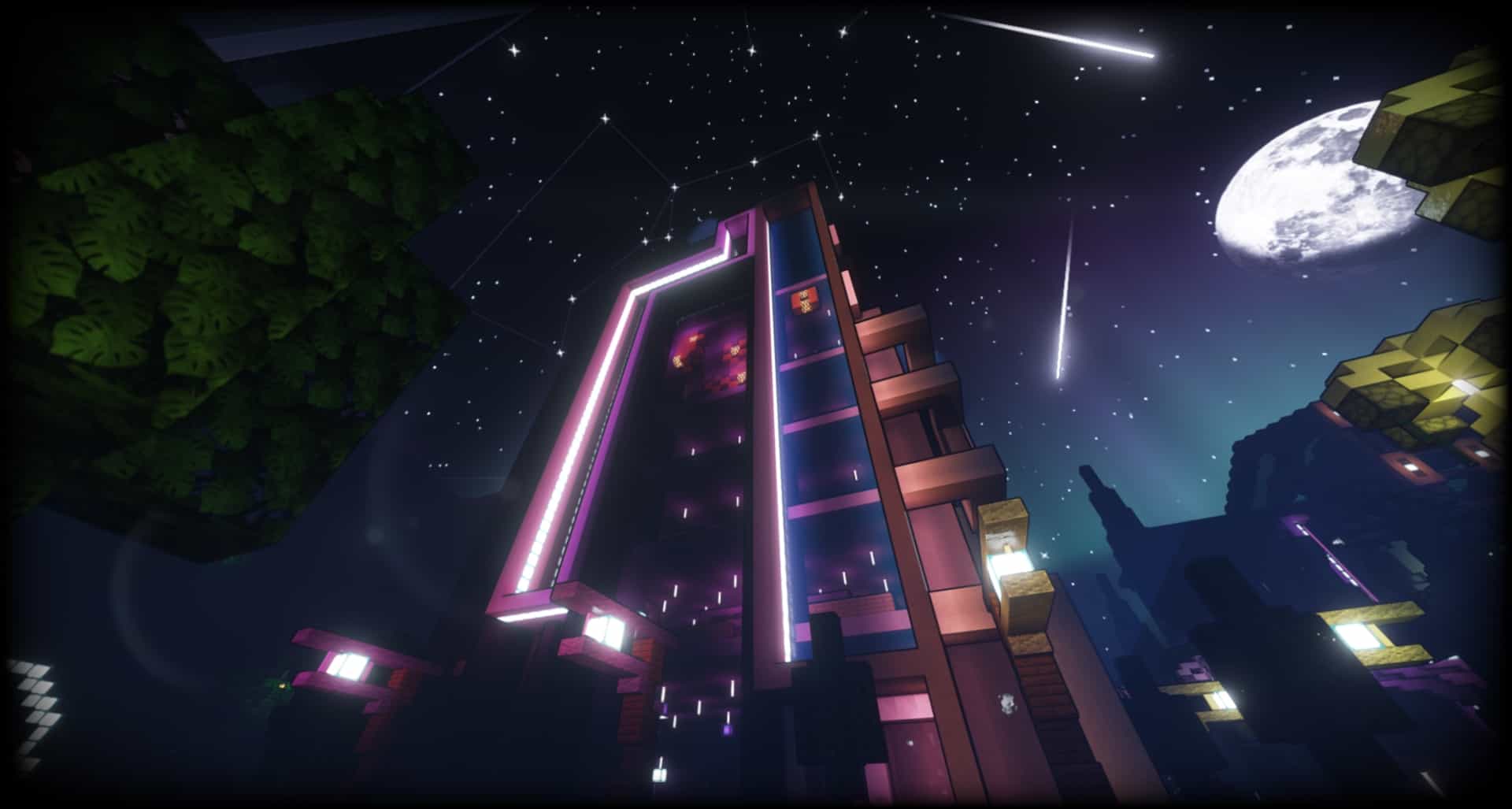
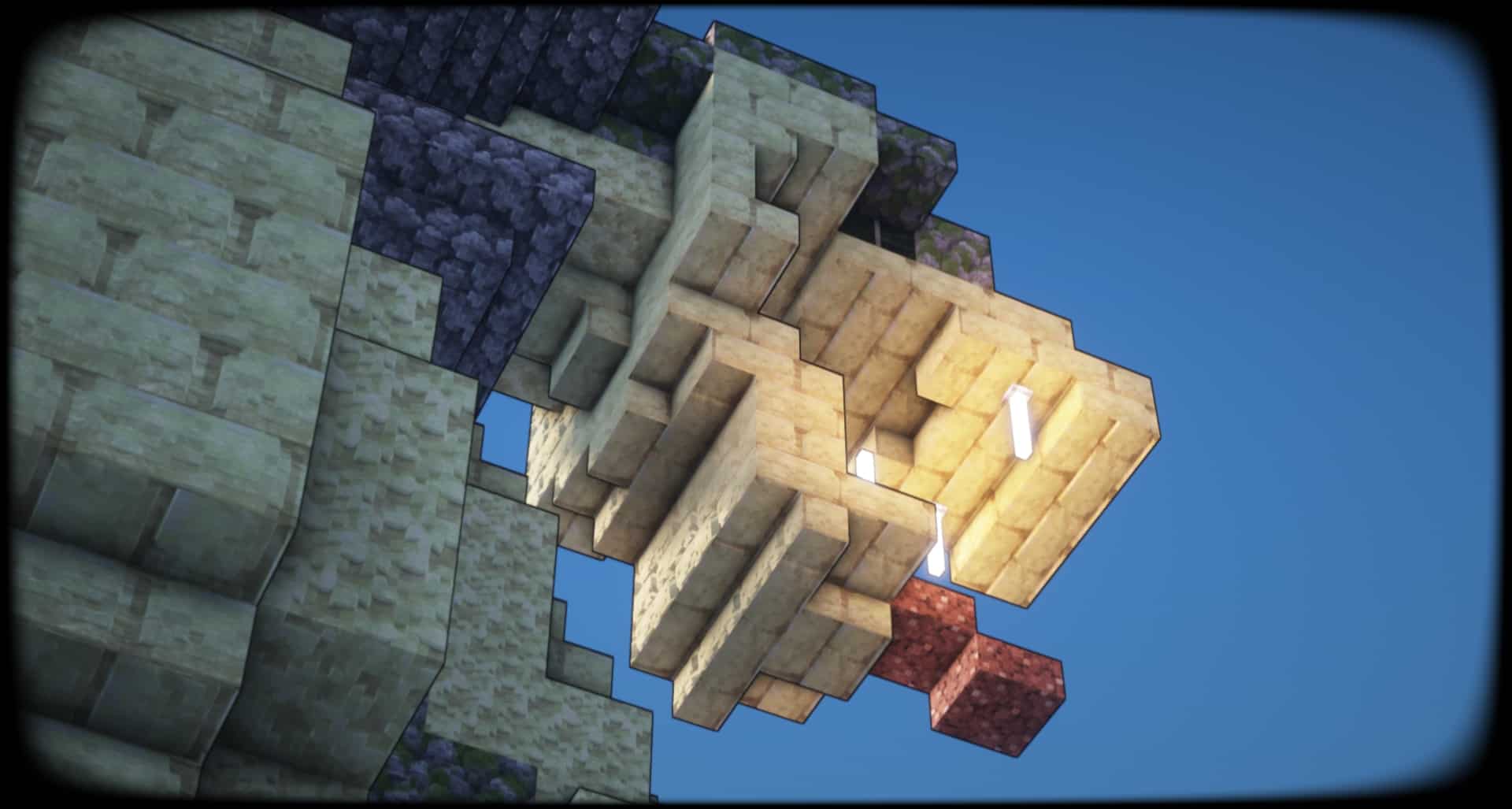
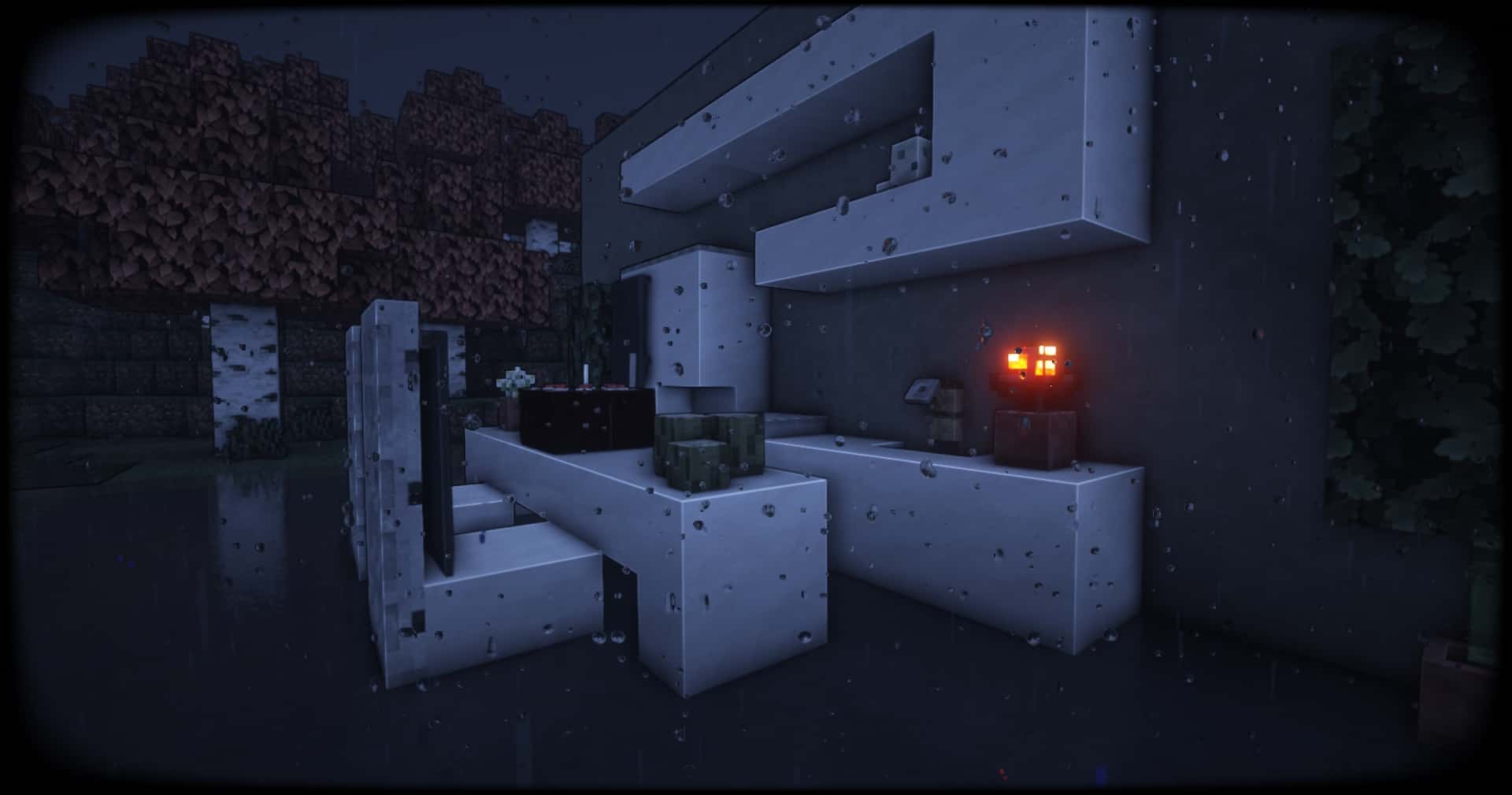
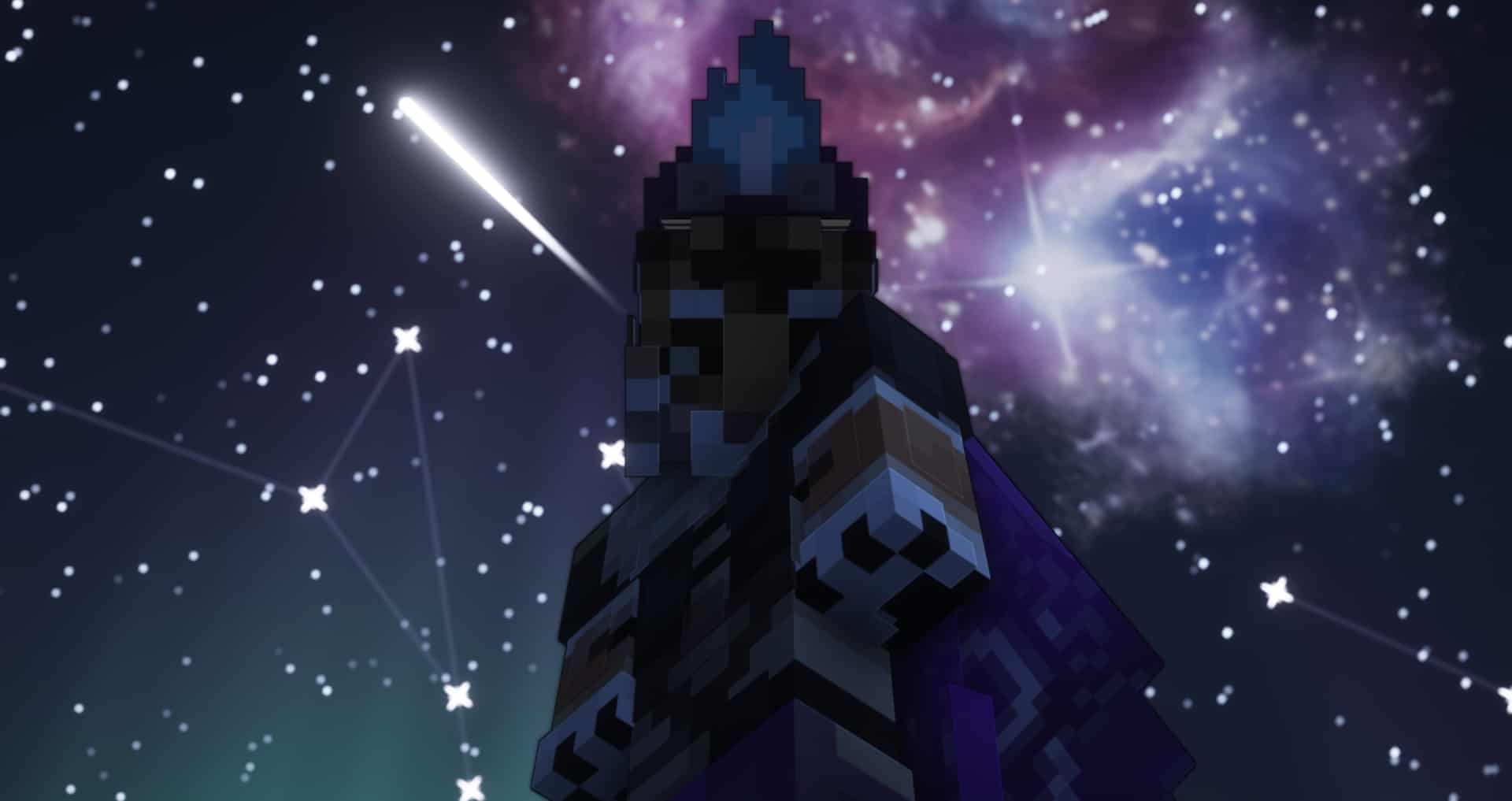

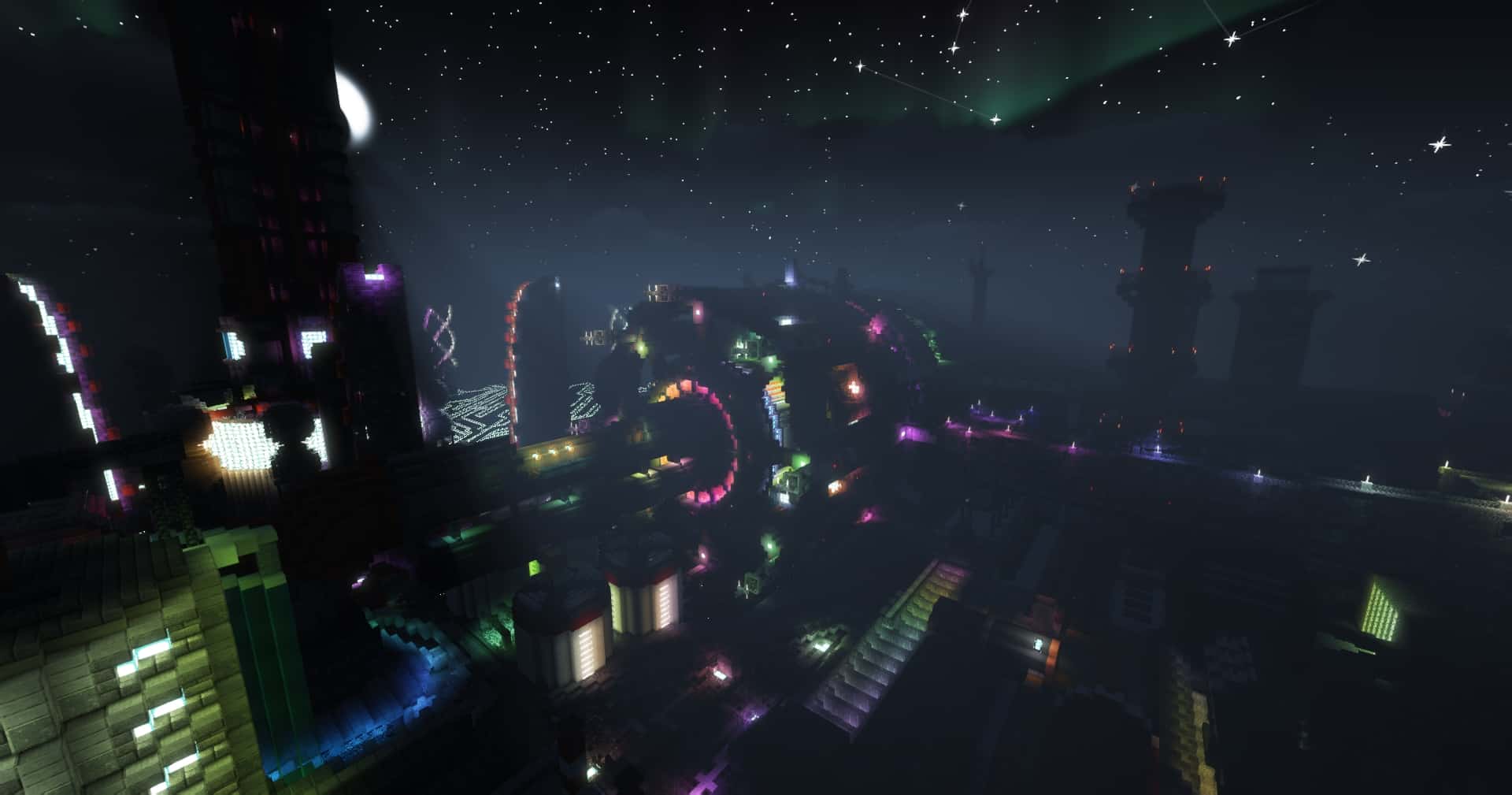

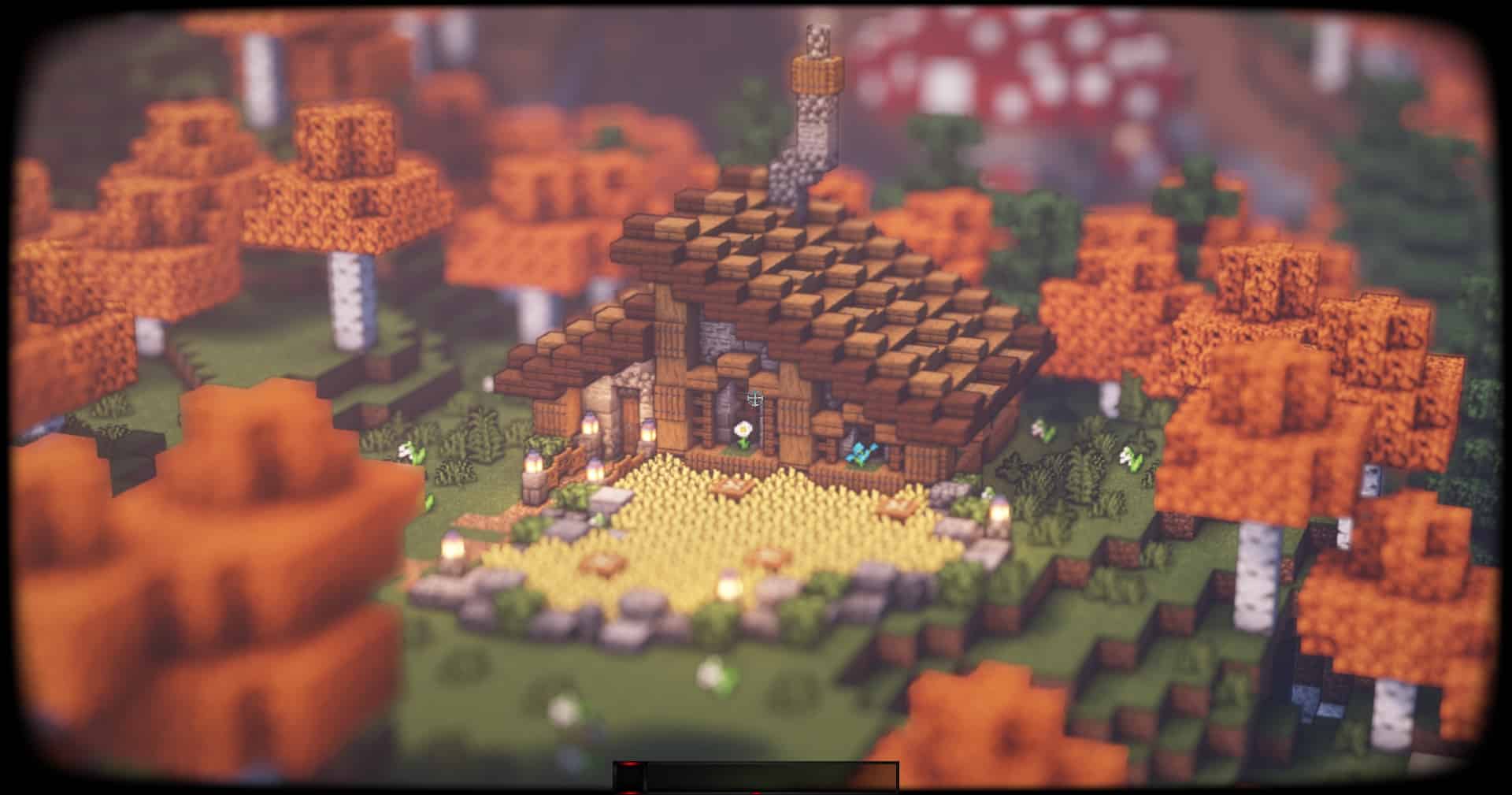
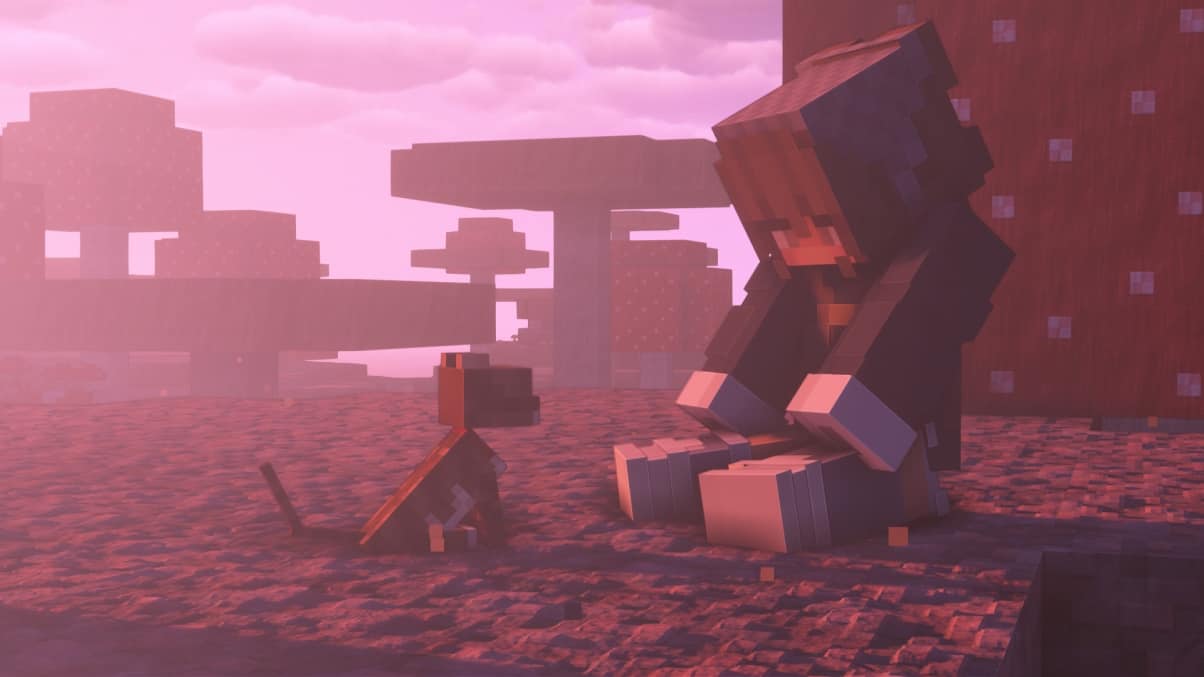
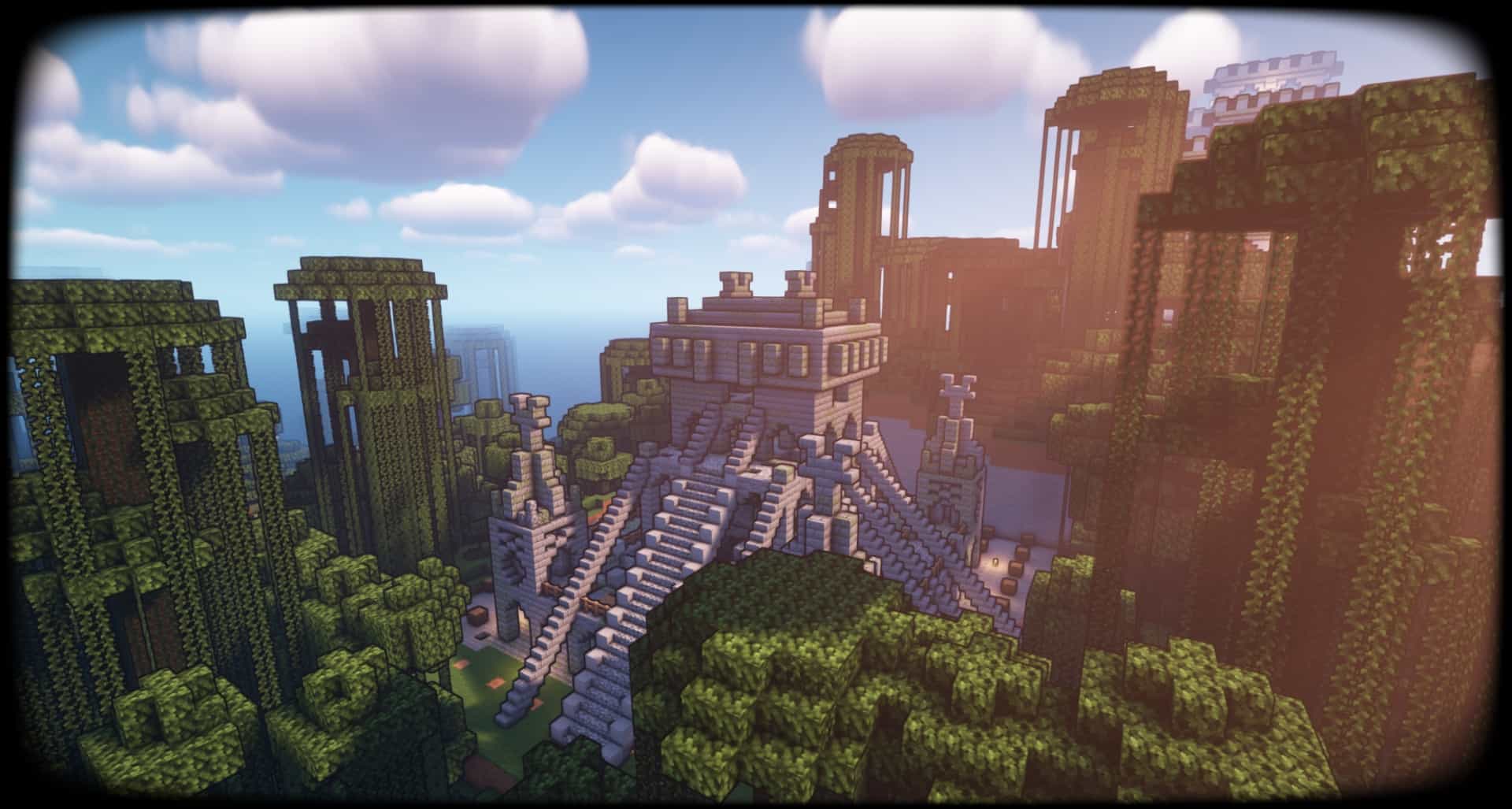
How to Install Shader Pack (Simple and Easy 7 Steps)
- Install Minecraft: Make sure to have Minecraft on your PC.
- Set the Game Version: Open the Minecraft Launcher, go to the “Installations” tab, click “New Installation”, choose the version you want to play, and click “Create”.
- Install OptiFine or Iris: Download and install OptiFine or Iris (we recommend Iris for better performance).
- To download Iris, click here.
- To download OptiFine, click here.
- Launch with the Shader Mod: Open the Minecraft Launcher again and select the OptiFine or Iris profile you installed.
- Download the Shader Pack: Download the shader pack (.zip file) from the download section below. (Don’t unzip it!)
- Open the Shaderpacks Folder:
- For OptiFine: Go to Options > Video Settings > Shaders > Shaders Folder
- For Iris: Go to Options > Video Settings > Shader Packs > Open Shader Pack Folder
- Add and Activate the Shader Pack: Move the downloaded .zip file into the shaderpacks folder. Then go back to the game, select the shader pack from the list, and click “Done” to activate it.
Credits
AstraLex Shaders was created by LexBoosT. We do not claim ownership of this content, and all rights belong to the original author. We encourage you to support the creator through official download channels.
Download Instructions
Curseforge: download starts automatically after a few seconds;
Mediafire: click the big blue button with the text “DOWNLOAD”;
Google Drive: in the top right corner you will see a small download icon (down arrow), click it and the download should start;