Minecraft Texture Packs Minecraft Resource Packs

Introduction
When playing with large content mods, the user interface often becomes just as important as the gameplay itself. Cobblemon Interface Texture Pack focuses entirely on refining how Minecraft’s menus, screens, and overlays feel when using the Cobblemon mod. Instead of changing blocks or items, this pack improves visual clarity and consistency across the interface, making information easier to read and interactions smoother during regular play.
The goal here is simple: keep the experience clean, modern, and comfortable without breaking Minecraft’s original style. For players spending long sessions inside menus, battles, and management screens, this texture pack offers a noticeable quality-of-life upgrade.
What Cobblemon Interface Texture Pack Is
Cobblemon Interface Texture Pack is a UI-focused resource pack designed specifically to enhance the interface elements used by the Cobblemon mod in Minecraft. Rather than overhauling the entire game, it targets menus, panels, icons, and interface layouts introduced by Cobblemon, ensuring they feel visually consistent and polished.
The pack follows a vanilla-friendly approach, meaning it blends naturally with Minecraft’s default UI style while adding cleaner spacing, clearer icons, and improved contrast. Compared to general-purpose GUI packs, this one is purpose-built for Cobblemon players, avoiding unnecessary changes outside the mod’s interface.
Cobblemon Interface Texture Pack is compatible with the following Minecraft versions: 1.20.x – 1.21.x (and more).
The pack is designed to run at a lightweight resolution, typically 16x, ensuring smooth performance even on modest systems. OptiFine is optional, as the pack does not rely on advanced texture features, making it easy to use in both vanilla and modded setups.
Art Style, Visual Direction, and Gameplay Clarity
The visual direction of Cobblemon Interface Texture Pack can be described as clean, minimal, and function-first. Colors are carefully balanced to avoid visual fatigue, while still offering enough contrast to highlight important information during gameplay. Buttons, panels, and UI frames feel sharper and more readable, especially when navigating menus frequently.
Text elements and icons are refined to reduce clutter and improve recognition at a glance. This is particularly helpful during battles or when managing Cobblemon-related data, where quick readability matters. The pack avoids heavy outlines or exaggerated styling, keeping everything subtle and aligned with Minecraft’s native design language.
Consistency is a major strength here. UI elements introduced by Cobblemon feel unified instead of visually disconnected from each other. This creates a smoother experience where menus feel intentional rather than modded-on. While the changes are not flashy, they are immediately noticeable during extended play sessions, especially for players who value clean interfaces over decorative visuals.
Perfect For Players Who
- Use the Cobblemon mod regularly and want a cleaner interface
- Prefer minimal, vanilla-friendly UI design
- Spend a lot of time in menus, battles, and management screens
- Want visual improvements without impacting performance
- Play on both low-end and mid-range systems
This pack is ideal for players who care about usability and consistency rather than dramatic visual changes.
Screenshots
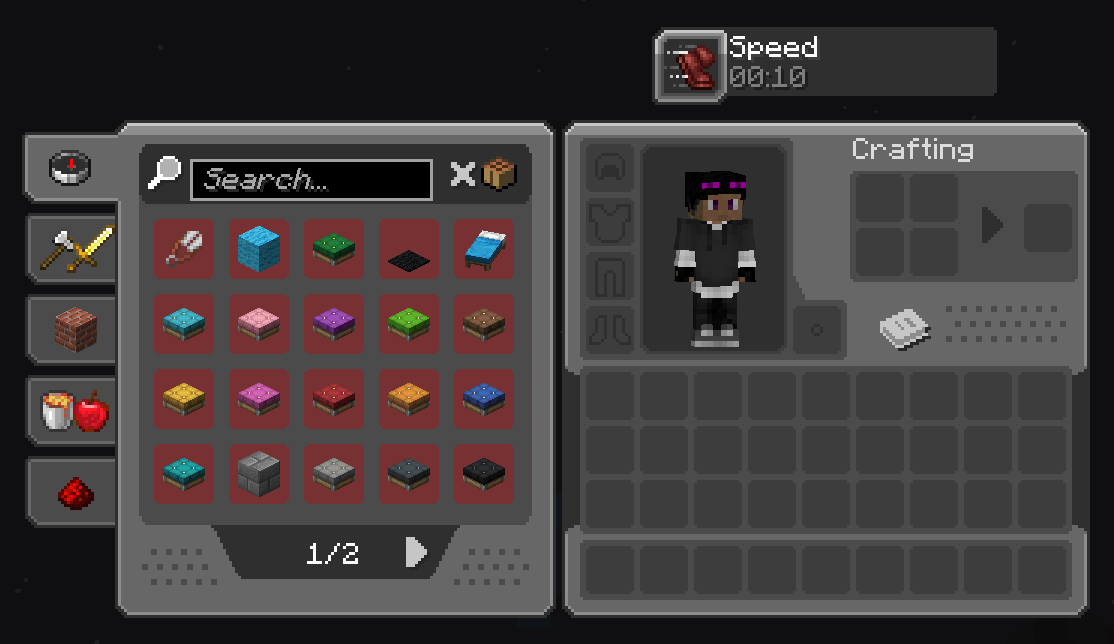
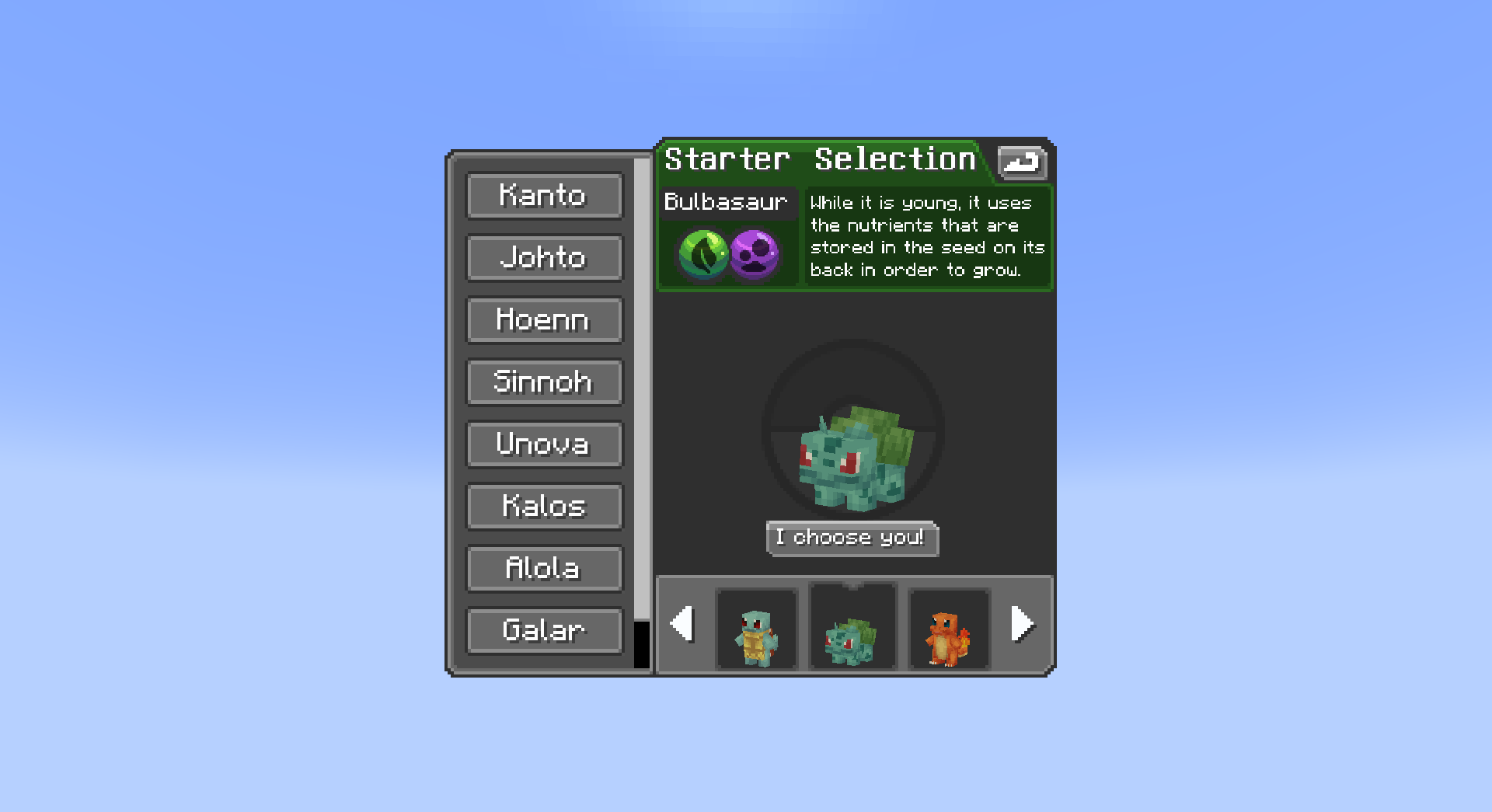
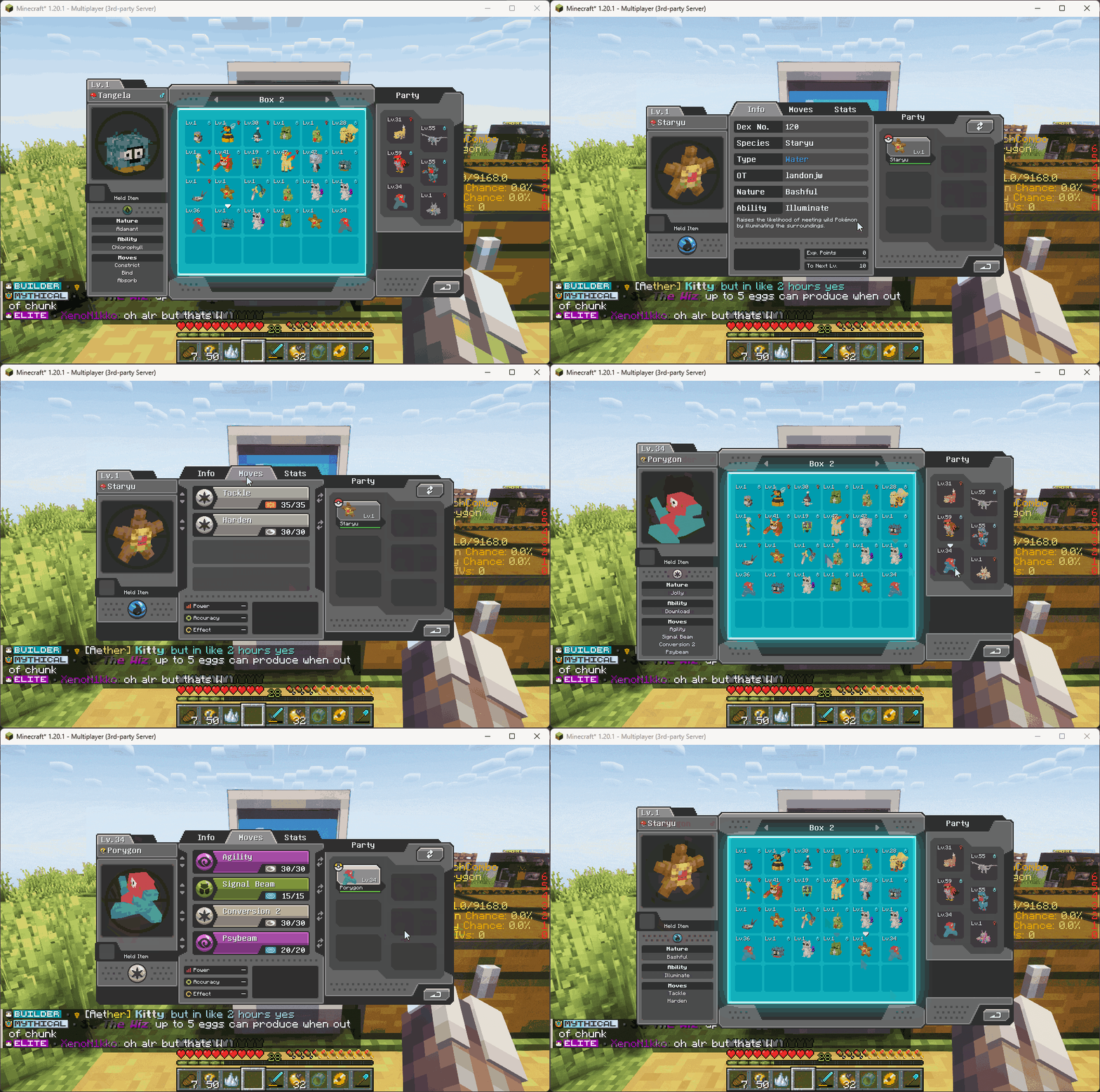
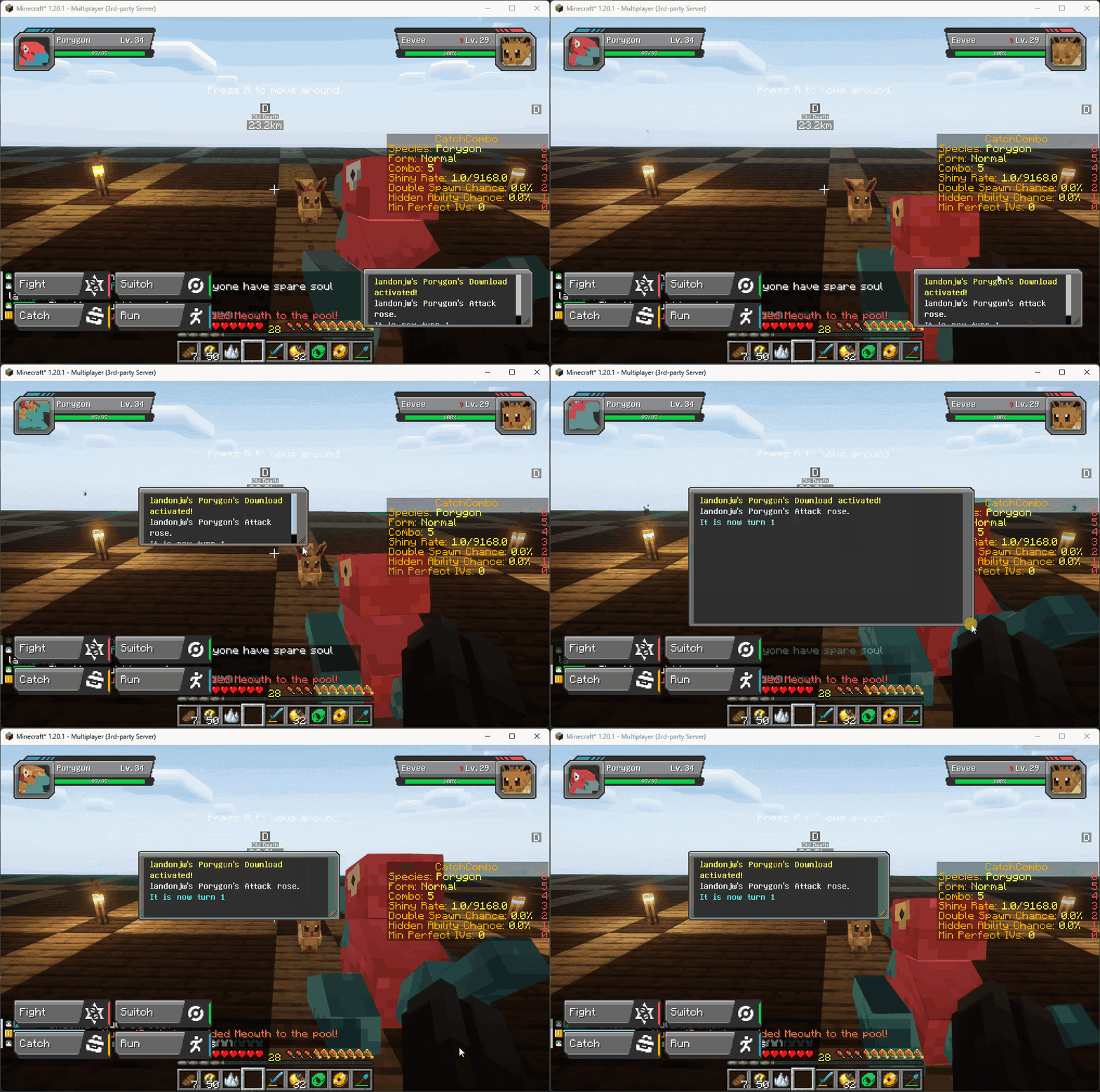
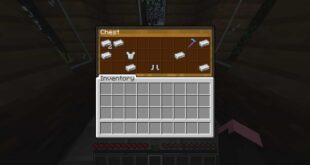
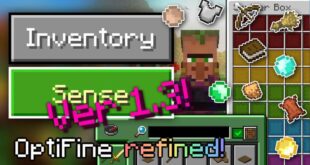
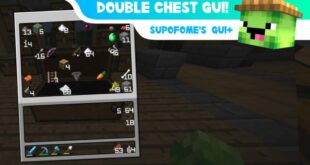
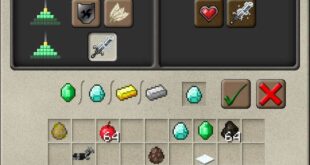
The screenshots shown above are taken from official sources and represent the texture pack running in-game. They highlight how the interface looks during real gameplay, showcasing menu layout, icon clarity, and overall visual consistency across different Cobblemon screens.
Download
You can download the texture pack using the official link below.
Creator: Cobblemon Interface Pack Creator
All credit for this texture pack goes to the original creator. We do not modify or redistribute the files.
Disclaimer
We do not host texture pack files. We only provide links to official sources, and availability of external links may change over time.