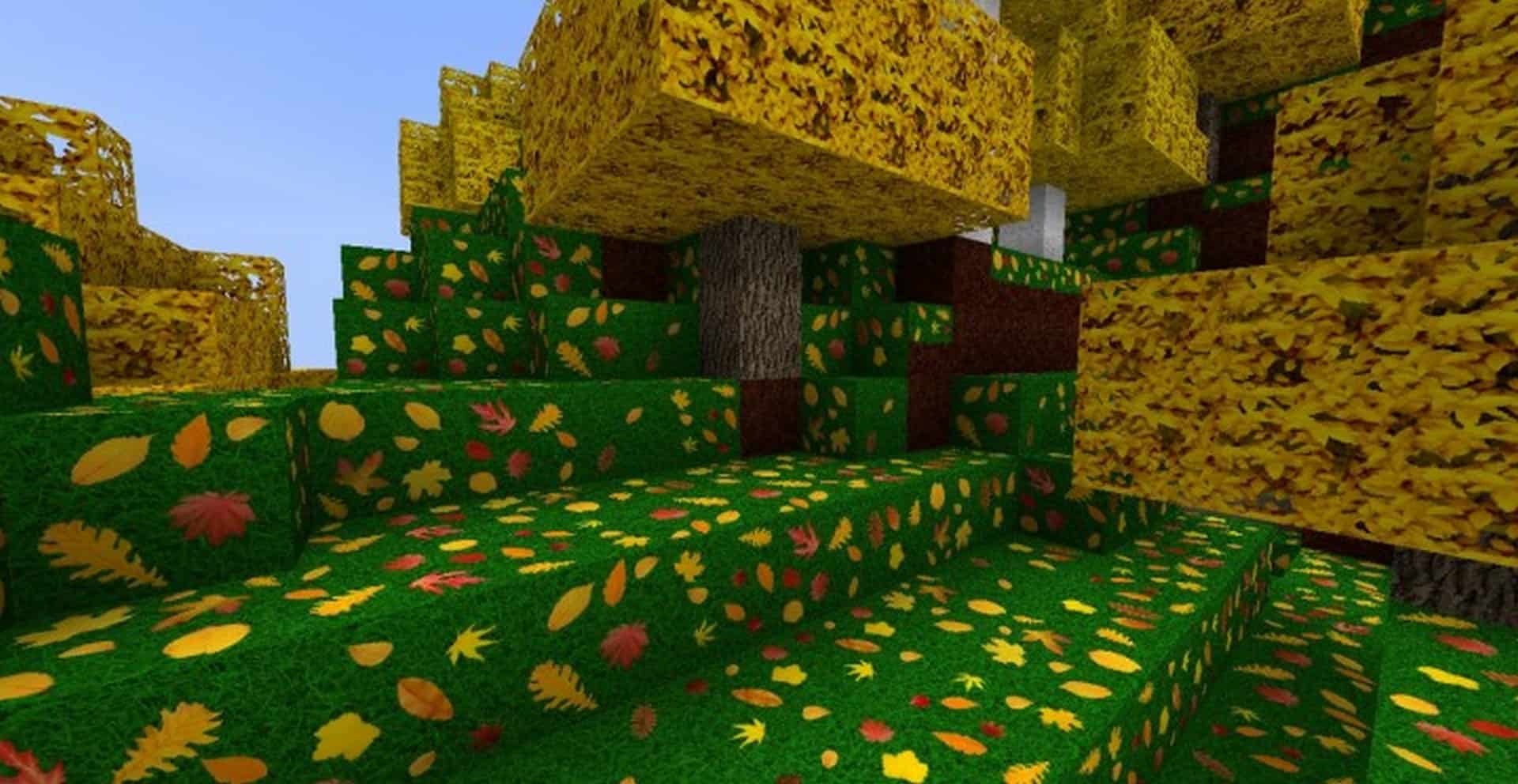
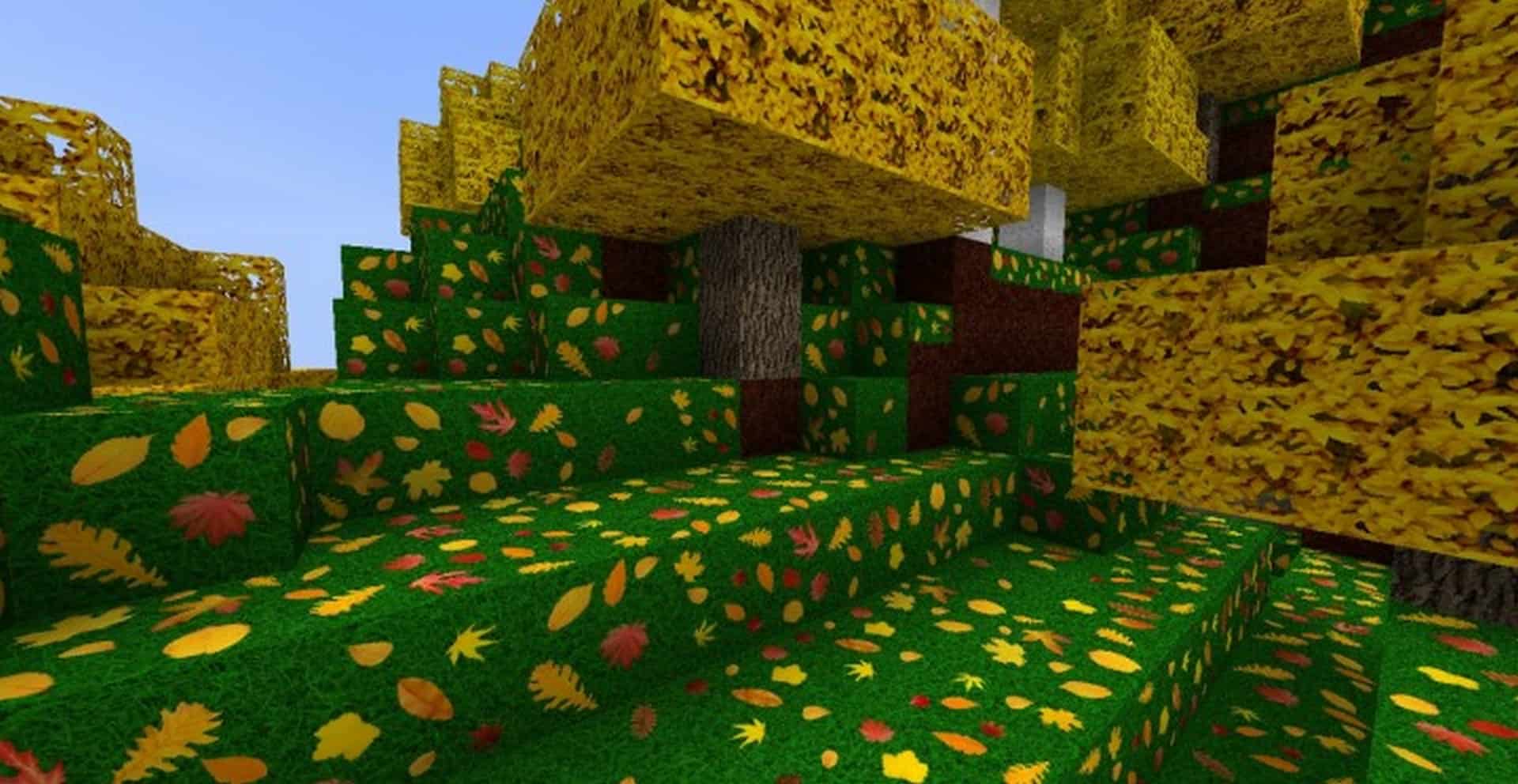
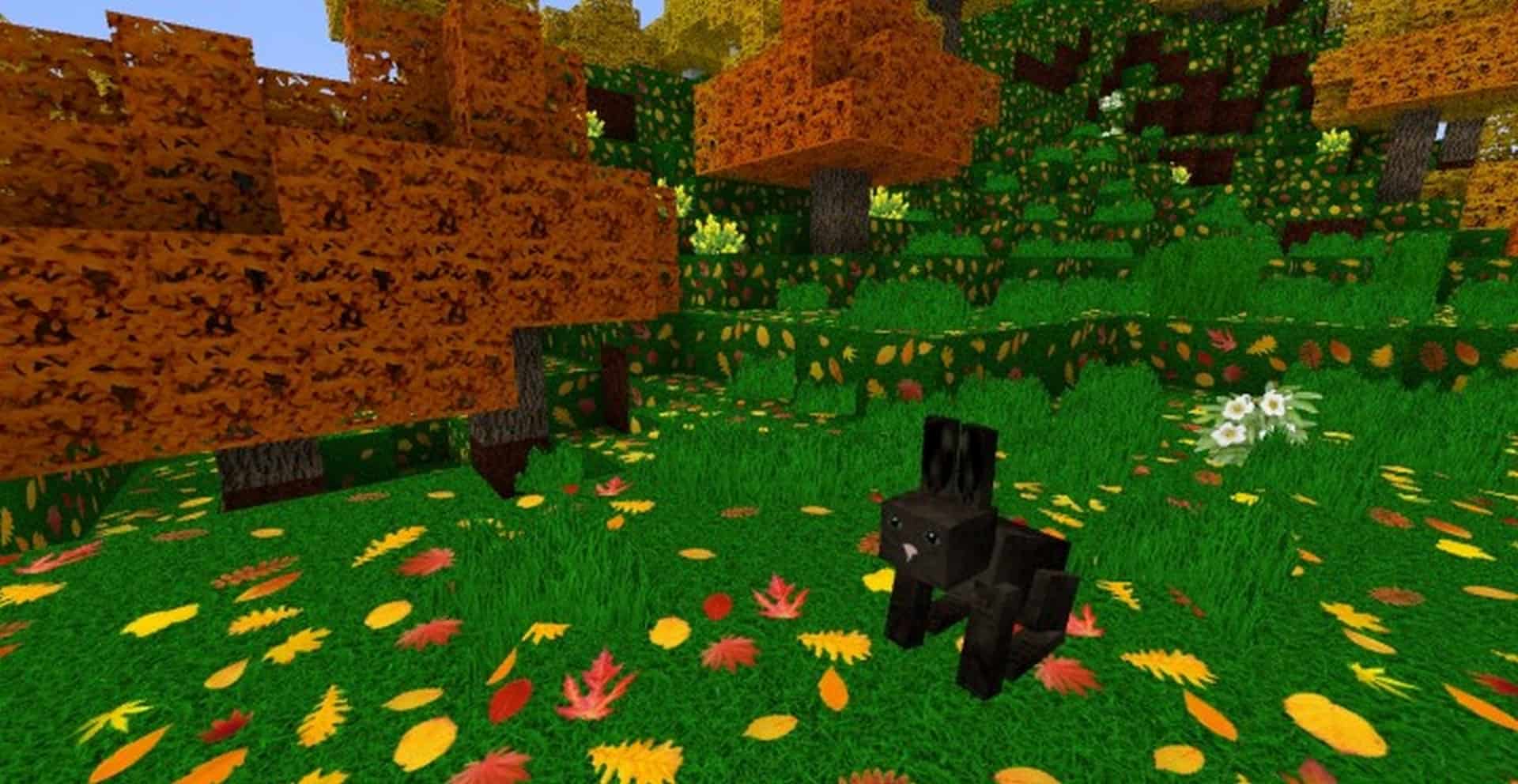
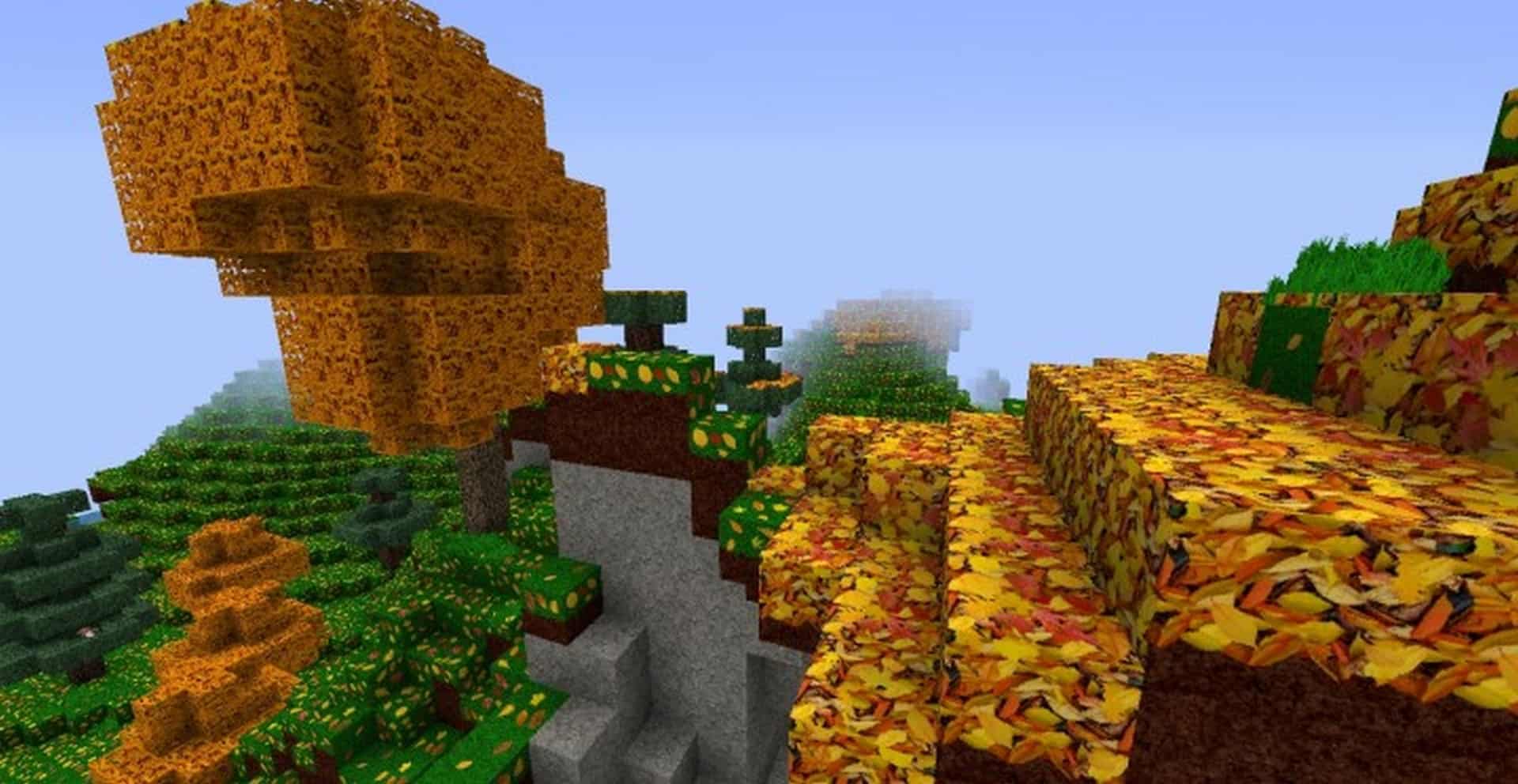
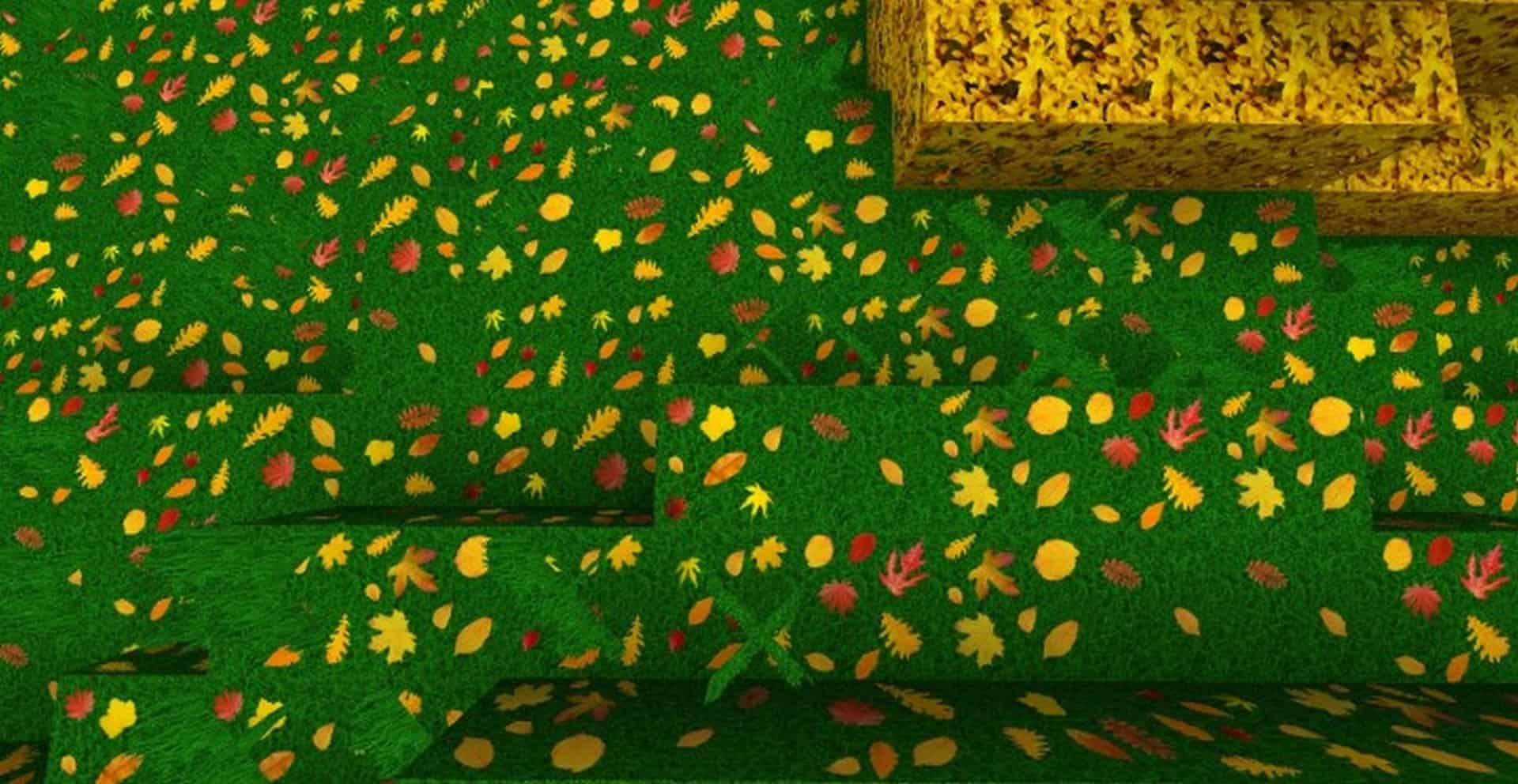
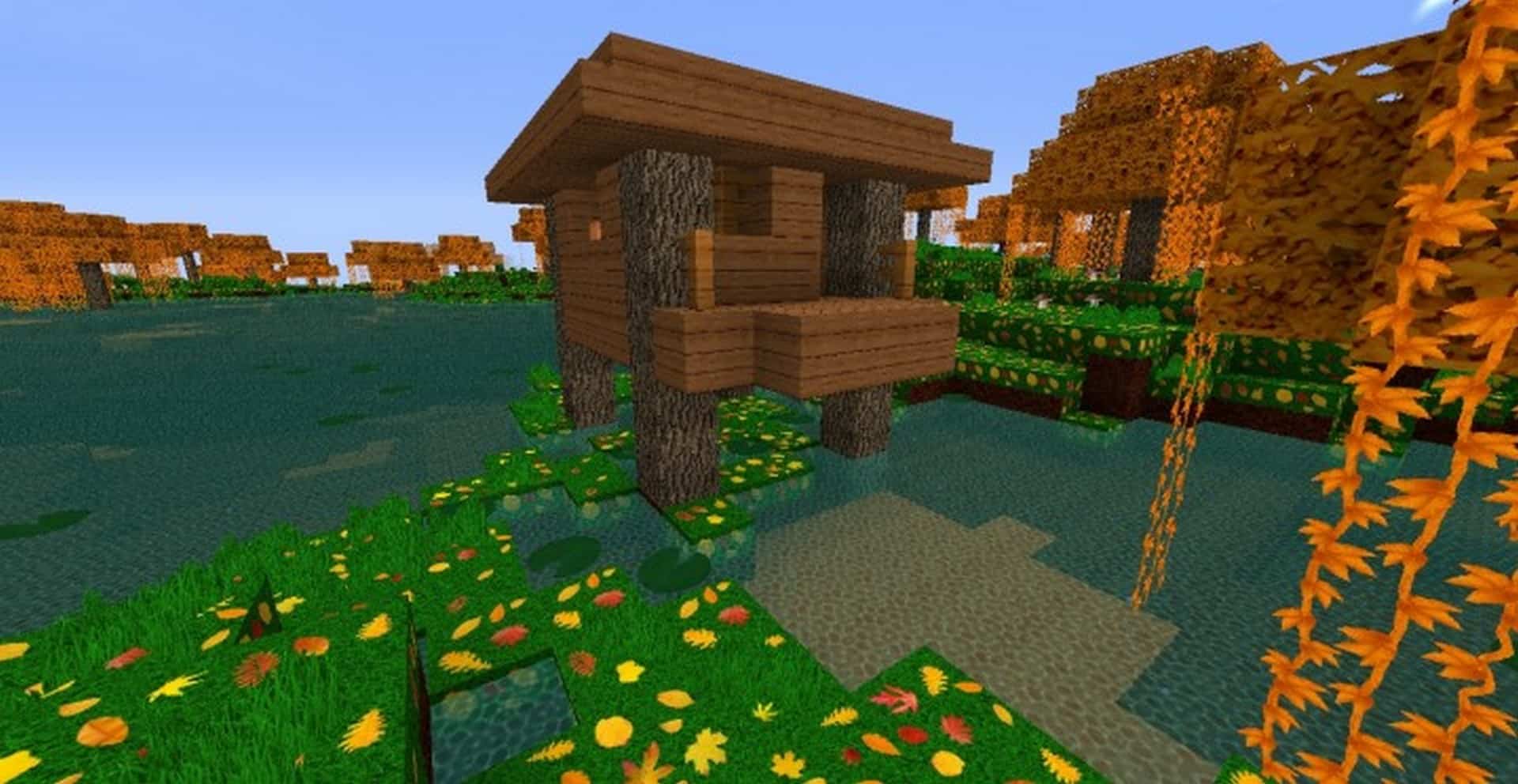
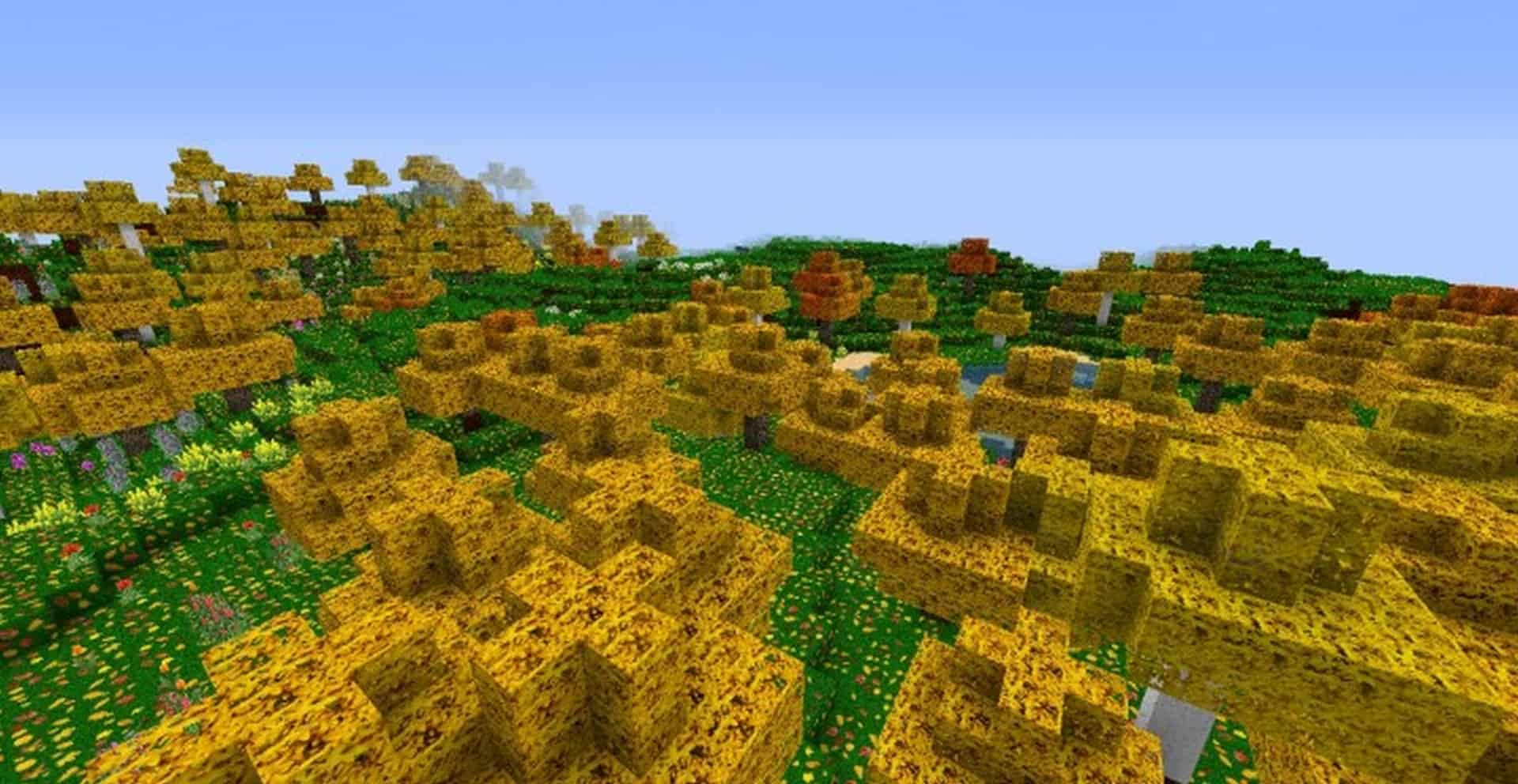
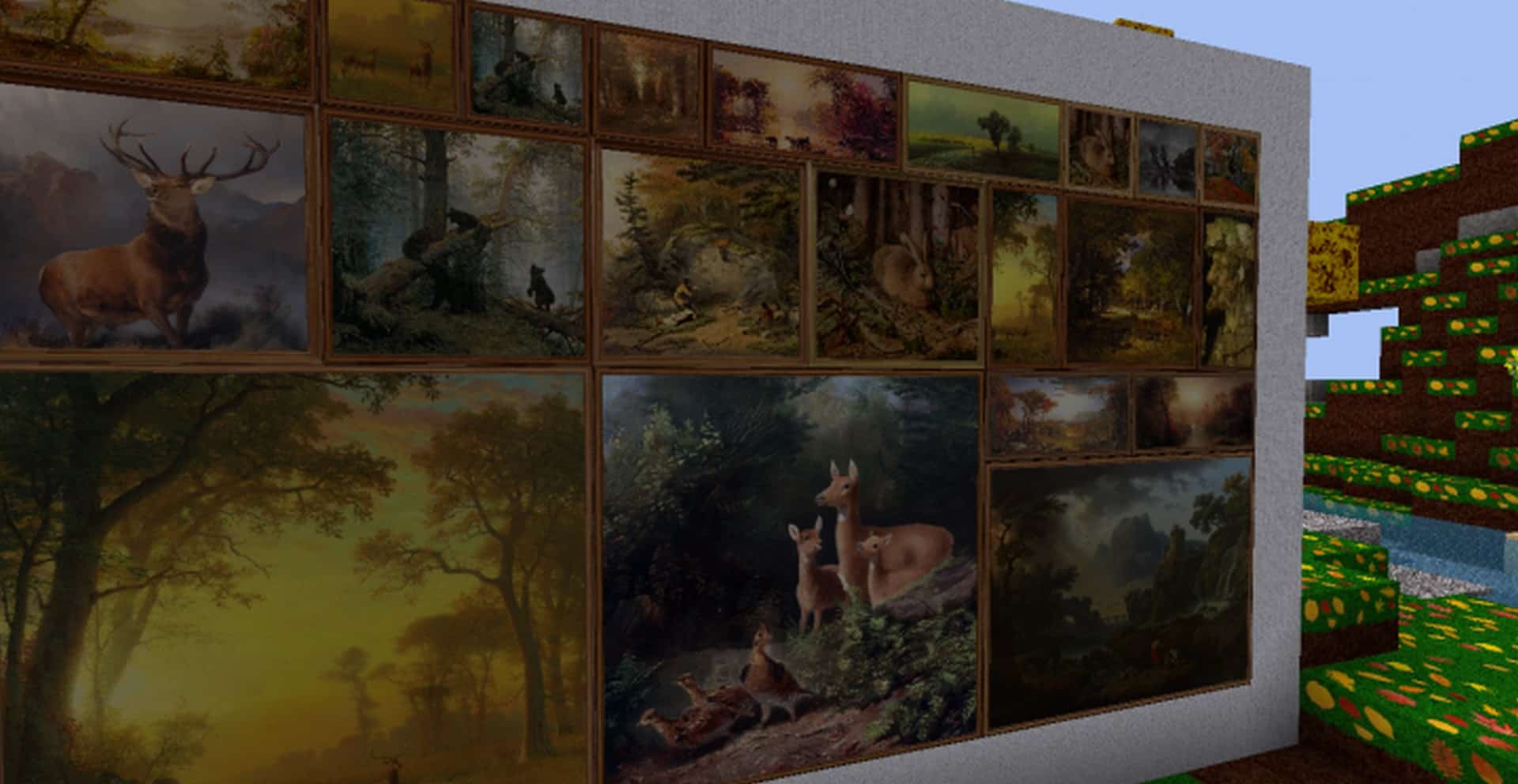
While many Minecraft resource packs find inspiration in movies, games, or animated shows, I love how there are a few that try something truly different. The Zedercraft Autumn HD resource pack is an absolute standout exception that takes a uniquely refreshing approach to crafting new visuals in Minecraft. What the resource pack successfully managed to do is alter the entire Minecraft world to be remarkably reminiscent of the cozy autumn season. It pulls this off in a very discreet, pleasant, and immersive way. Essentially, the Zedercraft Autumn HD resource pack brilliantly transforms multiple textures while meticulously playing around with seasonal colors. We get gorgeous color tones specific to the time of year, meaning wonderful yellow, orange, and red leaves, stunning orange and yellow plants, golden yellow trees, and so much more. Certain terrain blocks were also skillfully retexturized to thoroughly reflect the autumn season, letting you create breathtaking lawns featuring vibrant green grass beautifully scattered with fallen leaves.
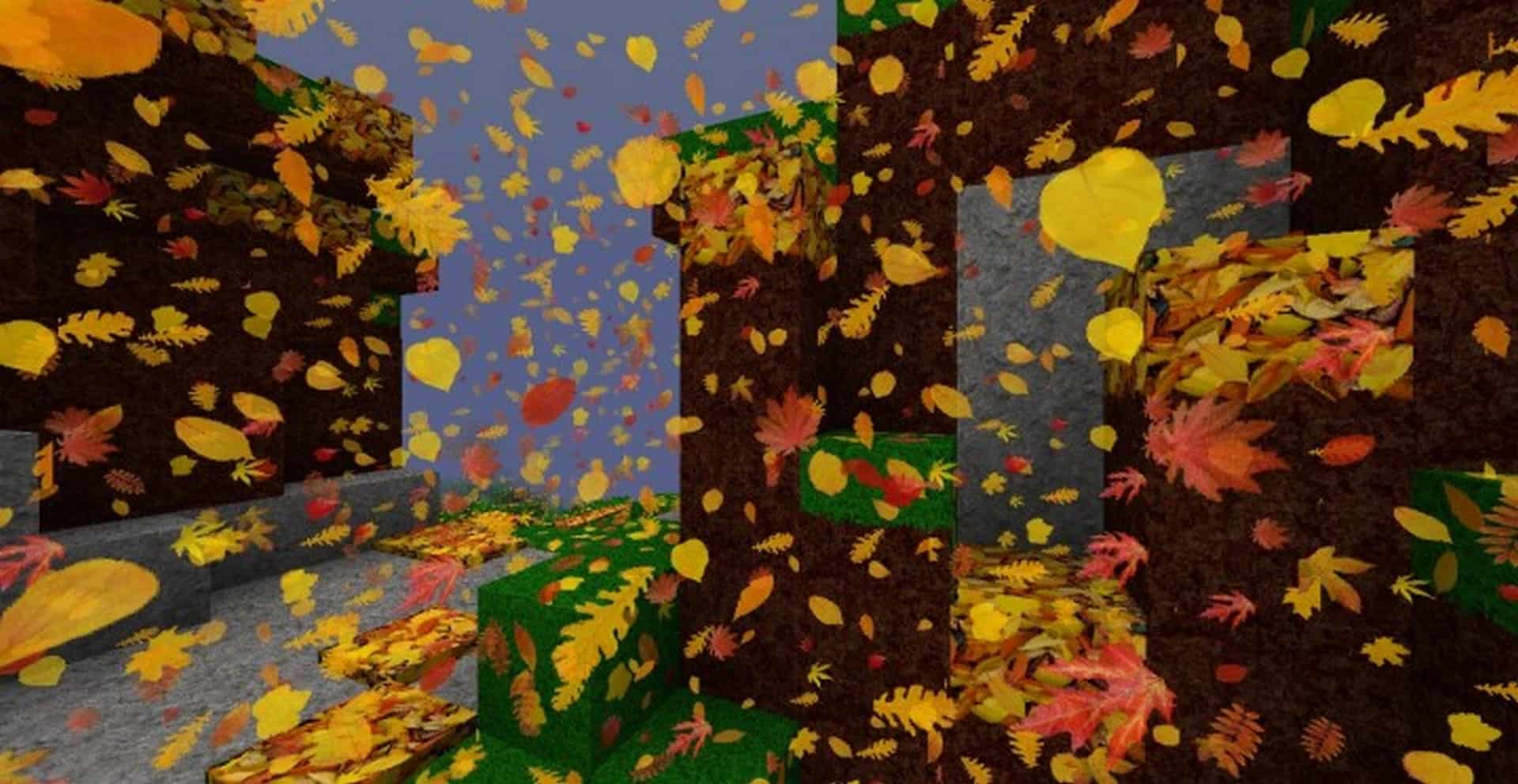
Adding to the immersion, there are charming new animations for falling leaves, perfectly mimicking what you would see during a crisp, windy autumn day. This clever effect was achieved by replacing the vanilla snow with drifting leaves! Looking far beyond the gorgeous autumn colors embedded in the textures, Zedercraft Autumn HD also heavily increases texture resolution. You will be thrilled to know that the resource pack is readily available in either 128x or 256x texture resolutions. This means every single leaf displays incredible detail, making individual pixels nearly impossible to distinguish even when inspecting objects from up close. This marvelous upscaling in texture resolution applies not just to leaves, but to a vast array of textures throughout the game, making everything look remarkably detailed and much less blocky. Among the other exciting changes introduced in this pack, you will discover brand-new particle effects, unique mobs, overhauled armors, and detailed weapons. To tie the whole aesthetic together, there are lovely new fonts being utilized, a vastly improved GUI, and a gorgeous new main menu. Please keep in mind that Zedercraft Autumn HD cannot be installed manually and requires either Optifine HD or MCPatched in order to function properly, as it heavily relies on the “Custom Colors” feature.
Zedercraft Autumn HD should be compatible with all of these Minecraft versions: 1.16.5 – 1.16.4 – 1.16.3 – 1.16.2 – 1.16.1 – 1.16 – 1.15.2 – 1.15.1 – 1.15 – 1.14.4 – 1.14.3 – 1.14.2 – 1.14 – 1.13.2 – 1.13.1 – 1.13 – 1.12.2 – 1.12 – 1.11.2 – 1.11 – 1.10.2 – 1.10 – 1.9.4 – 1.9
Screenshots
How to Install Texture Pack (Simple 10 Steps)
- Download OptiFine: Most of the texture packs and shaders need OptiFine. That’s why, first download and install OptiFine for the version of Minecraft you want to play.
- Download the Texture Pack: Get the texture pack you want from the download section. Choose the version that works with your Minecraft and your PC’s performance.
- Open Minecraft Launcher: Start Minecraft using the official game launcher — or even TLauncher, if you use that.
- Go to Options: From the main menu, click on the “Options” button.
- Open Resource Packs: Inside Options, click on “Resource Packs…”.
- Open the Resource Pack Folder: Click on “Open Resource Pack Folder” — this will open a folder named “resourcepacks”.
- Move the Pack File: Copy or move the .zip file you downloaded into that “resourcepacks” folder. (Don’t unzip the file — Minecraft uses it as-is!)
- Go Back and Refresh: Close the folder and click “Done”, then go back into “Resource Packs…” again.
- Activate the Pack: You’ll see the pack on the left side. Hover over it and click the arrow to move it to the right (active side).
Tip: If you get a message that the pack is for a different version, just click “Yes” — it usually works fine. - Click Done and Enjoy: Click “Done” again. Now your pack is ready to use in-game. It’s that easy!
Credits
This resource pack was created by Zeder95. We are not the original owners of this modification, nor do we host or distribute modified versions of these files. All rights, intellectual property, and creative assets remain fully with the original author. We strongly encourage you to support Zeder95 by visiting their official release channels and downloading the files directly from the original source.
Download Links
Java Edition
Download Instructions
Curseforge: download starts automatically after a few seconds;
Mediafire: click the big blue button with the text “DOWNLOAD”;
Google Drive: in the top right corner you will see a small download icon (down arrow), click it and the download should start;


