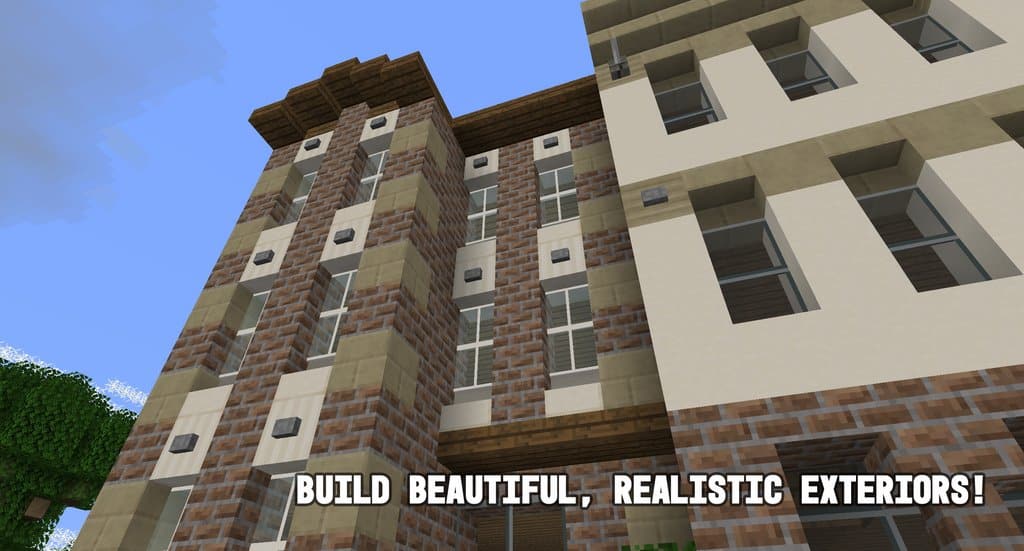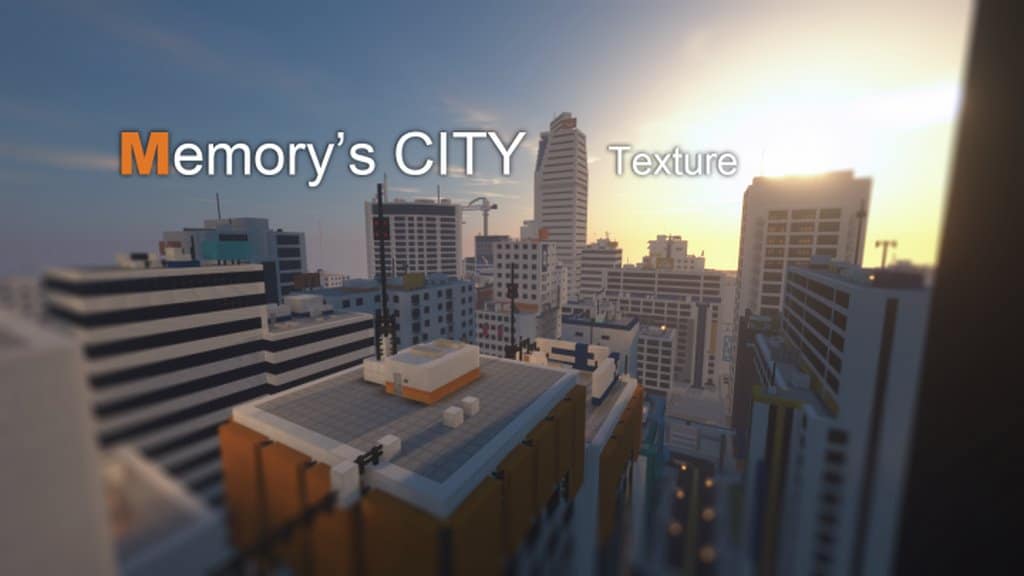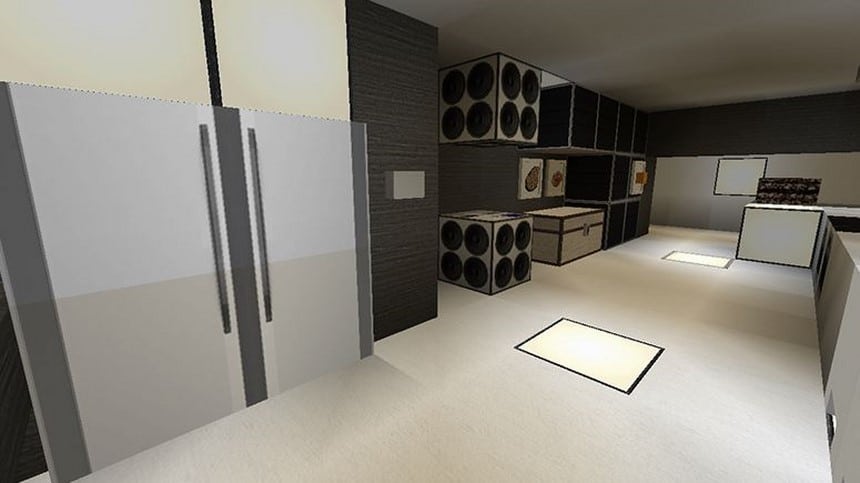
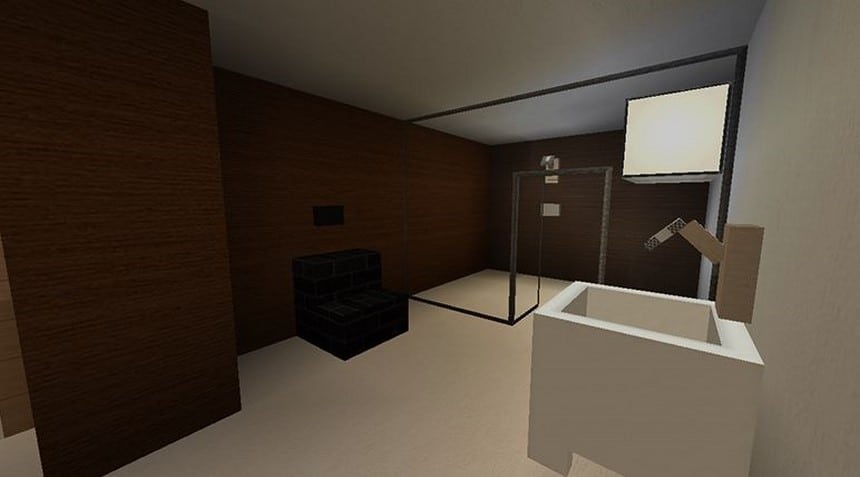
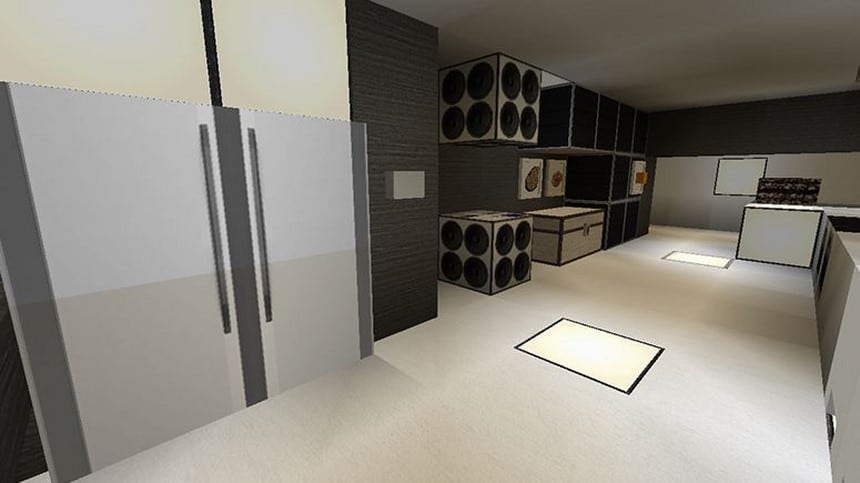
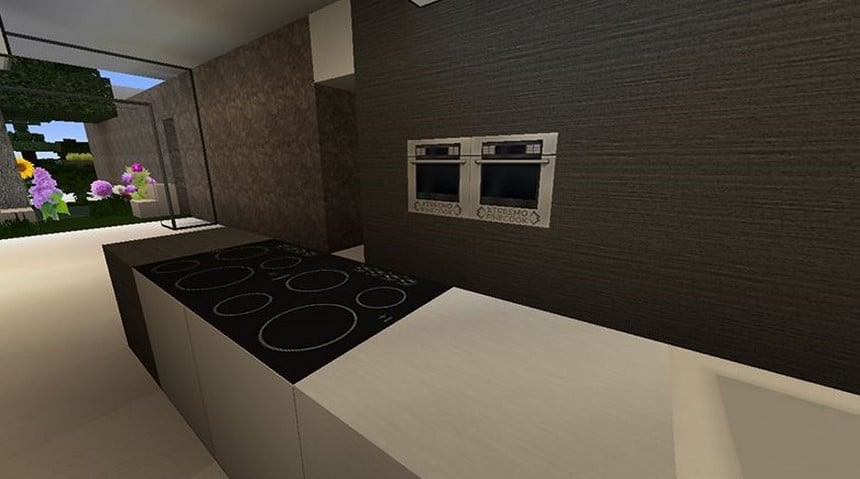
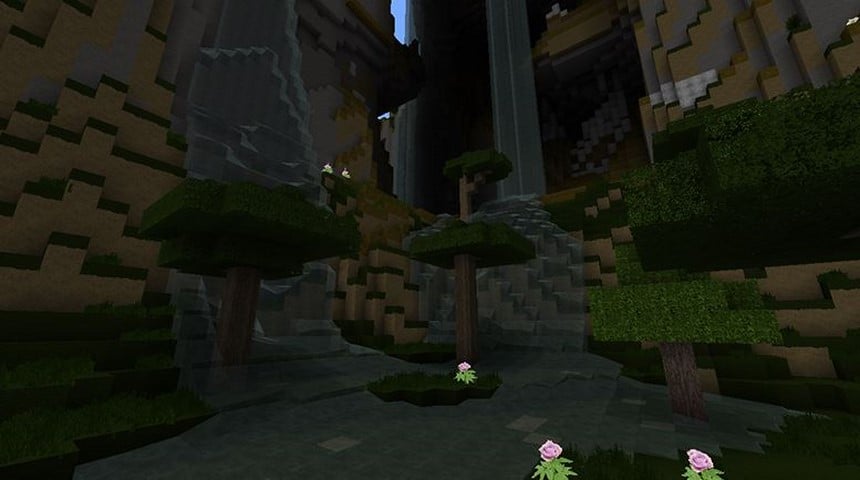
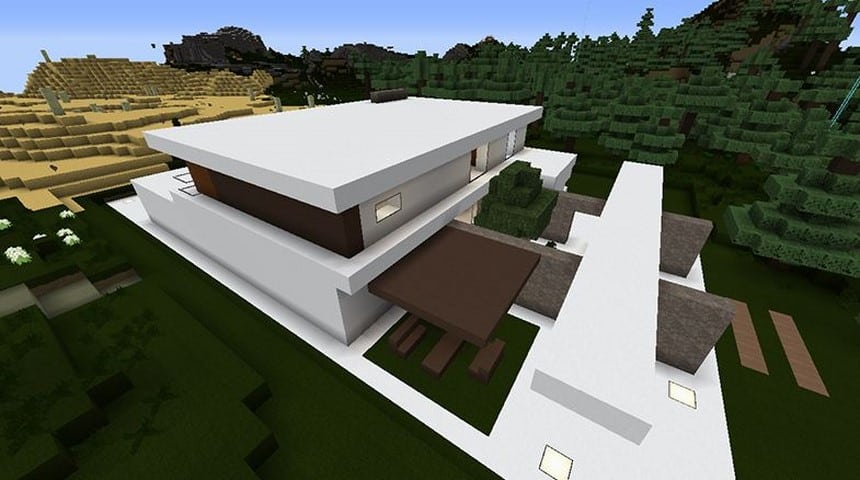
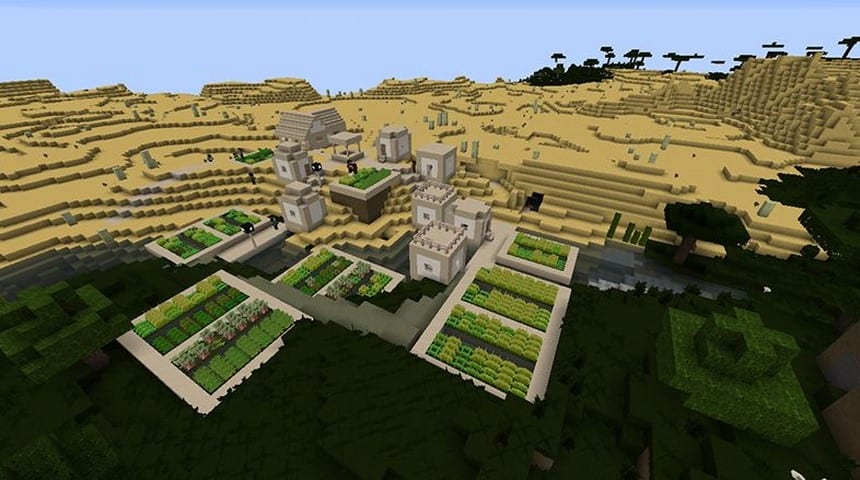
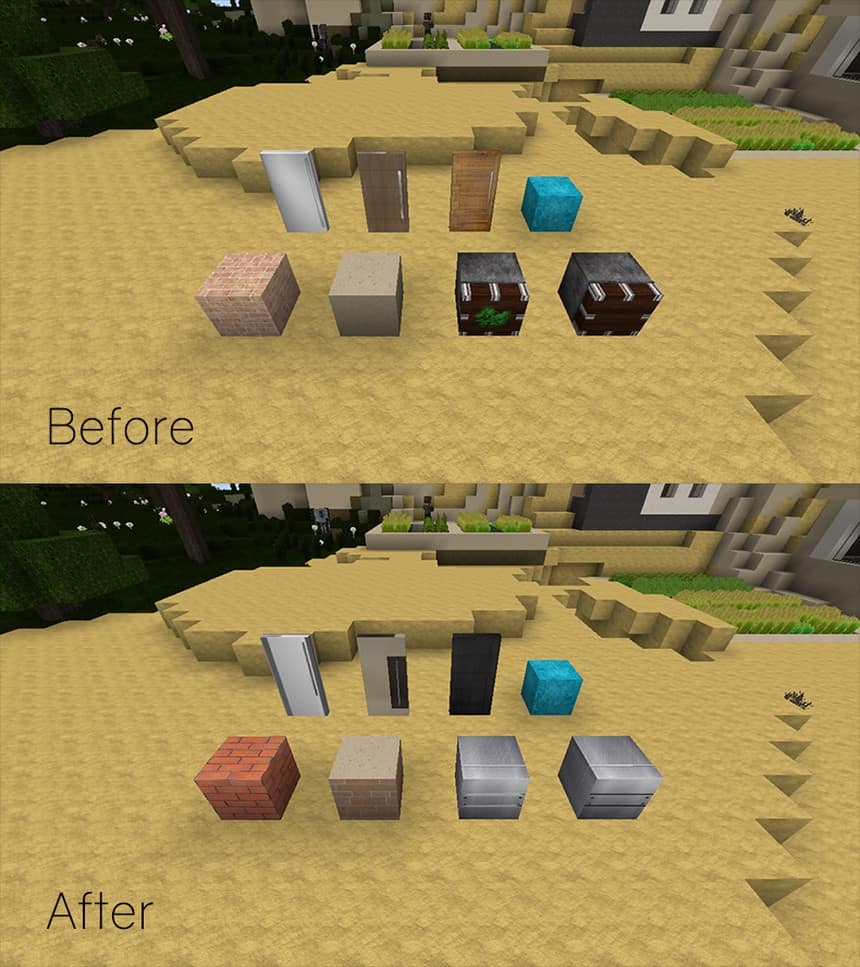
Get ready to be genuinely surprised by the Xtreemo Real HD resource pack as it brings the textures in a futuristic and modern style. It is easily one of the most polished Minecraft resource packs available. All the Minecraft lovers will thoroughly enjoy using this resource pack as it genuinely improves the quality of the gameplay to the next level. The pack offers a minimalistic style coupled with a great amount of detail. It is an extraordinary resource pack that you simply cannot afford to miss. Though you might notice some minor noise while using the pack, noise is a common issue with a number of resource packs out there. However, it is not a big issue that you can easily ignore and it certainly does not stop you from enjoying the game with the stunning HD graphics. You will be completely mesmerized by the sheer quality of graphics offered by the pack. With an extraordinary color palette and great attention to detail, it is probably one of the best resource packs available for the game today.
To keep it minimalistic and give it a distinctly futuristic look, everything is styled in white with a few careful decorations and simple accents. It mixes the black and white accents with a futuristic style remarkably well. This artistic and modern theme pack changes the visual world of the game to a completely new one. The pack makes the graphics extremely pleasant to the eyes without making it overly CPU-intensive. The Xtreemo Real HD resource pack even features its own breathtaking paintings to make the game much more fun to play. If you are used to the usual 16x resolution, you will be absolutely stunned by the graphics since this resource pack offers a high-end resolution of 128x. You will need a PC with fairly good specifications to support the resource pack smoothly and to avoid any frame rate issues. Although the pack does not take an excessive amount of CPU power to work, being a true HD resource pack it naturally needs more resources than most standard packs.
Xtreemo Real HD should be compatible with all of these Minecraft versions: 1.12.2 – 1.12 – 1.11.2 – 1.11 – 1.10.2 – 1.10
Screenshots



How to Install Texture Pack (Simple 10 Steps)
- Download OptiFine: Most of the texture packs and shaders need OptiFine. That’s why, first download and install OptiFine for the version of Minecraft you want to play.
- Download the Texture Pack: Get the texture pack you want from the download section. Choose the version that works with your Minecraft and your PC’s performance.
- Open Minecraft Launcher: Start Minecraft using the official game launcher — or even TLauncher, if you use that.
- Go to Options: From the main menu, click on the “Options” button.
- Open Resource Packs: Inside Options, click on “Resource Packs…”.
- Open the Resource Pack Folder: Click on “Open Resource Pack Folder” — this will open a folder named “resourcepacks”.
- Move the Pack File: Copy or move the .zip file you downloaded into that “resourcepacks” folder. (Don’t unzip the file — Minecraft uses it as-is!)
- Go Back and Refresh: Close the folder and click “Done”, then go back into “Resource Packs…” again.
- Activate the Pack: You’ll see the pack on the left side. Hover over it and click the arrow to move it to the right (active side).
Tip: If you get a message that the pack is for a different version, just click “Yes” — it usually works fine. - Click Done and Enjoy: Click “Done” again. Now your pack is ready to use in-game. It’s that easy!
Credits
This resource pack was created by Xtreemo. We do not own or modify the files provided for download. All rights and original ownership belong entirely to the creator. We encourage you to support Xtreemo by downloading the pack through the official links and appreciating their hard work.
Download Instructions
Curseforge: download starts automatically after a few seconds;
Mediafire: click the big blue button with the text “DOWNLOAD”;
Google Drive: in the top right corner you will see a small download icon (down arrow), click it and the download should start;