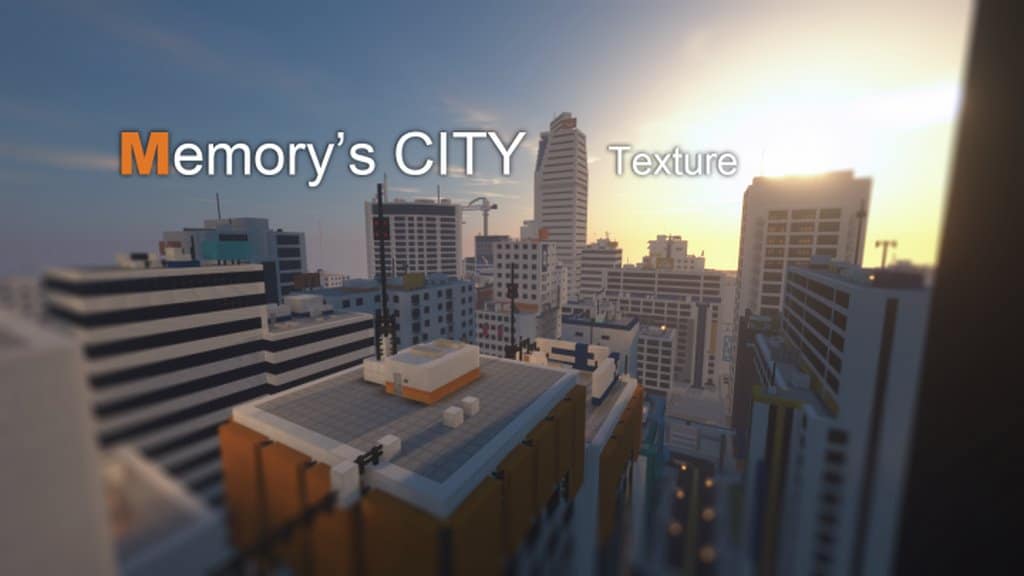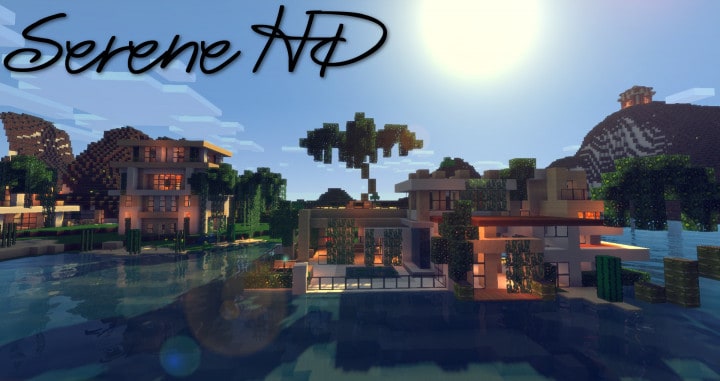
The current version of the Harkenburg City resource pack is actually the third major iteration of this fantastic texture pack series. Before this release, there were two earlier variants launched by Bluecolty, the talented creator behind all three projects. Even though those first two attempts felt slightly disappointing in hindsight, it truly seems like the creator found their stride on the third try and delivered the absolute best version yet. We really found that Bluecolty hit the bullseye with this release, considering that this version offers pretty much everything a quality resource pack should provide to players. If you are currently looking for something that will completely transform your Minecraft world into a modern-day masterpiece, we definitely recommend giving Harkenburg City a try.
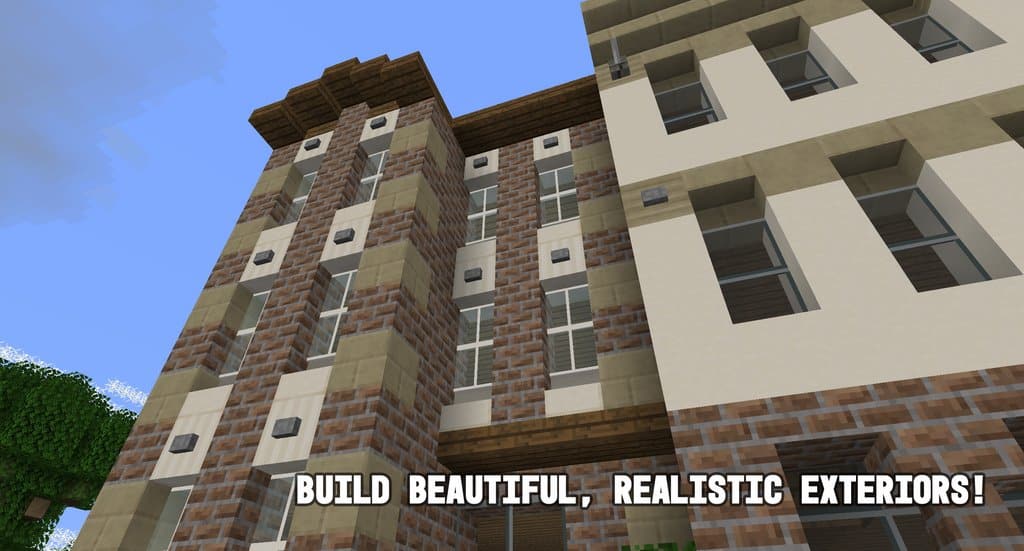
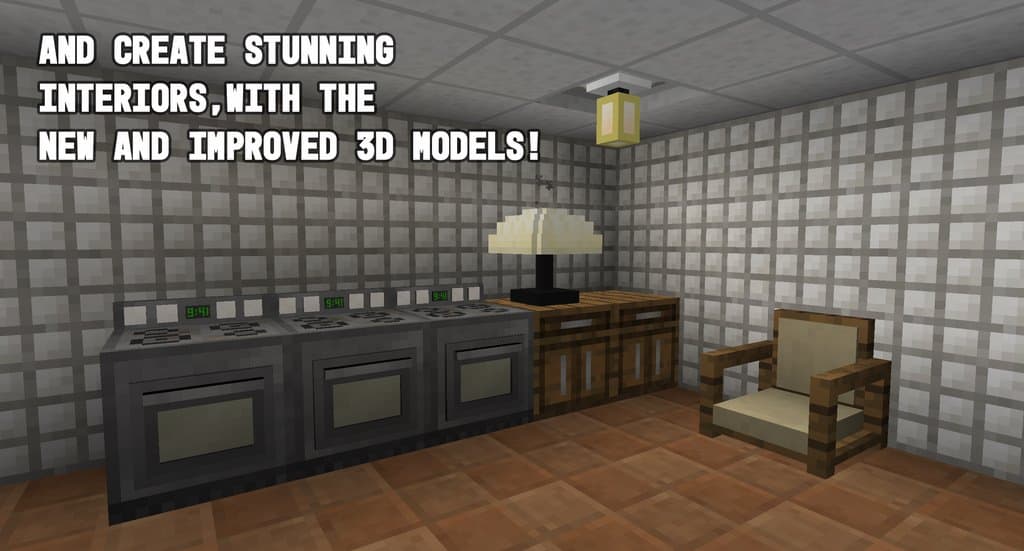
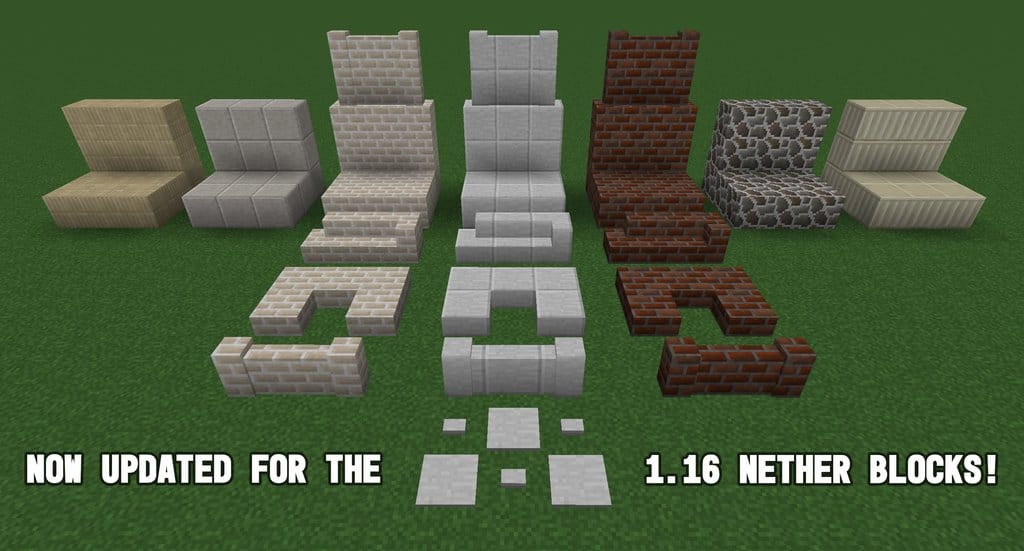
When taking a closer look into this resource pack, you can easily notice that Harkenburg City not only boasts extremely impressive visuals that give off an authentic modern city aura, but it also features some of the most exceptional road textures we have ever seen in this game. Additionally, some of the other things that are genuinely worth mentioning include the amazing 2×3 over 2×3 window panes, pristine window textures, and just about any other high-quality visual element you could possibly ask for in Minecraft. At the moment, Harkenburg City is not completely finished yet; to be more precise, there is about 10% of the content that remains to be added, so some main textures might still be missing. The resolution required for this pack is a friendly 16×16, meaning that even if your PC is not particularly high-end, you will still be able to run it smoothly and enjoy it in your game without any performance worries.
Harkenburg City should be compatible with all of these Minecraft versions: 1.17.1 – 1.17 – 1.16.5 – 1.16.4 – 1.16.3 – 1.16.2 – 1.16.1 – 1.16 – 1.15.2 – 1.15.1 – 1.15 – 1.14.4 – 1.14.3 – 1.14.2 – 1.14 – 1.13.2 – 1.13.1 – 1.13 – 1.12.2 – 1.12 – 1.11.2 – 1.11 – 1.10.2 – 1.10 – 1.9.4 – 1.9
Screenshots
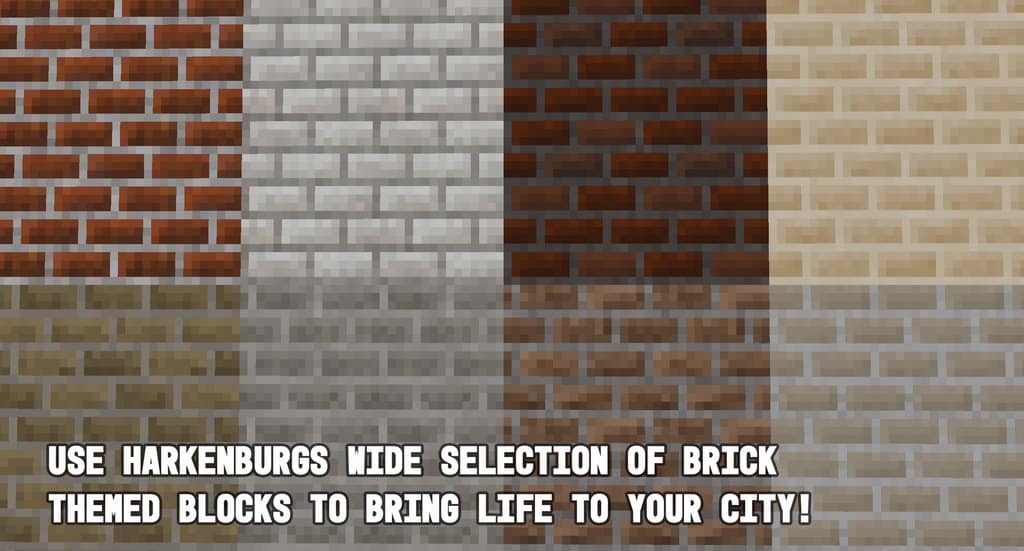
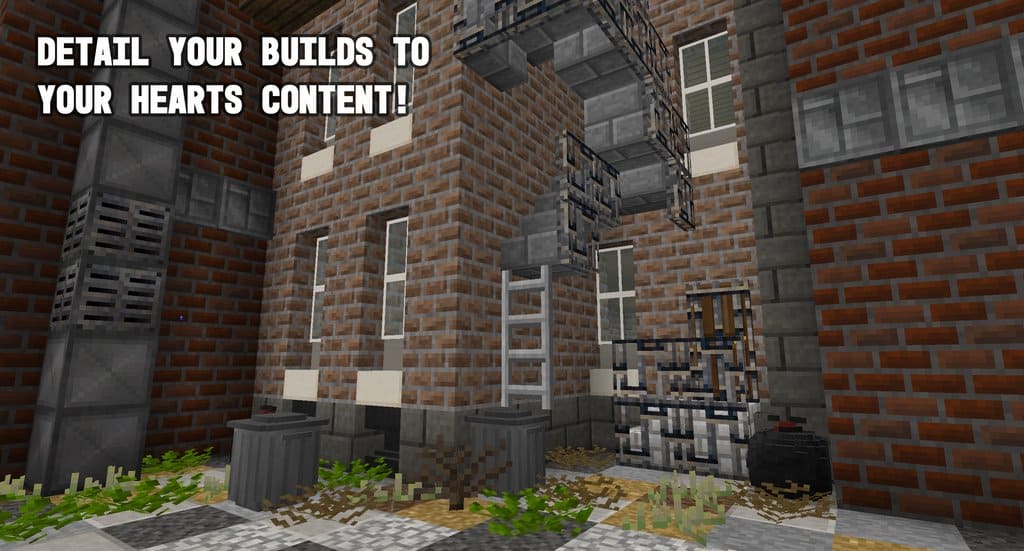
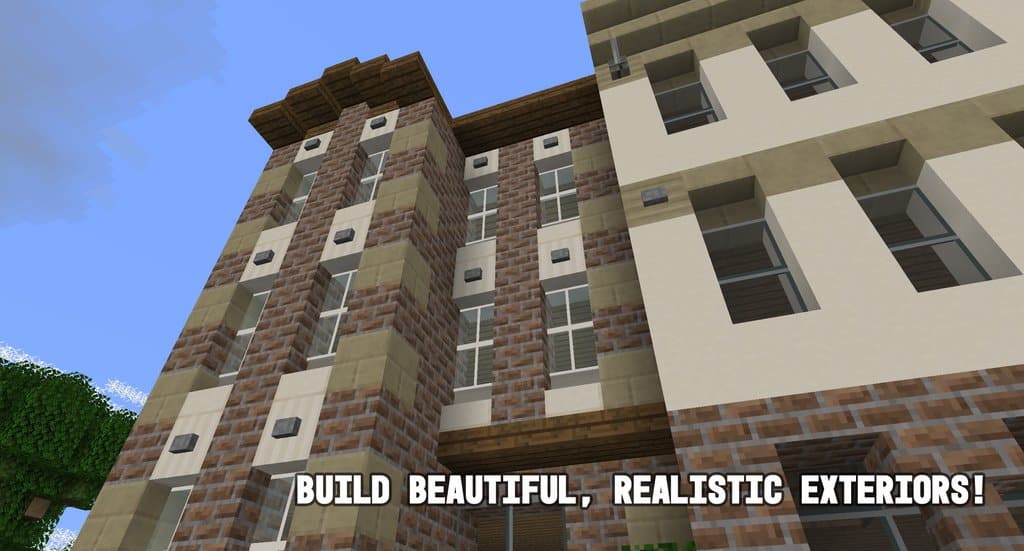
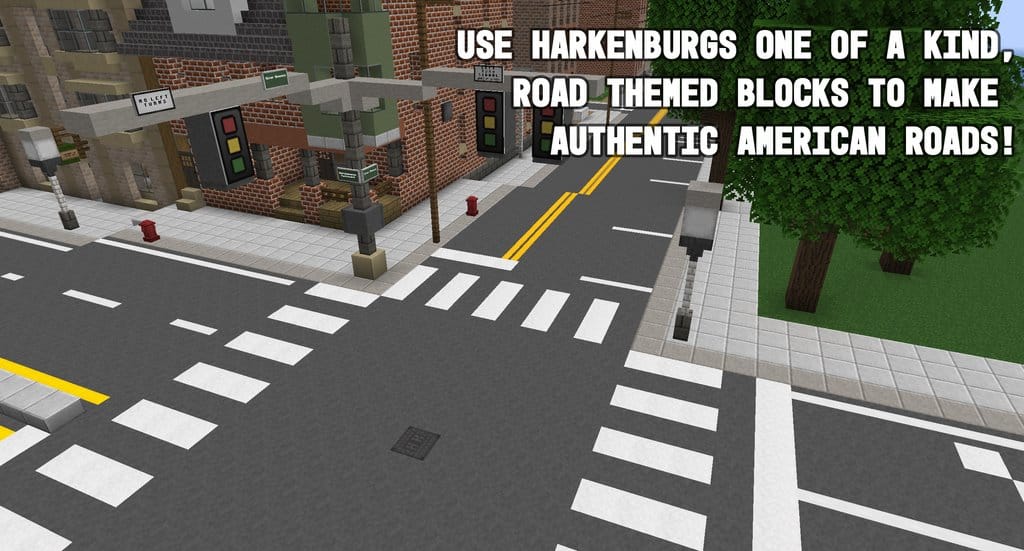

How to Install Texture Pack (Simple 10 Steps)
- Download OptiFine: Most of the texture packs and shaders need OptiFine. That’s why, first download and install OptiFine for the version of Minecraft you want to play.
- Download the Texture Pack: Get the texture pack you want from the download section. Choose the version that works with your Minecraft and your PC’s performance.
- Open Minecraft Launcher: Start Minecraft using the official game launcher — or even TLauncher, if you use that.
- Go to Options: From the main menu, click on the “Options” button.
- Open Resource Packs: Inside Options, click on “Resource Packs…”.
- Open the Resource Pack Folder: Click on “Open Resource Pack Folder” — this will open a folder named “resourcepacks”.
- Move the Pack File: Copy or move the .zip file you downloaded into that “resourcepacks” folder. (Don’t unzip the file — Minecraft uses it as-is!)
- Go Back and Refresh: Close the folder and click “Done”, then go back into “Resource Packs…” again.
- Activate the Pack: You’ll see the pack on the left side. Hover over it and click the arrow to move it to the right (active side).
Tip: If you get a message that the pack is for a different version, just click “Yes” — it usually works fine. - Click Done and Enjoy: Click “Done” again. Now your pack is ready to use in-game. It’s that easy!
Credits
This resource pack was originally created and developed by Bluecolty. We do not claim ownership of this content, nor have we modified the original files. All rights belong to the original author, and we strongly encourage supporting Bluecolty by downloading the files from the official sources.
Download Links
Java Edition
Download Instructions
Curseforge: download starts automatically after a few seconds;
Mediafire: click the big blue button with the text “DOWNLOAD”;
Google Drive: in the top right corner you will see a small download icon (down arrow), click it and the download should start;