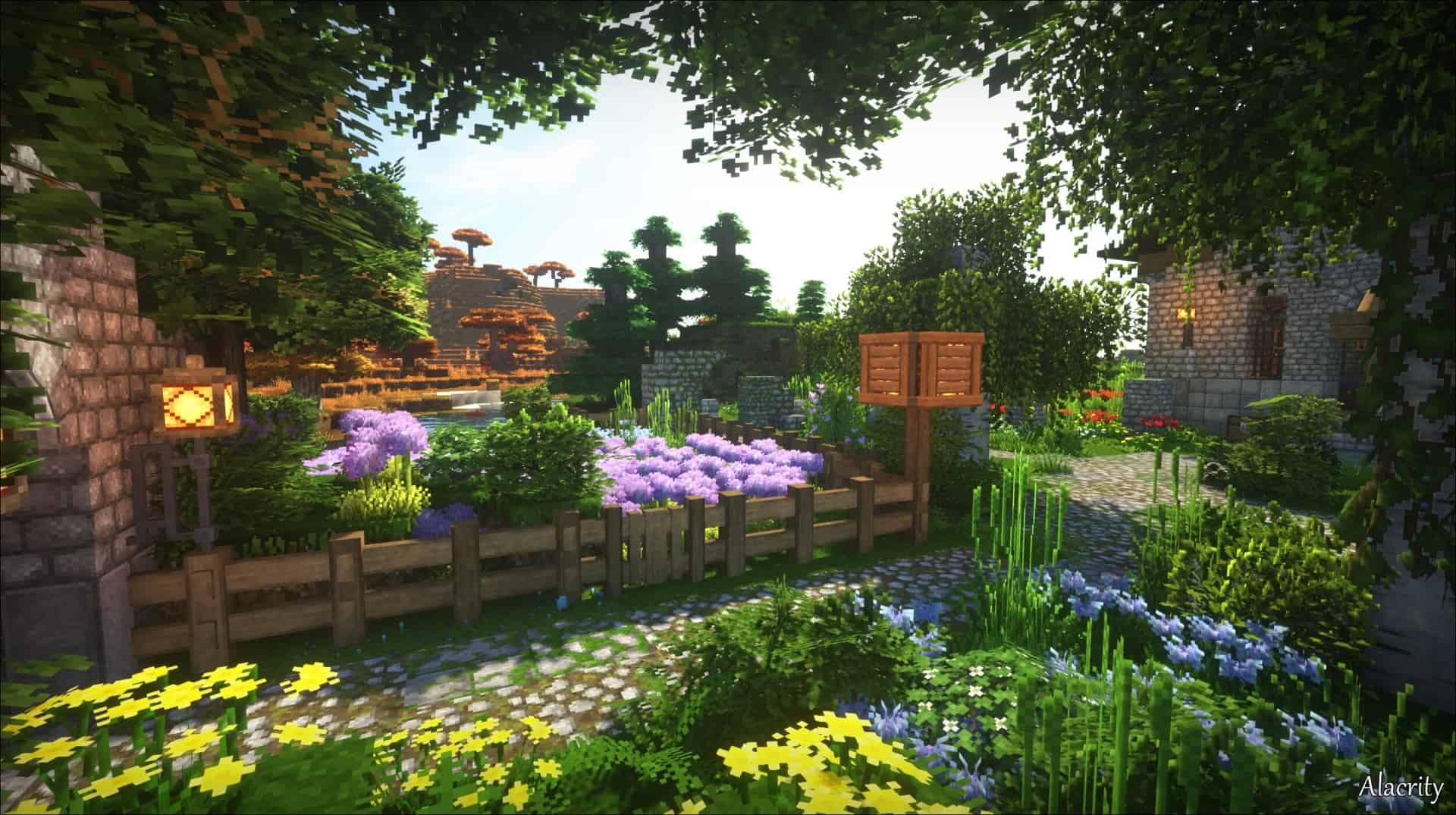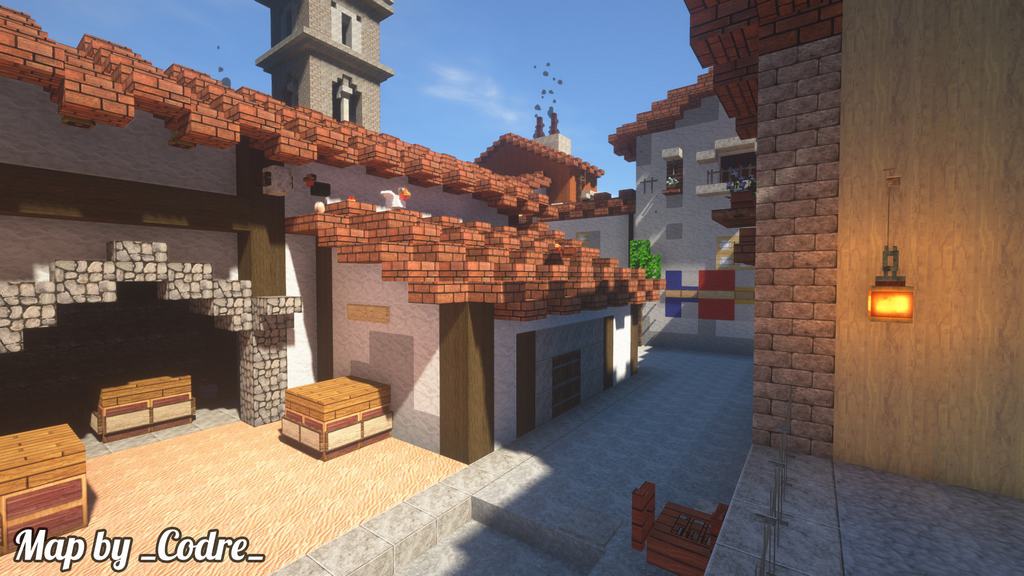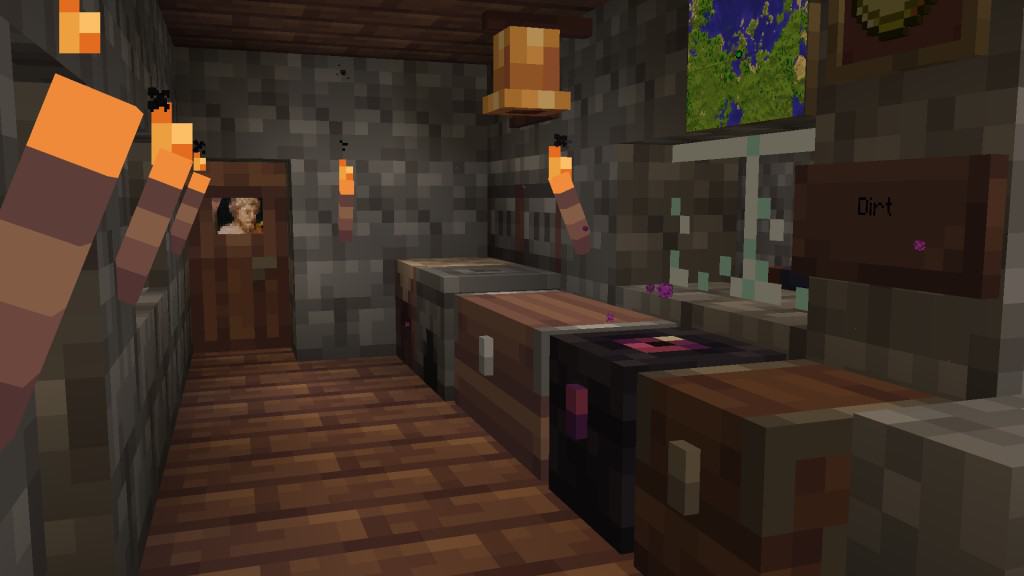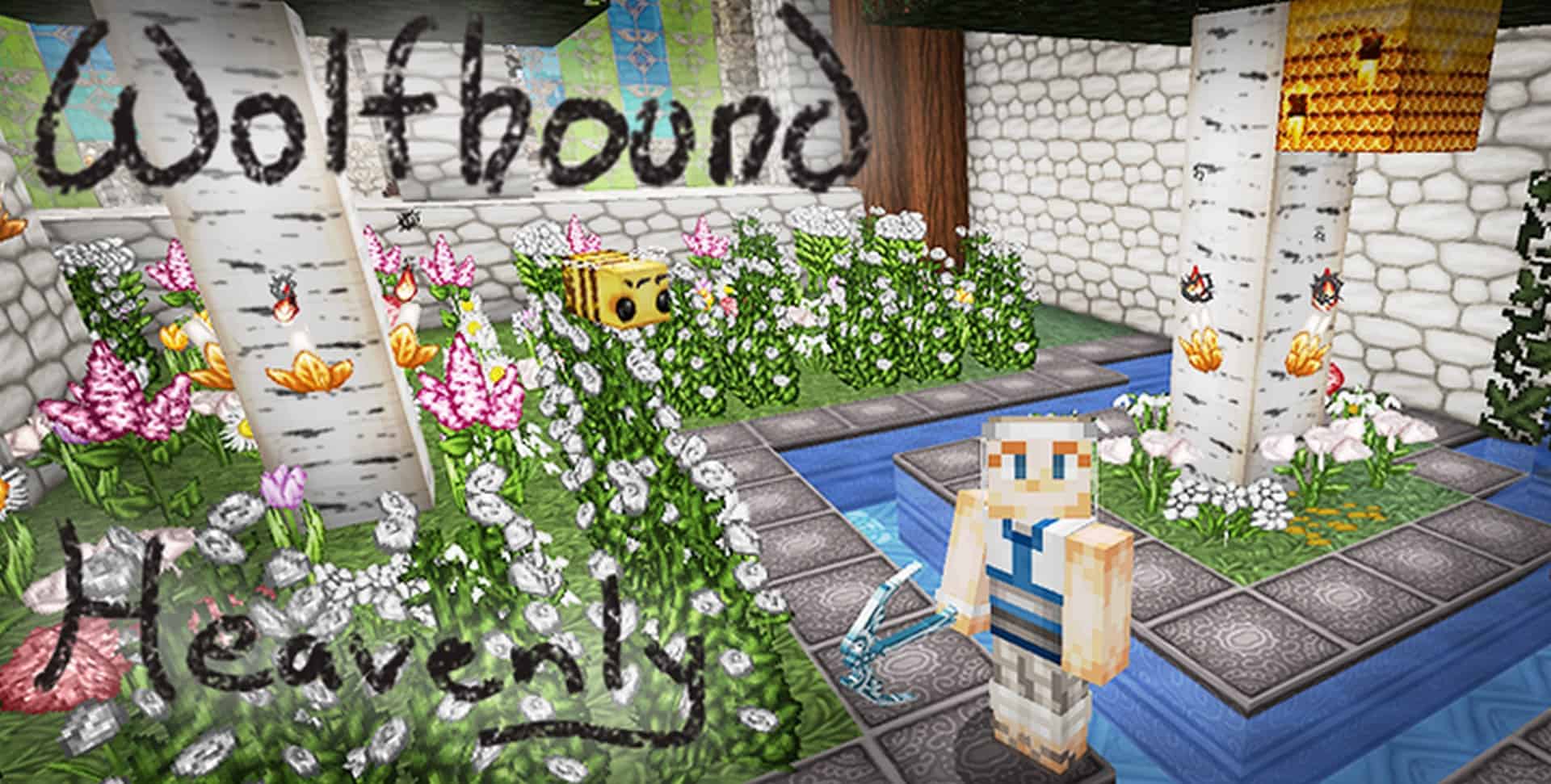
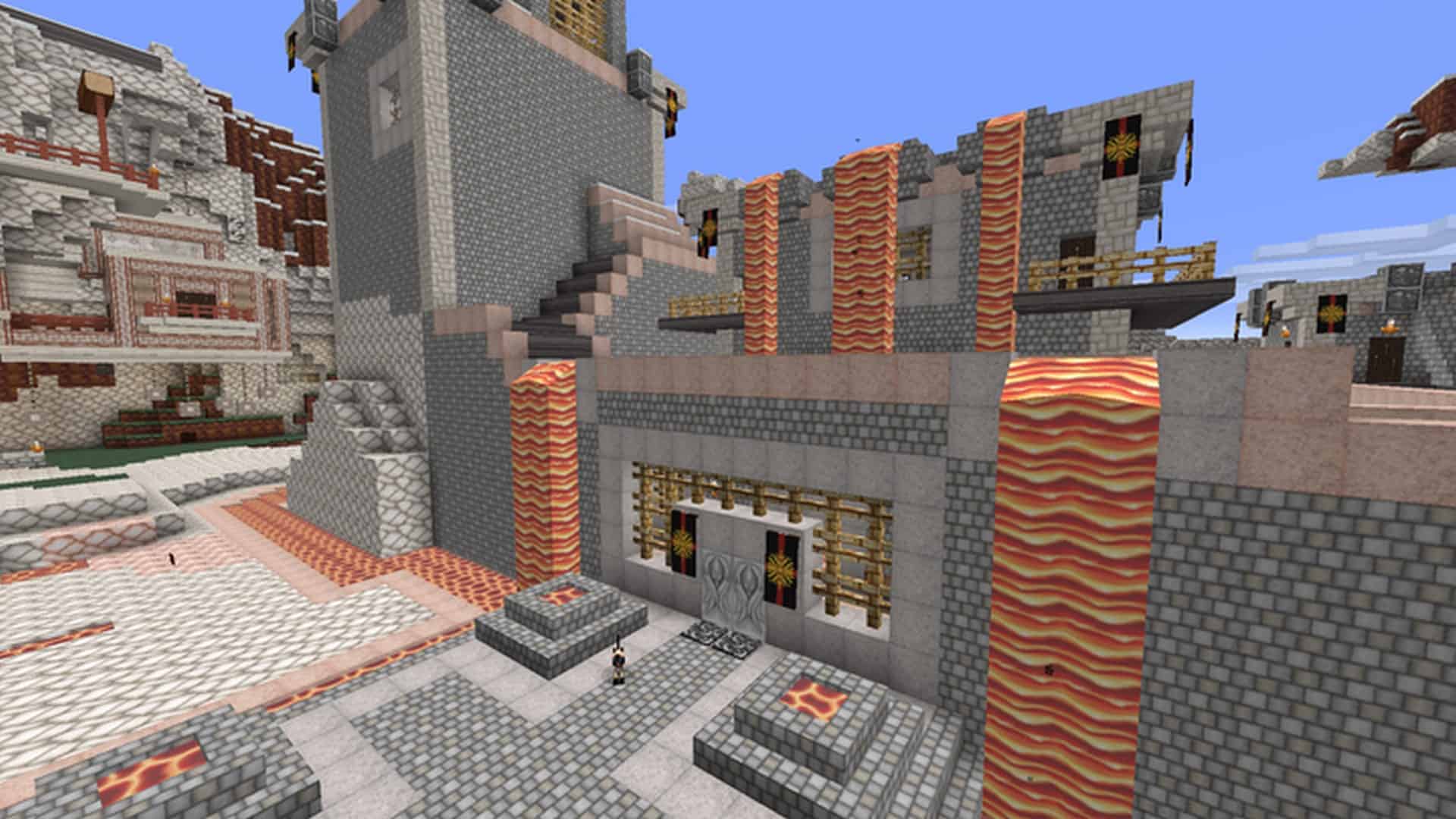
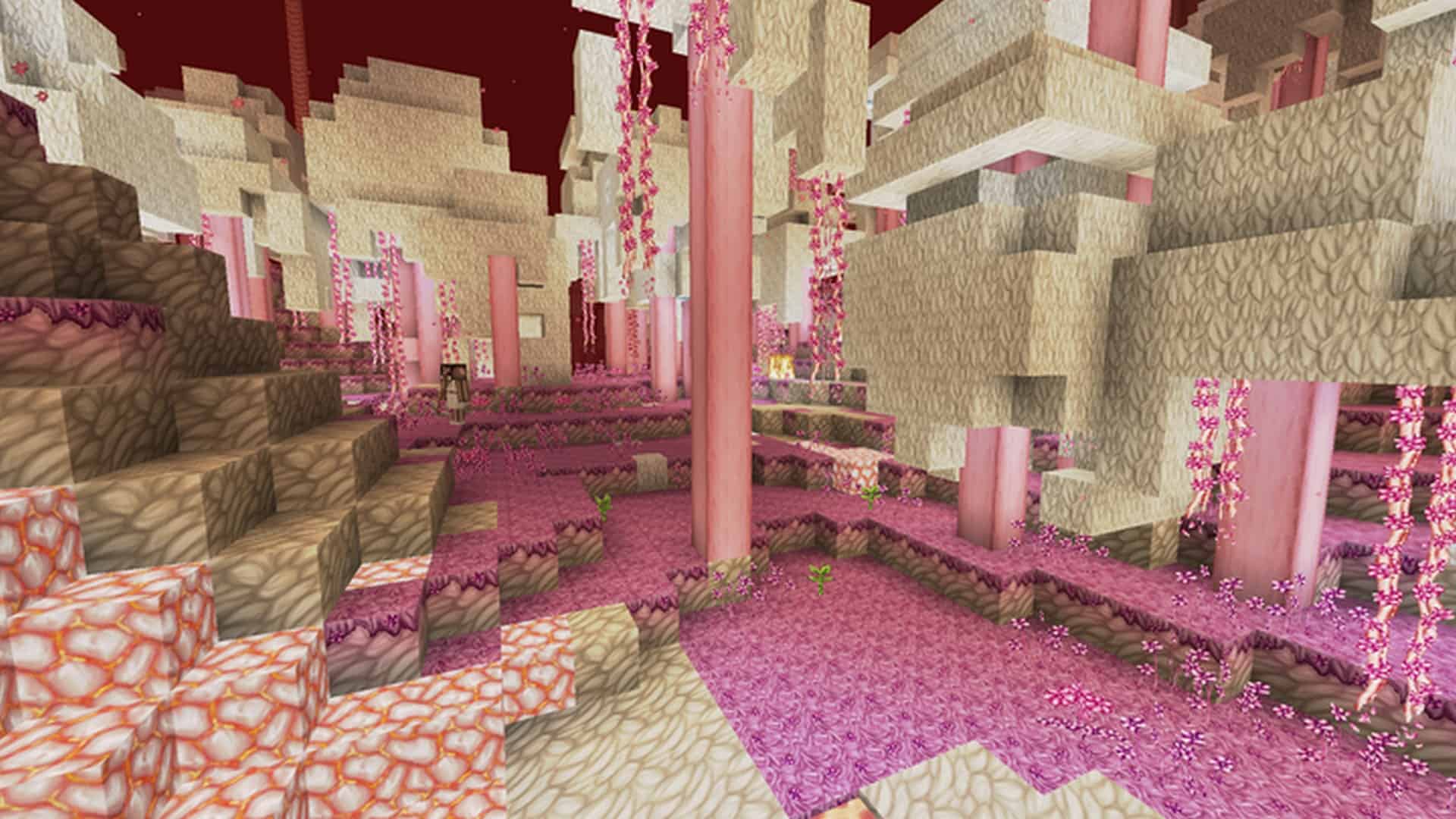
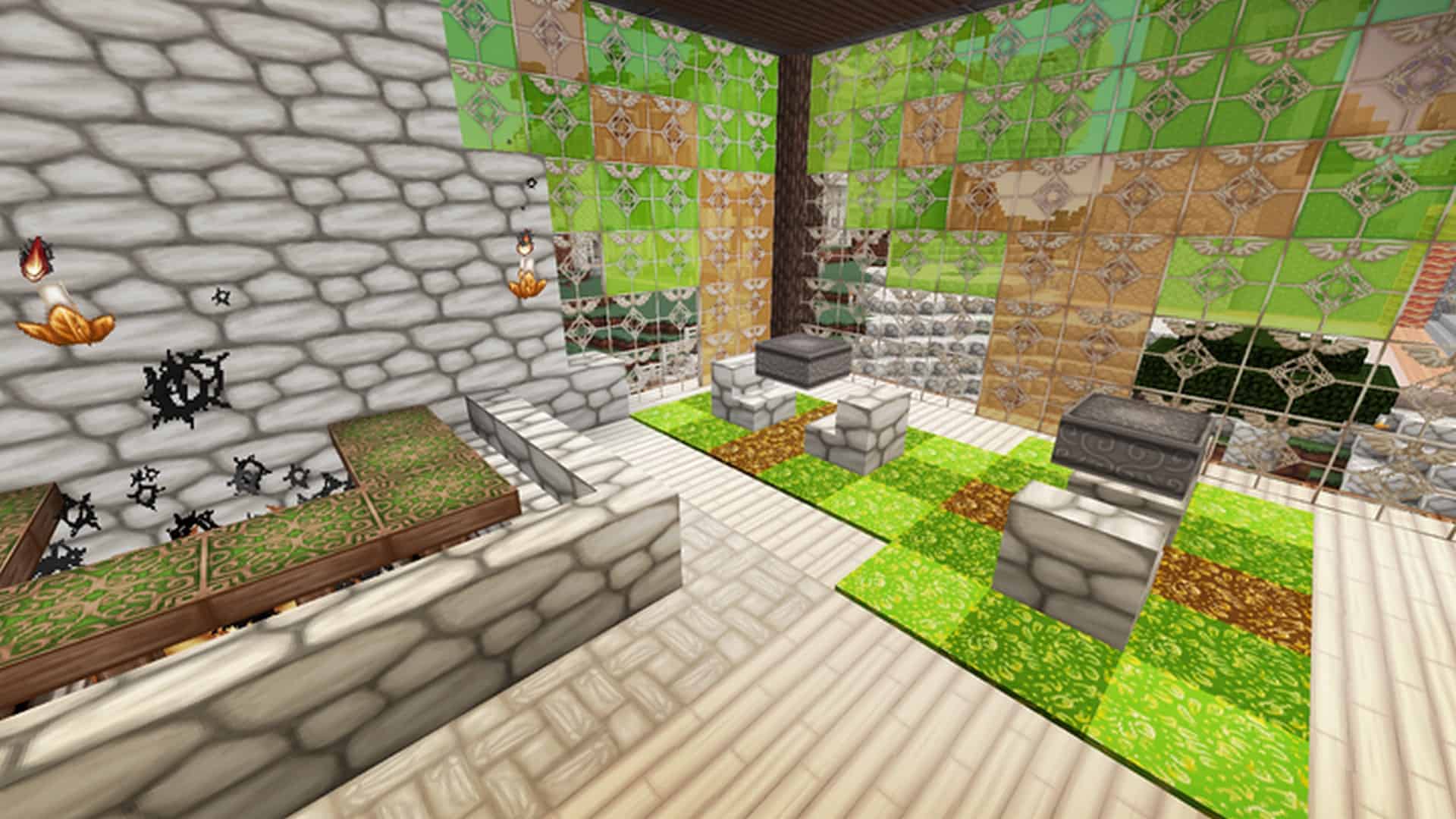
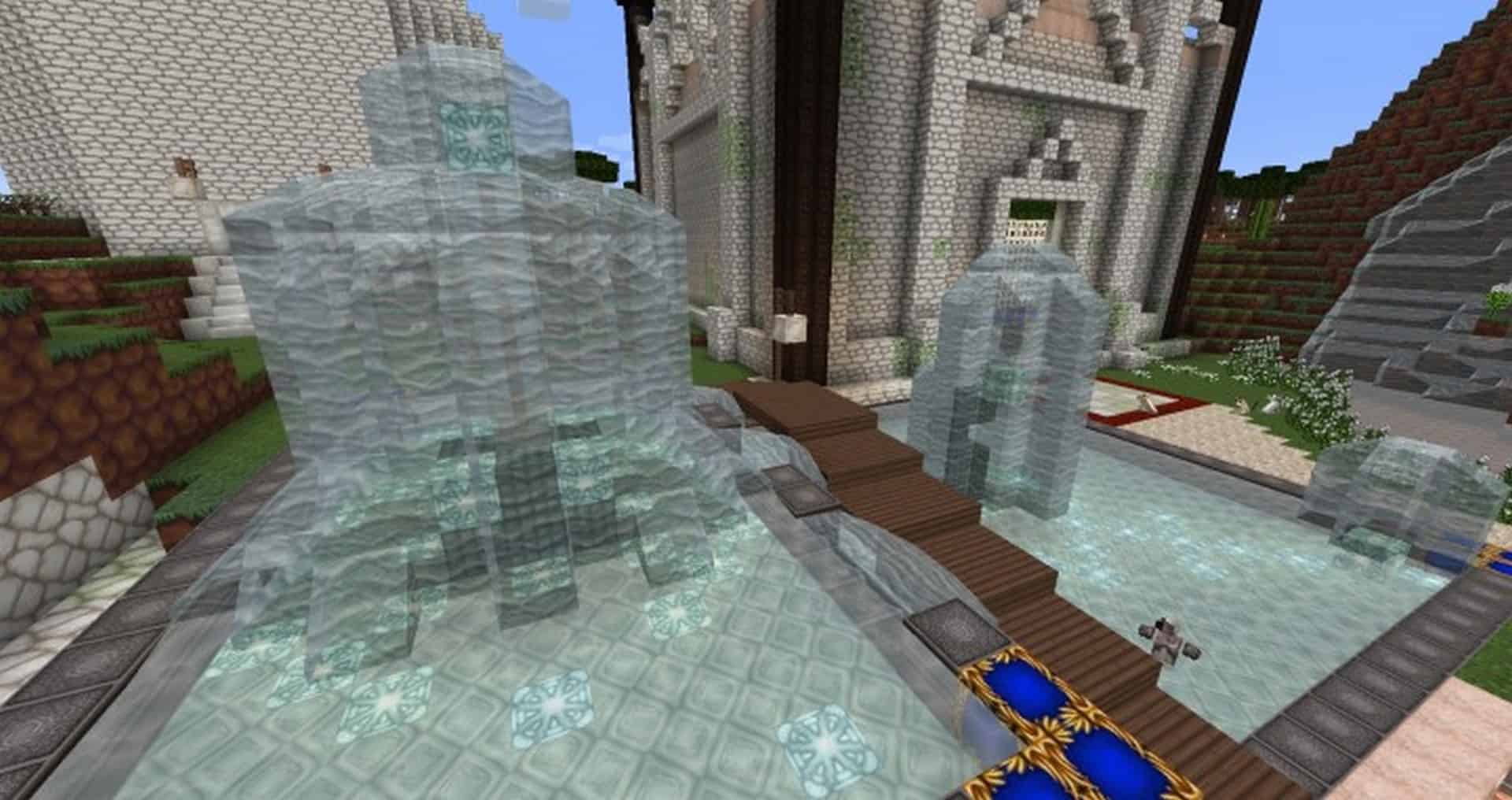
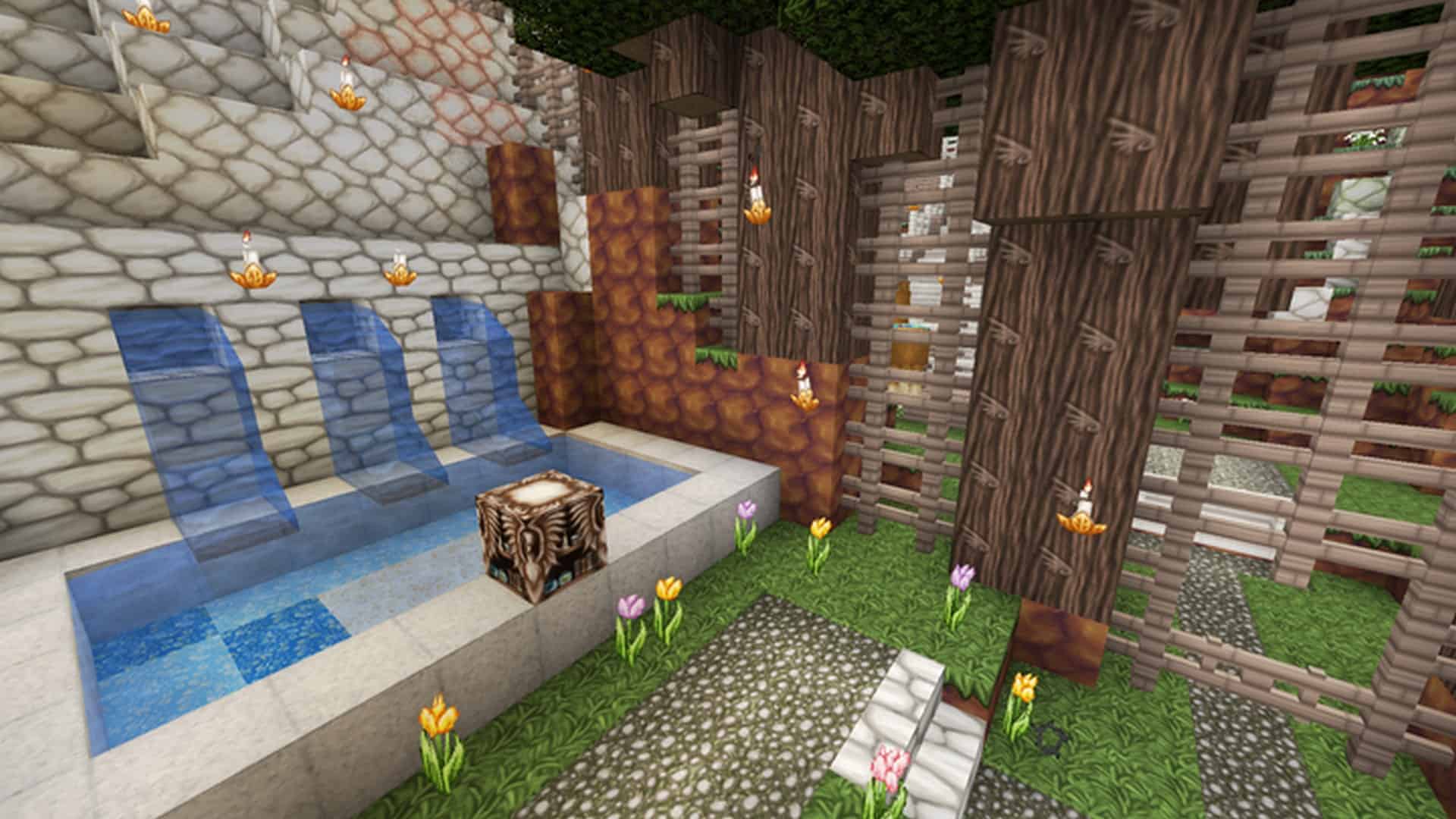
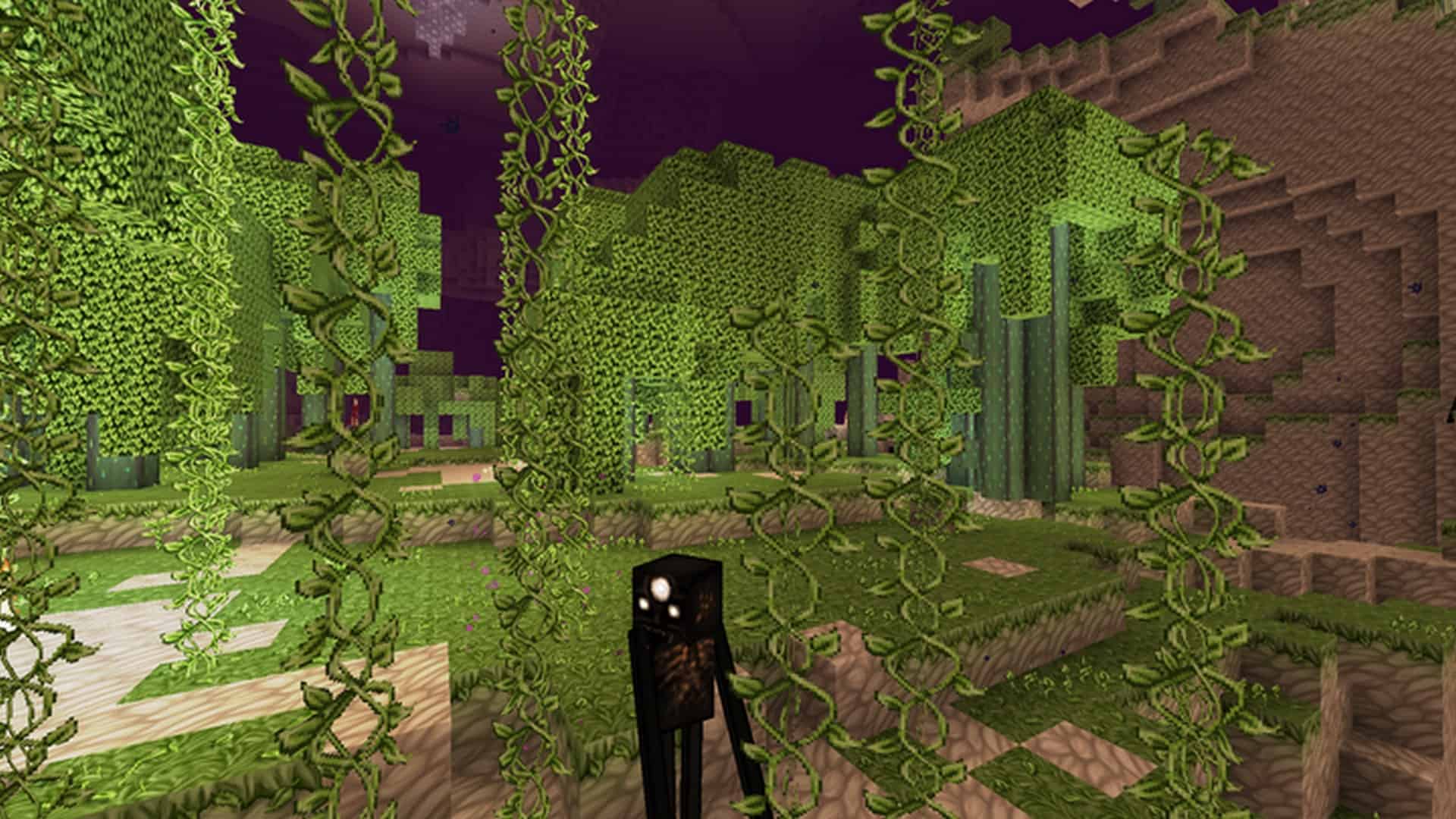
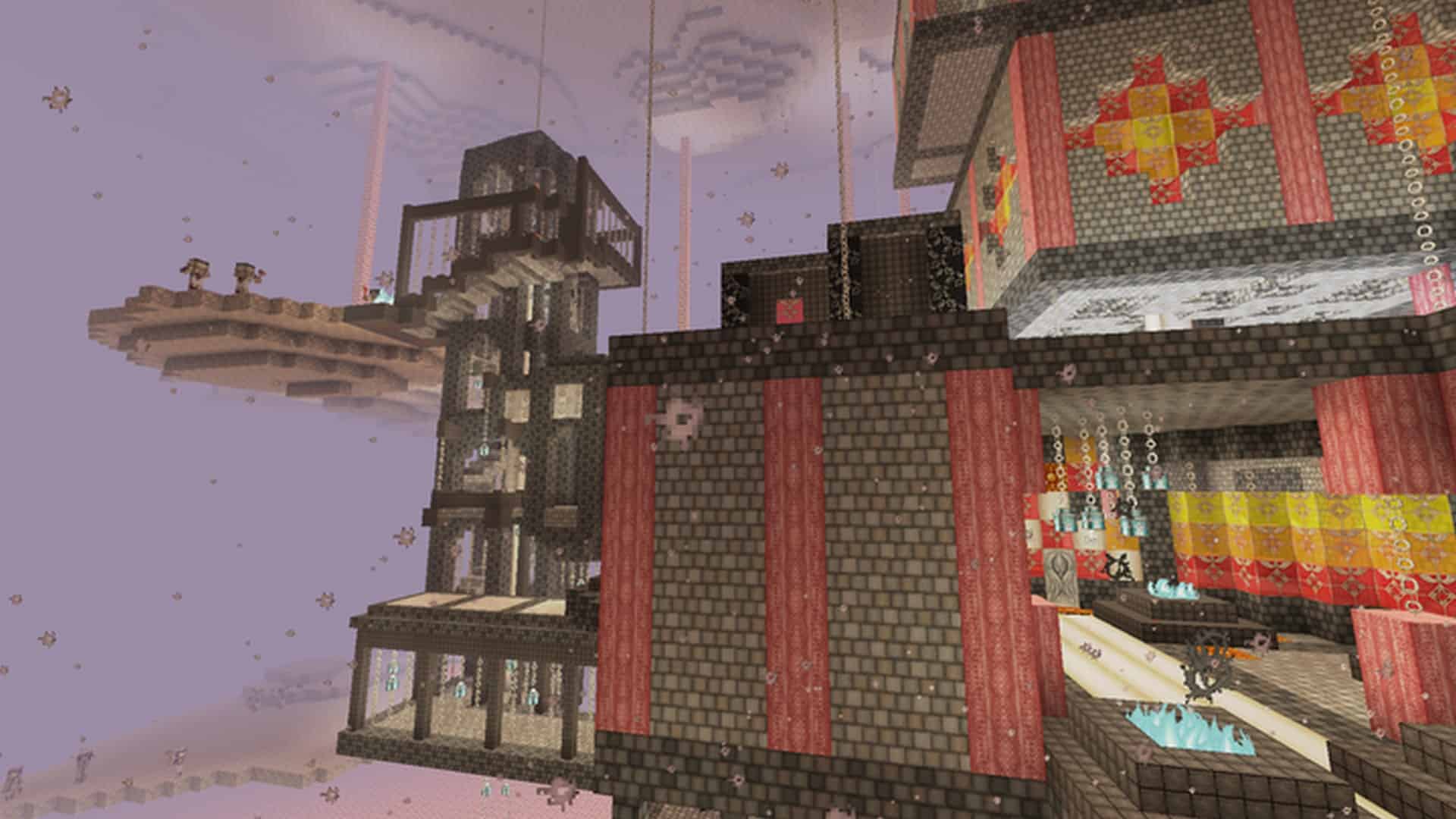
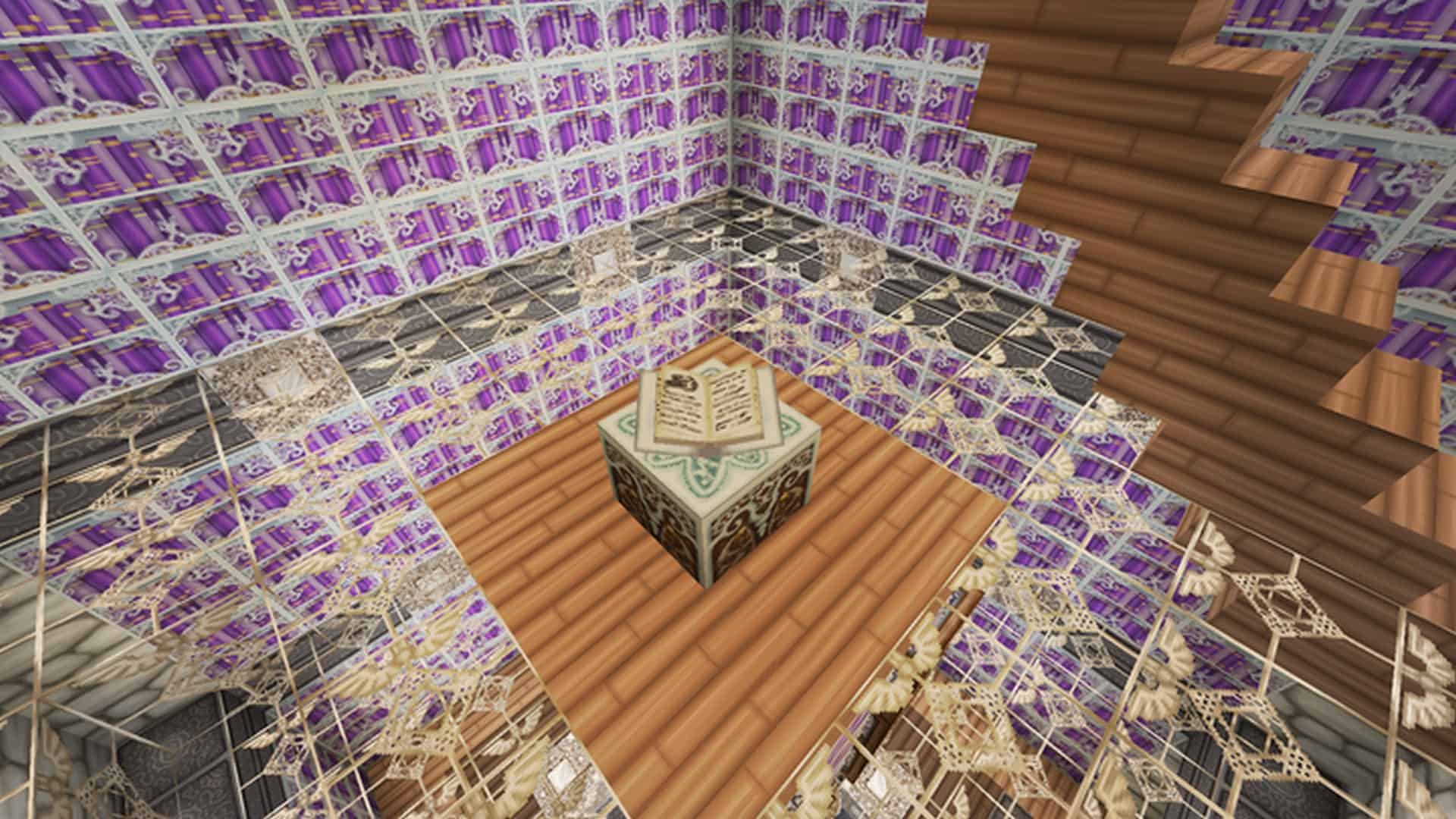
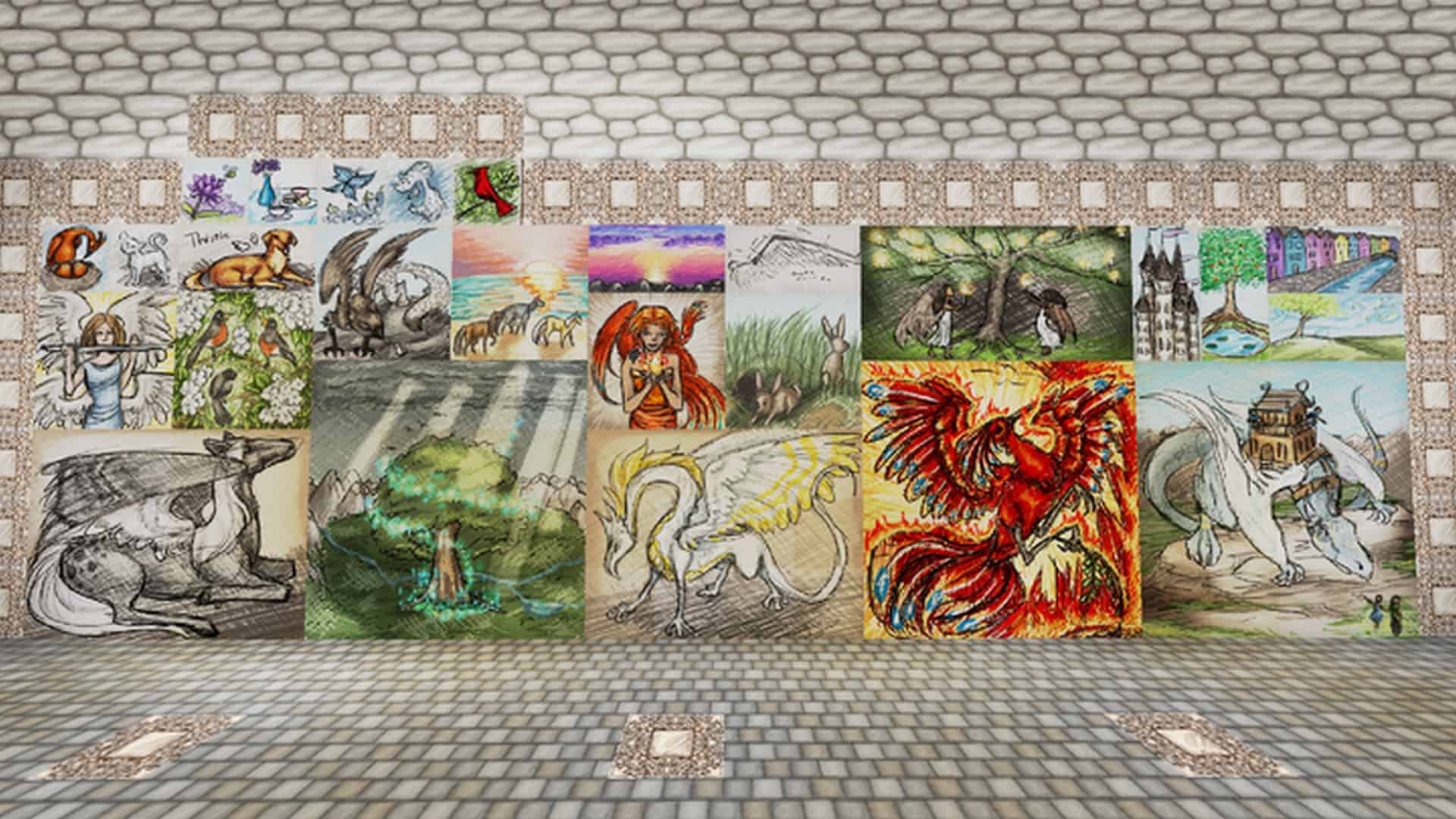
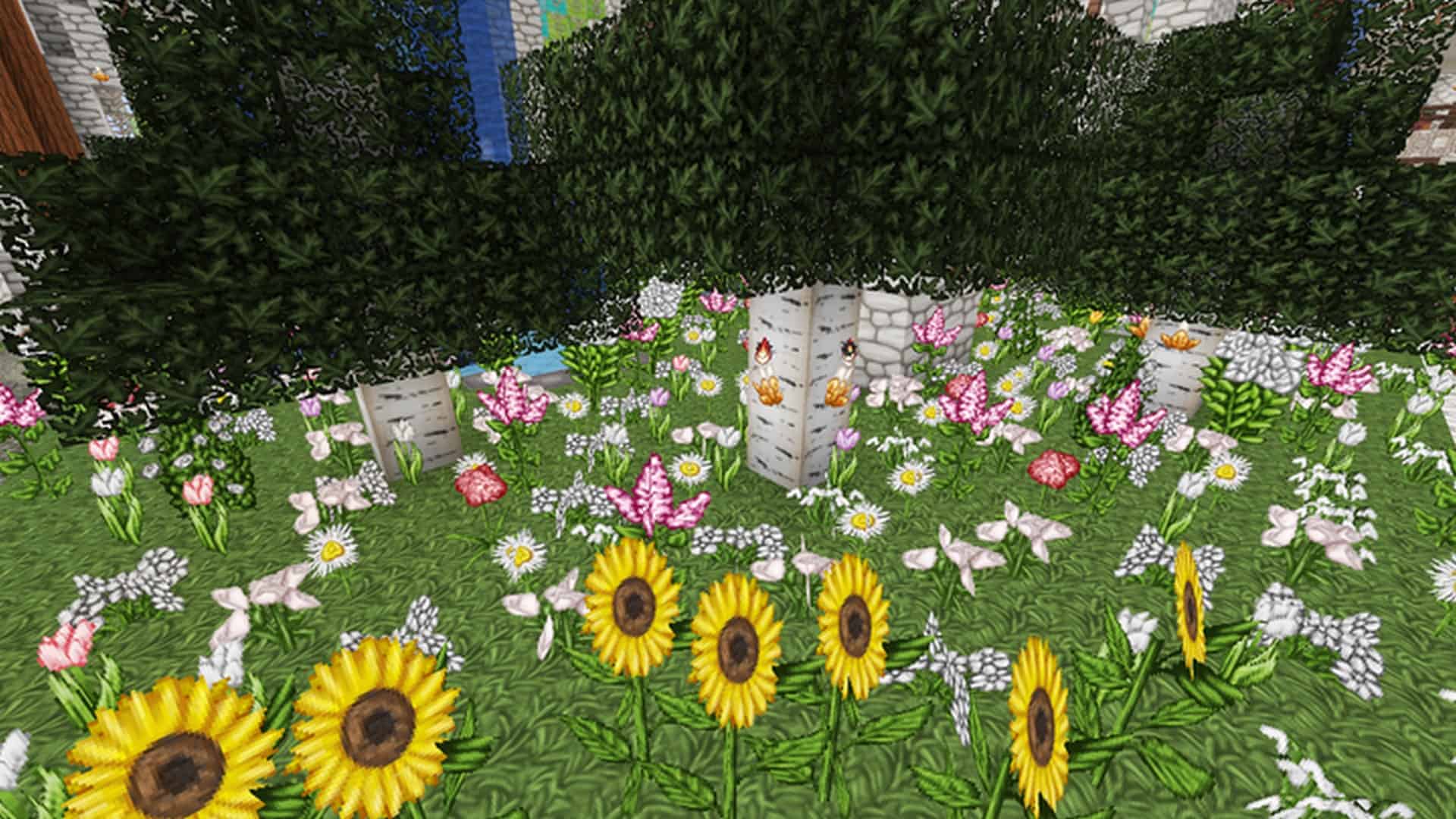
When you hear something described as heavenly, you naturally picture angel-like wings, sun-like features, or other empyreal elements, regardless of your personal beliefs. Once you step into the world using the Wolfhound Heavenly resource pack, you will truly grasp what that heavenly aesthetic means, and I must say, it performs wonderfully! Almost all of the default Minecraft textures are replaced with newer variations that feel distinctly brighter and lighter. Every single block in the Wolfhound Heavenly Resource Pack radiates an angelic atmosphere that makes your overall gameplay experience remarkably enjoyable and pleasant. Considering the grand scope of Wolfhound Heavenly, it feels like the absolute perfect realization of this theme!
No matter where you cast your eyes—whether you are looking at trees, dirt, grass, flowers, or a myriad of other blocks—everything in this texture set looks stunning and eye-catching. The enhanced level of detail is truly magnificent, an impressive feat achieved entirely through its gorgeous 64x resolution. However, the most majestic feature of this resource pack has to be the desert and sand. The pack completely bleaches the desert sand so that its endless tan-like seas take on the pristine appearance of virgin island beaches. Just by looking at the sand alone, you will not be surprised to see players designing entire desert maps or island builds specifically for Wolfhound Heavenly. It is genuinely that fantastic, honestly! Ultimately, as we noted before, this resource pack stands out as uniquely special because it introduces so many astonishingly crafted textures, transforming the default Minecraft world into something extraordinarily beautiful and bright.
Wolfhound Heavenly should be compatible with all of these Minecraft versions: 26.2 – 26.1.2 – 26.1.1 – 26.1 – 1.21.11 – 1.21.10 – 1.21.9 – 1.21.8 – 1.21.7 – 1.21.6 – 1.21.5 – 1.21.4 – 1.21.3 – 1.21.2 – 1.21.1 – 1.21 – 1.20.6 – 1.20.5 – 1.20.4 – 1.20.3 – 1.20.2 – 1.20.1 – 1.20 – 1.19.4 – 1.19.3 – 1.19.2 – 1.19.1 – 1.19 – 1.18.2 – 1.18.1 – 1.18 – 1.17.1 – 1.17 – 1.16.5 – 1.16.4 – 1.16.3 – 1.16.2 – 1.16.1 – 1.16 – 1.15.2 – 1.15.1 – 1.15 – 1.14.4 – 1.14.3 – 1.14.2 – 1.14 – 1.13.2 – 1.13.1 – 1.13 – 1.12.2 – 1.12 – 1.11.2 – 1.11 – 1.10.2 – 1.10 – 1.9.4 – 1.9 – 1.8.9 – 1.8.8 – 1.8.1 – 1.8.6 – 1.8
Screenshots




How to Install Texture Pack (Simple 10 Steps)
- Download OptiFine: Most of the texture packs and shaders need OptiFine. That’s why, first download and install OptiFine for the version of Minecraft you want to play.
- Download the Texture Pack: Get the texture pack you want from the download section. Choose the version that works with your Minecraft and your PC’s performance.
- Open Minecraft Launcher: Start Minecraft using the official game launcher — or even TLauncher, if you use that.
- Go to Options: From the main menu, click on the “Options” button.
- Open Resource Packs: Inside Options, click on “Resource Packs…”.
- Open the Resource Pack Folder: Click on “Open Resource Pack Folder” — this will open a folder named “resourcepacks”.
- Move the Pack File: Copy or move the .zip file you downloaded into that “resourcepacks” folder. (Don’t unzip the file — Minecraft uses it as-is!)
- Go Back and Refresh: Close the folder and click “Done”, then go back into “Resource Packs…” again.
- Activate the Pack: You’ll see the pack on the left side. Hover over it and click the arrow to move it to the right (active side).
Tip: If you get a message that the pack is for a different version, just click “Yes” — it usually works fine. - Click Done and Enjoy: Click “Done” again. Now your pack is ready to use in-game. It’s that easy!
Credits
This resource pack was created by ThistlePack. We do not claim ownership of this content, and we do not modify the original files. All rights belong to the original creator. We highly encourage you to support the creator by visiting their official download pages and following their work.
Download Links
Java Edition
- [64x] Minecraft 26.2.x – 26.1.x
- [64x] Minecraft 1.21.x – 1.20.2
- [64x] Minecraft 1.20.1 – 1.20
- [64x] Minecraft 1.19.x – 1.18.x
- [64x] Minecraft 1.17.x
- [64x] Minecraft 1.16.x
- [64x] Minecraft 1.15.x
- [64x] Minecraft 1.14.x
- [64x] Minecraft 1.13.x
- [64x] Minecraft 1.12.x
- [64x] Minecraft 1.11.x
- [64x] Minecraft 1.10.x – 1.9.x
- [64x] Minecraft 1.8.x
Download Instructions
Curseforge: download starts automatically after a few seconds;
Mediafire: click the big blue button with the text “DOWNLOAD”;
Google Drive: in the top right corner you will see a small download icon (down arrow), click it and the download should start;