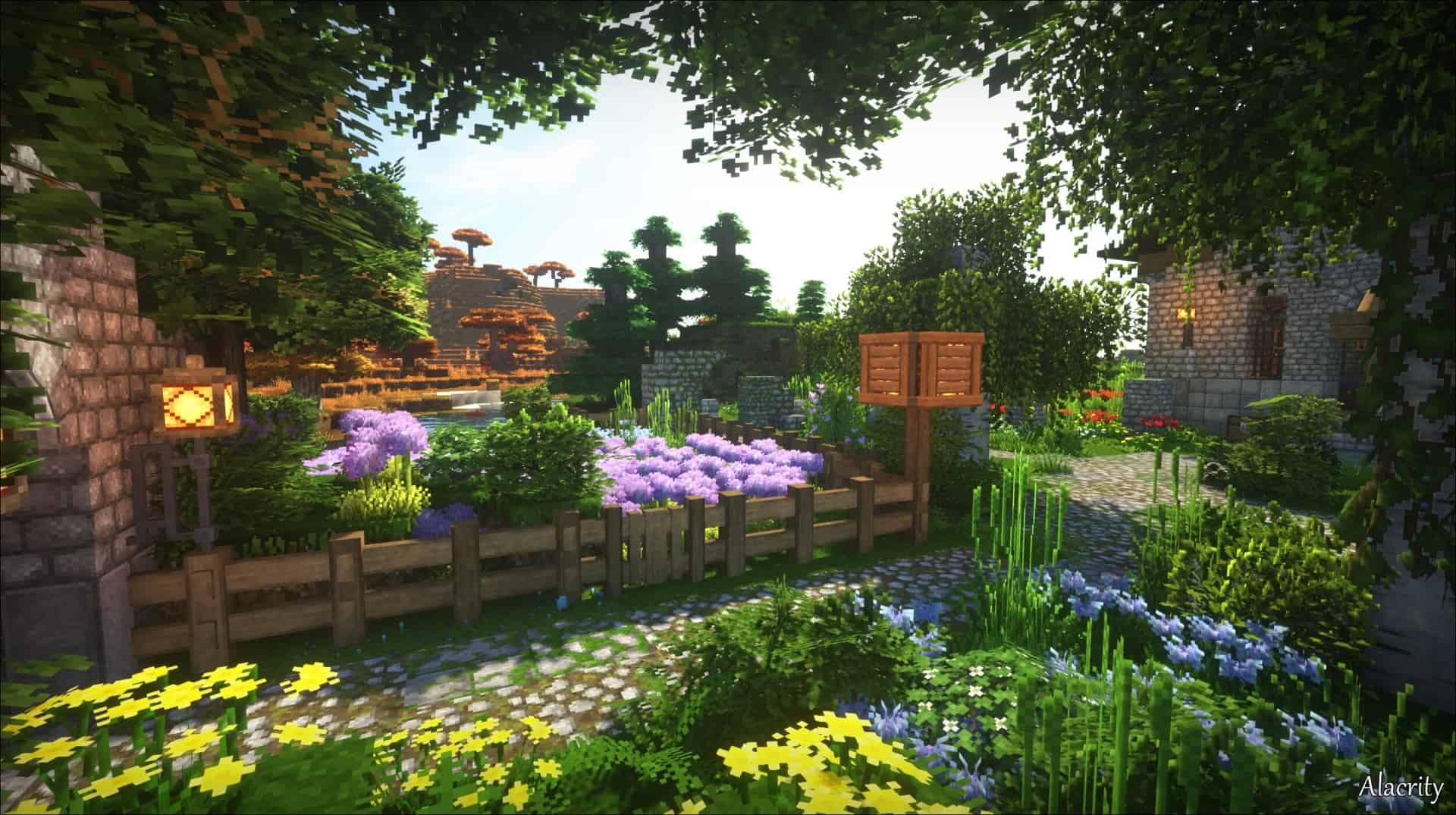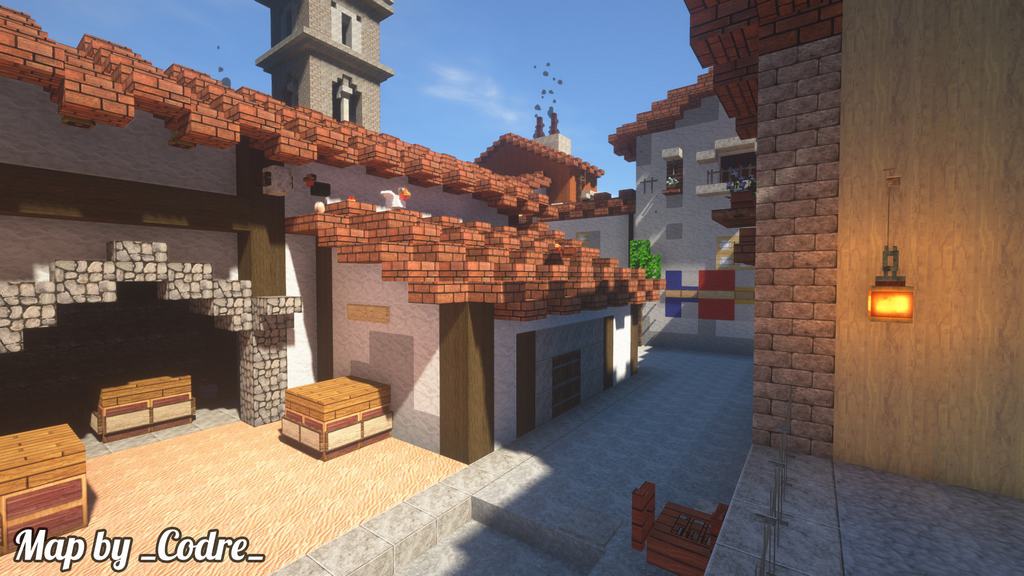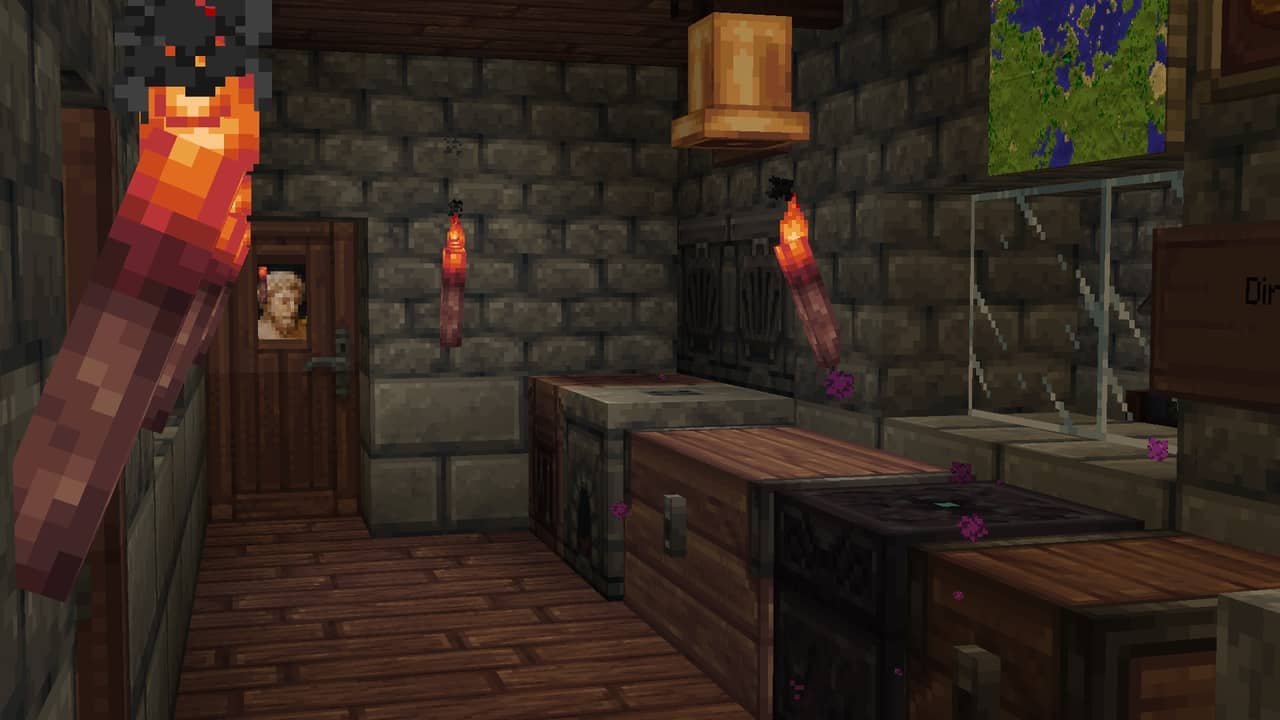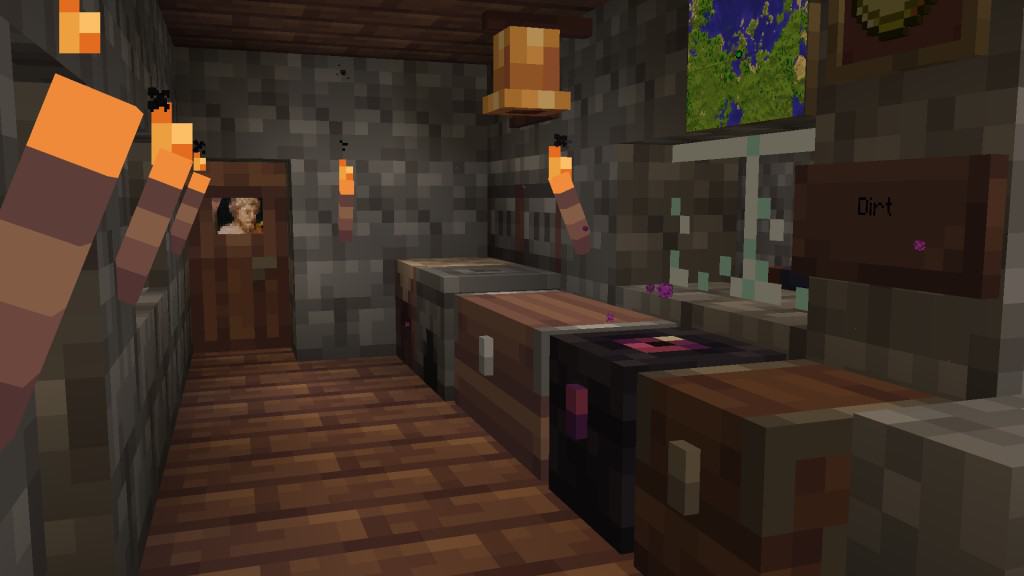
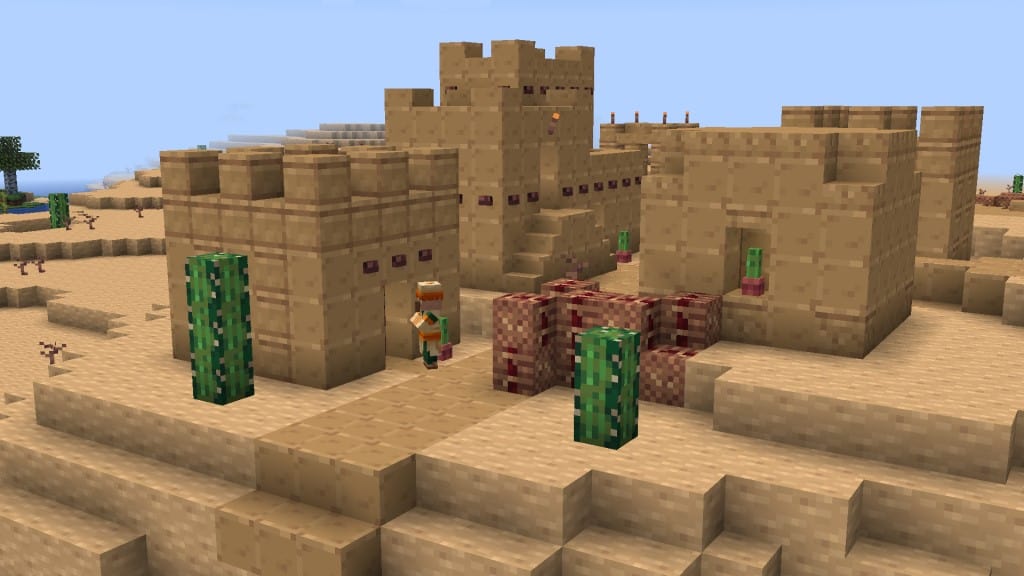
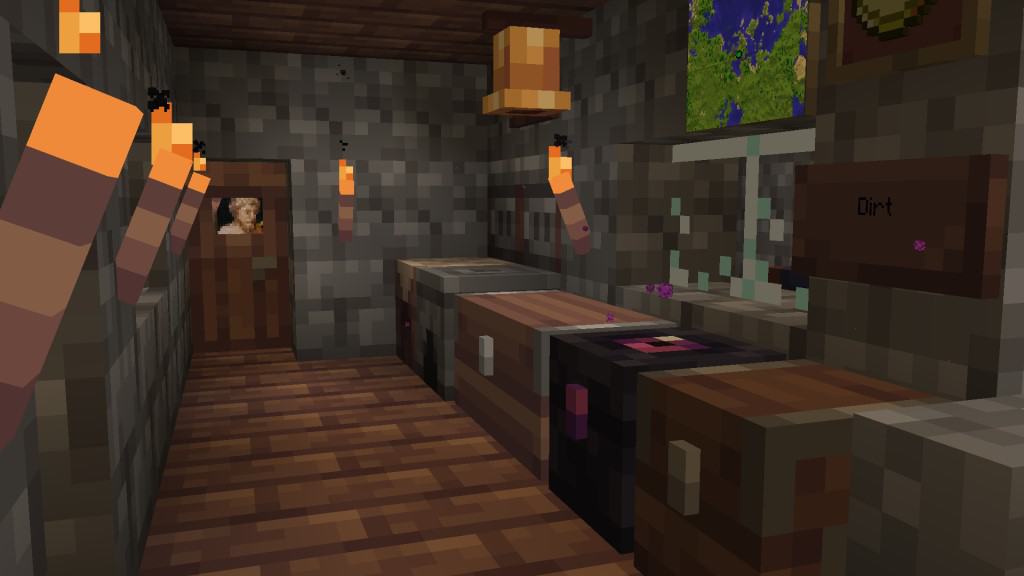
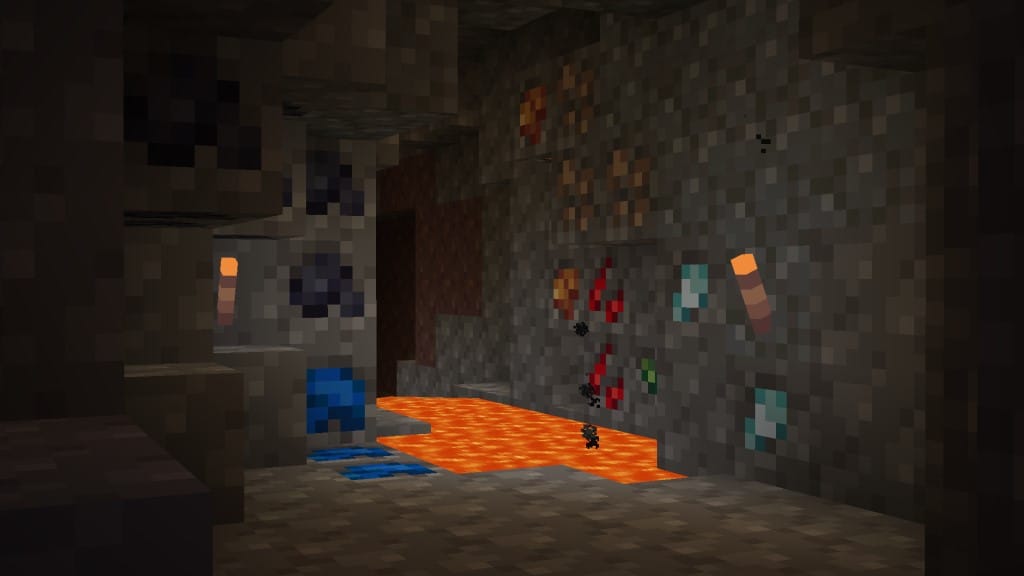
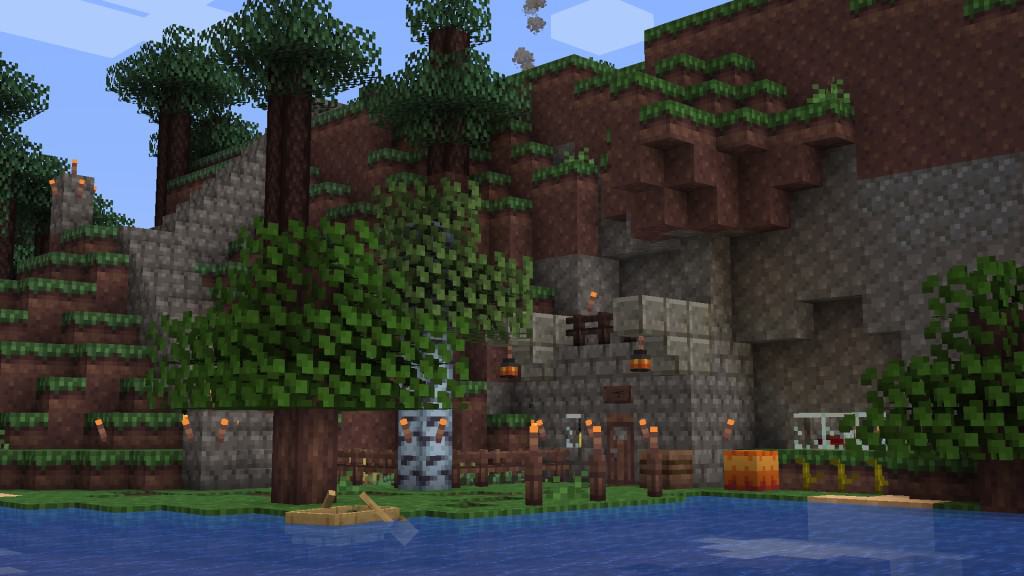
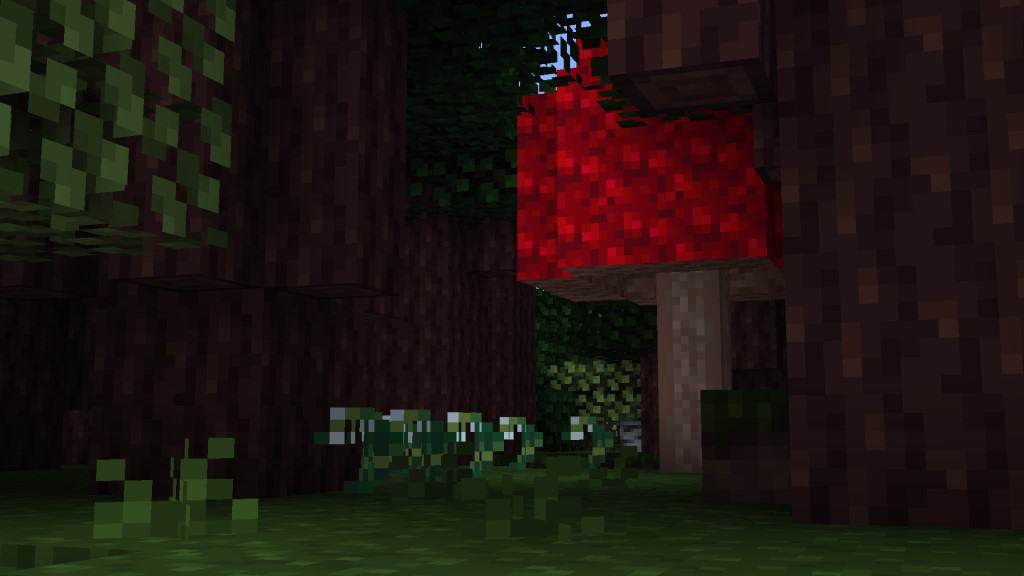
The Perch resource pack is an absolute blast and a wonderful alternative for anyone wanting to experience something totally fresh away from vanilla Minecraft, leaning heavily into a classic 8-bit aesthetic. I love that not everyone wants or can comfortably play using a high-resolution resource pack, as many players naturally run into severe performance issues when trying anything above the standard 16x resolution. Others might simply dislike turning Minecraft into something completely foreign by using ultra-high-resolution textures. What the Perch texture pack brilliantly accomplishes is introducing charming RPG-themed visuals in a crisp 8x resolution that heavily reminds me of old-school arcade games. The Perch! was originally released in late 2020 by a talented community member with extensive experience in crafting high-resolution resource packs. It proudly stands as the very first 8x resource pack developed by J. Bergelin, and thanks to its incredible success, he continuously pushes out regular, high-quality updates. So many aspects of the game have been vastly improved visually; while the texture resolution has been cleverly decreased, every single object and block remains remarkably distinguishable. Tons of hard work has been poured into trees, flowers, ores, bookshelves, paintings, mobs, swords, bows, crops, and genuinely almost everything inside Minecraft. Even the tree leaves have been wonderfully redone to appear much more blocky. The developer firmly claims that practically all textures in the resource pack have been faithfully updated. Beyond the massive undertaking of downscaling existing textures, the colors have also been vastly improved, making the world feel far less dull and gray, and noticeably more vibrant and colorful. The lighting feels exceptionally better too, ensuring that all textures look remarkably sharp despite the compact 8x resolution.
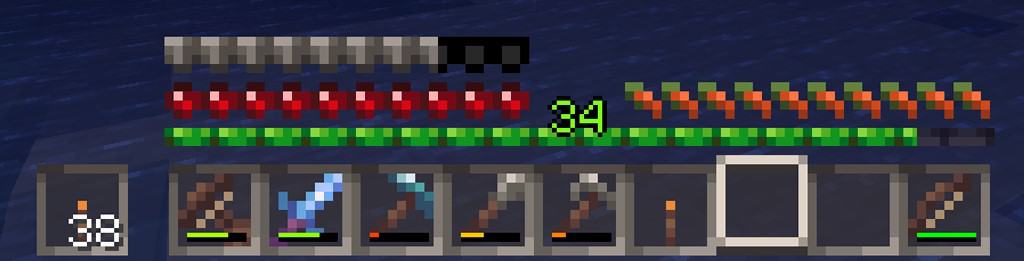
I really enjoy how certain visual effects and animations were thoughtfully enhanced to seamlessly match the rest of the changes introduced in the Perch! resource pack. Even though all these wonderful changes and improvements cover most aspects of the game, the pack wonderfully maintains a strong focus on minimalism. The textures are delightfully simple, bright, and easy to tell apart at a glance. The user interface and menus have also been expertly overhauled to reflect the unique style of the resource pack. In Perch!, the items found in the HUD, menus, and inventory screens have been downscaled to appear much more blocky, staying delightfully true to how they would look in a timeless 8-bit adventure. Despite the lower resolution icons, everything remains totally clear and distinguishable. Even though it launched as a tiny RPG resource pack, I found it to be surprisingly fantastic for PVP players; the lower resolution directly translates into smoother frame rates and noticeably improved overall performance. The Perch! resource pack regularly receives wonderful updates, and J. Bergelin even created a dedicated Discord community to actively gather constructive feedback from players and collect exciting suggestions for future updates. With every single release, the resource pack gets closer and closer to completely overhauling every single in-game asset into a gorgeous 8x resolution style. Since vanilla Minecraft defaults to a 16x resolution, Perch! can wonderfully boost game performance on older systems, making it a fantastic lifesaver for anyone currently struggling to run vanilla Minecraft smoothly. At the same time, the wonderfully low-resolution textures keep the pack exceptionally compact in terms of overall file size. Just like most other resource packs, Perch! is wonderfully straightforward and easy to install.
Perch! should be compatible with all of these Minecraft versions: 1.19.1 – 1.19 – 1.18.2 – 1.18.1 – 1.18 – 1.17.1 – 1.17 – 1.16.5 – 1.16.4 – 1.16.3 – 1.16.2 – 1.16.1 – 1.16 – 1.15.2 – 1.15.1 – 1.15
Screenshots

How to Install Texture Pack (Simple 10 Steps)
- Download OptiFine: Most of the texture packs and shaders need OptiFine. That’s why, first download and install OptiFine for the version of Minecraft you want to play.
- Download the Texture Pack: Get the texture pack you want from the download section. Choose the version that works with your Minecraft and your PC’s performance.
- Open Minecraft Launcher: Start Minecraft using the official game launcher — or even TLauncher, if you use that.
- Go to Options: From the main menu, click on the “Options” button.
- Open Resource Packs: Inside Options, click on “Resource Packs…”.
- Open the Resource Pack Folder: Click on “Open Resource Pack Folder” — this will open a folder named “resourcepacks”.
- Move the Pack File: Copy or move the .zip file you downloaded into that “resourcepacks” folder. (Don’t unzip the file — Minecraft uses it as-is!)
- Go Back and Refresh: Close the folder and click “Done”, then go back into “Resource Packs…” again.
- Activate the Pack: You’ll see the pack on the left side. Hover over it and click the arrow to move it to the right (active side).
Tip: If you get a message that the pack is for a different version, just click “Yes” — it usually works fine. - Click Done and Enjoy: Click “Done” again. Now your pack is ready to use in-game. It’s that easy!
Credits
Credits for the creation of the Perch resource pack belong entirely to FishyMint and J. Bergelin. We do not own, host, or claim any rights to this modification, nor do we alter the original files in any way. All credit, appreciation, and support should be directed to the original creator for their hard work and dedication to the Minecraft community.
Download Links
Java Edition
Download Instructions
Curseforge: download starts automatically after a few seconds;
Mediafire: click the big blue button with the text “DOWNLOAD”;
Google Drive: in the top right corner you will see a small download icon (down arrow), click it and the download should start;