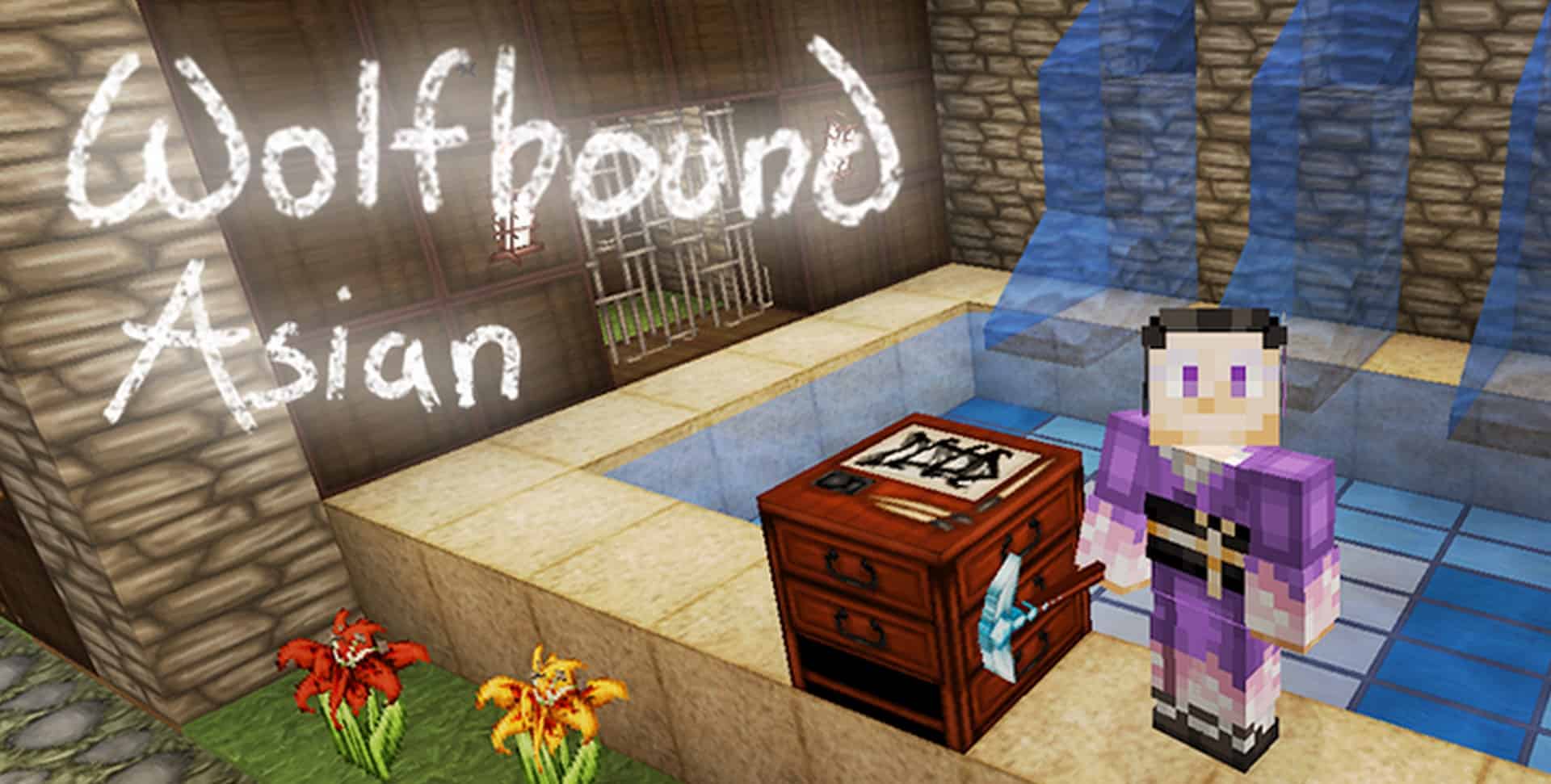
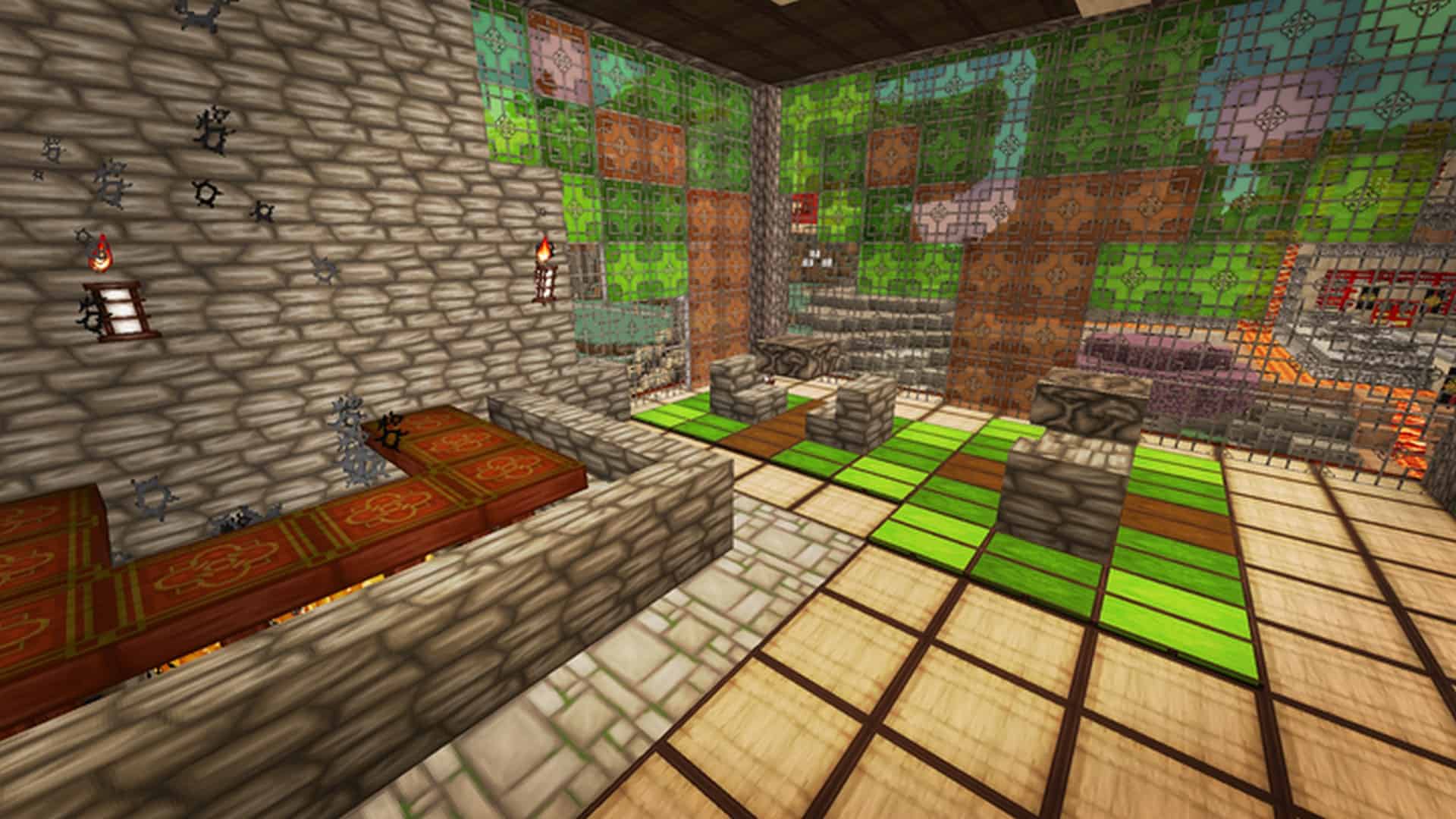
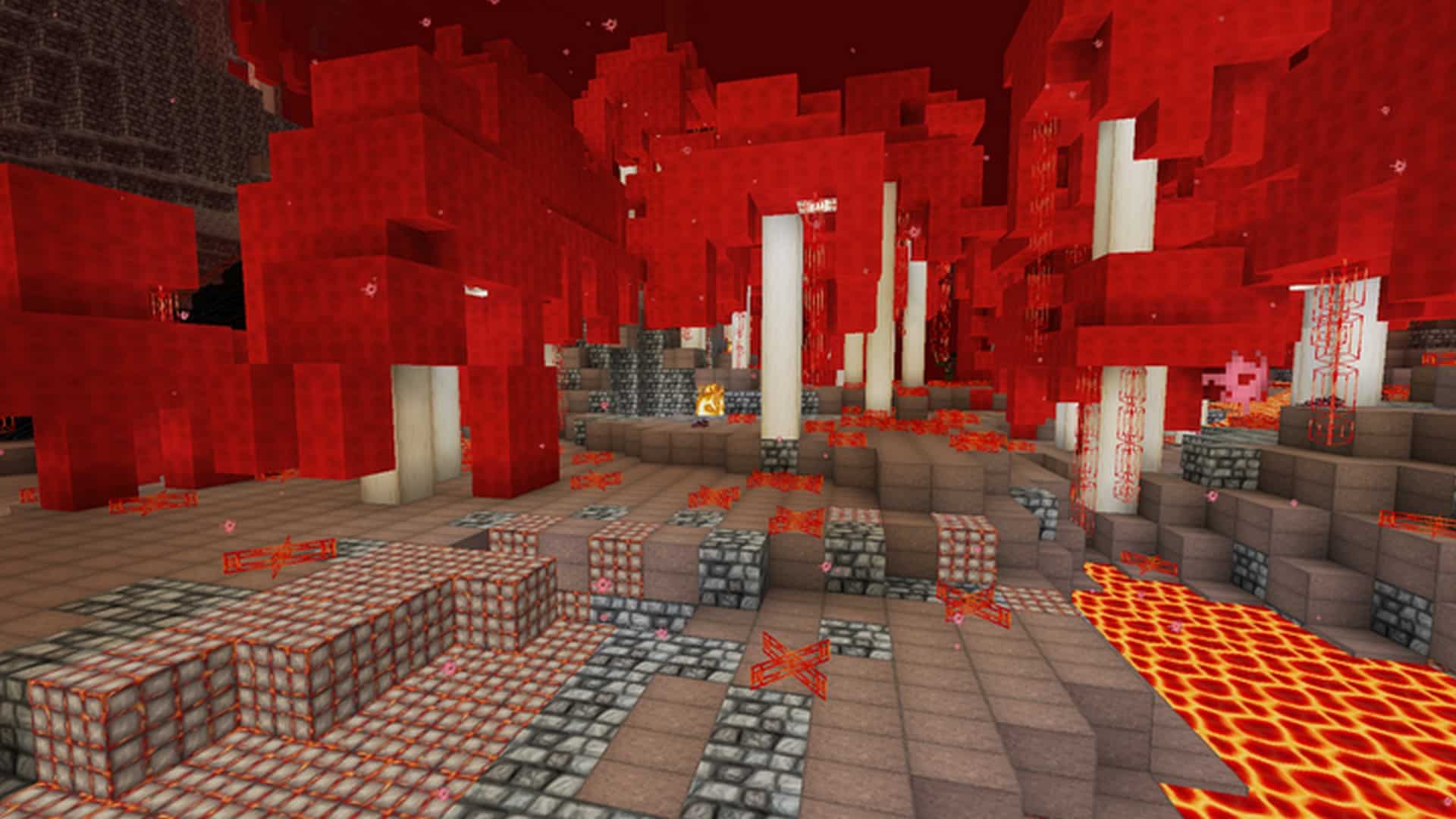
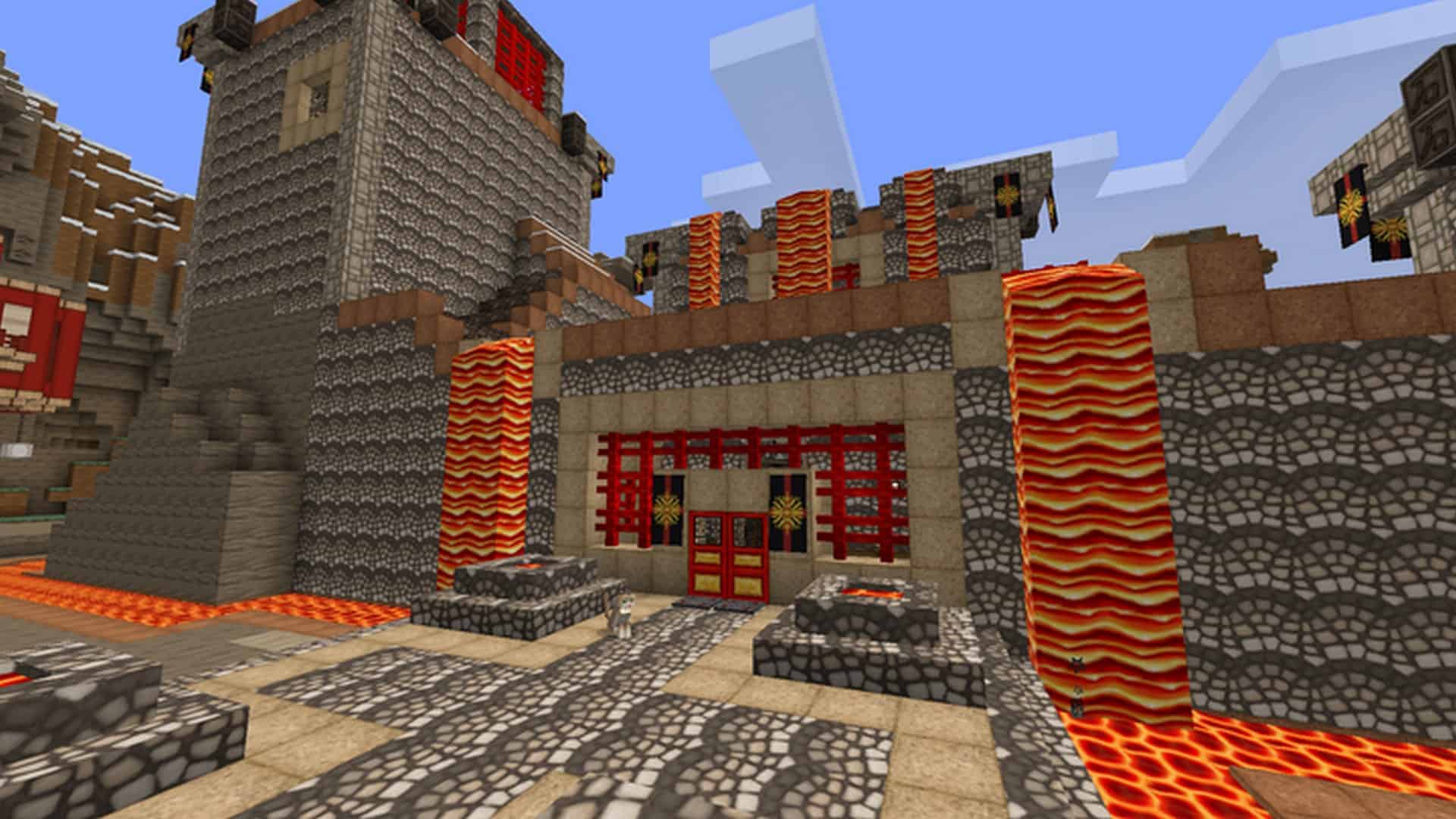
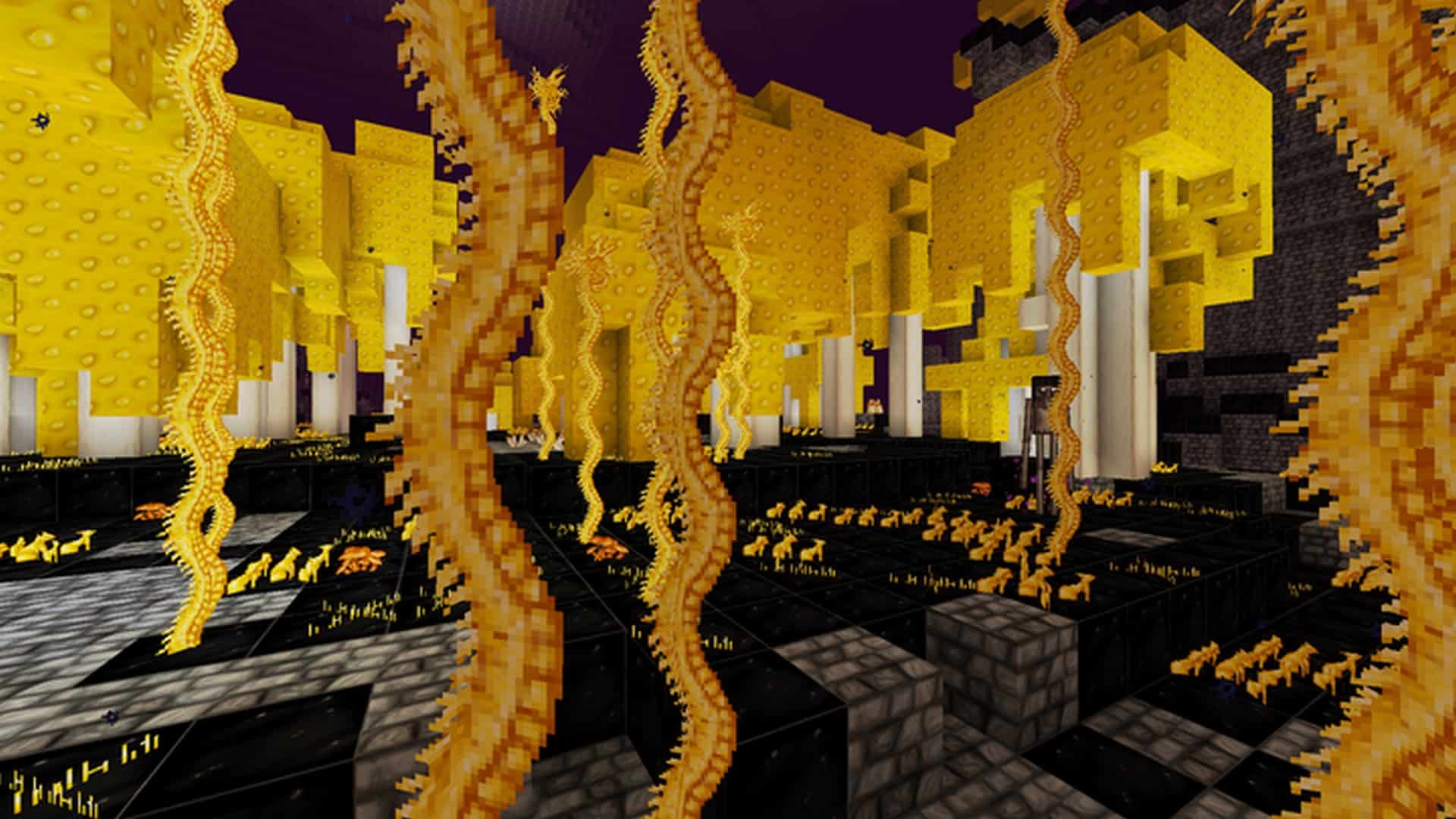
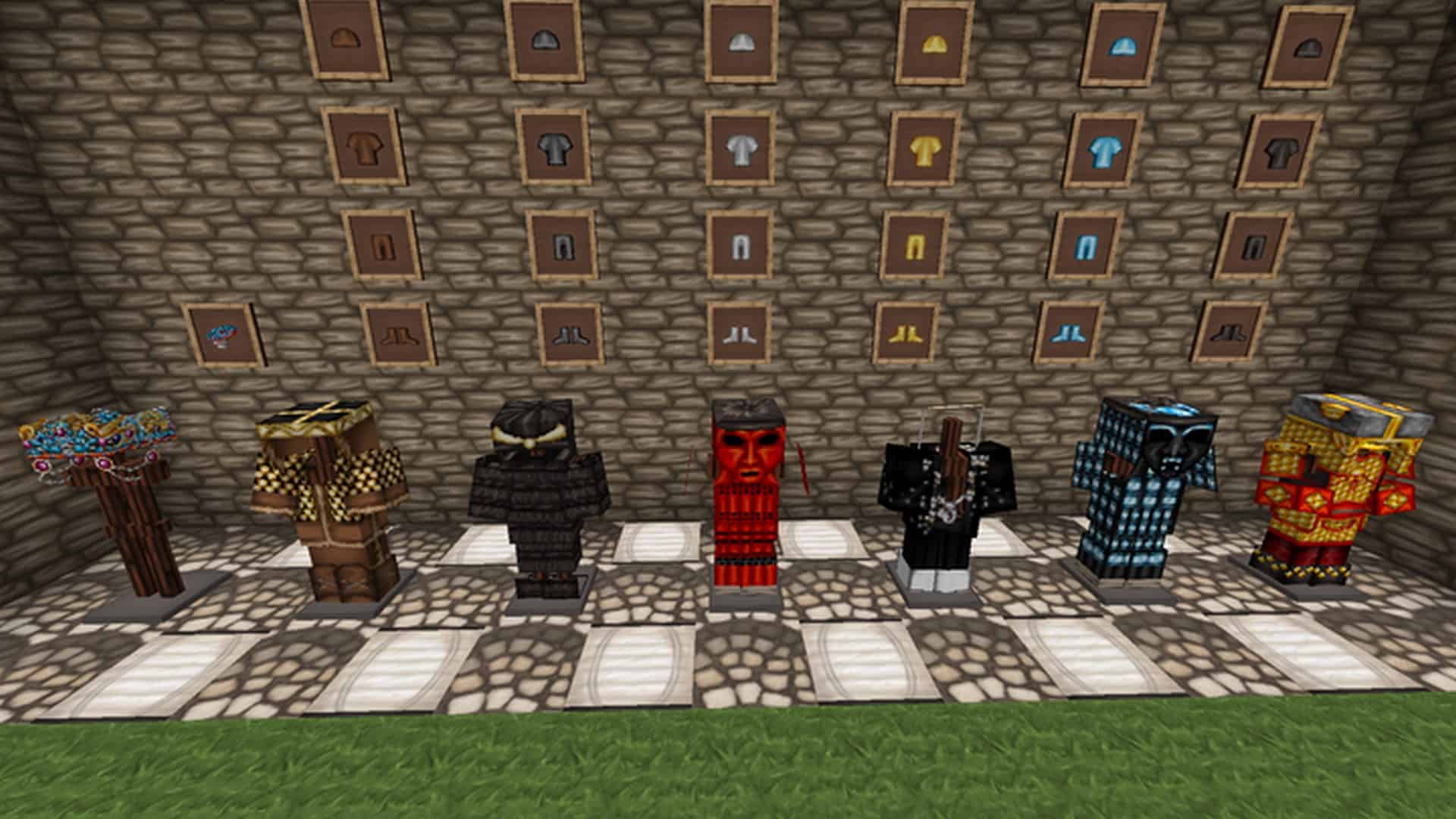
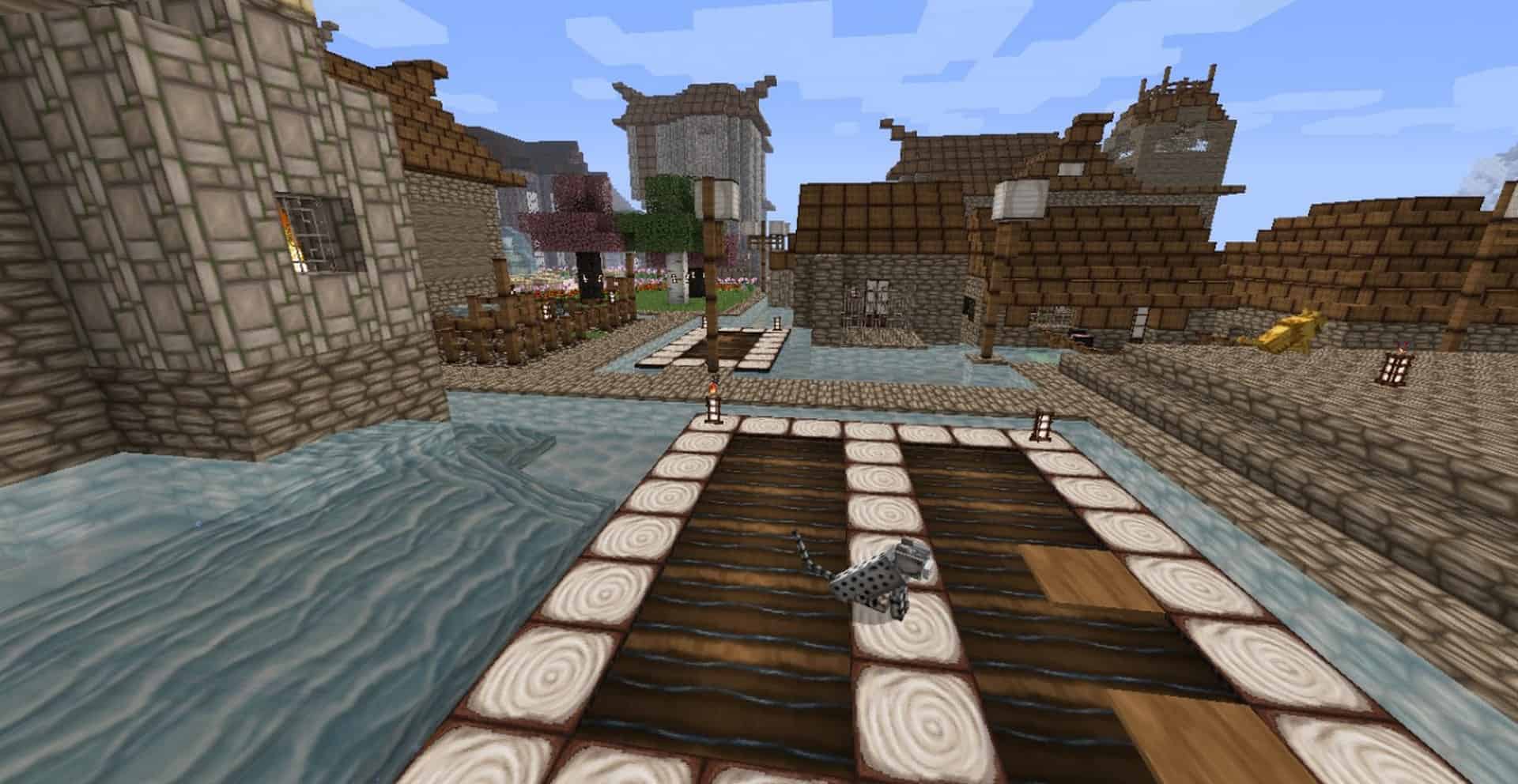
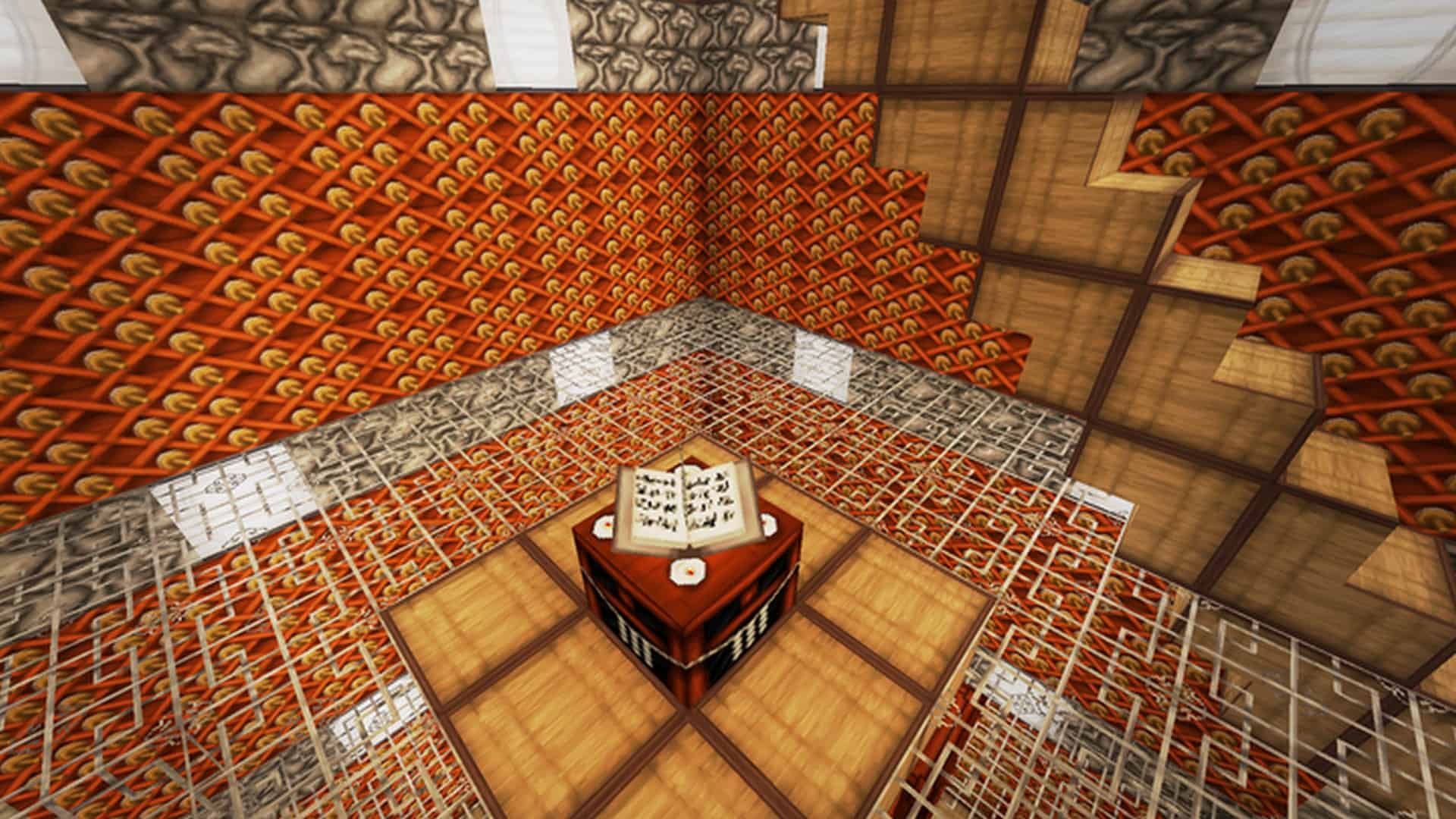
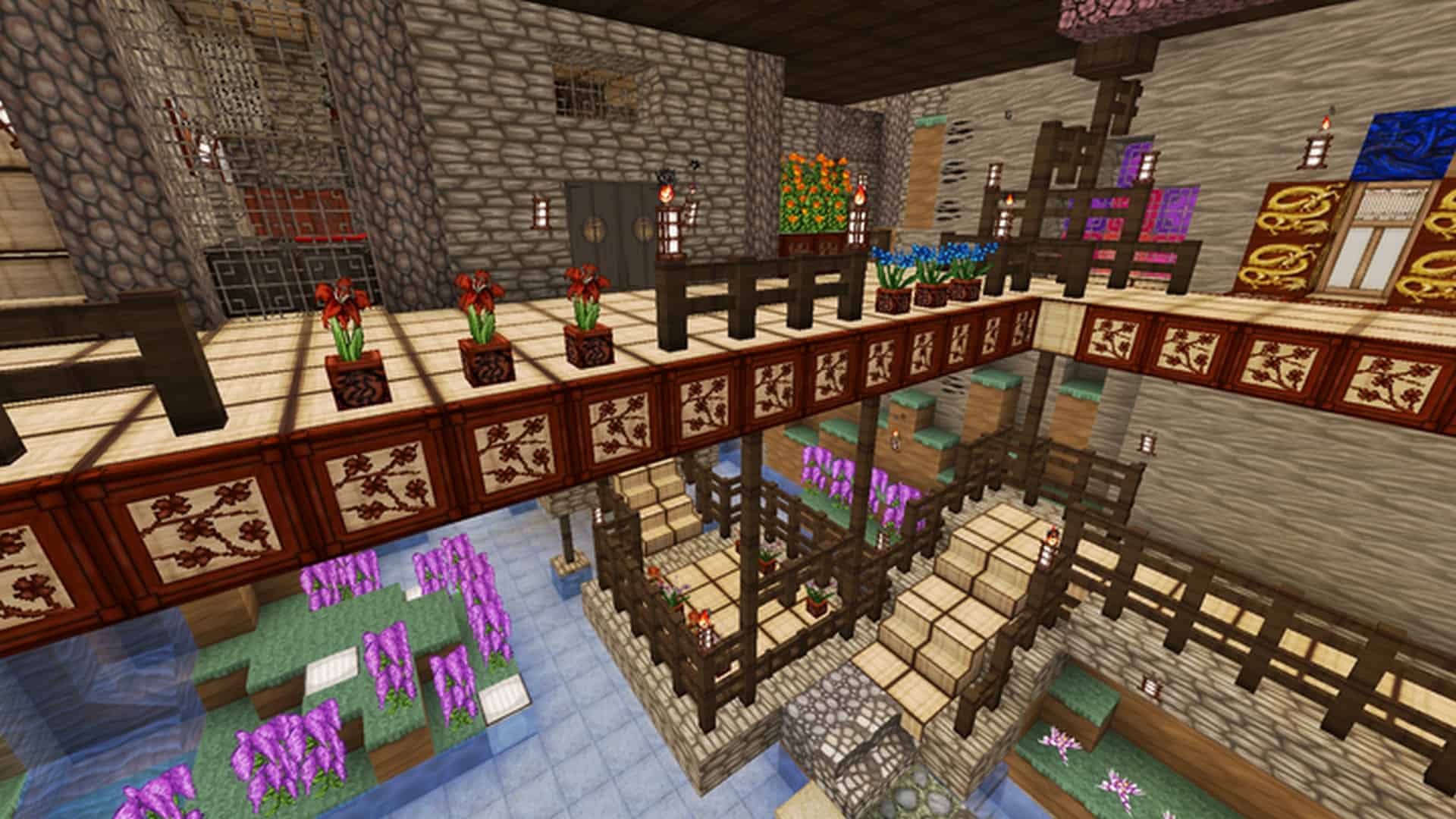
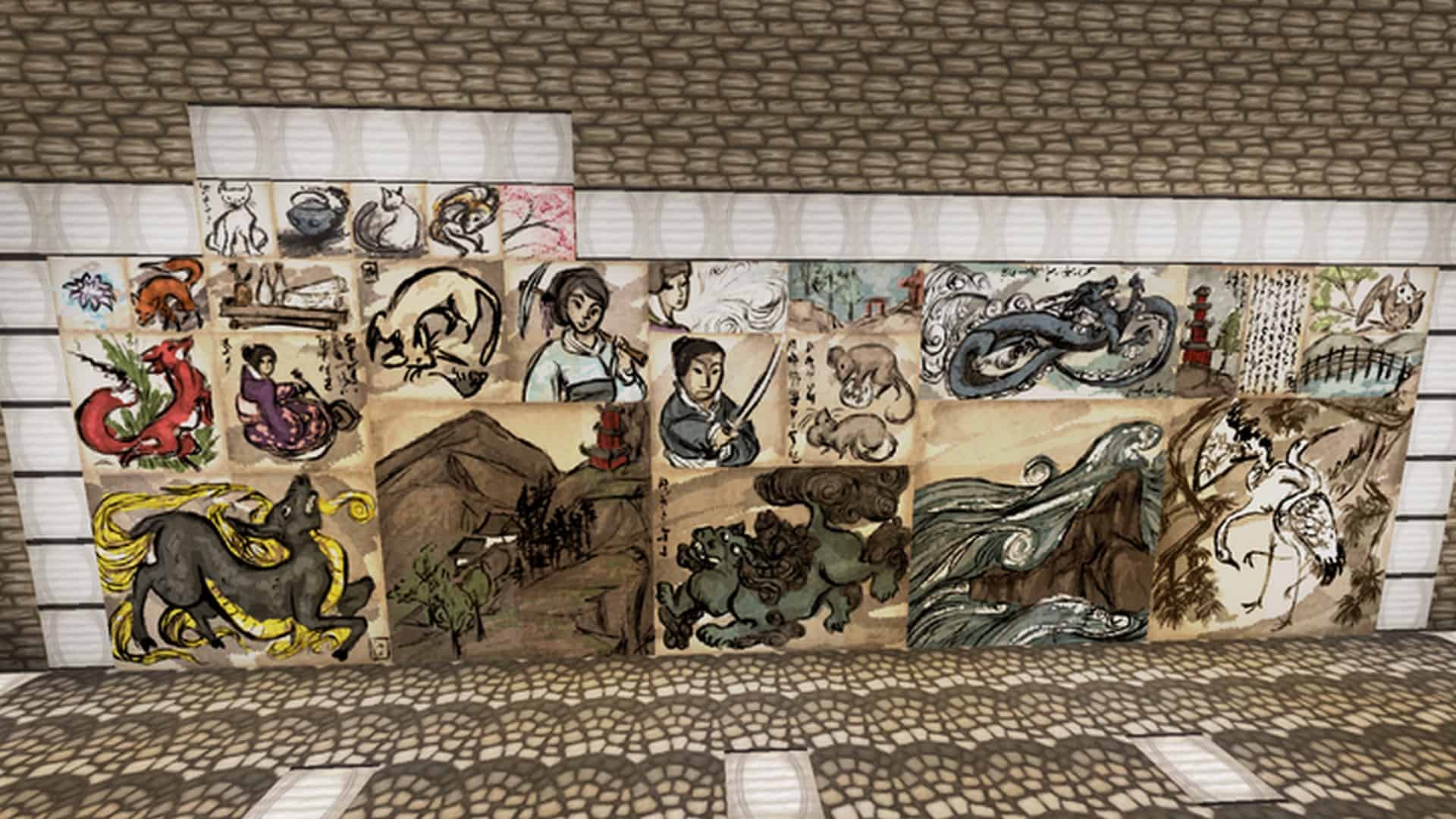
ThistlePack has designed the Wolfhound Asian resource pack, which is an incredible part of the fantastic Wolfhound series. The developer has truly ensured to craft each resource pack in the series to give them a uniquely stunning appearance. If you happen to be searching for a texture pack that provides a rich cultural feel, this pack features an oriental theme that will make your gameplay so much more enjoyable. Beyond what you typically get in standard resource packs designed for Minecraft, the Wolfhound Asian Resource Pack adds plenty of talking points, especially with its immersive oriental theme. One of the standout areas where the developers have paid particular attention is its cultural detailing that goes well above the ordinary. Just like other resource packs in the series, Wolfhound Asian comes in a 64×64 resolution that displays wonderfully crispy visuals. The oriental theme comes alive with high detailing in textures, solid artwork, and an excellent color combination. The absolute best part to talk about with this resource pack is its sheer uniqueness. It provides a memorable and altogether different experience that no other resource pack in this league can quite provide. You will find that the Wolfhound Asian resource pack is a wonderfully well-maintained set of textures that are quite impressive.
We say so because we consistently get regular updates on this resource pack, even after three long years since its initial introduction to the market. It has comfortably touched the milestone of ten thousand downloads so far. If we compare this download count with other resource packs, the figure might seem relatively low, but many resource packs are unfortunately not even able to reach this level. In that regard, you can definitely say that these numbers are quite impressive. We also want to highlight that this resource pack has officially completed its development phase and is now considered a 100% finished resource pack. It is not like many other resource packs that tend to stay stuck in development and remain under 50% completion levels for many years. As mentioned earlier, the Wolfhound Asian resource pack comes in a high 64x resolution. Such a high resolution implies that the textures boast remarkable quality with signature detailing and crispiness, making everything appear extremely sharp. However, this does bring the associated challenges of high resolution on low configuration systems, where players might occasionally face difficulties regarding frame rates and lagging. Luckily, the developers have put in great work to optimize the resource pack to help solve such issues. But despite their absolute best efforts, you may still encounter minor hiccups on low-end systems due to its demanding high resolution.
Wolfhound Asian should be compatible with all of these Minecraft versions: 1.21.10 – 1.21.9 – 1.21.8 – 1.21.7 – 1.21.6 – 1.21.5 – 1.21.4 – 1.21.3 – 1.21.2 – 1.21.1 – 1.21 – 1.20.6 – 1.20.5 – 1.20.4 – 1.20.3 – 1.20.2 – 1.20.1 – 1.20 – 1.19.4 – 1.19.3 – 1.19.2 – 1.19.1 – 1.19 – 1.18.2 – 1.18.1 – 1.18 – 1.17.1 – 1.17 – 1.16.5 – 1.16.4 – 1.16.3 – 1.16.2 – 1.16.1 – 1.16 – 1.15.2 – 1.15.1 – 1.15 – 1.14.4 – 1.14.3 – 1.14.2 – 1.14 – 1.13.2 – 1.13.1 – 1.13 – 1.12.2 – 1.12 – 1.11.2 – 1.11 – 1.10.2 – 1.10 – 1.9.4 – 1.9 – 1.8.9 – 1.8.8 – 1.8.1 – 1.8.6 – 1.8
Screenshots


How to Install Texture Pack (Simple 10 Steps)
- Download OptiFine: Most of the texture packs and shaders need OptiFine. That’s why, first download and install OptiFine for the version of Minecraft you want to play.
- Download the Texture Pack: Get the texture pack you want from the download section. Choose the version that works with your Minecraft and your PC’s performance.
- Open Minecraft Launcher: Start Minecraft using the official game launcher — or even TLauncher, if you use that.
- Go to Options: From the main menu, click on the “Options” button.
- Open Resource Packs: Inside Options, click on “Resource Packs…”.
- Open the Resource Pack Folder: Click on “Open Resource Pack Folder” — this will open a folder named “resourcepacks”.
- Move the Pack File: Copy or move the .zip file you downloaded into that “resourcepacks” folder. (Don’t unzip the file — Minecraft uses it as-is!)
- Go Back and Refresh: Close the folder and click “Done”, then go back into “Resource Packs…” again.
- Activate the Pack: You’ll see the pack on the left side. Hover over it and click the arrow to move it to the right (active side).
Tip: If you get a message that the pack is for a different version, just click “Yes” — it usually works fine. - Click Done and Enjoy: Click “Done” again. Now your pack is ready to use in-game. It’s that easy!
Credits
Wolfhound Asian Resource Pack is created by ThistlePack. We do not claim ownership of this content, and all rights remain with the original author. We encourage you to support the creator by downloading from official sources and checking out their other works.
Download Links
Java Edition
- [64x] Minecraft 1.21.x – 1.20.6
- [64x] Minecraft 1.20.4 – 1.20.2
- [64x] Minecraft 1.19.x – 1.18.x
- [64x] Minecraft 1.17.x – 1.16.x
- [64x] Minecraft 1.15.x
- [64x] Minecraft 1.15.x (Alternative)
- [64x] Minecraft 1.14.x
- [64x] Minecraft 1.13.x
- [64x] Minecraft 1.12.x
- [64x] Minecraft 1.11.x
- [64x] Minecraft 1.10.x – 1.9.x
- [64x] Minecraft 1.8.x
Download Instructions
Curseforge: download starts automatically after a few seconds;
Mediafire: click the big blue button with the text “DOWNLOAD”;
Google Drive: in the top right corner you will see a small download icon (down arrow), click it and the download should start;


