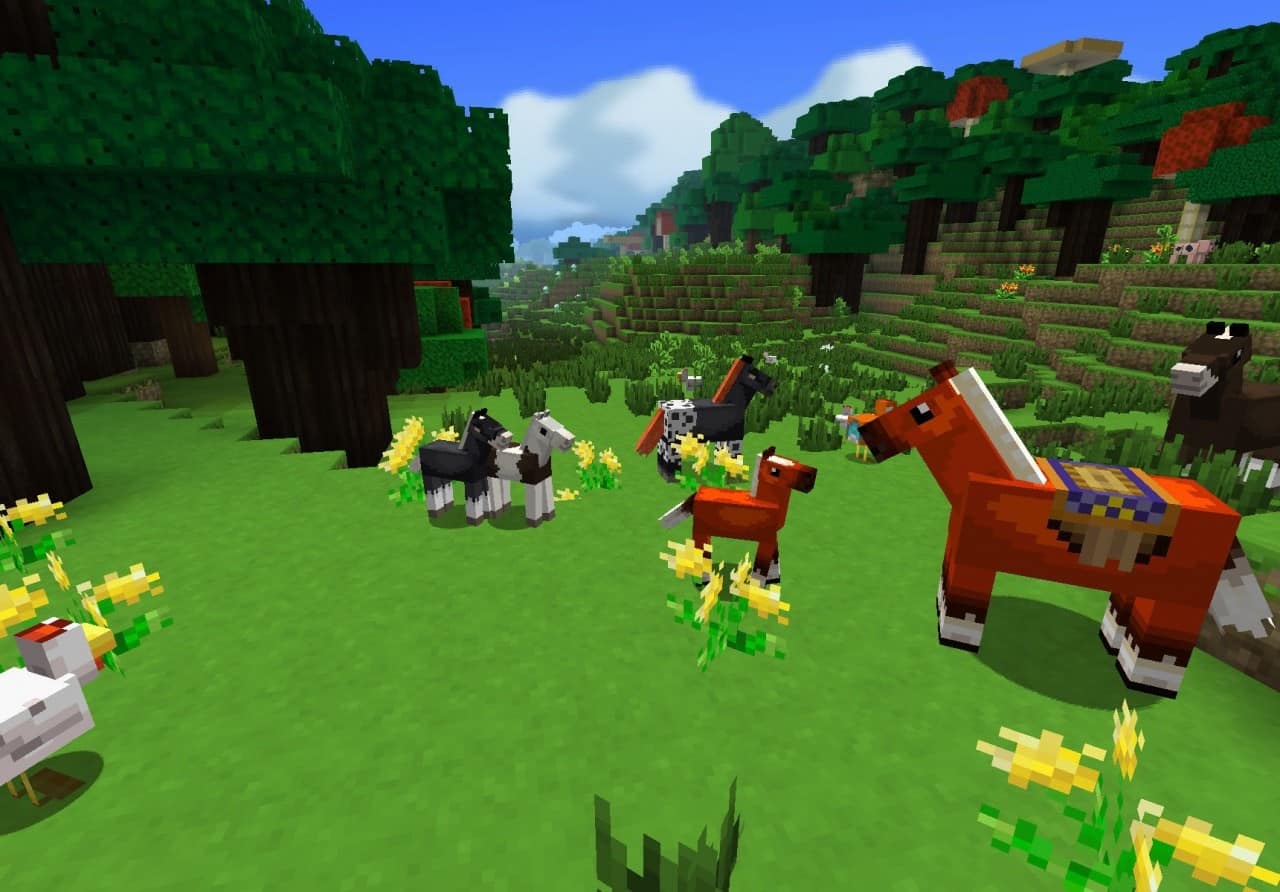
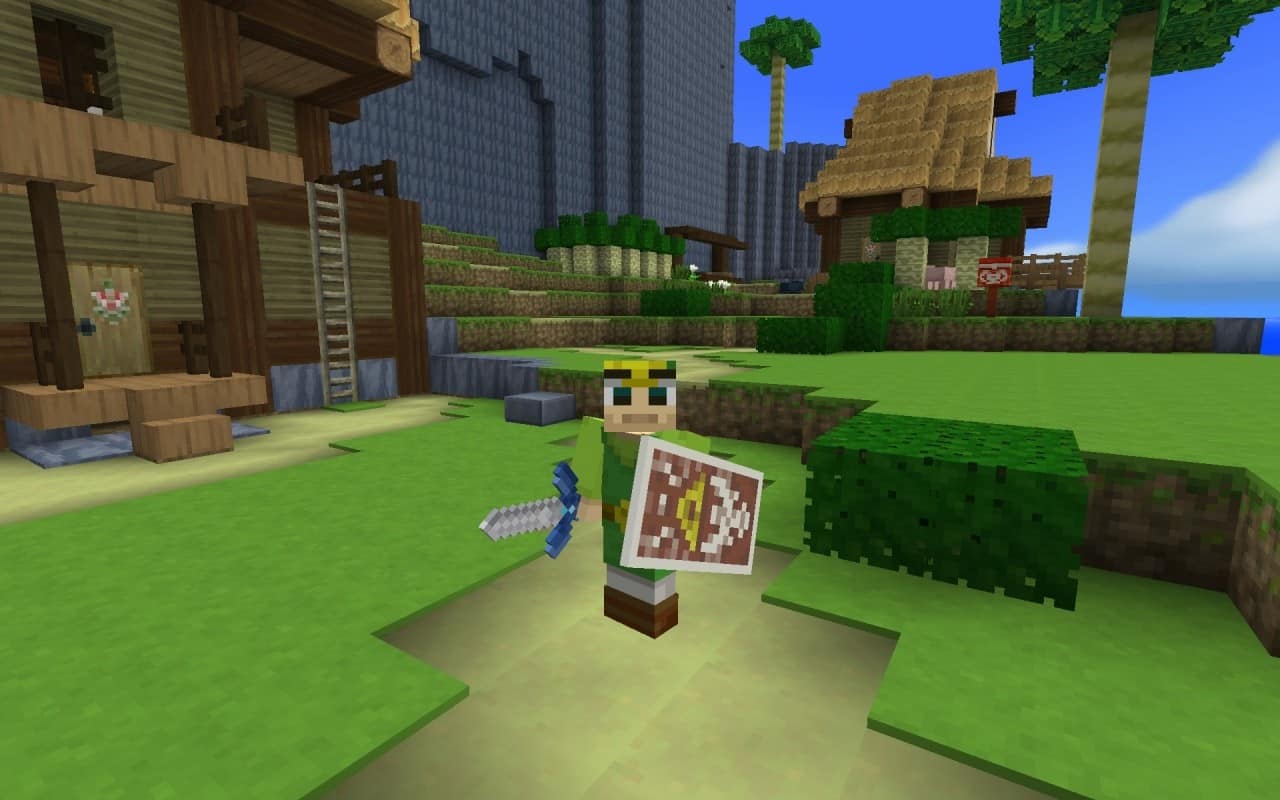
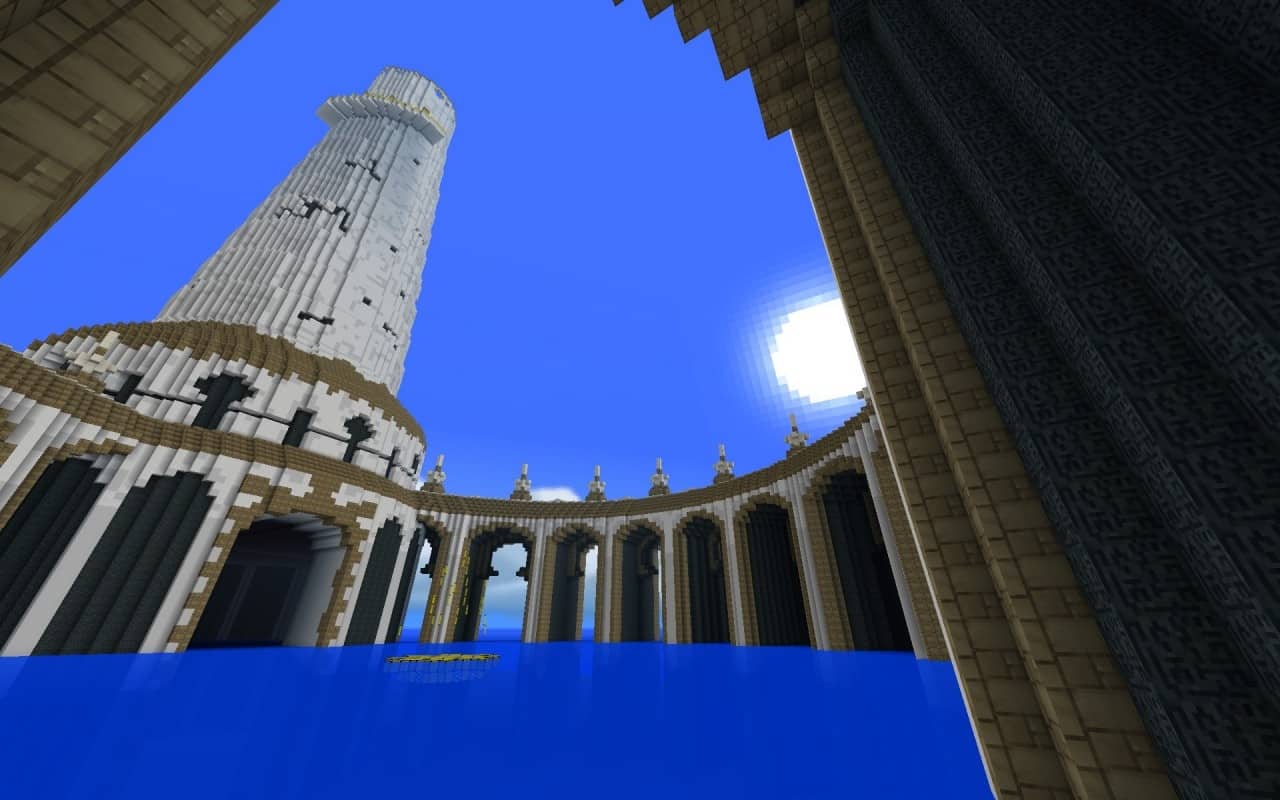
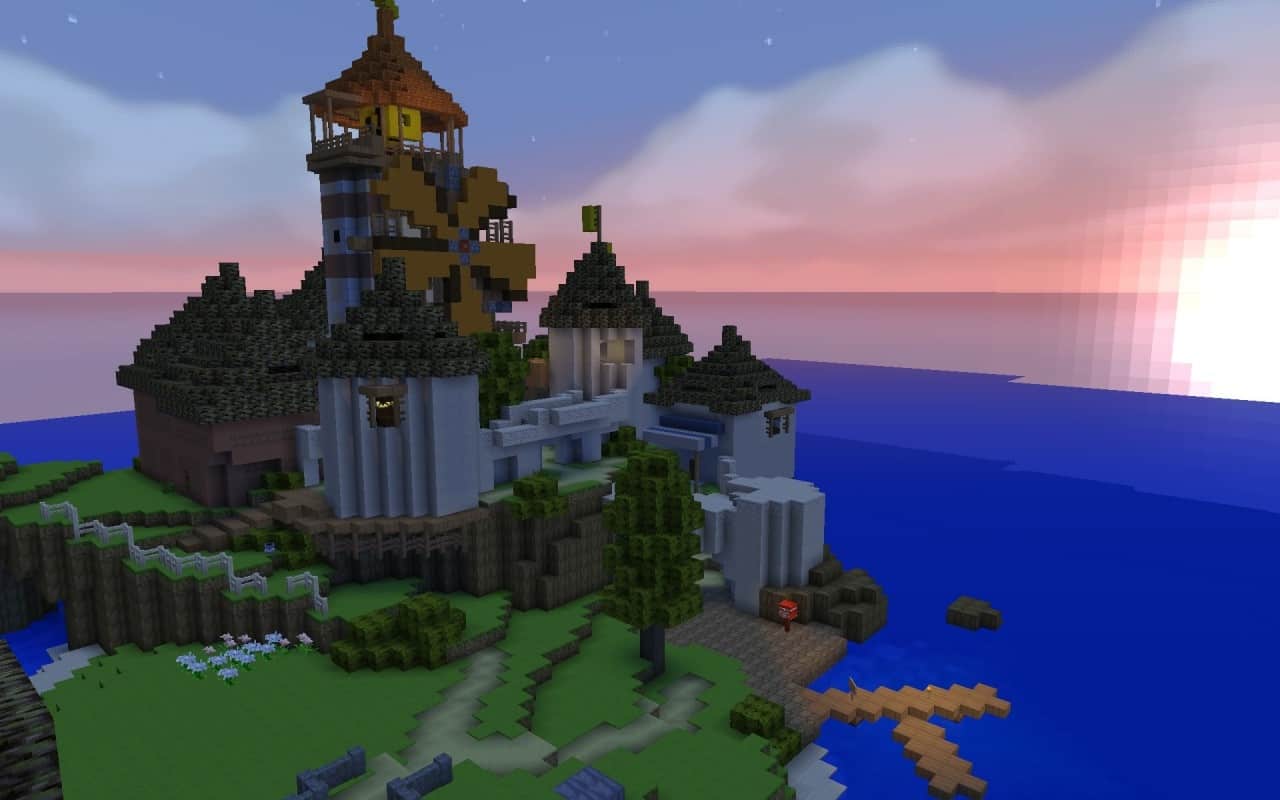
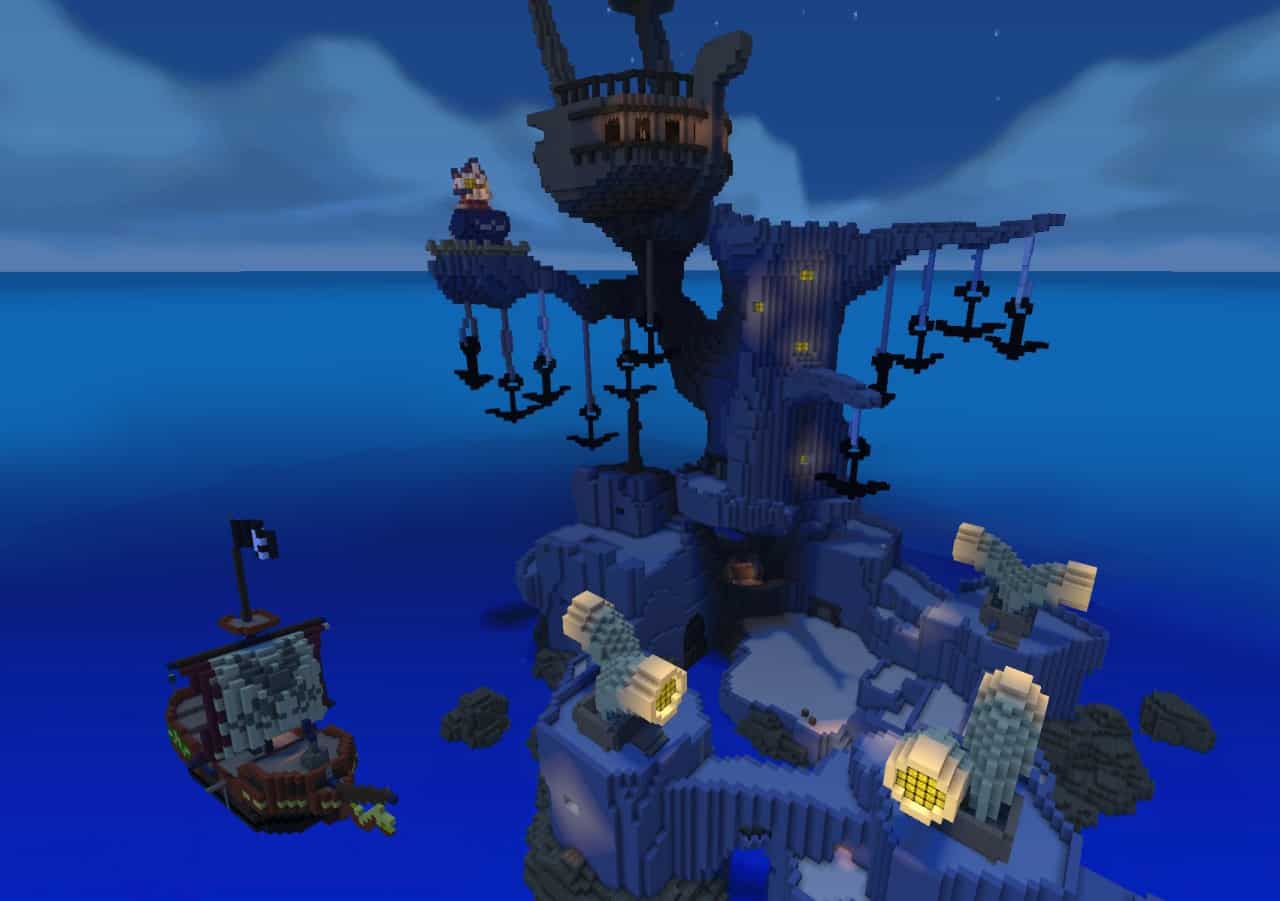
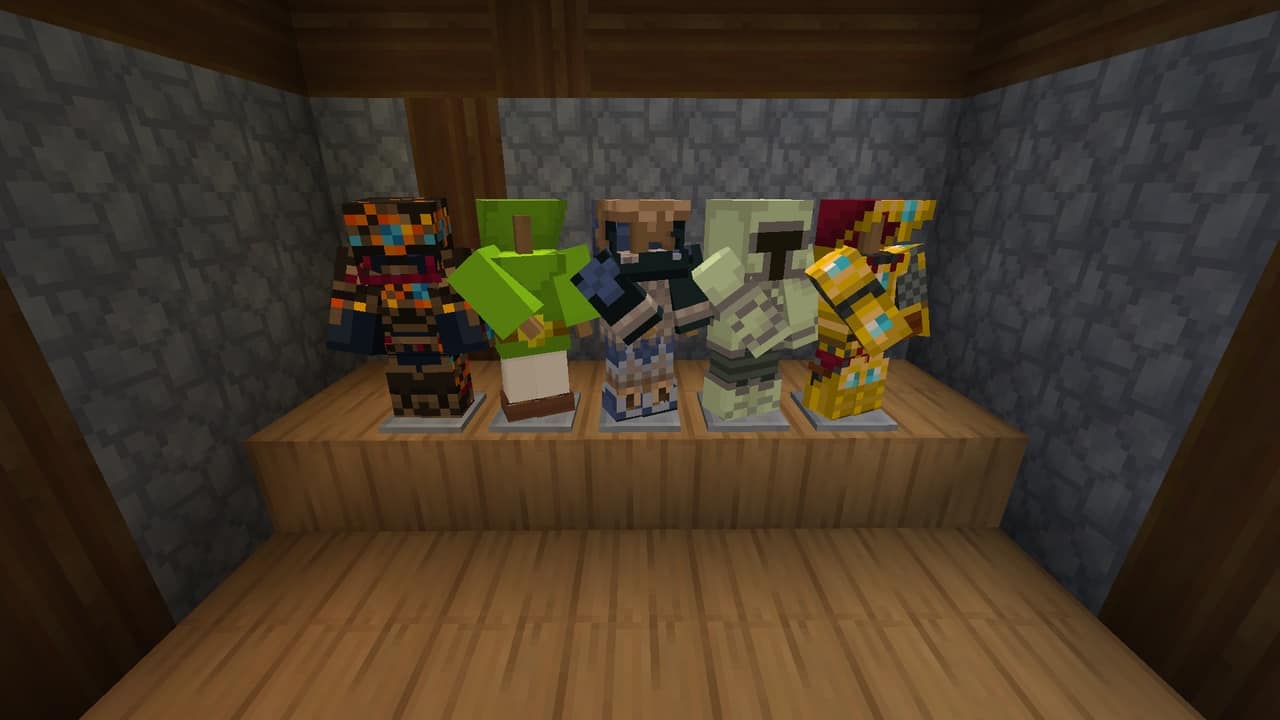
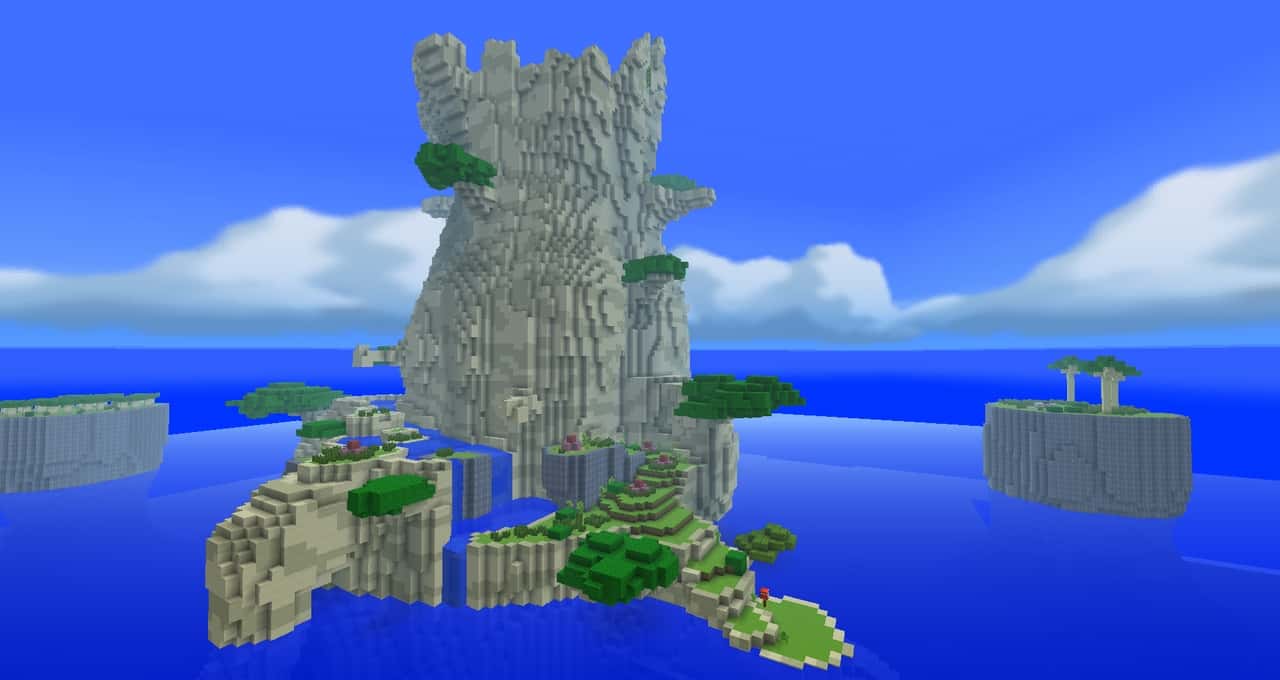
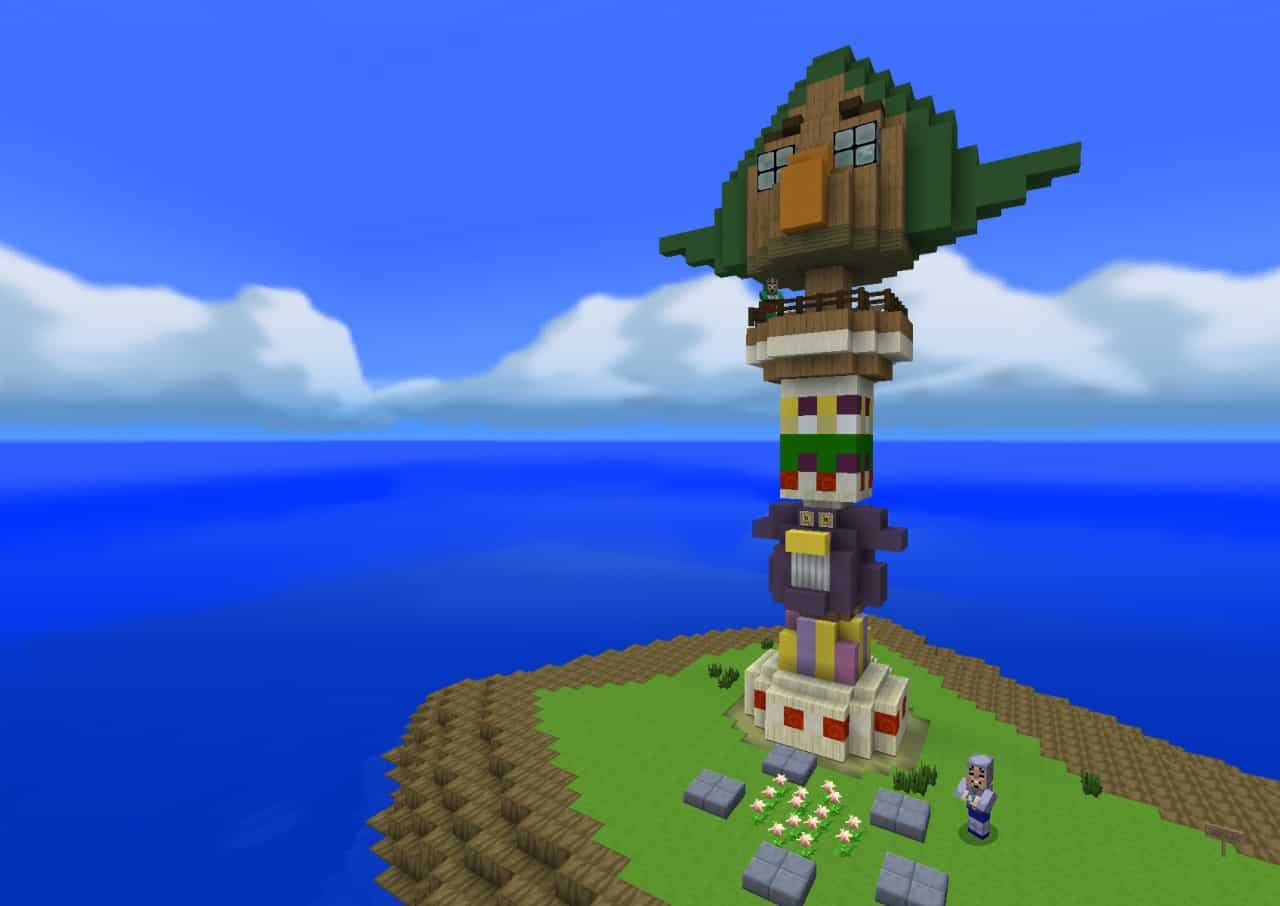
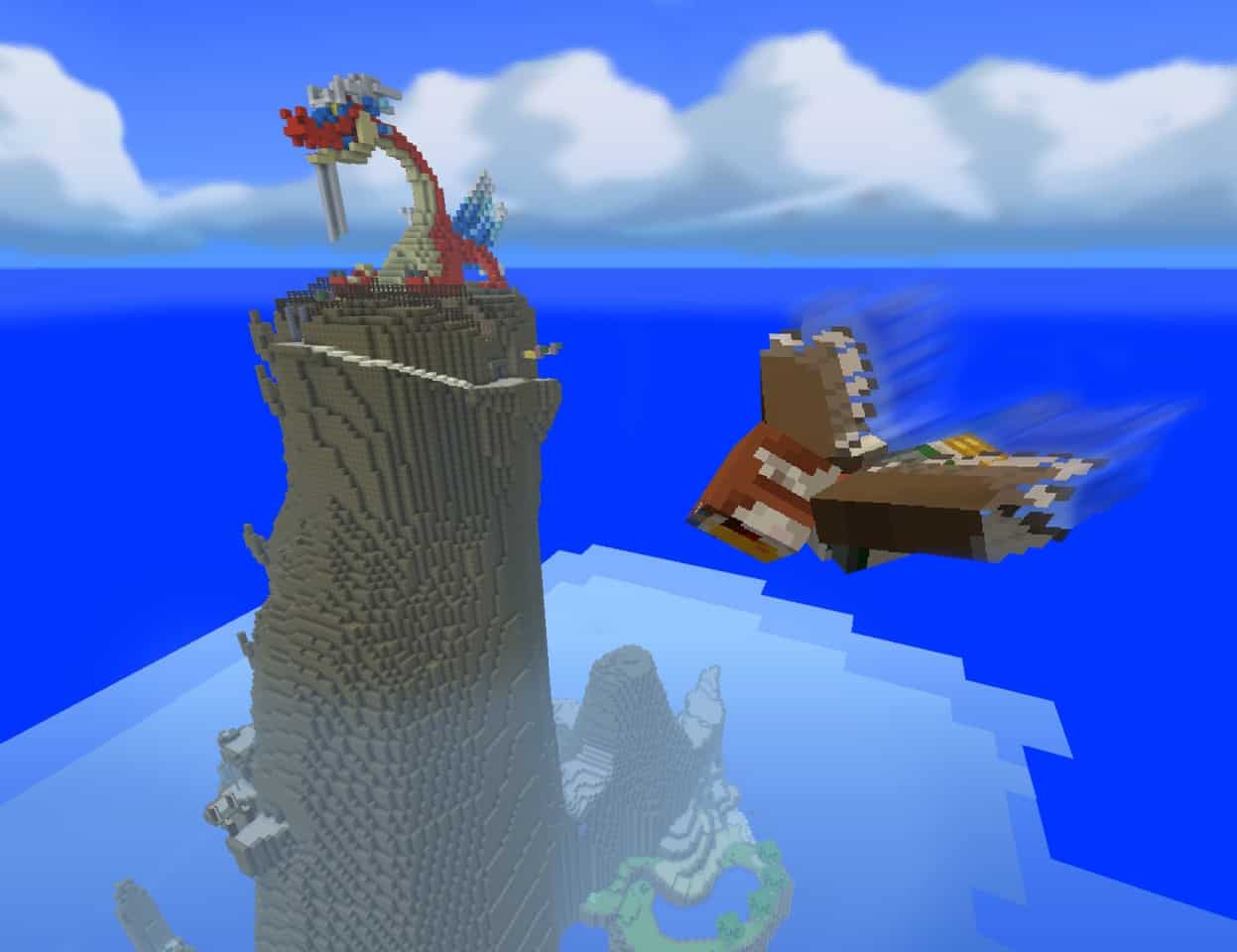
The Wind Waker Edition is an incredible pack that draws its inspiration directly from the Legend of Zelda, designed to create a resource pack very similar to the Super Mario mash-up that was initially launched with the Wii U. The Wind Waker is built upon that exact same concept, focusing on a Zelda-inspired variant instead of Super Mario. When looking at the specific visual details of this Wind Waker variant, it is easily some of the best quality we have seen in any Zelda-inspired packs we have had the pleasure of testing in quite a while. This pack does an amazing job implementing the iconic visuals borrowed from the massively popular franchise while successfully ensuring that the art style does not feel too detached from standard vanilla Minecraft.
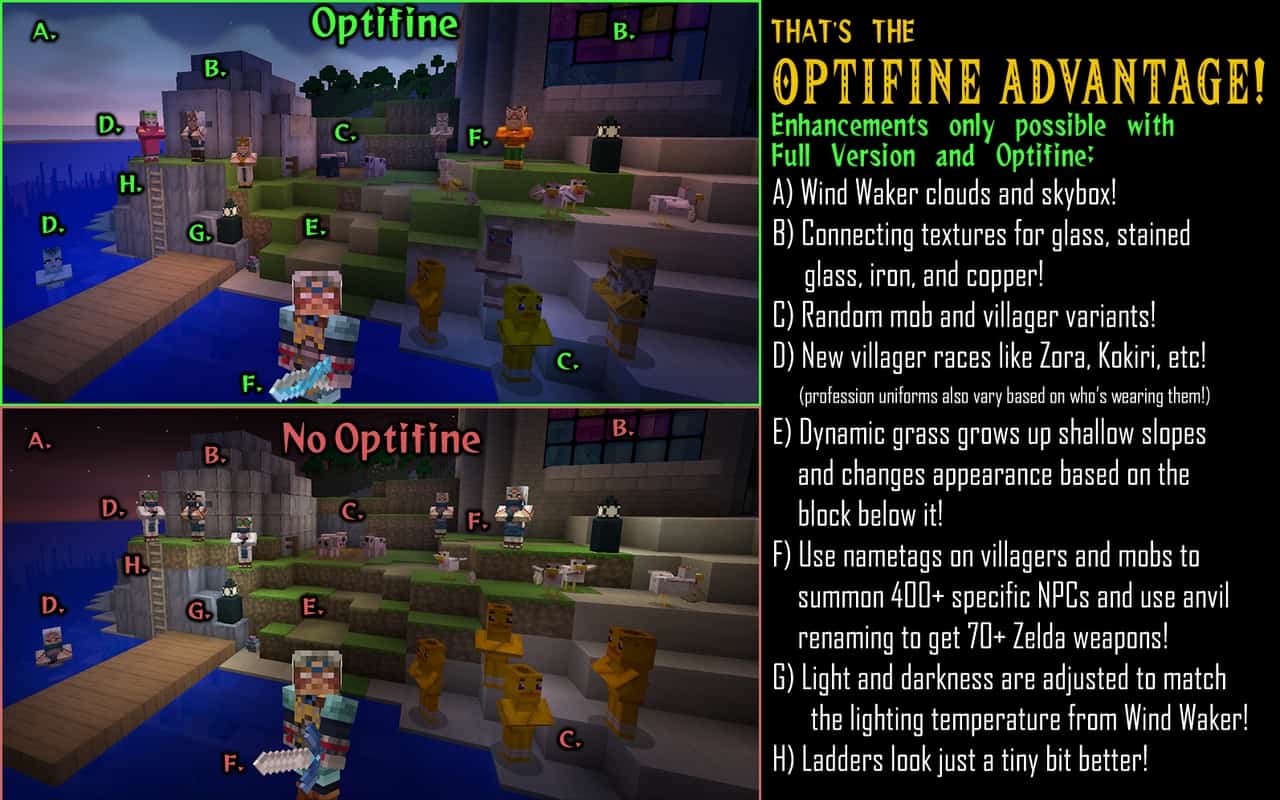
When you examine the textures closely, you can instantly tell they were crafted by a genuinely experienced pixel artist. Even though the level of detail is not overly complex, they still dazzle your eyes thanks to a wonderfully bright color palette. This pack features a 16x resolution, and the creator confirms they settled on this size because higher resolutions demand a massive time investment to create properly, which could otherwise slow down development significantly. While you can certainly use this pack on its own, I strongly recommend pairing it with Optifine, as doing so activates several special features like custom lighting and an immersive skybox.
Wind Waker Edition should be compatible with all of these Minecraft versions: 1.21.3 – 1.21.2 – 1.21.1 – 1.21 – 1.20.6 – 1.20.5 – 1.20.4 – 1.20.3 – 1.20.2 – 1.20.1 – 1.20 – 1.19.4 – 1.19.3 – 1.19.2 – 1.19.1 – 1.19 – 1.18.2 – 1.18.1 – 1.18 – 1.17.1 – 1.17 – 1.16.5 – 1.16.4 – 1.16.3 – 1.16.2 – 1.16.1 – 1.16 – 1.15.2 – 1.15.1 – 1.15 – 1.14.4 – 1.14.3 – 1.14.2 – 1.14 – 1.13.2 – 1.13.1 – 1.13 – 1.12.2 – 1.12 – 1.11.2 – 1.11
Screenshots
How to Install Texture Pack (Simple 10 Steps)
- Download OptiFine: Most of the texture packs and shaders need OptiFine. That’s why, first download and install OptiFine for the version of Minecraft you want to play.
- Download the Texture Pack: Get the texture pack you want from the download section. Choose the version that works with your Minecraft and your PC’s performance.
- Open Minecraft Launcher: Start Minecraft using the official game launcher — or even TLauncher, if you use that.
- Go to Options: From the main menu, click on the “Options” button.
- Open Resource Packs: Inside Options, click on “Resource Packs…”.
- Open the Resource Pack Folder: Click on “Open Resource Pack Folder” — this will open a folder named “resourcepacks”.
- Move the Pack File: Copy or move the .zip file you downloaded into that “resourcepacks” folder. (Don’t unzip the file — Minecraft uses it as-is!)
- Go Back and Refresh: Close the folder and click “Done”, then go back into “Resource Packs…” again.
- Activate the Pack: You’ll see the pack on the left side. Hover over it and click the arrow to move it to the right (active side).
Tip: If you get a message that the pack is for a different version, just click “Yes” — it usually works fine. - Click Done and Enjoy: Click “Done” again. Now your pack is ready to use in-game. It’s that easy!
Credits
This resource pack was originally created by Pavlovs_Walrus. We do not own or claim ownership of this content, nor do we modify the download files. All rights and ownership belong fully to the original author. We strongly encourage you to support the creator by visiting their official download pages and following their ongoing work.
Download Instructions
Curseforge: download starts automatically after a few seconds;
Mediafire: click the big blue button with the text “DOWNLOAD”;
Google Drive: in the top right corner you will see a small download icon (down arrow), click it and the download should start;


