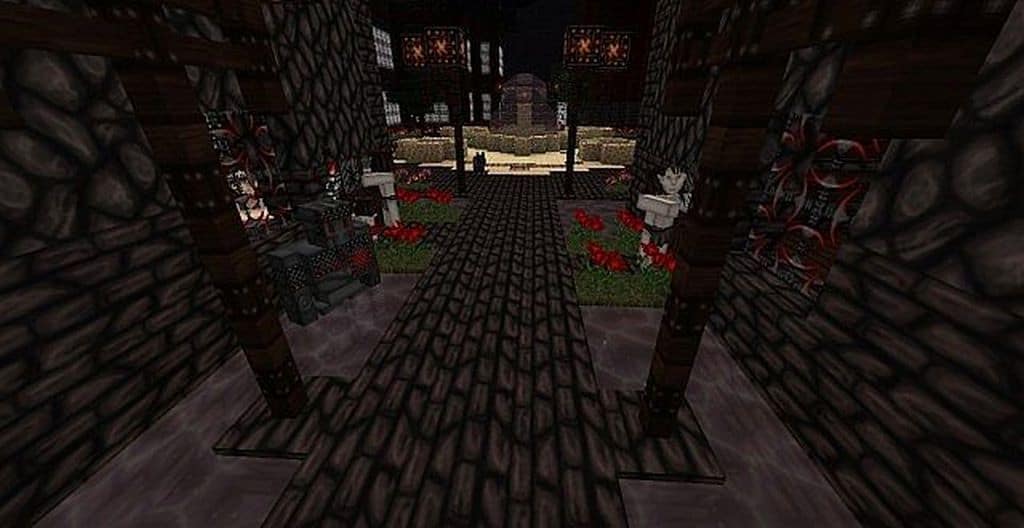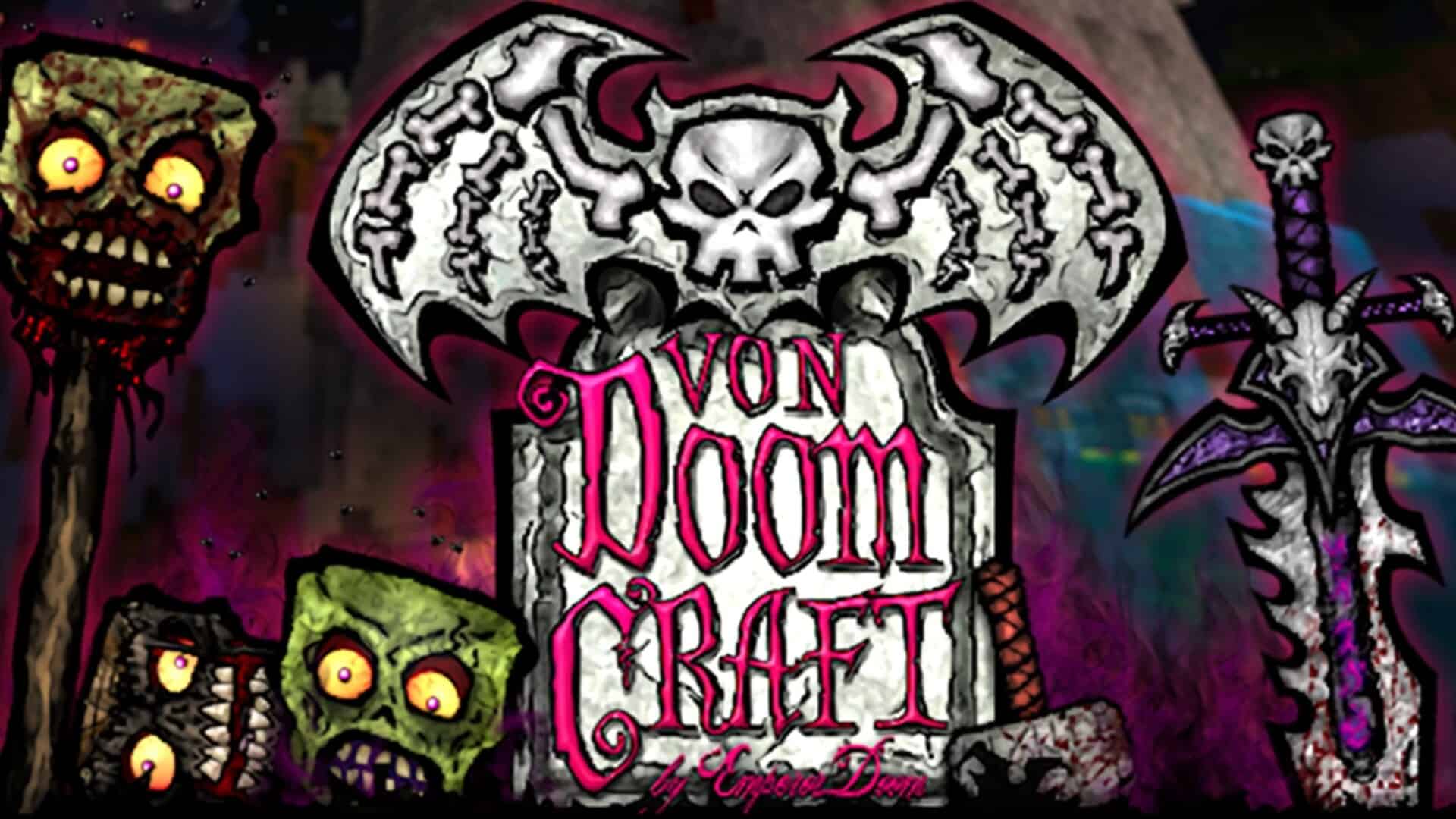
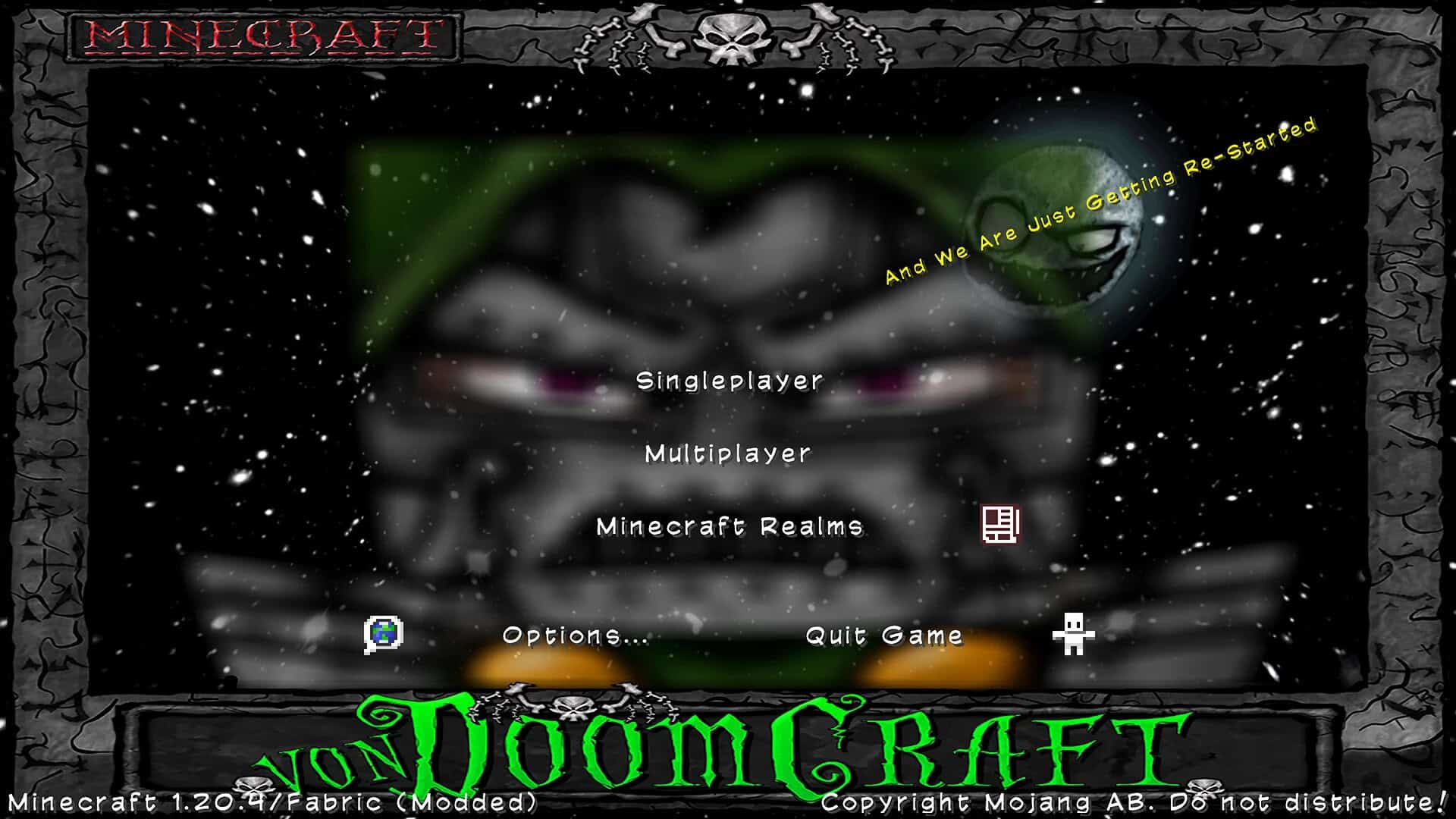
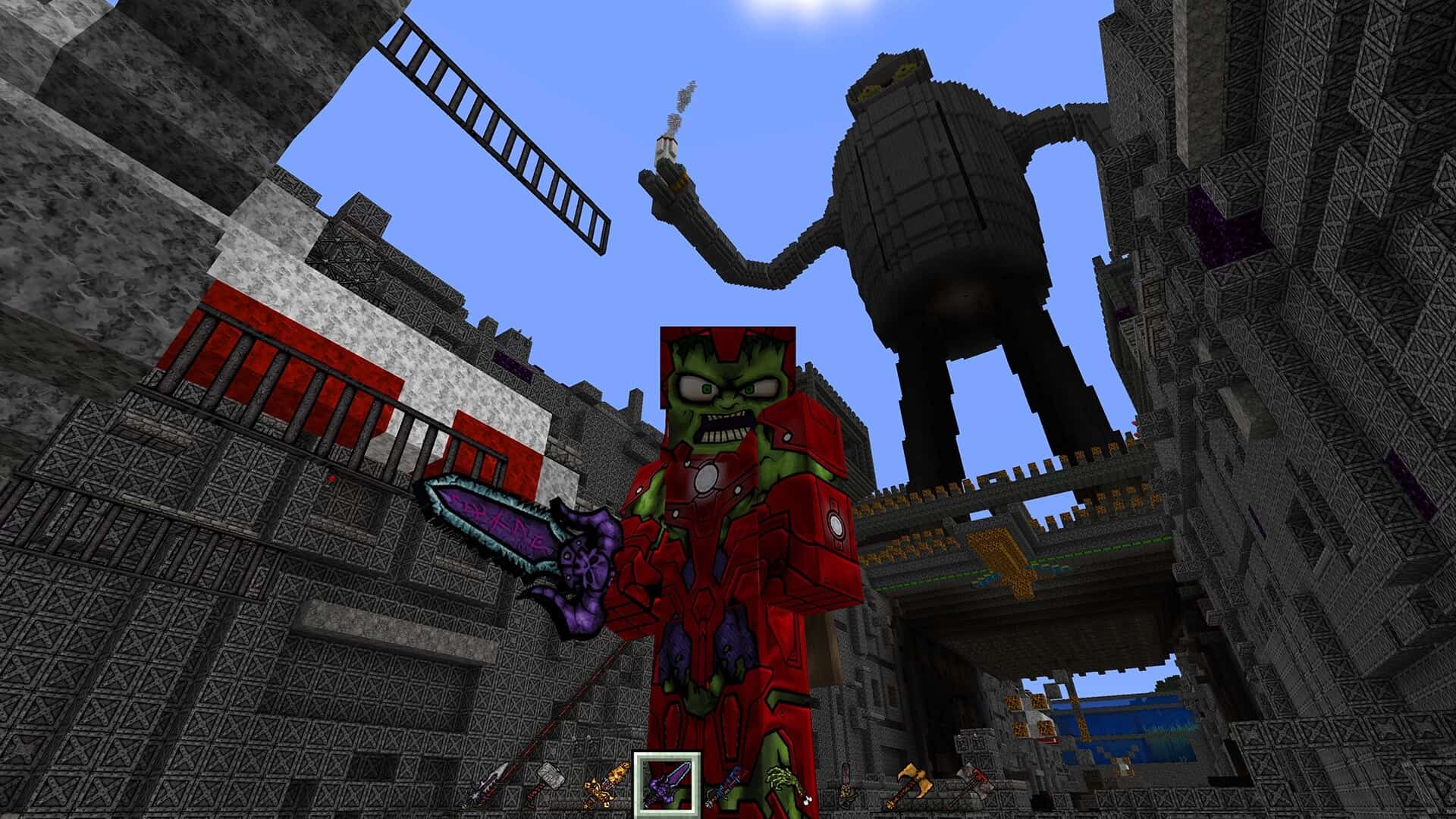
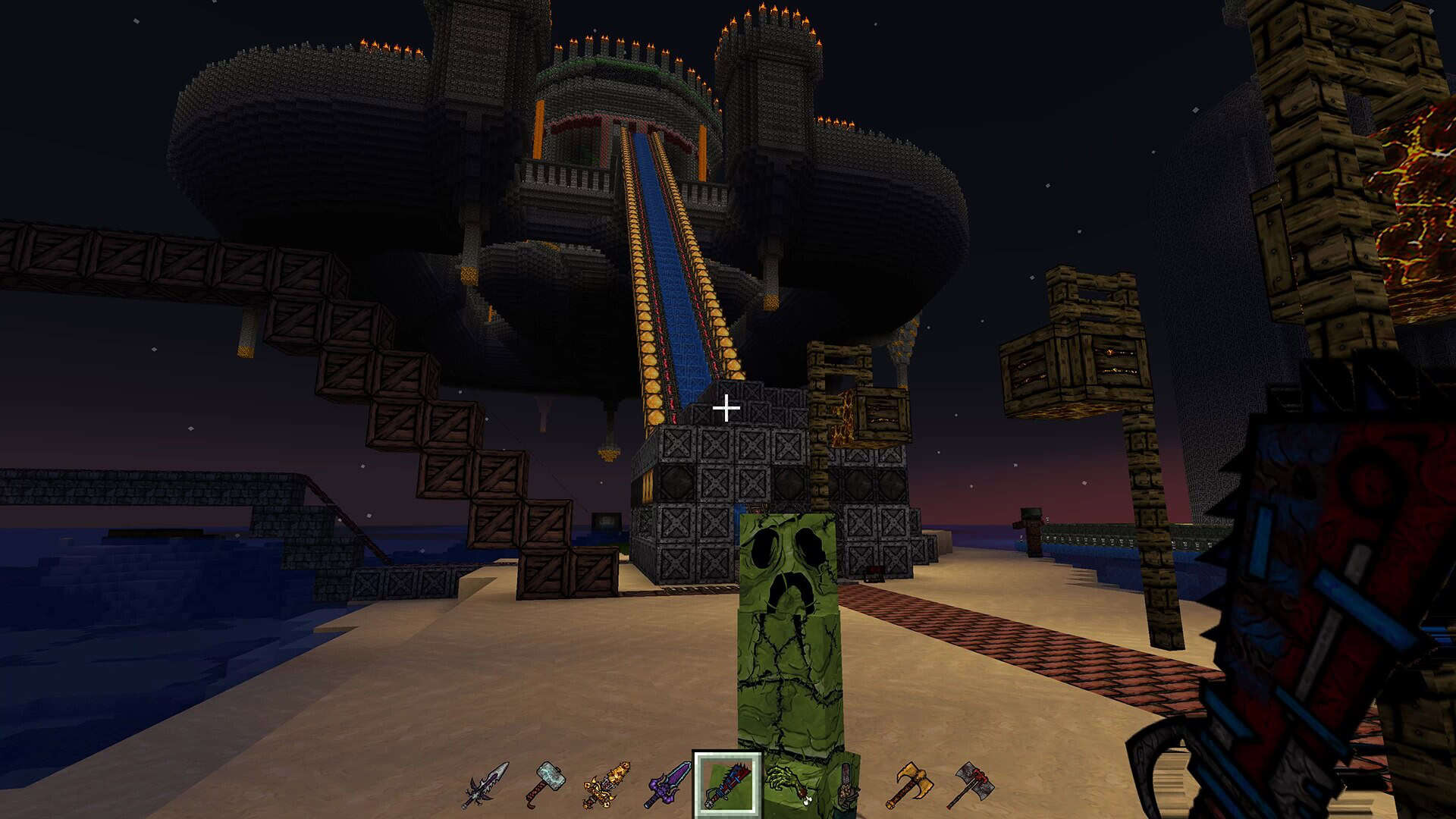
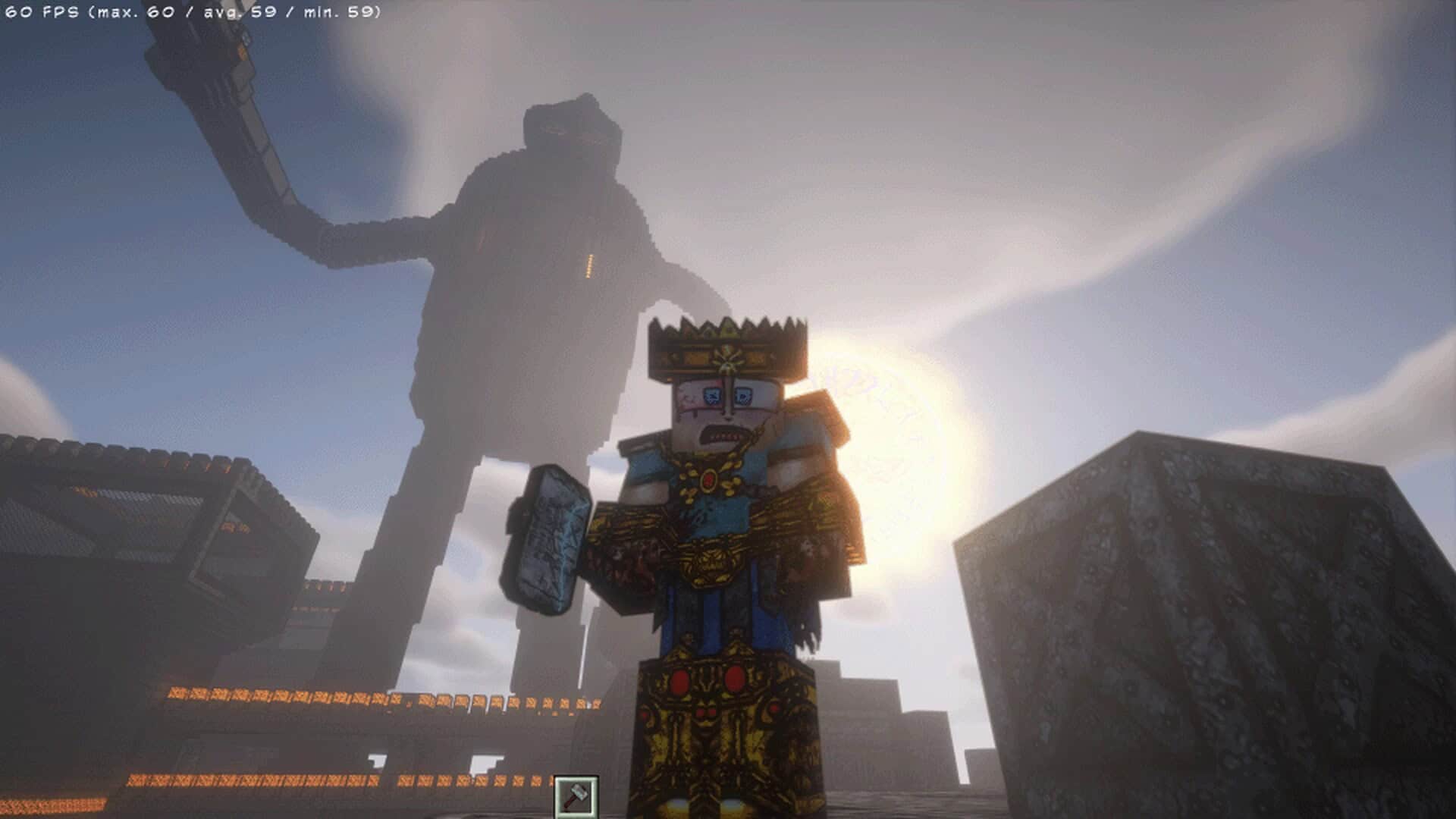
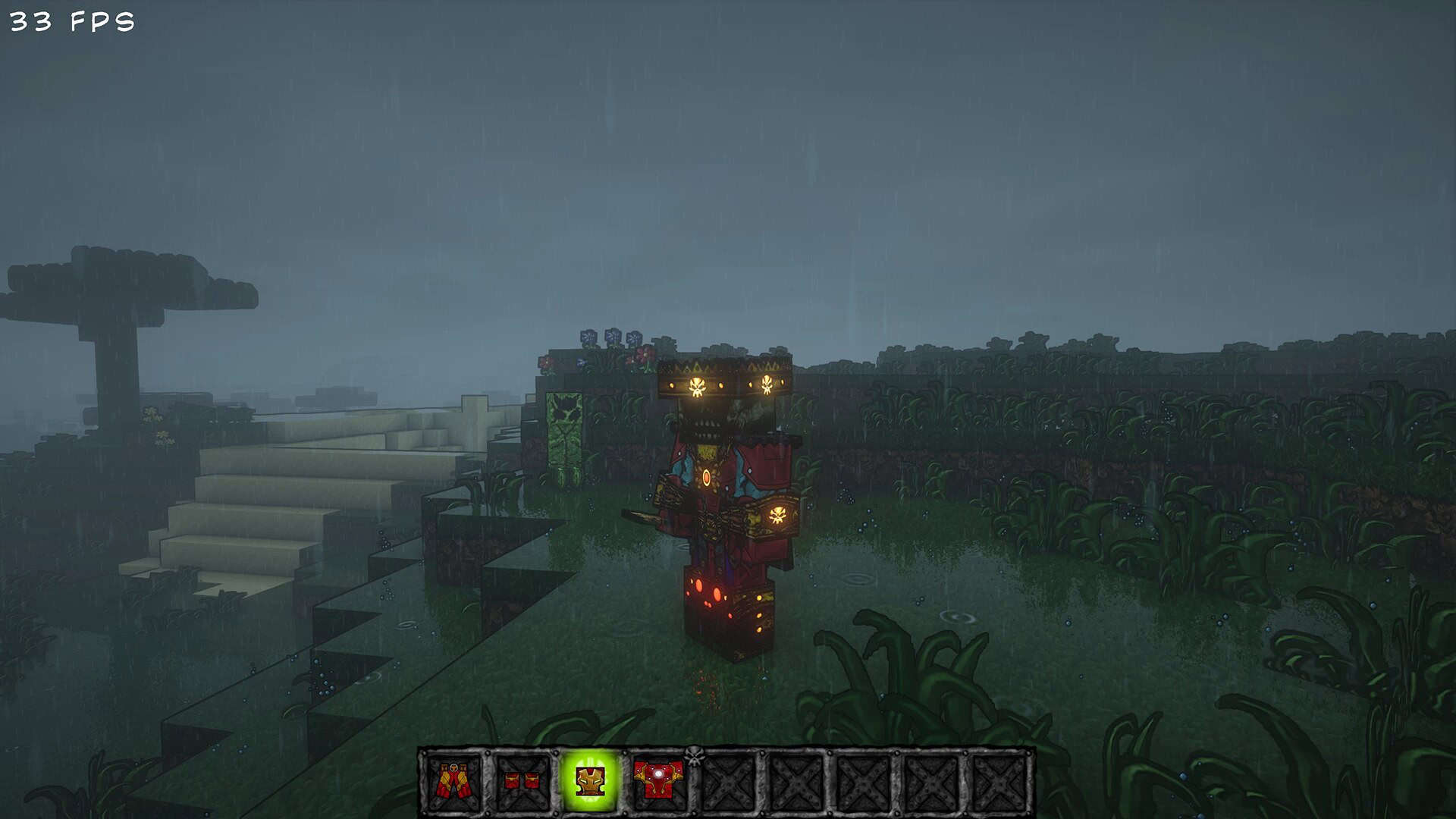
If you are looking for a resource pack that can provide graphics and visuals that have never been seen before in Minecraft, the vonDoomCraft resource pack is definitely one you should check out! One of the most unique features of this pack is that it is inspired by a horror theme, which is not something that is commonly found in the standard Minecraft world. Using highly detailed and incredibly designed features, the vonDoomCraft texture pack brings a visual experience to players unlike anything you have ever experienced before. The color palette of the vonDoomCraft pack is both dark and moody while also featuring some wonderfully unique textures. You should be aware that the vonDoomCraft resource pack hasn’t been updated in a long time and will probably not receive any more updates from the original authors. Unfortunately, there were no fans among the Minecraft players who would update this pack for newer client versions. But let’s not lose hope, maybe someday someone will decide to reestablish this amazing resource pack!
However, there are enough custom-designed aspects to it that you are always discovering more, and it will take some time to see all that this resource pack has to offer to your game experience. In this resource pack, you will find custom-designed monster textures and some fantastic animated objects, including a diamond sword featuring the texture of chainsaws. The stone sword has the texture of Thor’s hammer and even flashes lightning bolts! Since this pack is a bit scary, it is not recommended for young children who are easily bothered by scary visuals. The creator of vonDoomCraft, Emperor Doom, made the pack available for multiple resolutions, including 32x, 64x, and 128x. While you will be able to run the lower resolutions on almost any device, it is recommended that you only use the 128x resolution if you are playing Minecraft on a PC that has medium or high-end hardware. Using 128x on other devices could leave you experiencing frame-rate issues that will leave you with a less than desirable gameplay experience.
vonDoomCraft should be compatible with all of these Minecraft versions: 26.2 – 26.1.2 – 26.1.1 – 26.1 – 1.21.11 – 1.21.10 – 1.21.9 – 1.21.8 – 1.21.7 – 1.21.6 – 1.21.5 – 1.21.4 – 1.21.3 – 1.21.2 – 1.21.1 – 1.21 – 1.20.6 – 1.20.5 – 1.20.4 – 1.20.3 – 1.20.2 – 1.8.9 – 1.8.8 – 1.8.1 – 1.8.6 – 1.8 – Bedrock Edition – PE
Screenshots





How to Install Texture Pack (Simple 10 Steps)
- Download OptiFine: Most of the texture packs and shaders need OptiFine. That’s why, first download and install OptiFine for the version of Minecraft you want to play.
- Download the Texture Pack: Get the texture pack you want from the download section. Choose the version that works with your Minecraft and your PC’s performance.
- Open Minecraft Launcher: Start Minecraft using the official game launcher — or even TLauncher, if you use that.
- Go to Options: From the main menu, click on the “Options” button.
- Open Resource Packs: Inside Options, click on “Resource Packs…”.
- Open the Resource Pack Folder: Click on “Open Resource Pack Folder” — this will open a folder named “resourcepacks”.
- Move the Pack File: Copy or move the .zip file you downloaded into that “resourcepacks” folder. (Don’t unzip the file — Minecraft uses it as-is!)
- Go Back and Refresh: Close the folder and click “Done”, then go back into “Resource Packs…” again.
- Activate the Pack: You’ll see the pack on the left side. Hover over it and click the arrow to move it to the right (active side).
Tip: If you get a message that the pack is for a different version, just click “Yes” — it usually works fine. - Click Done and Enjoy: Click “Done” again. Now your pack is ready to use in-game. It’s that easy!
Credits
This resource pack was originally created by Zomb69 (also known as Emperor Doom). We do not claim ownership of this creation, nor do we host modified versions of the files. All rights remain with the original author, and we strongly encourage users to support the creator through their official channels.
Download Links
Java Edition
- [128x] Minecraft 26.2.x – 26.1.x
- [128x] Minecraft 1.21.x – 1.20.2
- [128x] Minecraft 1.16.x
- [128x] Minecraft 1.8.x
- Xmas Add-on
- Alternate Weapons Add-on
- Space Marines Armour and Weapons Add-on
Bedrock Edition
Download Instructions
Curseforge: download starts automatically after a few seconds;
Mediafire: click the big blue button with the text “DOWNLOAD”;
Google Drive: in the top right corner you will see a small download icon (down arrow), click it and the download should start;