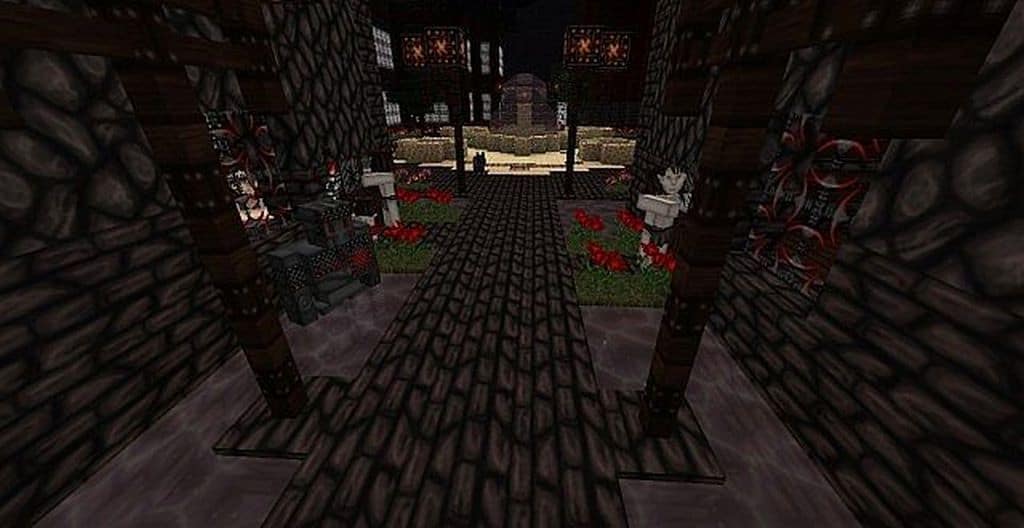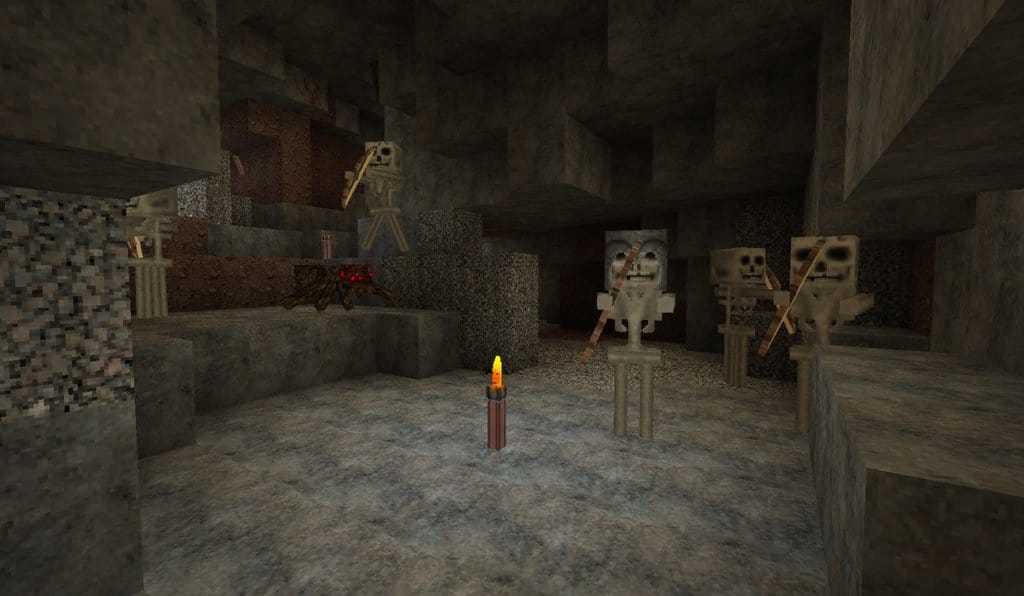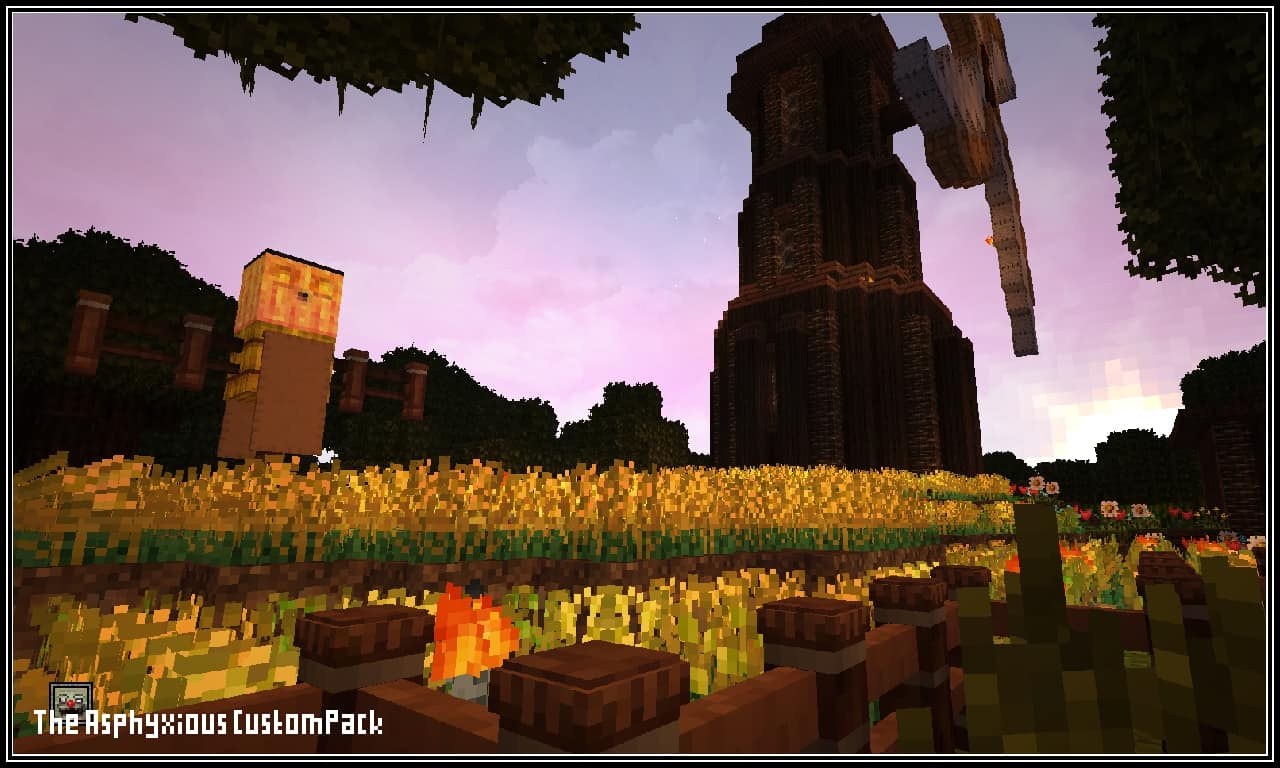
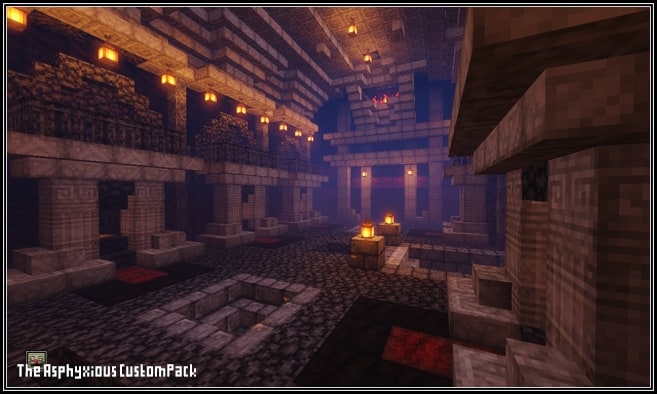
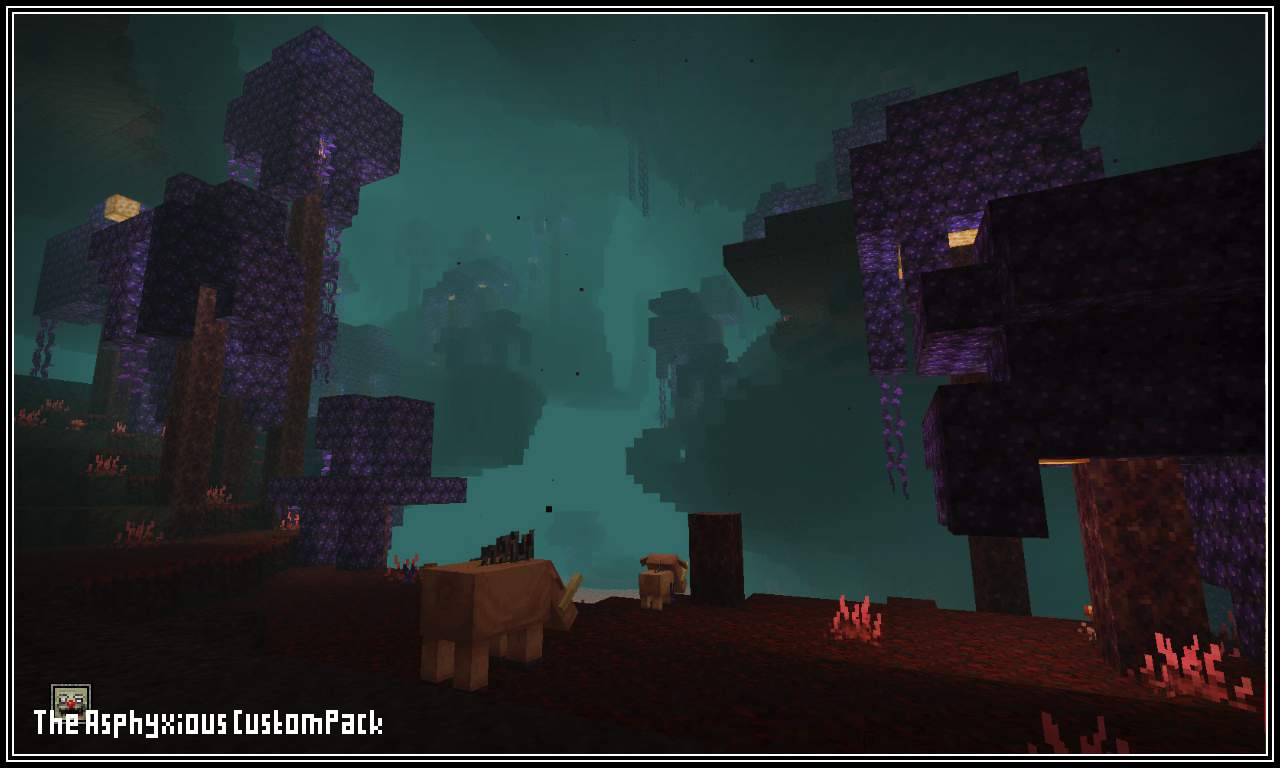
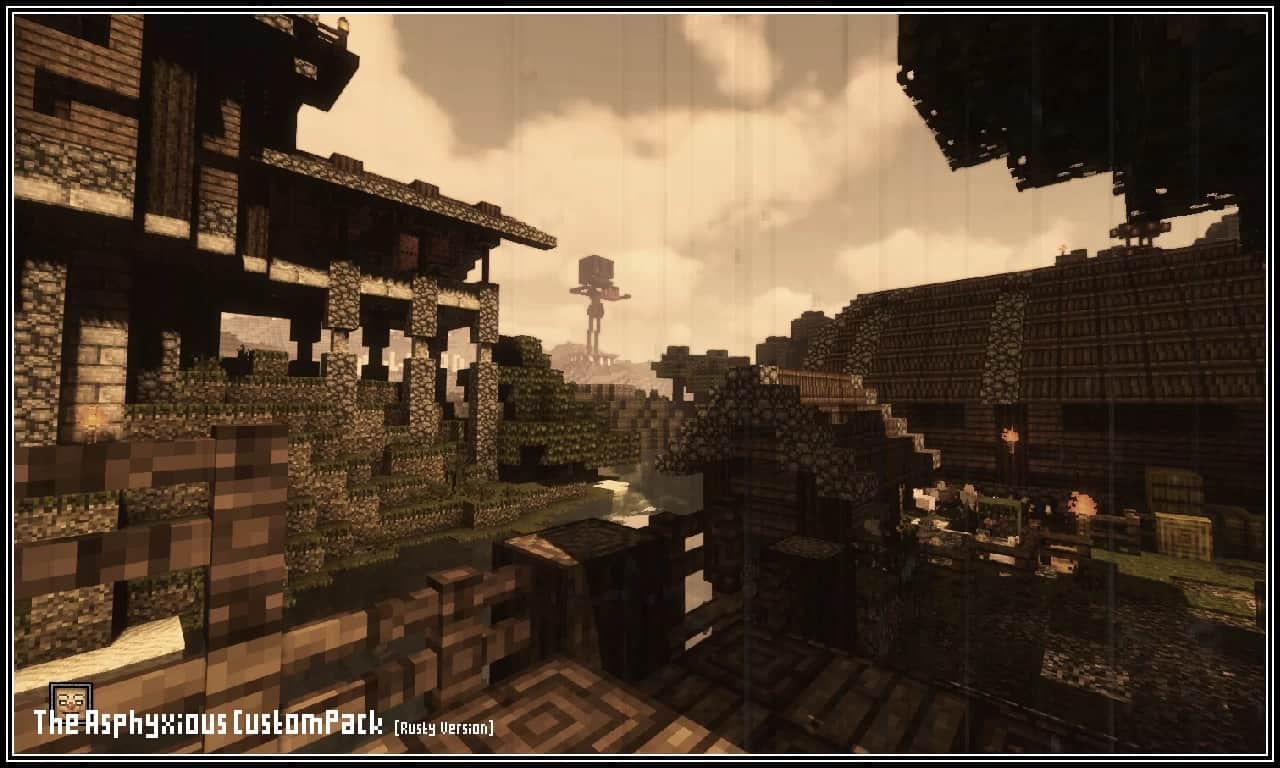
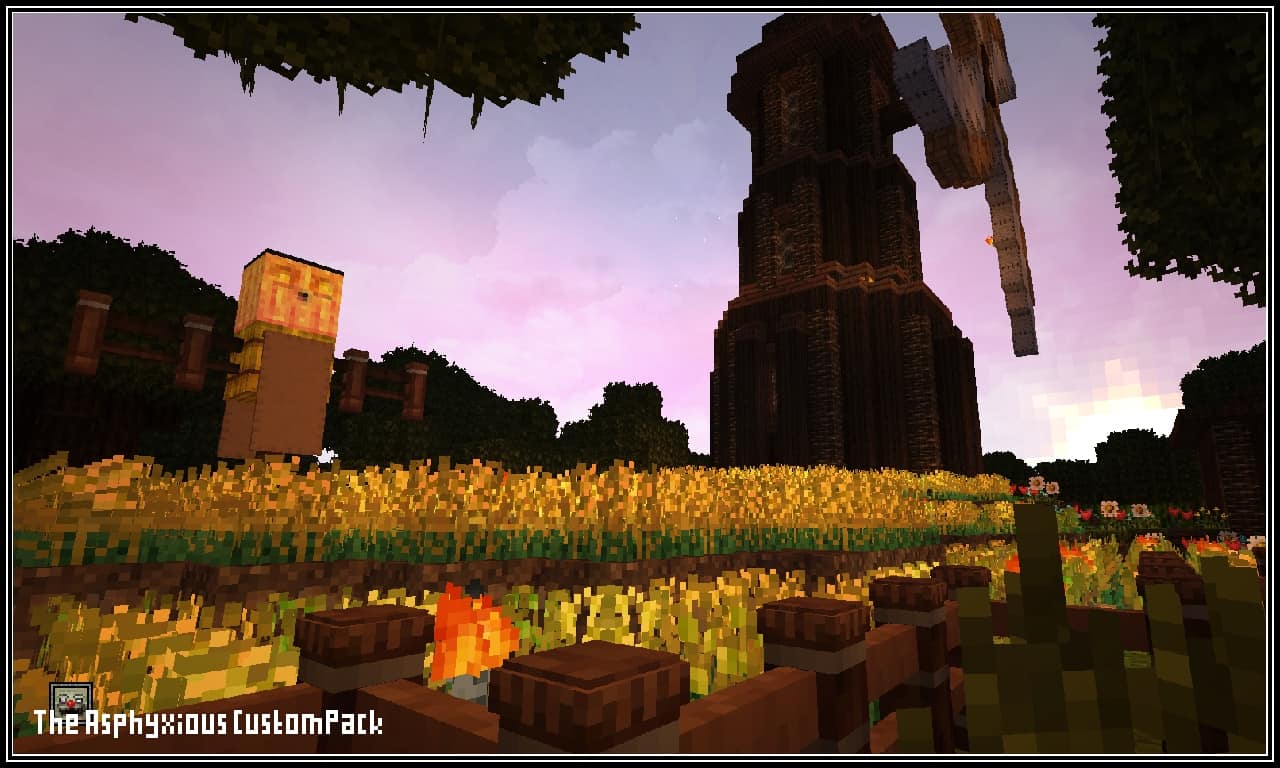
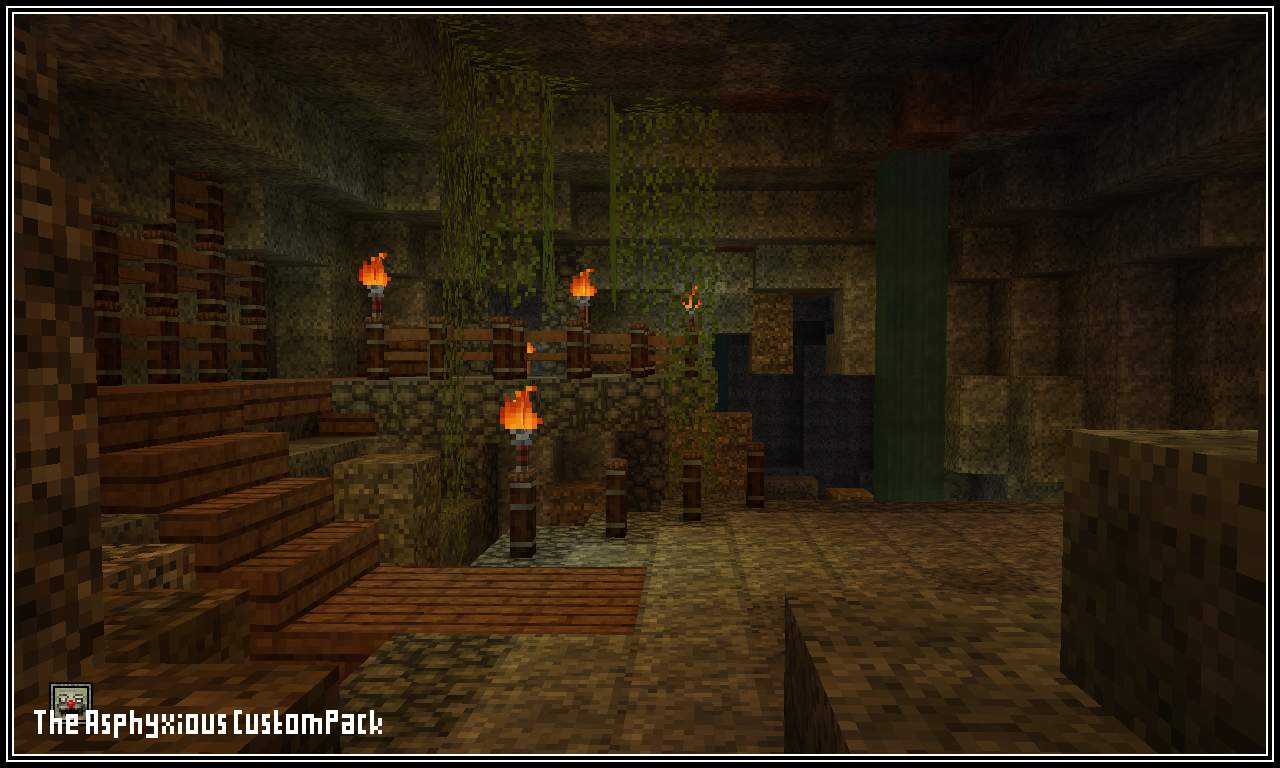
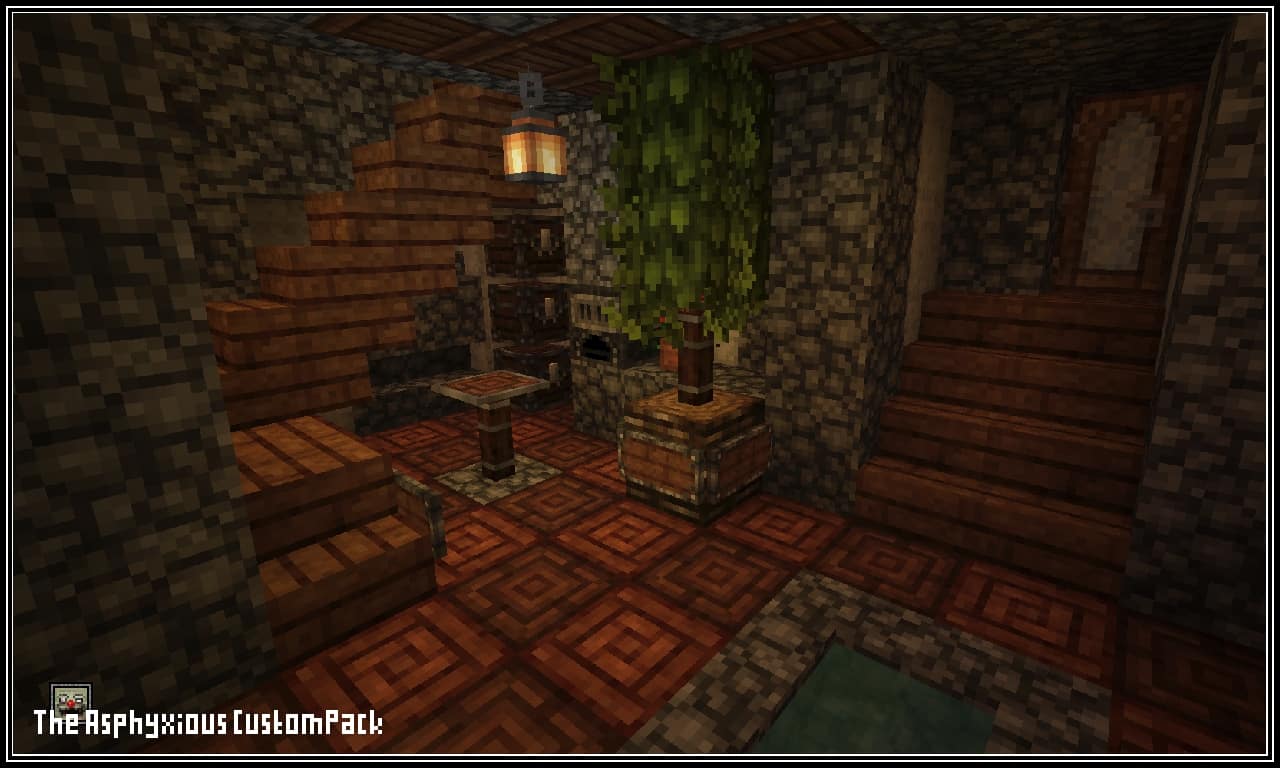
The Asphyxious resource pack might seem average to the untrained eye, but once you take a closer look you get to realize this is a special kind of opportunity. This isn’t your everyday Halloween-themed resource pack – it’s so much more than that, scary twists included. This texture pack was made with one goal in mind. The Asphyxious CustomPack was solely created to bring a spooky, scary feeling into Minecraft – it’s an effort to bring a Halloween-themed essence into Minecraft’s core. Once you build up the courage to face it for yourself, you’ll realize this is an incredibly well-made horror pack. One that horror fans shouldn’t have to think twice about trying it. The Asphyxious textures has more than its fair share of horror features ready to bring your Minecraft experience into a new, scare-filled level.
Both blocks and item textures were designed from scratch in order to create an original product. This resource pack also comes with its own user-interface, created specifically to complement the horror aura this product embodies. Plenty of people and a plethora of projects have tried to bring a Halloween experience into Minecraft – and they all succeeded partially. The Asphyxious resource pack is a breath of fresh air when it comes to horror-themed resource packs, and in a good way. Its list of game-changing features alone puts it miles ahead of the competition. This resource pack redesigns the entire game: everything from grass, flowers, planks, door, and everything else you can possibly imagine. It all changes to satisfy your Halloween needs. The Asphyxious resource pack comes at a 16×16 resolution, which is the Minecraft standard. You will be able to run this resource pack with no framerate-related issues as long as your computer can run vanilla Minecraft with no issues whatsoever.
The Asphyxious CustomPack should be compatible with all of these Minecraft versions: 26.2 – 26.1.2 – 26.1.1 – 26.1 – 1.21.11 – 1.21.10 – 1.21.9 – 1.21.8 – 1.21.7 – 1.21.6 – 1.21.5 – 1.21.4 – 1.21.3 – 1.21.2 – 1.21.1 – 1.21 – 1.20.6 – 1.20.5 – 1.20.4 – 1.20.3 – 1.20.2 – 1.20.1 – 1.20 – 1.19.4 – 1.19.3 – 1.19.2 – 1.19.1 – 1.19 – 1.18.2 – 1.18.1 – 1.18 – 1.17.1 – 1.17 – 1.16.5 – 1.16.4 – 1.16.3 – 1.16.2 – 1.16.1 – 1.16 – 1.15.2 – 1.15.1 – 1.15 – 1.14.4 – 1.14.3 – 1.14.2 – 1.14 – Bedrock Edition – PE
Screenshots


How to Install Texture Pack (Simple 10 Steps)
- Download OptiFine: Most of the texture packs and shaders need OptiFine. That’s why, first download and install OptiFine for the version of Minecraft you want to play.
- Download the Texture Pack: Get the texture pack you want from the download section. Choose the version that works with your Minecraft and your PC’s performance.
- Open Minecraft Launcher: Start Minecraft using the official game launcher — or even TLauncher, if you use that.
- Go to Options: From the main menu, click on the “Options” button.
- Open Resource Packs: Inside Options, click on “Resource Packs…”.
- Open the Resource Pack Folder: Click on “Open Resource Pack Folder” — this will open a folder named “resourcepacks”.
- Move the Pack File: Copy or move the .zip file you downloaded into that “resourcepacks” folder. (Don’t unzip the file — Minecraft uses it as-is!)
- Go Back and Refresh: Close the folder and click “Done”, then go back into “Resource Packs…” again.
- Activate the Pack: You’ll see the pack on the left side. Hover over it and click the arrow to move it to the right (active side).
Tip: If you get a message that the pack is for a different version, just click “Yes” — it usually works fine. - Click Done and Enjoy: Click “Done” again. Now your pack is ready to use in-game. It’s that easy!
Credits
This project was originally created and developed by Asp_Blackhole. We do not claim ownership of this content nor do we modify the original files. All rights belong to the original creator. We strongly recommend supporting Asp_Blackhole by downloading the files from their official sources and checking out their other works.
Download Links
Java Edition
- [16x] [26.2.x – 1.14.x] Download The Asphyxious Resource Pack
- [16x] [1.17.x – 1.14.x] Download The Asphyxious (Rusty) Resource Pack
- Massive Outlines Add-on
Bedrock Edition
Download Instructions
Curseforge: download starts automatically after a few seconds;
Mediafire: click the big blue button with the text “DOWNLOAD”;
Google Drive: in the top right corner you will see a small download icon (down arrow), click it and the download should start;