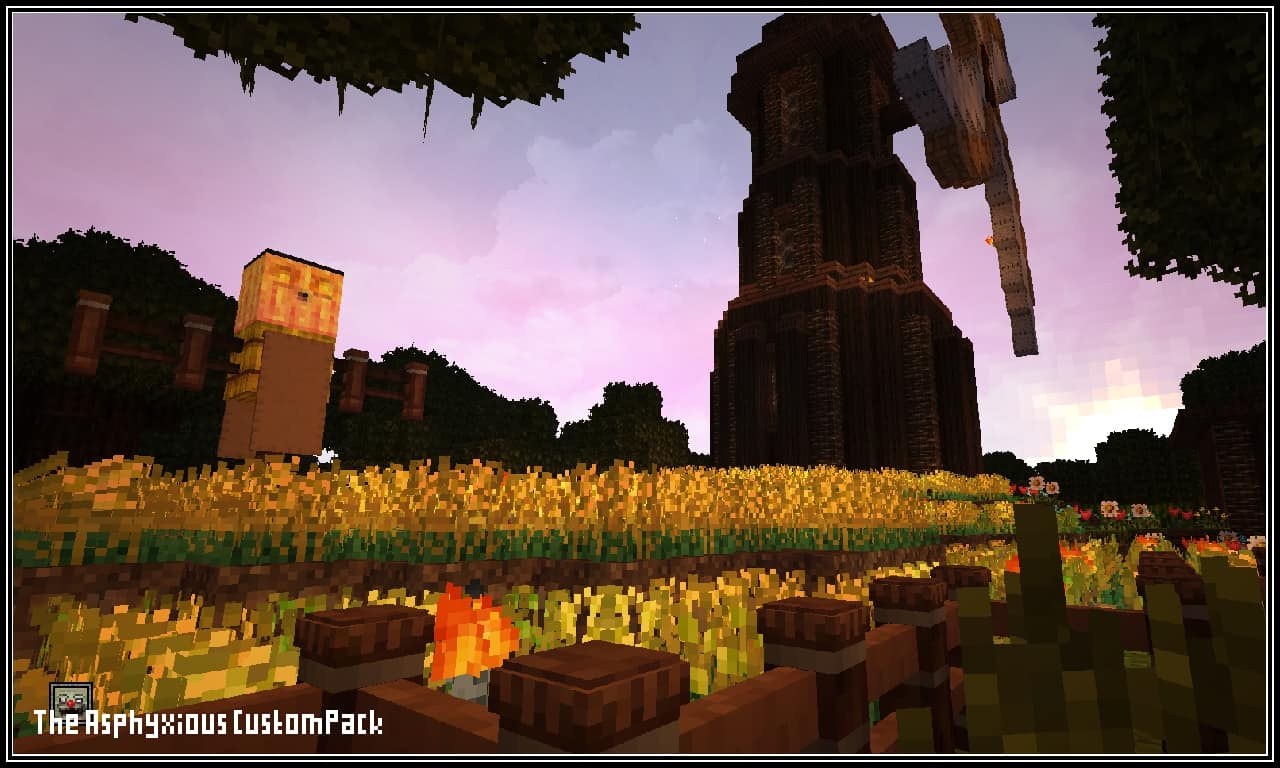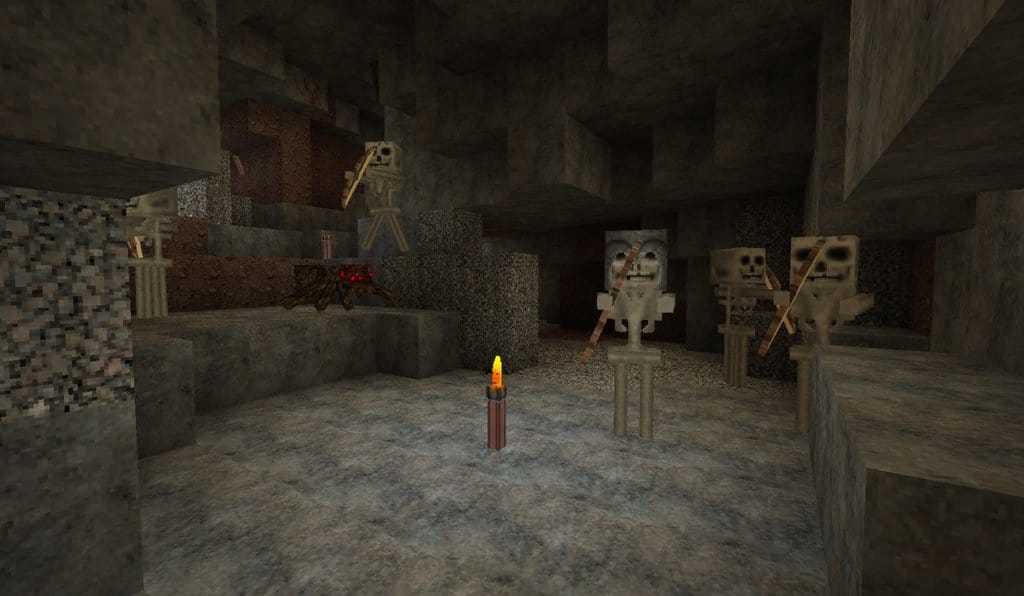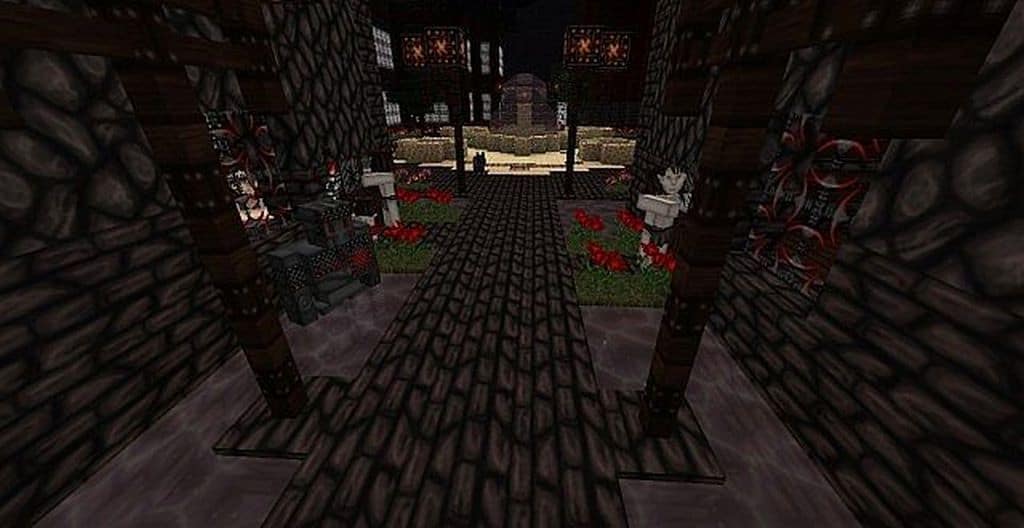
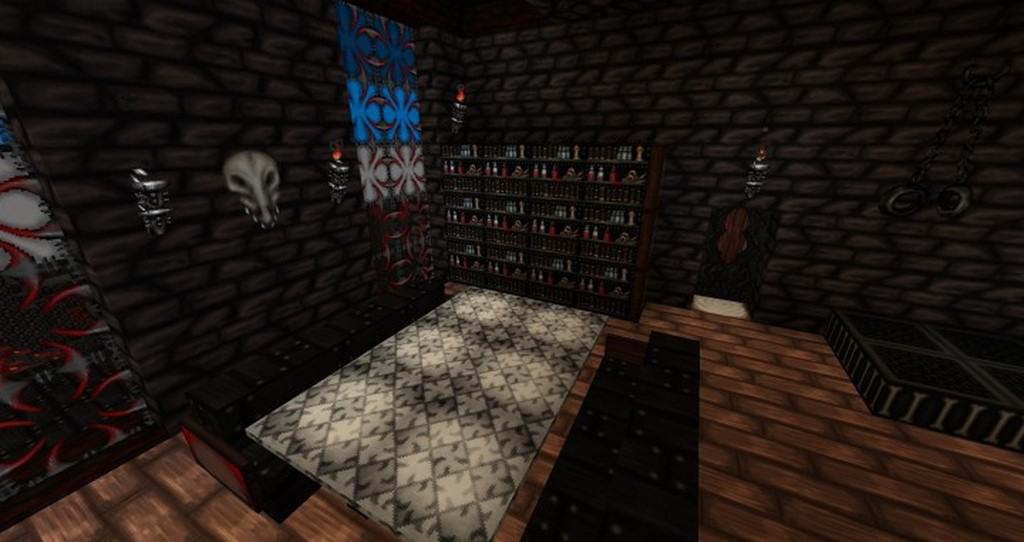
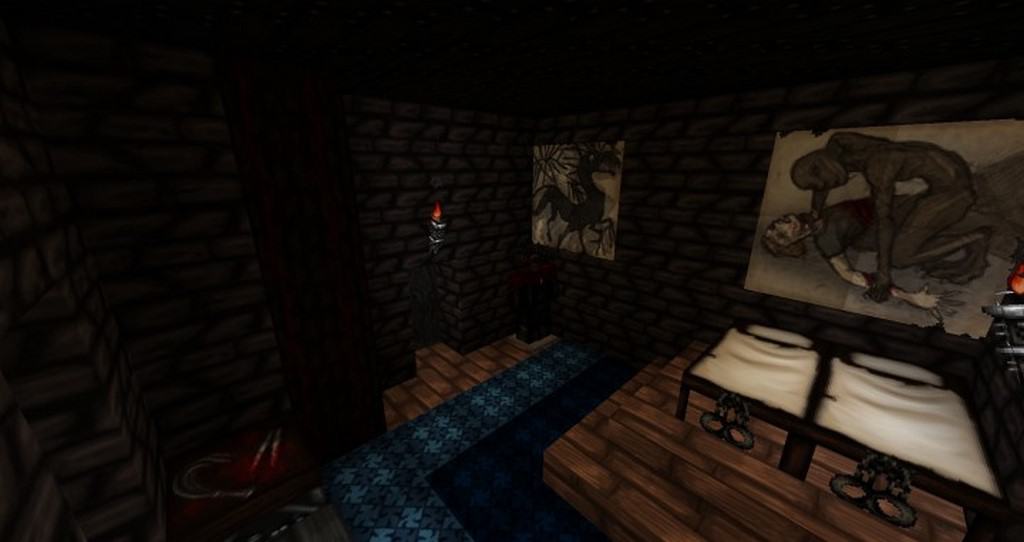
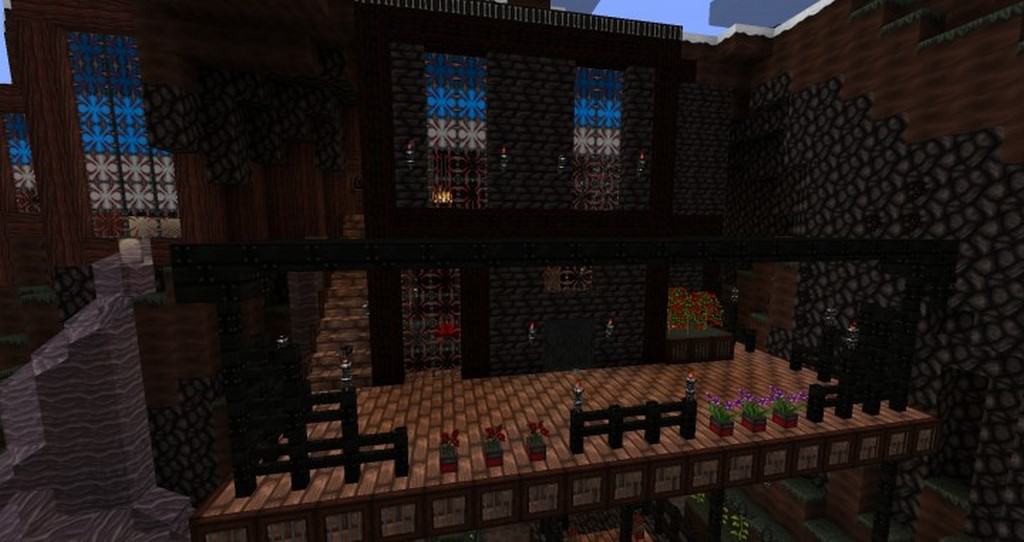
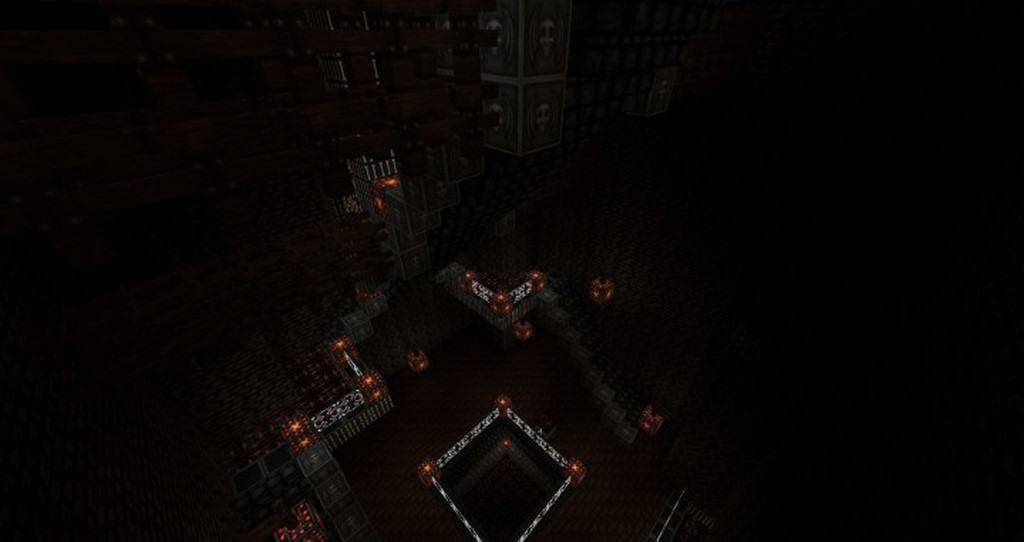
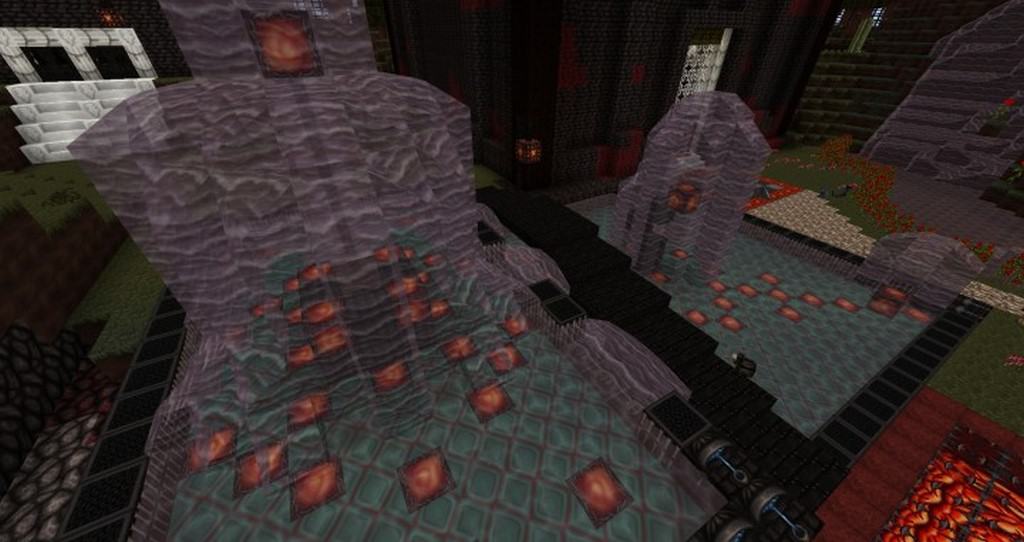
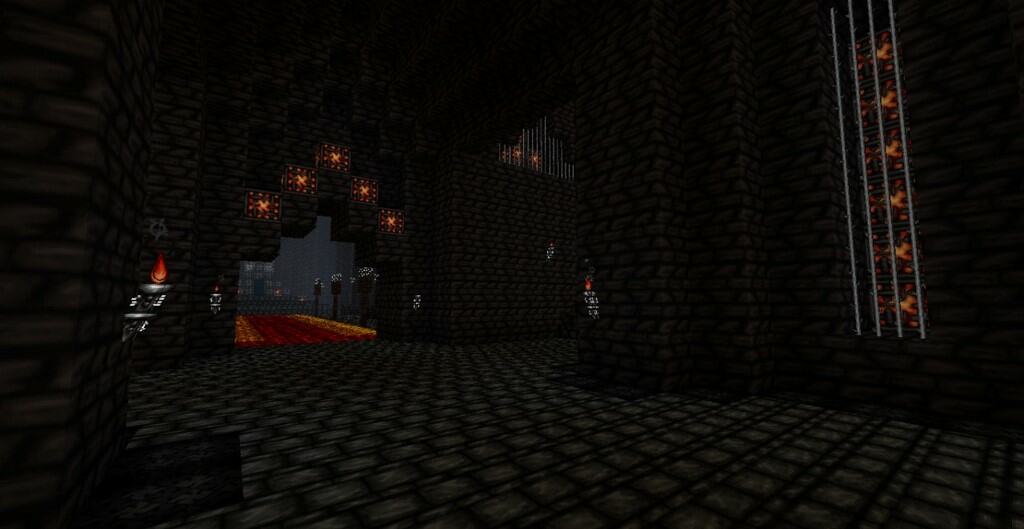
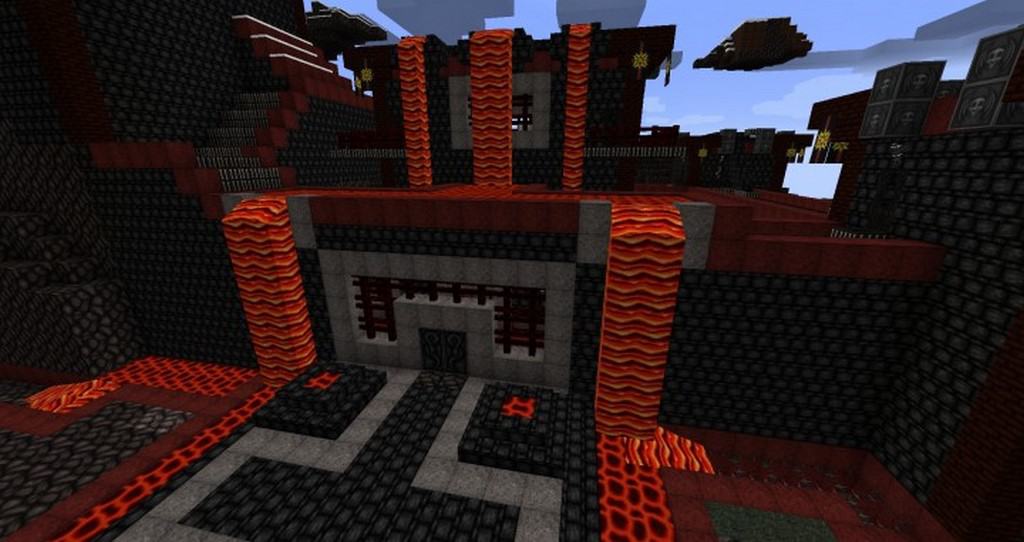
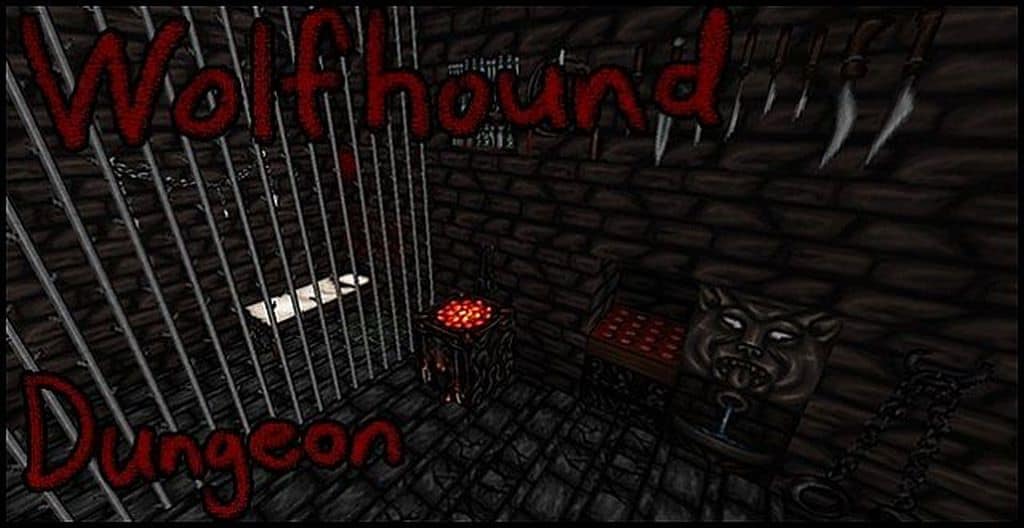
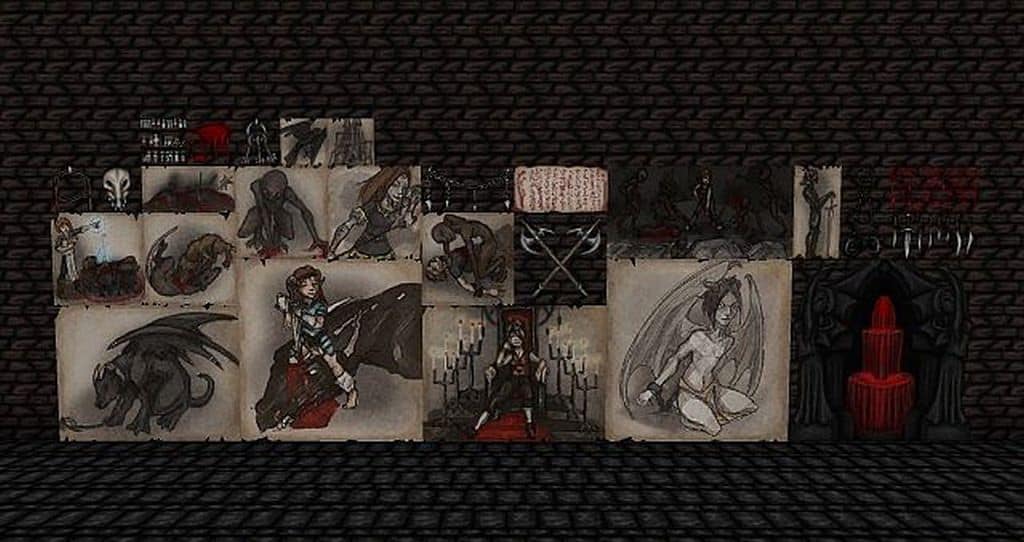
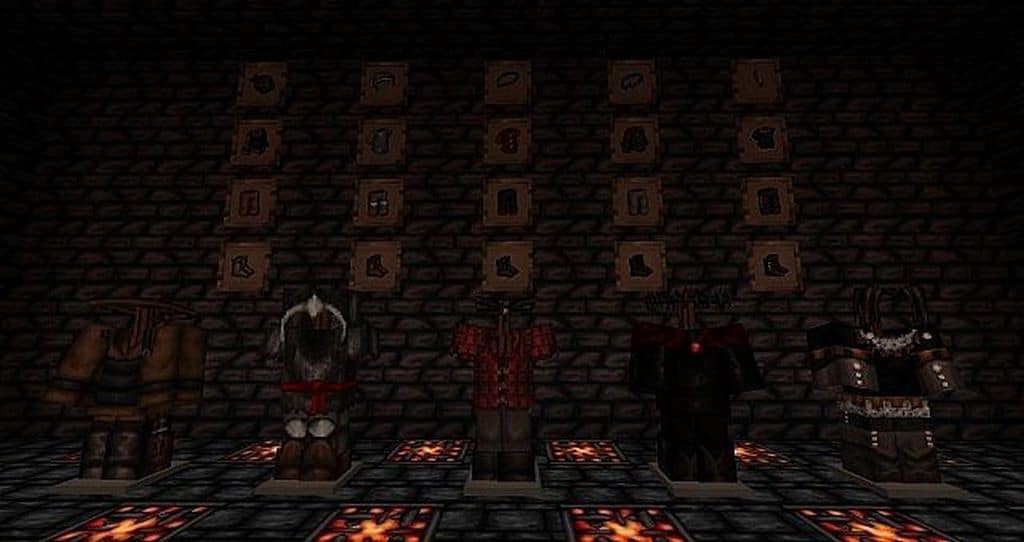
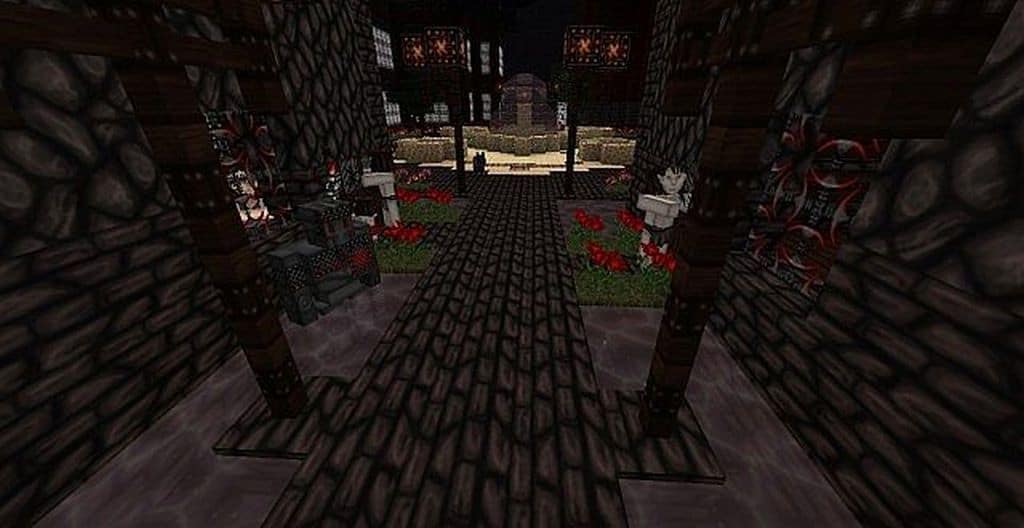
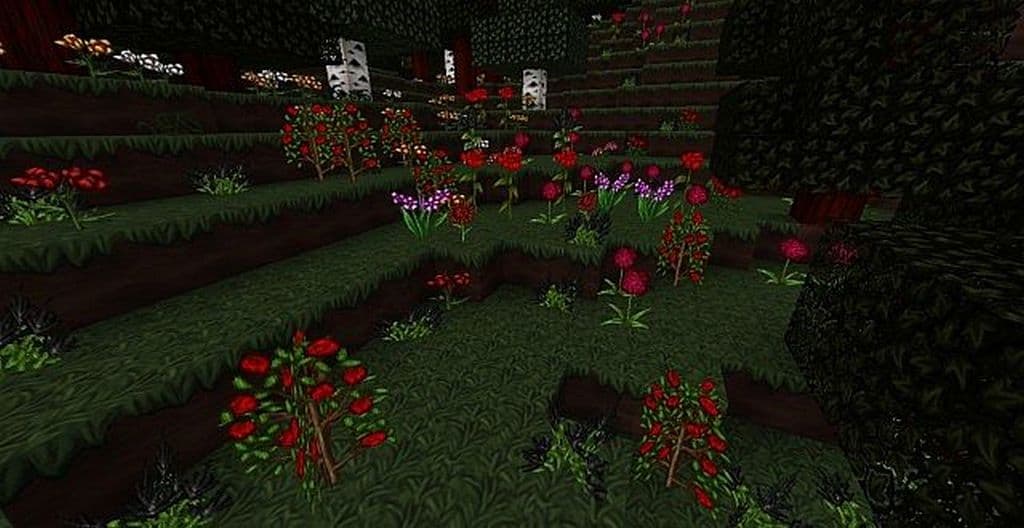
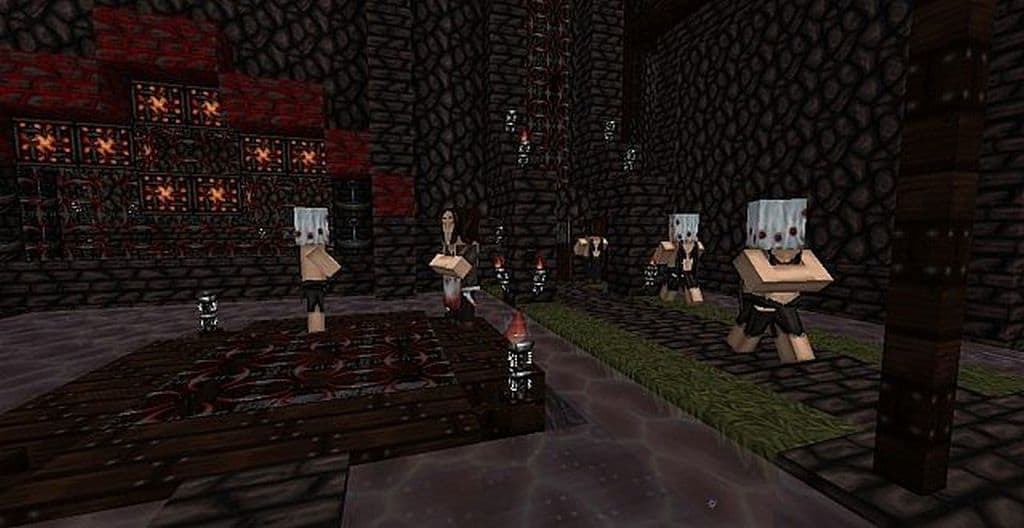
The Wolfhound Dungeon resource pack is truly one of the standout variants to emerge from the beloved Wolfhound resource pack series. It is always fascinating when community-made variants gain immense traction, and this one is no exception. While the original Wolfhound texture pack featured stunning hand-crafted textures in a sharp 64×64 resolution, the Wolfhound Dungeon pack completely overhauls the entire aesthetic while maintaining that same crisp 64×64 resolution. You will not find anything left looking like plain vanilla Minecraft here. If you love resource packs that drastically alter the overall appearance of the game, you will definitely want to dive deeper into this one. Created by ThistlePack as a proud member of the fantastic Wolfhound series, every single texture has been carefully crafted to look uniquely distinct. The meticulous detailing throughout these packs is remarkably visually appealing. The most striking feature you will likely notice right away is the heavy use of darker colors. Blocks and icons, such as trees, are presented in much darker shades that you can break down into components to craft various dark items. The heavy reliance on dark palettes, paired with blood splatters scattered everywhere, creates a genuinely ominous atmosphere across the Minecraft world. If you have been searching for a texture pack with a horror-filled theme, Wolfhound excels at crafting a world brimming with terror and suspense. Simply put, this resource pack is an absolute must-have for anyone looking to build horror-themed maps or players who simply want to explore dark, frightening environments filled with hidden traps throughout the Minecraft universe.
This texture pack delivers an unforgettable and truly transformative experience that few packs in its league can replicate. The textures are exceptionally well-maintained and remarkably impressive, and it is incredible that the developers have continued providing regular updates even after nine years on the market. With around 40,000 downloads to date, its popularity far surpasses many other packs that have never reached such milestones. Based on this, you can easily agree that its download numbers are quite high and truly remarkable. It is also worth noting that development on this pack has fully concluded, making it 100% complete and final. Unlike similar resource packs that linger below the 50% completion mark for years, this one is entirely finished. Running at a 64×64 resolution means you get razor-sharp textures packed with incredible detail and high quality. Naturally, higher-resolution packs can sometimes introduce frame rate (FPS) drops and lag on lower-end hardware, but thankfully, the developers have done a fantastic job optimizing this pack to minimize such issues. Even so, players on lower-configuration computers might still experience minor performance hiccups due to the sheer fidelity of the textures.
Wolfhound Dungeon should be compatible with all of these Minecraft versions: 26.2 – 26.1.2 – 26.1.1 – 26.1 – 1.21.11 – 1.21.10 – 1.21.9 – 1.21.8 – 1.21.7 – 1.21.6 – 1.21.5 – 1.21.4 – 1.21.3 – 1.21.2 – 1.21.1 – 1.21 – 1.20.6 – 1.20.5 – 1.20.4 – 1.20.3 – 1.20.2 – 1.20.1 – 1.20 – 1.19.4 – 1.19.3 – 1.19.2 – 1.19.1 – 1.19 – 1.18.2 – 1.18.1 – 1.18 – 1.17.1 – 1.17 – 1.16.5 – 1.16.4 – 1.16.3 – 1.16.2 – 1.16.1 – 1.16 – 1.15.2 – 1.15.1 – 1.15 – 1.14.4 – 1.14.3 – 1.14.2 – 1.14 – 1.13.2 – 1.13.1 – 1.13 – 1.12.2 – 1.12 – 1.11.2 – 1.11 – 1.10.2 – 1.10 – 1.9.4 – 1.9 – 1.8.9 – 1.8.8 – 1.8.1 – 1.8.6 – 1.8
Screenshots
How to Install Texture Pack (Simple 10 Steps)
- Download OptiFine: Most of the texture packs and shaders need OptiFine. That’s why, first download and install OptiFine for the version of Minecraft you want to play.
- Download the Texture Pack: Get the texture pack you want from the download section. Choose the version that works with your Minecraft and your PC’s performance.
- Open Minecraft Launcher: Start Minecraft using the official game launcher — or even TLauncher, if you use that.
- Go to Options: From the main menu, click on the “Options” button.
- Open Resource Packs: Inside Options, click on “Resource Packs…”.
- Open the Resource Pack Folder: Click on “Open Resource Pack Folder” — this will open a folder named “resourcepacks”.
- Move the Pack File: Copy or move the .zip file you downloaded into that “resourcepacks” folder. (Don’t unzip the file — Minecraft uses it as-is!)
- Go Back and Refresh: Close the folder and click “Done”, then go back into “Resource Packs…” again.
- Activate the Pack: You’ll see the pack on the left side. Hover over it and click the arrow to move it to the right (active side).
Tip: If you get a message that the pack is for a different version, just click “Yes” — it usually works fine. - Click Done and Enjoy: Click “Done” again. Now your pack is ready to use in-game. It’s that easy!
Credits
Credits: ThistlePack is the original creator and owner of the Wolfhound Dungeon resource pack. We do not claim ownership of this content, nor do we modify the original files. We strongly encourage all players to support the creator by downloading from official sources and checking out their other works.
Download Links
Java Edition
- [64x] Minecraft 26.2.x – 26.1.x
- [64x] Minecraft 1.21.x
- [64x] Minecraft 1.20.x
- [64x] Minecraft 1.19.x – 1.18.x
- [64x] Minecraft 1.17.x
- [64x] Minecraft 1.16.x
- [64x] Minecraft 1.15.x
- [64x] Minecraft 1.14.x
- [64x] Minecraft 1.13.x
- [64x] Minecraft 1.12.x
- [64x] Minecraft 1.11.x
- [64x] Minecraft 1.10.x
- [64x] Minecraft 1.9.x – 1.8.x
Download Instructions
Curseforge: download starts automatically after a few seconds;
Mediafire: click the big blue button with the text “DOWNLOAD”;
Google Drive: in the top right corner you will see a small download icon (down arrow), click it and the download should start;