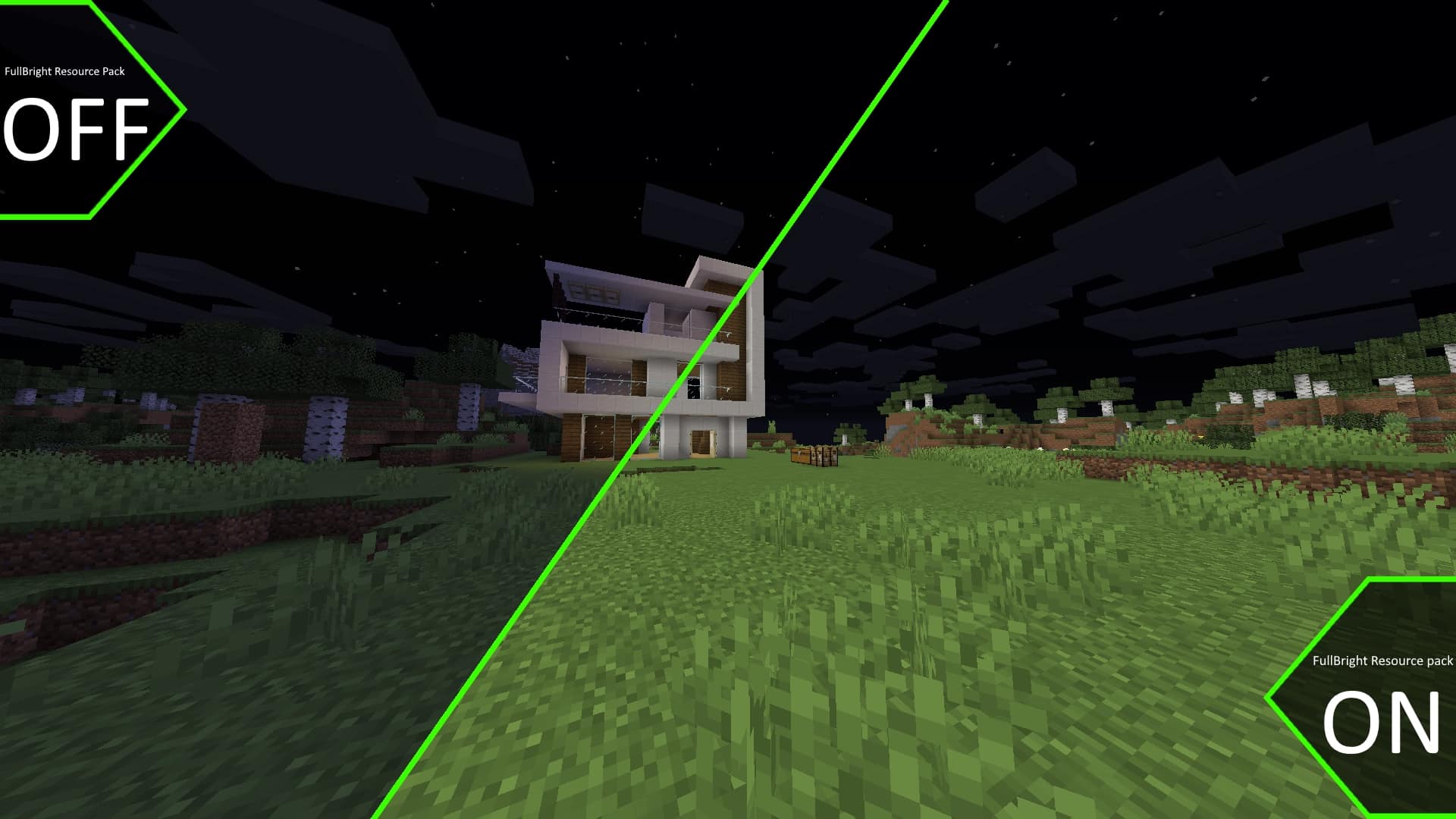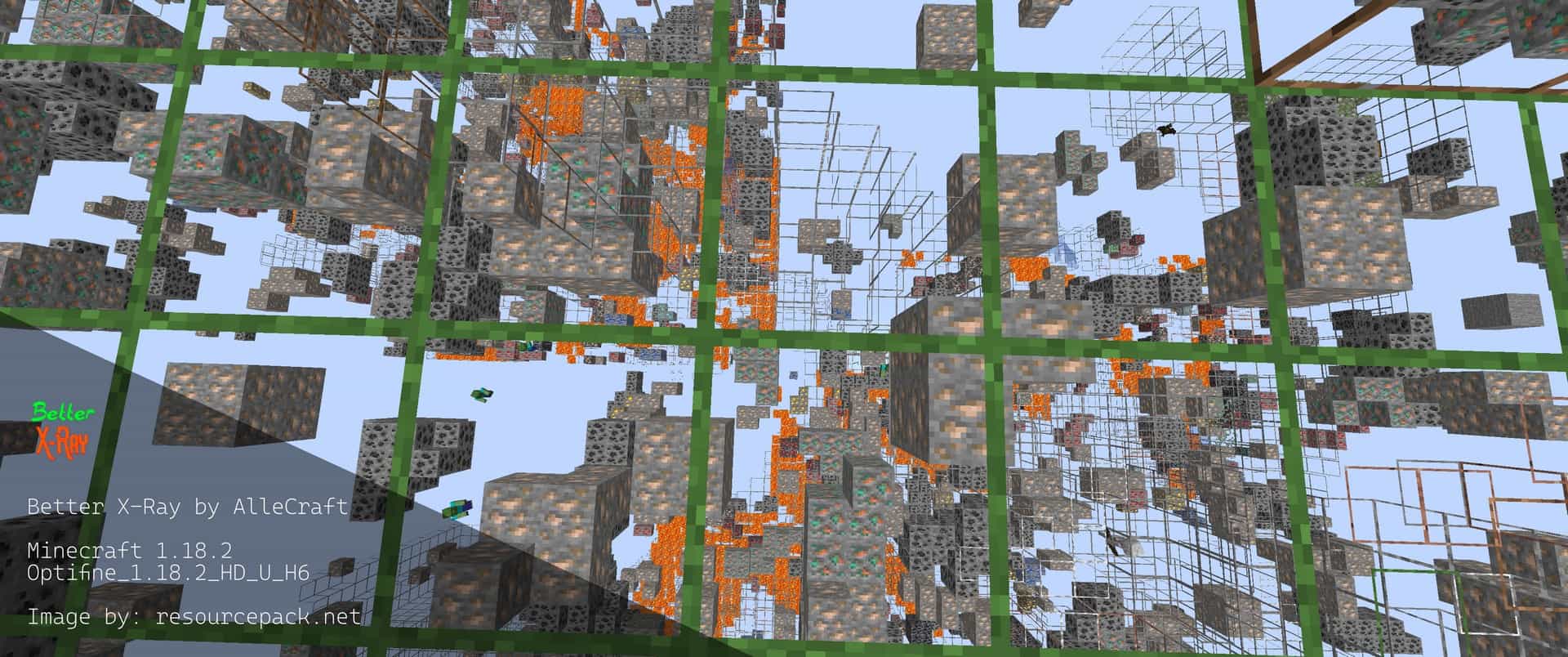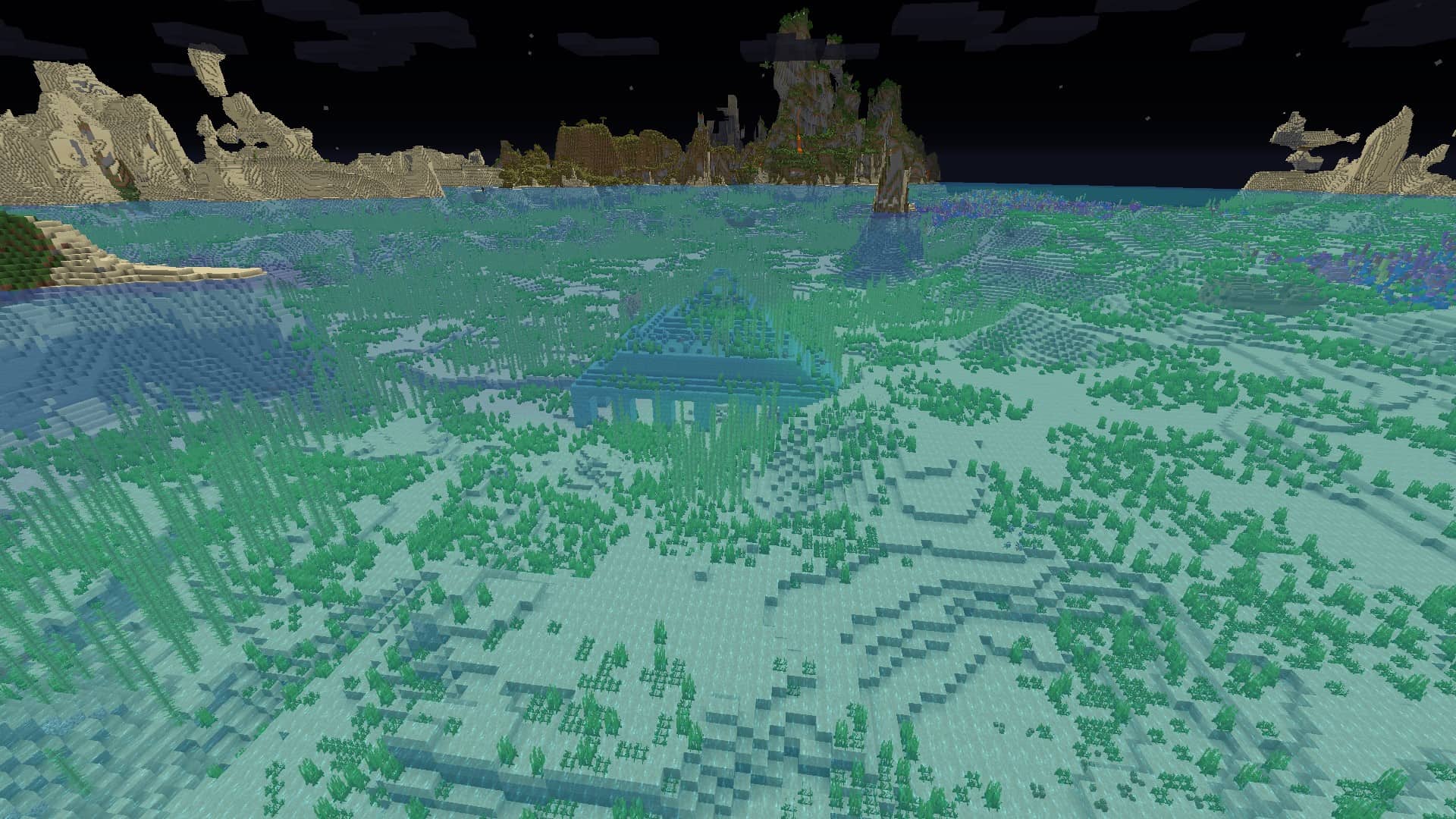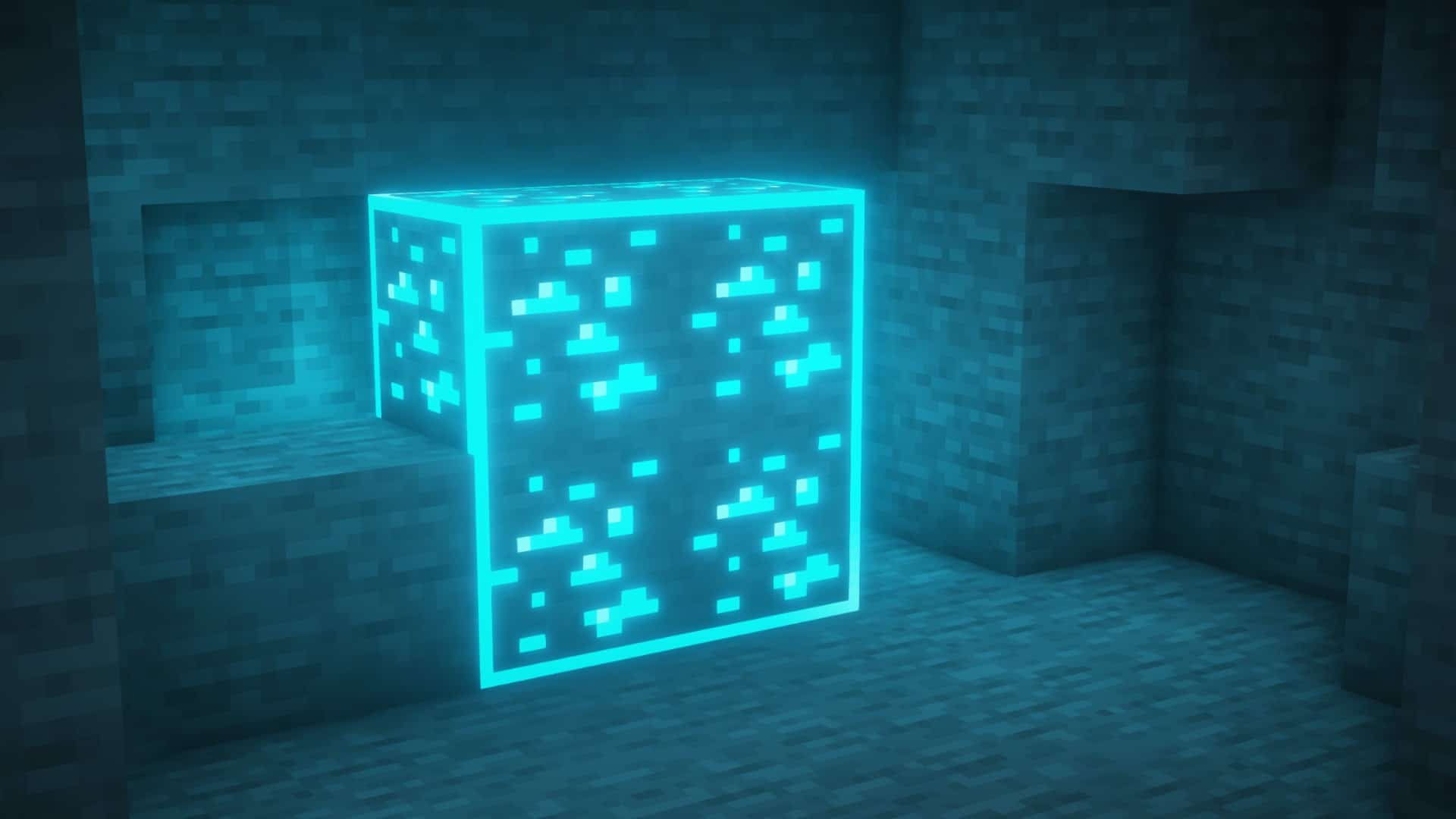
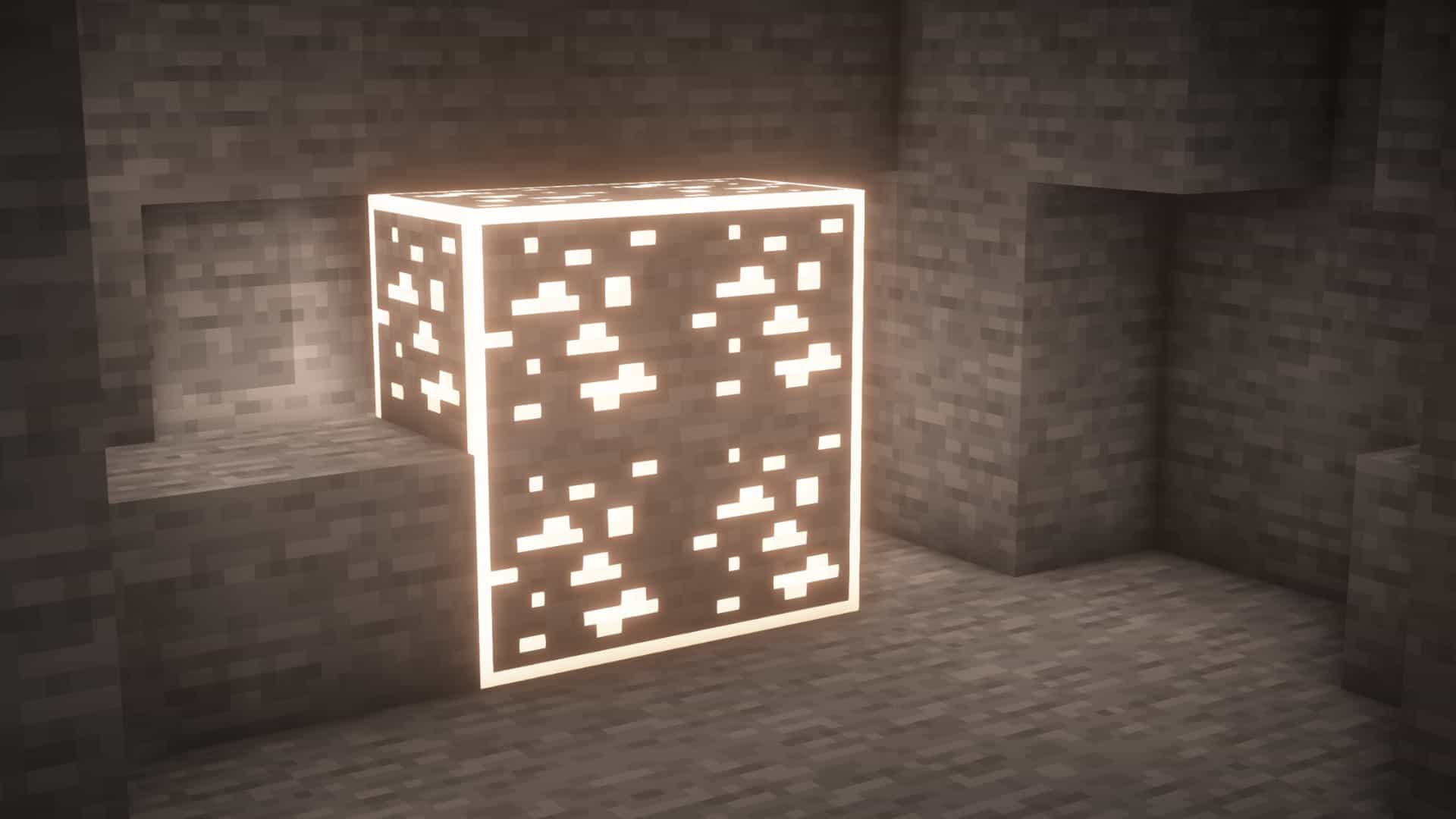
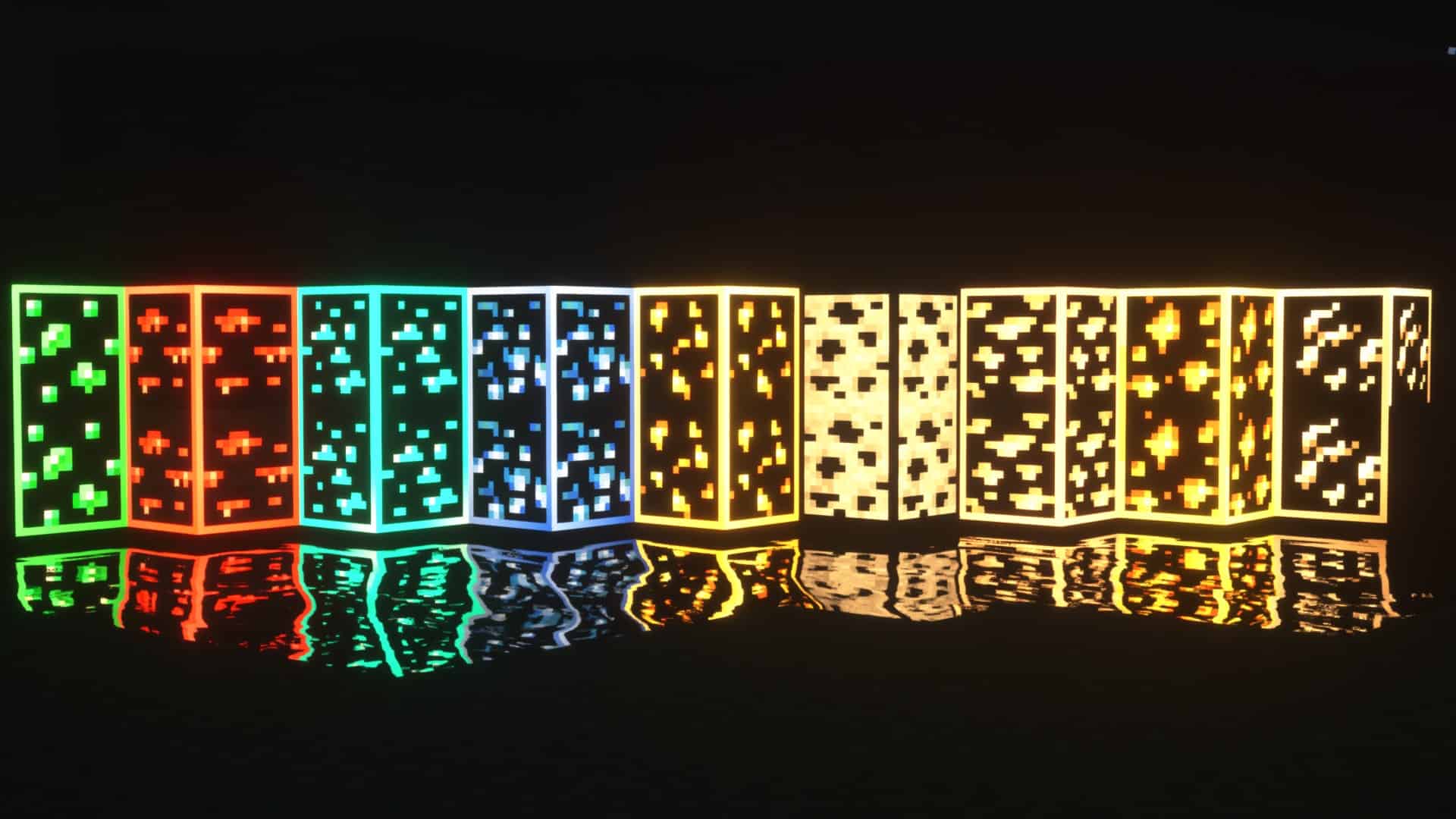
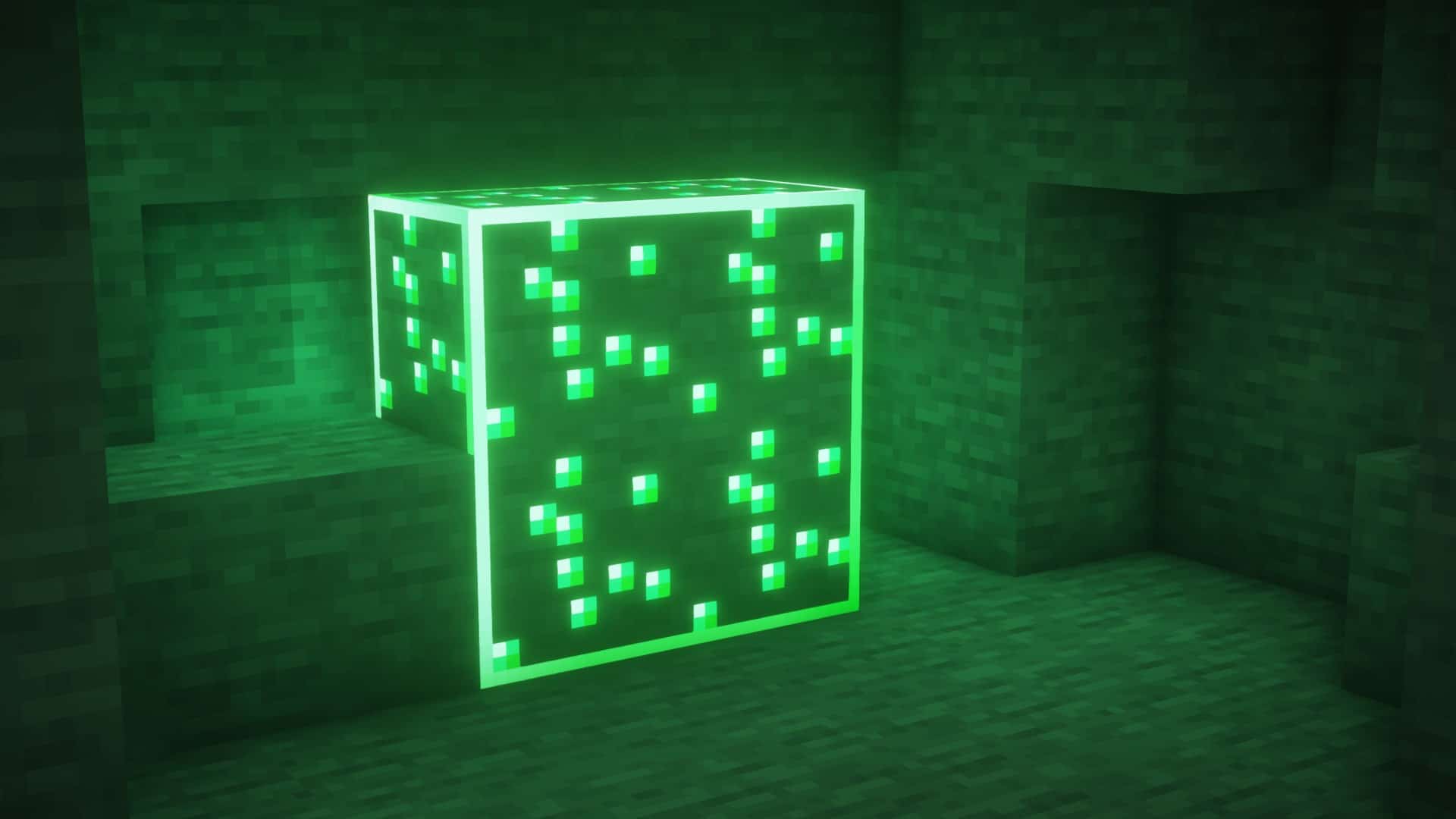
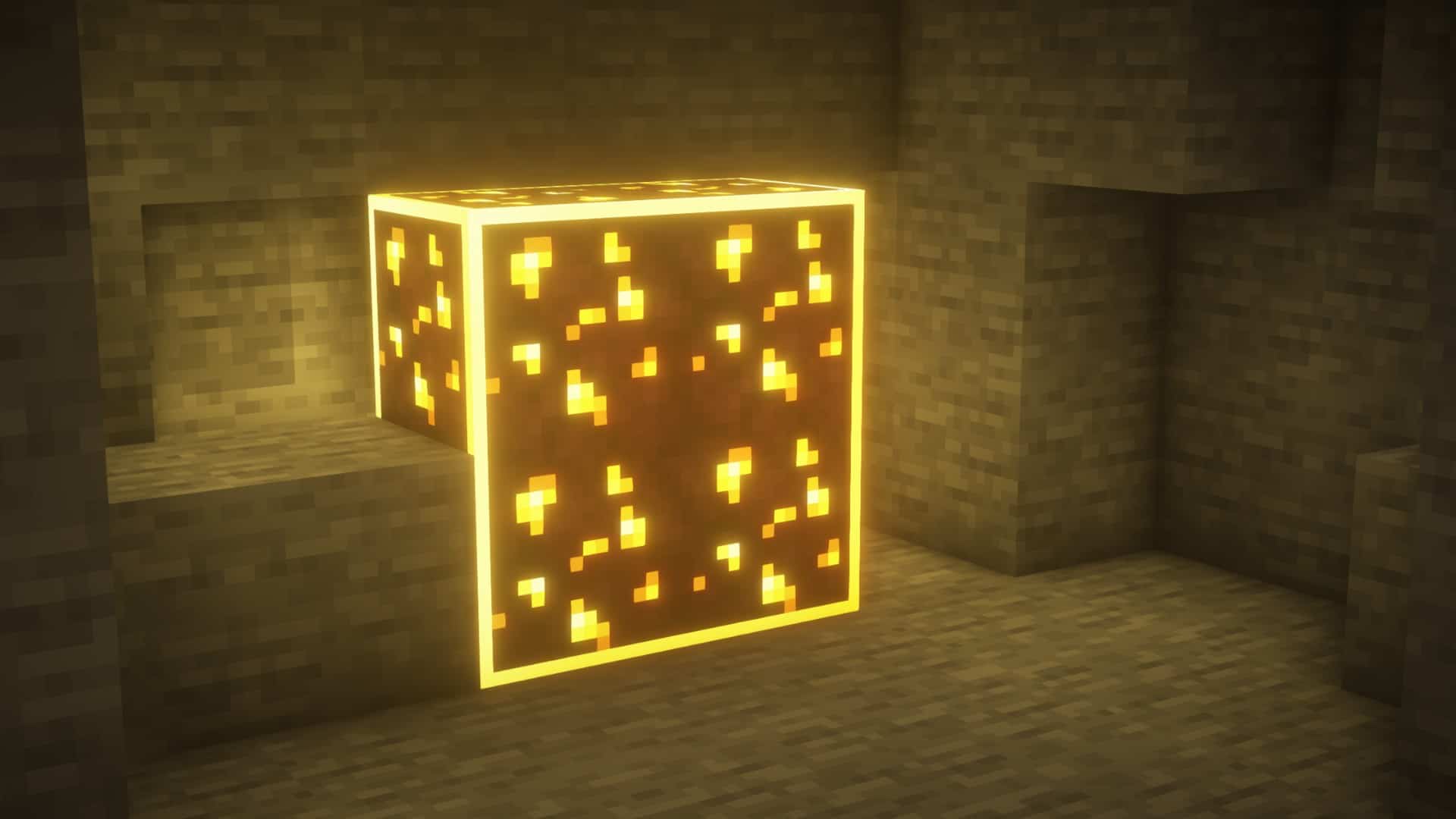
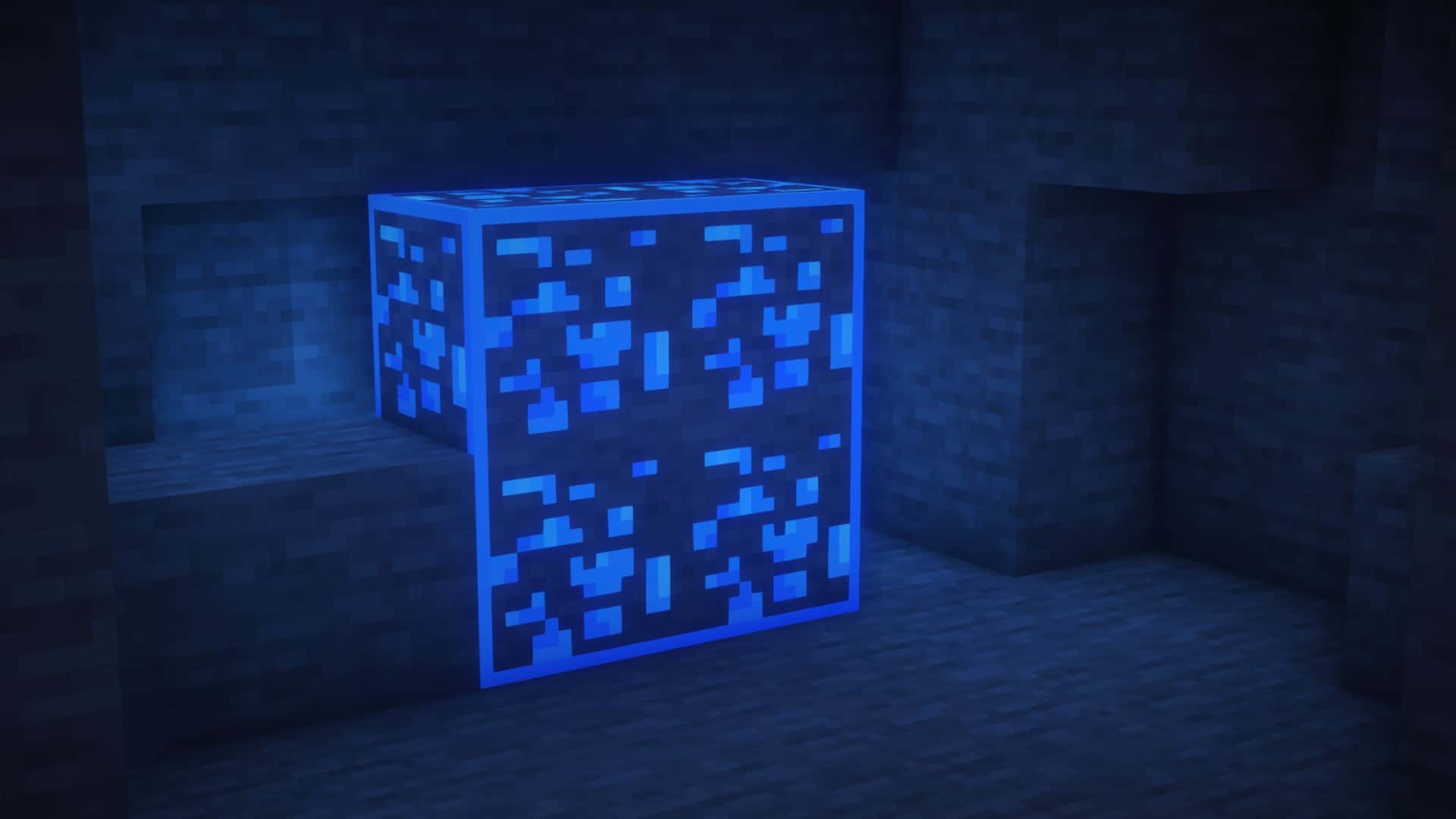
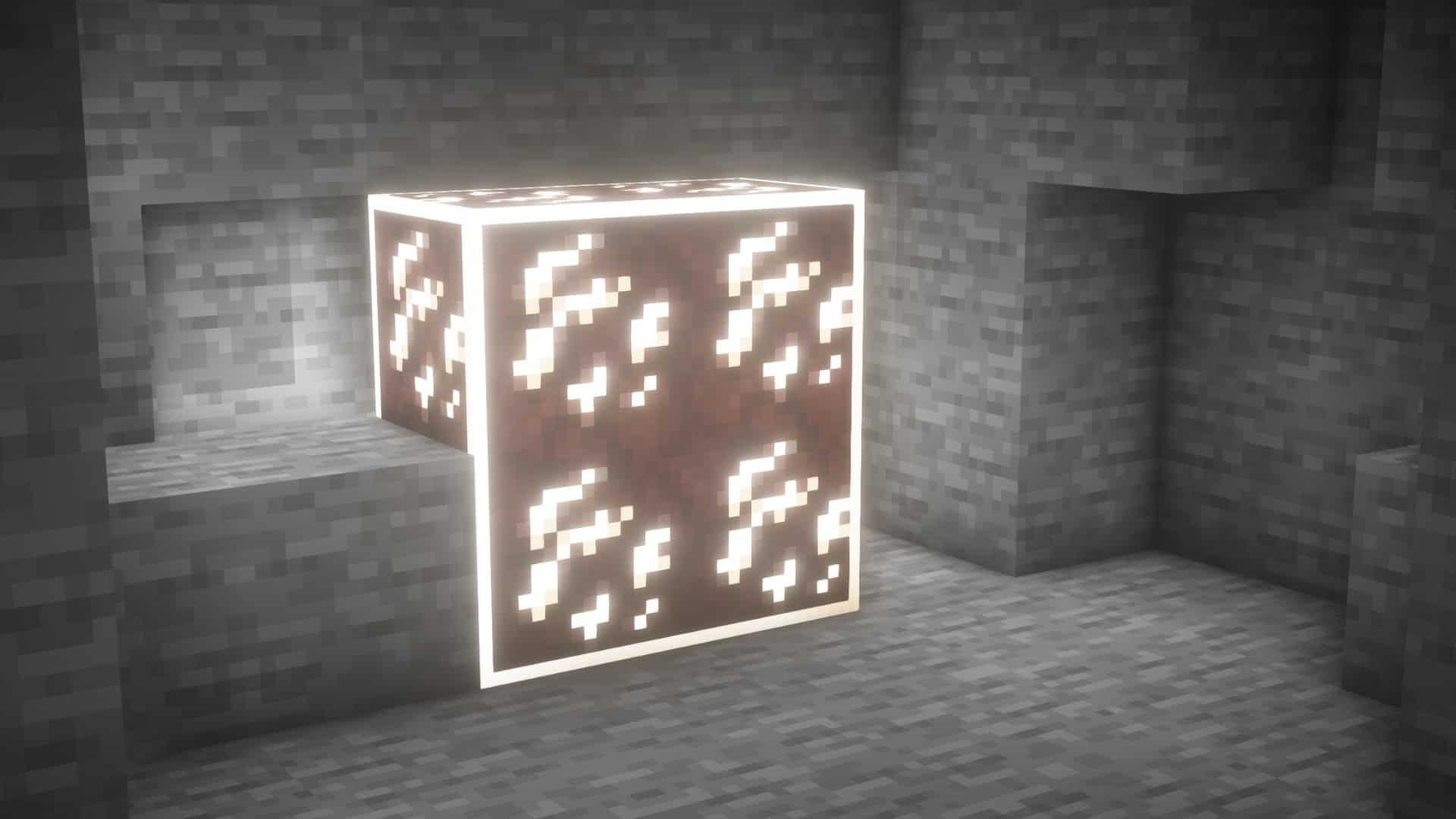
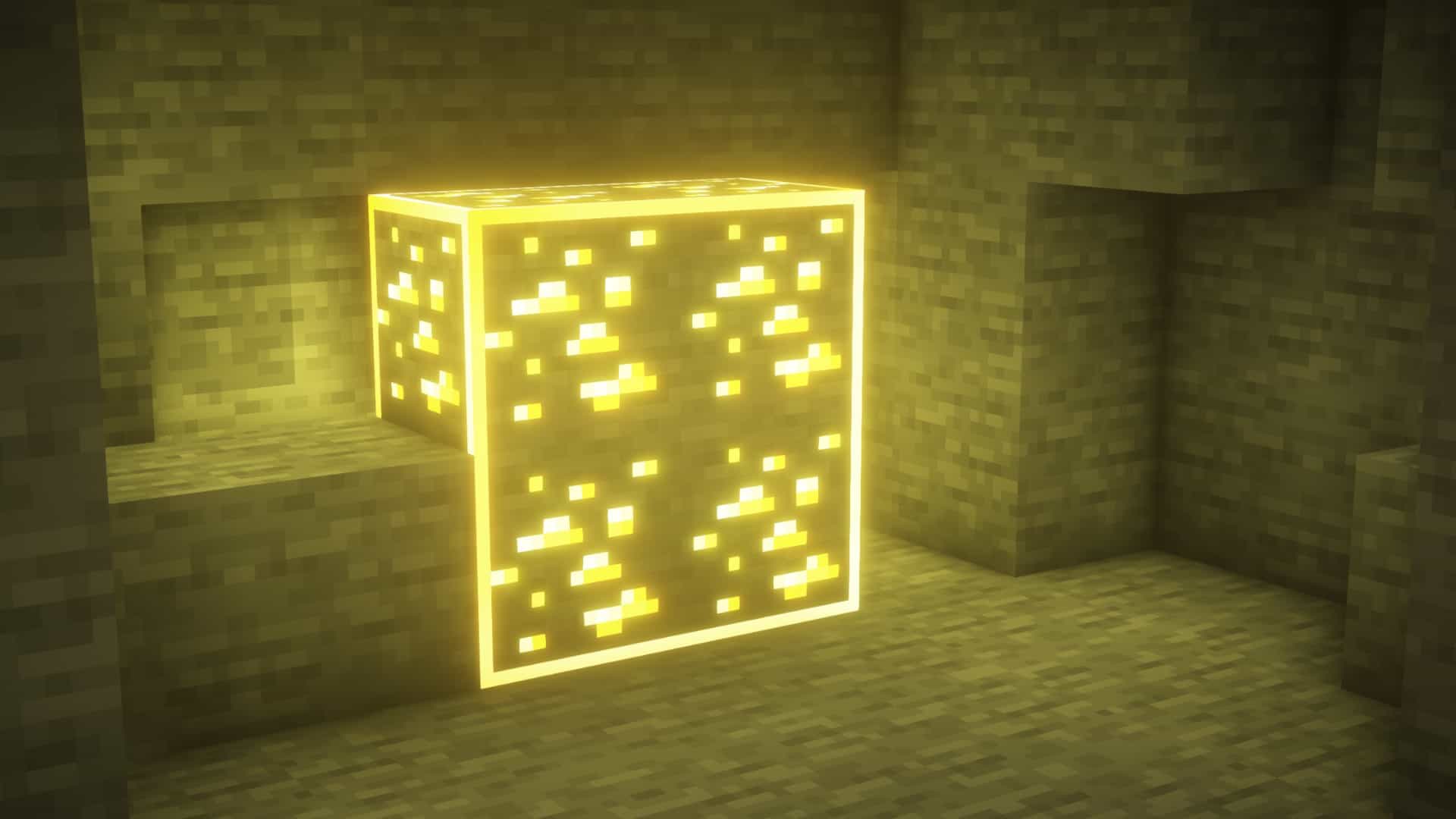
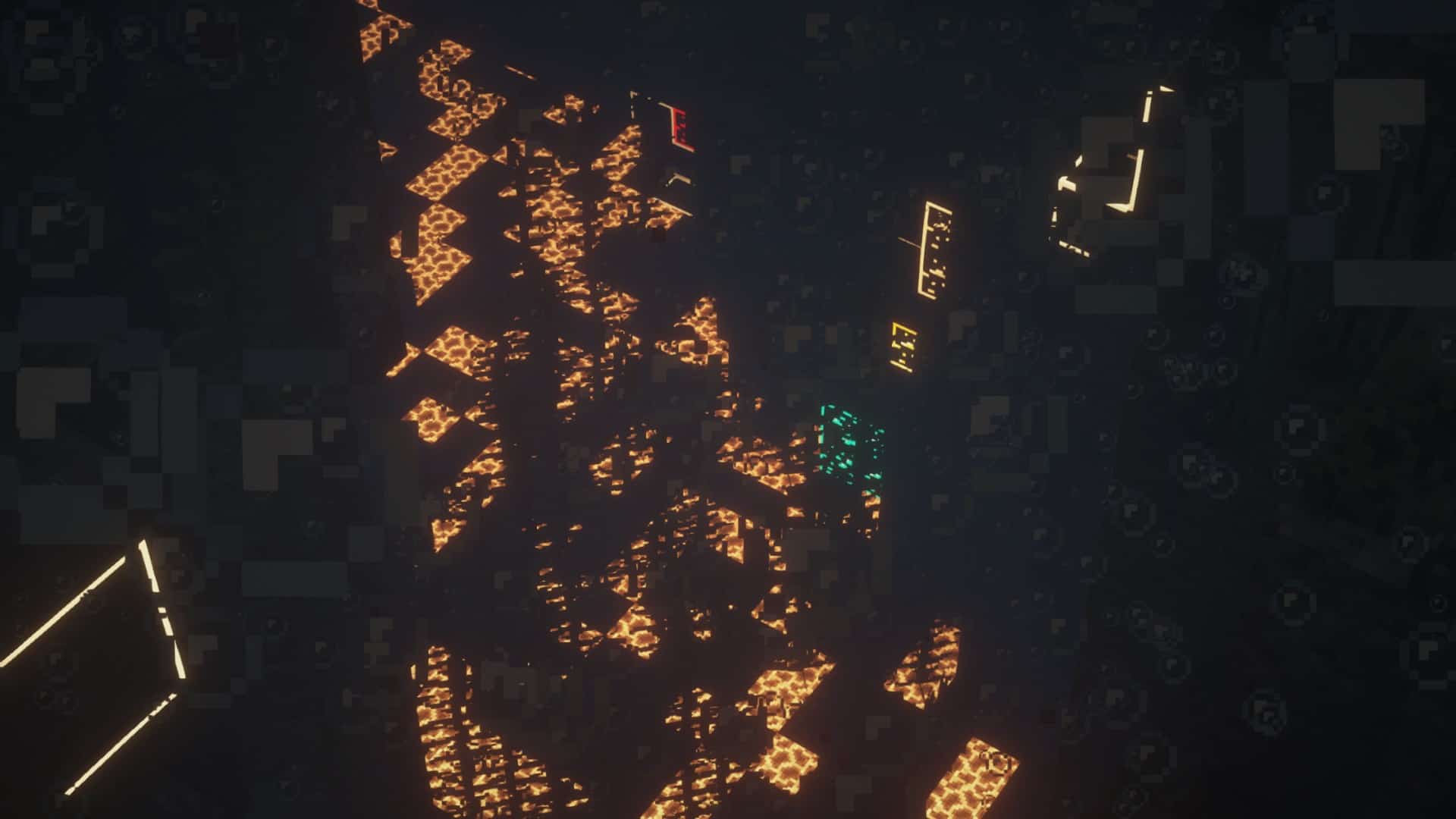
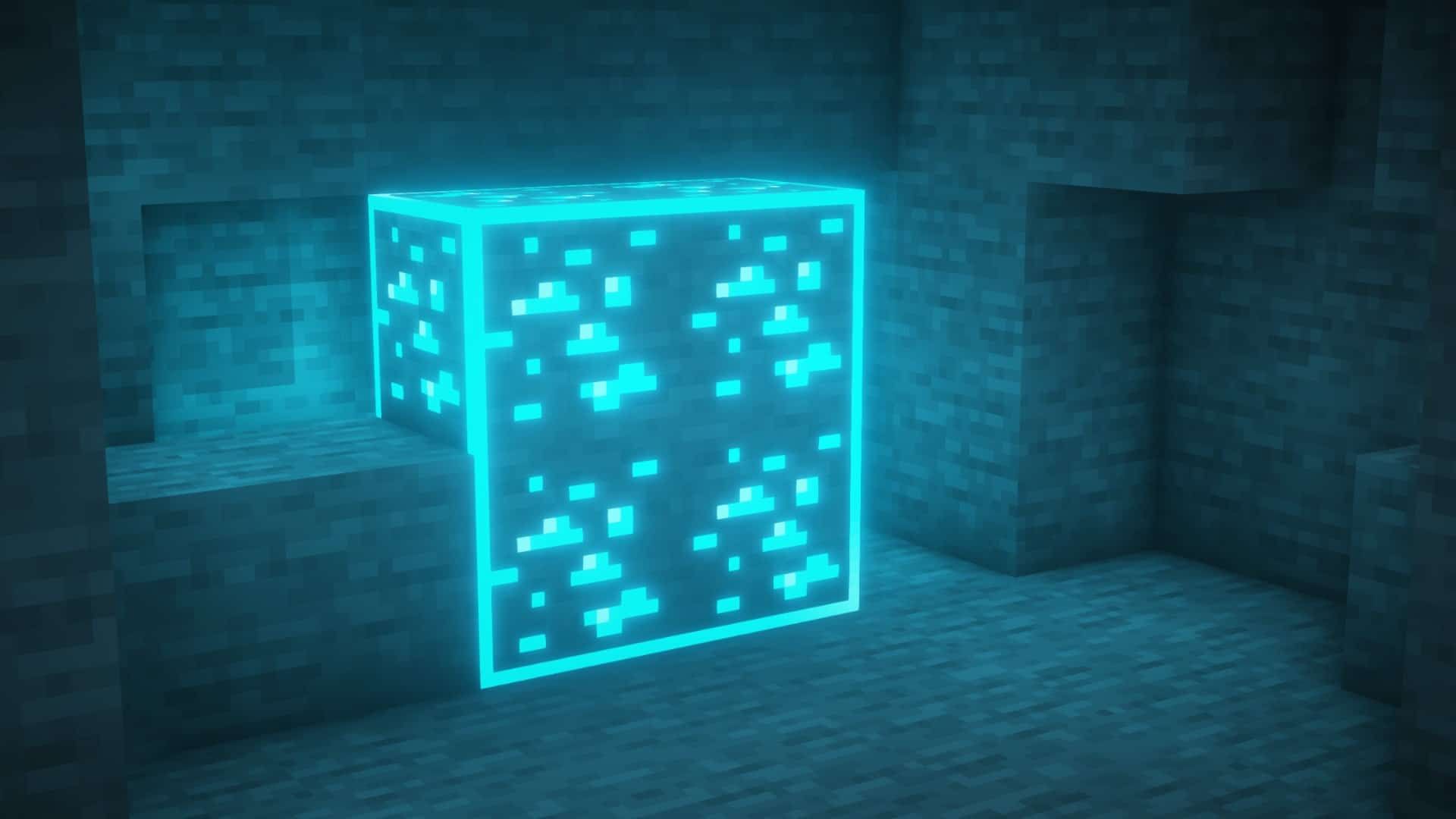
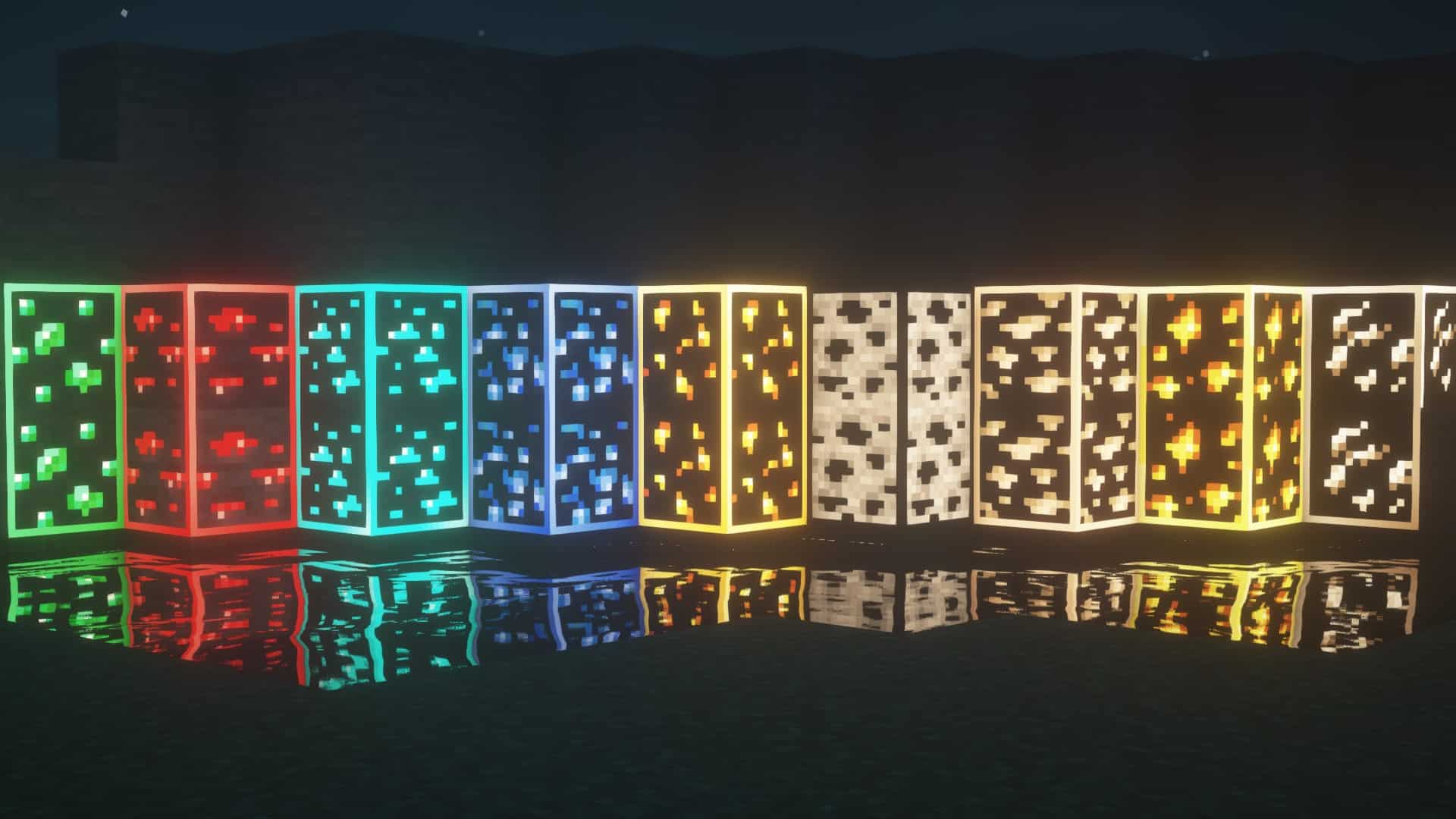
If you love trying out unique resource packs that bring something fresh and unusual to your gameplay, then the Visible Ores resource pack is an absolute must-try! Every Minecraft player knows how tedious it can be to spot rare ores, especially in the pitch-black caverns where you will likely be spending your mining sessions. The main purpose of the Visible Ores texture pack is to ease that process and make your underground adventures significantly more enjoyable. Unlike most packs that rely on X-ray and make you feel like you are cheating, Visible Ores totally manages to retain the authentic vanilla experience, preserving that genuine feeling of success and joy when you finally strike diamonds, emeralds, or any other valuable material. You will not be able to simply see straight through solid blocks at the push of a button, meaning it still requires you to go through all the necessary game progression and classic mining expeditions. At its core, Visible Ores brilliantly highlights and outlines every single ore vein you can possibly find in caves, including coal, iron, gold, diamond, and others. The glow is never overwhelming, striking just the right balance to help you notice them easily in the dark.
Visible Ores stands out as one of the very best resource packs for newcomers who want to make the game just a tad bit easier without losing its core charm. Best of all, no standard textures in the game have been altered at all, making it a fantastic choice for anyone dedicated to soaking in the pure vanilla Minecraft experience. Furthermore, this resource pack is fully supported across all online multiplayer servers because it does not grant unfair advantages over other players. With Visible Ores active, you will save precious time and have more freedom to enjoy other amazing aspects of the game, such as building grand structures, adventuring across the surface, visiting treacherous new dimensions, and more! To use Visible Ores properly, you will need to have Optifine installed since the resource pack relies heavily on its emissive and connected textures features to display correctly. It goes without saying that all the textures gracefully retain their classic 16×16 original resolution, meaning you will not experience any annoying FPS drops. You might even enjoy a smoother framerate if you were not already using Optifine before. If you want to make Minecraft look even more stunning, you can check out the labPBR release of the resource pack, which requires compatible shaders to give every individual ore its own appropriate blocklight color for a truly unique glow. The Visible Ores resource pack smoothly supports a wide range of Minecraft versions from 1.15 all the way up to modern releases.
Visible Ores should be compatible with all of these Minecraft versions: 26.2 – 26.1.2 – 26.1.1 – 26.1 – 1.21.11 – 1.21.10 – 1.21.9 – 1.21.8 – 1.21.7 – 1.21.6 – 1.21.5 – 1.21.4 – 1.21.3 – 1.21.2 – 1.21.1 – 1.21 – 1.20.6 – 1.20.5 – 1.20.4 – 1.20.3 – 1.20.2 – 1.20.1 – 1.20 – 1.19.4 – 1.19.3 – 1.19.2 – 1.19.1 – 1.19 – 1.18.2 – 1.18.1 – 1.18 – 1.17.1 – 1.17 – 1.16.5 – 1.16.4 – 1.16.3 – 1.16.2 – 1.16.1 – 1.16
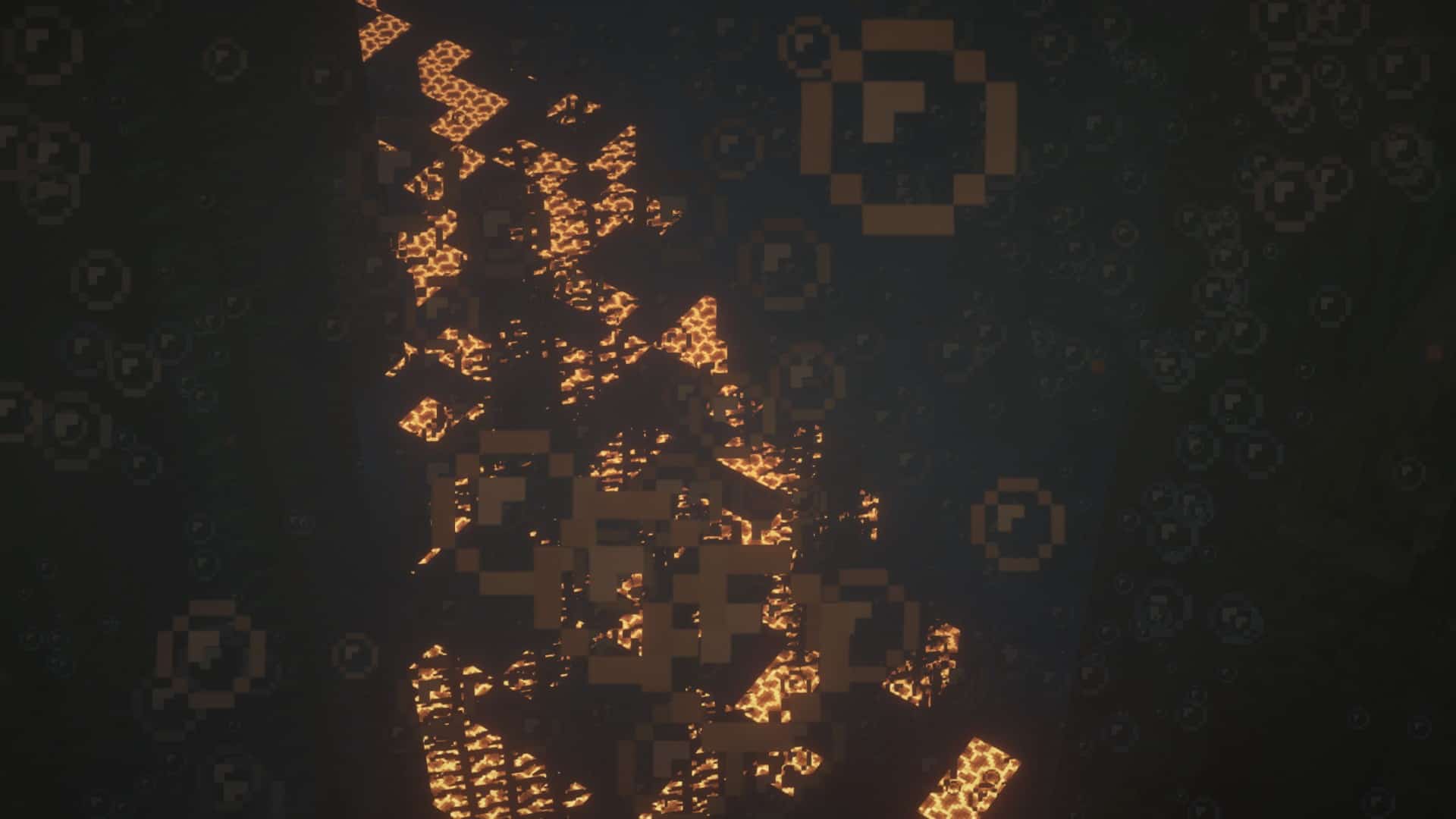
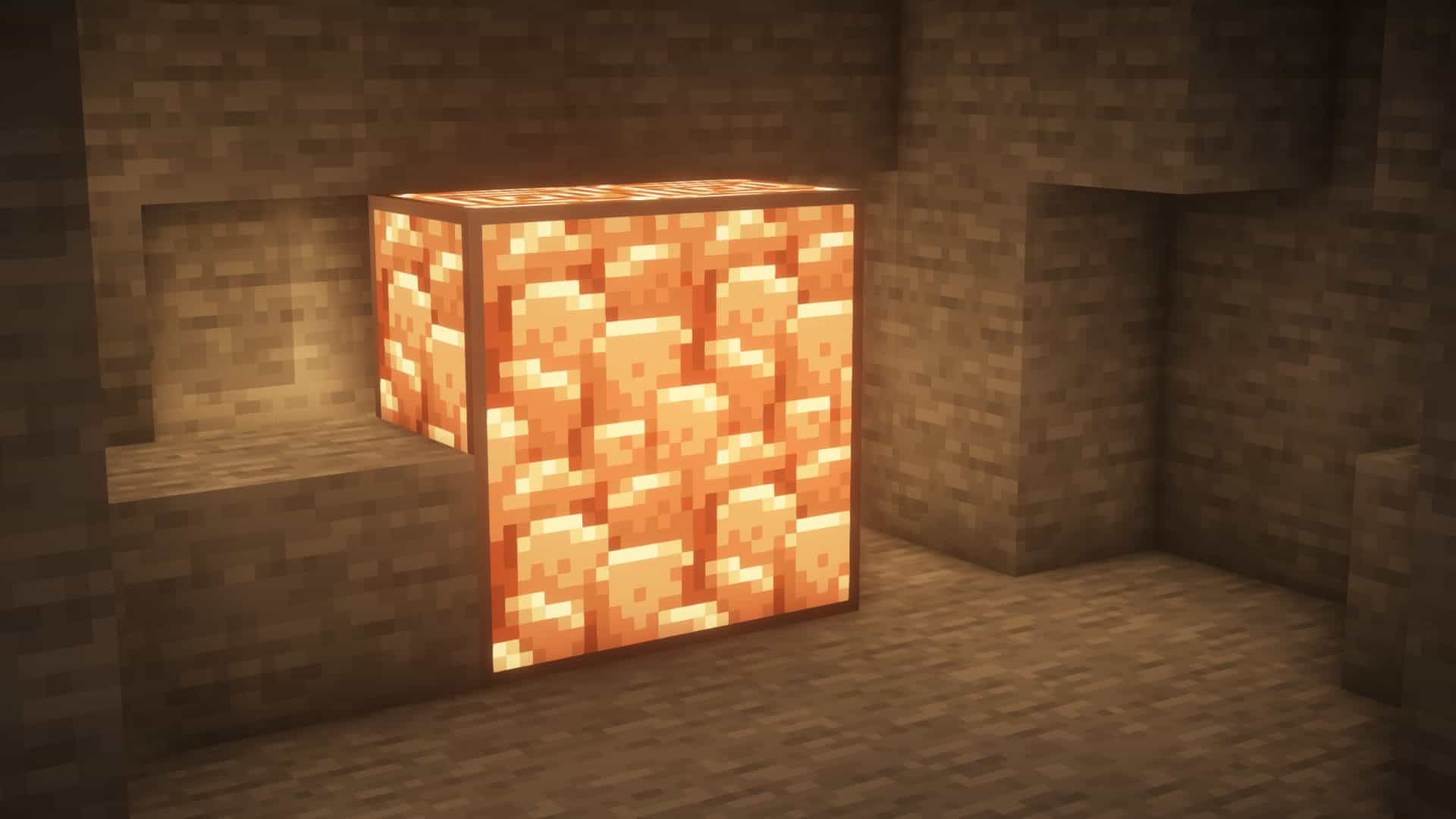
Screenshots

How to Install Texture Pack (Simple 10 Steps)
- Download OptiFine: Most of the texture packs and shaders need OptiFine. That’s why, first download and install OptiFine for the version of Minecraft you want to play.
- Download the Texture Pack: Get the texture pack you want from the download section. Choose the version that works with your Minecraft and your PC’s performance.
- Open Minecraft Launcher: Start Minecraft using the official game launcher — or even TLauncher, if you use that.
- Go to Options: From the main menu, click on the “Options” button.
- Open Resource Packs: Inside Options, click on “Resource Packs…”.
- Open the Resource Pack Folder: Click on “Open Resource Pack Folder” — this will open a folder named “resourcepacks”.
- Move the Pack File: Copy or move the .zip file you downloaded into that “resourcepacks” folder. (Don’t unzip the file — Minecraft uses it as-is!)
- Go Back and Refresh: Close the folder and click “Done”, then go back into “Resource Packs…” again.
- Activate the Pack: You’ll see the pack on the left side. Hover over it and click the arrow to move it to the right (active side).
Tip: If you get a message that the pack is for a different version, just click “Yes” — it usually works fine. - Click Done and Enjoy: Click “Done” again. Now your pack is ready to use in-game. It’s that easy!
Credits
This resource pack was created by techy69. We do not claim ownership of this content, nor do we host modified files on our servers. All rights and intellectual property remain entirely with the original creator. We strongly encourage you to support techy69 by downloading the pack through the official links provided below.
Download Links
Java Edition
Download Instructions
If you want ores to glow, you need shaders. Get shaders here.
For this resource pack to work, it must always be at the top of your active packs.
Curseforge: download starts automatically after a few seconds;
Mediafire: click the big blue button with the text “DOWNLOAD”;
Google Drive: in the top right corner you will see a small download icon (down arrow), click it and the download should start;