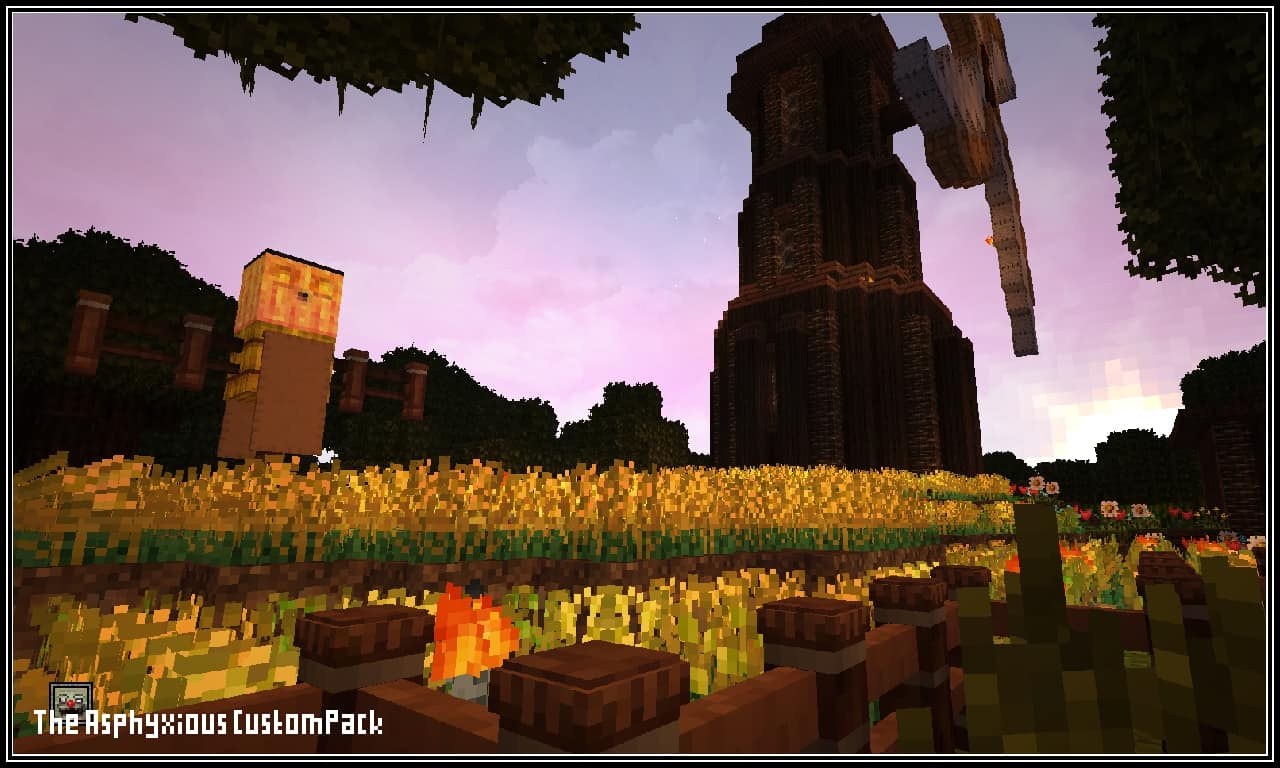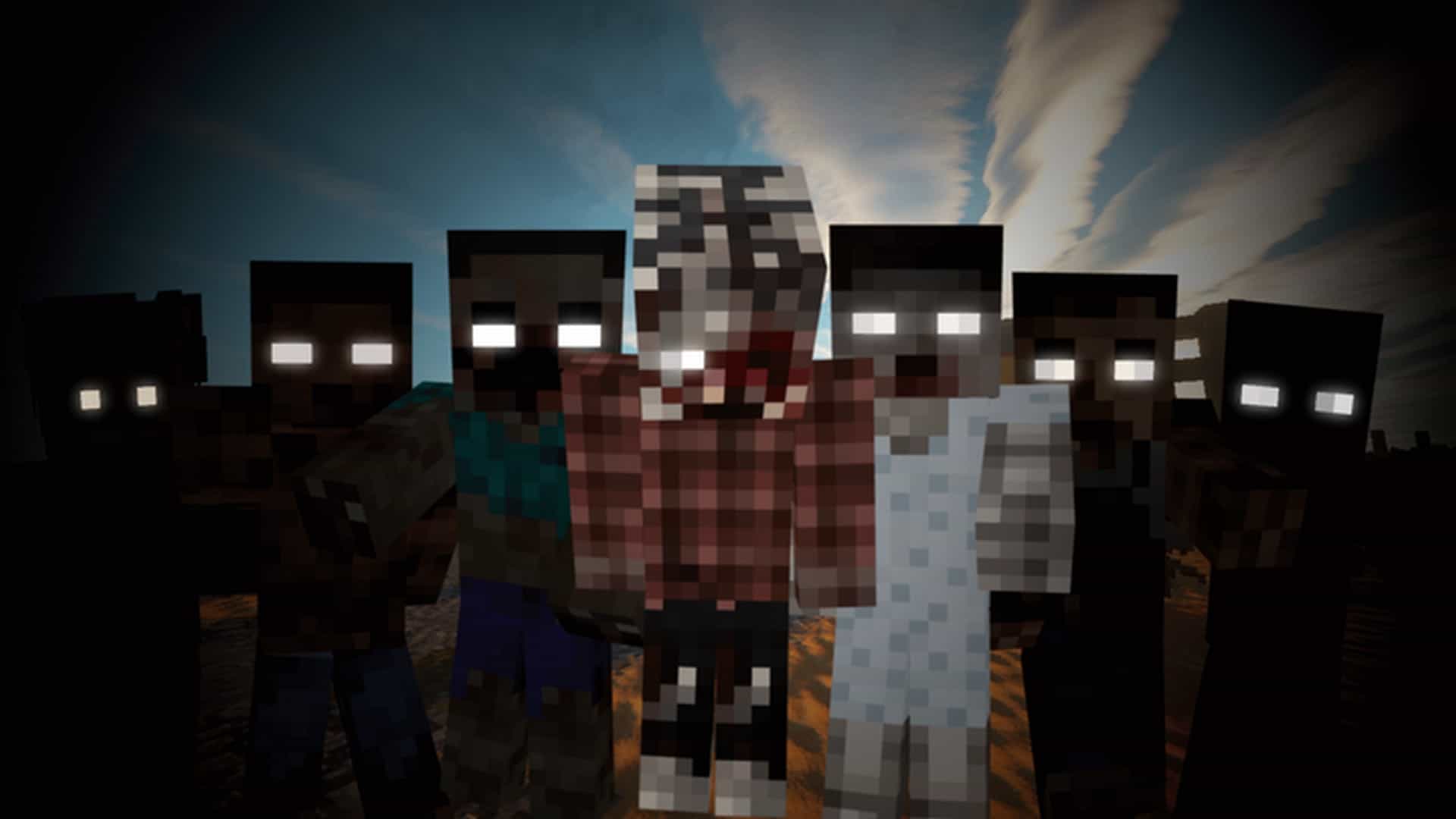
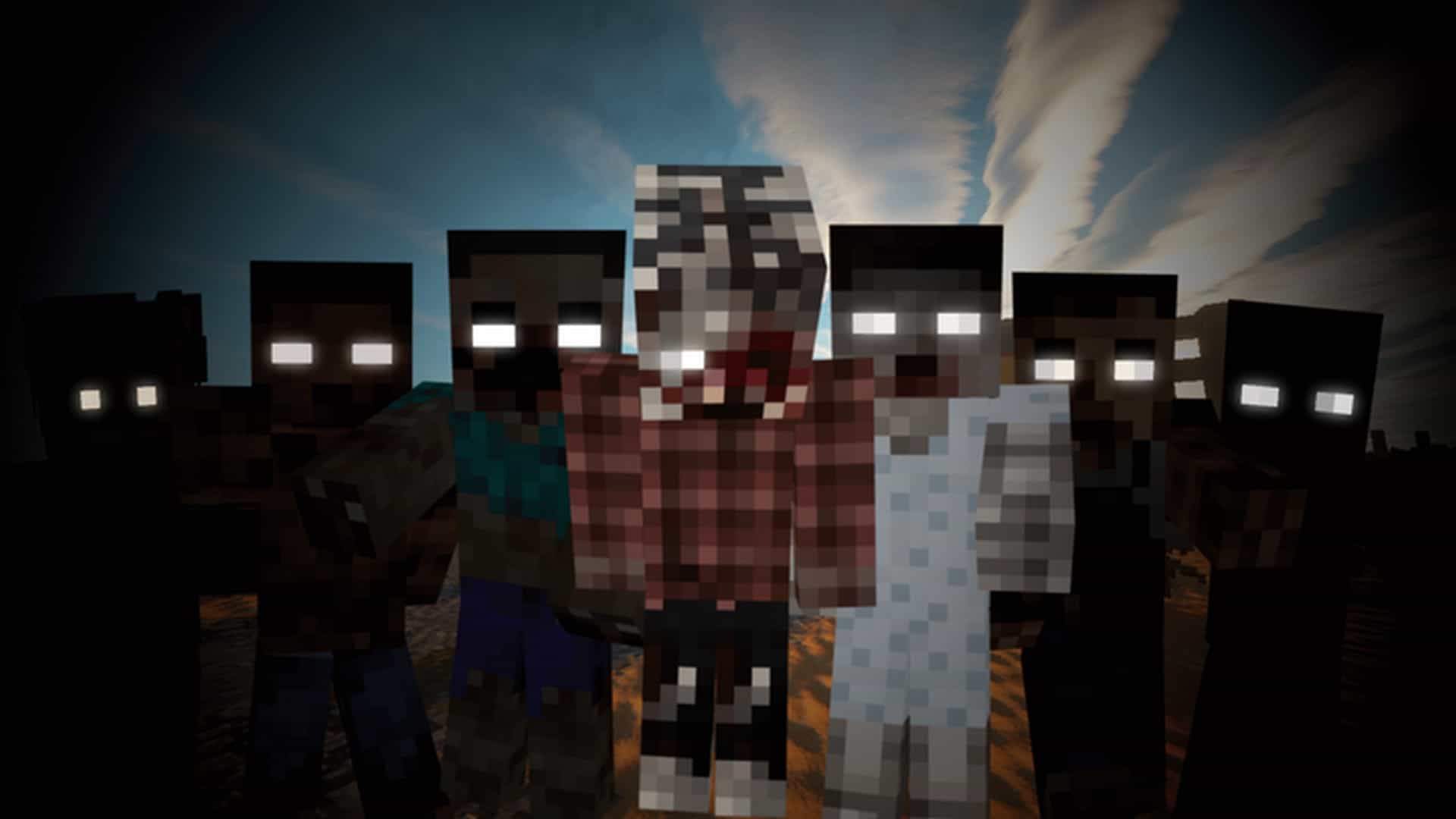
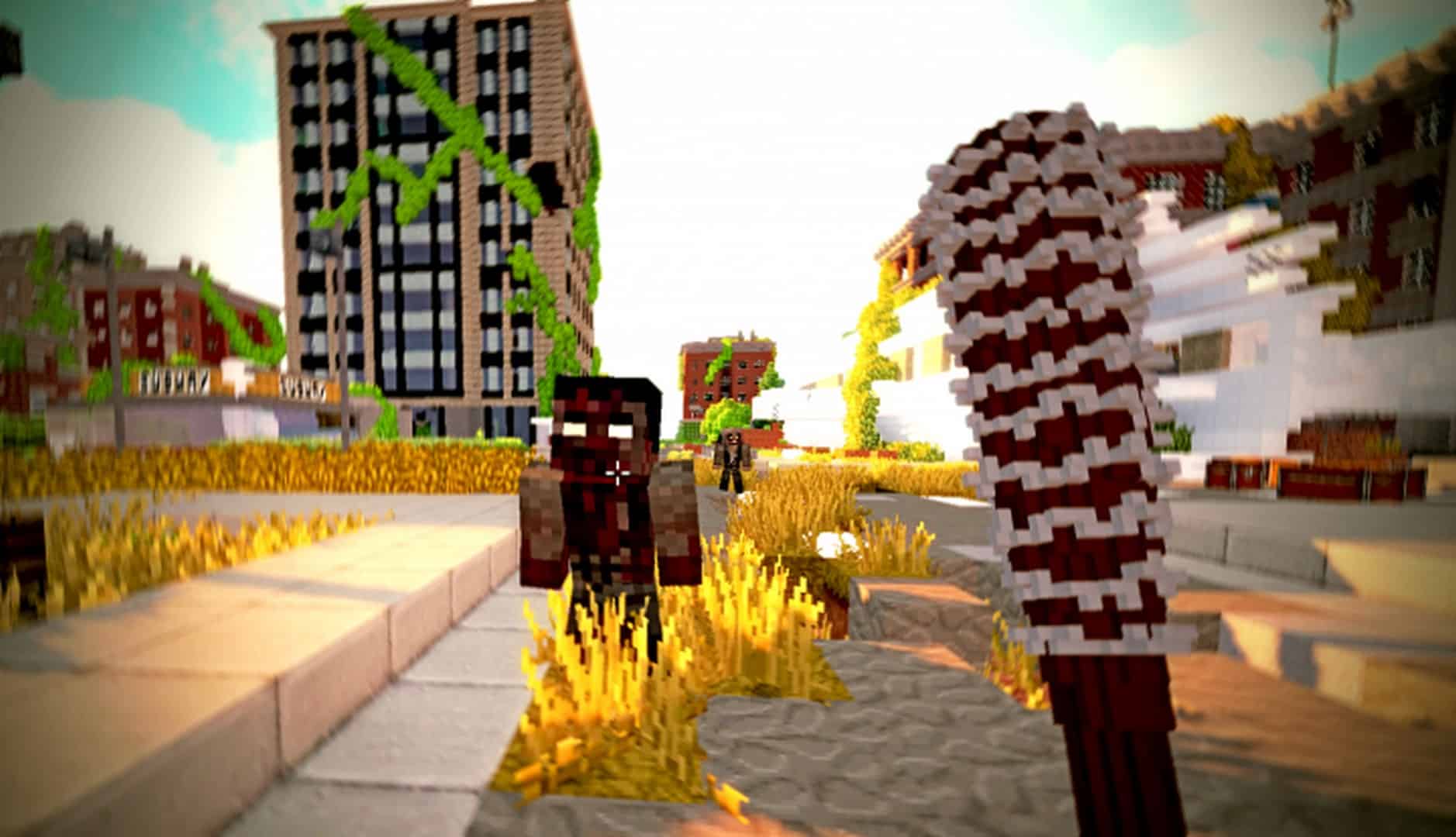
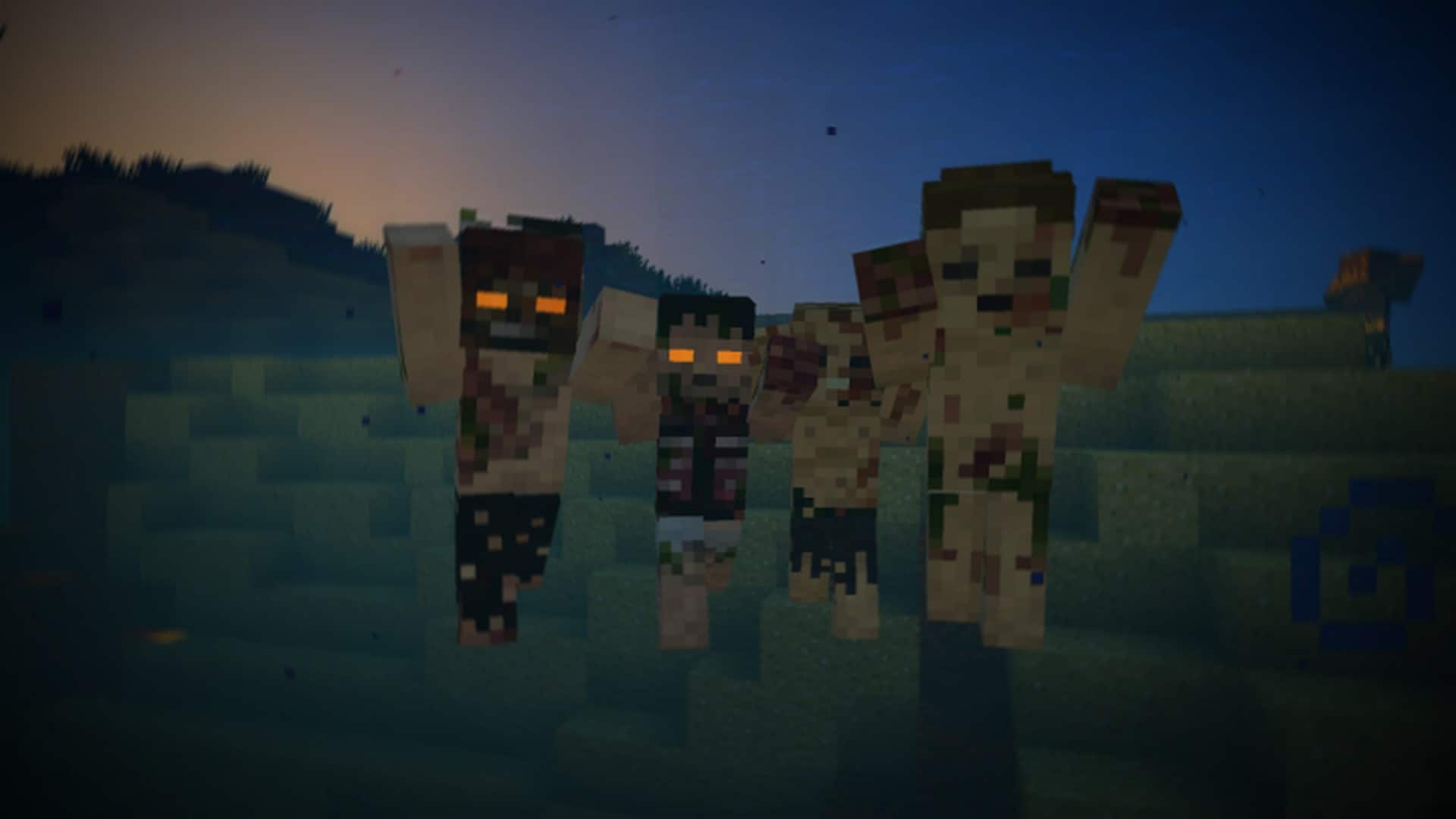
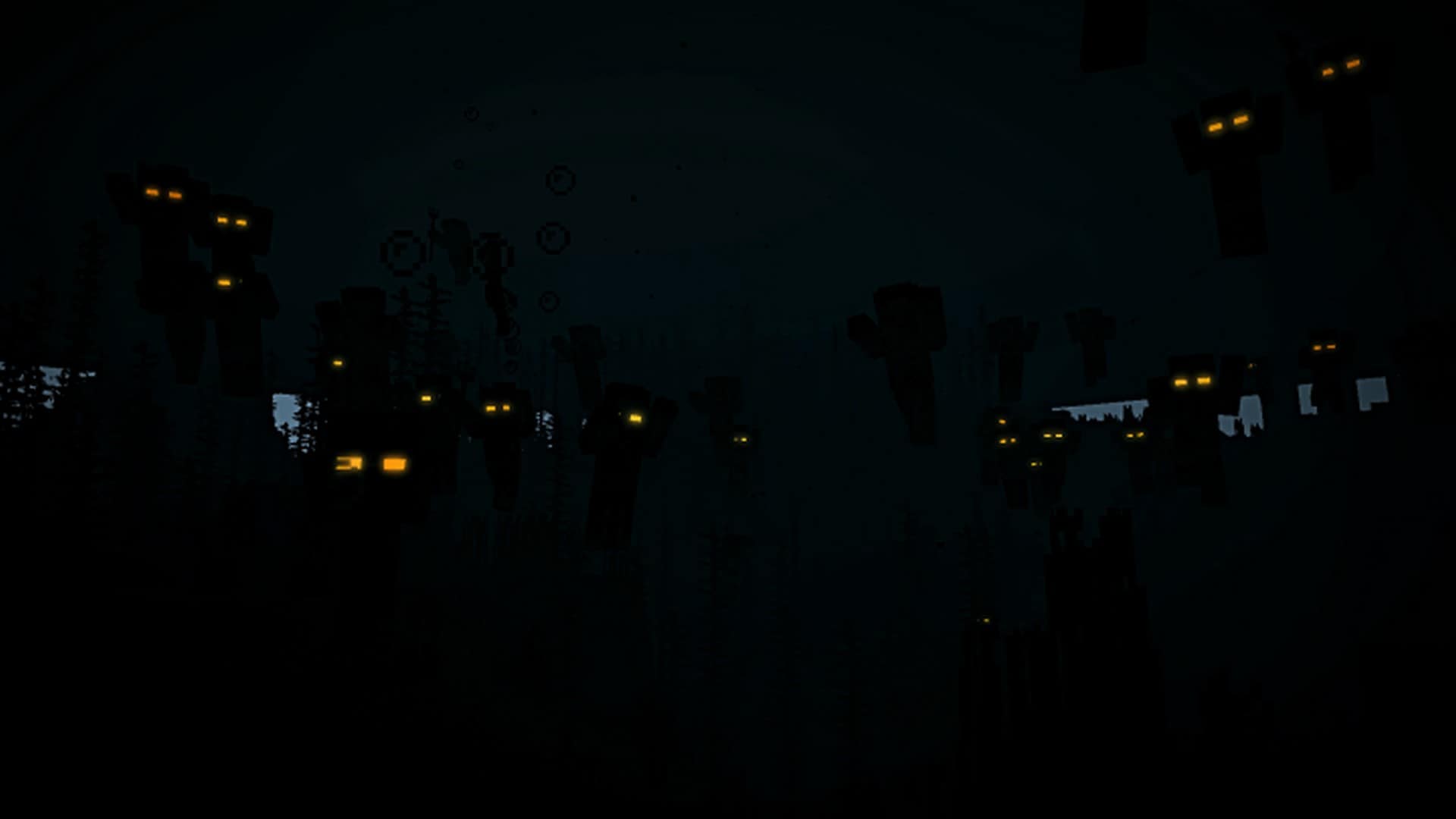
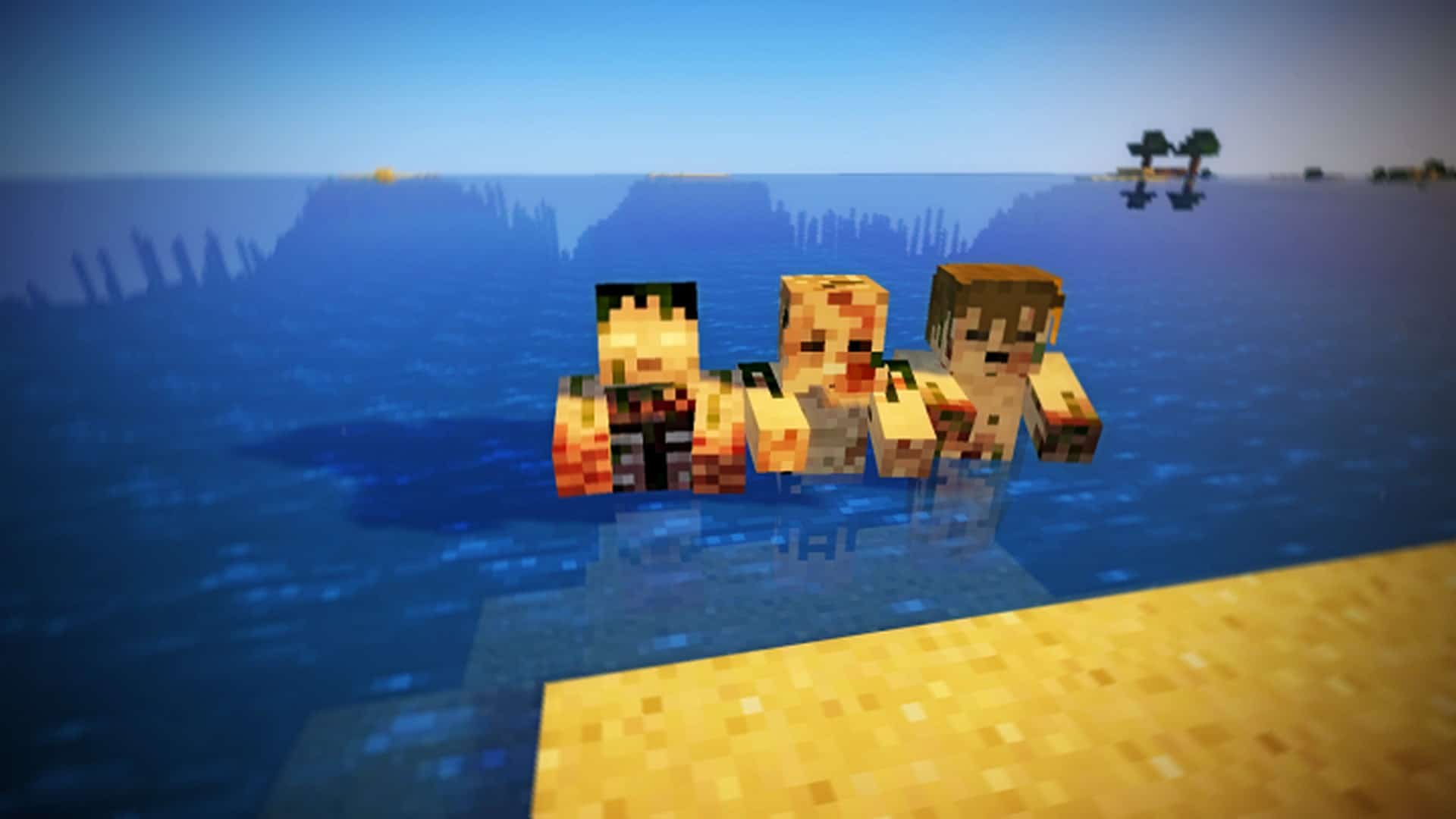
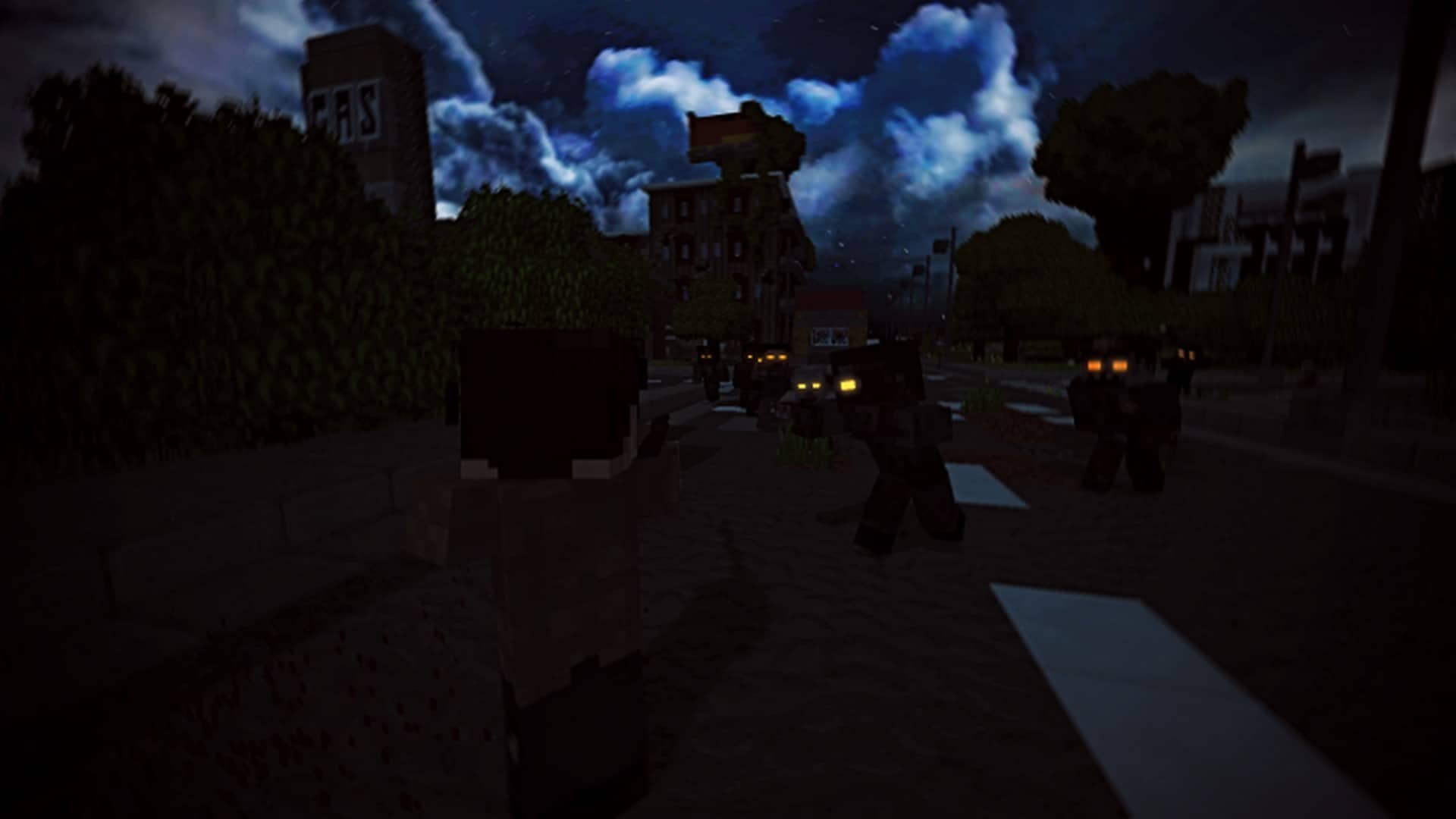
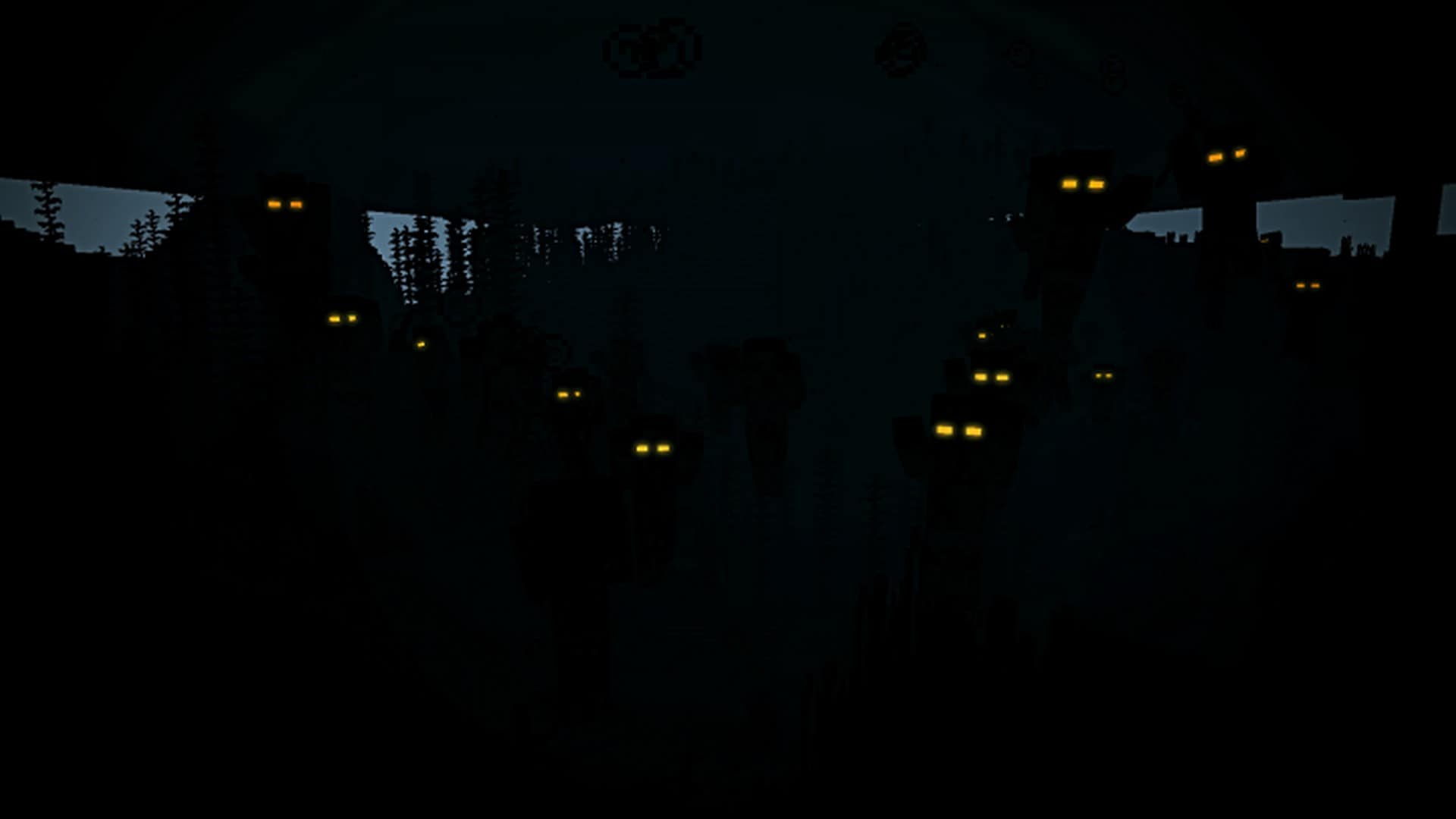
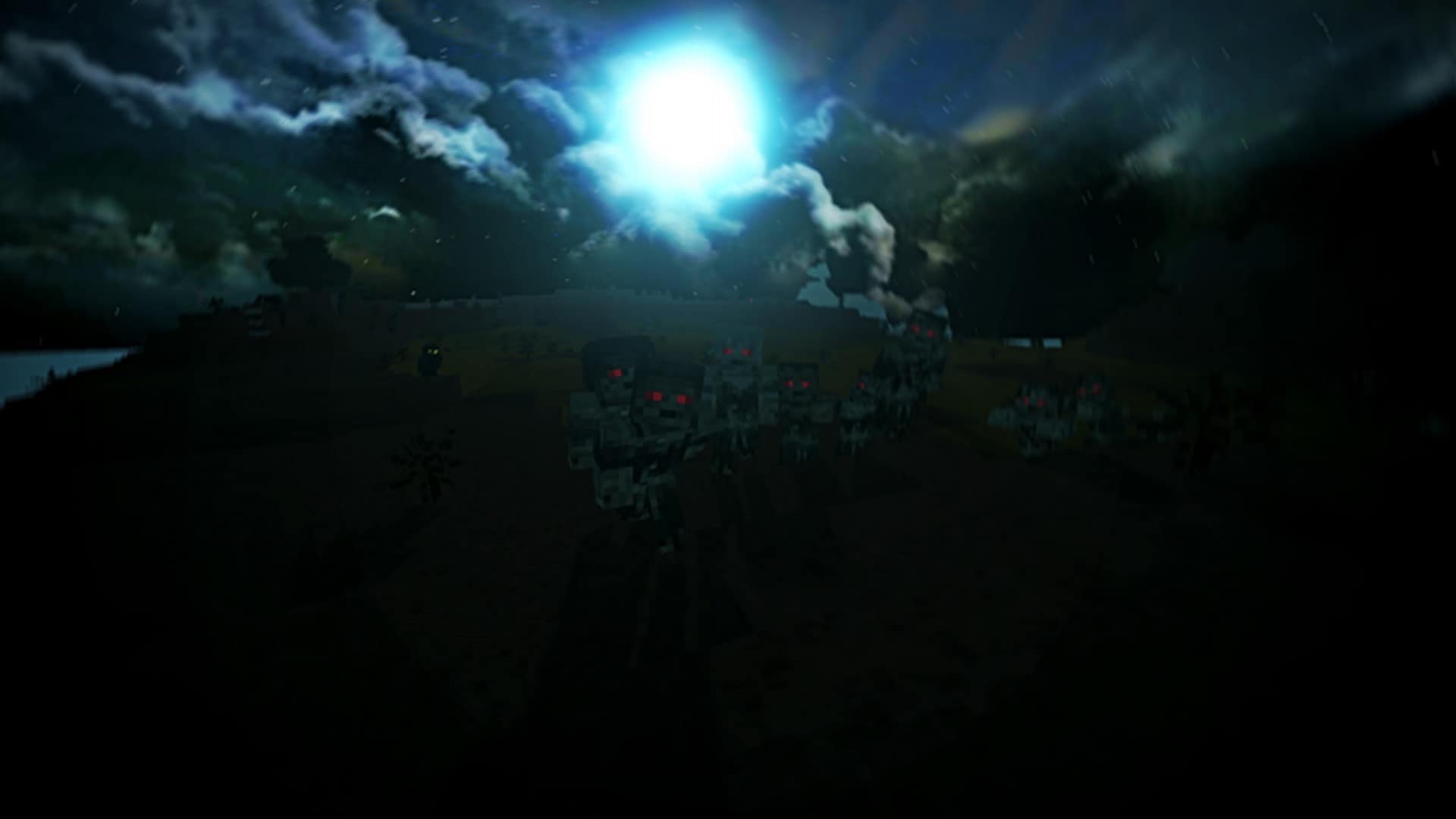
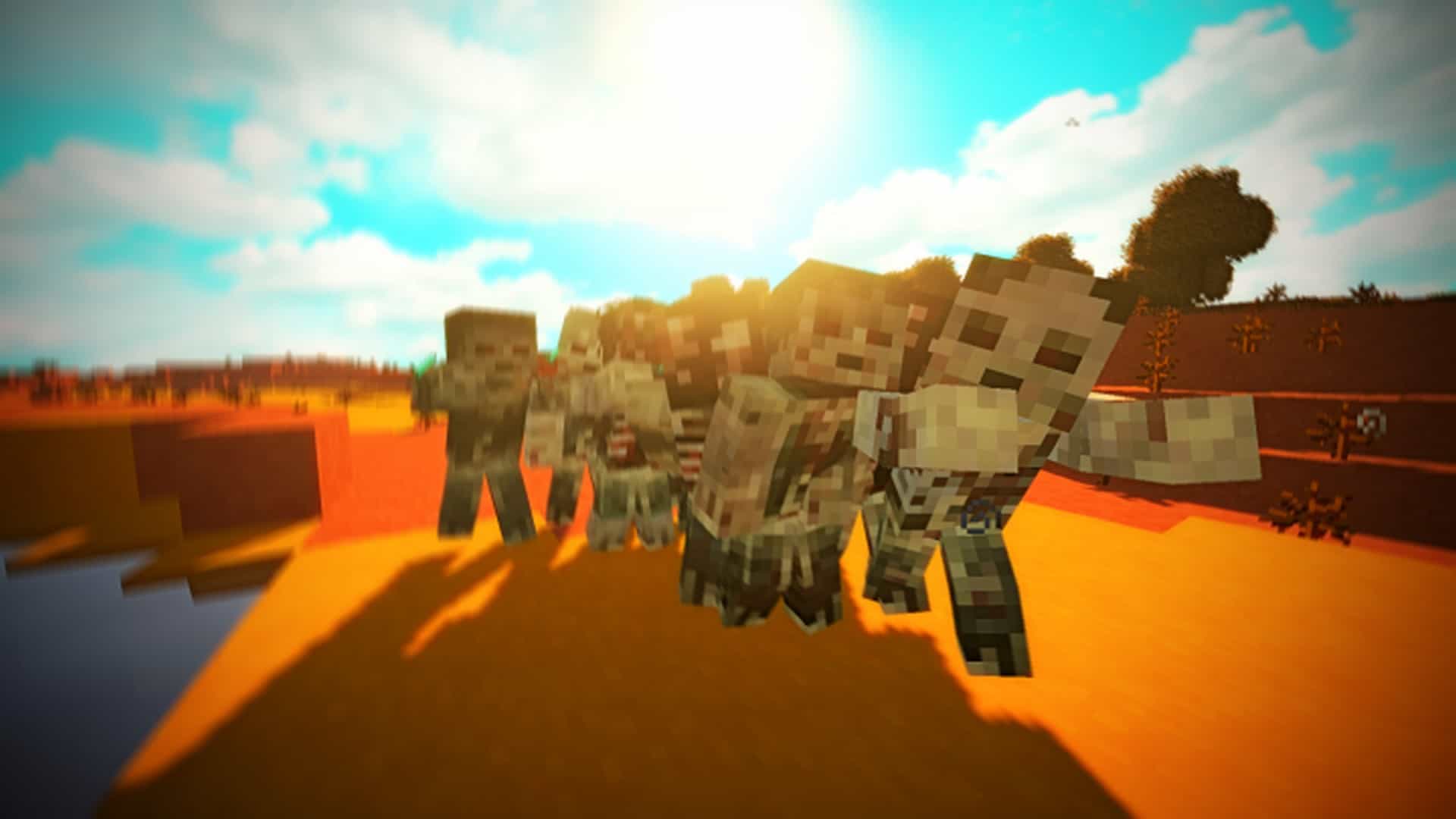
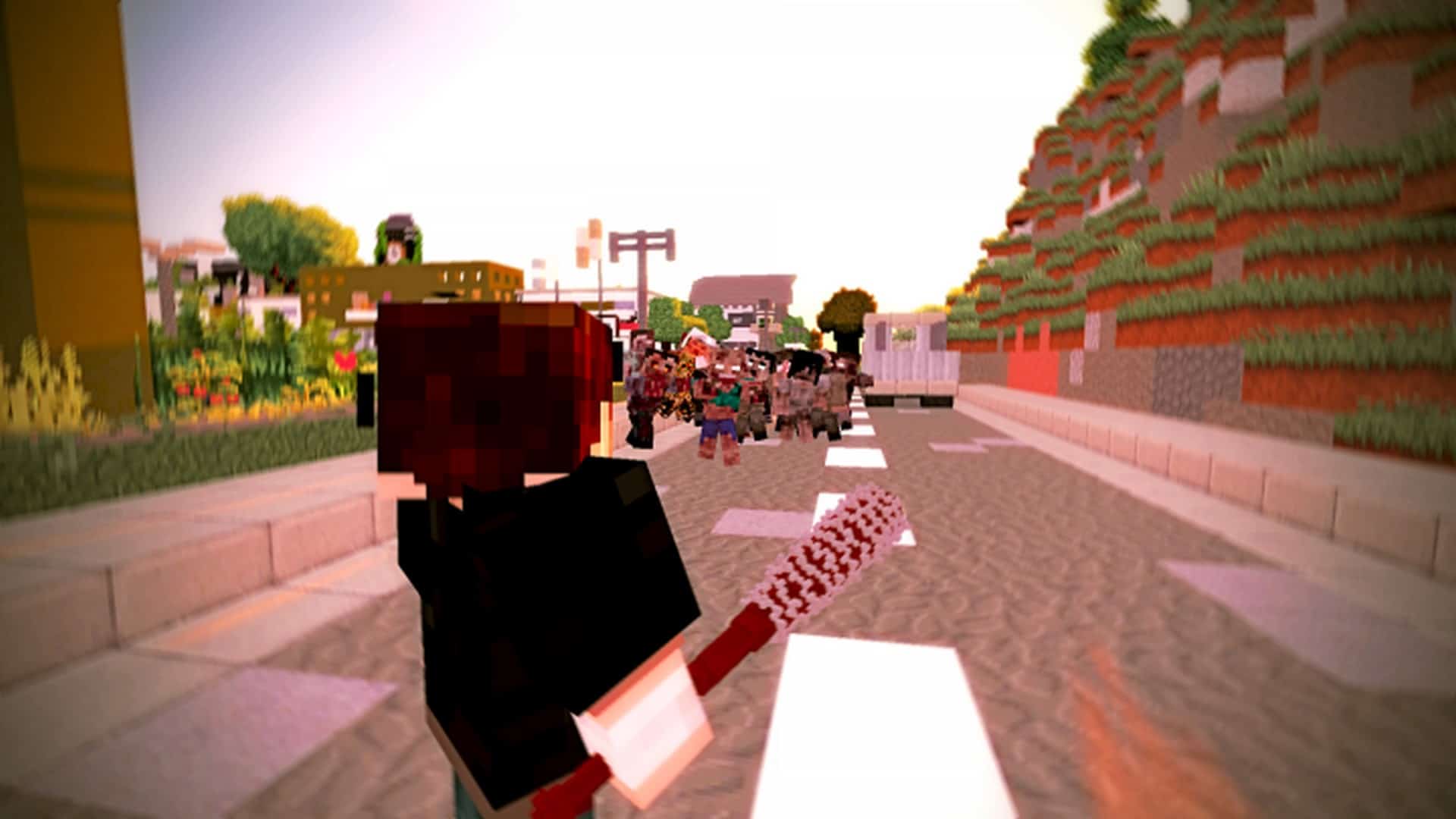
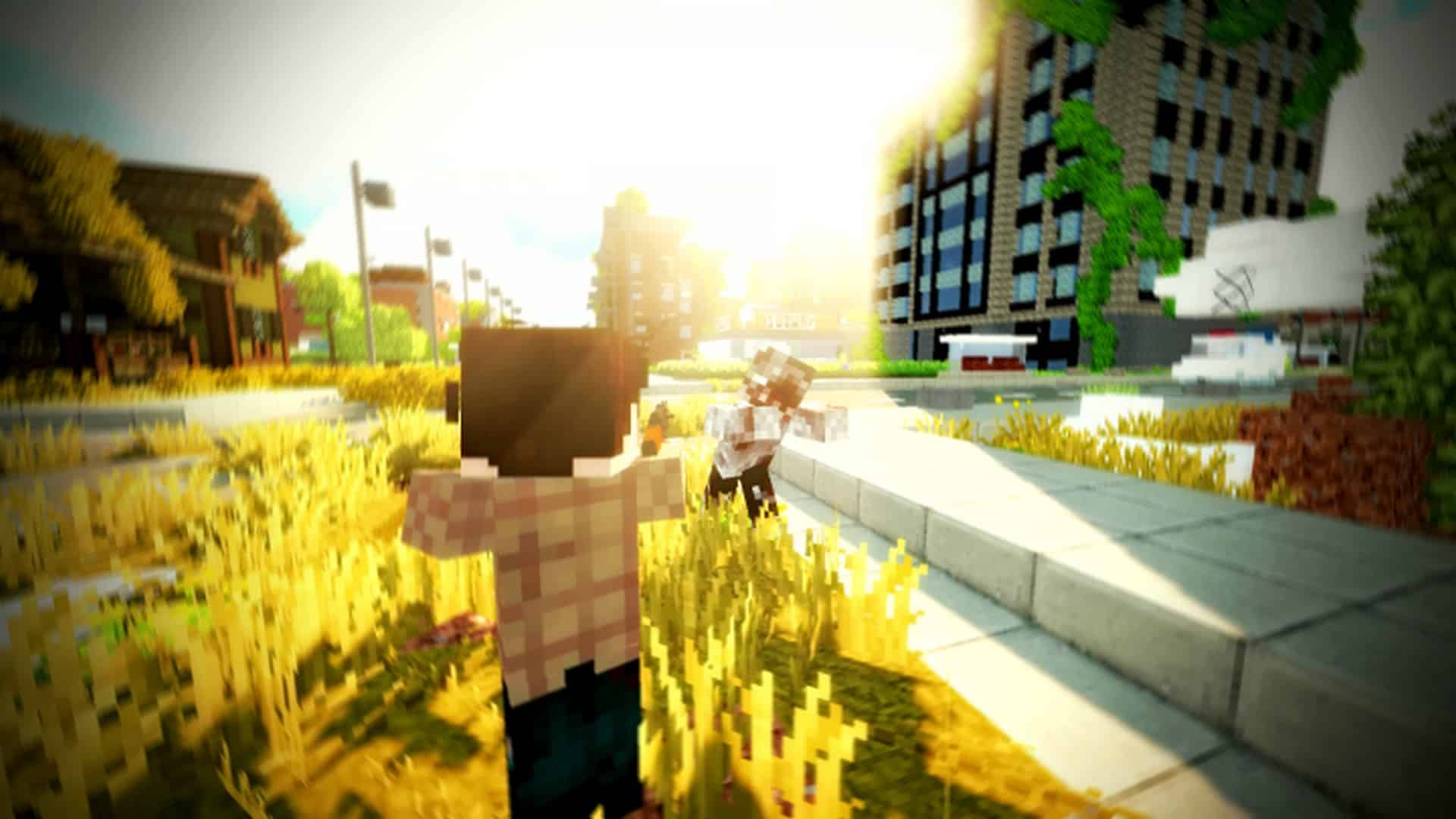
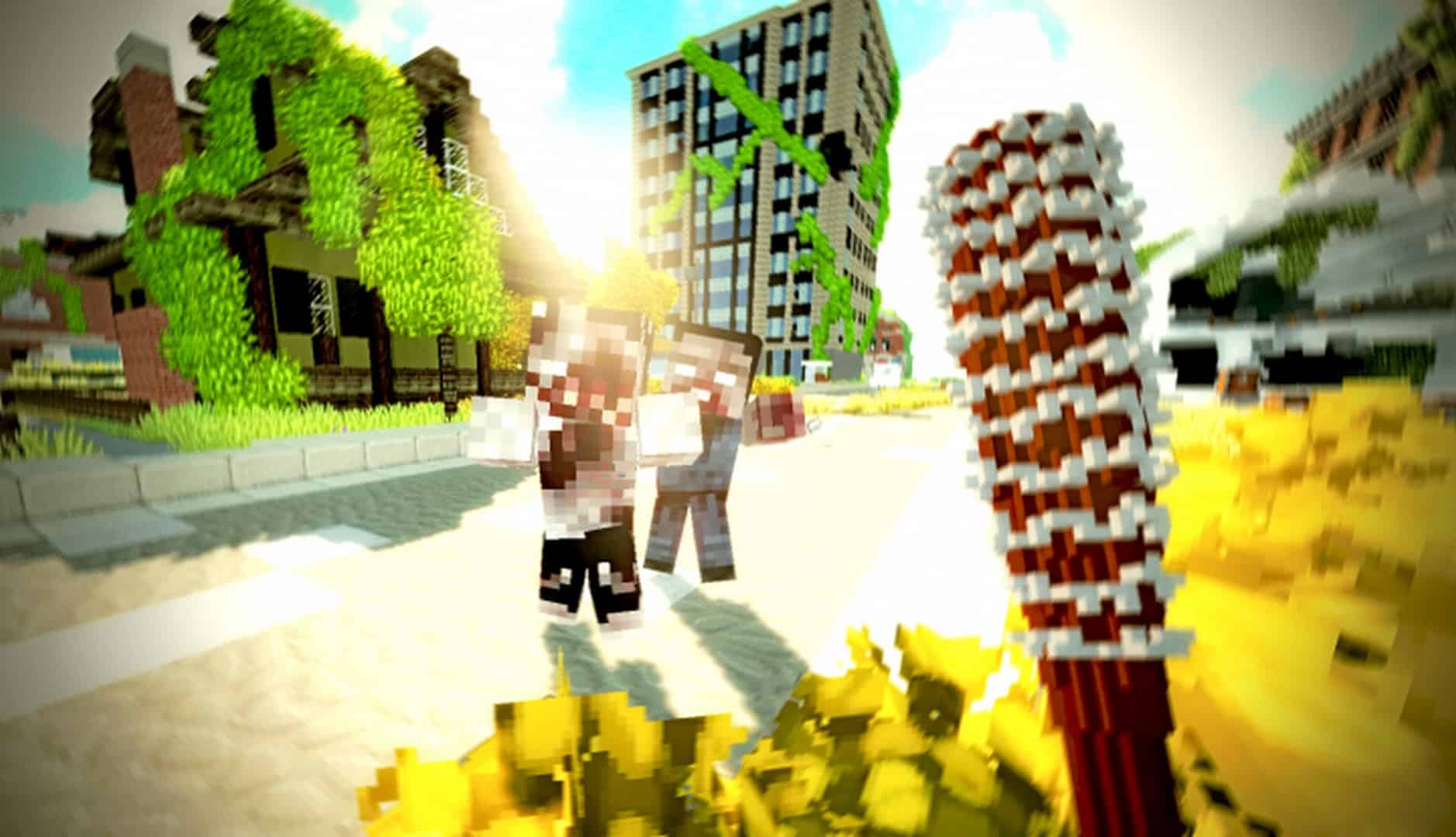
Minecraft gaming has truly evolved over time, making exciting changes that suit brilliant players who want to feel the fresh aspect of modern gaming. One of the absolute best recent Minecraft releases is Tissou’s Zombie Pack, which is expertly made for zombie player experts. You will quickly realize that most previous Minecraft packs concentrate far too much on changing the entire game world entirely. This is thankfully not the case with Tissou’s Zombie Pack, as it has been carefully designed for particular gamers who want to experience a noticeable difference in zombie textures that they can apply at any time to genuinely enjoy the game. The Tissou’s Zombie resource pack does not concentrate on changing the world’s famous visuals or needlessly revising previous visuals to attain completely new visuals. Instead, the pack specifically focuses on bringing hundreds of expertly crafted zombies that you can apply to make your gameplay so much more impressive while playing. The pack wonderfully avails hundreds of different zombie skins for every player to customize their game depending on the exact zombie texture that really impresses their playstyle.
You will quickly notice that every single texture is uniquely different with maximum details so that you can truly make the absolute best of it. You honestly won’t find any zombie texture that is similar to another outside of the hundreds of varied zombie textures that you will discover here. The talented developers behind Tissou’s Zombie texture pack have clearly taken their time in creating such a unique pack to make your survival gaming infinitely more entertaining. They have even brilliantly incorporated the best custom sound effects that seamlessly match every single zombie texture. This is an incredible detail that you simply can’t ignore, as every sound effect makes your zombie encounters far more appealing, thus creating a truly sensational playing environment. Last but certainly not least is the fact that Tissou’s Zombie Pack proudly requires you to use Optifine in order for the pack to function properly. When it comes to Tissou’s Zombie Pack, you genuinely can’t skip Optifine since it enables you to achieve the absolute maximum potential of the game. These fantastic zombie textures heavily depend on Optifine to enable total functionality and appear precisely the way they are truly supposed to look.
Tissou’s Zombie Pack should be compatible with all of these Minecraft versions: 1.20.4 – 1.20.3 – 1.20.2 – 1.20.1 – 1.20 – 1.19.4 – 1.19.3 – 1.19.2 – 1.19.1 – 1.19 – 1.18.2 – 1.18.1 – 1.18 – 1.17.1 – 1.17 – 1.16.5 – 1.16.4 – 1.16.3 – 1.16.2 – 1.16.1 – 1.16 – 1.15.2 – 1.15.1 – 1.15 – 1.14.4 – 1.14.3 – 1.14.2 – 1.14 – 1.13.2 – 1.13.1 – 1.13 – 1.12.2 – 1.12 – 1.7.10 – 1.7.9 – 1.7.4 – 1.7
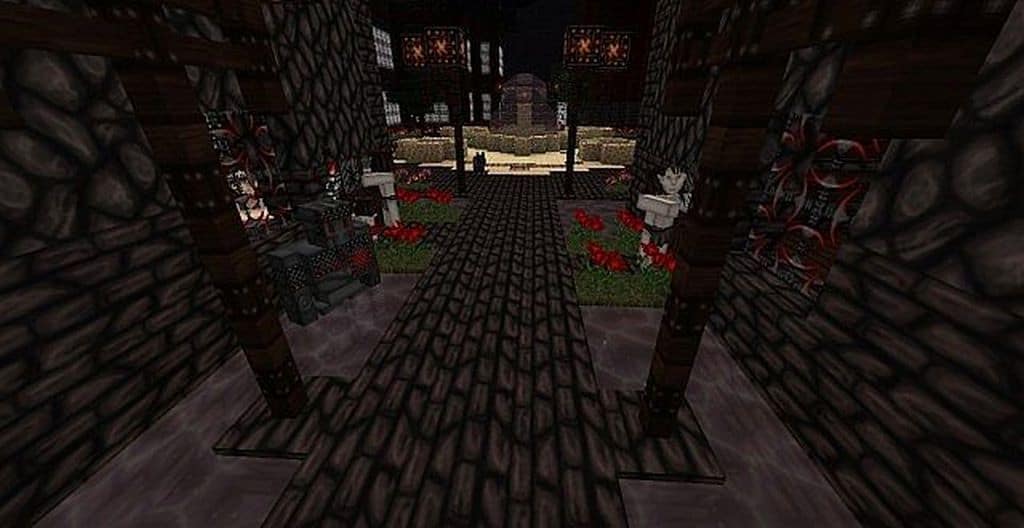
Screenshots

How to Install Texture Pack (Simple 10 Steps)
- Download OptiFine: Most of the texture packs and shaders need OptiFine. That’s why, first download and install OptiFine for the version of Minecraft you want to play.
- Download the Texture Pack: Get the texture pack you want from the download section. Choose the version that works with your Minecraft and your PC’s performance.
- Open Minecraft Launcher: Start Minecraft using the official game launcher — or even TLauncher, if you use that.
- Go to Options: From the main menu, click on the “Options” button.
- Open Resource Packs: Inside Options, click on “Resource Packs…”.
- Open the Resource Pack Folder: Click on “Open Resource Pack Folder” — this will open a folder named “resourcepacks”.
- Move the Pack File: Copy or move the .zip file you downloaded into that “resourcepacks” folder. (Don’t unzip the file — Minecraft uses it as-is!)
- Go Back and Refresh: Close the folder and click “Done”, then go back into “Resource Packs…” again.
- Activate the Pack: You’ll see the pack on the left side. Hover over it and click the arrow to move it to the right (active side).
Tip: If you get a message that the pack is for a different version, just click “Yes” — it usually works fine. - Click Done and Enjoy: Click “Done” again. Now your pack is ready to use in-game. It’s that easy!
Credits
Tissou’s Zombie Pack was originally created and developed by Tissou. We do not claim ownership of this resource pack, nor do we host modified versions of the files on our servers. All intellectual property rights belong exclusively to the original author. We strongly encourage players to support Tissou by downloading the pack from the official sources.
Download Links
Java Edition
Download Instructions
Curseforge: download starts automatically after a few seconds;
Mediafire: click the big blue button with the text “DOWNLOAD”;
Google Drive: in the top right corner you will see a small download icon (down arrow), click it and the download should start;