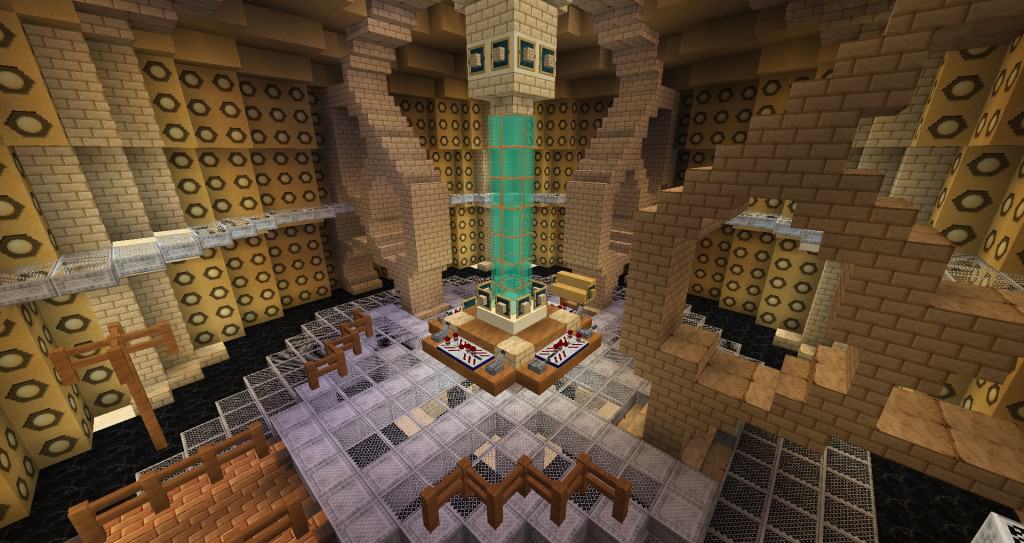
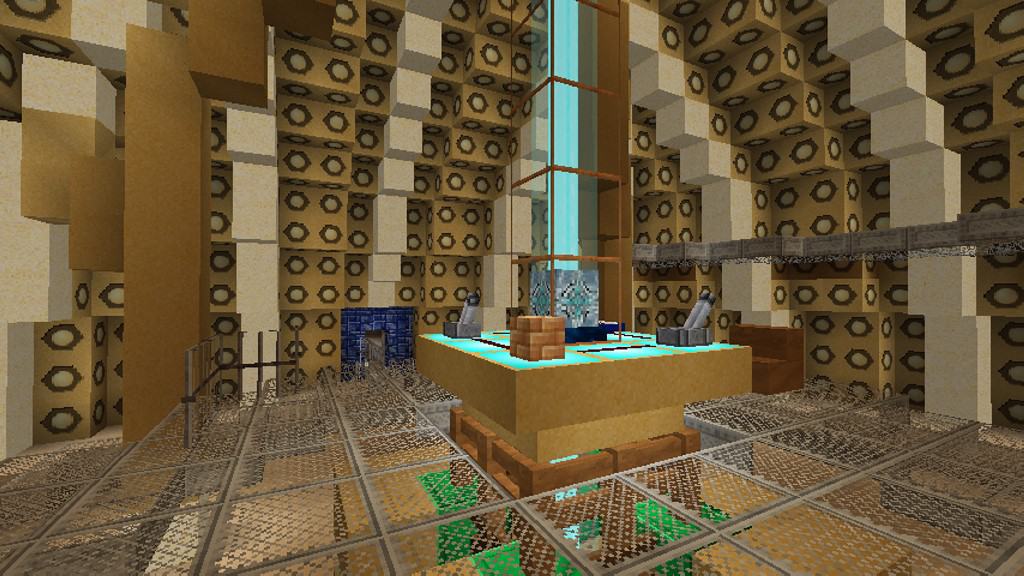
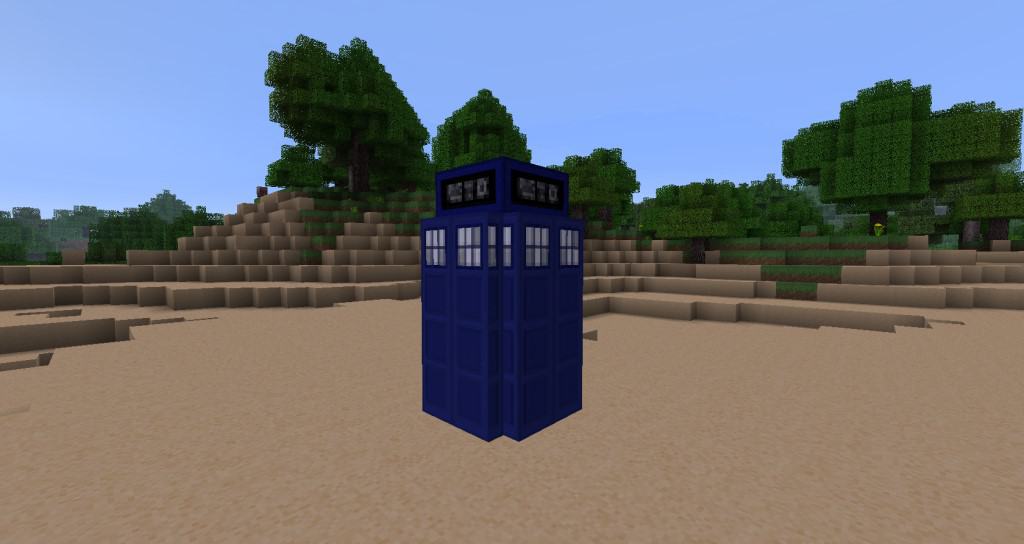
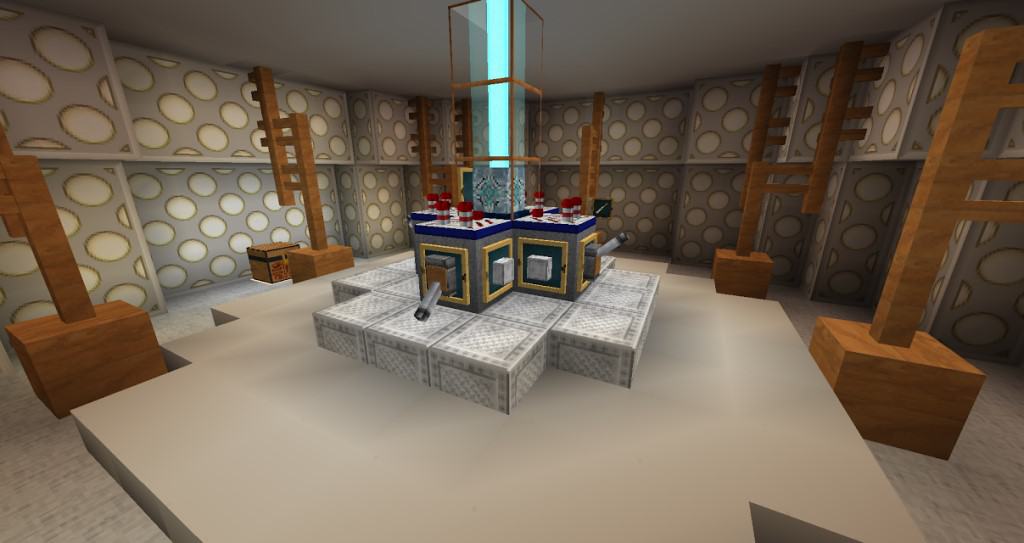
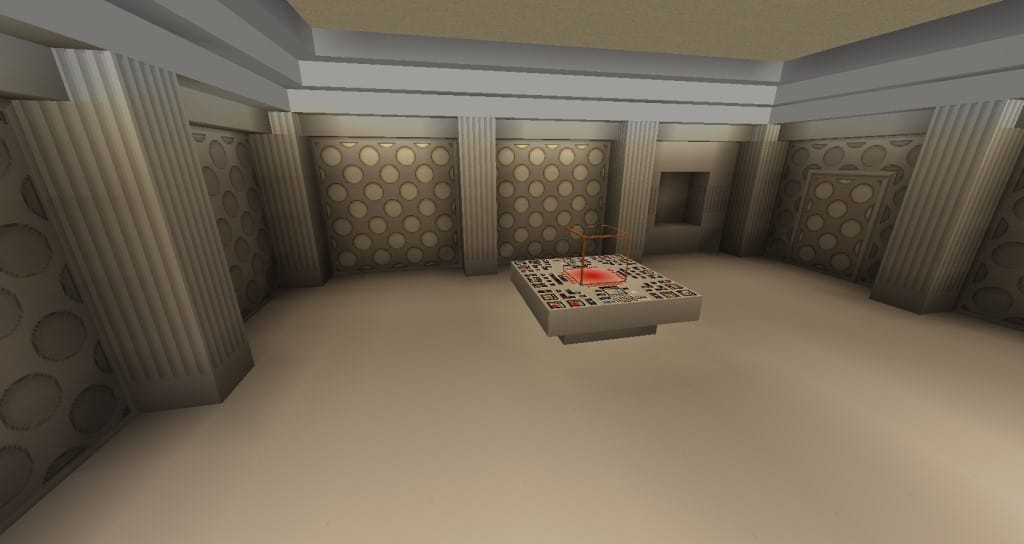
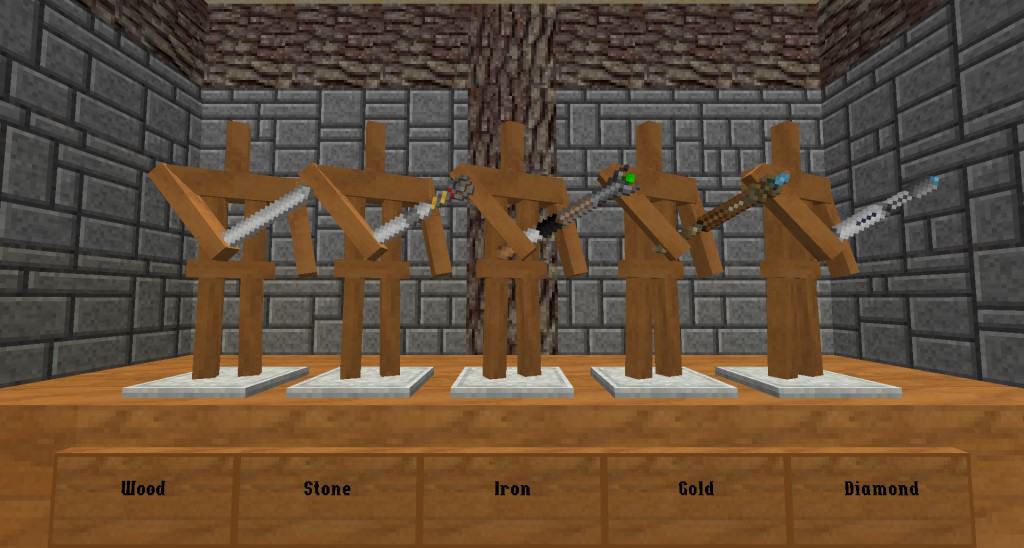
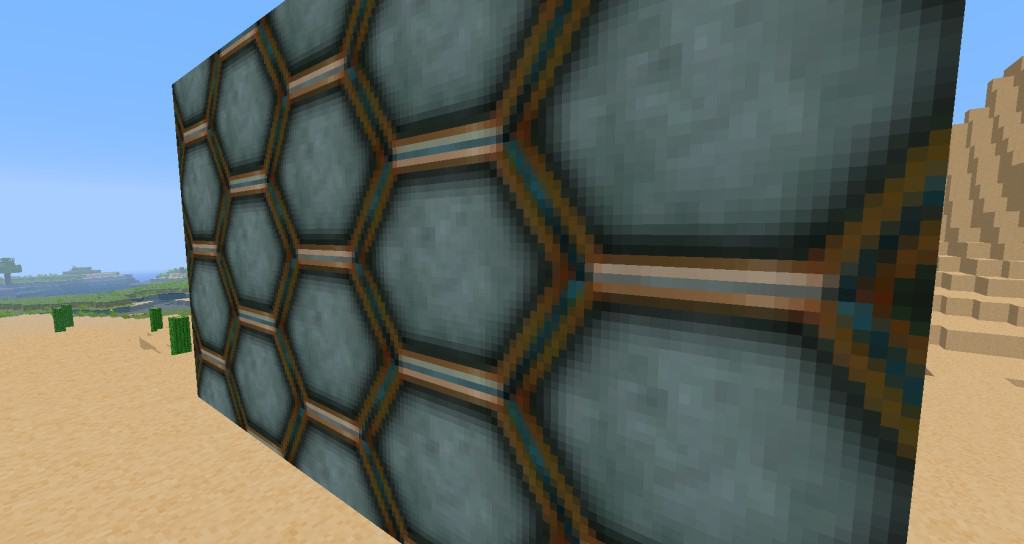
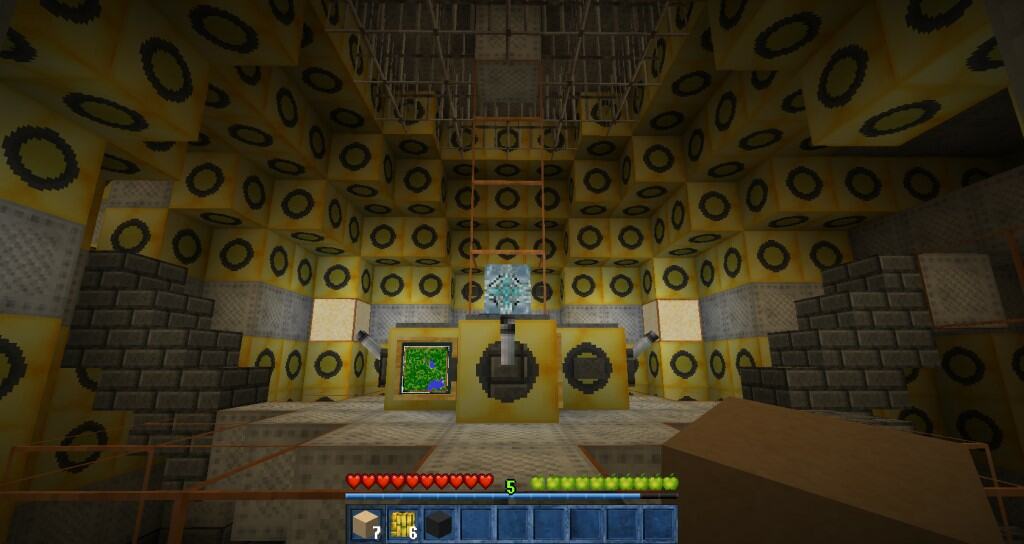
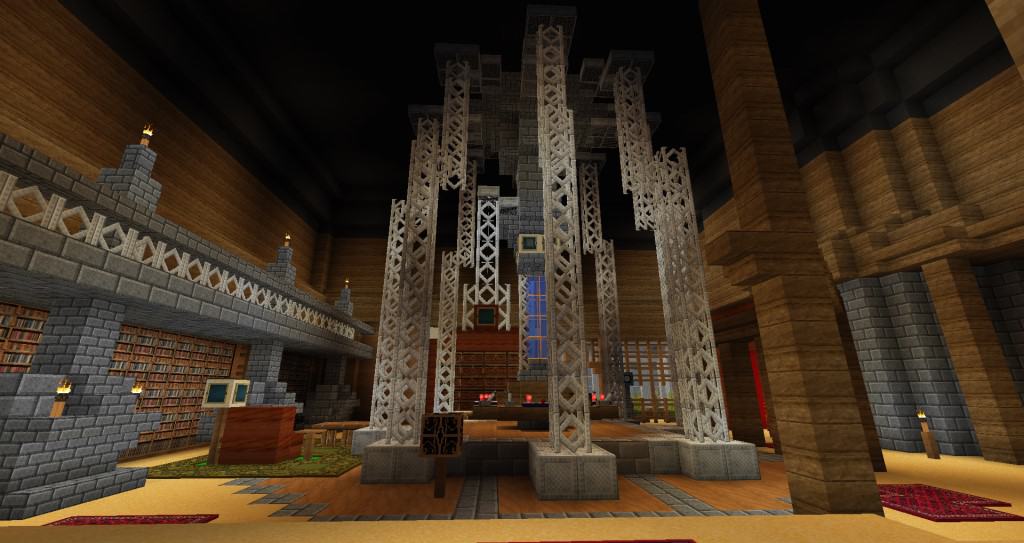
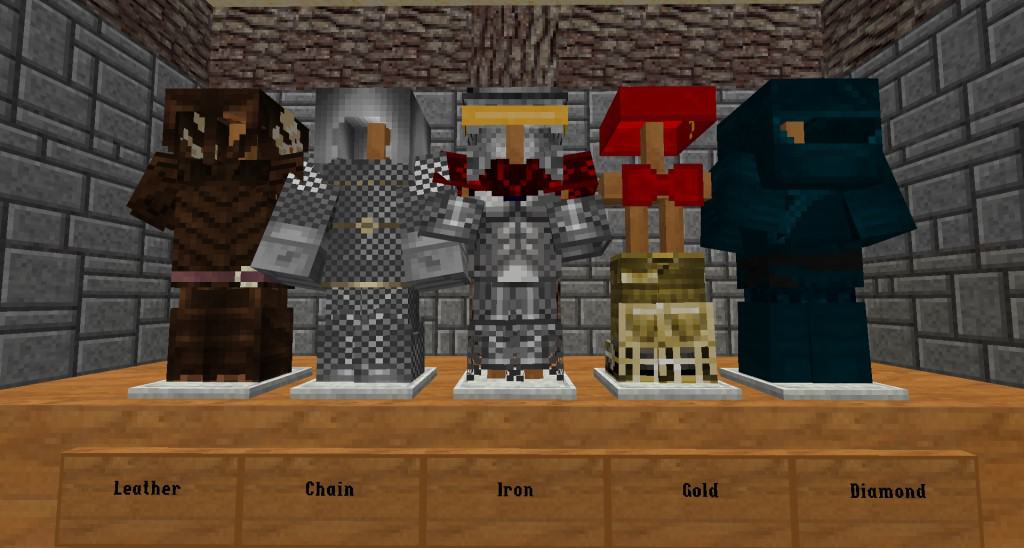
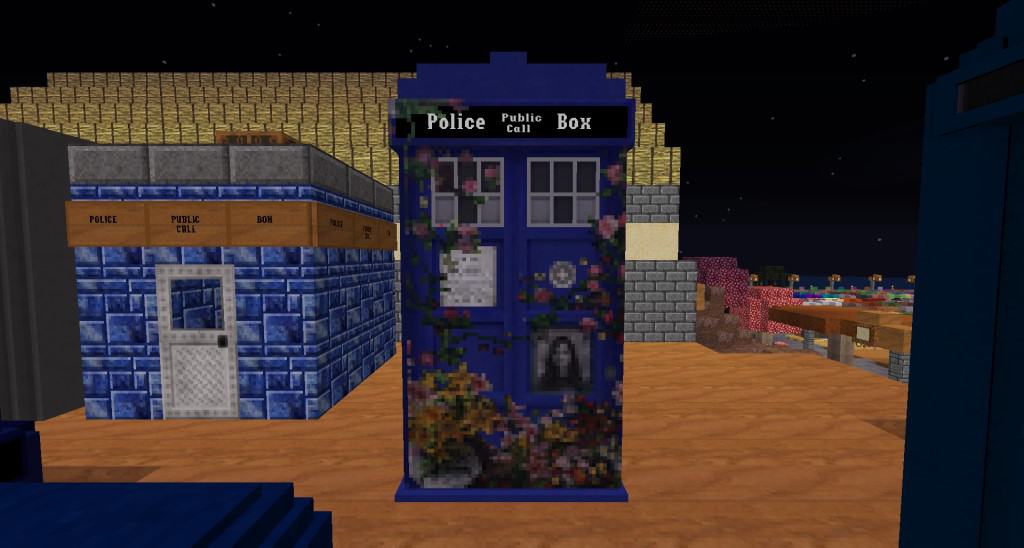
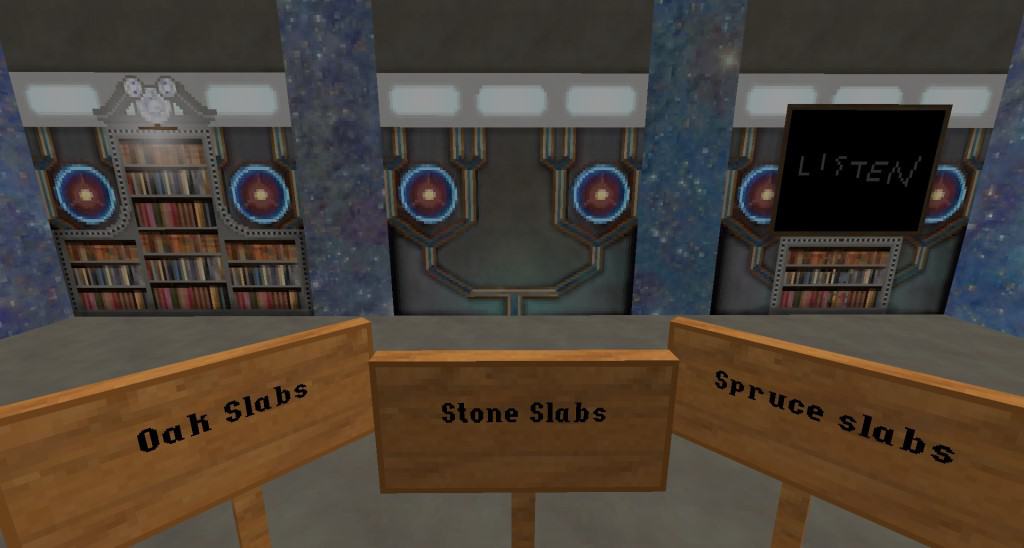
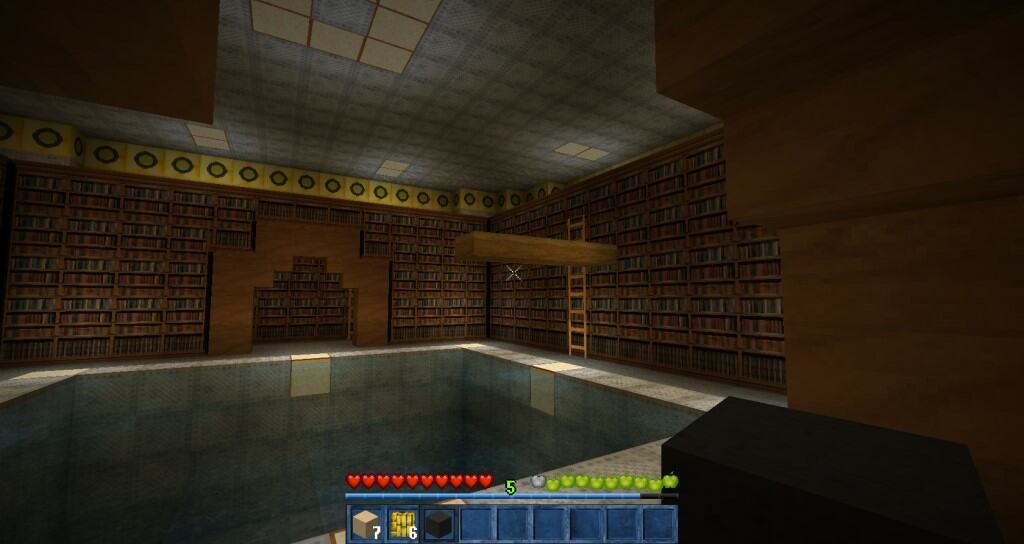
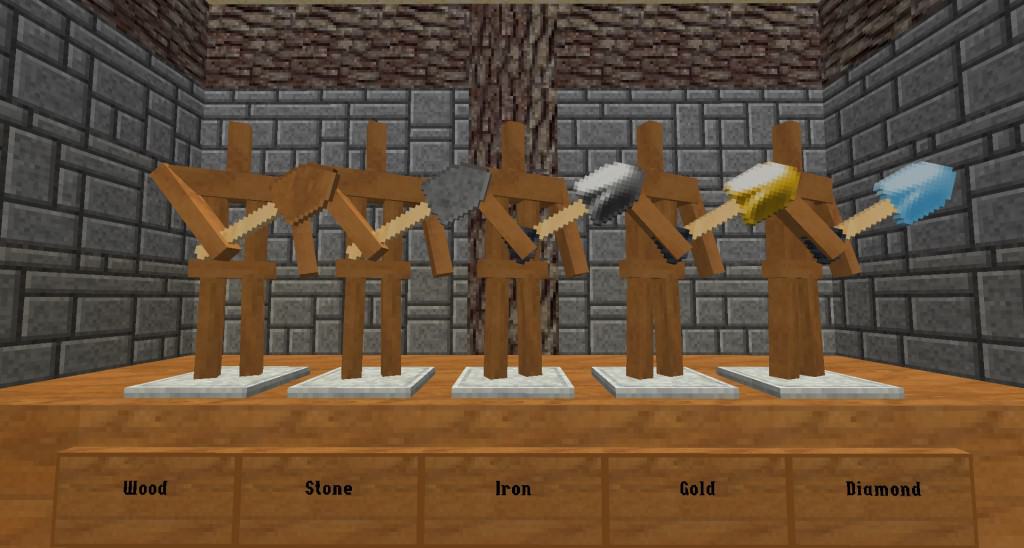
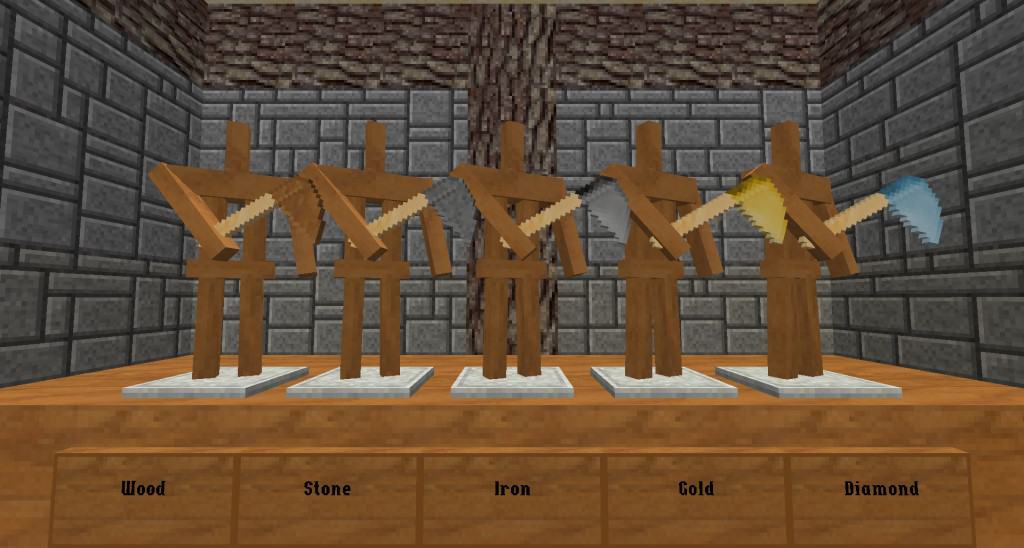
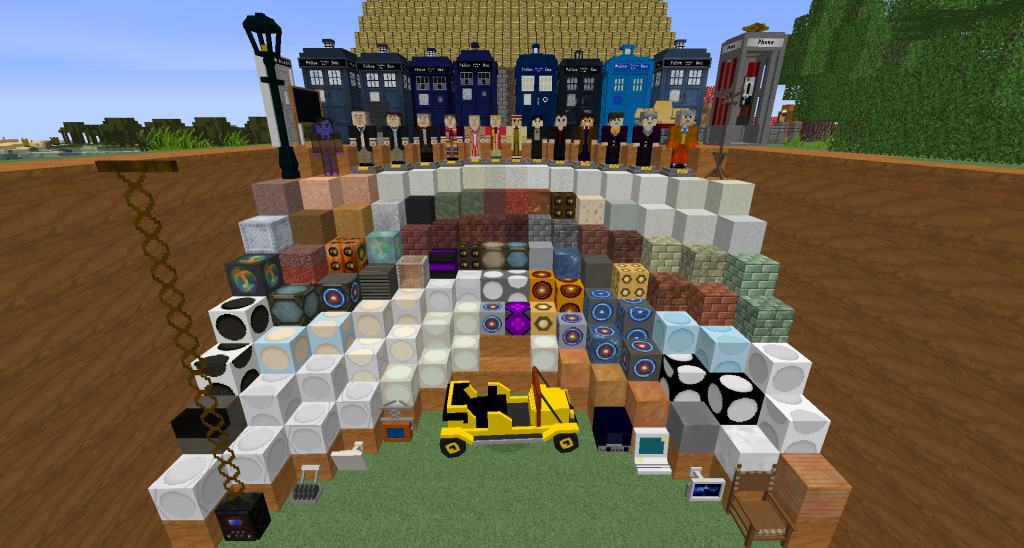
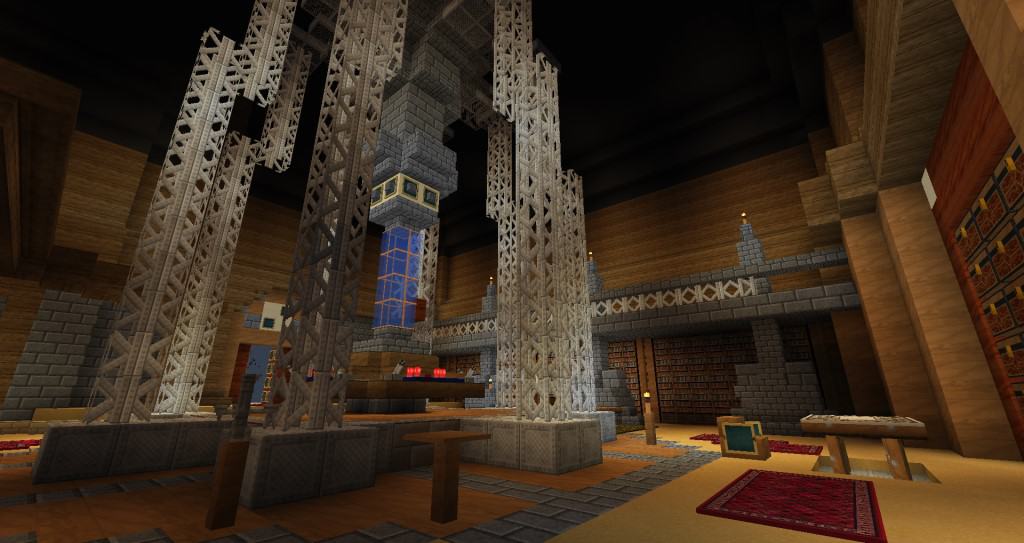
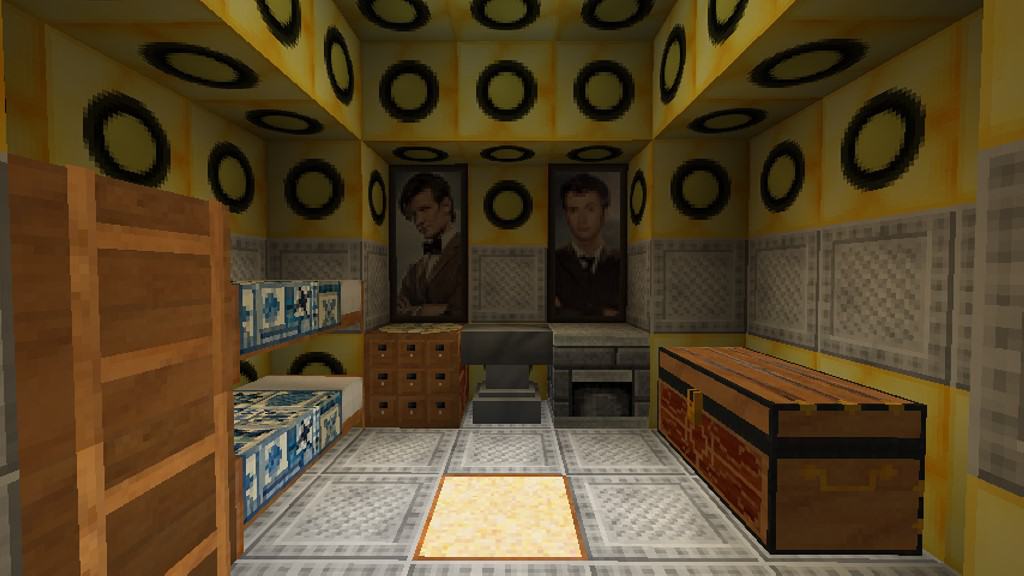
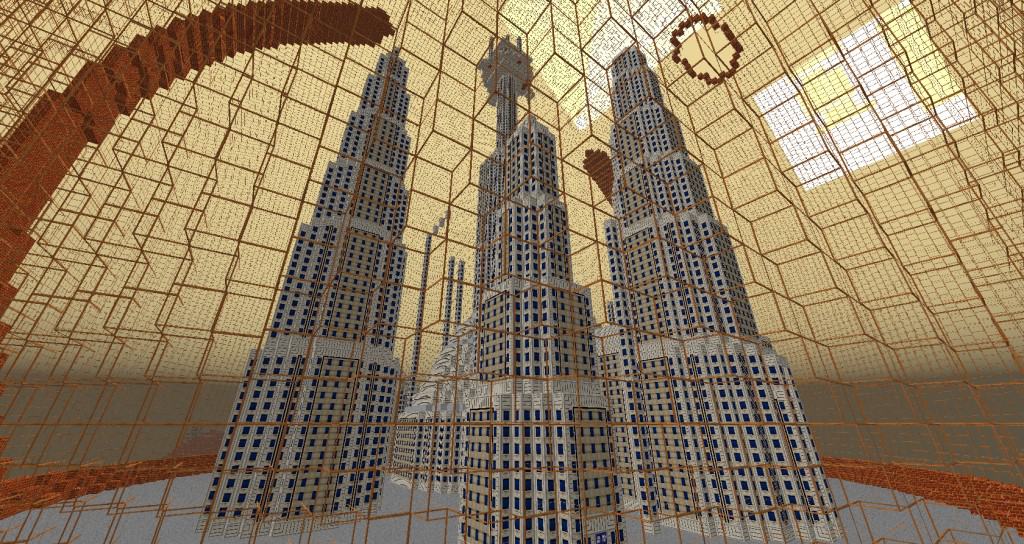
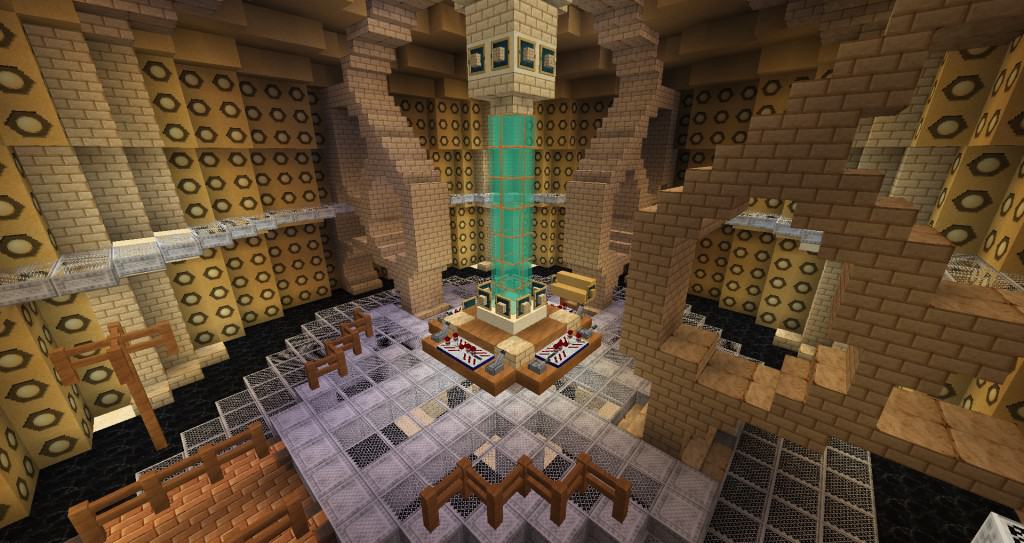
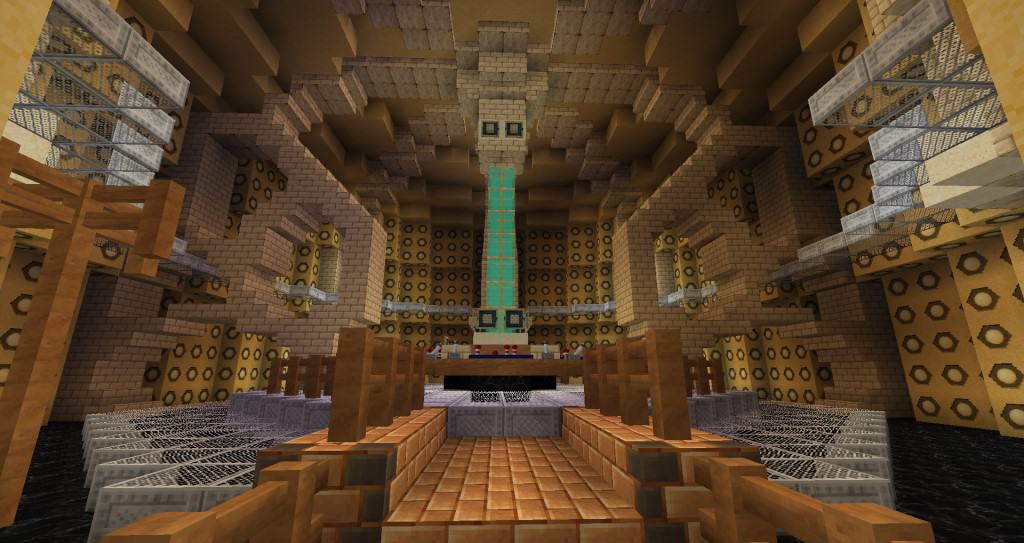
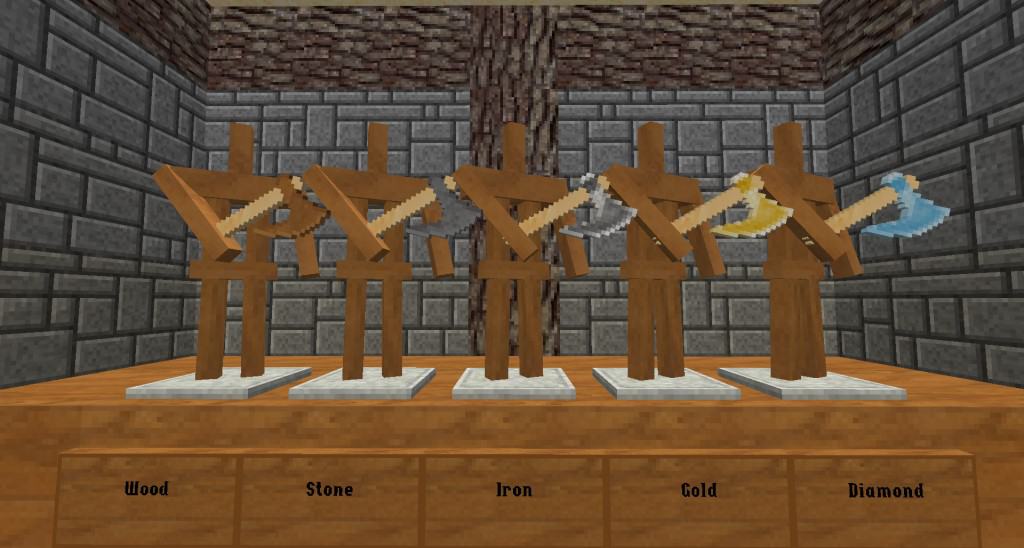
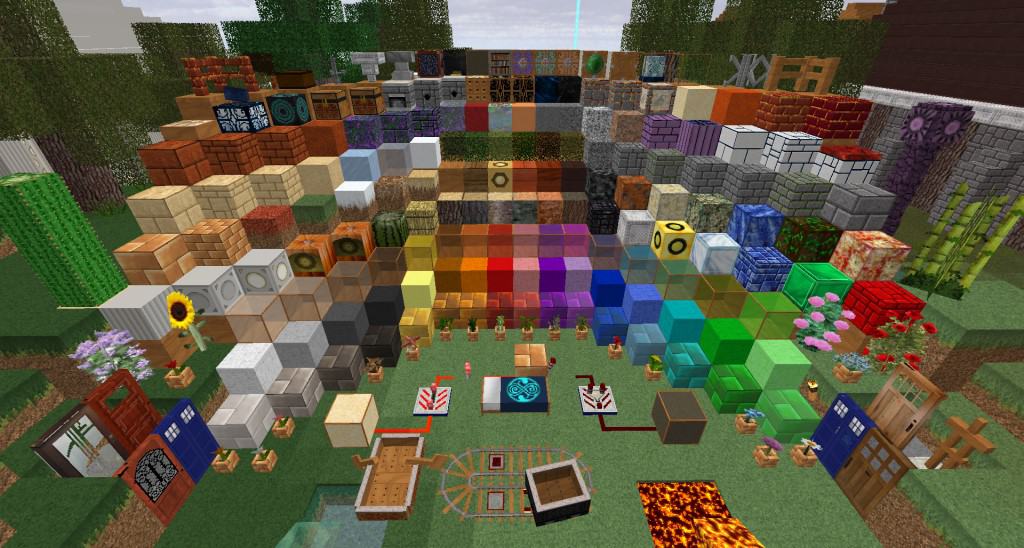
The Doctor Whovian resource pack is truly an amazing find as the only resource pack inspired by the legendary hit TV show Doctor Who. I found it fascinating that what inspired the developer to create this texture pack was their genuine love of the show. Unlike most longtime fans of Doctor Who, the creator got to experience the show later on in life, making the development of this resource pack a natural decision and a wonderful way to offer fans of both the show and Minecraft a world they can genuinely enjoy. To drastically improve the visuals in vanilla Minecraft, the resource pack cleverly increases the resolution of textures. Instead of sticking to standard 16x textures, Doctor Whovian uses vibrant 32x textures that I think look incredible. This increased resolution really adds an impressive layer of depth and detail to every single block and object in the game. For the sake of diversity and a refreshing step away from vanilla, the resource pack also introduces fantastic new blocks and objects. You can now build the iconic phone booth, and there are brilliant new crates, chests, plants, new bookshelves, computers, displays, and many more. I love that there are several new blocks making it entirely possible to recreate iconic scenes from the TV show or even build your very own TARDIS control room.
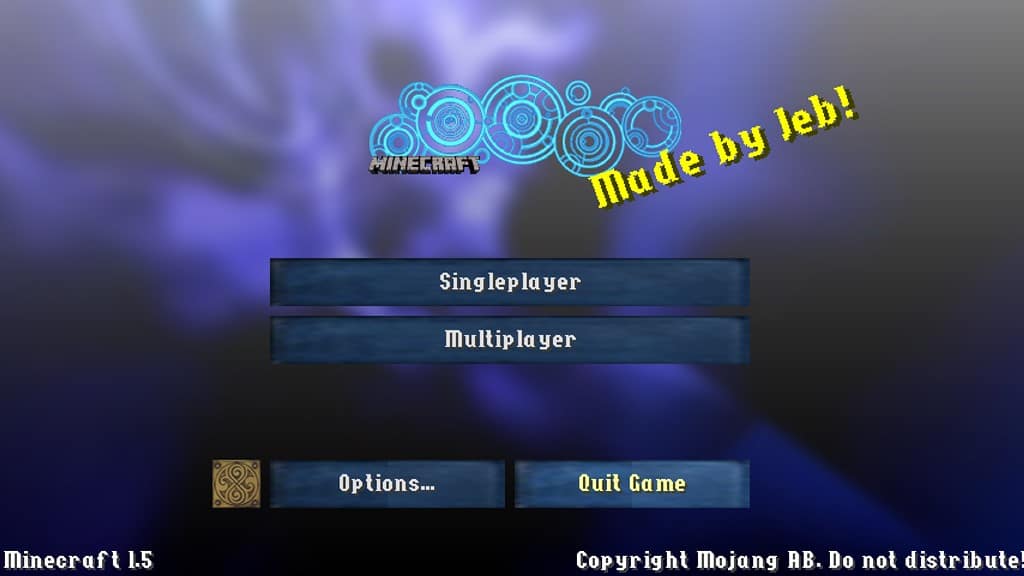
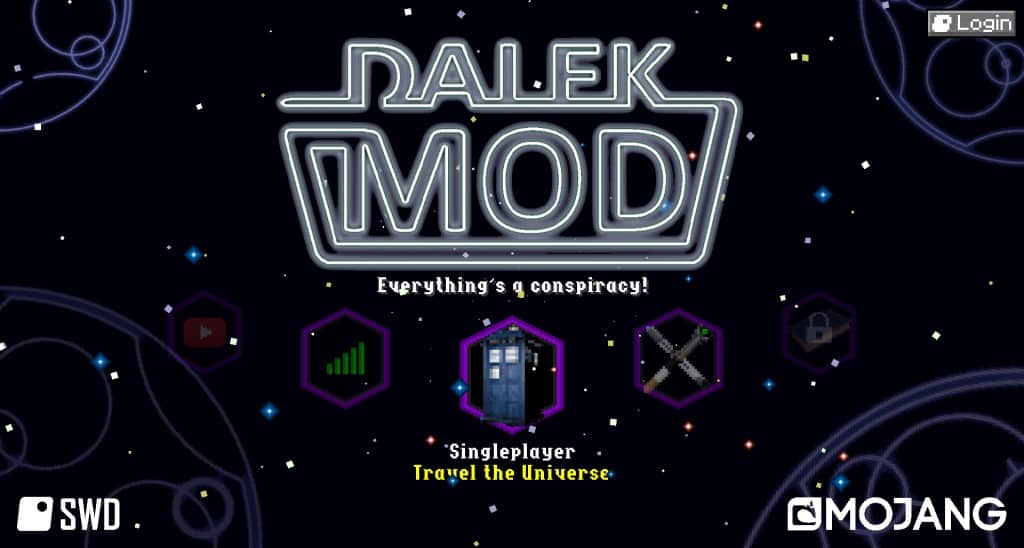
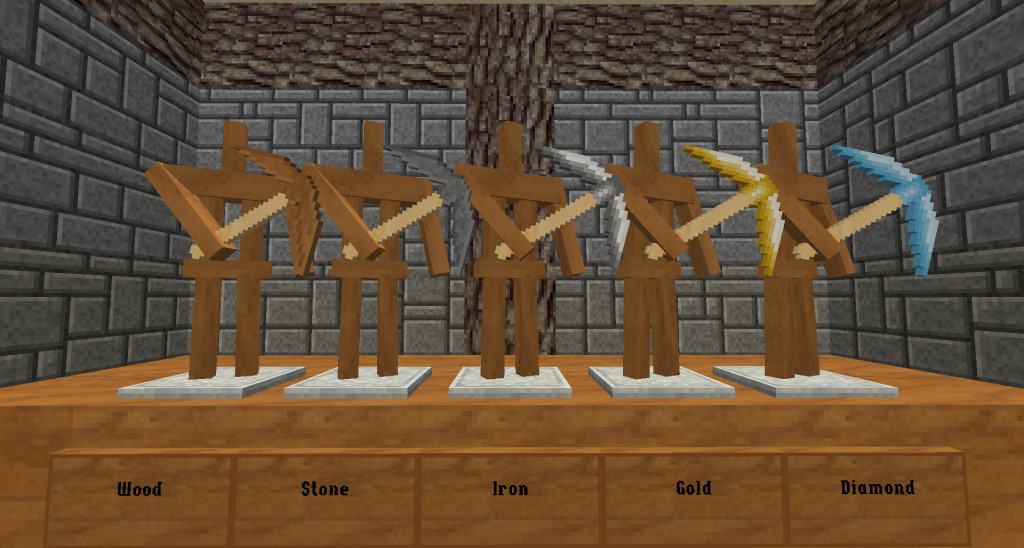
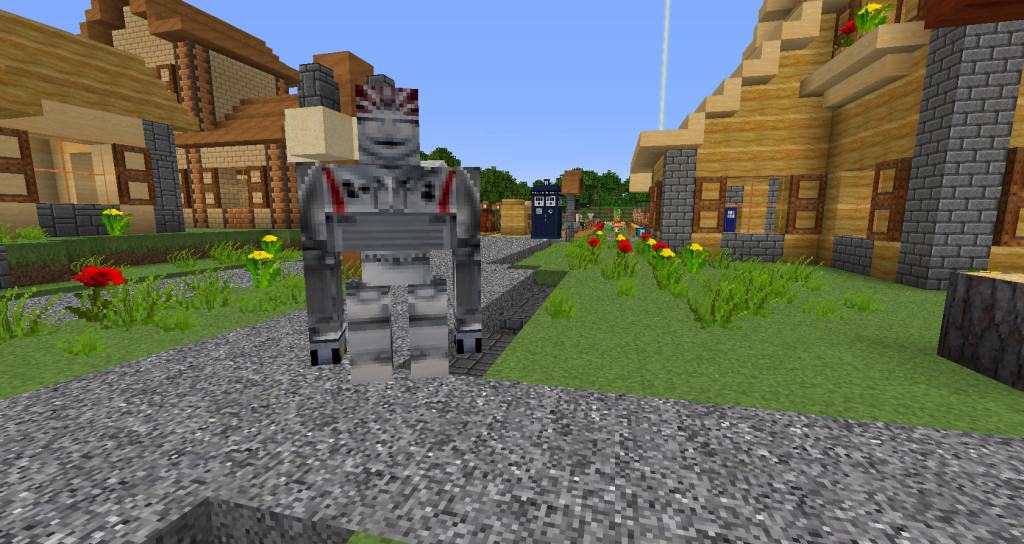
There are also delightful new paintings featuring pictures of the beloved characters. Finally, the developer has thoughtfully added a few new models and textures for mobs as well. Another important change that the Doctor Whovian resource pack brings is a complete redesign to the GUI and player HUD. Once again, these elements have been wonderfully inspired by the Doctor Who TV show. The new GUI features a striking dark blue style and the main screen background utilizes dark shades of blue and black arranged in a cool wavy design. The resource pack also thoughtfully adjusts the colors of several standard blocks, bringing in richer shades of brown and making many blocks feature much more vibrant textures. I noticed that the sky and water textures remained unchanged, and there are no connected textures or moving textures included. This implies that your game performance is not considerably impacted by just the increase in texture resolution alone. Regardless, the developer has also kindly released a 16x version of their resource pack for players with older computers. I am happy to report that this 16x version should have virtually no performance impact for players with older systems who can comfortably run vanilla Minecraft.
The Doctor Whovian should be compatible with all of these Minecraft versions: 1.10.2 – 1.10 – 1.9.4 – 1.9 – 1.8.9 – 1.8.8 – 1.8.1 – 1.8.6 – 1.8 – 1.7.10 – 1.7.9 – 1.7.4 – 1.7 – 1.6.4 – 1.6.2 – 1.5.2
Screenshots
How to Install Texture Pack (Simple 10 Steps)
- Download OptiFine: Most of the texture packs and shaders need OptiFine. That’s why, first download and install OptiFine for the version of Minecraft you want to play.
- Download the Texture Pack: Get the texture pack you want from the download section. Choose the version that works with your Minecraft and your PC’s performance.
- Open Minecraft Launcher: Start Minecraft using the official game launcher — or even TLauncher, if you use that.
- Go to Options: From the main menu, click on the “Options” button.
- Open Resource Packs: Inside Options, click on “Resource Packs…”.
- Open the Resource Pack Folder: Click on “Open Resource Pack Folder” — this will open a folder named “resourcepacks”.
- Move the Pack File: Copy or move the .zip file you downloaded into that “resourcepacks” folder. (Don’t unzip the file — Minecraft uses it as-is!)
- Go Back and Refresh: Close the folder and click “Done”, then go back into “Resource Packs…” again.
- Activate the Pack: You’ll see the pack on the left side. Hover over it and click the arrow to move it to the right (active side).
Tip: If you get a message that the pack is for a different version, just click “Yes” — it usually works fine. - Click Done and Enjoy: Click “Done” again. Now your pack is ready to use in-game. It’s that easy!
Credits
Credits to kyctarniq for the creation of this resource pack. We do not claim ownership of this content, nor do we modify the download links. All rights belong to the original creator. We strongly encourage you to visit and support the creator via their official download pages.
Download Links
Java Edition
Download Instructions
Curseforge: download starts automatically after a few seconds;
Mediafire: click the big blue button with the text “DOWNLOAD”;
Google Drive: in the top right corner you will see a small download icon (down arrow), click it and the download should start;


