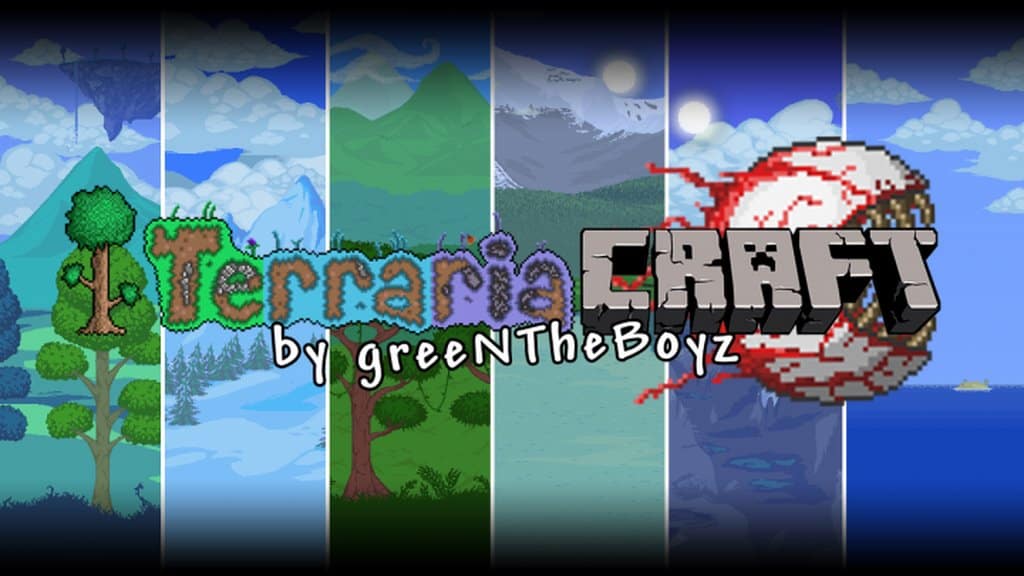
Drawing inspiration from one of the most iconic games of all time, Terraria, this resource pack brings an incredible crossover experience to Minecraft. True to its name, this pack is entirely based on the world of Terraria and delivers everything needed to claim a top spot in its genre. The development of the TerrariaCraft resource pack comes as no surprise to veterans since it has been around for quite a long time. Even though we can easily categorize it among the older resource packs available, it still stands out remarkably when compared to other Minecraft customizations in terms of compatibility, efficiency, and overall usage capacity. Perhaps the grand design of TerrariaCraft is precisely what keeps it relevant and counted among the absolute best resource packs even today. The textures utilized in crafting the TerrariaCraft resource pack perfectly replicate the distinct art style that has always defined Terraria. I found the pack’s ability to capture the authentic essence of the original game, right from the vibrant color palette to the iconic art style, to be nothing short of incredible when testing it out.
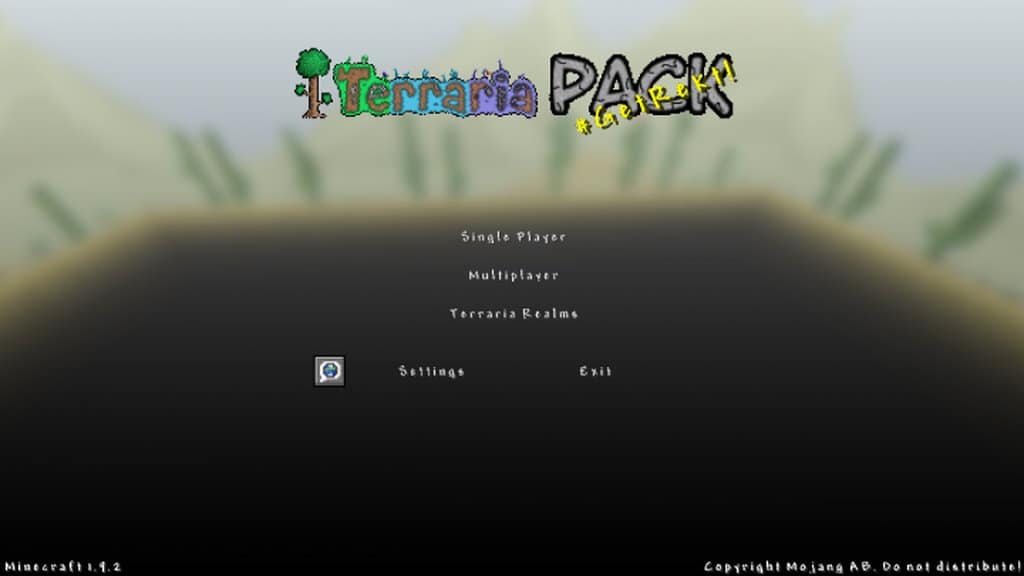
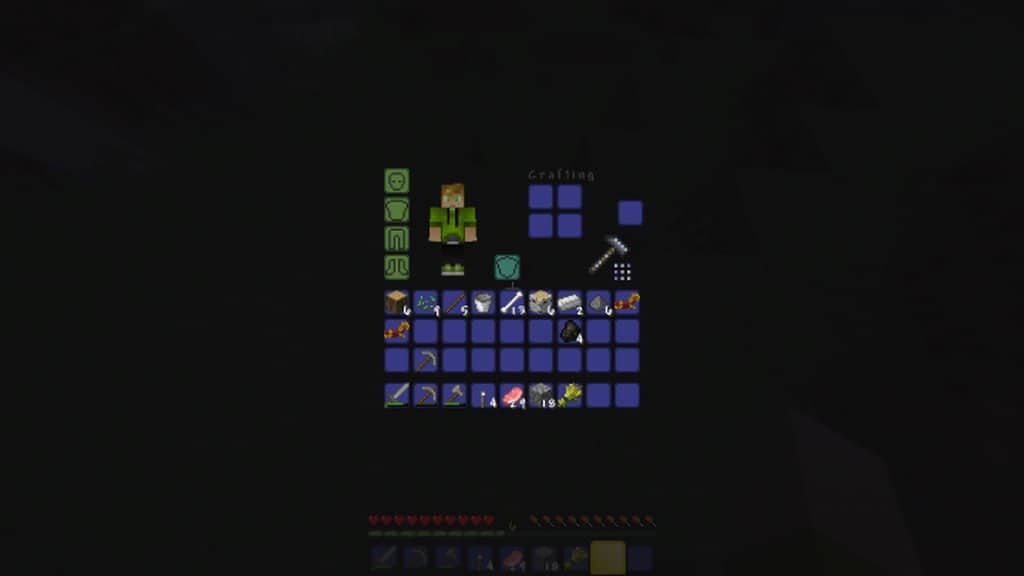
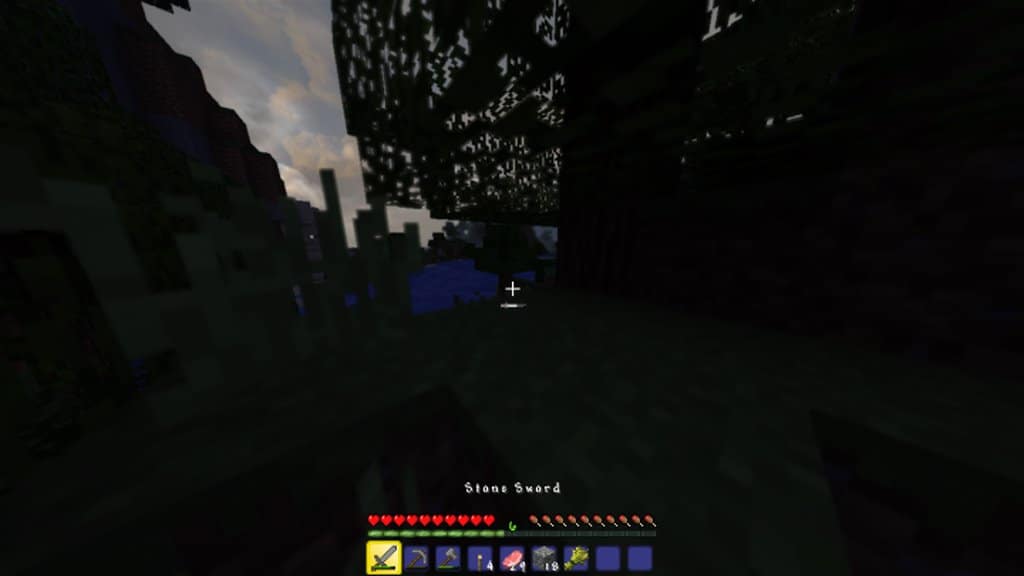
Even if you happen to have little to no background information about the origin of Terraria, you are undoubtedly going to fall in love with what this resource pack has to offer. The textures are exceptionally well designed, and the refreshing color palette makes exploring the world an absolute treat that you will surely enjoy. This resource pack is beautifully crafted with outstanding features that genuinely give players the ability to elevate their standard Minecraft experience. The user-friendly interface has been thoughtfully customized to leave a lovely impression, and the various changes implemented enhance the entire look, resulting in a much cleaner and simpler-to-use resource pack. Best of all, the TerrariaCraft resource pack sticks to a standard Minecraft resolution of 16x, which gives it the fantastic capability to run smoothly on virtually any computing device. In a nutshell, you can comfortably use this pack on any computer equipped with low-end hardware without experiencing the slightest difficulty or any noticeable drop in your game’s performance.
TerrariaCraft should be compatible with all of these Minecraft versions: 1.9.4 – 1.9 – 1.8.9 – 1.8.8 – 1.8.1 – 1.8.6 – 1.8 – 1.7.10 – 1.7.9 – 1.7.4 – 1.7 – 1.6.4 – 1.6.2
Screenshots
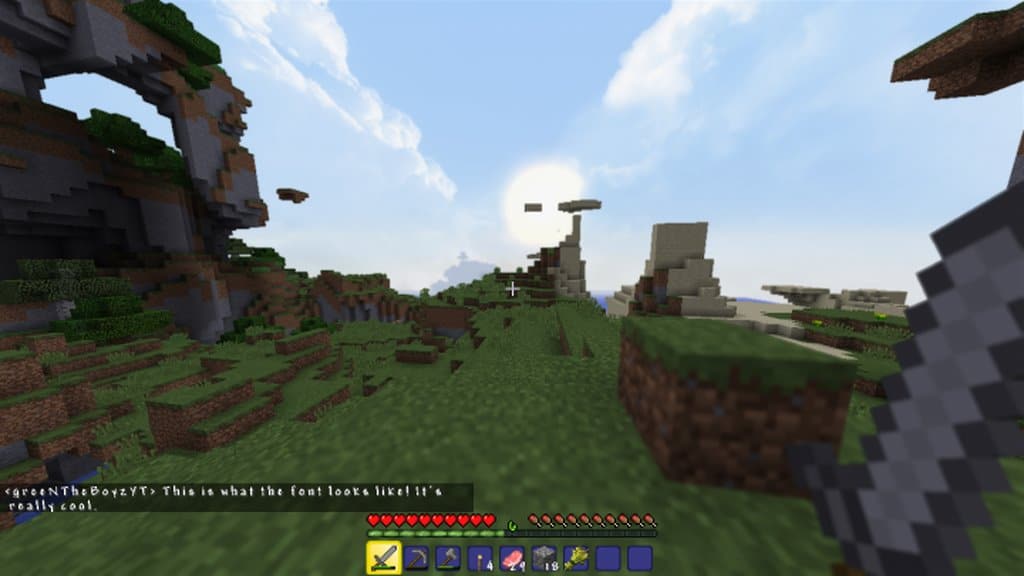
How to Install Texture Pack (Simple 10 Steps)
- Download OptiFine: Most of the texture packs and shaders need OptiFine. That’s why, first download and install OptiFine for the version of Minecraft you want to play.
- Download the Texture Pack: Get the texture pack you want from the download section. Choose the version that works with your Minecraft and your PC’s performance.
- Open Minecraft Launcher: Start Minecraft using the official game launcher — or even TLauncher, if you use that.
- Go to Options: From the main menu, click on the “Options” button.
- Open Resource Packs: Inside Options, click on “Resource Packs…”.
- Open the Resource Pack Folder: Click on “Open Resource Pack Folder” — this will open a folder named “resourcepacks”.
- Move the Pack File: Copy or move the .zip file you downloaded into that “resourcepacks” folder. (Don’t unzip the file — Minecraft uses it as-is!)
- Go Back and Refresh: Close the folder and click “Done”, then go back into “Resource Packs…” again.
- Activate the Pack: You’ll see the pack on the left side. Hover over it and click the arrow to move it to the right (active side).
Tip: If you get a message that the pack is for a different version, just click “Yes” — it usually works fine. - Click Done and Enjoy: Click “Done” again. Now your pack is ready to use in-game. It’s that easy!
Credits
Credits to greeNTheBoyzYT for creating the original TerrariaCraft Resource Pack. All rights, ownership, and assets belong strictly to the original author. We do not claim ownership of or modify this file. We strongly encourage users to support the creator through their official download channels and community pages.
Download Instructions
Curseforge: download starts automatically after a few seconds;
Mediafire: click the big blue button with the text “DOWNLOAD”;
Google Drive: in the top right corner you will see a small download icon (down arrow), click it and the download should start;


