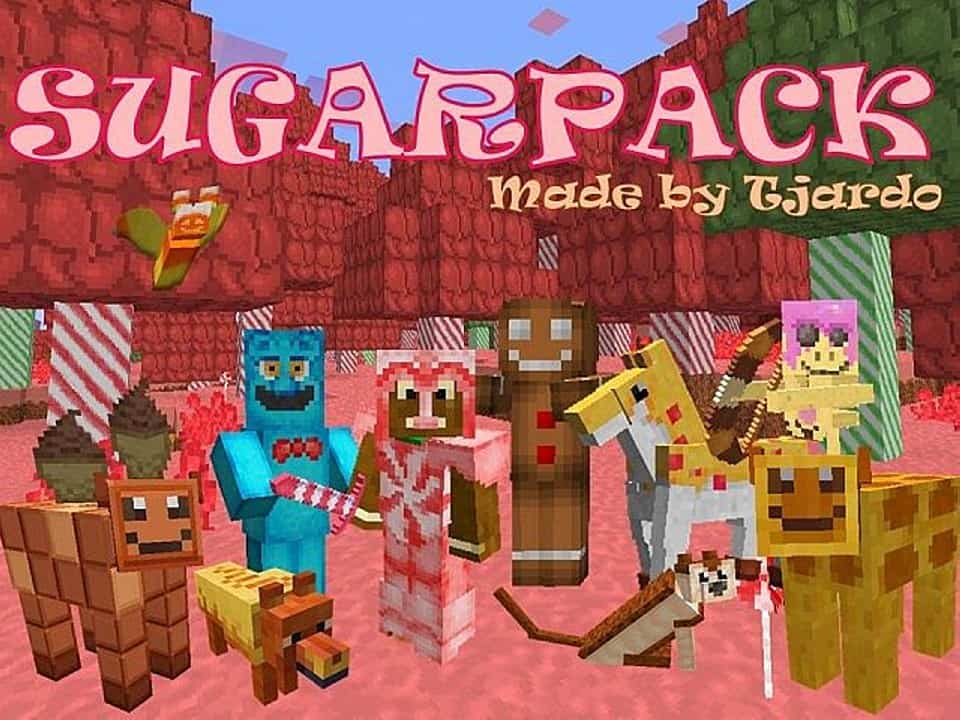
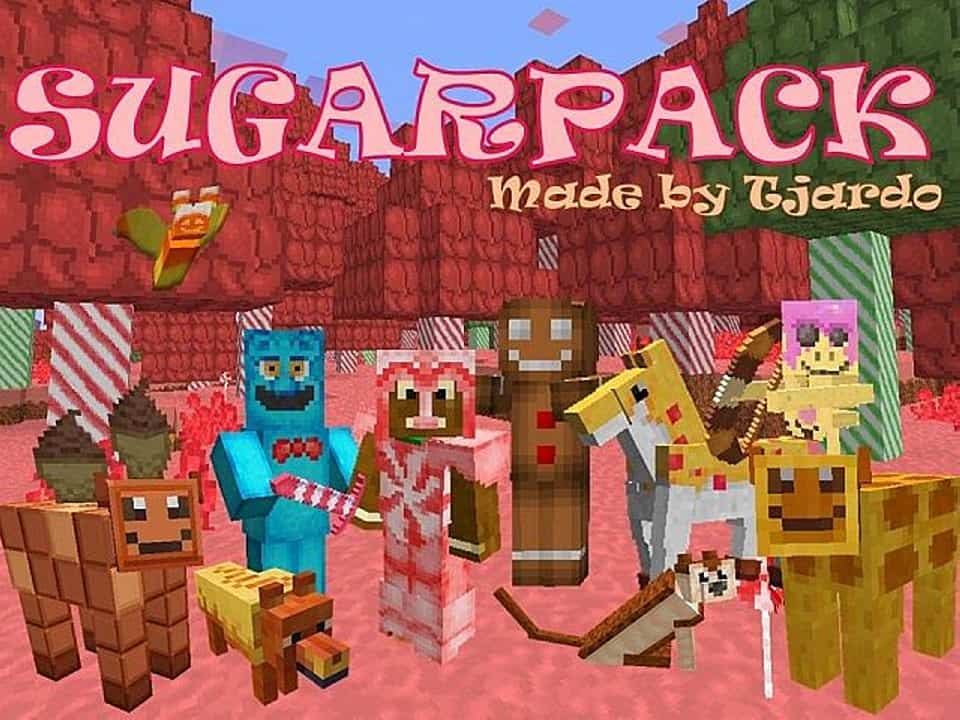
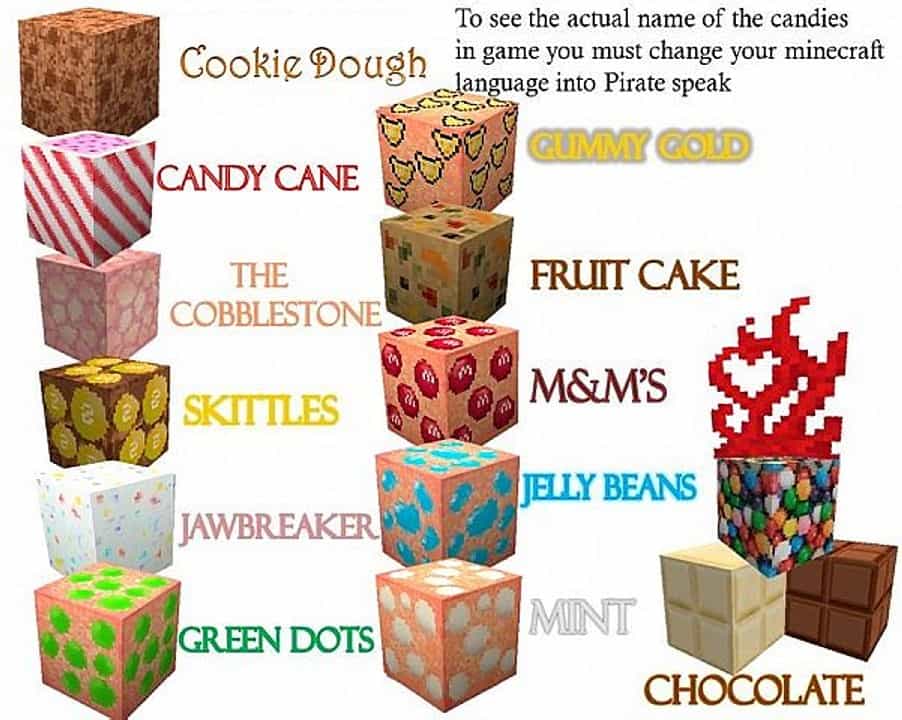
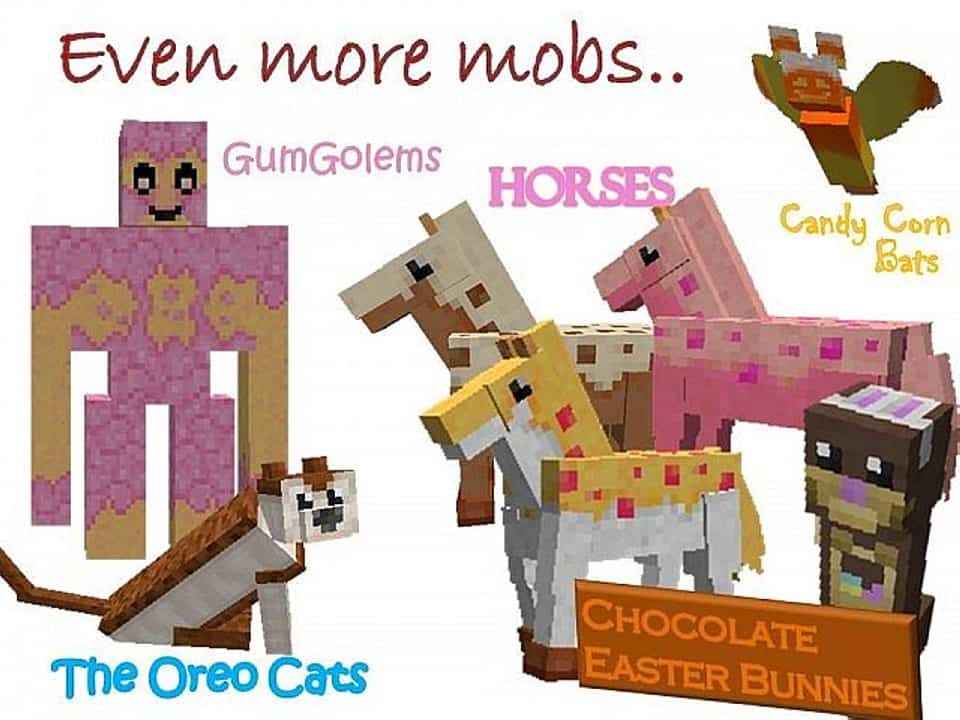
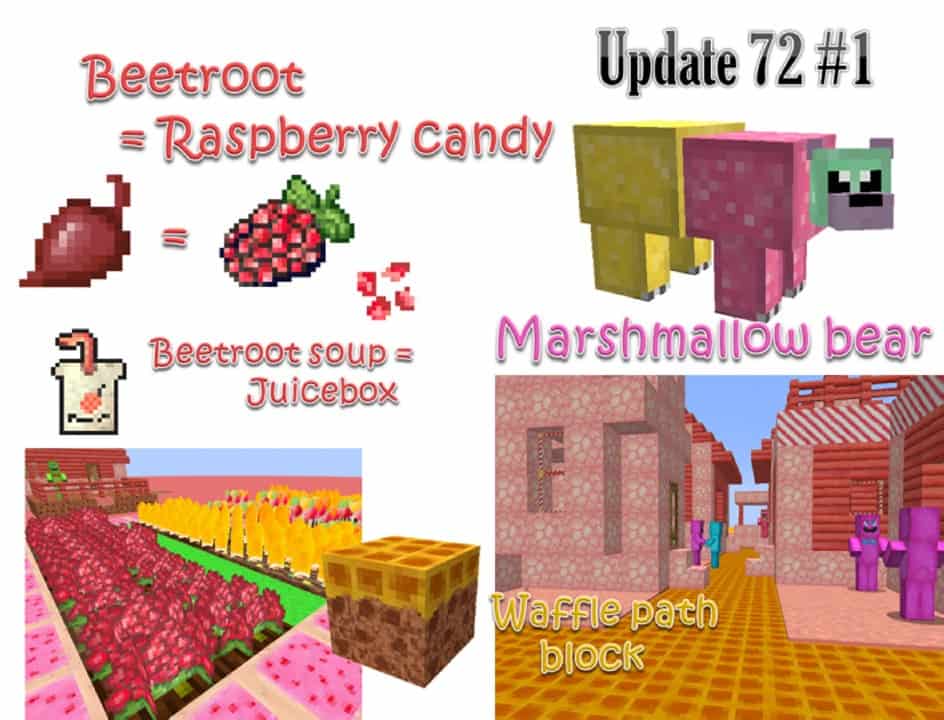
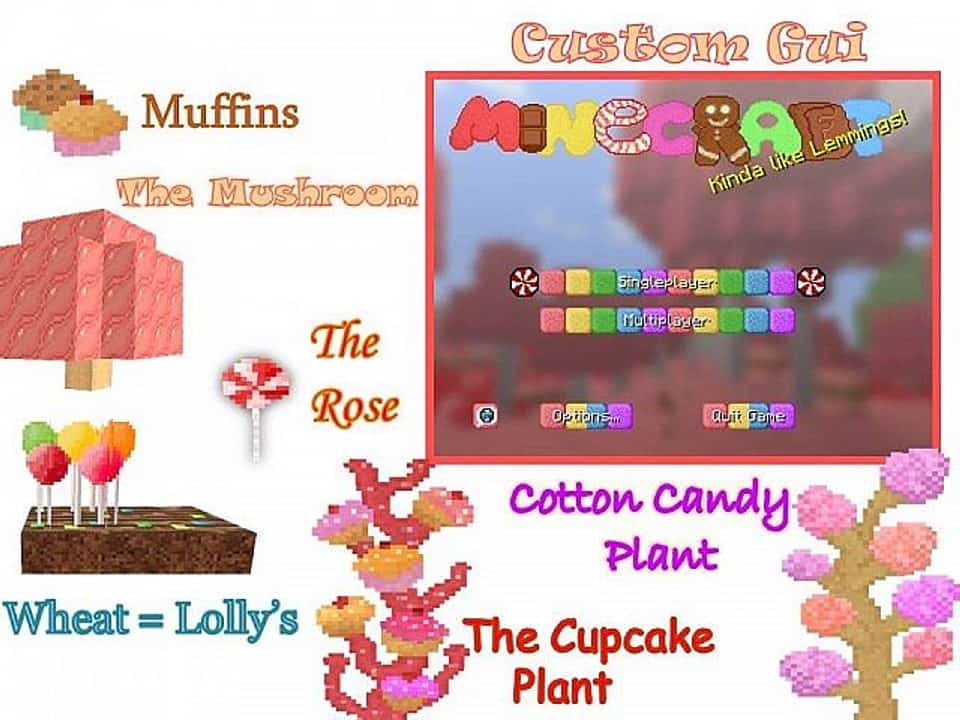
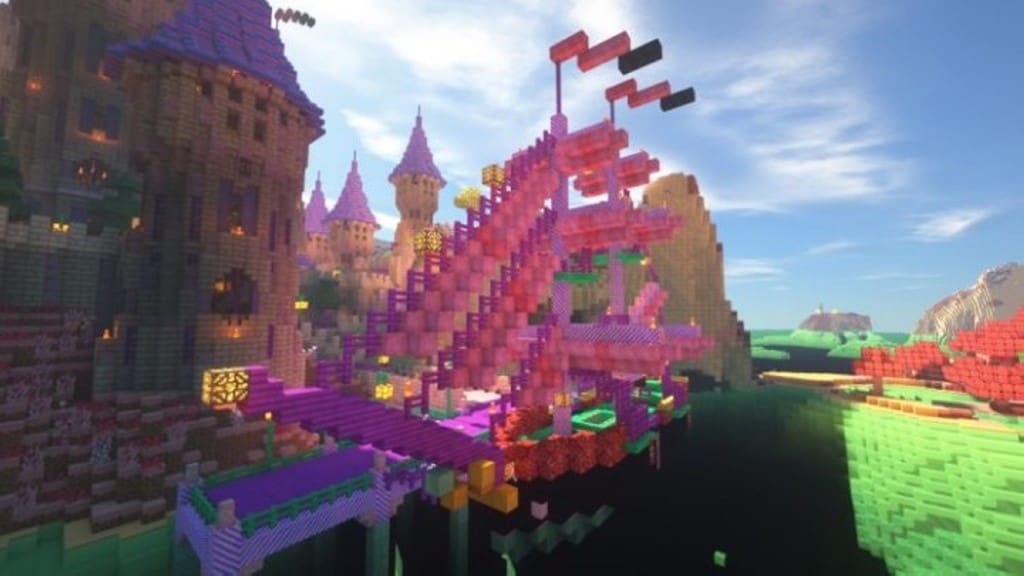
If you happen to have a serious sweet tooth, then you are definitely going to love the Sugarpack resource pack! I tested it out and it completely scratches that sweet itch by turning all of your standard food items into truly delectable sweets. Not only that, but all monsters, villagers, and even cows, pigs, and other friendly mobs are magically transformed into sugary versions of themselves. Your weapons and armor get completely overhauled into bright and delicious treats as well, which is super fun to see in action. Roam around a world filled with tempting treats to explore and enjoy. This sugary sweet pack might just send you straight to the dentist! If you worry about falling into a sugar coma while playing, never fear because the Sugarpack resource pack isn’t completely overrun with sweetness. Some of the core construction blocks in the game will remain the same, such as stone or colored clay, keeping things balanced. But be sure that the primary aim of the Sugarpack resource pack is to satisfy that dessert craving you always have.
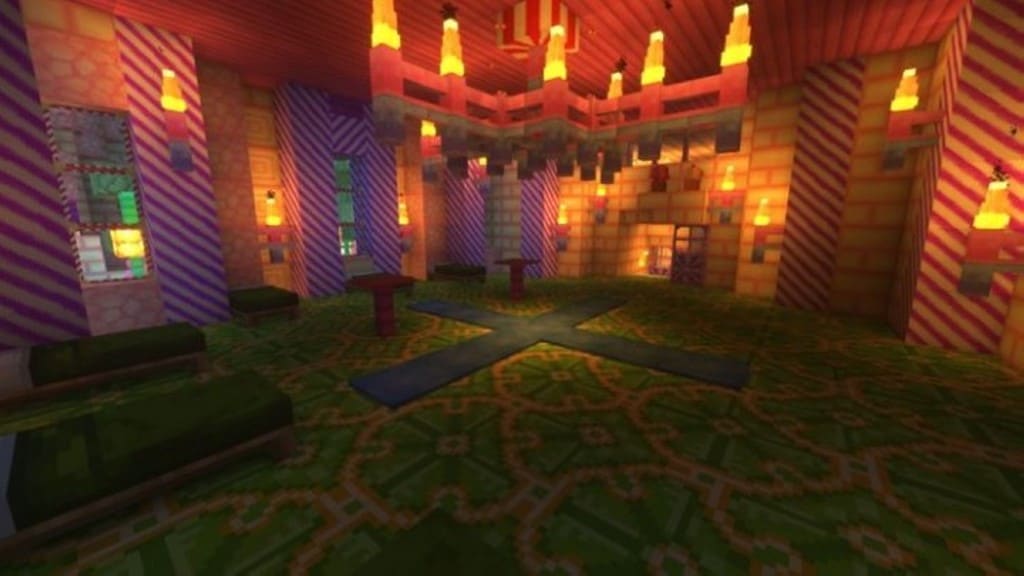
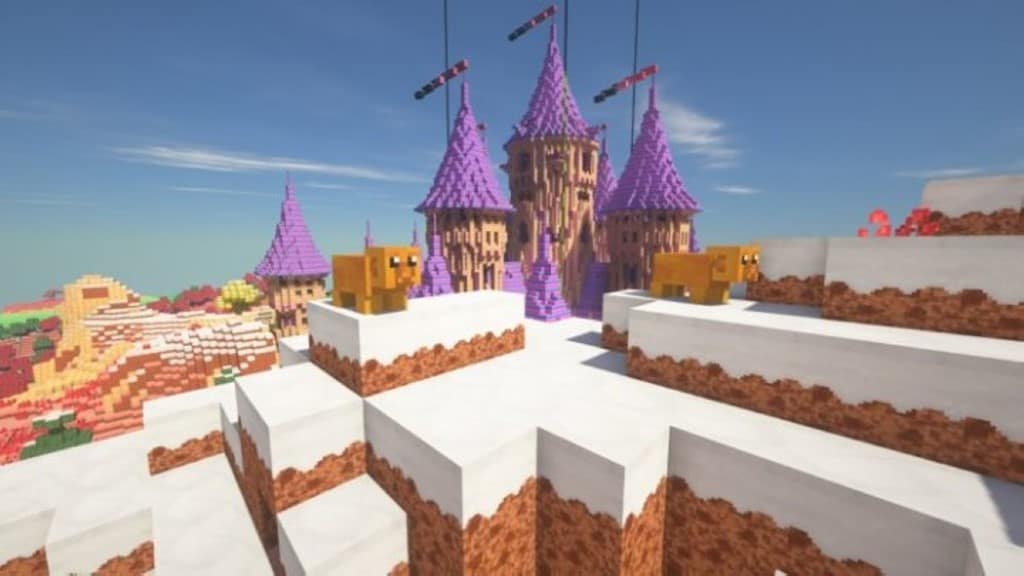
So you will notice that most blocks will resemble delicious sweet cakes with frosting and delicate pastries, often leaving you wanting to devour your creations rather than just live in them! The absolute best part is that you never have to fear about your candy creations getting spoiled in the warm sun. The Sugarpack texture pack is regularly updated and maintained by the author, and it was even recently updated to work smoothly with the most recent Minecraft client, Minecraft 1.14. So you never have to worry about running low on your sugar craze! You’ll honestly be amazed at how clever the author was in coming up with brand new and creative textures for the entire game. Sugarpack includes all new and vibrant textures for even the newest blocks and baddies. Give this amazing resource pack a try and you definitely won’t be disappointed. You’ll find all of your absolute favorite treats scattered throughout your Minecraft world, including M&M’s, Jelly Beans, Mints, Chocolates, and much more. You are sure to find yourself living in a true sugary dream!
Sugarpack should be compatible with all of these Minecraft versions: 1.14.4 – 1.14.3 – 1.14.2 – 1.14 – 1.13.2 – 1.13.1 – 1.13
Screenshots







How to Install Texture Pack (Simple 10 Steps)
- Download OptiFine: Most of the texture packs and shaders need OptiFine. That’s why, first download and install OptiFine for the version of Minecraft you want to play.
- Download the Texture Pack: Get the texture pack you want from the download section. Choose the version that works with your Minecraft and your PC’s performance.
- Open Minecraft Launcher: Start Minecraft using the official game launcher — or even TLauncher, if you use that.
- Go to Options: From the main menu, click on the “Options” button.
- Open Resource Packs: Inside Options, click on “Resource Packs…”.
- Open the Resource Pack Folder: Click on “Open Resource Pack Folder” — this will open a folder named “resourcepacks”.
- Move the Pack File: Copy or move the .zip file you downloaded into that “resourcepacks” folder. (Don’t unzip the file — Minecraft uses it as-is!)
- Go Back and Refresh: Close the folder and click “Done”, then go back into “Resource Packs…” again.
- Activate the Pack: You’ll see the pack on the left side. Hover over it and click the arrow to move it to the right (active side).
Tip: If you get a message that the pack is for a different version, just click “Yes” — it usually works fine. - Click Done and Enjoy: Click “Done” again. Now your pack is ready to use in-game. It’s that easy!
Credits
This resource pack was originally created by Tjardo. We do not claim ownership of this creation and do not host modified files. We strongly encourage you to support the original creator by visiting their official source links.
Download Links
Java Edition
Download Instructions
Curseforge: download starts automatically after a few seconds;
Mediafire: click the big blue button with the text “DOWNLOAD”;
Google Drive: in the top right corner you will see a small download icon (down arrow), click it and the download should start;


