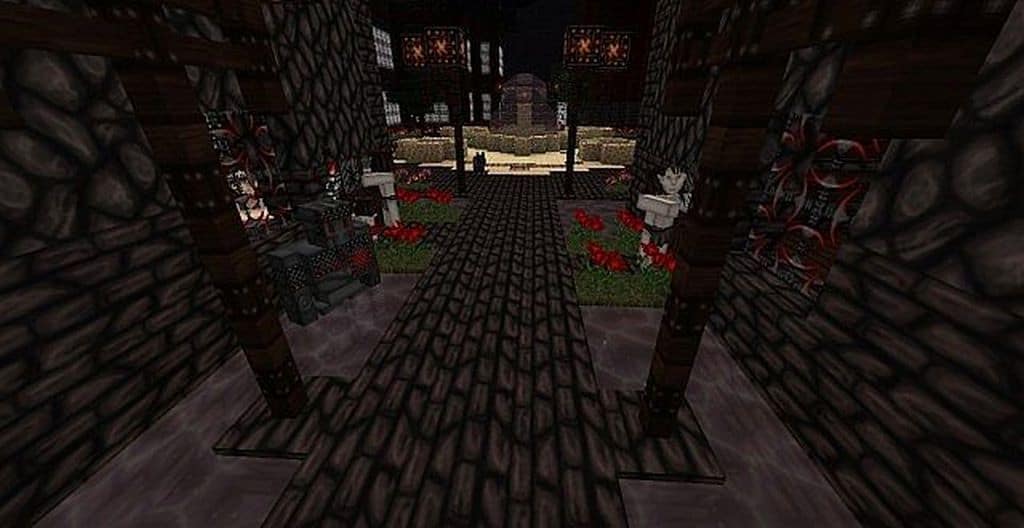
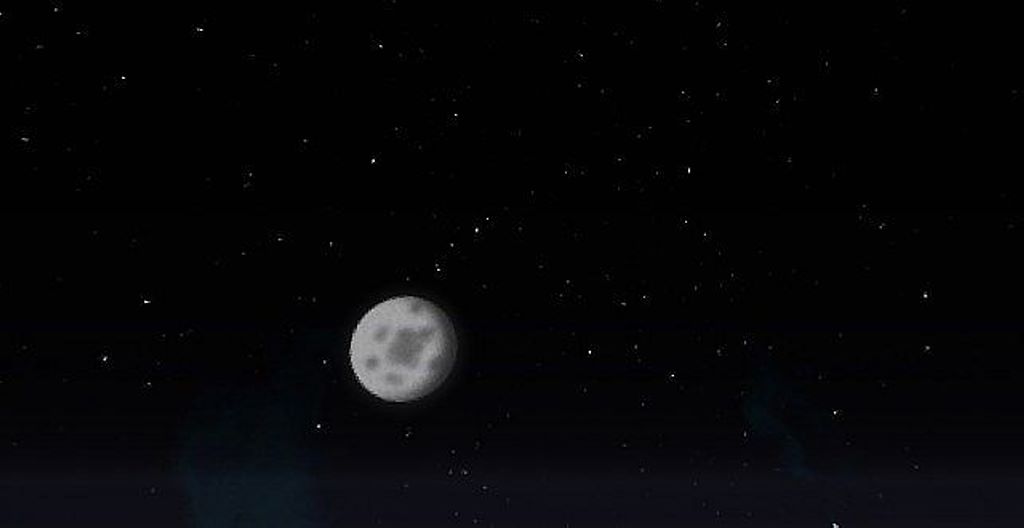
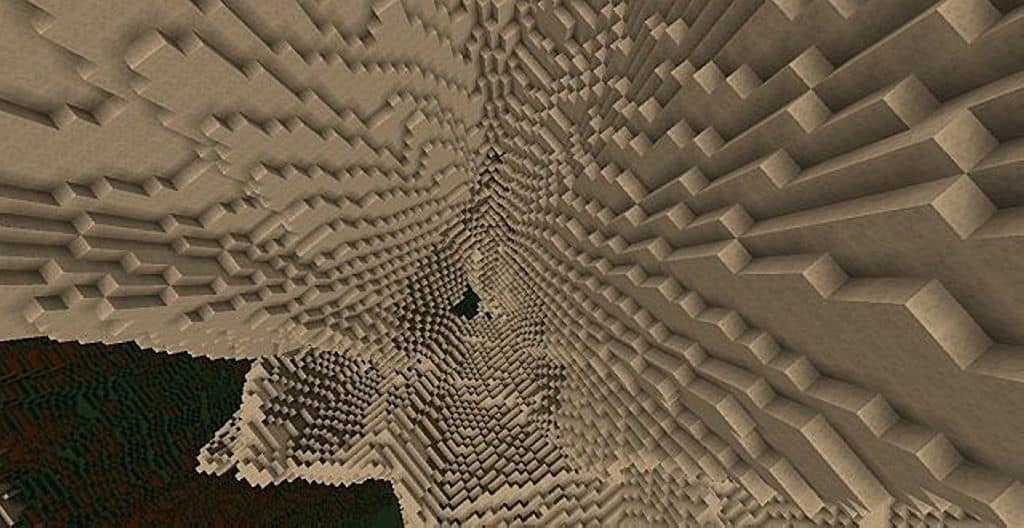
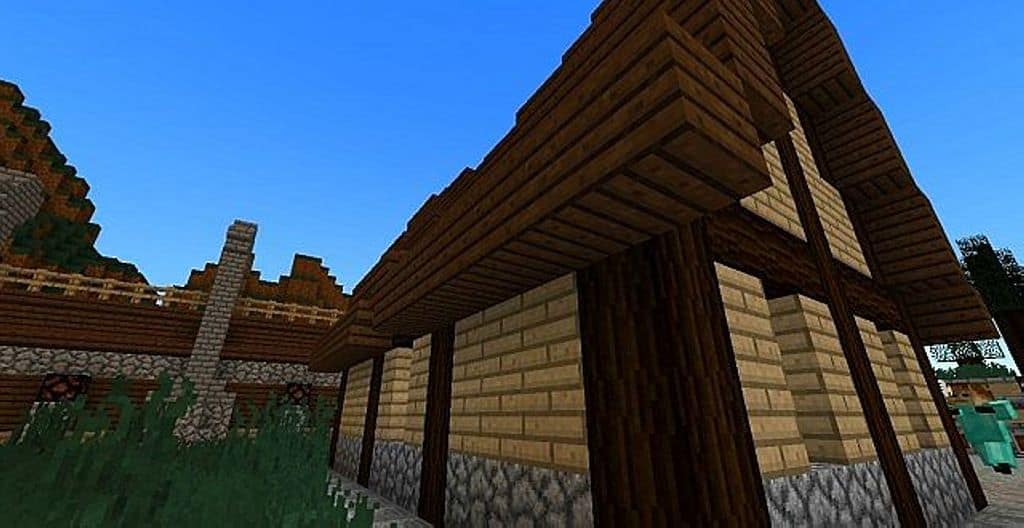
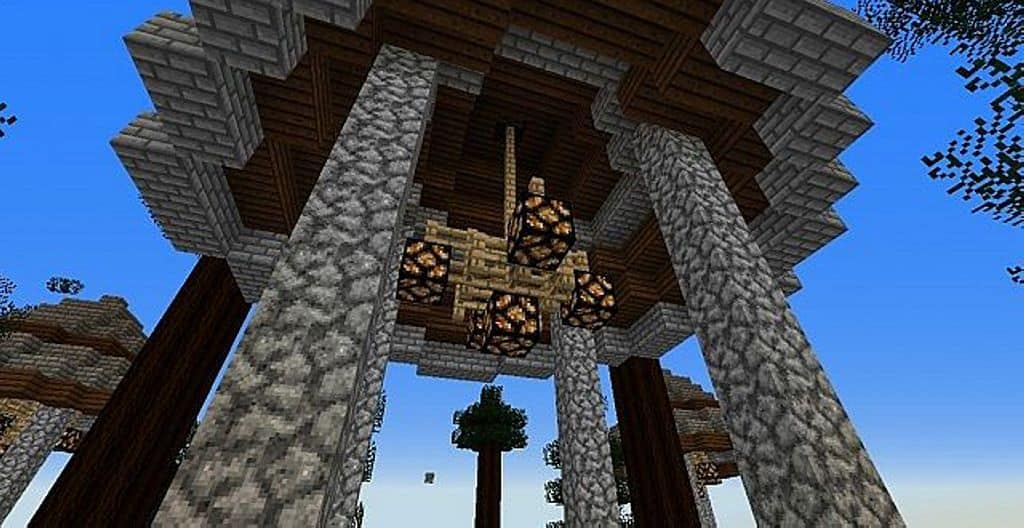
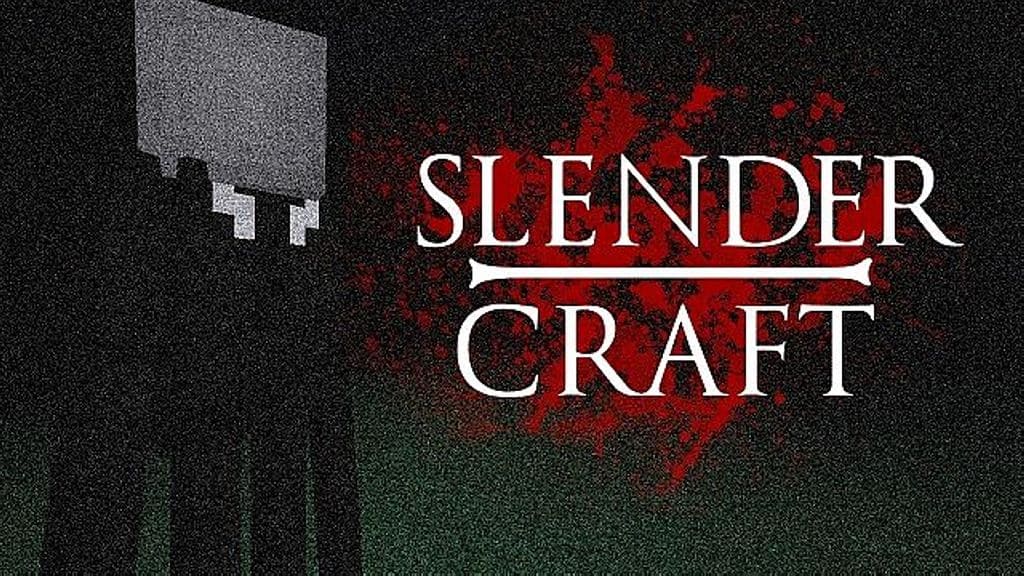
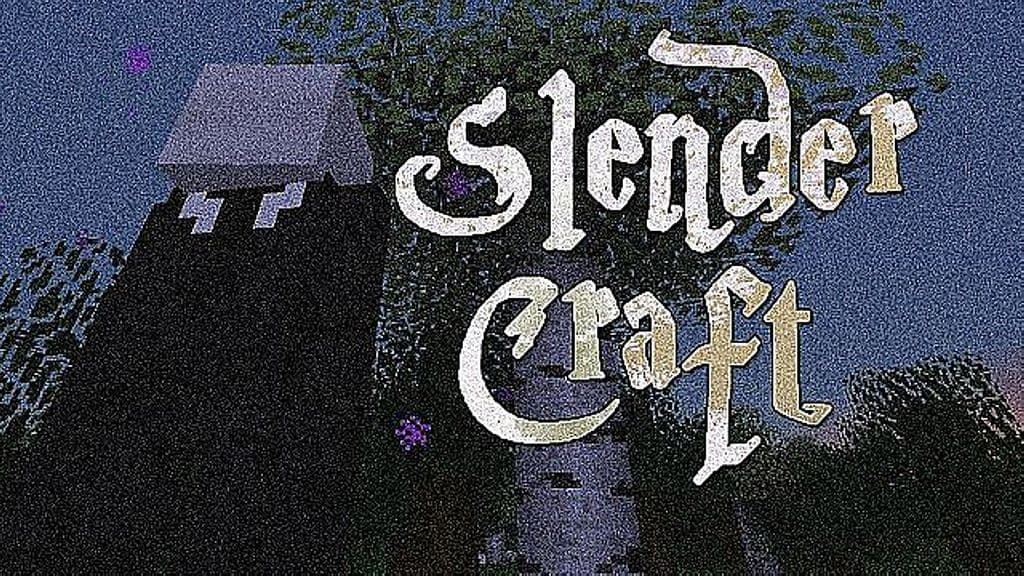
If you are completely fascinated by the eerie horror and thriller vibes of Slenderman, you should definitely take a quick look at the SlenderCraft resource pack! Honestly, it is one of the most appropriate and atmospheric texture packs for any player who is genuinely fond of the Slenderman lore. The SlenderCraft pack is masterfully aimed at bringing all the dark, suspenseful vibes of Slenderman directly into your favorite blocky world. We all love playing Minecraft because it is such a popular and inherently interesting game, yet its standard interface might not always feel visually appealing for horror enthusiasts. Thankfully, there are brilliant resource packs available that make your gaming interface vastly more interesting and enthralling, and SlenderCraft is a shining example. This wonderful resource pack introduces various meticulously crafted item textures inspired entirely by the legendary Slenderman games.
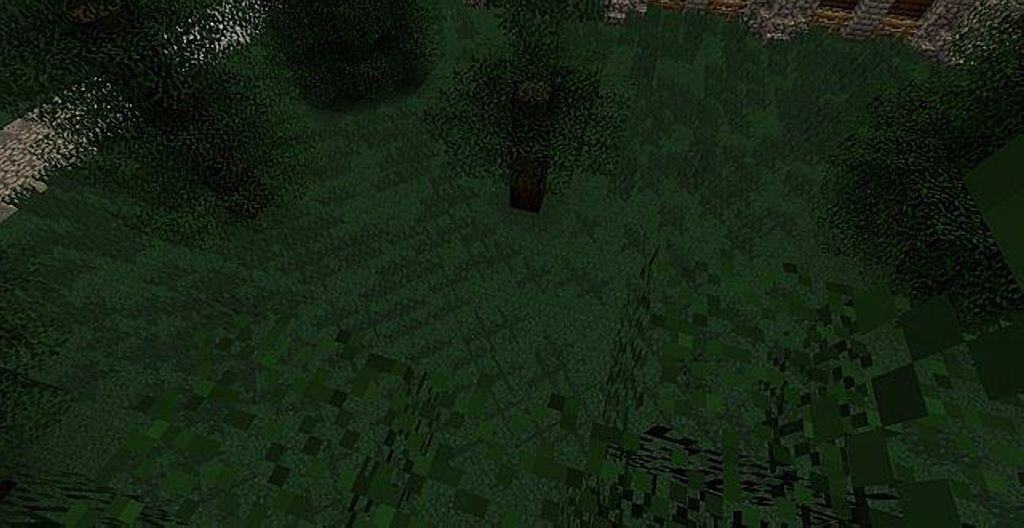
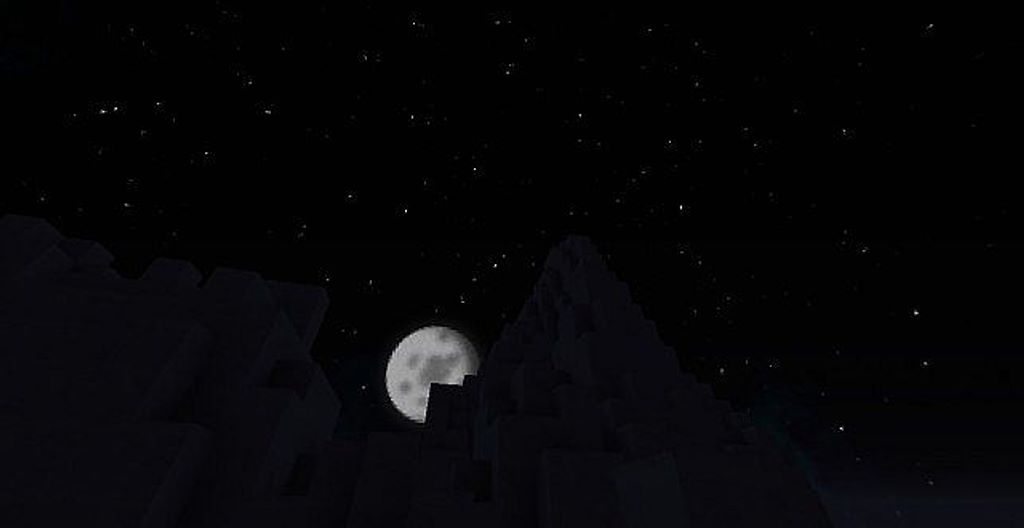
Now, you should note that there will not be any special Slenderman mobs added natively by these textures alone; the core idea is to make the overall game appearance genuinely feel and look like a true Slenderman game without altering custom monster additions. Once you install this resource pack, you will immediately notice how elements like trees, grass, and all other natural green textures look significantly darker, better, and much more compelling. Best of all, the SlenderCraft resource pack supports a lightweight 16x resolution, meaning you will not require any high-end PC rig to run this smoothly. It is honestly perfect for anyone looking to escape the overly bright vanilla look of standard Minecraft and elevate their atmosphere. If you want a fantastic upgrade from standard textures with a spooky theme, do not hesitate to try it out today!
Slendercraft should be compatible with all of these Minecraft versions: 1.11.2 – 1.11 – 1.10.2 – 1.10 – 1.9.4 – 1.9 – 1.8.9 – 1.8.8 – 1.8.1 – 1.8.6 – 1.8 – 1.7.10 – 1.7.9 – 1.7.4 – 1.7
Screenshots
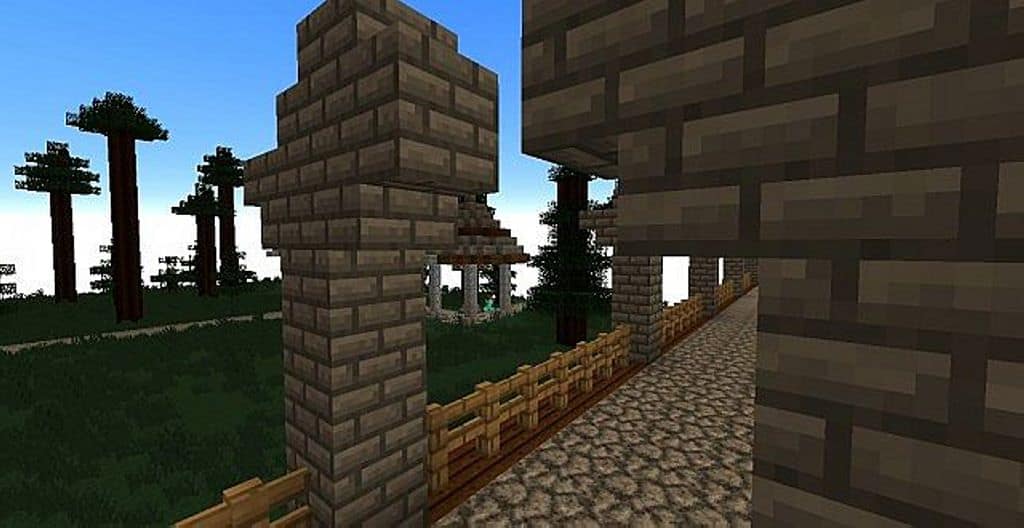
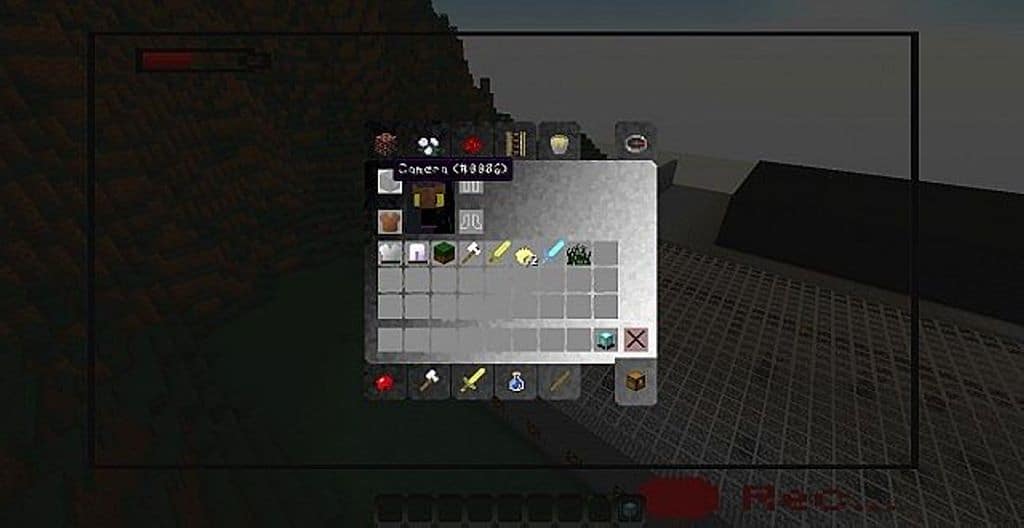
How to Install Texture Pack (Simple 10 Steps)
- Download OptiFine: Most of the texture packs and shaders need OptiFine. That’s why, first download and install OptiFine for the version of Minecraft you want to play.
- Download the Texture Pack: Get the texture pack you want from the download section. Choose the version that works with your Minecraft and your PC’s performance.
- Open Minecraft Launcher: Start Minecraft using the official game launcher — or even TLauncher, if you use that.
- Go to Options: From the main menu, click on the “Options” button.
- Open Resource Packs: Inside Options, click on “Resource Packs…”.
- Open the Resource Pack Folder: Click on “Open Resource Pack Folder” — this will open a folder named “resourcepacks”.
- Move the Pack File: Copy or move the .zip file you downloaded into that “resourcepacks” folder. (Don’t unzip the file — Minecraft uses it as-is!)
- Go Back and Refresh: Close the folder and click “Done”, then go back into “Resource Packs…” again.
- Activate the Pack: You’ll see the pack on the left side. Hover over it and click the arrow to move it to the right (active side).
Tip: If you get a message that the pack is for a different version, just click “Yes” — it usually works fine. - Click Done and Enjoy: Click “Done” again. Now your pack is ready to use in-game. It’s that easy!
Credits
The SlenderCraft Resource Pack was created by FallenHyde. We do not own, host, or modify this resource pack. All rights, intellectual property, and original assets belong strictly to the original author. We highly recommend supporting FallenHyde by downloading the pack through official channels and checking out their other incredible community projects.
Download Instructions
Curseforge: download starts automatically after a few seconds;
Mediafire: click the big blue button with the text “DOWNLOAD”;
Google Drive: in the top right corner you will see a small download icon (down arrow), click it and the download should start;