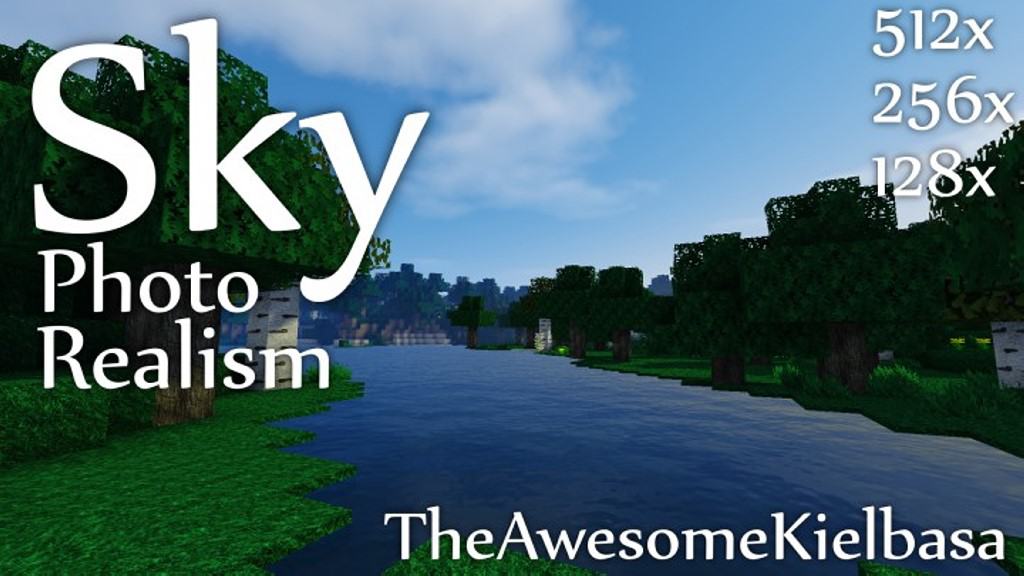
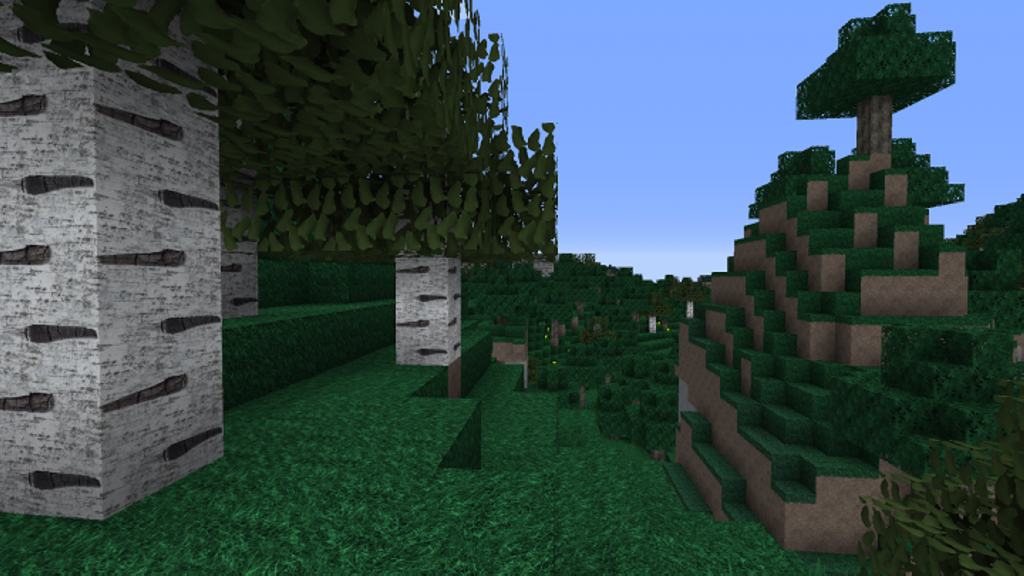
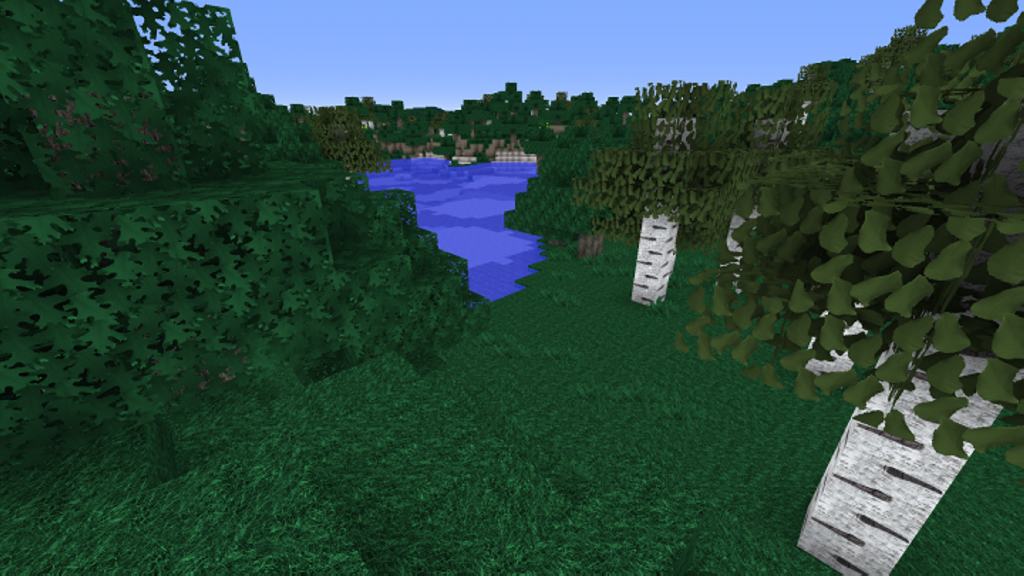
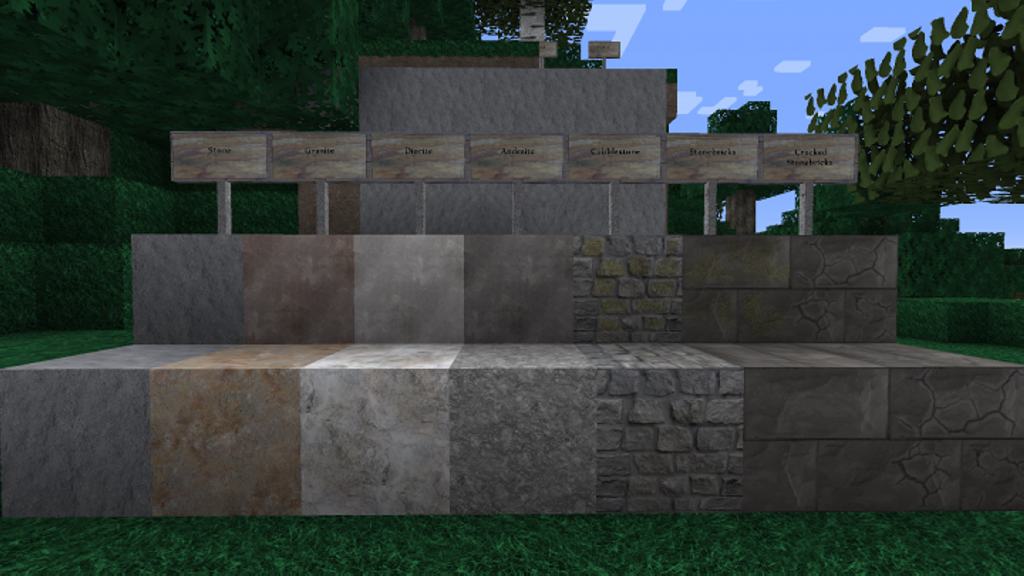
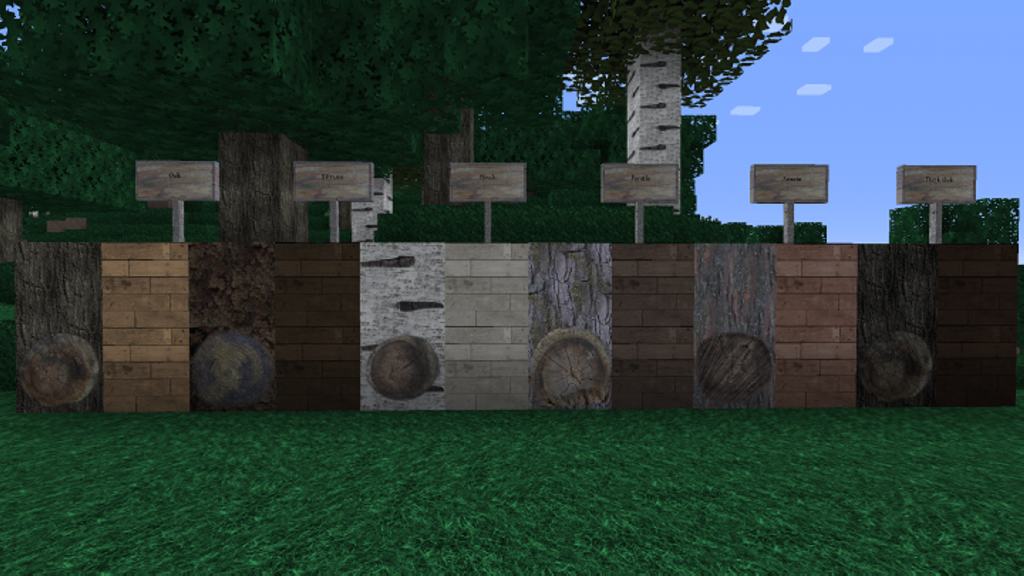
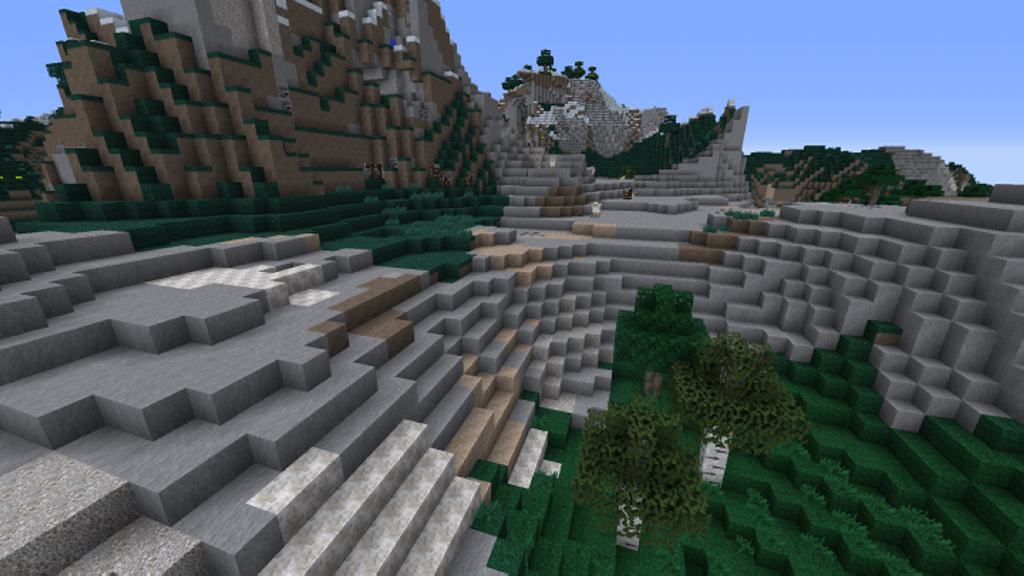
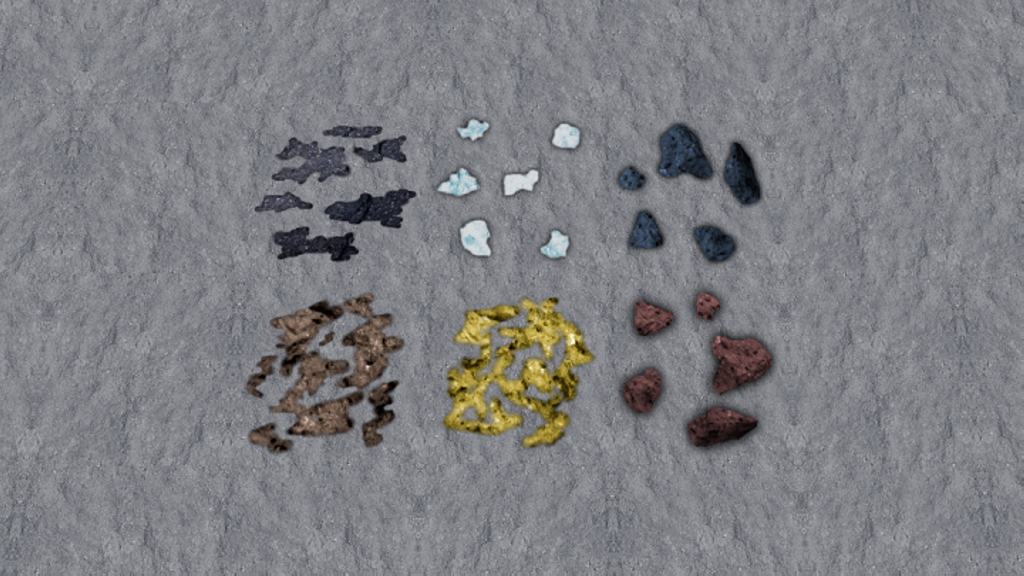
The vanilla Minecraft visual art style is totally iconic and truly makes it one of the most recognizable games in history. While it may sometimes be described as cartoonish, the game still appeals to so many of us. I tested out the Sky Photo Realism resource pack, and it really aims to shift things a bit while still preserving the core visual style of the game. It comes as a fantastic graphical upgrade that attempts to bring much more realism to the game. It brilliantly combines multiple discrete changes to the game that add up to a stunning visual overhaul. The first major upgrade that the resource pack introduces is higher quality and resolution textures. The coloring has been thoughtfully altered to have toned down colors and more shades of gray to remove some of the cartoonish effects that default textures have. I noticed the textures have been upgraded on almost all types of terrain environmental blocks, successfully attempting to improve everything you see in the game. The textures have not been overloaded with unnecessary details, but they have less noise and appear much clearer. For the absolute best visuals, I definitely recommend trying out the massive 512x resolution version of the Sky Photo Realism texture pack.
It is certainly the most resource-demanding out of all the versions and may lead to a noticeable drop in frame rate if your PC isn’t quite up to snuff. Better game performance can easily be obtained by using the 256x or the 128x resolution versions of the resource pack instead. Since the resource pack changes so much texture in the game, players with older computers may experience severe frame rate drops. Lastly, to achieve even greater texture quality and less noise, the Sky Photo Realism resource pack makes great use of shader packs. I found that GLSL Shaders or Sonic Ether’s Unbelievable Shaders are highly recommended to be installed in parallel with the resource pack. They will make the terrain and objects in the game appear much crisper while also dramatically improving lighting effects. Both the shaders and the Sky Photo Realism resource pack require Optifine to be installed. With Optifine you will need to go to options, select resource pack, and open the resource packs folder. You will then need to move the resource pack archive straight into that folder. If you ever want to switch from the 512x to the 256x resolution version of the Sky Photo Realism resource pack, you will need to do it through Optifine.
Sky Photo Realism should be compatible with all of these Minecraft versions: 1.9.4 – 1.9 – 1.8.9 – 1.8.8 – 1.8.1 – 1.8.6 – 1.8
Screenshots
How to Install Texture Pack (Simple 10 Steps)
- Download OptiFine: Most of the texture packs and shaders need OptiFine. That’s why, first download and install OptiFine for the version of Minecraft you want to play.
- Download the Texture Pack: Get the texture pack you want from the download section. Choose the version that works with your Minecraft and your PC’s performance.
- Open Minecraft Launcher: Start Minecraft using the official game launcher — or even TLauncher, if you use that.
- Go to Options: From the main menu, click on the “Options” button.
- Open Resource Packs: Inside Options, click on “Resource Packs…”.
- Open the Resource Pack Folder: Click on “Open Resource Pack Folder” — this will open a folder named “resourcepacks”.
- Move the Pack File: Copy or move the .zip file you downloaded into that “resourcepacks” folder. (Don’t unzip the file — Minecraft uses it as-is!)
- Go Back and Refresh: Close the folder and click “Done”, then go back into “Resource Packs…” again.
- Activate the Pack: You’ll see the pack on the left side. Hover over it and click the arrow to move it to the right (active side).
Tip: If you get a message that the pack is for a different version, just click “Yes” — it usually works fine. - Click Done and Enjoy: Click “Done” again. Now your pack is ready to use in-game. It’s that easy!
Credits
This content was originally created by TheAwesomeKielbasa. We do not claim ownership of this creation and do not host modified files. Please support the original creator by downloading from their official links.
Download Links
Java Edition
Download Instructions
Curseforge: download starts automatically after a few seconds;
Mediafire: click the big blue button with the text “DOWNLOAD”;
Google Drive: in the top right corner you will see a small download icon (down arrow), click it and the download should start;


