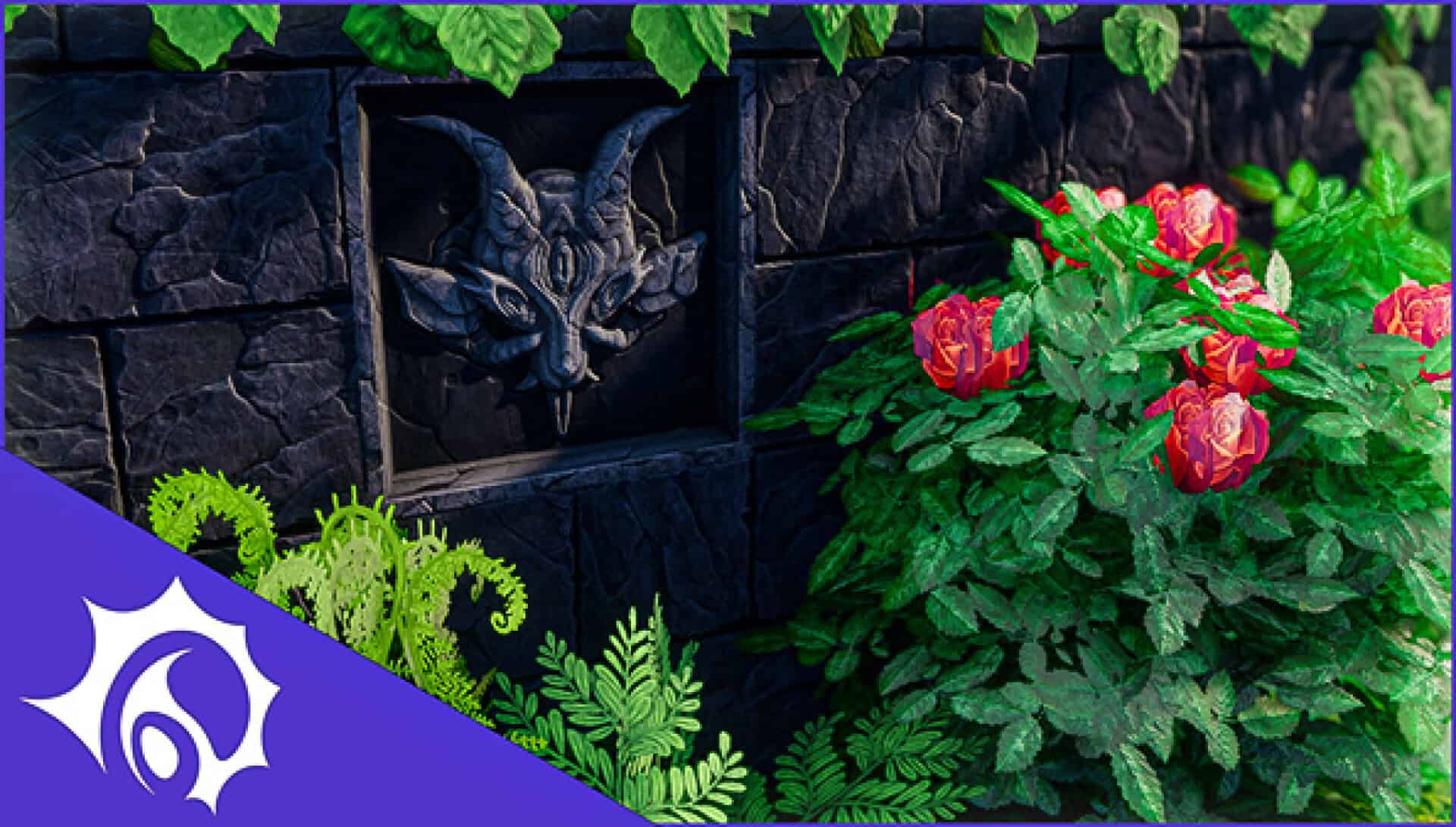
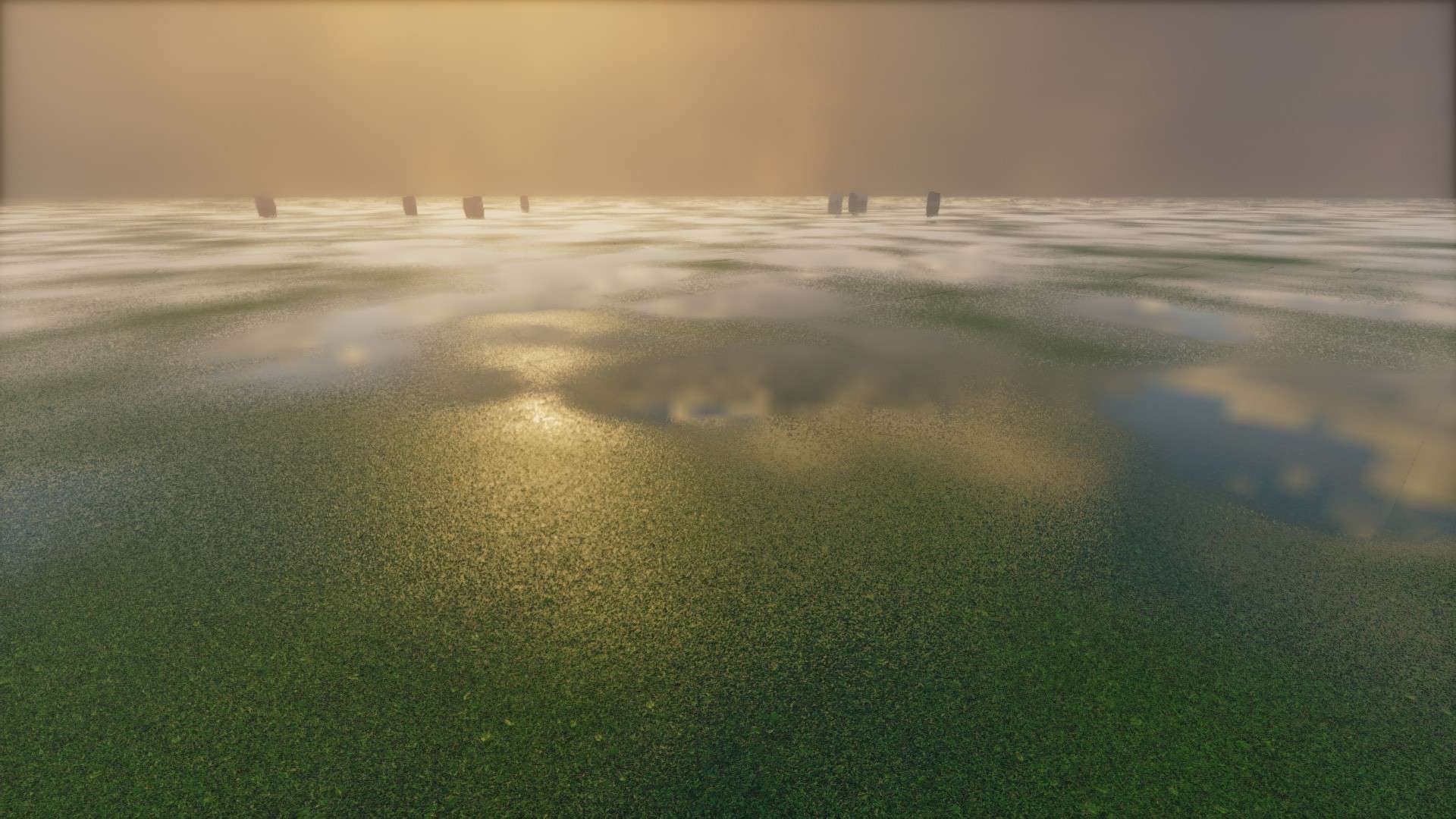
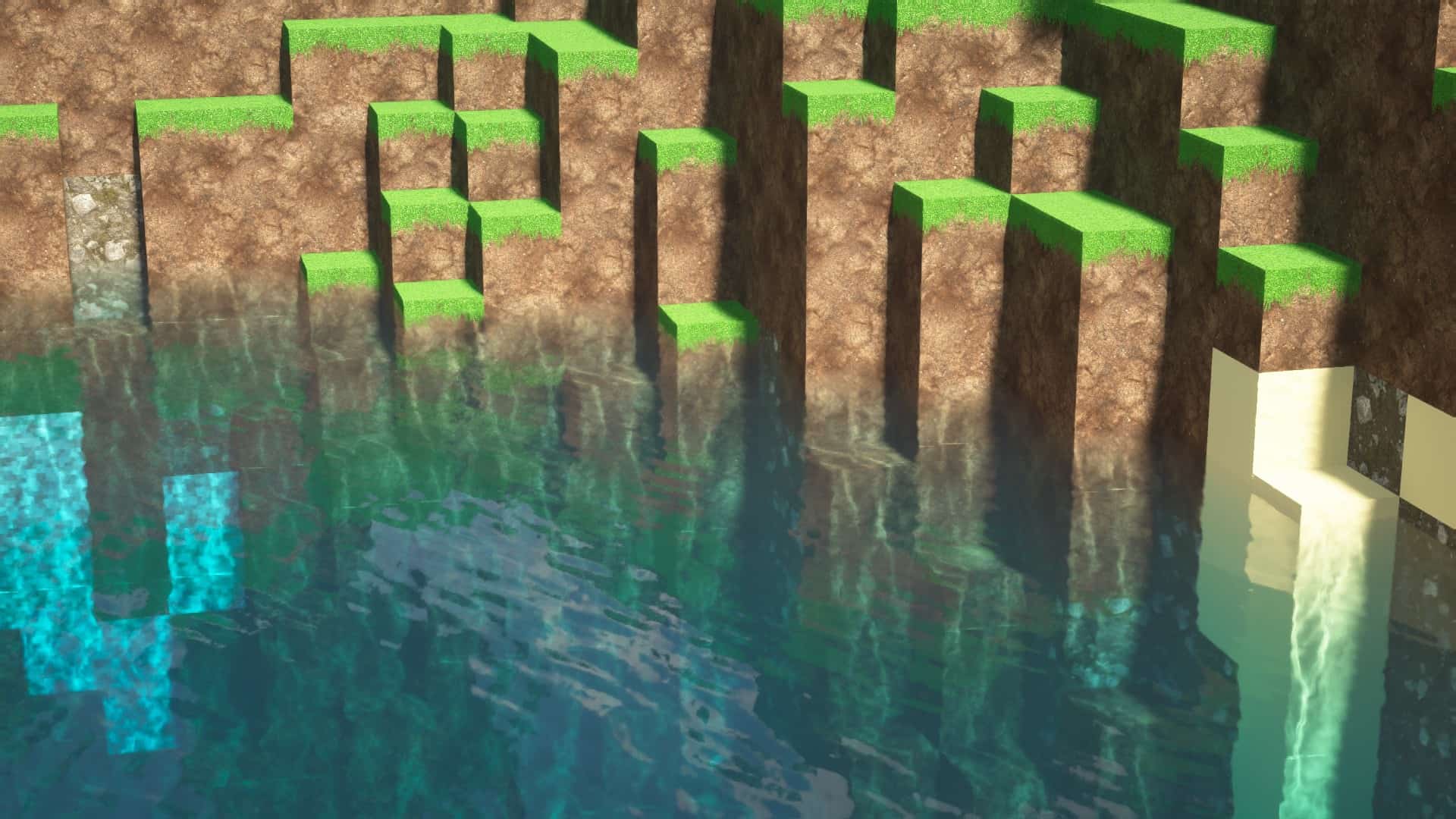
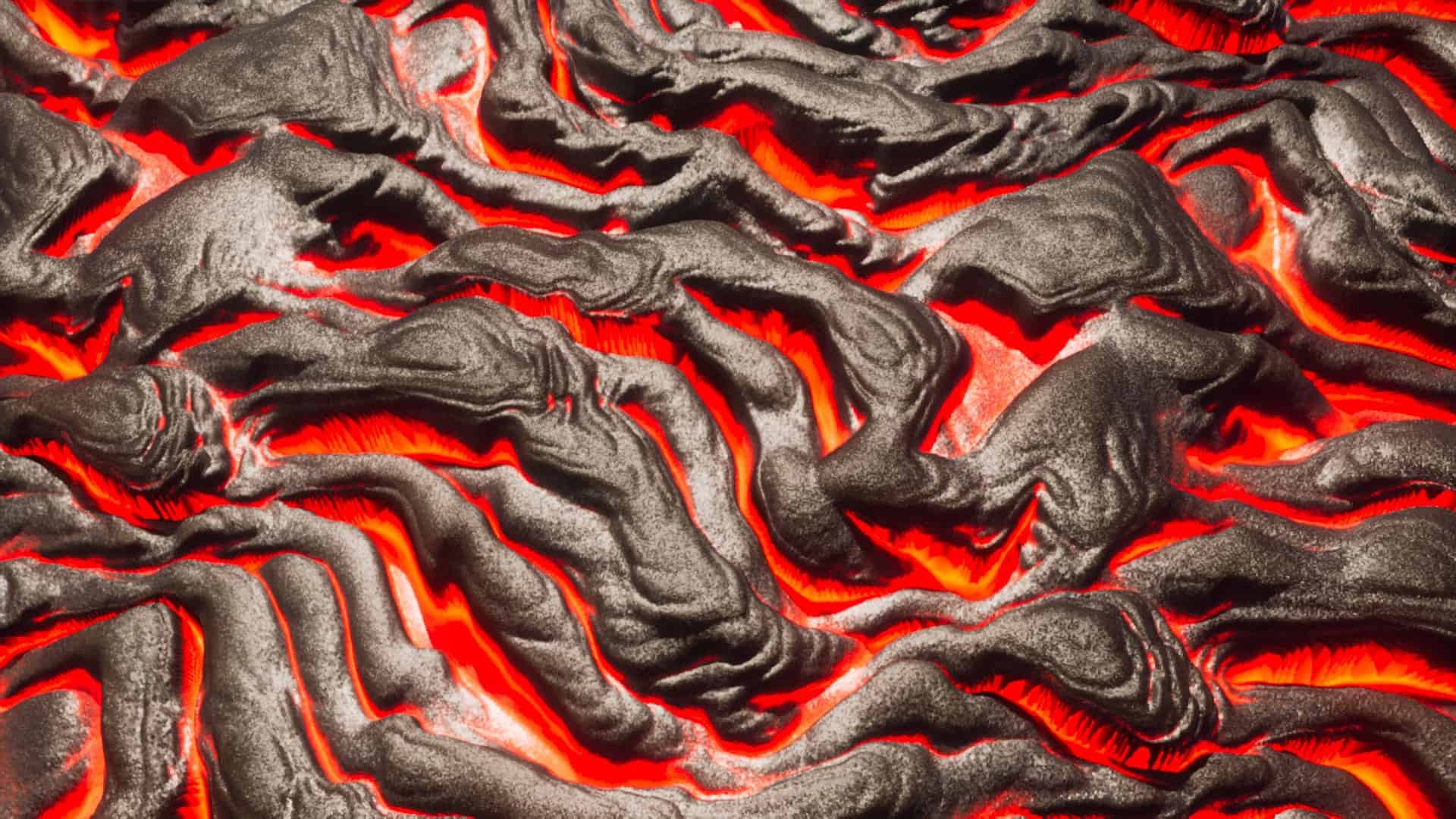
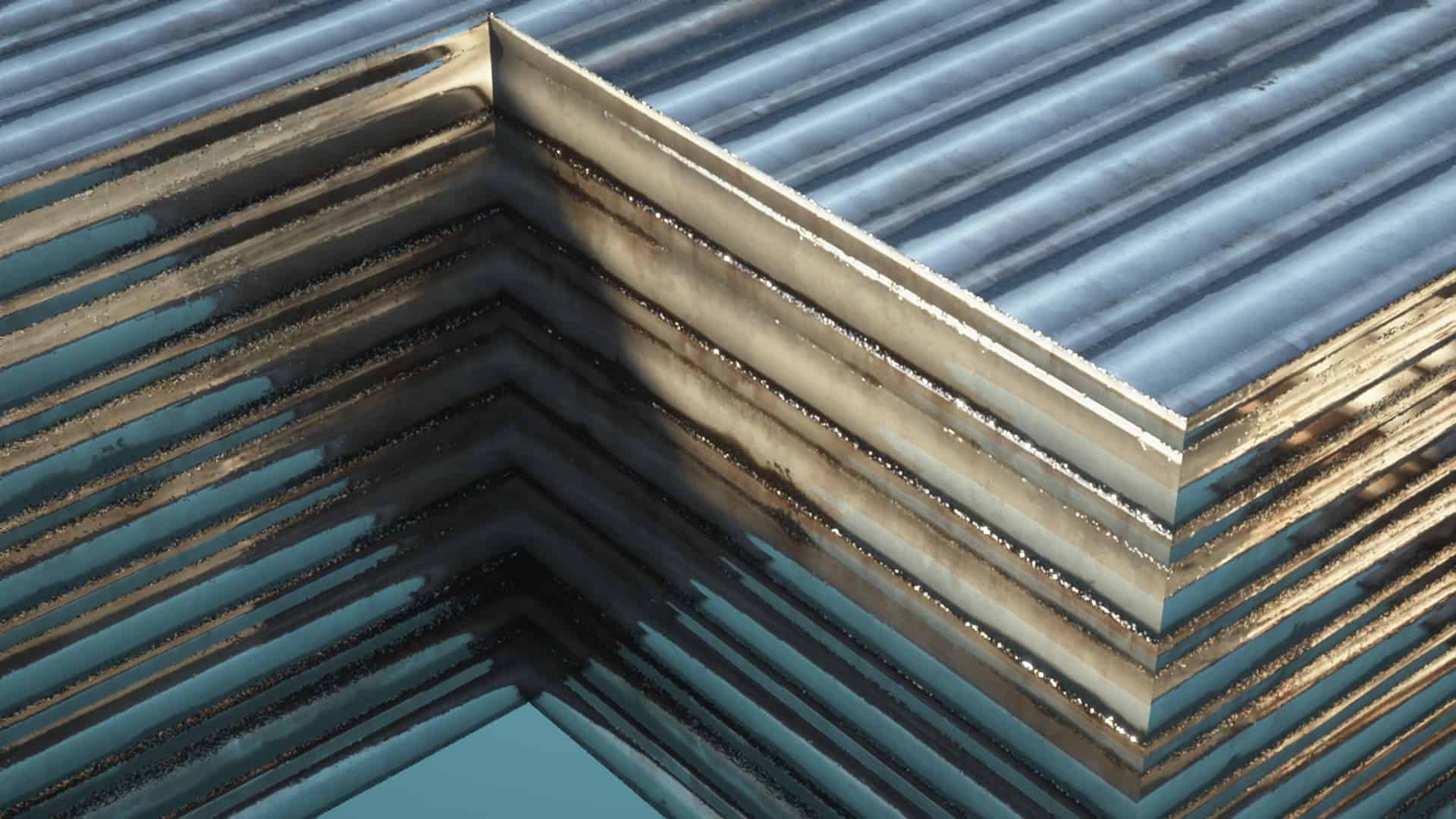
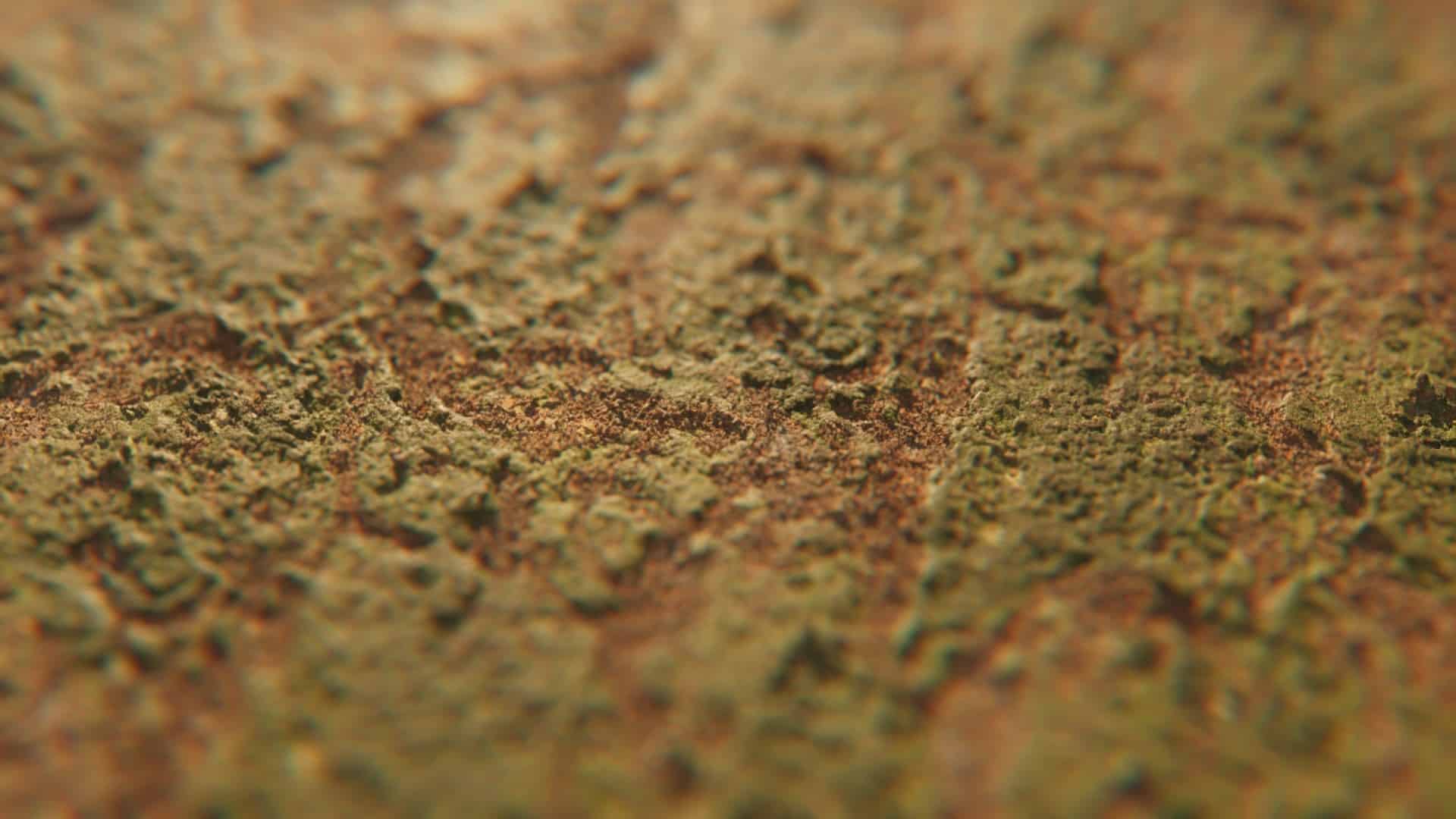
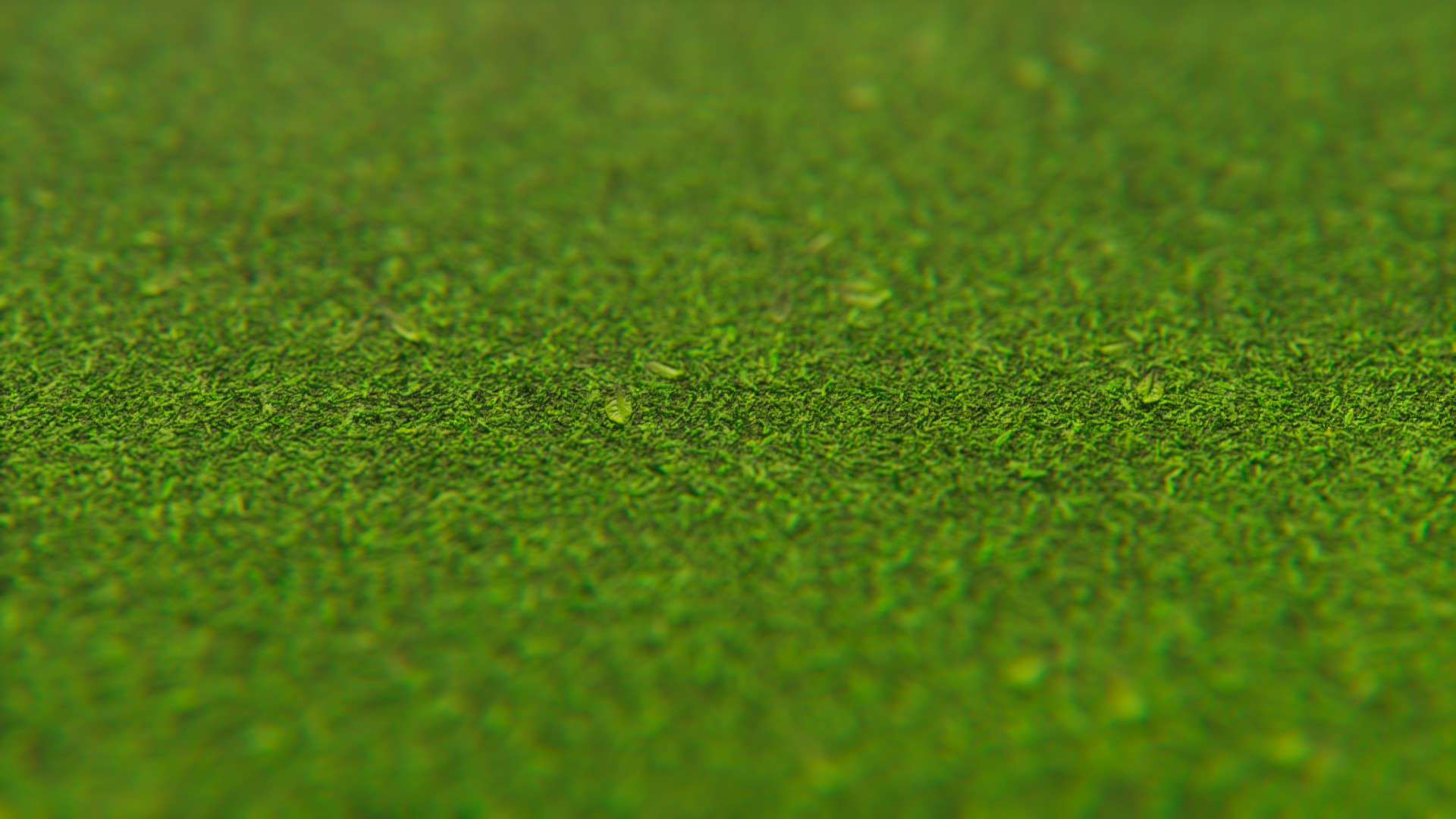
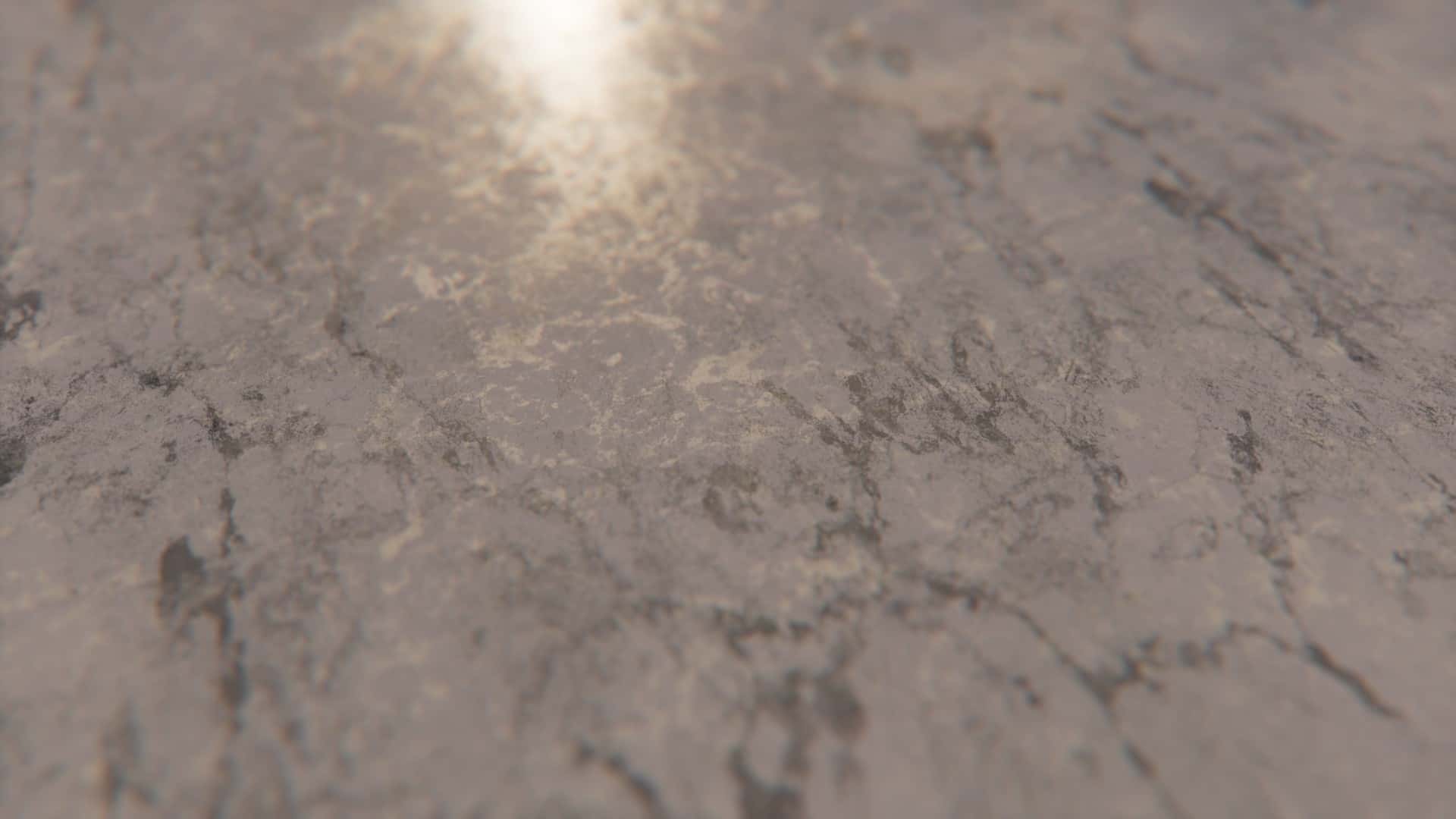
The Pellucid HD resource pack completely overhauls the standard cartoonish Minecraft visuals, trading them in for significantly more realistic imagery. I found every single scene to be genuinely impressive to look at, though I noticed the pack definitely requires relatively modern hardware to run smoothly. While I already love the way the game looks with this resource pack installed, it is important to remember that it is still very much a work in progress. The creators intend to improve it significantly between now and its final version. It is an absolute must-have for Minecraft fans who want to push their new hardware to display genuinely breathtaking graphics. If you happen to own a new gaming PC but still find yourself playing Minecraft, you might sometimes feel like you are wasting your powerful components on a graphically simple game. Thanks to the Pellucid HD texture pack, the game instantly looks high-tech and incredibly detailed, while still staying true to its core Minecraft roots. Every single texture and object has been redesigned so thoroughly that no location will ever feel too similar to regular vanilla Minecraft. The pack easily passes the uniqueness test as well, meaning no one would ever mistake this distinct style for any other resource pack. The developers obviously spent a massive amount of time refining and testing the graphics over and over before finally releasing it to the public. The game’s forests look completely spectacular with this resource pack applied. The dynamic shadows make the layers of 2D leaves look astonishingly good, fitting in seamlessly with the rest of the game’s updated graphical style. Even the small plants cast realistic shadows that add depth to the world. While this specific artistic direction might not appeal to every single player, I personally adore the brilliant mix of realistic and slightly surreal high-resolution imagery. The water looks remarkably lifelike, featuring smooth waves and exceptional reflections that completely transform oceans and rivers. It honestly feels like something straight out of a much higher-budget modern 3D game, yet it never feels out of place or clashes with the rest of the environment. I also have to mention how incredible the underground environments look. The glowing lava and rough wall textures instantly remind me of classic first-person shooter games that shared a similar dark, gritty aesthetic, recalling legendary titles like Doom and Quake which were packed with cavernous, lava-filled chambers.
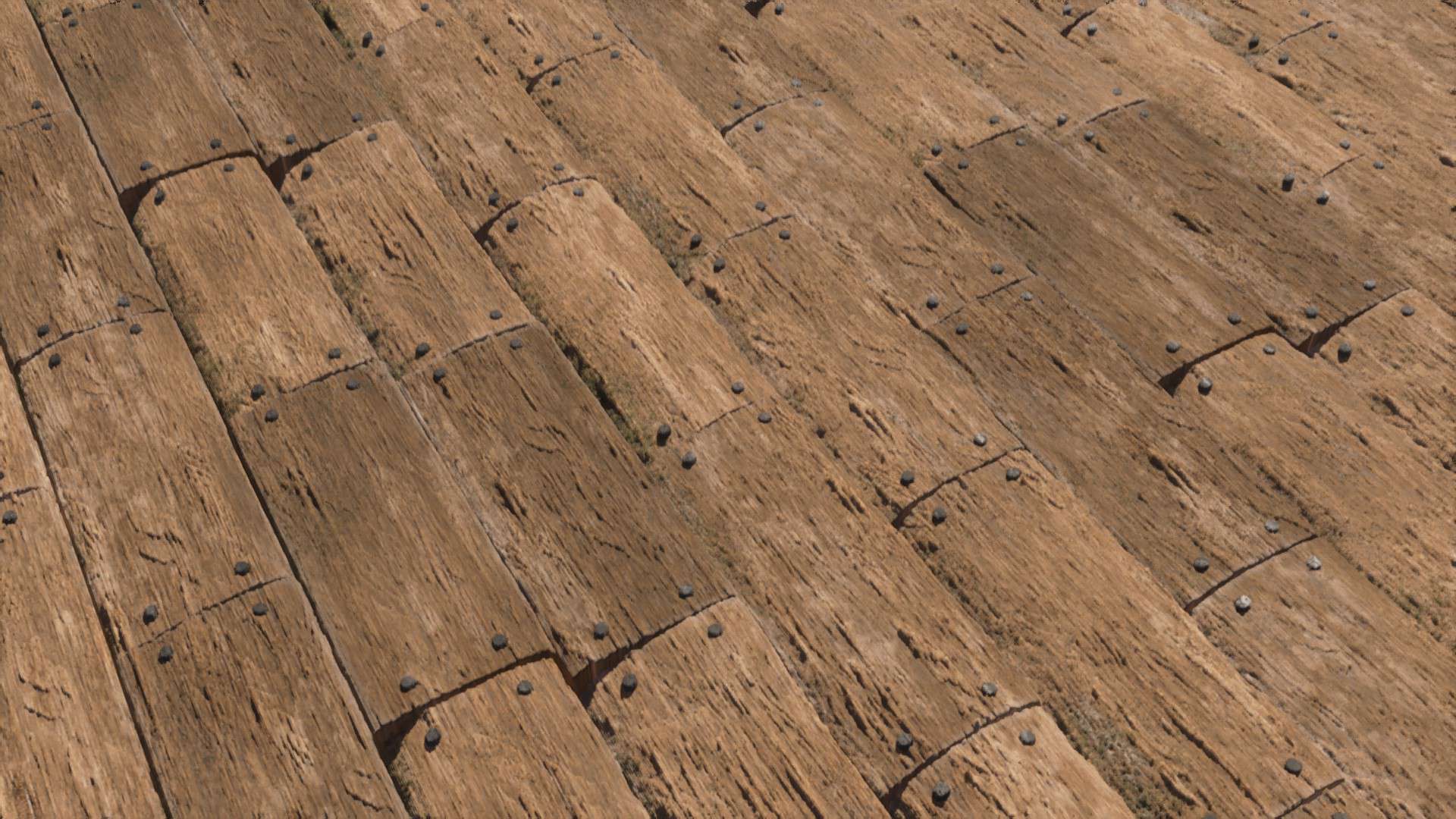
However, I did notice that these underground environments would have looked even better with some more advanced lighting effects. They certainly look reasonably good just as they are, but they truly would have shined if the glowing lava illuminated the surrounding walls much more intensely than it currently does. Aside from those subterranean areas, the lighting elsewhere is already as phenomenal as it needs to be. The lighting effects included in this pack are top-tier. The ambient light created by lamps, torches, and various other light-emitting blocks is vastly more realistic, adding a cozy, striking beauty to the entire game world. Everything has a genuinely realistic glow to it, and the overall lighting of the game feels so much more natural and immersive. It is completely obvious that an immense amount of work and creative passion went into crafting this pack, and that dedication shines brightest when you visit the Arctic biome. The developers clearly studied real-world arctic landscapes closely for inspiration. Snowy biomes decorated with scattered trees and player-built structures easily rank among the most picturesque, jaw-dropping images this texture pack is capable of producing. The sky has also been upgraded to a high-resolution masterpiece, looking like it belongs in a brand-new high-budget AAA title. The creators clearly understand color theory, expertly blending the hues of the sky, the building blocks, and the natural terrain features so everything feels cohesive and proper. Above all else, buildings look drastically better. The intricately detailed wood grain, glowing lamps, and richly colored blocks make your creations look stunning whether you are building a cozy starter house or a colossal mega-project. Buildings retain their visual fidelity even when viewed from very far distances. Despite how gorgeous it already looks today, the developers are not done yet and want to improve it significantly moving forward. They plan to continue testing and refining their graphics until it cements itself as one of the most popular texture packs in the community. If you love the idea of a pack that artfully blends realistic and stylized elements, it is without a doubt worth trying out. It single-handedly makes exploring the world of Minecraft fun all over again because you will constantly want to see how familiar biomes look under these stunning new graphics. While the texture pack definitely does not perform well on severely outdated computers, it does not have excessively harsh system requirements either. I strongly recommend giving it a try even if you do not own a brand-new gaming rig, as you might actually be pleasantly surprised by how smoothly it runs. You might find that it runs great everywhere, or you could occasionally experience some minor lag in heavy areas due to the sheer density of the high-resolution textures.
Pellucid HD should be compatible with all of these Minecraft versions: 26.1.2 – 26.1.1 – 26.1 – 1.21.11 – 1.21.10 – 1.21.9 – 1.21.8 – 1.21.7 – 1.21.6 – 1.21.5 – 1.21.4 – 1.21.3 – 1.21.2 – 1.21.1 – 1.21 – 1.20.6 – 1.20.5 – 1.20.4 – 1.20.3 – 1.20.2 – 1.20.1 – 1.20 – 1.19.4 – 1.19.3 – 1.19.2 – 1.19.1 – 1.19 – 1.18.2 – 1.18.1 – 1.18 – 1.17.1 – 1.17 – 1.16.5 – 1.16.4 – 1.16.3 – 1.16.2 – 1.16.1 – 1.16
Screenshots
How to Install Texture Pack (Simple 10 Steps)
- Download OptiFine: Most of the texture packs and shaders need OptiFine. That’s why, first download and install OptiFine for the version of Minecraft you want to play.
- Download the Texture Pack: Get the texture pack you want from the download section. Choose the version that works with your Minecraft and your PC’s performance.
- Open Minecraft Launcher: Start Minecraft using the official game launcher — or even TLauncher, if you use that.
- Go to Options: From the main menu, click on the “Options” button.
- Open Resource Packs: Inside Options, click on “Resource Packs…”.
- Open the Resource Pack Folder: Click on “Open Resource Pack Folder” — this will open a folder named “resourcepacks”.
- Move the Pack File: Copy or move the .zip file you downloaded into that “resourcepacks” folder. (Don’t unzip the file — Minecraft uses it as-is!)
- Go Back and Refresh: Close the folder and click “Done”, then go back into “Resource Packs…” again.
- Activate the Pack: You’ll see the pack on the left side. Hover over it and click the arrow to move it to the right (active side).
Tip: If you get a message that the pack is for a different version, just click “Yes” — it usually works fine. - Click Done and Enjoy: Click “Done” again. Now your pack is ready to use in-game. It’s that easy!
Credits
Pellucid HD is created by Pellucid. We do not claim ownership of this resource pack and host these files as a convenience to the community. All rights belong to the original author. Please support the creator by downloading from their official sources.
Download Links
Java Edition
Download Instructions
Curseforge: download starts automatically after a few seconds;
Mediafire: click the big blue button with the text “DOWNLOAD”;
Google Drive: in the top right corner you will see a small download icon (down arrow), click it and the download should start;