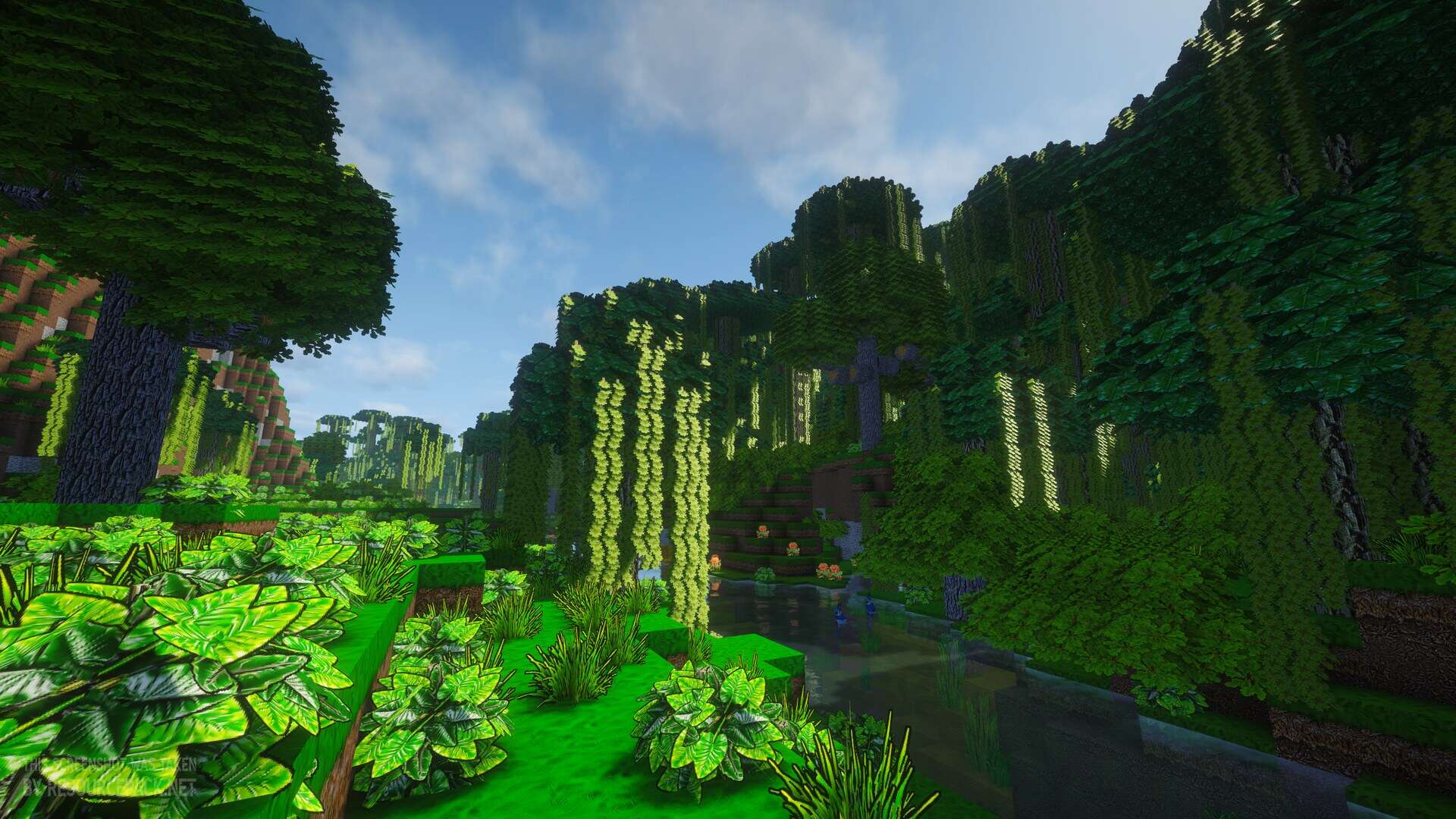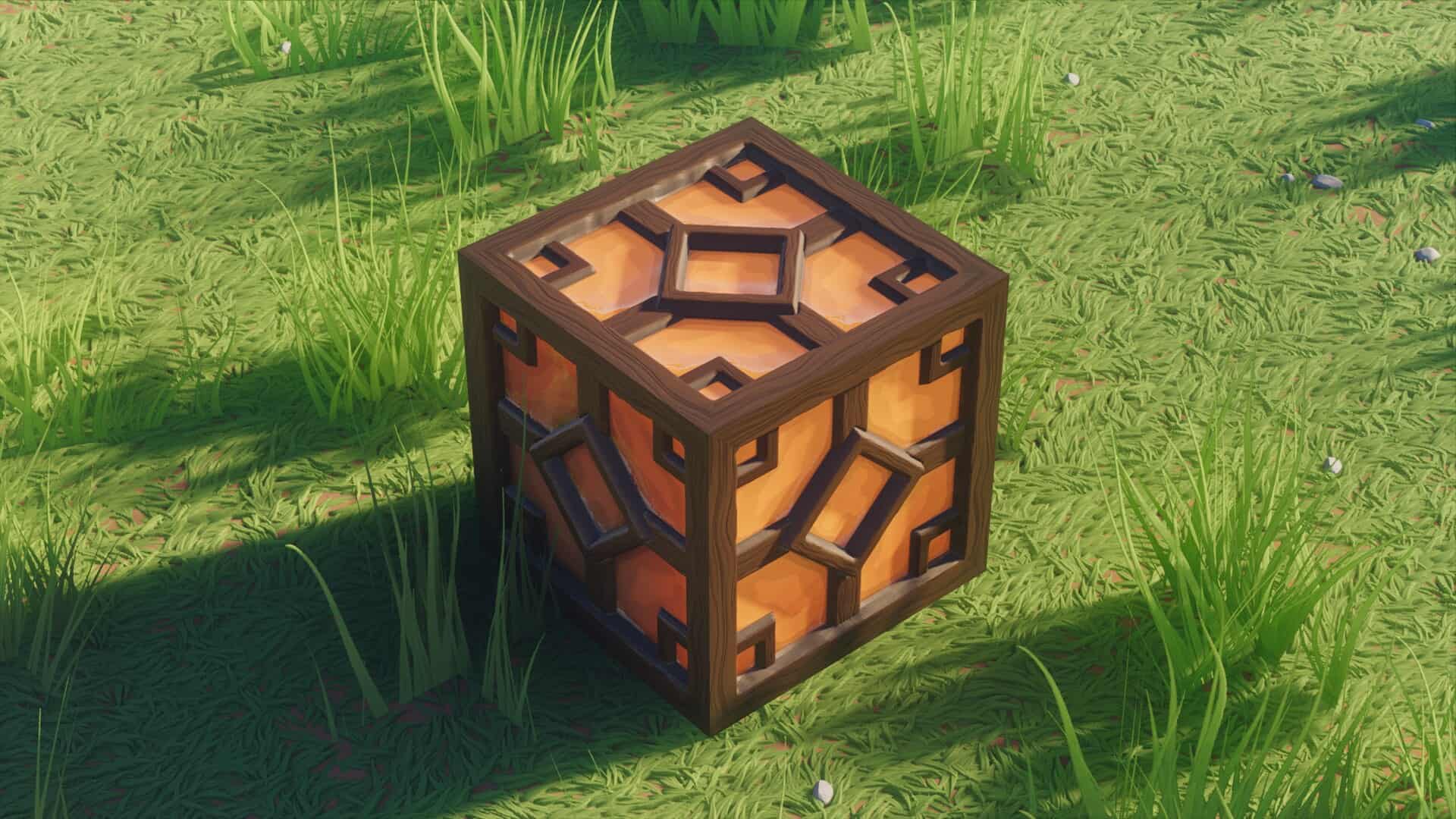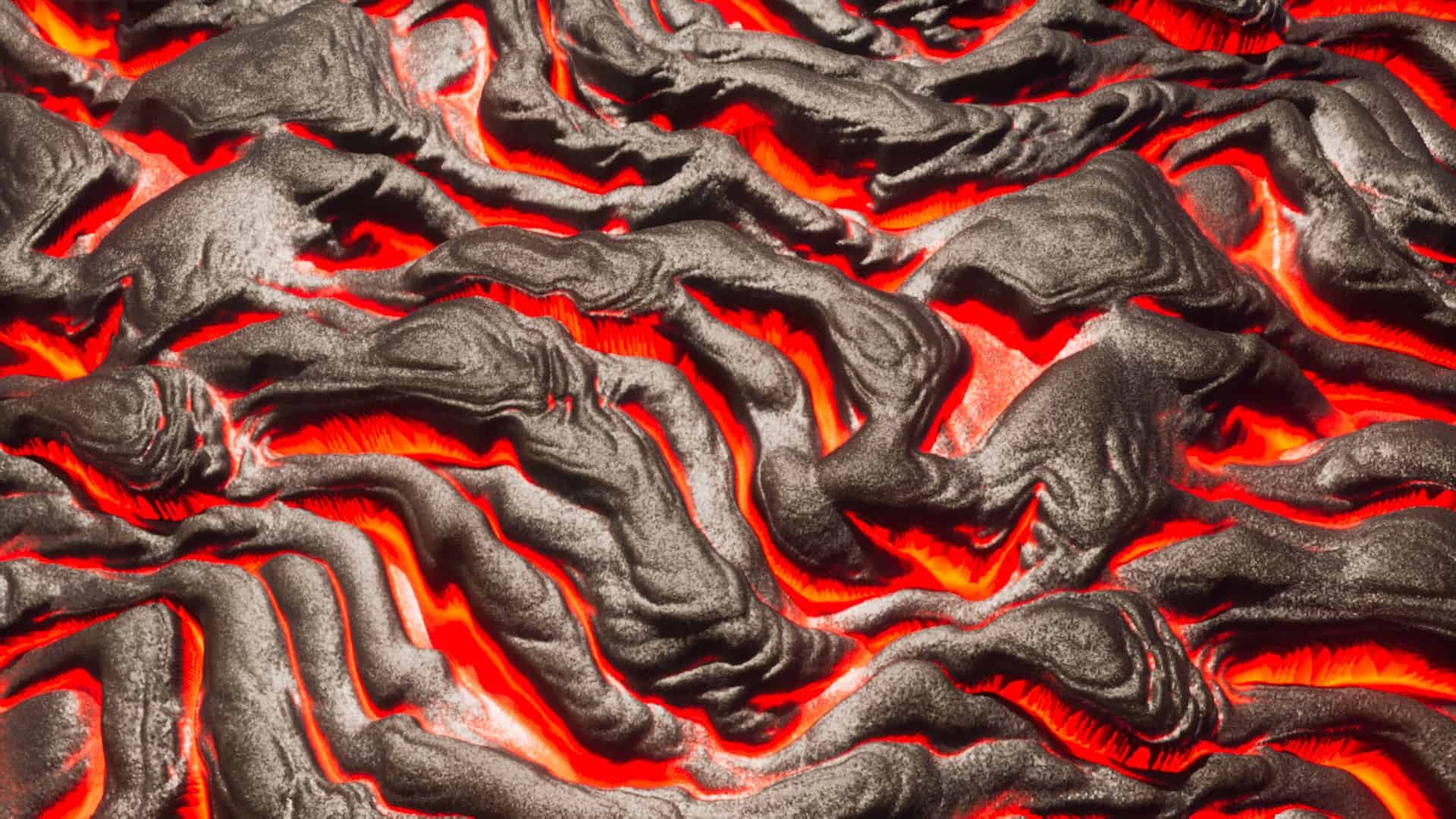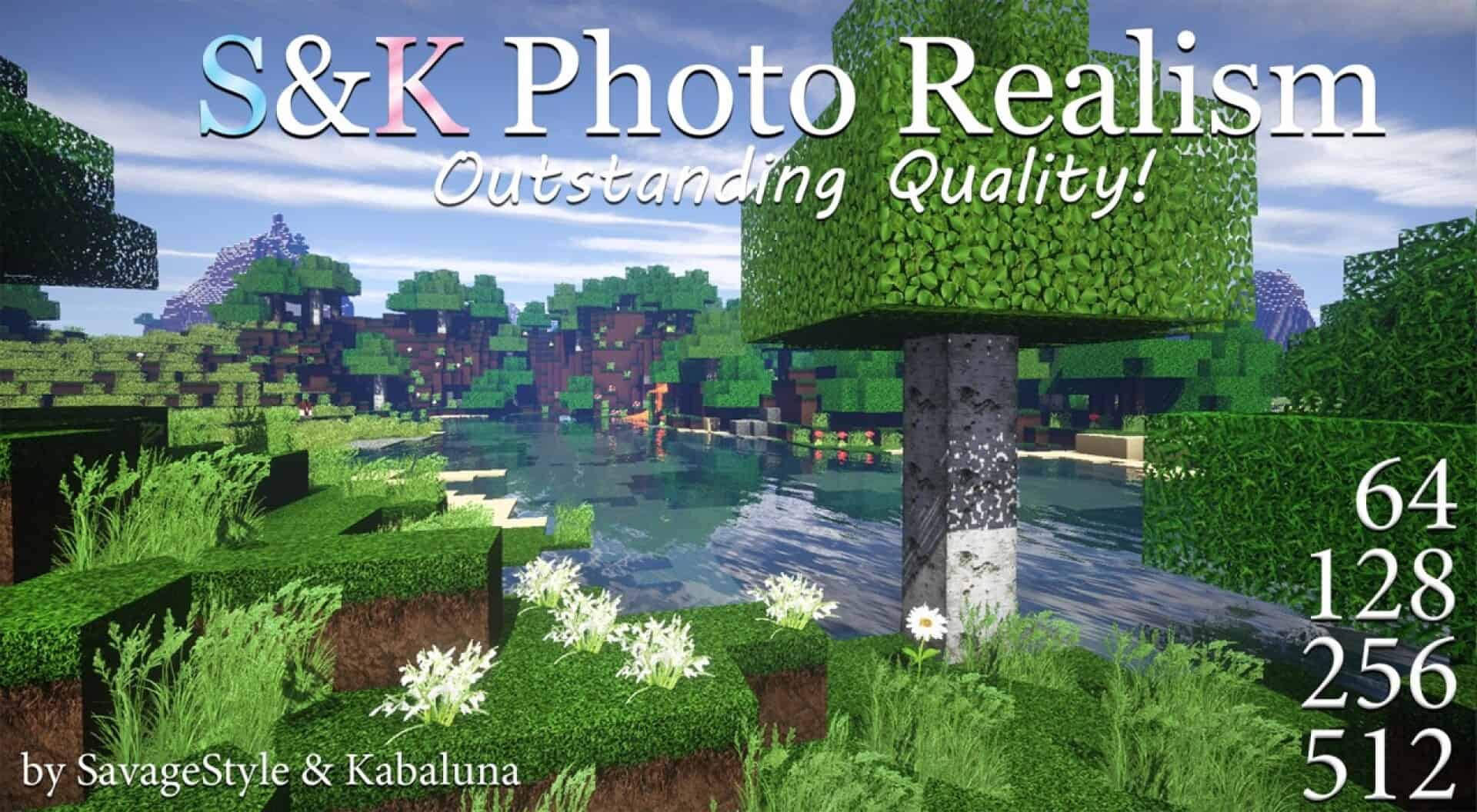
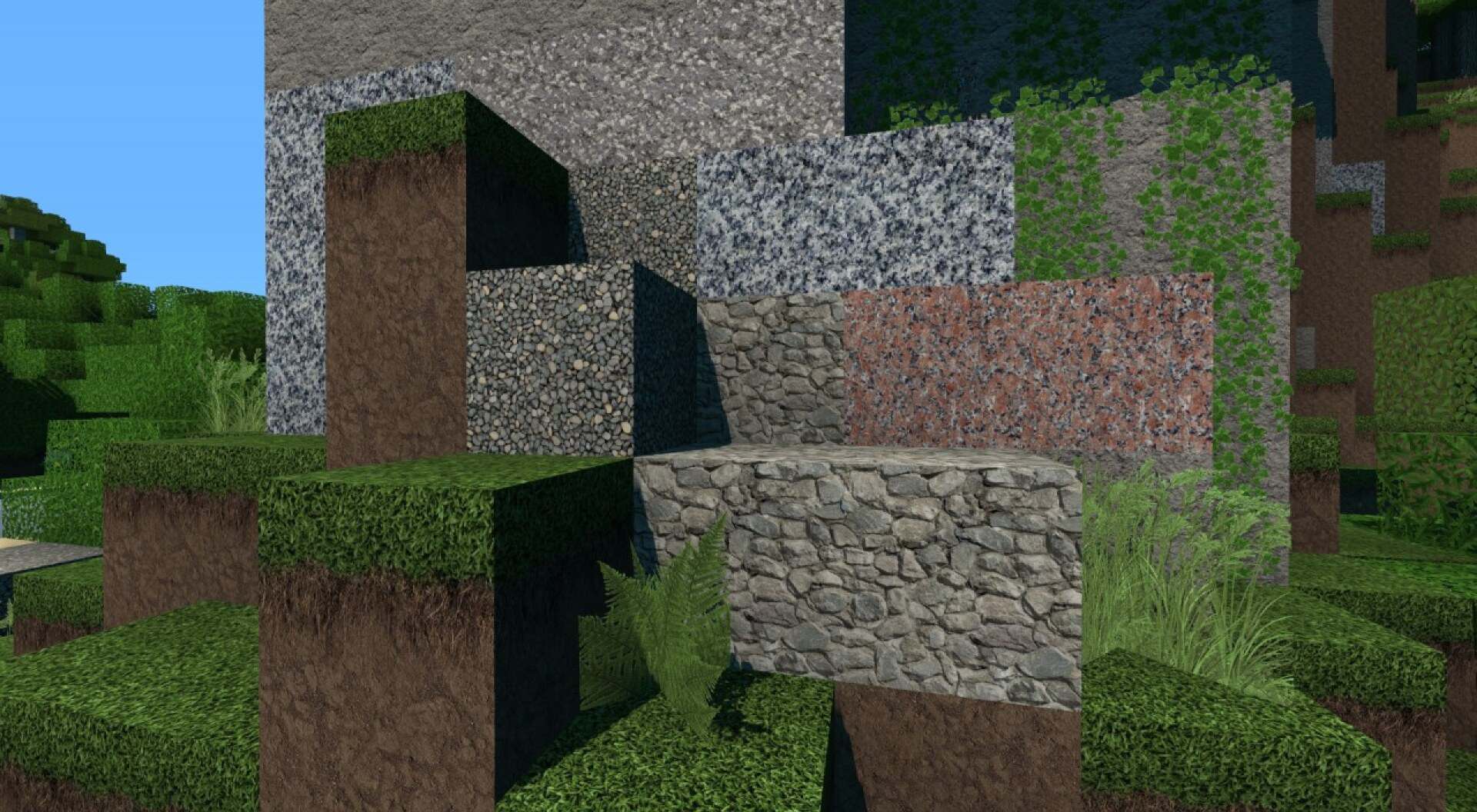
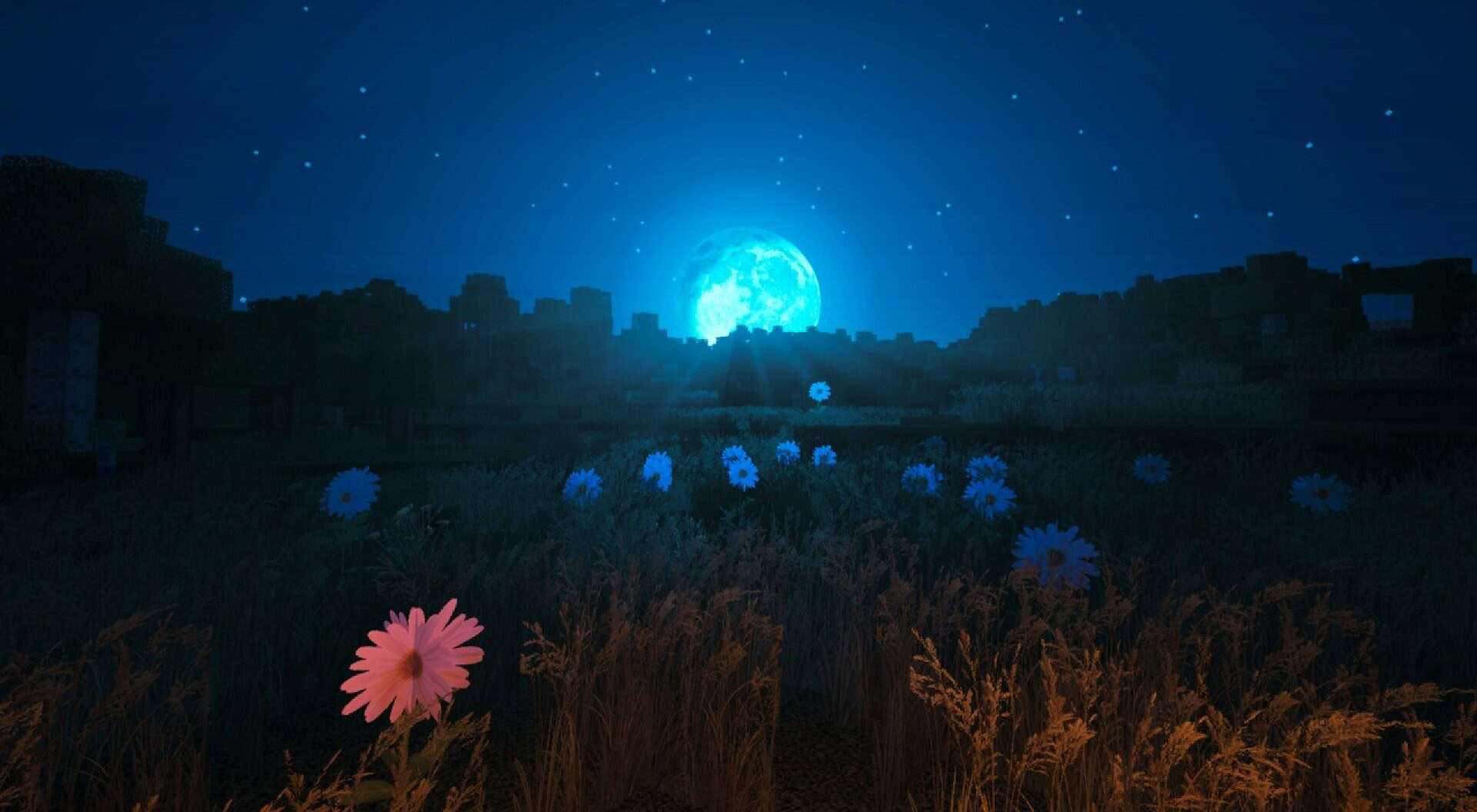
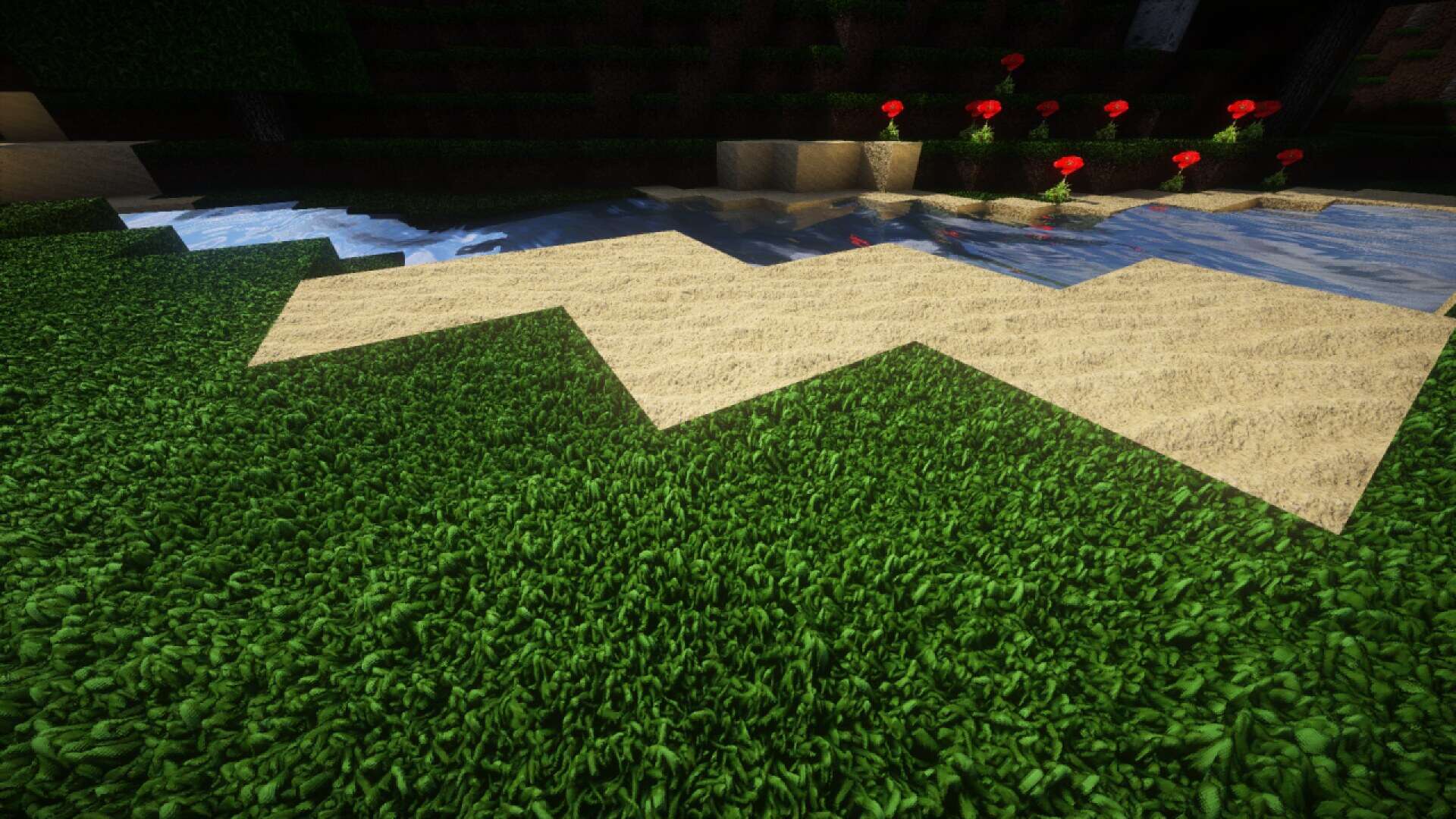
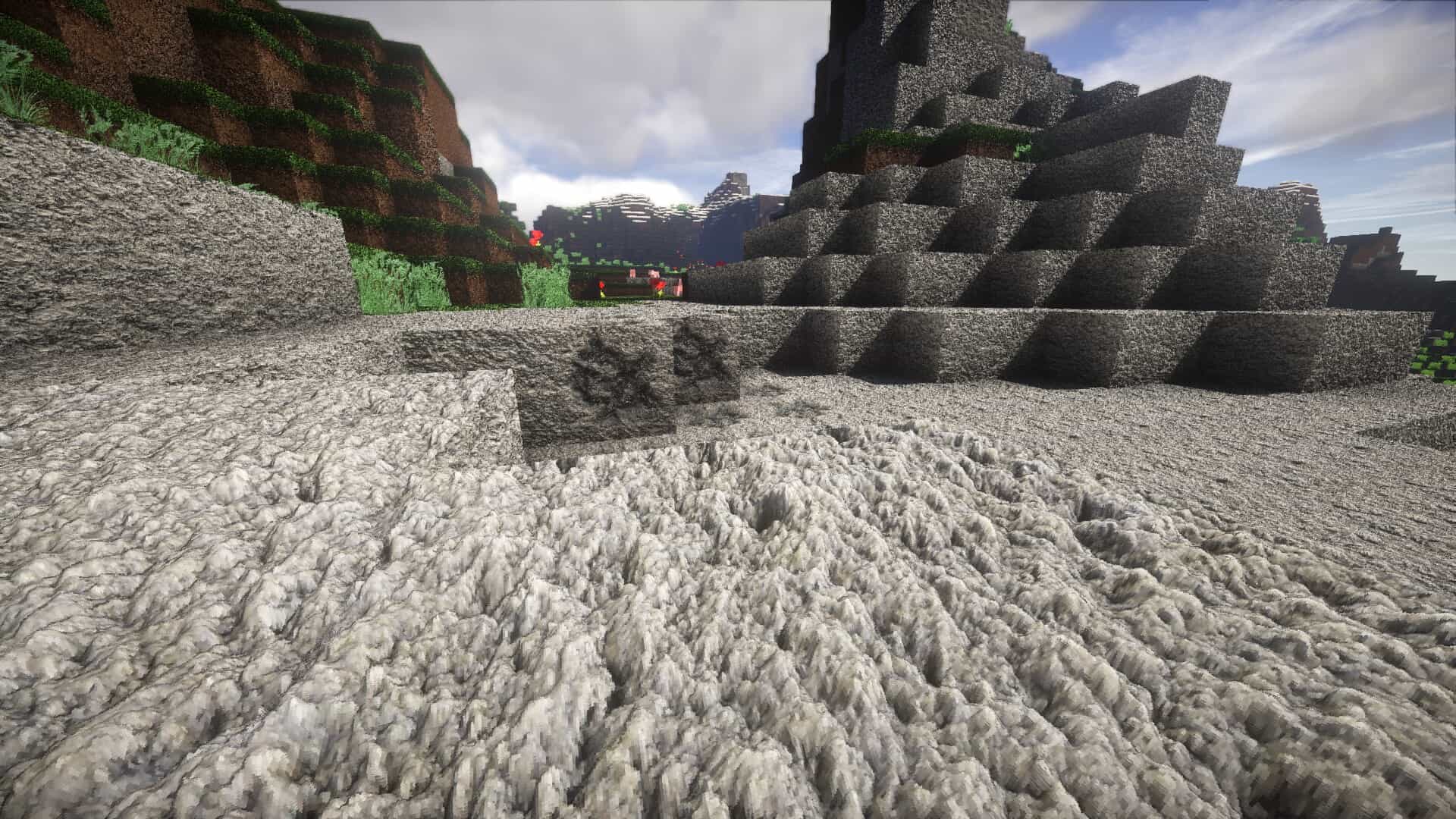
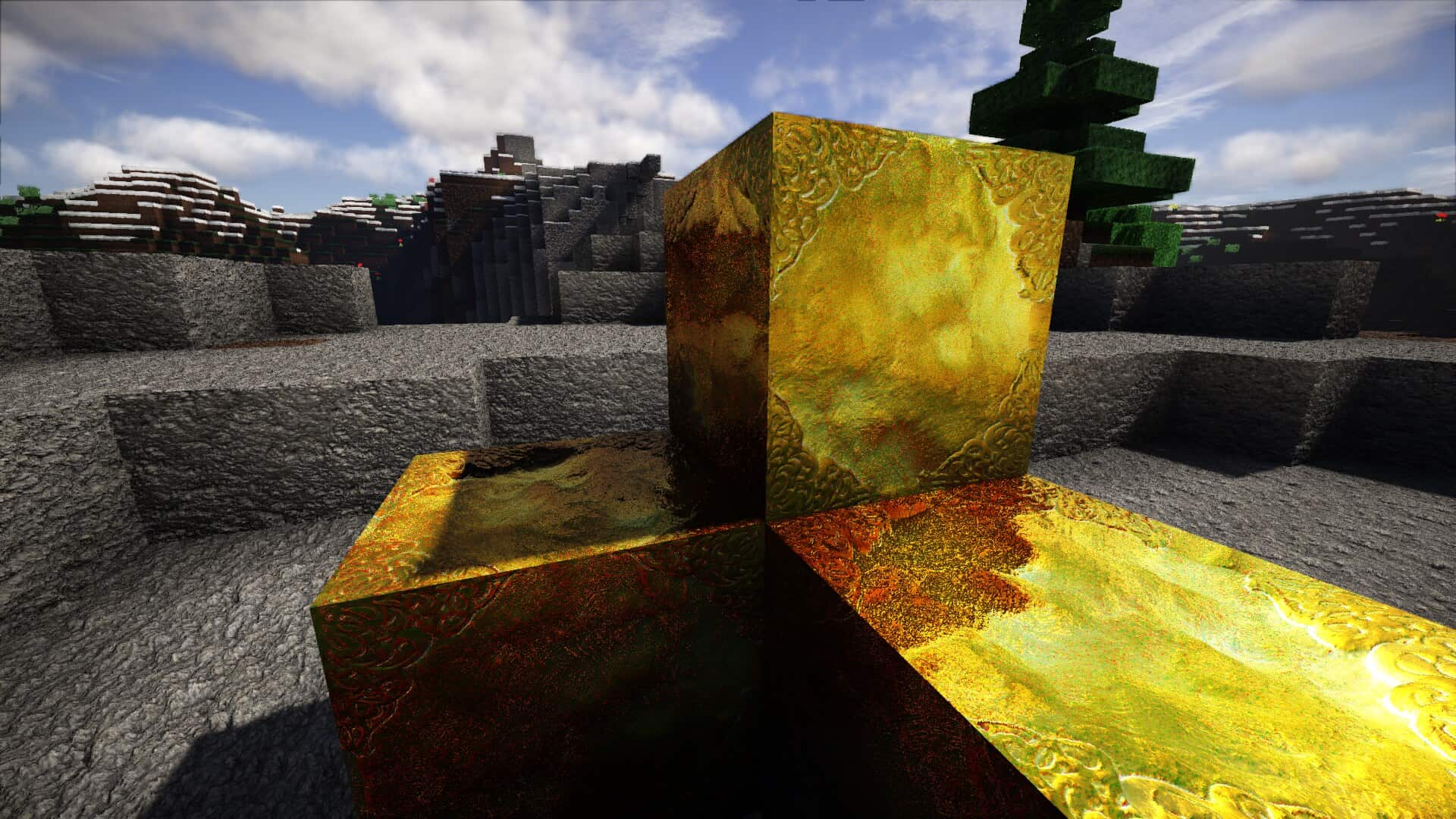
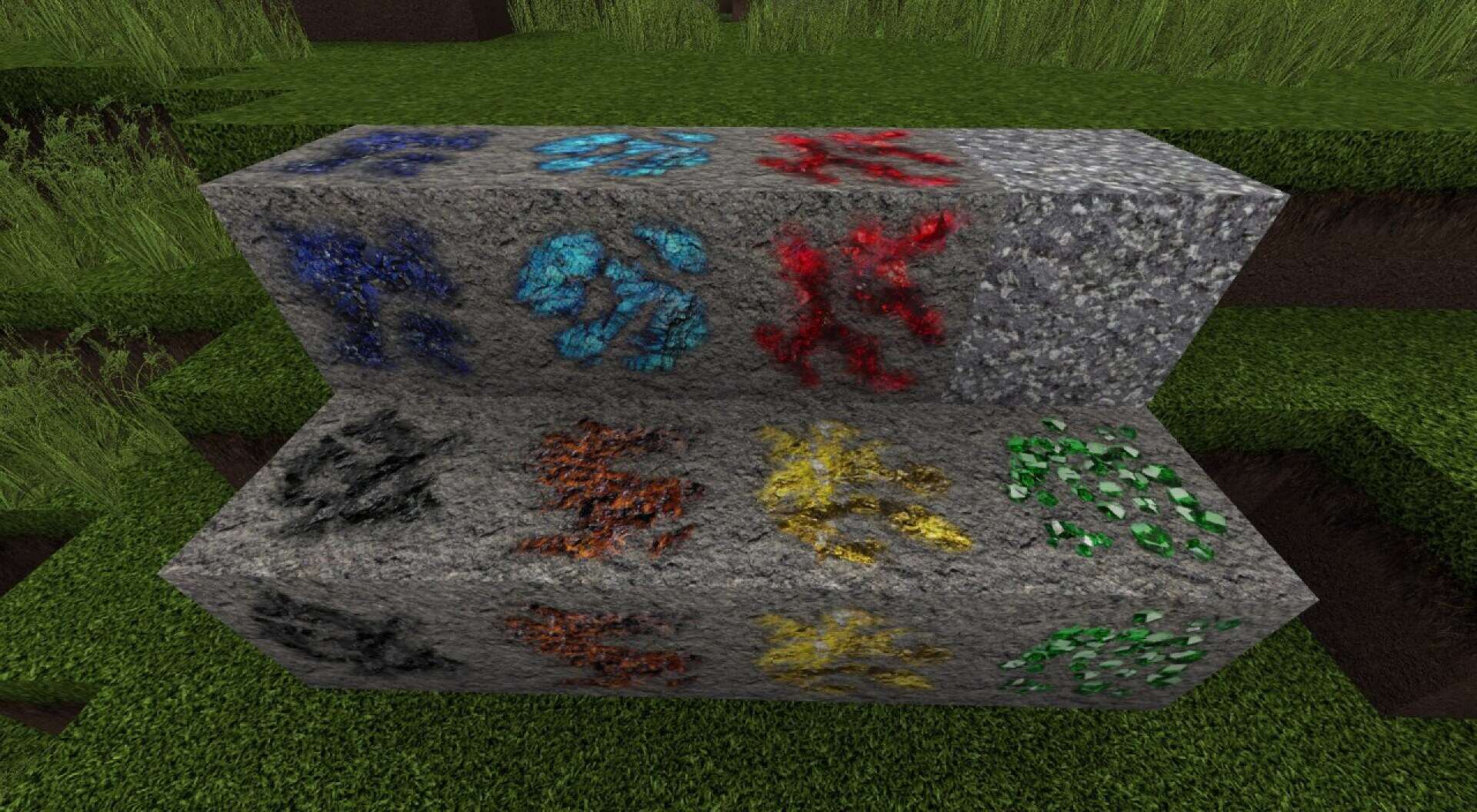
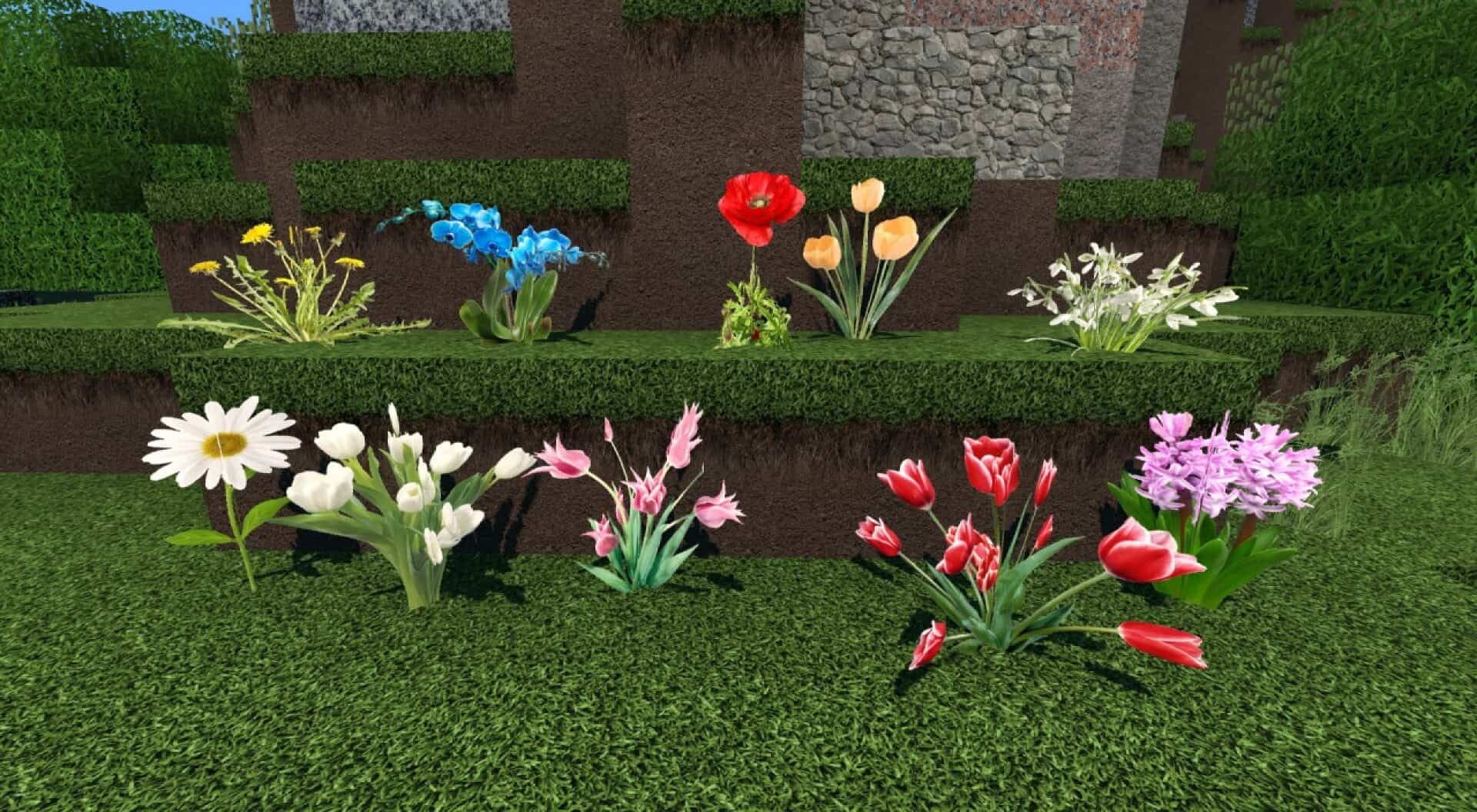
If you want Minecraft to look less like a painted game world and more like real materials, the S&K Photo Realism resource pack goes straight at that goal. Vanilla Minecraft uses bold colors and simple pixelated textures. This pack keeps the same blocks and the same blocky shapes, but it changes how those blocks feel at close and long range. Stone looks like rough rock, dirt looks like packed soil with small grains, and planks look closer to real wood. When you walk through a familiar base, you notice details in every block, making the world feel refreshingly realistic without changing the core game engine.
The pack comes in multiple resolutions, letting you balance detail and performance. Lower resolutions are easier on memory, while higher resolutions show sharper detail for screenshots or videos. However, very high resolutions can increase RAM and CPU usage, causing stuttering on weaker hardware. Many players find the 128x mid-range option provides the best balance of visual upgrade and smooth gameplay. Keep in mind that ultra-realistic textures on flat cubic blocks can create a stark contrast, which looks fantastic for modern cities and builds, though it may feel out of place for bright fantasy castles.
S&K Photo Realism should be compatible with all of these Minecraft versions: 1.9.4 – 1.9 – 1.8.9 – 1.8.8 – 1.8.1 – 1.8.6 – 1.8 – 1.7.10 – 1.7.9 – 1.7.4 – 1.7
Screenshots
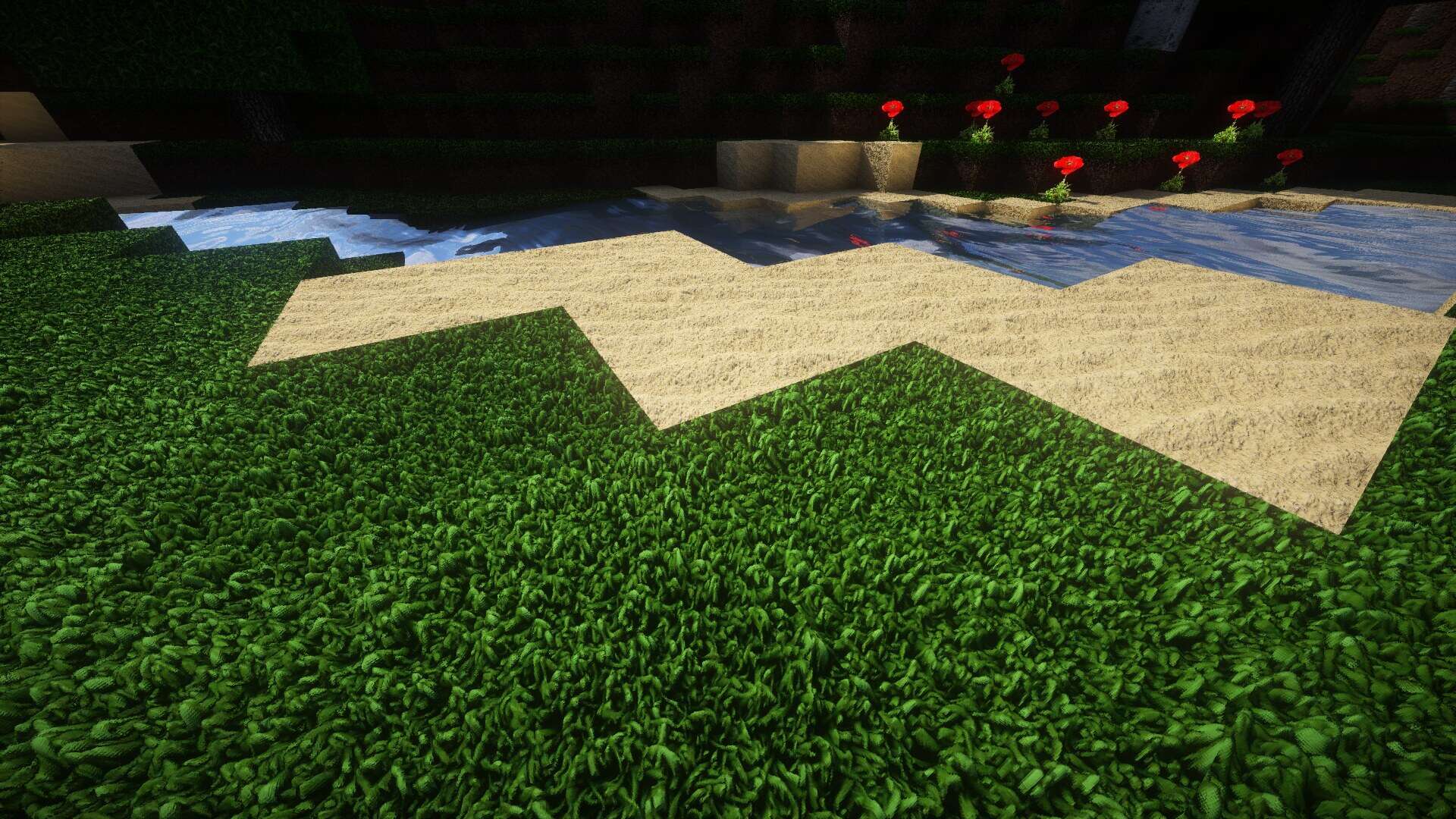
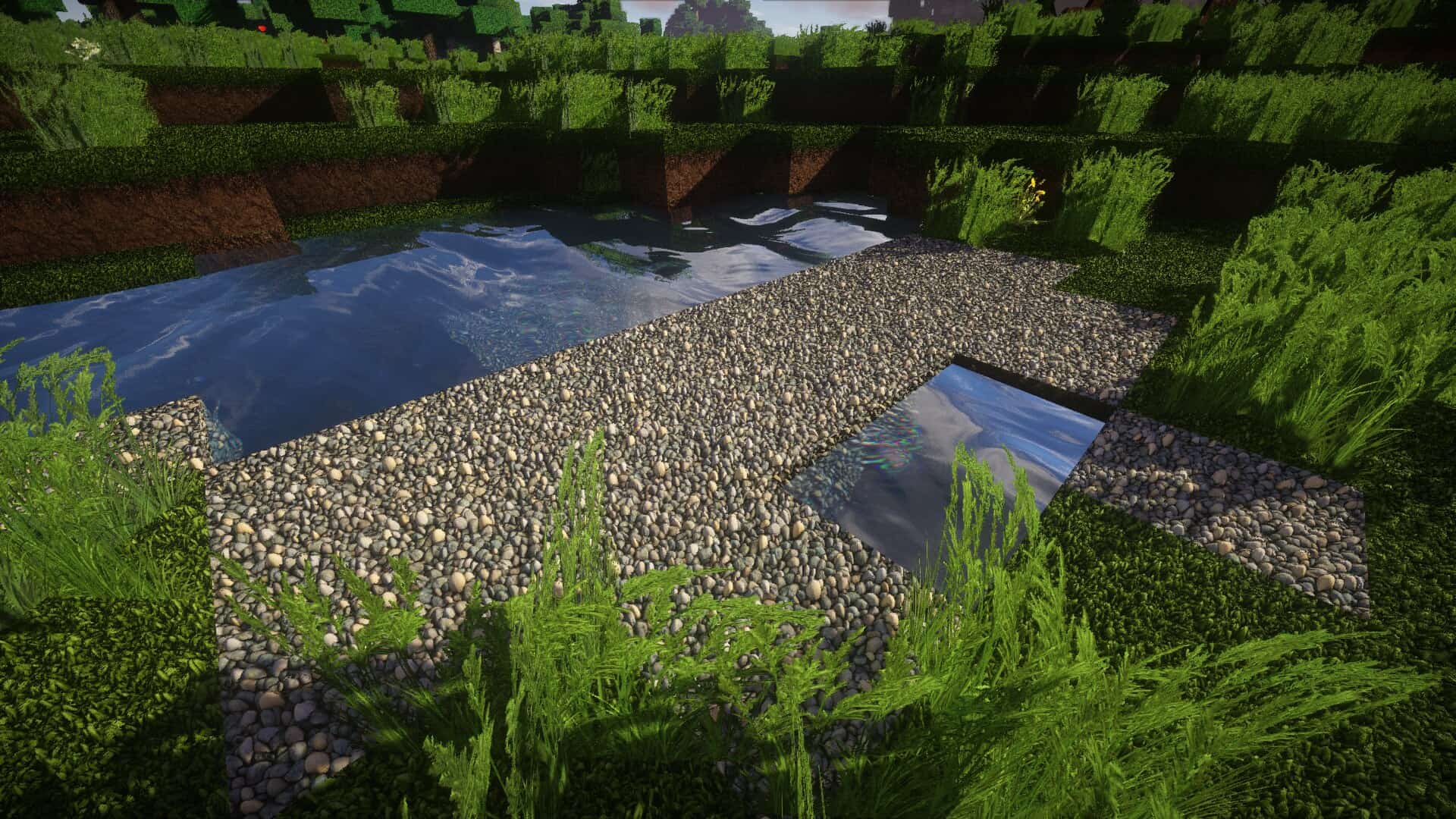
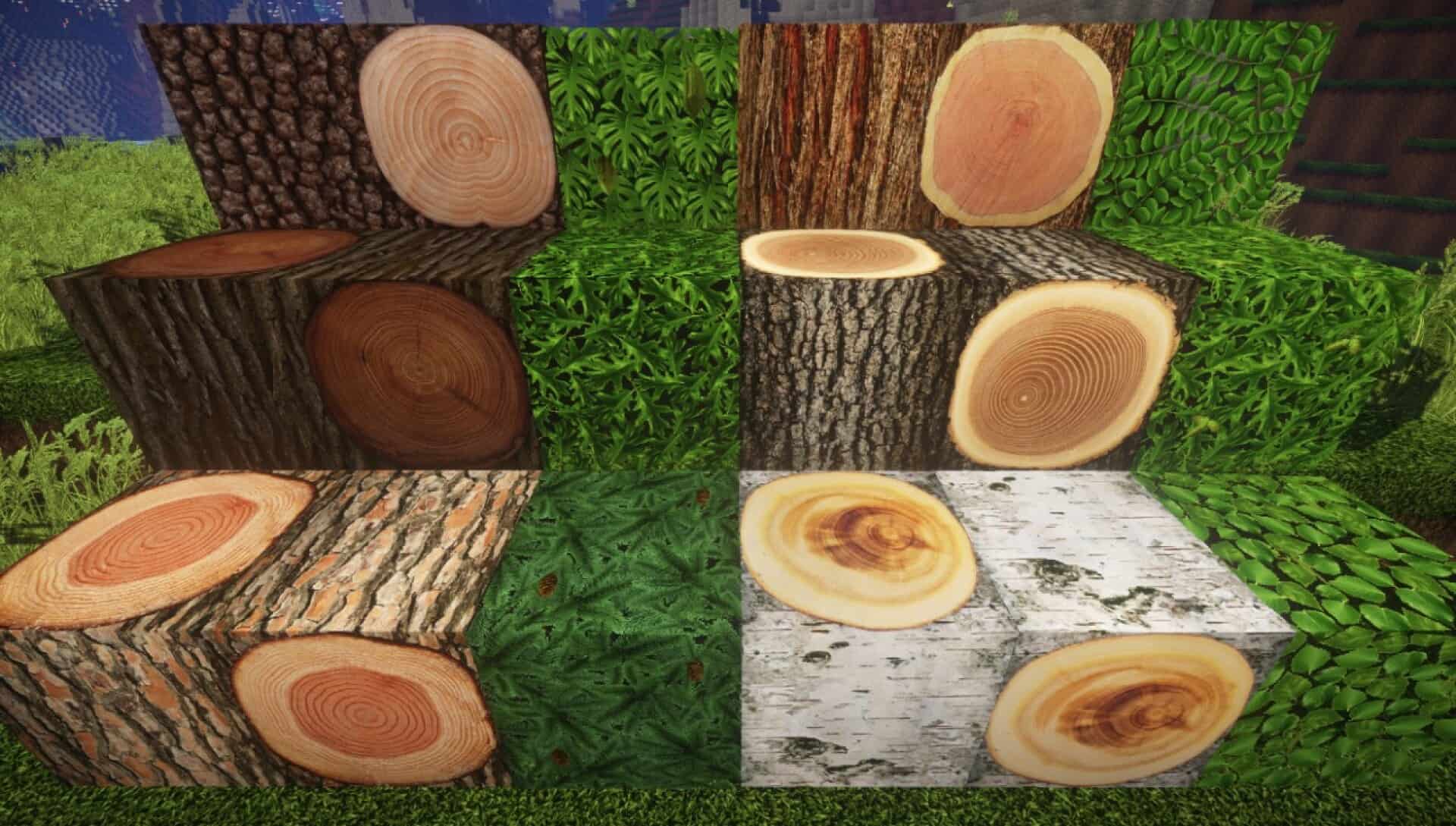
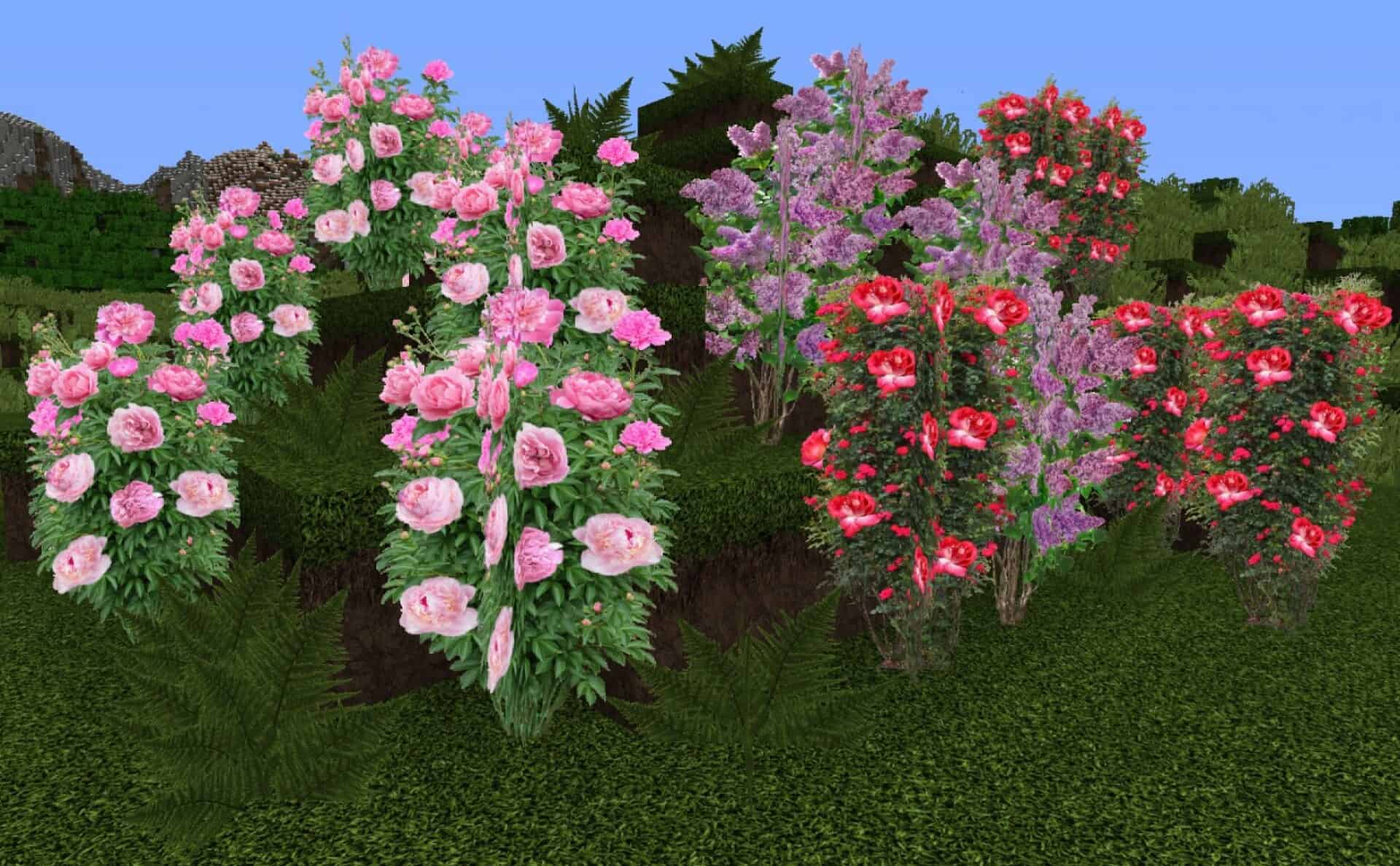
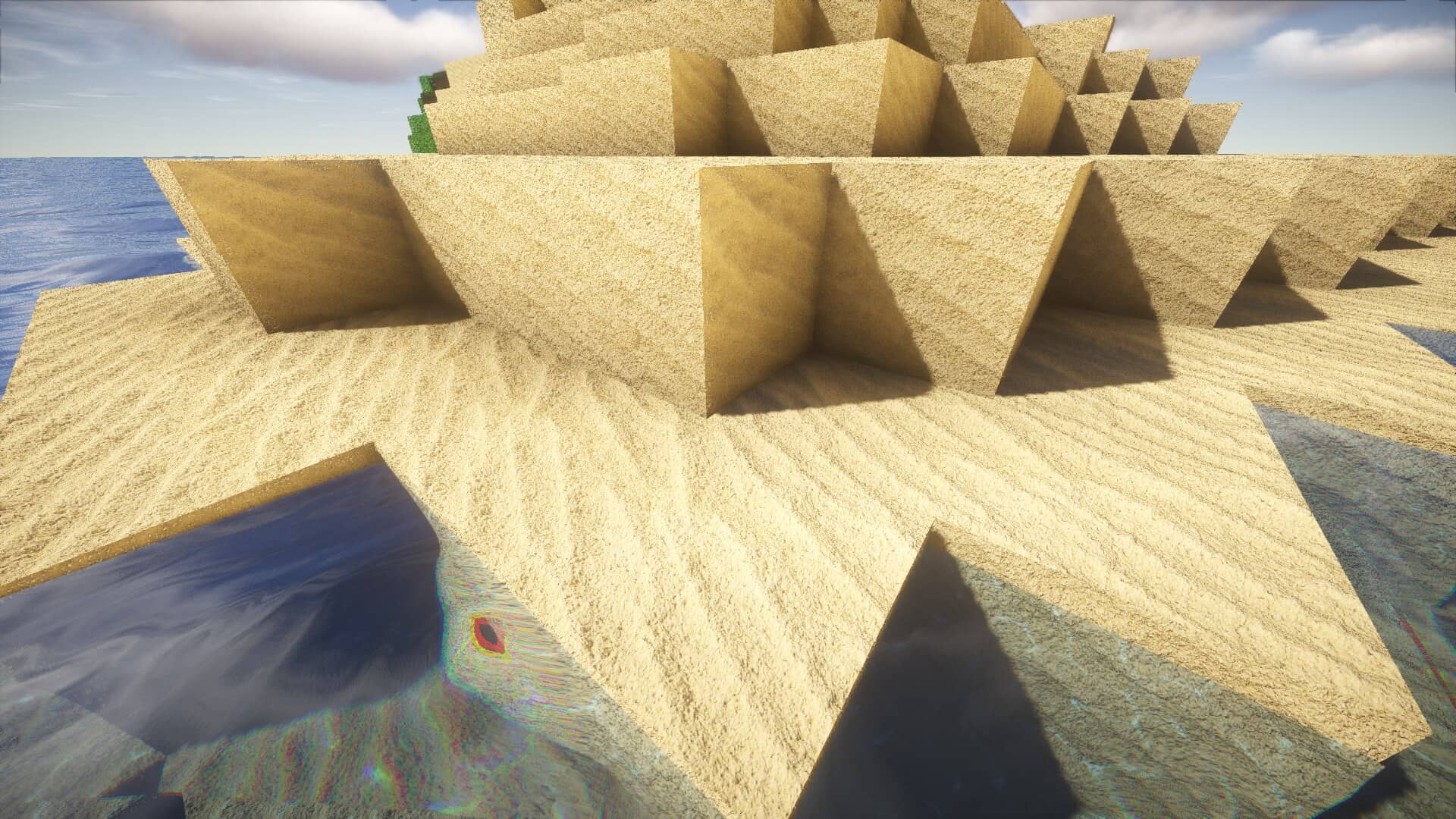
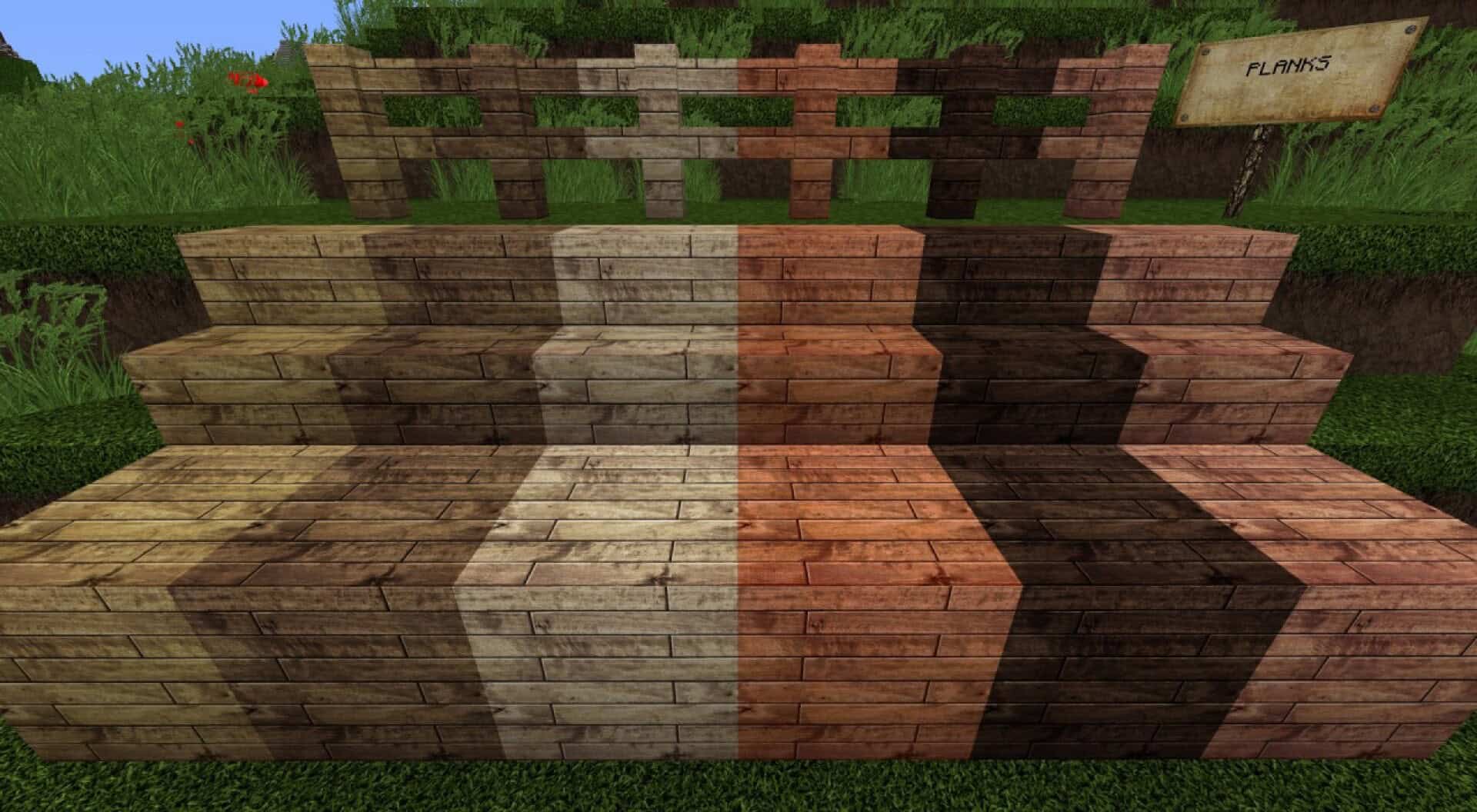
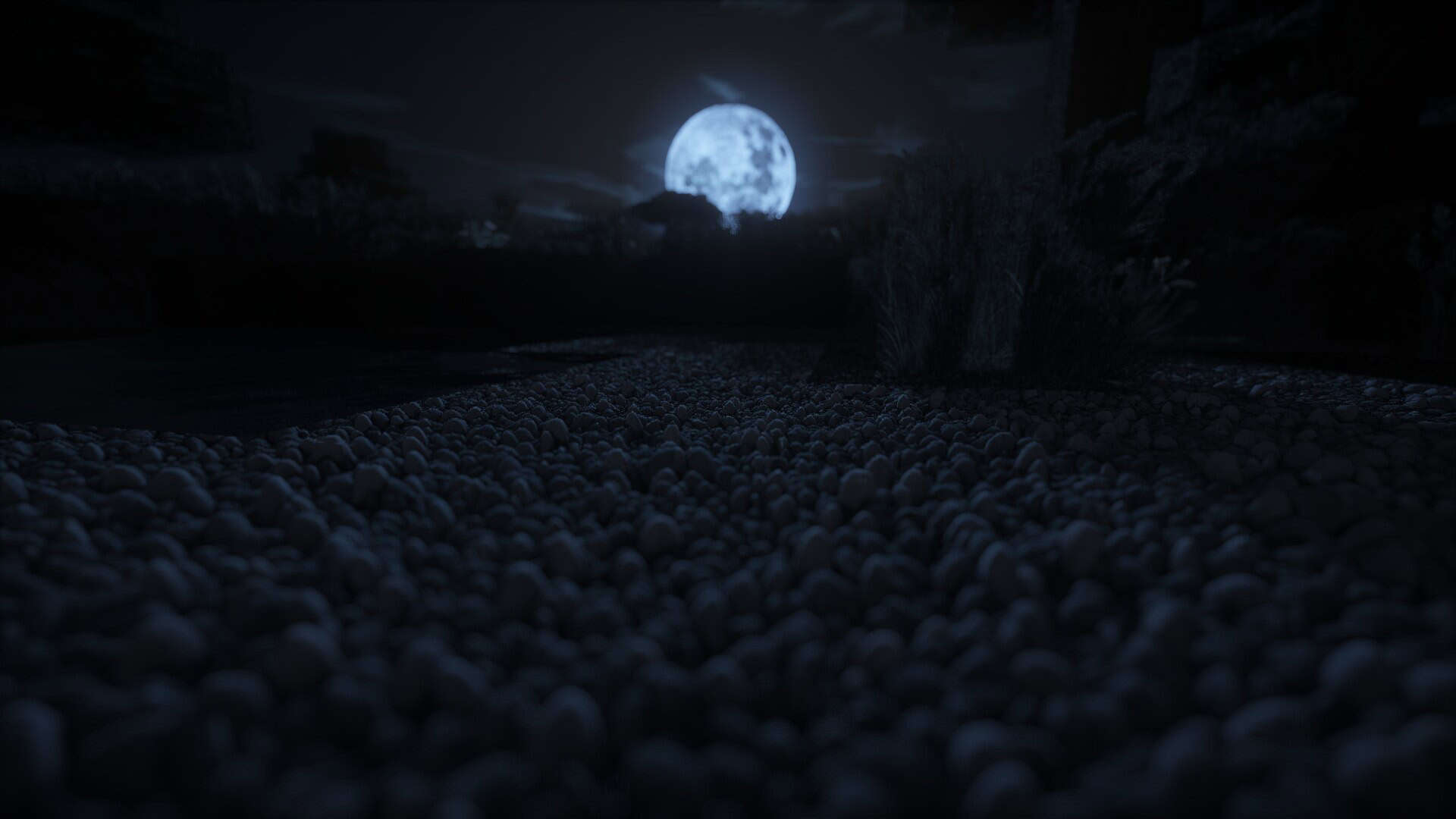
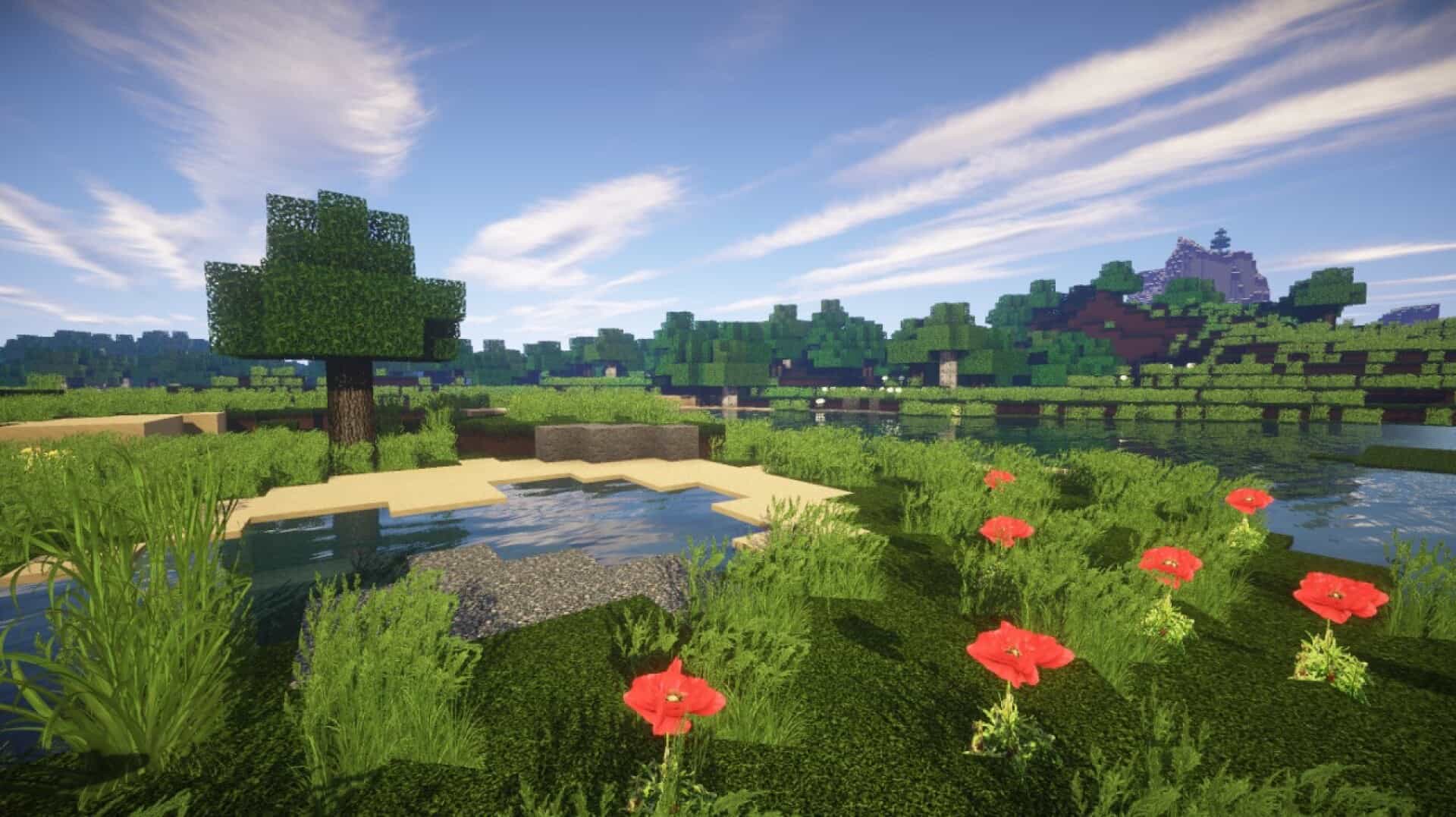
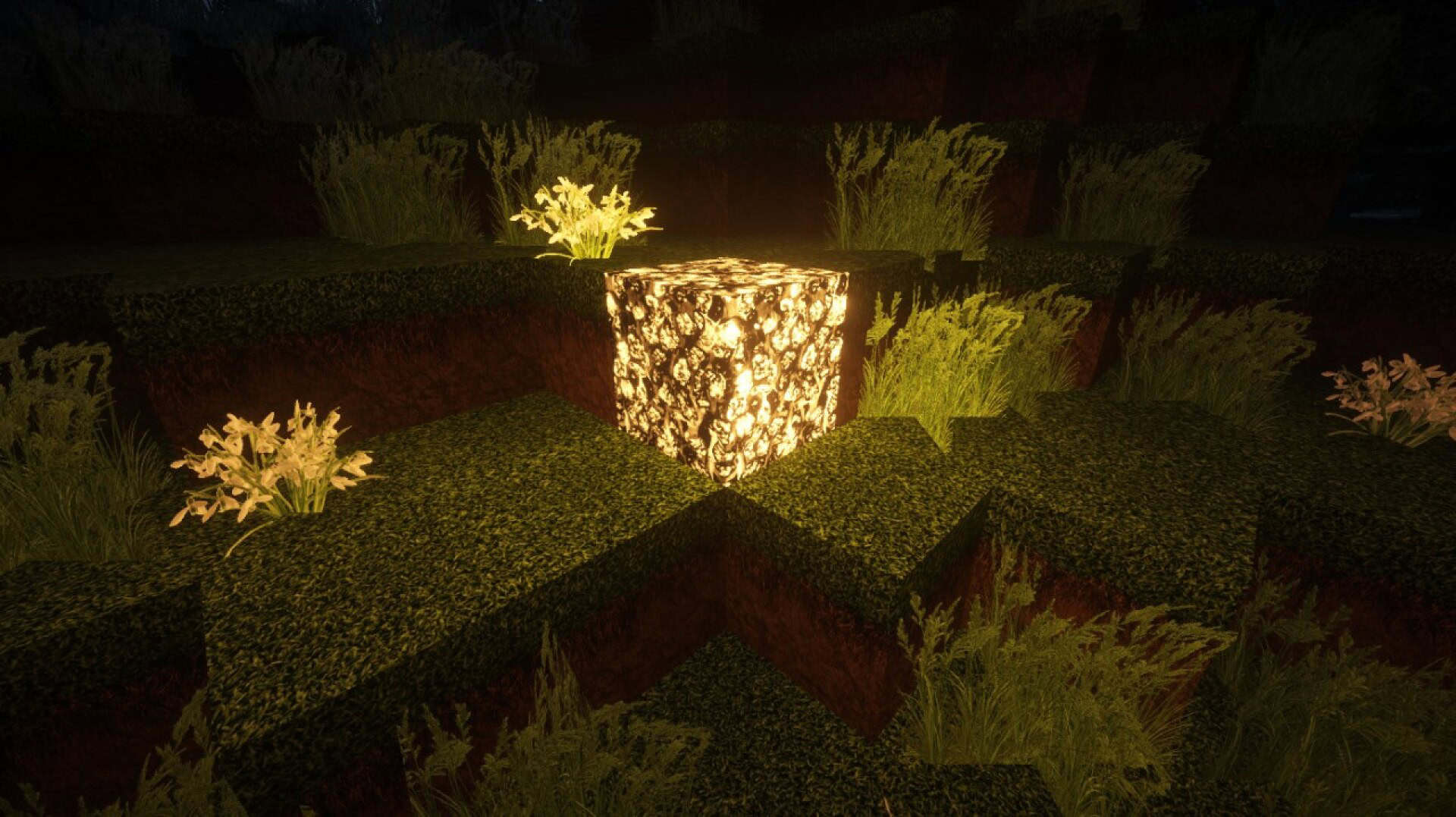
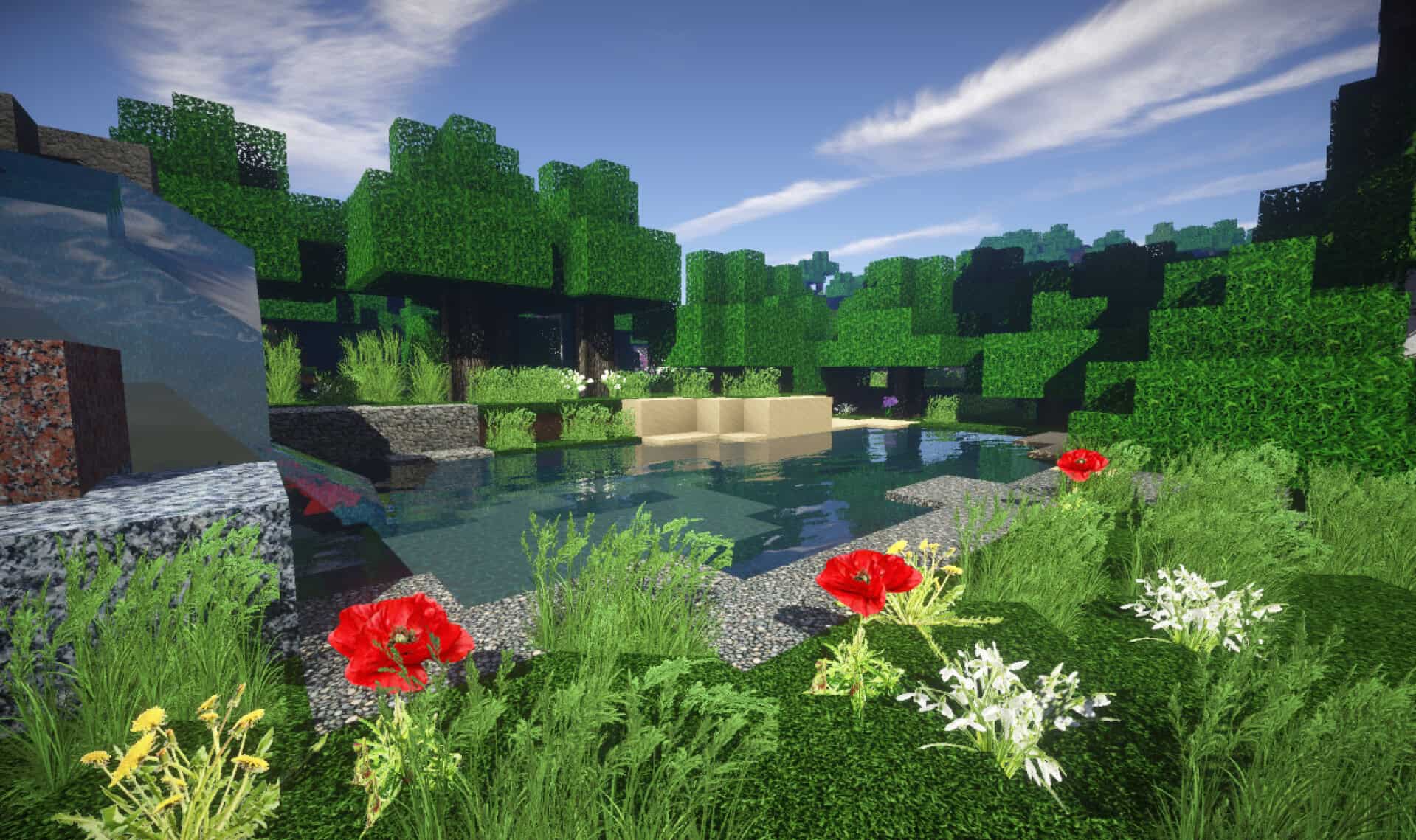
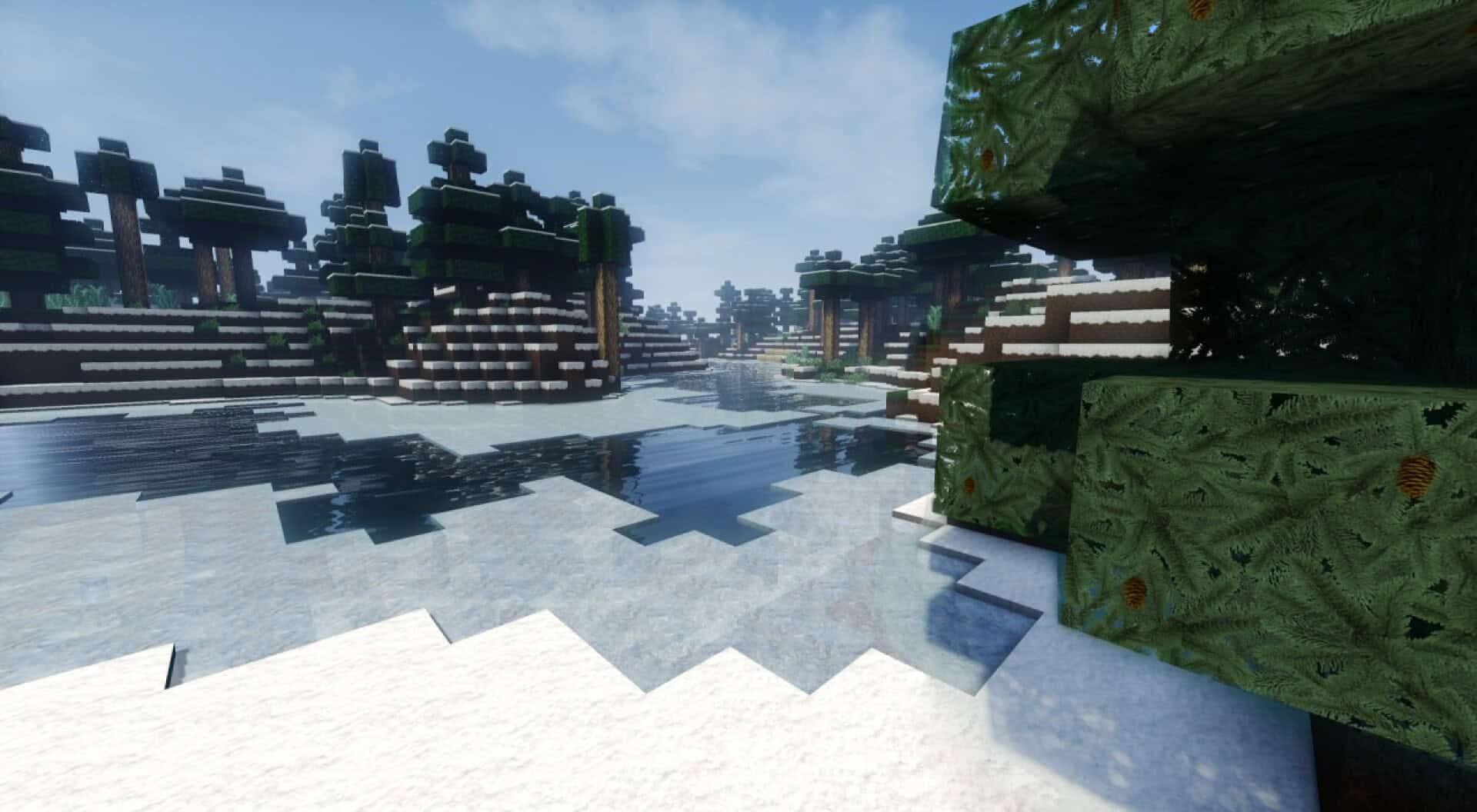
How to Install Texture Pack (Simple 10 Steps)
- Download OptiFine: Most of the texture packs and shaders need OptiFine. That’s why, first download and install OptiFine for the version of Minecraft you want to play.
- Download the Texture Pack: Get the texture pack you want from the download section. Choose the version that works with your Minecraft and your PC’s performance.
- Open Minecraft Launcher: Start Minecraft using the official game launcher — or even TLauncher, if you use that.
- Go to Options: From the main menu, click on the “Options” button.
- Open Resource Packs: Inside Options, click on “Resource Packs…”.
- Open the Resource Pack Folder: Click on “Open Resource Pack Folder” — this will open a folder named “resourcepacks”.
- Move the Pack File: Copy or move the .zip file you downloaded into that “resourcepacks” folder. (Don’t unzip the file — Minecraft uses it as-is!)
- Go Back and Refresh: Close the folder and click “Done”, then go back into “Resource Packs…” again.
- Activate the Pack: You’ll see the pack on the left side. Hover over it and click the arrow to move it to the right (active side).
Tip: If you get a message that the pack is for a different version, just click “Yes” — it usually works fine. - Click Done and Enjoy: Click “Done” again. Now your pack is ready to use in-game. It’s that easy!
Credits
This resource pack was created by SavageStyle. We do not own or claim ownership of this content, nor do we host modified files on our servers. All rights remain with the original creator. We encourage you to support SavageStyle by downloading the pack through their official links.
Download Links
Java Edition
Download Instructions
Curseforge: download starts automatically after a few seconds;
Mediafire: click the big blue button with the text “DOWNLOAD”;
Google Drive: in the top right corner you will see a small download icon (down arrow), click it and the download should start;