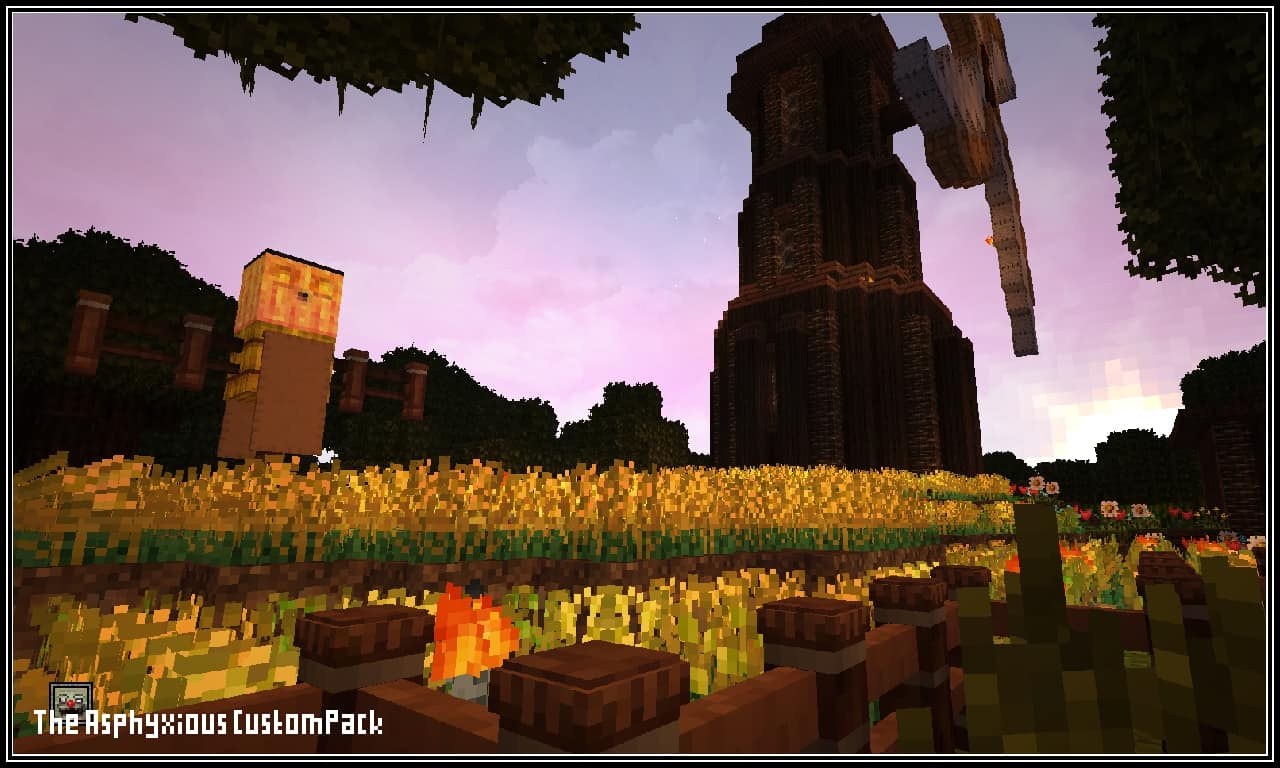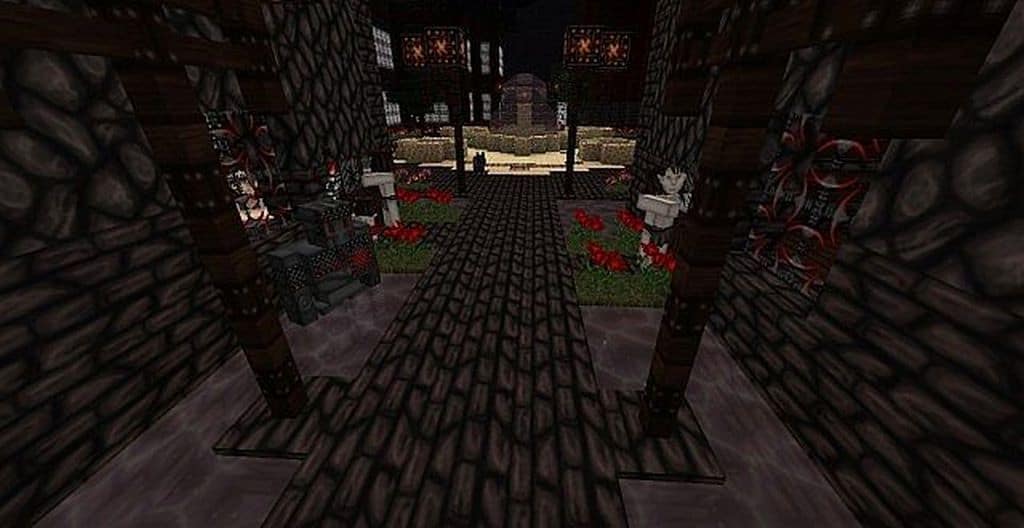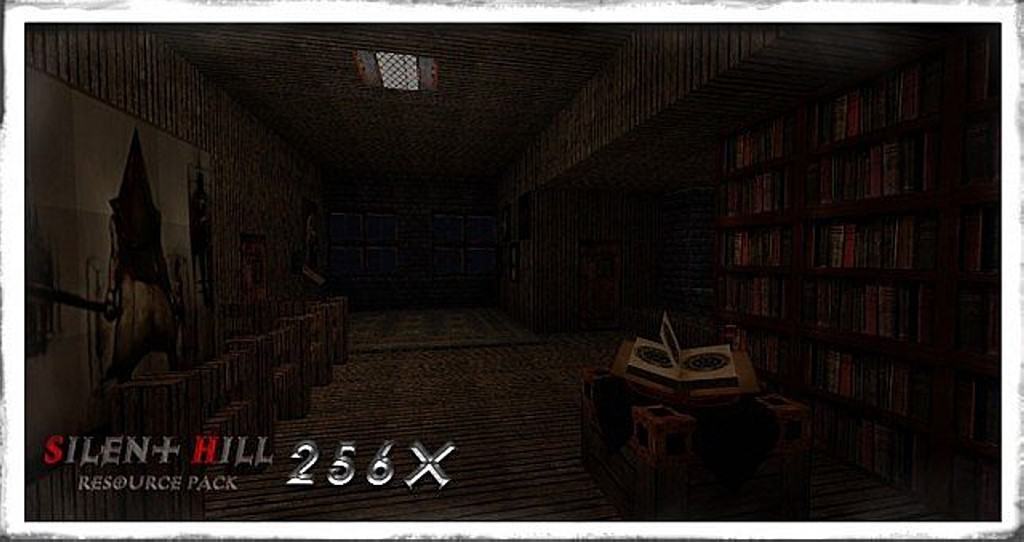
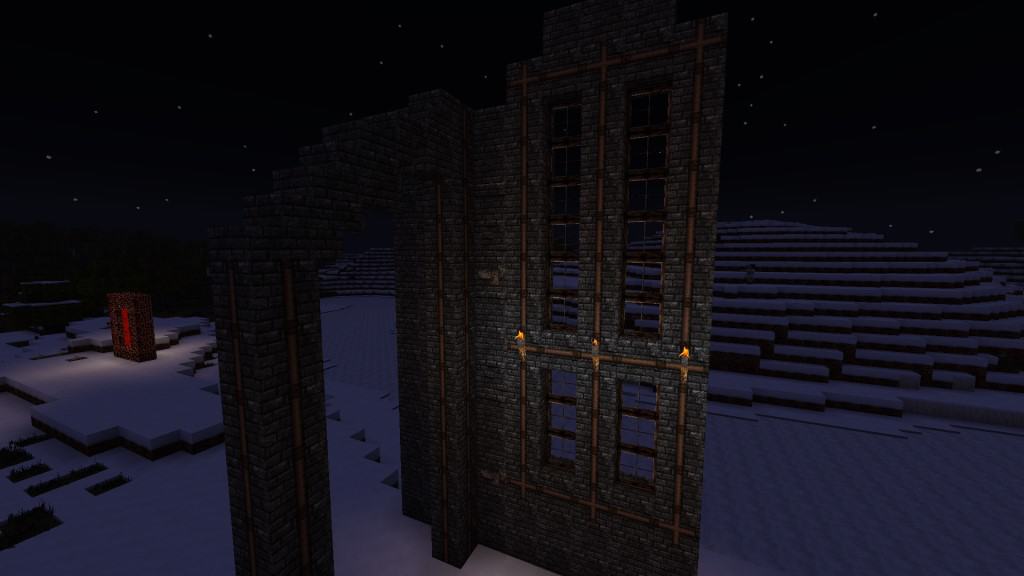
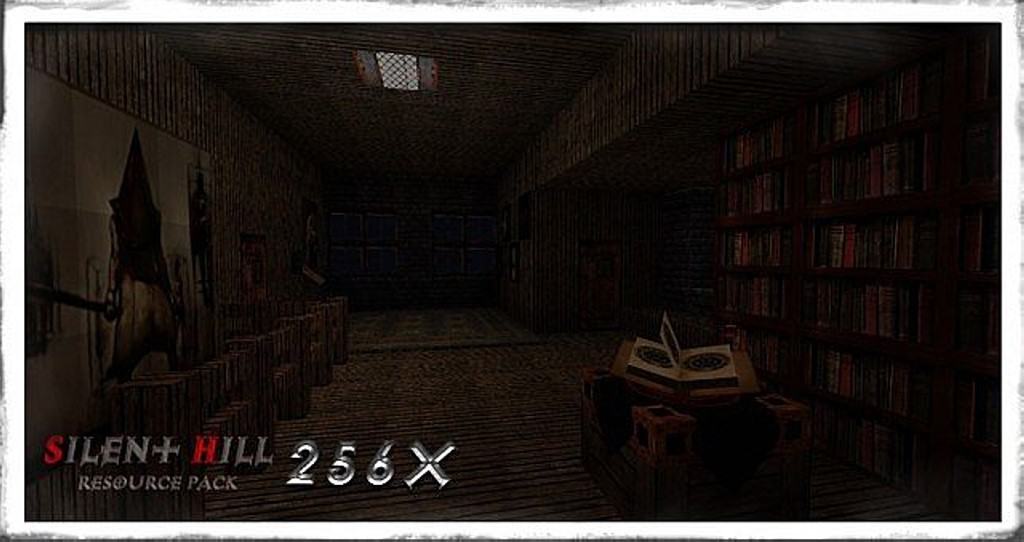
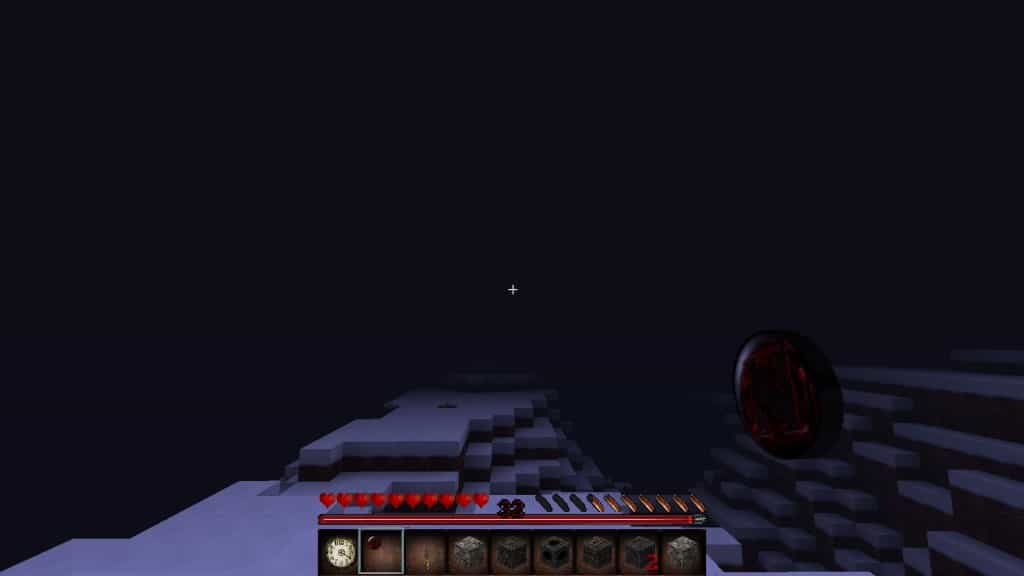
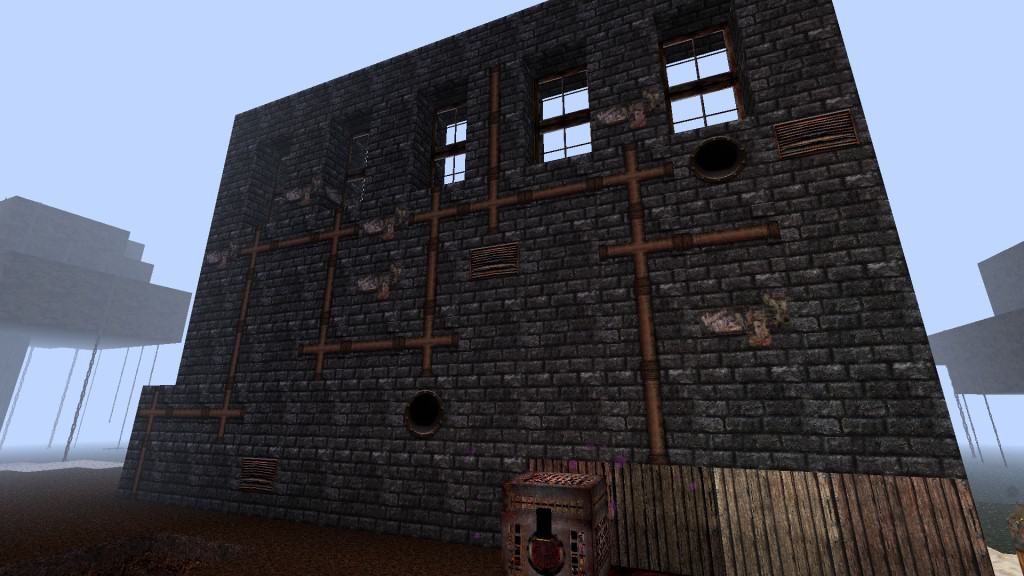
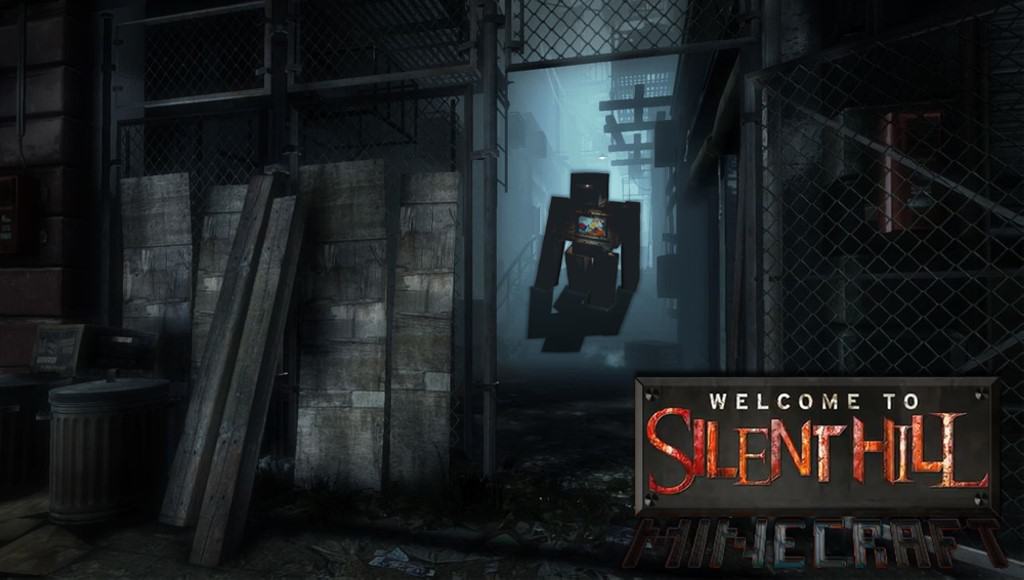
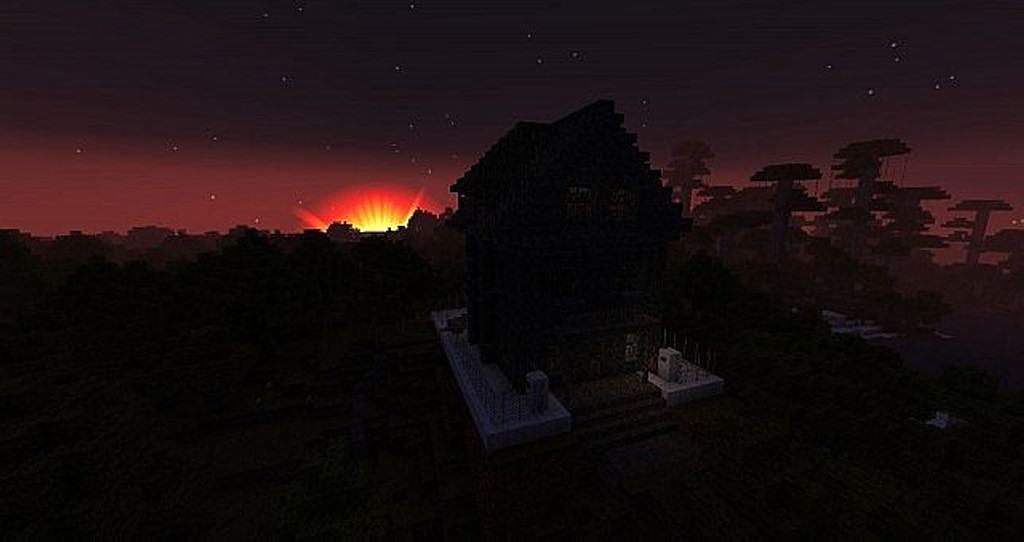
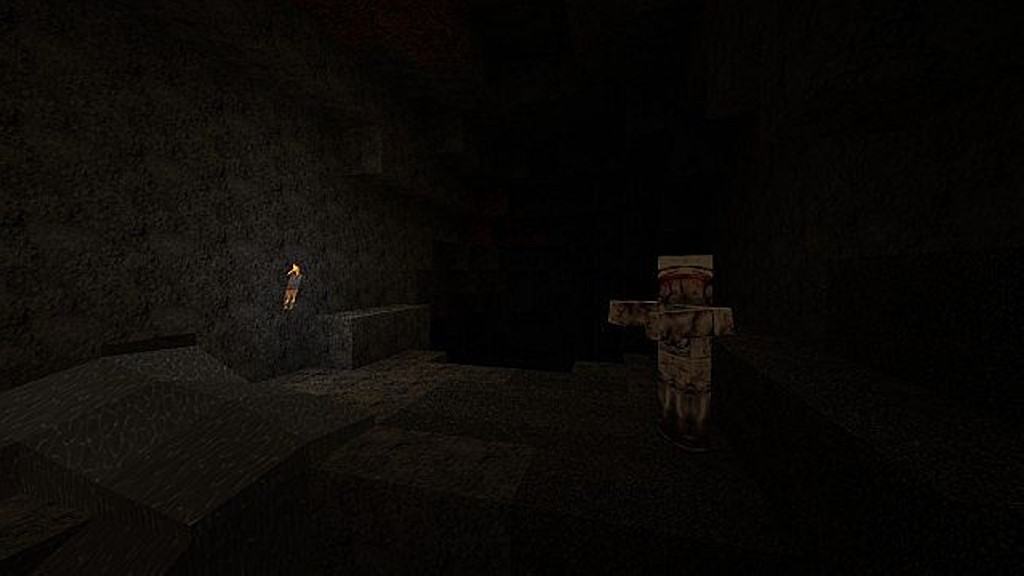
As its name suggests, the Silent Hill resource pack is an absolute triumph at reviving the trademark gloomy atmosphere of this classic, hugely popular horror franchise and bringing it seamlessly into Minecraft. I was personally wondering whether the pack itself really transforms the game and makes it a truly scary experience, and while it might not turn Minecraft into a full survival-horror game, it still brings it to the closest possible point that can be achieved only by using a resource pack! If you are a fan of the original Silent Hill games, you will be pleasantly surprised by some of the quite impressive representations of the original game’s textures. One thing that the Silent Hill texture pack manages to pull off extremely well is the general feeling of uneasiness, achieved mostly by the gloomy atmosphere that overtakes the usual upbeat setting of Minecraft. Even when it is daytime, you will notice that there is not a whole lot of bright areas where you can take refuge in, which really keeps you on your toes.
The blocks look fantastic and feel quite similar to those found in medieval-style resource packs, while the items have a wonderfully rugged, worn-out appearance that fits the theme perfectly. In order to make the experience even more realistic, the pack brings in a plethora of sounds that have been ported straight from the original games, adding an incredible layer of immersion. It is clear from the beginning that the Silent Hill resource pack is tailored to those who prefer a dark, grim atmosphere with a couple of fairly scary elements. The three different texture resolution options mean that almost anyone can enjoy this pack without any significant performance drops, regardless of their computer hardware, featuring gorgeous 64x, 128x, and 256x variations. Also, please keep in mind that there are some features that require Optifine in order to work properly. Even though the Silent Hill resource pack hasn’t been updated for Minecraft versions over 1.8.x, it remains one of the most popular and atmospheric horror-themed packs out there, and I definitely recommend giving it a try!
Silent Hill should be compatible with all of these Minecraft versions: 1.8.9 – 1.8.8 – 1.8.1 – 1.8.6 – 1.8 – 1.7.10 – 1.7.9 – 1.7.4 – 1.7 – 1.6.4 – 1.6.2 – 1.5.2
Screenshots
How to Install Texture Pack (Simple 10 Steps)
- Download OptiFine: Most of the texture packs and shaders need OptiFine. That’s why, first download and install OptiFine for the version of Minecraft you want to play.
- Download the Texture Pack: Get the texture pack you want from the download section. Choose the version that works with your Minecraft and your PC’s performance.
- Open Minecraft Launcher: Start Minecraft using the official game launcher — or even TLauncher, if you use that.
- Go to Options: From the main menu, click on the “Options” button.
- Open Resource Packs: Inside Options, click on “Resource Packs…”.
- Open the Resource Pack Folder: Click on “Open Resource Pack Folder” — this will open a folder named “resourcepacks”.
- Move the Pack File: Copy or move the .zip file you downloaded into that “resourcepacks” folder. (Don’t unzip the file — Minecraft uses it as-is!)
- Go Back and Refresh: Close the folder and click “Done”, then go back into “Resource Packs…” again.
- Activate the Pack: You’ll see the pack on the left side. Hover over it and click the arrow to move it to the right (active side).
Tip: If you get a message that the pack is for a different version, just click “Yes” — it usually works fine. - Click Done and Enjoy: Click “Done” again. Now your pack is ready to use in-game. It’s that easy!
Credits
This resource pack was created by RedXuchilbara. We do not claim ownership of this modification, and all rights belong to the original creator. We encourage you to support the author by downloading the pack from their official sources.
Download Links
Java Edition
Download Instructions
Curseforge: download starts automatically after a few seconds;
Mediafire: click the big blue button with the text “DOWNLOAD”;
Google Drive: in the top right corner you will see a small download icon (down arrow), click it and the download should start;