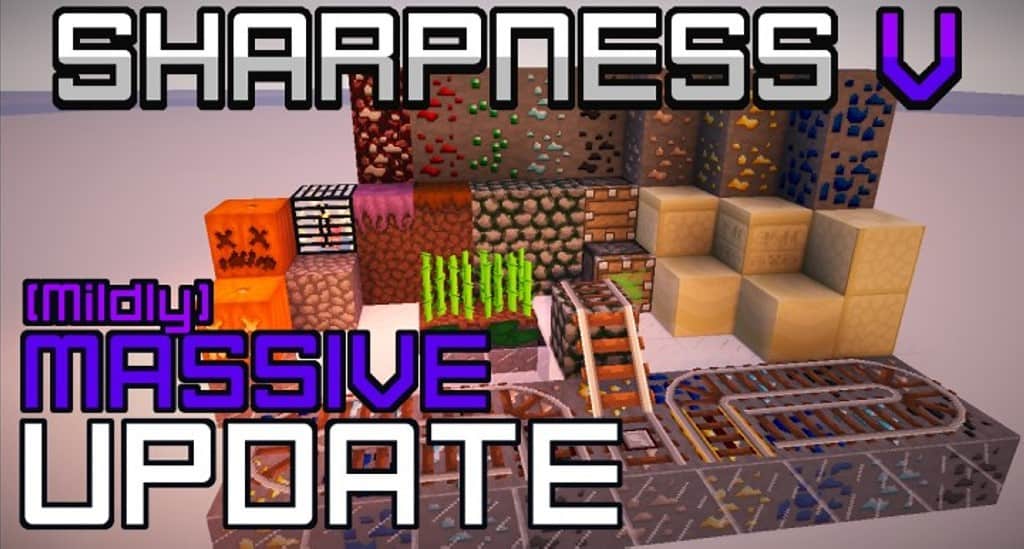
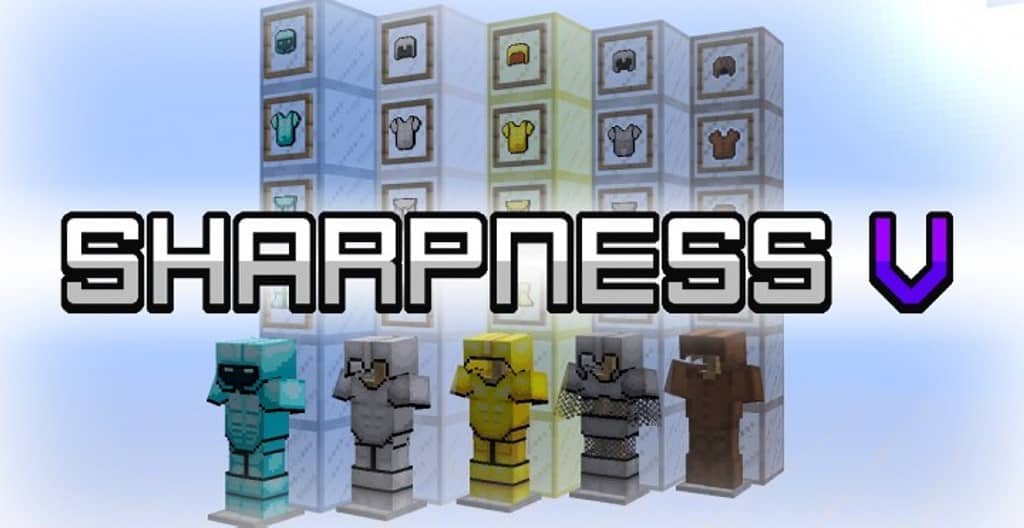
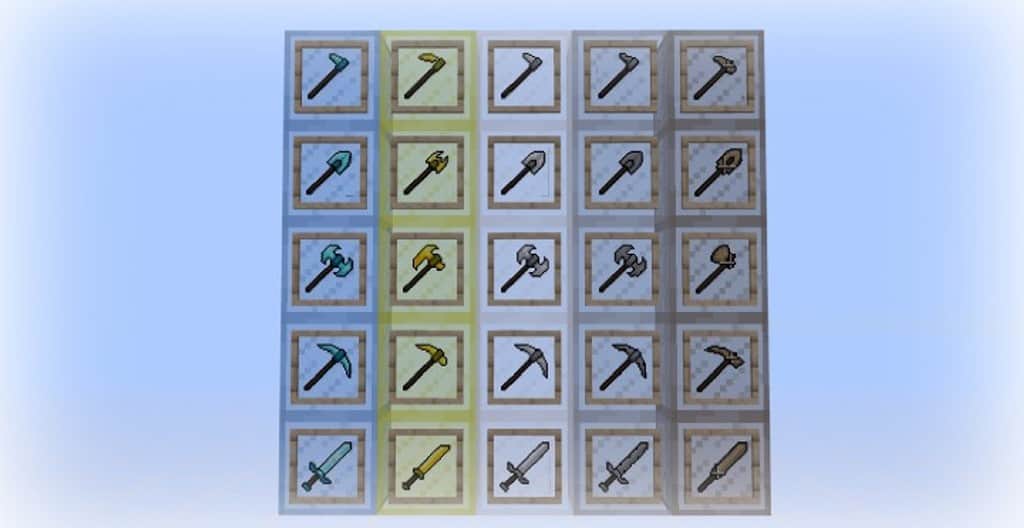
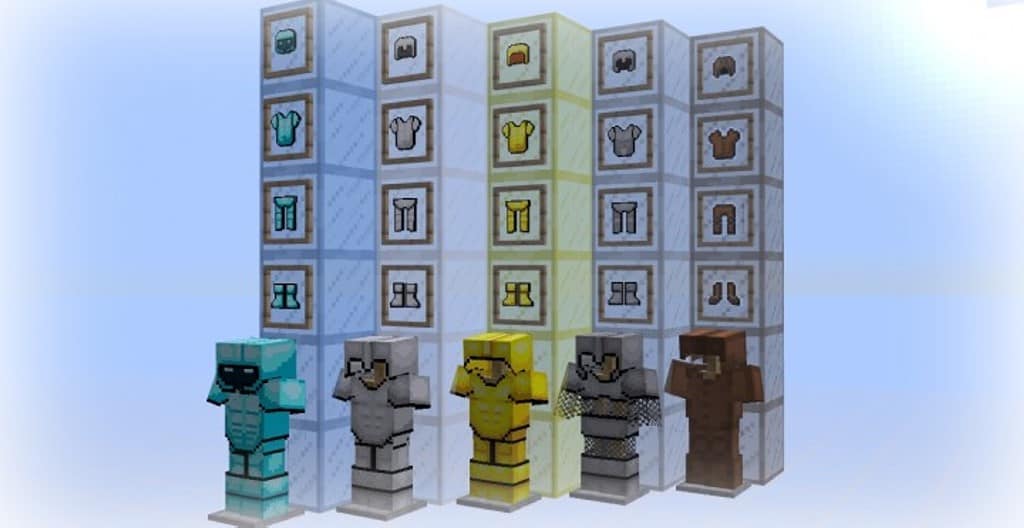
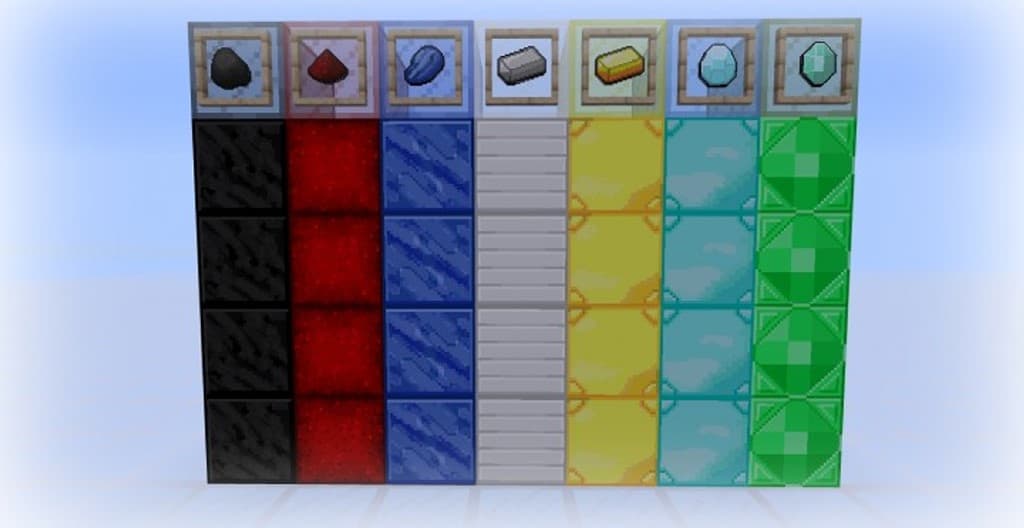
So many resource packs just recycle the exact same content and textures, haphazardly blending them together and hoping to pass it off as something genuinely original. I was thrilled to find that the Sharpness V resource pack was actually crafted to be completely unique, bringing truly meaningful changes to vanilla Minecraft. Built from the ground up specifically for competitive play, Sharpness V zeros in on everything related to PvP while carefully preserving the authentic identity of the game. To pull this off, every single texture featured in Sharpness V is 100% original and meticulously handmade by the talented developers behind the project. The creators have openly shared that their ultimate vision is to eventually introduce fresh textures for every single item in Minecraft. Because it is tailored for PvP, the primary spotlight of the Sharpness V texture pack naturally falls on weapons and armor. Every single weapon and piece of armor in the entire game has been given brand-new textures alongside a noticeably higher resolution, bringing these crucial items into a crisp 32x resolution—a gorgeous upgrade from the default 16x resolution found in vanilla Minecraft.
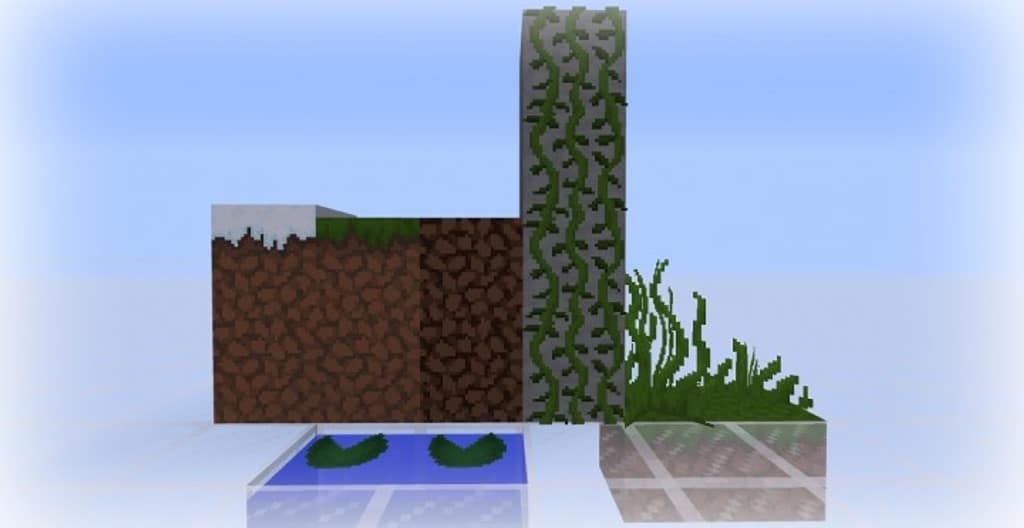
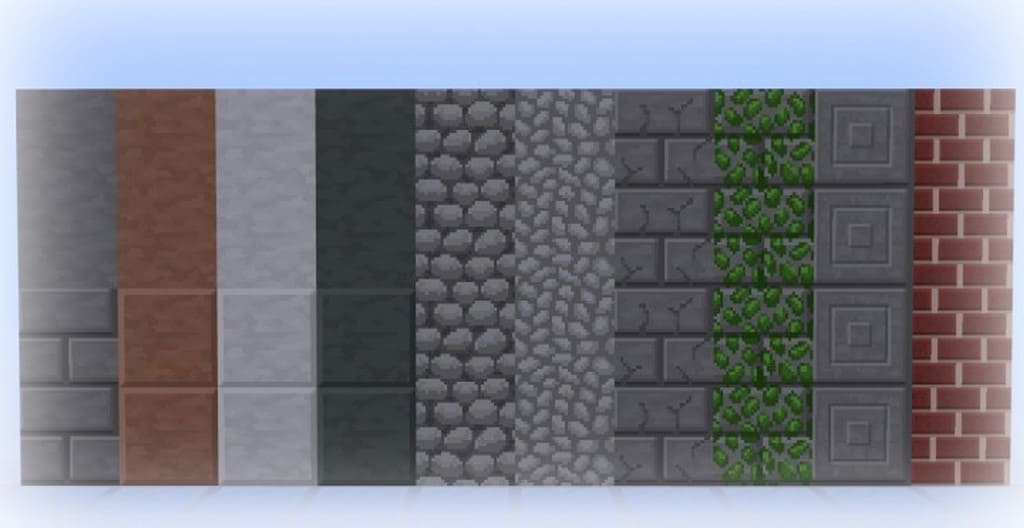
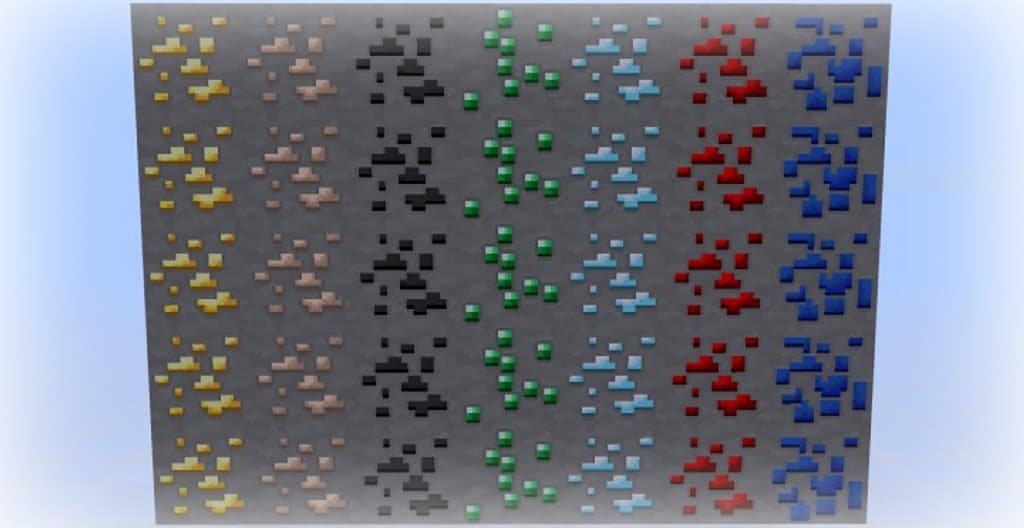
Staying completely true to its namesake, these newly reworked textures genuinely feel sharper and remarkably clearer in-game. Annoying visual noise has been heavily minimized to accomplish this, and the elevated pixel density definitely goes a long way in packing extra detail into both blocks and items. The colors are also much better saturated, successfully wiping away some of those washed-out, gray tones of standard Minecraft and making the entire world pop with vibrant color. On top of that, fantastic new textures have been rolled out for countless other objects too, including trees, food, grass, leaves, plants, flowers, and pretty much every block type you can imagine. Since every single asset is lovingly handcrafted from scratch by the dev team, replacing every single default texture in vanilla Minecraft is a massive undertaking that takes time, which is why not quite every block has been swapped out just yet. Because the pack was built at a 32x resolution, some players might notice a tiny dip in performance when compared to standard 16x vanilla Minecraft, but I found it to be wonderfully lightweight and it certainly does not demand a powerhouse rig to run smoothly.
Sharpness V PvP should be compatible with all of these Minecraft versions: 1.8.9 – 1.8.8 – 1.8.1 – 1.8.6 – 1.8 – 1.7.10 – 1.7.9 – 1.7.4 – 1.7
Screenshots


How to Install Texture Pack (Simple 10 Steps)
- Download OptiFine: Most of the texture packs and shaders need OptiFine. That’s why, first download and install OptiFine for the version of Minecraft you want to play.
- Download the Texture Pack: Get the texture pack you want from the download section. Choose the version that works with your Minecraft and your PC’s performance.
- Open Minecraft Launcher: Start Minecraft using the official game launcher — or even TLauncher, if you use that.
- Go to Options: From the main menu, click on the “Options” button.
- Open Resource Packs: Inside Options, click on “Resource Packs…”.
- Open the Resource Pack Folder: Click on “Open Resource Pack Folder” — this will open a folder named “resourcepacks”.
- Move the Pack File: Copy or move the .zip file you downloaded into that “resourcepacks” folder. (Don’t unzip the file — Minecraft uses it as-is!)
- Go Back and Refresh: Close the folder and click “Done”, then go back into “Resource Packs…” again.
- Activate the Pack: You’ll see the pack on the left side. Hover over it and click the arrow to move it to the right (active side).
Tip: If you get a message that the pack is for a different version, just click “Yes” — it usually works fine. - Click Done and Enjoy: Click “Done” again. Now your pack is ready to use in-game. It’s that easy!
Credits
This resource pack was created by The Guineapig. We do not own or modify this file, and we strongly encourage supporting the original creator by visiting their official download links.
Download Instructions
Curseforge: download starts automatically after a few seconds;
Mediafire: click the big blue button with the text “DOWNLOAD”;
Google Drive: in the top right corner you will see a small download icon (down arrow), click it and the download should start;


