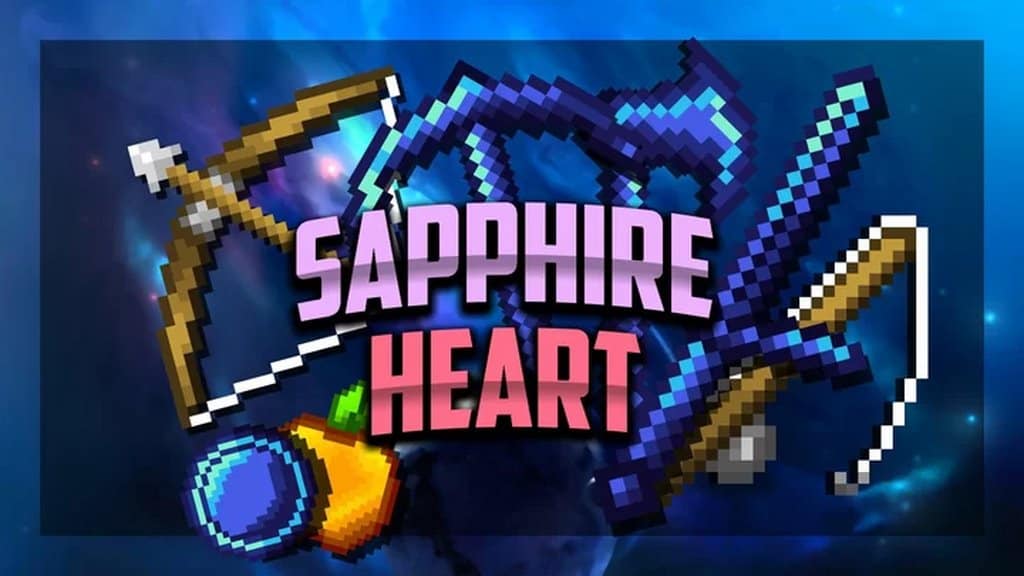
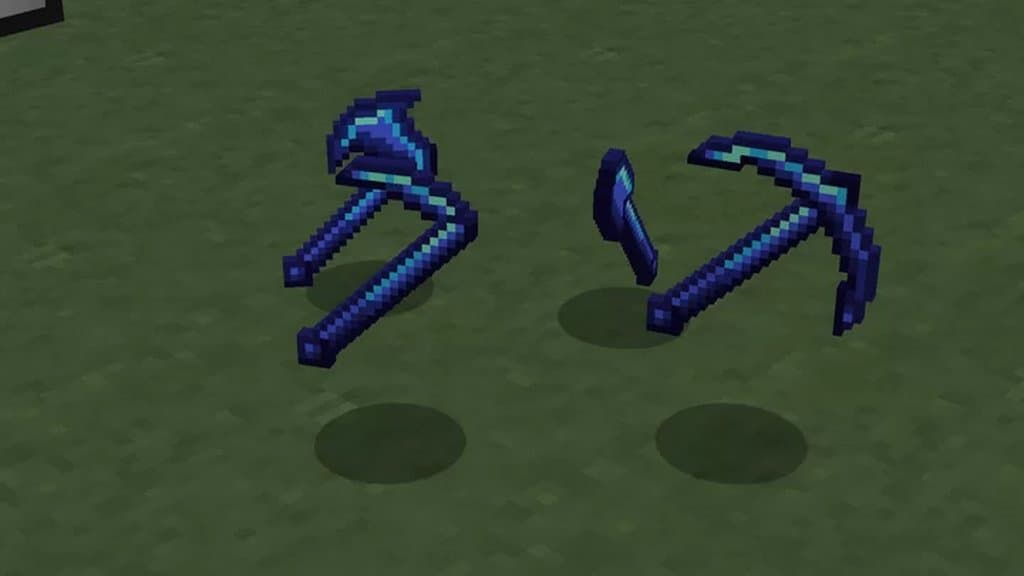
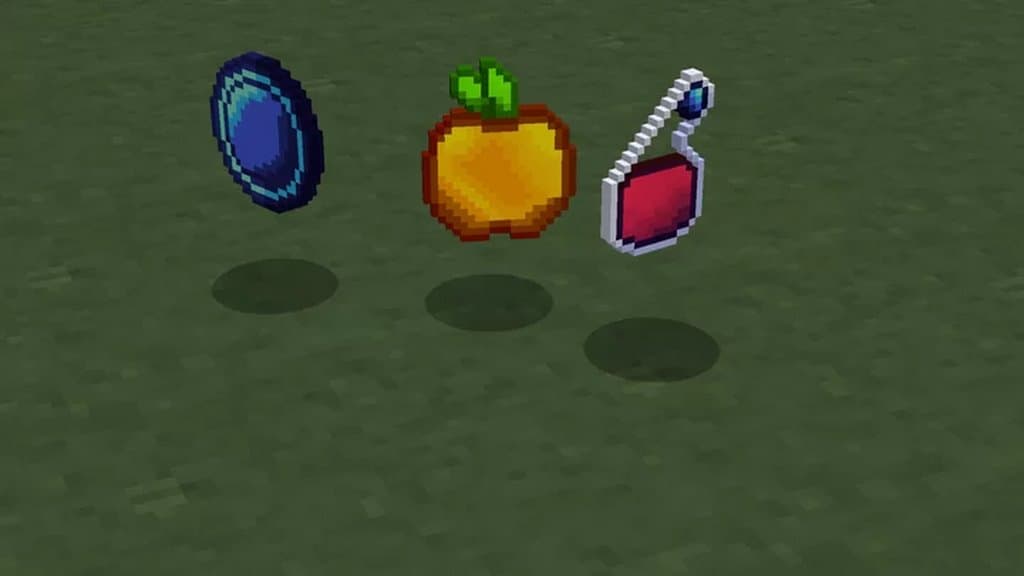
I recently tested the Sapphire Heart resource pack, and it is a truly beautifully designed set of PvP-oriented textures made at 32x resolution! You must have already heard about PvP-focused resource packs, as these packs are undoubtedly quite popular among Minecraft players. These PvP-focused texture packs are well-known for their smooth and seamless performance, but there is a flip side as well. Although these resource packs can cause significant performance improvement, they typically do not offer highly appealing visuals, which often leaves players with a boring and annoying experience. However, here is a wonderful exception. The Sapphire Heart resource pack is a unique and one-of-a-kind PvP-based texture pack that not only ensures smooth and seamless game performance, but it also strives to make the game visuals as appealing and attractive as possible. I found that this resource pack really aims to make your gaming experience very enchanting and enhancing, bringing all the fantastic benefits and advantages expected from a top-tier PvP-based resource pack.
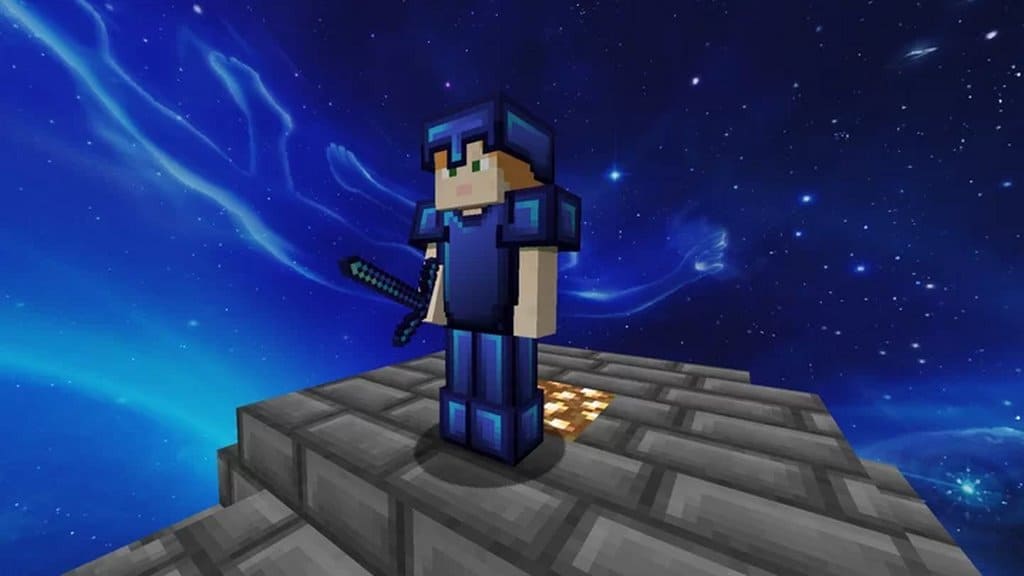
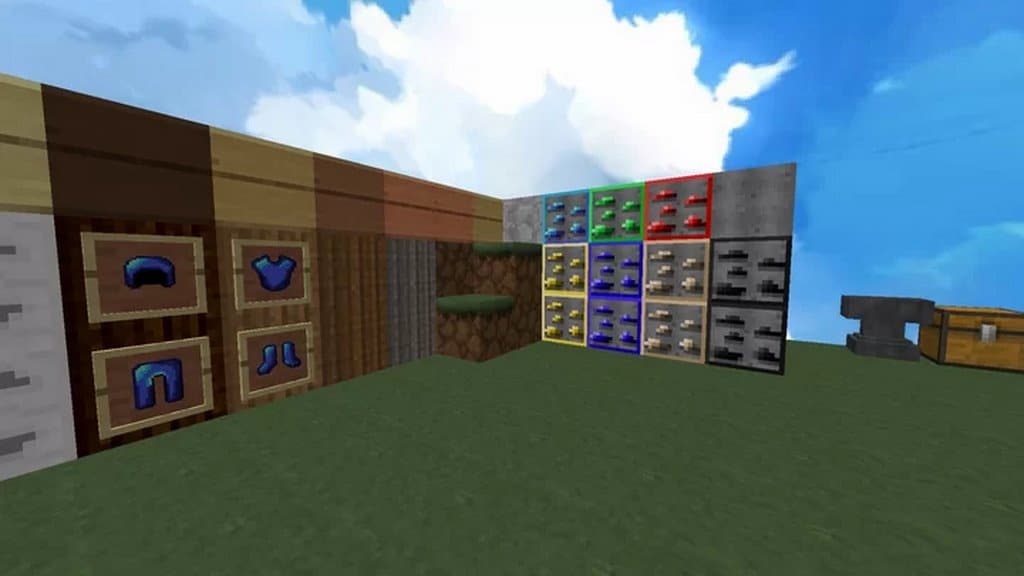
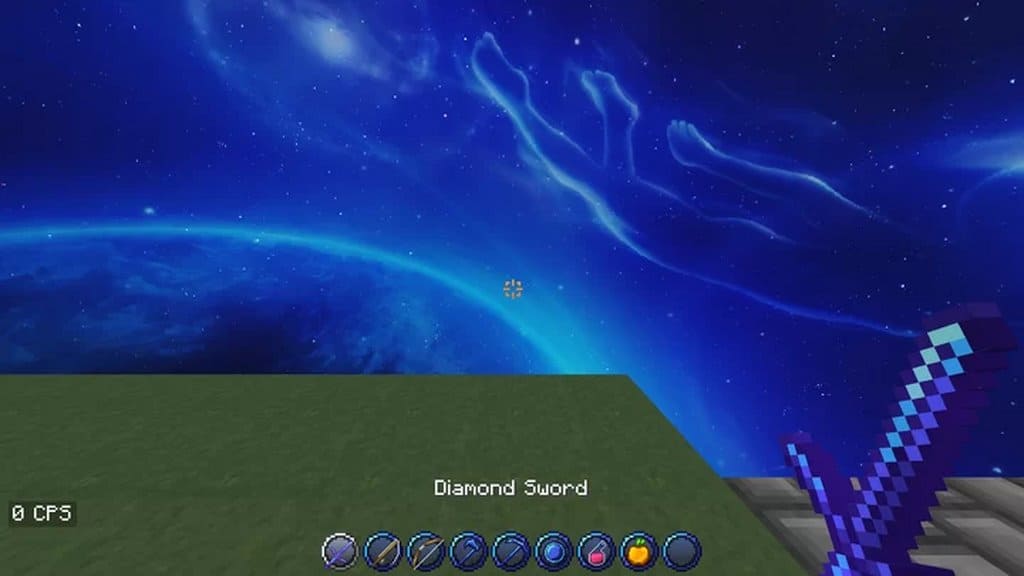
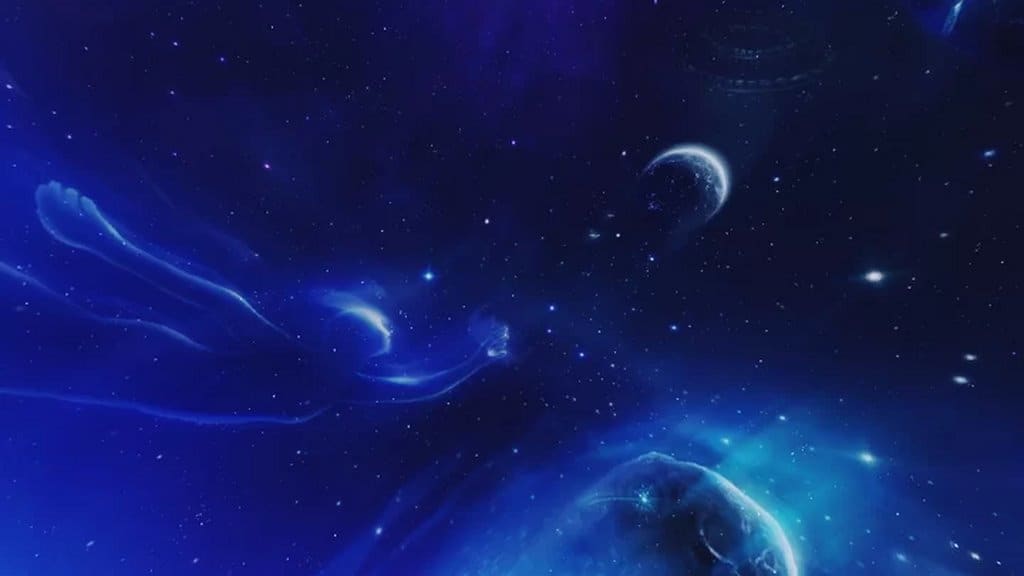
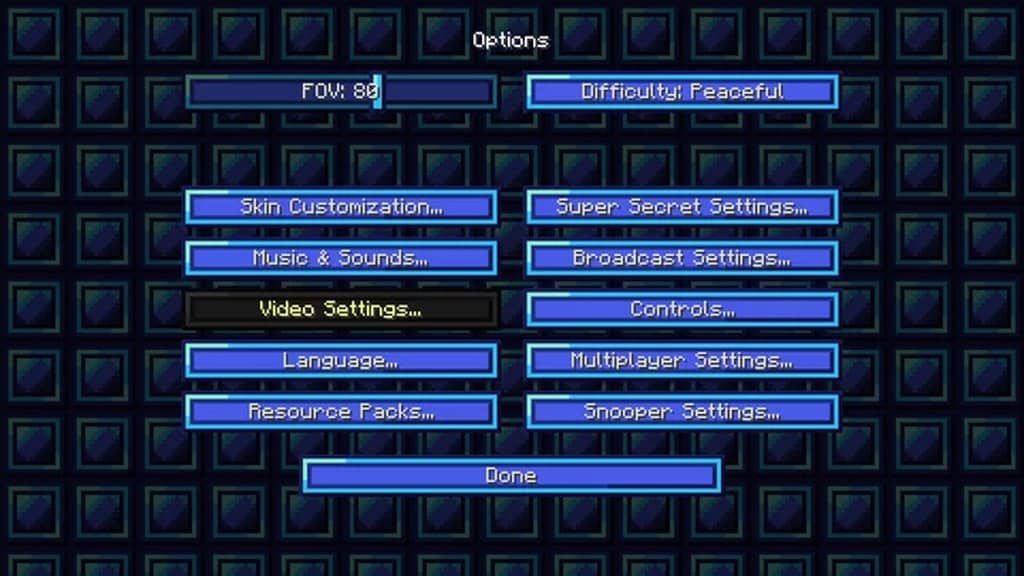
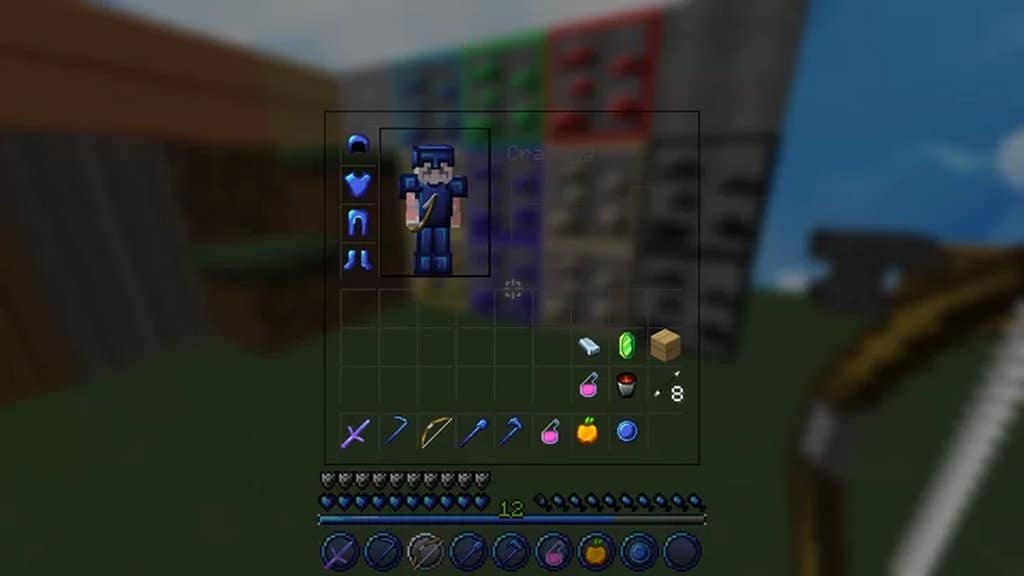
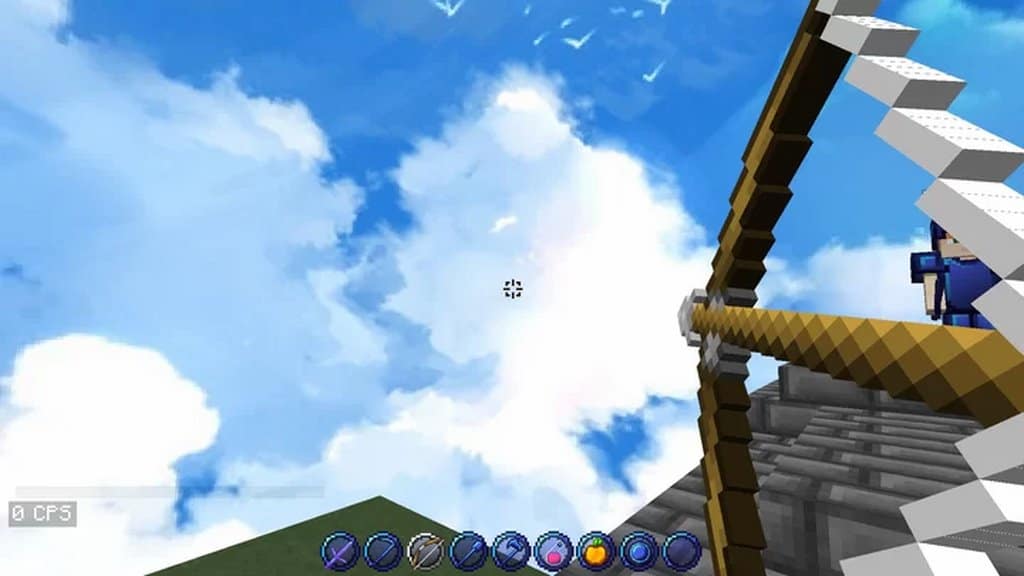
For example, I really love how it brings less noisy and much cleaner textures, allowing you to be mindful of your gameplay and keep proper tracking of your opponents. This is indeed an excellent feature of this Minecraft resource pack! On top of that, there are a few more exceptional benefits too; for instance, the Sapphire Heart pack offers you a completely revamped sky which I think is a perfect visual treat to all of you. Plus, this resource pack even brings a bundle of vibrant color palettes for various items of the gameplay, such as a redesigned and high-quality transparent GUI that creates a far better game look than traditional Minecraft gameplay. Let us now discuss the resolution profile of the Sapphire Heart resource pack, which is based on 32×32 settings. It is slightly above the standard 16×16 resolution of Minecraft, but you will not witness any significant performance drop since all the game textures are extremely well optimized and ensure superior performance.
Sapphire Heart PvP should be compatible with all of these Minecraft versions: 1.16.5 – 1.16.4 – 1.16.3 – 1.16.2 – 1.16.1 – 1.16 – 1.15.2 – 1.15.1 – 1.15
Screenshots
How to Install Texture Pack (Simple 10 Steps)
- Download OptiFine: Most of the texture packs and shaders need OptiFine. That’s why, first download and install OptiFine for the version of Minecraft you want to play.
- Download the Texture Pack: Get the texture pack you want from the download section. Choose the version that works with your Minecraft and your PC’s performance.
- Open Minecraft Launcher: Start Minecraft using the official game launcher — or even TLauncher, if you use that.
- Go to Options: From the main menu, click on the “Options” button.
- Open Resource Packs: Inside Options, click on “Resource Packs…”.
- Open the Resource Pack Folder: Click on “Open Resource Pack Folder” — this will open a folder named “resourcepacks”.
- Move the Pack File: Copy or move the .zip file you downloaded into that “resourcepacks” folder. (Don’t unzip the file — Minecraft uses it as-is!)
- Go Back and Refresh: Close the folder and click “Done”, then go back into “Resource Packs…” again.
- Activate the Pack: You’ll see the pack on the left side. Hover over it and click the arrow to move it to the right (active side).
Tip: If you get a message that the pack is for a different version, just click “Yes” — it usually works fine. - Click Done and Enjoy: Click “Done” again. Now your pack is ready to use in-game. It’s that easy!
Credits
The Sapphire Heart resource pack was created by Yuruze. We do not claim ownership of this content, nor do we modify the original files. All rights belong to the original creator. We strongly recommend supporting Yuruze by downloading the pack from their official links and checking out their other projects.
Download Instructions
Curseforge: download starts automatically after a few seconds;
Mediafire: click the big blue button with the text “DOWNLOAD”;
Google Drive: in the top right corner you will see a small download icon (down arrow), click it and the download should start;


