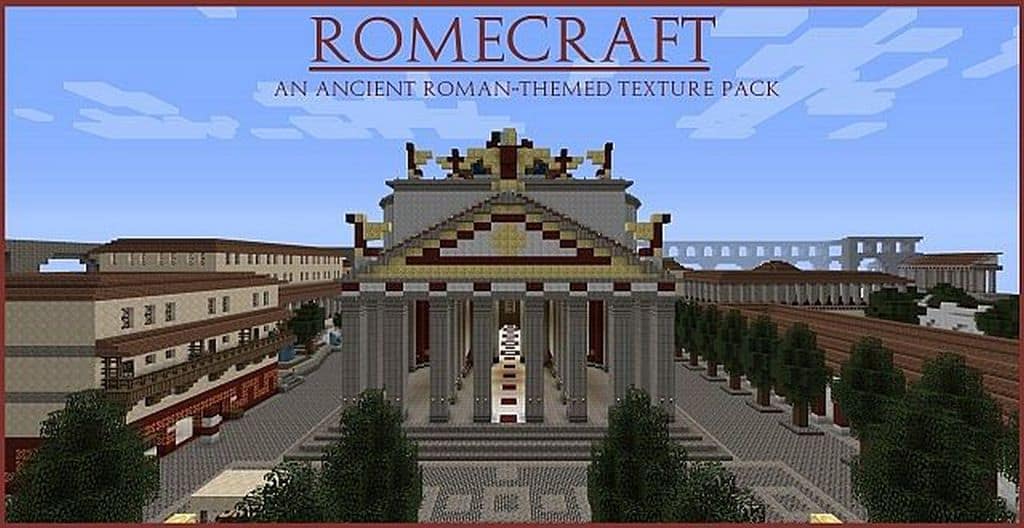
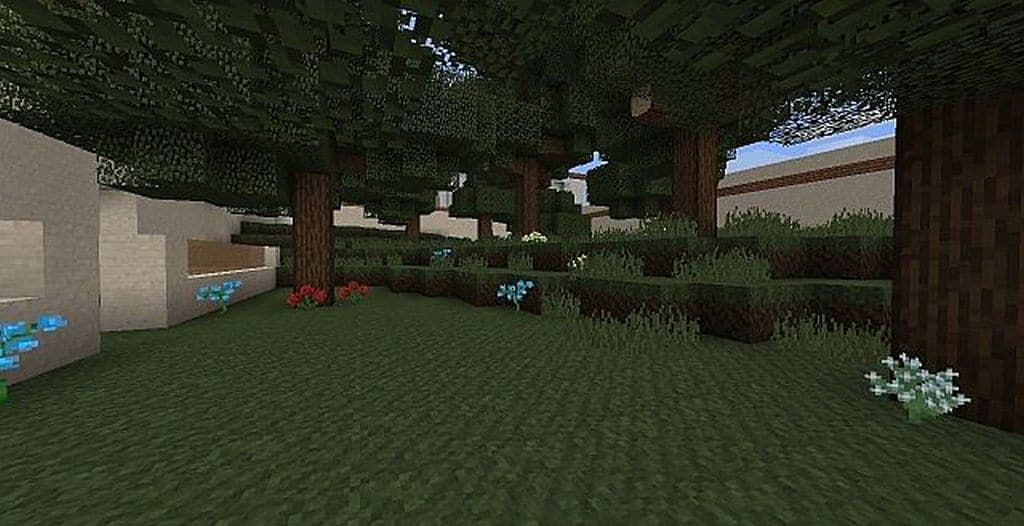
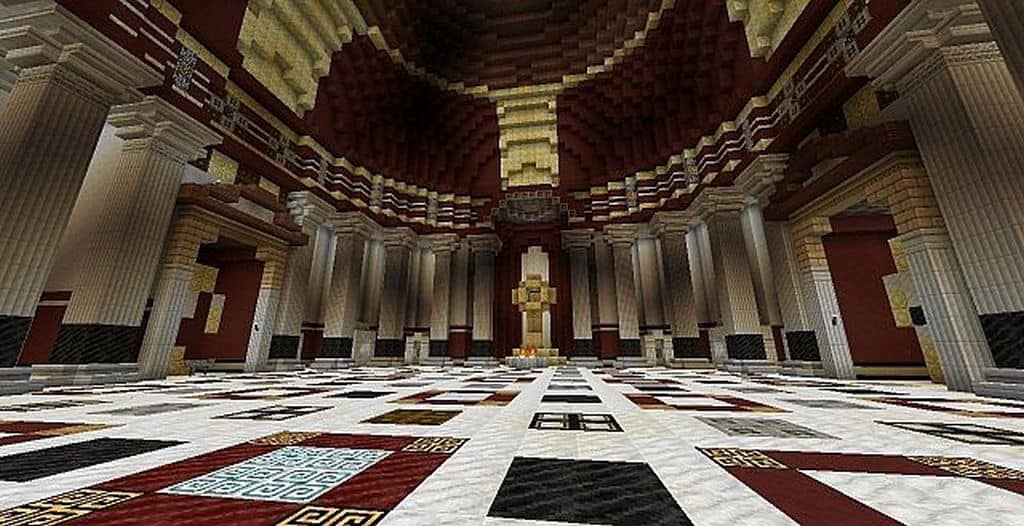
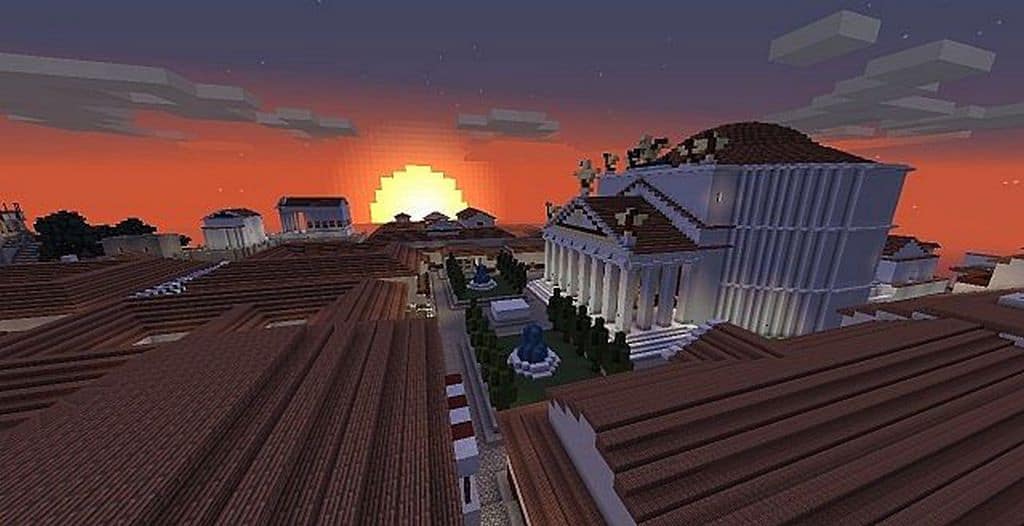
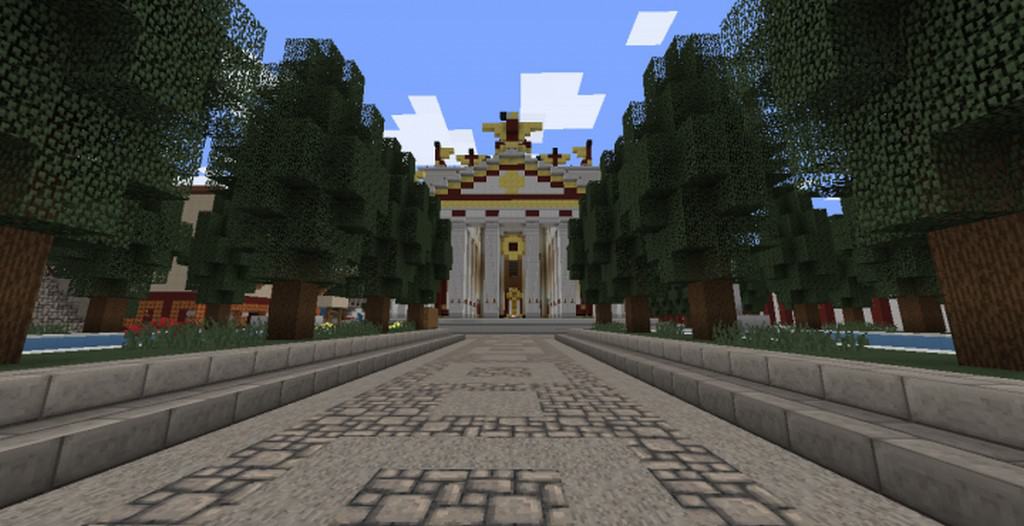
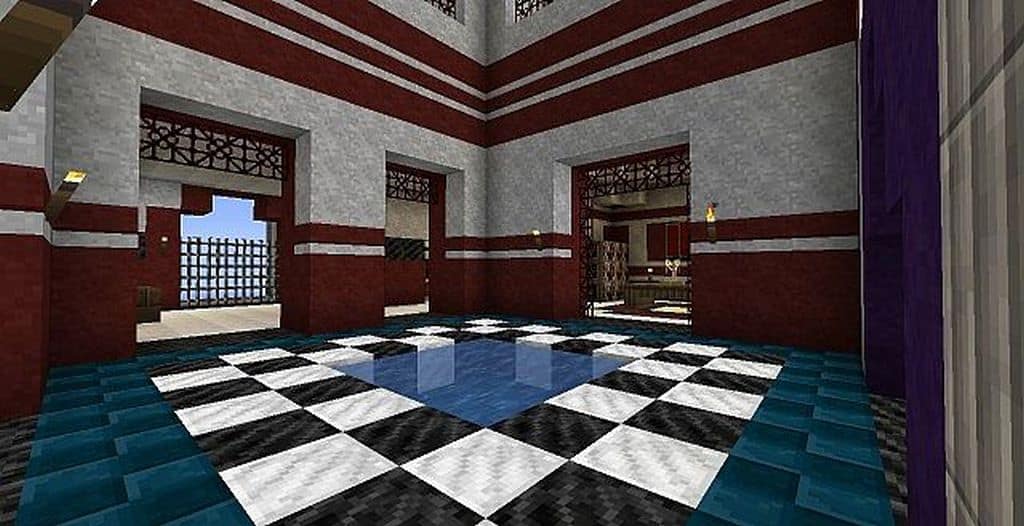
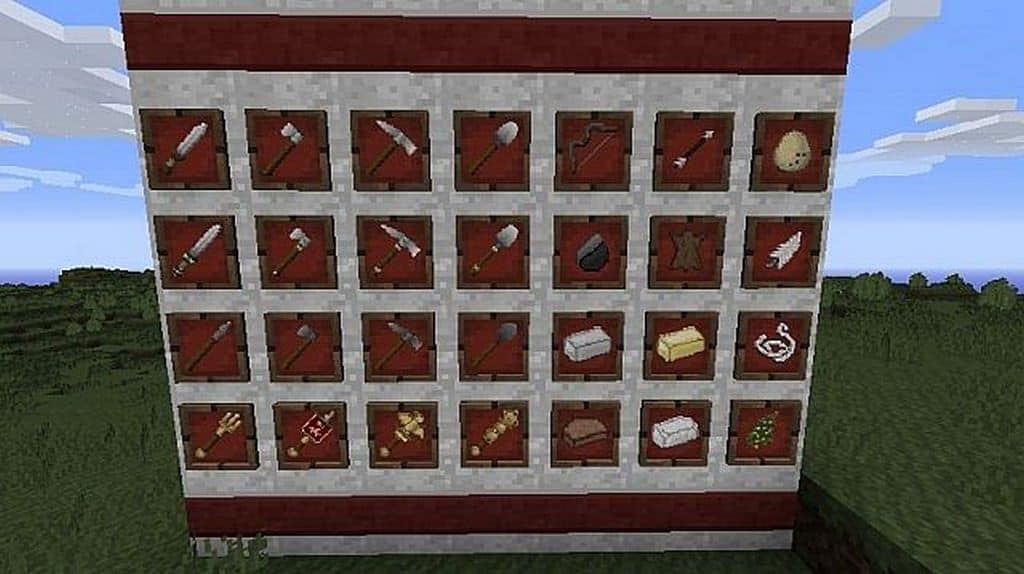
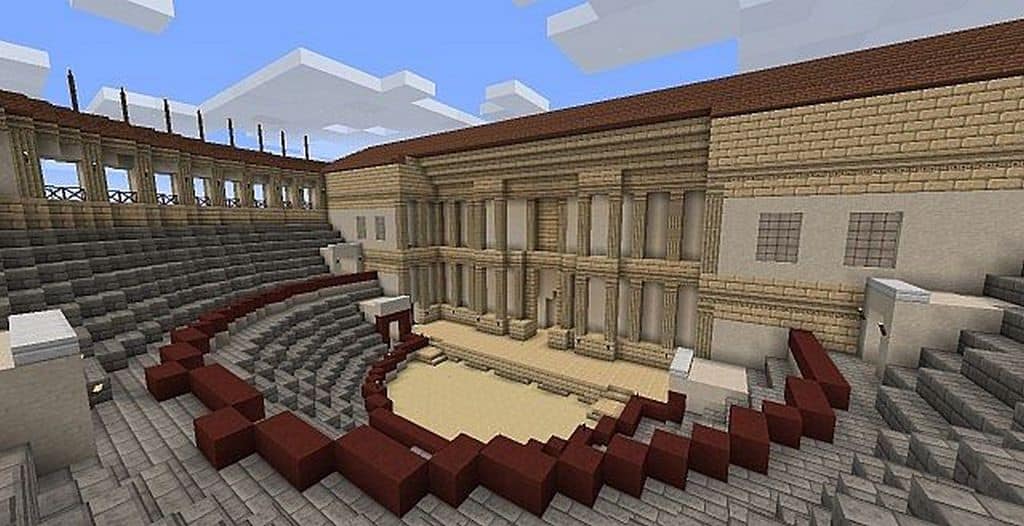
Many Minecraft texture packs draw inspiration from the world around us, but the RomeCraft resource pack is uniquely inspired by a world long gone, where only magnificent monuments have survived the test of time. Ancient Rome serves as the primary source of inspiration for RomeCraft, brilliantly introducing new textures and elements to vanilla Minecraft that empower players to rebuild the glorious monuments and sprawling buildings of a fallen empire. I found that the RomeCraft texture pack successfully preserves the classic spirit of Minecraft while introducing subtle visual changes that most players will genuinely appreciate. The striking visuals of an ancient city are thoroughly replicated in RomeCraft by introducing stunning new textures for existing blocks and in-game objects, alongside entirely fresh additions. There are brilliant new textures for blocks such as stone, beautifully tiled floors, classic bricks, refreshing water textures, and everything else in between. Furthermore, the original developer thoughtfully included new paintings, intricate stained glass windows, detailed statues, rustic crates, chests, and countless other visual treats.
All of these remarkable new textures introduced by RomeCraft are perfectly complemented by custom textures for both players and mobs. In RomeCraft, the player textures have been lovingly redesigned so that you can step into the sandals of a fierce gladiator or sport an outfit inspired by historical ancient Roman attire. Mobs and NPCs have also received incredible texture overhauls; even if they might not historically belong in ancient Rome, there are terrifying new textures for zombies, giant spiders, ghosts, and skeletons. To fully complete your immersion alongside the new player skins, the RomeCraft resource pack also implements magnificent new weapons, polished armor sets, dependable tools, and a redesigned graphical user interface. The inventory and GUI still feel wonderfully familiar to use, yet their color palettes have been expertly shifted to harmonize with the overall aesthetic of the resource pack. Best of all, the RomeCraft resource pack utilizes 16x resolution textures, maintaining the exact crisp performance footprint of vanilla Minecraft. Utilizing these low-resolution textures ensures the resource pack runs smoothly at high framerates even on older hardware systems, making it surprisingly PVP-friendly as well.
RomeCraft should be compatible with all of these Minecraft versions: 1.12.2 – 1.12 – 1.11.2 – 1.11 – 1.10.2 – 1.10 – 1.9.4 – 1.9 – 1.8.9 – 1.8.8 – 1.8.1 – 1.8.6 – 1.8 – 1.7.10 – 1.7.9 – 1.7.4 – 1.7
Screenshots






How to Install Texture Pack (Simple 10 Steps)
- Download OptiFine: Most of the texture packs and shaders need OptiFine. That’s why, first download and install OptiFine for the version of Minecraft you want to play.
- Download the Texture Pack: Get the texture pack you want from the download section. Choose the version that works with your Minecraft and your PC’s performance.
- Open Minecraft Launcher: Start Minecraft using the official game launcher — or even TLauncher, if you use that.
- Go to Options: From the main menu, click on the “Options” button.
- Open Resource Packs: Inside Options, click on “Resource Packs…”.
- Open the Resource Pack Folder: Click on “Open Resource Pack Folder” — this will open a folder named “resourcepacks”.
- Move the Pack File: Copy or move the .zip file you downloaded into that “resourcepacks” folder. (Don’t unzip the file — Minecraft uses it as-is!)
- Go Back and Refresh: Close the folder and click “Done”, then go back into “Resource Packs…” again.
- Activate the Pack: You’ll see the pack on the left side. Hover over it and click the arrow to move it to the right (active side).
Tip: If you get a message that the pack is for a different version, just click “Yes” — it usually works fine. - Click Done and Enjoy: Click “Done” again. Now your pack is ready to use in-game. It’s that easy!
Credits
RomeCraft was created by stugace. We do not own or claim ownership of this resource pack, and no modifications have been made to the original download files. We encourage you to support the creator by utilizing their official download links and following their community channels for future updates.
Download Instructions
Curseforge: download starts automatically after a few seconds;
Mediafire: click the big blue button with the text “DOWNLOAD”;
Google Drive: in the top right corner you will see a small download icon (down arrow), click it and the download should start;


