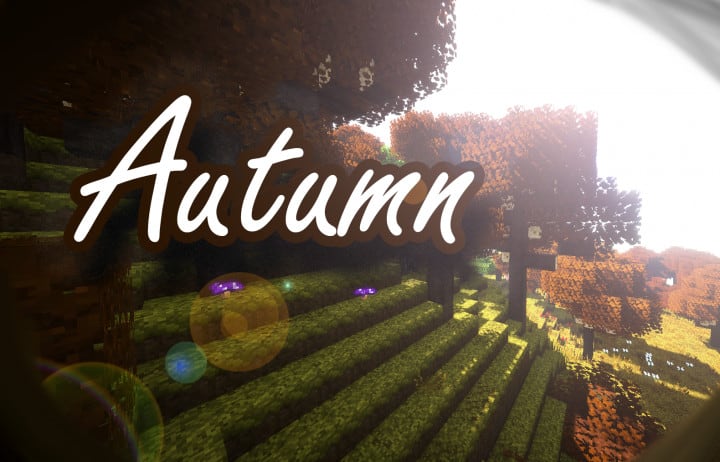
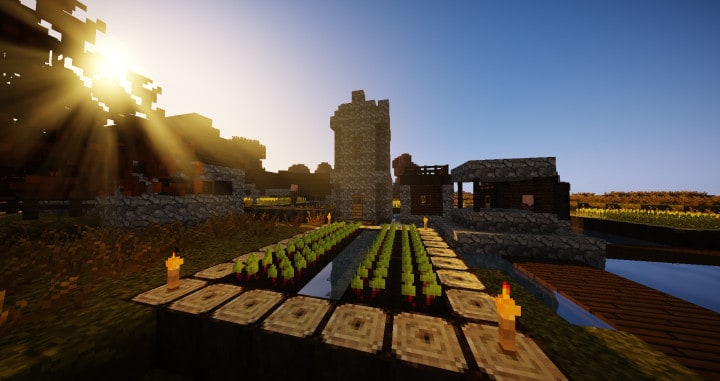
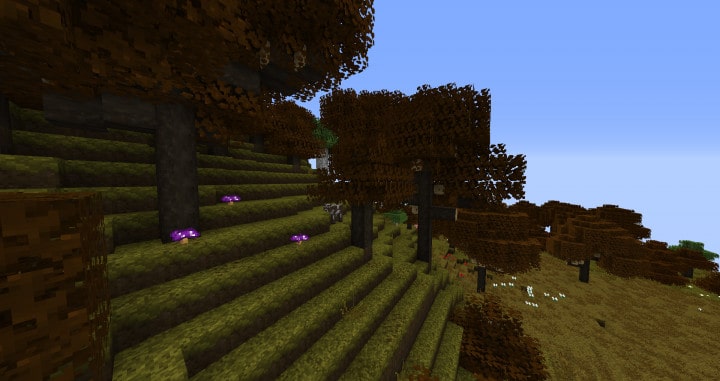
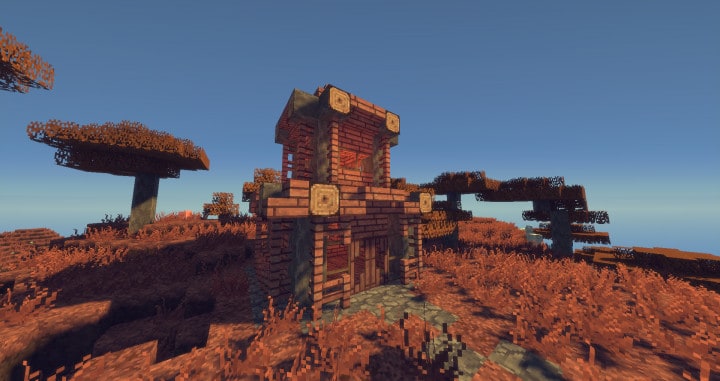
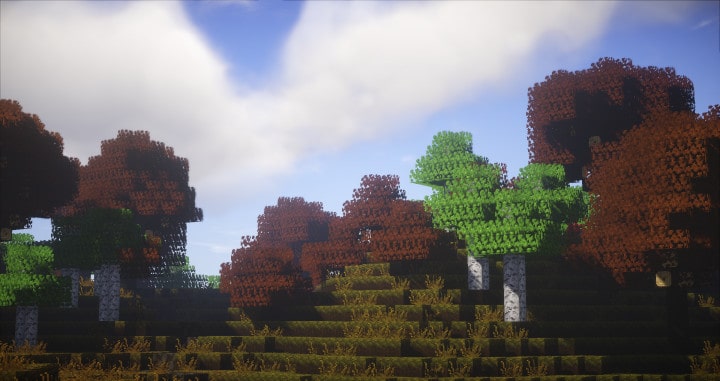
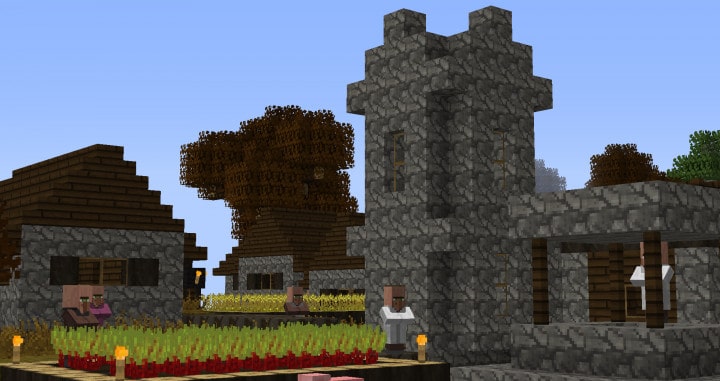
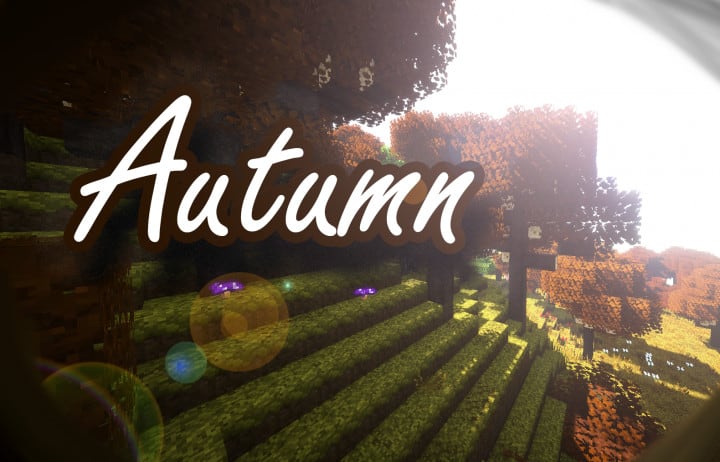
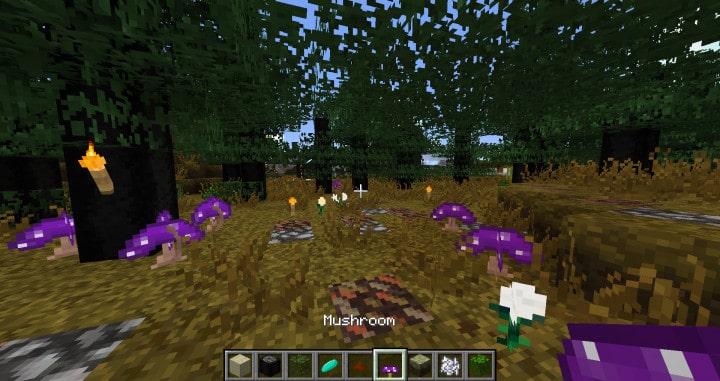
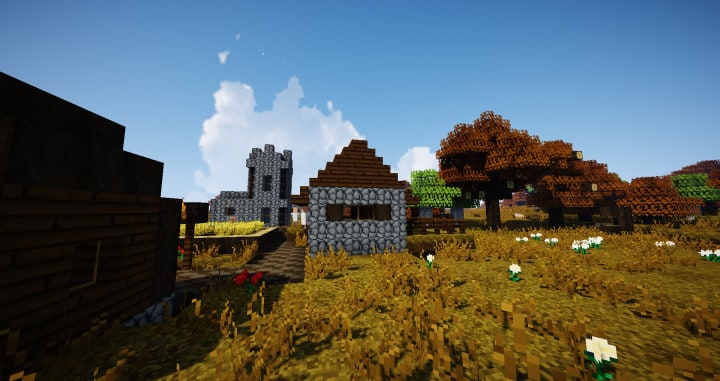
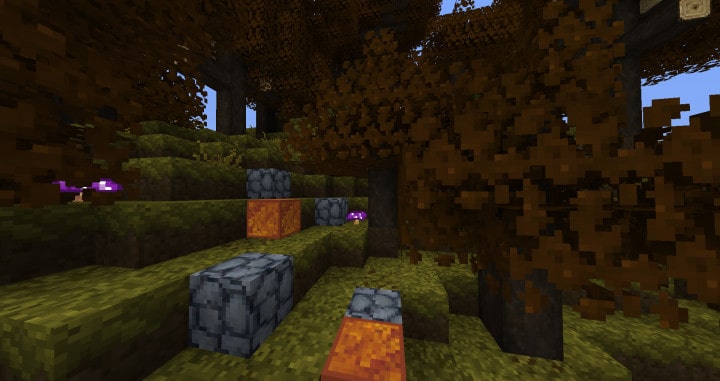
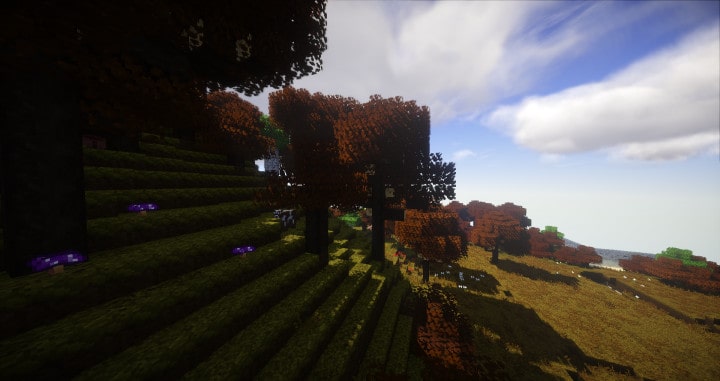
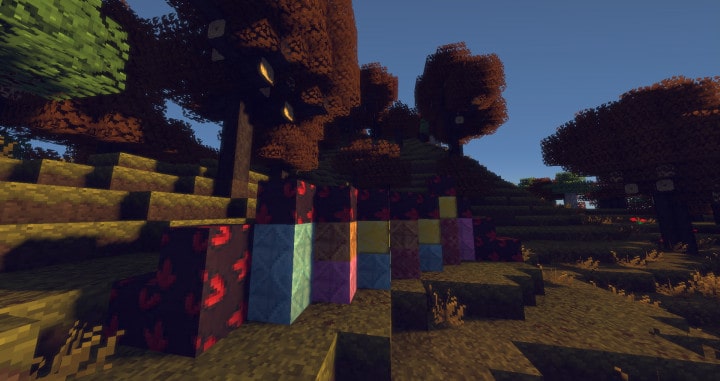
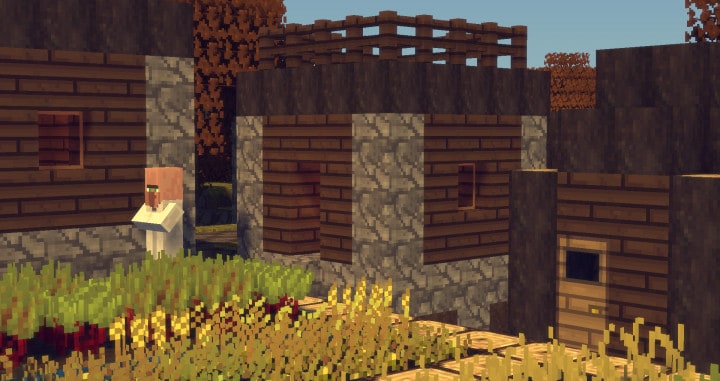
Do you want your Minecraft game to look similar to the beautiful autumn spell? In case you just nodded, then this Rangercraft resource pack is the ideal set of textures that will truly make that come true for you. The pack is an outcome of the most recent innovation in the gaming world, bringing an extraordinary visual quality that does not negatively affect the overall excellence of the game. As a passionate fan of this game, the sequence of Rangercraft will definitely give you the ability to adore your virtual life. True to the name of the pack, you will live to relish the natural beauty of Minecraft because of the incredible use of Rangercraft Autumn. This autumn pack comes with full details that give its textures maximum depth and quality. The textures in this pack turn out to be some of the most unique among higher packs while remaining packed with intricate details. It is genuinely one of the most cohesive and clean-looking packs that you will find on the market today.
The thoughtful details in this pack give it the power to do so much more work than you might expect. That is why this pack excels at visual clarity, giving you, as a player of Minecraft, an exceptionally polished texture experience. With this pack installed, the visual components of the game are enhanced to the maximum. By using this pack, the colors of Minecraft are darkened slightly, making the world look newer and richer compared to the older, much lighter vanilla versions. Best of all, this pack is incredibly easy to use, provided your PC can smoothly run the standard vanilla game version. Operating at a standard resolution of 16×16, the autumn pack gives your game one of the best performance-to-quality ratios you will ever get, which is especially fantastic if you have a slightly slower PC. That means, with such a friendly resolution, you will never have to worry about noticing an annoying FPS drop. So, what are you waiting for? It is definitely time to come out and download this wonderful pack for truly amazing results.
Rangercraft Autumn should be compatible with all of these Minecraft versions: 1.12.2 – 1.12 – 1.11.2 – 1.11
Screenshots
How to Install Texture Pack (Simple 10 Steps)
- Download OptiFine: Most of the texture packs and shaders need OptiFine. That’s why, first download and install OptiFine for the version of Minecraft you want to play.
- Download the Texture Pack: Get the texture pack you want from the download section. Choose the version that works with your Minecraft and your PC’s performance.
- Open Minecraft Launcher: Start Minecraft using the official game launcher — or even TLauncher, if you use that.
- Go to Options: From the main menu, click on the “Options” button.
- Open Resource Packs: Inside Options, click on “Resource Packs…”.
- Open the Resource Pack Folder: Click on “Open Resource Pack Folder” — this will open a folder named “resourcepacks”.
- Move the Pack File: Copy or move the .zip file you downloaded into that “resourcepacks” folder. (Don’t unzip the file — Minecraft uses it as-is!)
- Go Back and Refresh: Close the folder and click “Done”, then go back into “Resource Packs…” again.
- Activate the Pack: You’ll see the pack on the left side. Hover over it and click the arrow to move it to the right (active side).
Tip: If you get a message that the pack is for a different version, just click “Yes” — it usually works fine. - Click Done and Enjoy: Click “Done” again. Now your pack is ready to use in-game. It’s that easy!
Credits
This Resource Pack was originally created by xenorumfx. We do not claim ownership of this modification and do not host modified files on our servers. All rights remain with the original creator. We strongly recommend visiting the official download links to support xenorumfx and to ensure you receive the most up-to-date version.
Download Instructions
Curseforge: download starts automatically after a few seconds;
Mediafire: click the big blue button with the text “DOWNLOAD”;
Google Drive: in the top right corner you will see a small download icon (down arrow), click it and the download should start;


