Pyromorphite is an awesome resource pack for Minecraft that I found was purposefully developed for a certain audience of Minecraft gamers who truly love the Player versus Player, or PvP, aspect of this game. Although there are many different reasons as to why people usually love to play Minecraft, most players love it mainly because of its Player versus Player aspect. As a result of this, PvP has gained massive popularity, leading to various resource packs being developed for the sole purpose of bettering the player versus player experience. I think the Pyromorphite resource pack is currently the latest and among the best additions of resource packs thanks to its unique glossy features and how it effectively enhances PvP. The main and most obvious defect of many resource packs that are based on PvP is that they usually have the tendency to degrade the game’s graphics so as to enhance the overall performance.
However, unlike the others, I noticed that this resource pack not only improves the performance of the game, but it also makes the visuals look sharp and clear by trimming off unnecessary texture details. For an audience that is PvP focused, this resource pack can also clean up noise-based issues which are usually synonymous with many resource packs. Pyromorphite, a cartoon-type pack, offers the player a fantastic combination of simplicity, quality, and effectiveness in my experience. Using a resolution of 8x, this resource pack majorly focuses on fighting other peasants in your game. Although a resolution of 8×8 is a downgrade from the standard 16×16 which most people have been accustomed to in the past years, it makes playing the game feel so smooth. A reduced resolution decreases the level of graphic details, and this makes the game perform much more smoothly even on hardware systems that are out of date. Note that a low resolution does not change much of the game’s vanilla textures.
Pyromorphite PvP should be compatible with all of these Minecraft versions: 1.8.9 – 1.8.8 – 1.8.1 – 1.8.6 – 1.8
Screenshots
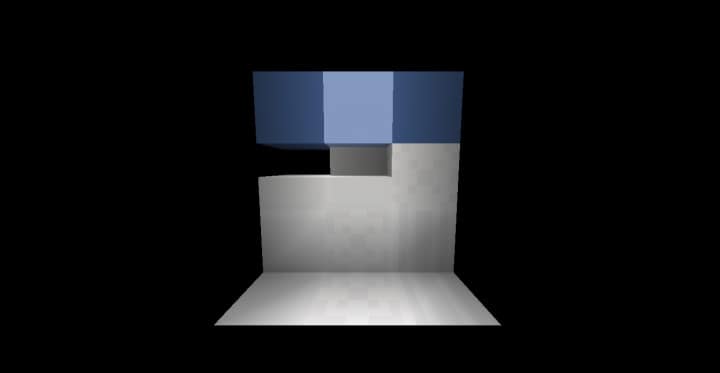
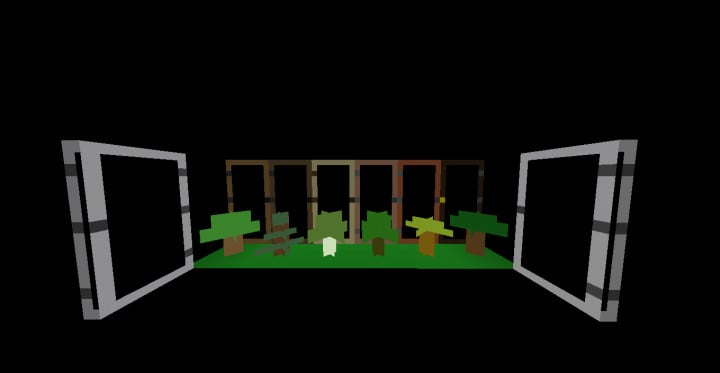
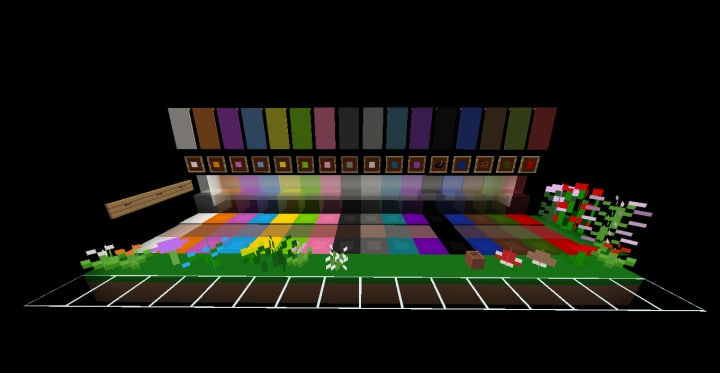
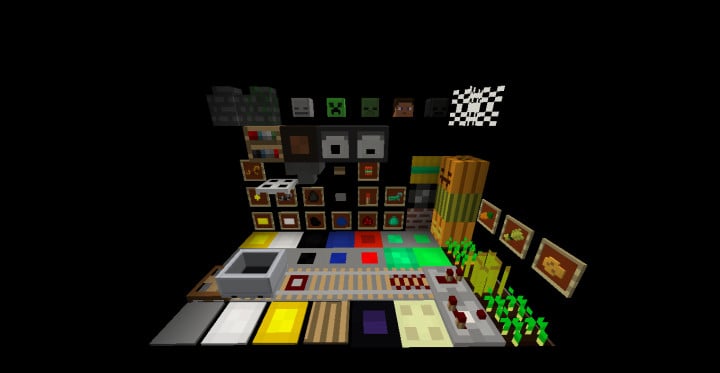
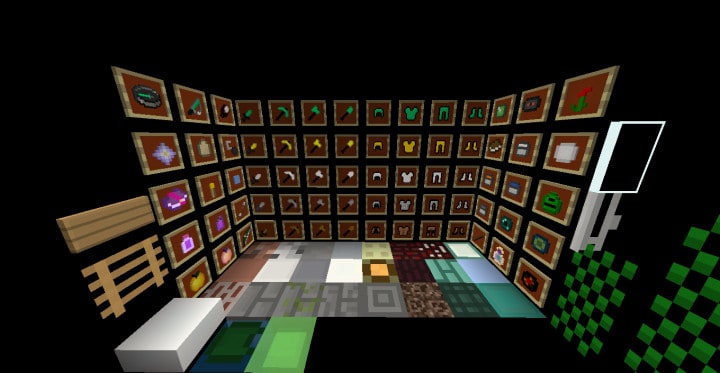
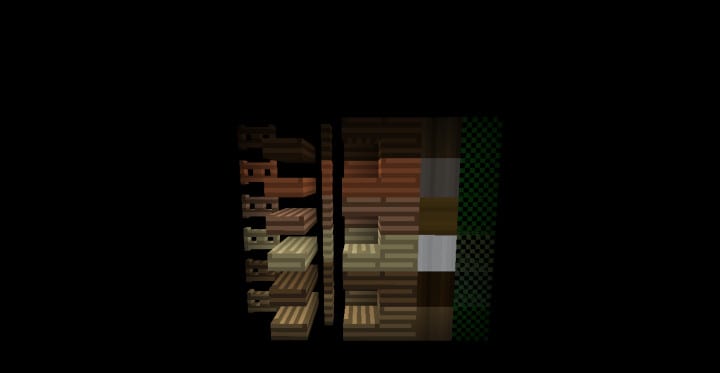

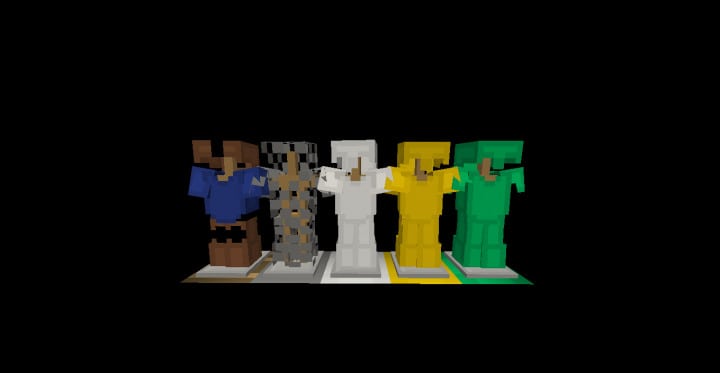
How to Install Texture Pack (Simple 10 Steps)
- Download OptiFine: Most of the texture packs and shaders need OptiFine. That’s why, first download and install OptiFine for the version of Minecraft you want to play.
- Download the Texture Pack: Get the texture pack you want from the download section. Choose the version that works with your Minecraft and your PC’s performance.
- Open Minecraft Launcher: Start Minecraft using the official game launcher — or even TLauncher, if you use that.
- Go to Options: From the main menu, click on the “Options” button.
- Open Resource Packs: Inside Options, click on “Resource Packs…”.
- Open the Resource Pack Folder: Click on “Open Resource Pack Folder” — this will open a folder named “resourcepacks”.
- Move the Pack File: Copy or move the .zip file you downloaded into that “resourcepacks” folder. (Don’t unzip the file — Minecraft uses it as-is!)
- Go Back and Refresh: Close the folder and click “Done”, then go back into “Resource Packs…” again.
- Activate the Pack: You’ll see the pack on the left side. Hover over it and click the arrow to move it to the right (active side).
Tip: If you get a message that the pack is for a different version, just click “Yes” — it usually works fine. - Click Done and Enjoy: Click “Done” again. Now your pack is ready to use in-game. It’s that easy!
Credits
This resource pack was created by Lovael. We do not claim ownership of this content, nor have we modified the original files. All rights belong to the original author. We strongly encourage supporting Lovael by downloading and using the pack directly through their official distribution channels.
Download Instructions
Curseforge: download starts automatically after a few seconds;
Mediafire: click the big blue button with the text “DOWNLOAD”;
Google Drive: in the top right corner you will see a small download icon (down arrow), click it and the download should start;


