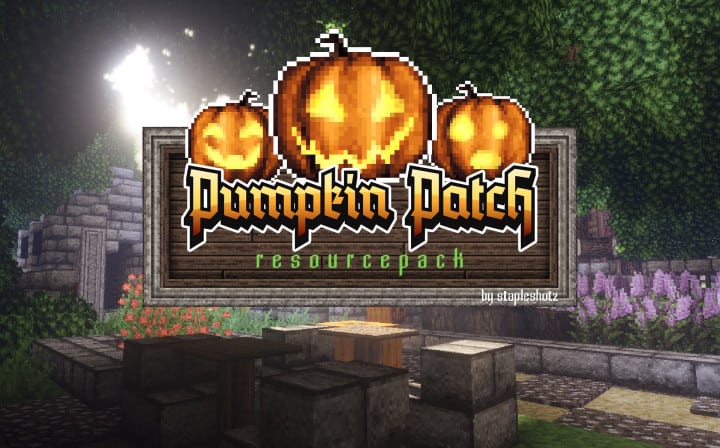
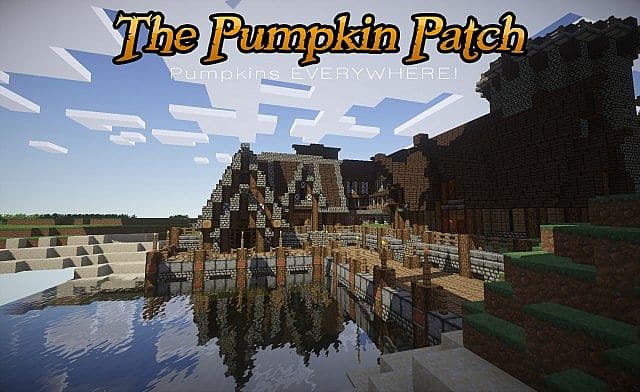
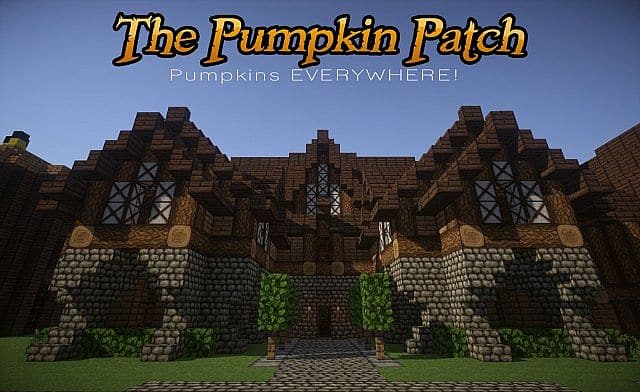
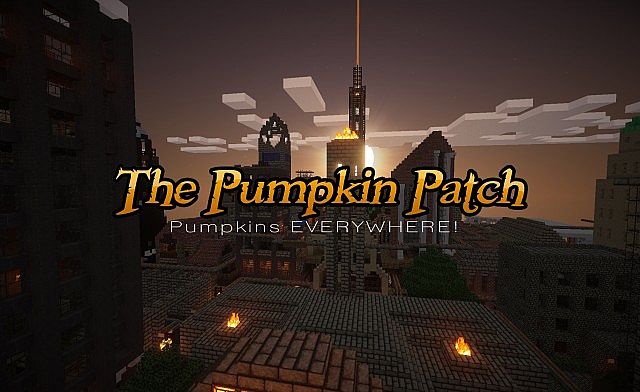
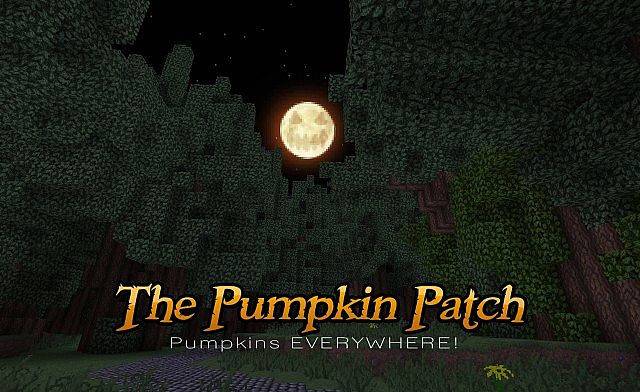
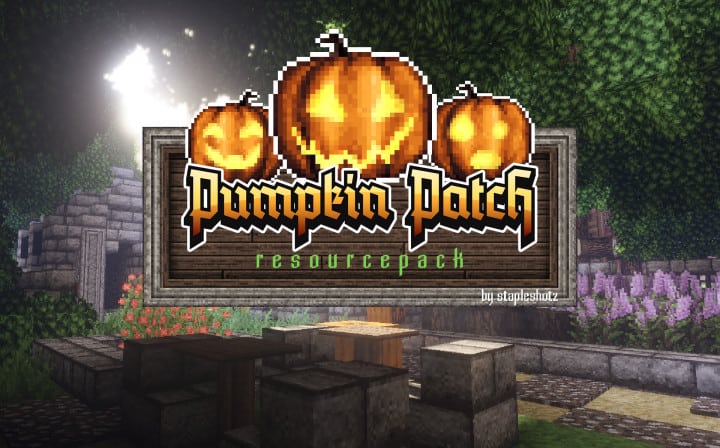
Pumpkin Patch is an absolute must-have resource pack that I truly believe everyone should install in their game. While the name might lead you to believe that pumpkins are the sole focus of this pack, Pumpkin Patch actually brings so much more to the table and completely refreshes your visual experience. The Pumpkin Patch resource pack adds a whole new flavor to your minecraft universe, which is immediately noticeable in the incredibly detailed changes made to wool and carpeting. They begin to take on a realistic and fuzzy look that makes them seem as they are the real thing, adding a cozy touch to builds. This impressive level of detail is carried over to stained glass as well as the newly added colored clay and bricks, all of which gain an updated and more refined look that makes them significantly more aesthetically pleasing for builders.
These great improvements aside, you might be wondering why this resource pack is called Pumpkin Patch in the first place. The clever name comes from the way in which mobs are completely overhauled. Every single hostile mob is now constructed from pumpkins, complete with a delightfully spooky jack-o-lantern head for each and every one of them, which makes fighting them a uniquely fun experience. All of them except the skeleton, which commendably maintains its boney appearance for that classic feel. The fire and burning animations have also been beautifully refined within this resource pack, and when combined with the correct shaders and other light mods, the effects of Pumpkin Pack become truly transformative to your gaming experience. The creators especially believe that the usage of OptiFine or MCPatcher is instrumental to the performance of the resource pack, ensuring smooth rendering of all the custom textures. Looking to the future, Pumpkin Patch will eventually include custom music and sound effects, though I should mention that these exciting add-ons are still actively in the developmental stages. This shouldn’t alarm you though, because Pumpkin Patch is still receiving regular updates, keeping it fresh and compatible. With its crisp 32x resolution, Pumpkin Patch is wonderfully suited to an average player’s needs and runs smoothly on most setups.
Pumpkin Patch should be compatible with all of these Minecraft versions: 1.14.4 – 1.14.3 – 1.14.2 – 1.14 – 1.12.2 – 1.12 – 1.11.2 – 1.11 – 1.10.2 – 1.10 – 1.9.4 – 1.9 – 1.8.1 – 1.8.6 – 1.8
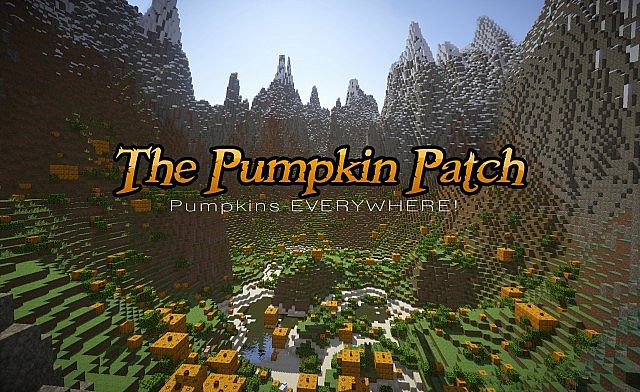
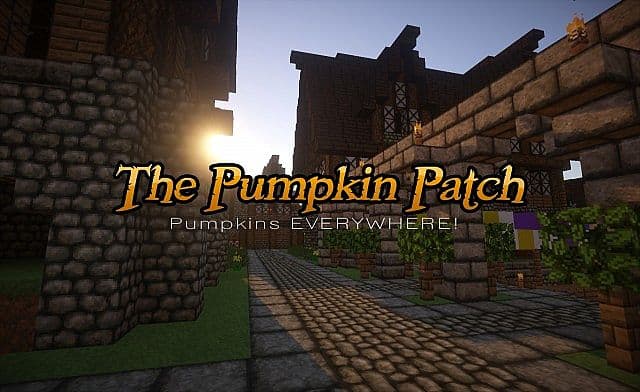
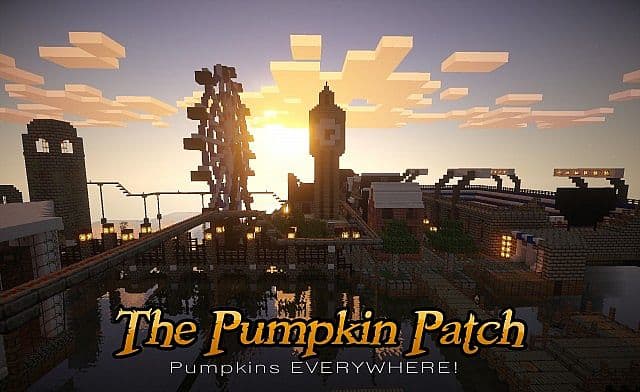
Screenshots
How to Install Texture Pack (Simple 10 Steps)
- Download OptiFine: Most of the texture packs and shaders need OptiFine. That’s why, first download and install OptiFine for the version of Minecraft you want to play.
- Download the Texture Pack: Get the texture pack you want from the download section. Choose the version that works with your Minecraft and your PC’s performance.
- Open Minecraft Launcher: Start Minecraft using the official game launcher — or even TLauncher, if you use that.
- Go to Options: From the main menu, click on the “Options” button.
- Open Resource Packs: Inside Options, click on “Resource Packs…”.
- Open the Resource Pack Folder: Click on “Open Resource Pack Folder” — this will open a folder named “resourcepacks”.
- Move the Pack File: Copy or move the .zip file you downloaded into that “resourcepacks” folder. (Don’t unzip the file — Minecraft uses it as-is!)
- Go Back and Refresh: Close the folder and click “Done”, then go back into “Resource Packs…” again.
- Activate the Pack: You’ll see the pack on the left side. Hover over it and click the arrow to move it to the right (active side).
Tip: If you get a message that the pack is for a different version, just click “Yes” — it usually works fine. - Click Done and Enjoy: Click “Done” again. Now your pack is ready to use in-game. It’s that easy!
Credits
This resource pack was created by stapleshotz. We do not claim ownership of this content, nor do we host or modify any files on our servers. All rights and intellectual property belong strictly to the original creator. We highly recommend supporting stapleshotz by downloading the pack through their official links and checking out their other work.
Download Links
Java Edition
Download Instructions
Curseforge: download starts automatically after a few seconds;
Mediafire: click the big blue button with the text “DOWNLOAD”;
Google Drive: in the top right corner you will see a small download icon (down arrow), click it and the download should start;


